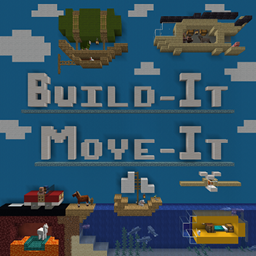
Build-It Move-It Textures
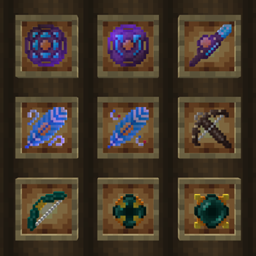
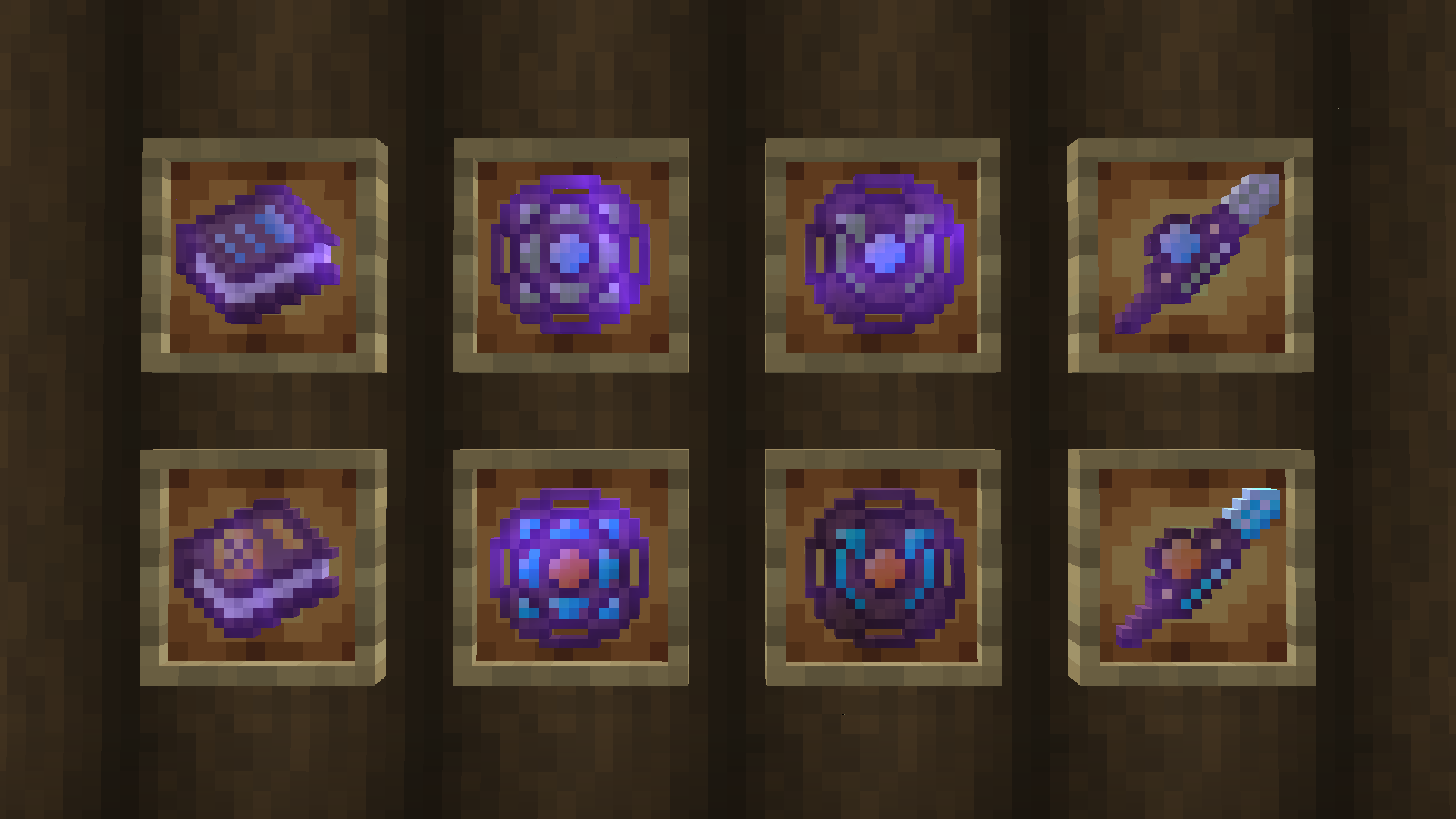
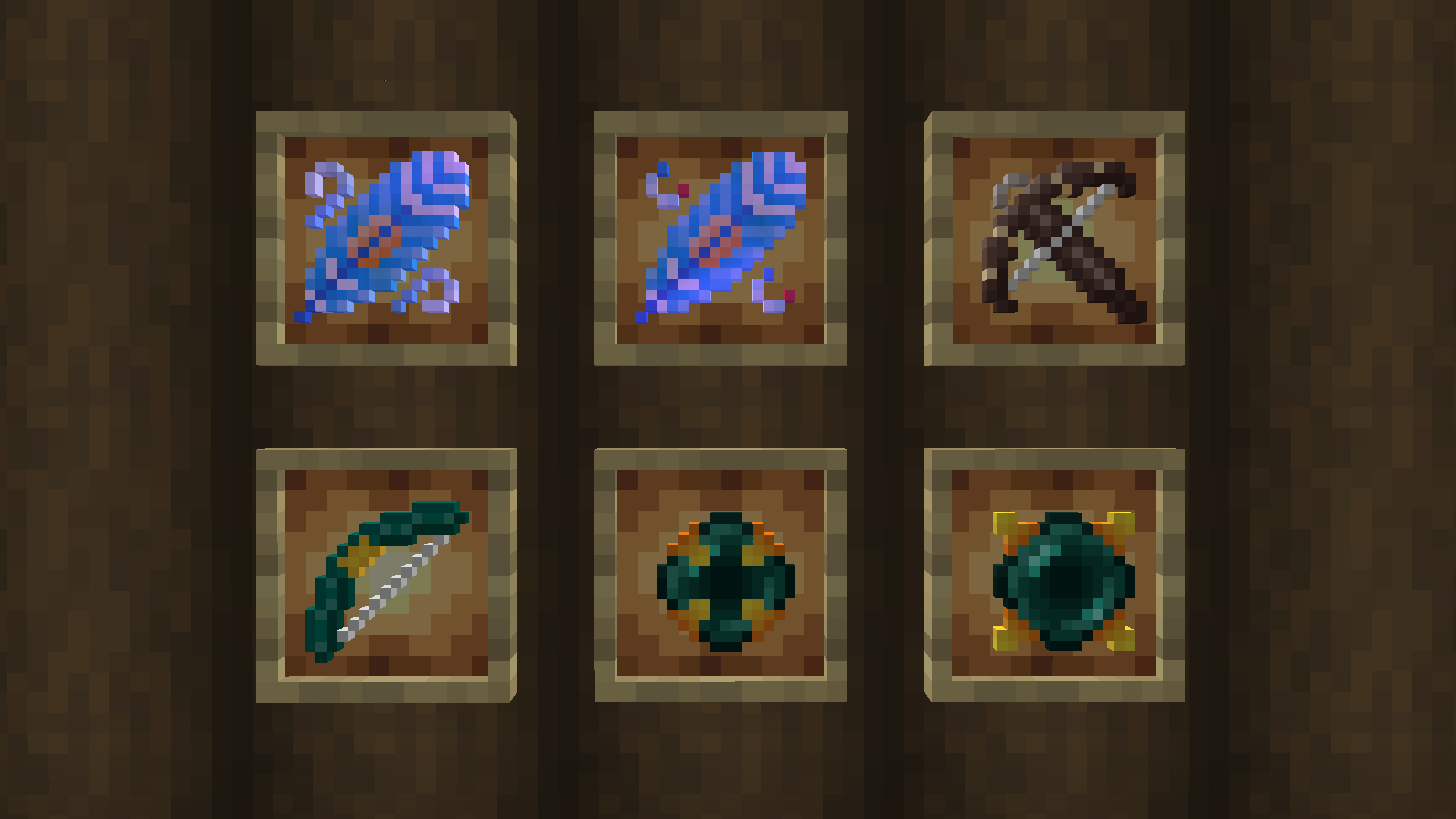
This Resource Pack contains Textures for the Items in the Build-It Move-It Data Pack.
It will not do anything on its own and does not replace Vanilla Textures.
It adds custom textures through the use of CustomModelData.
The resolution of the textures is 16x16.
Created and tested in Minecraft 1.19.3 but it should work in more recent versions (such as 1.20).
Similar to the Data Pack, it is possible that it may work in older versions but I have not tested it.
By AzuroStarfire
For the Build-It Move-It Data Pack
Move and Rotate your Airships, Boats, Submarines and more! With passengers!
You can find more information about it in the link below.
https://www.curseforge.com/minecraft/texture-packs/build-it-move-it
How to install the Resource Pack
This is a Resource Pack, it goes inside the "resourcepacks" folder inside your Minecraft Directory.
You must then activate it in-game in the options menu.
Permissions
Build-It Move-It Textures has a license!
You are NOT allowed to re-upload this Resource Pack or parts of it.
You are NOT allowed to use assets of this Resource Pack in other projects.
Thank you for checking out Build-It Move-It. I hope that it inspires you to build great things!
AzuroStarfire