BuddelTech Quest Theme
A custom resource pack that replaces the default FTB Quests UI theme with a sleek, dark design tailored for the BuddelTech server experience.
Features
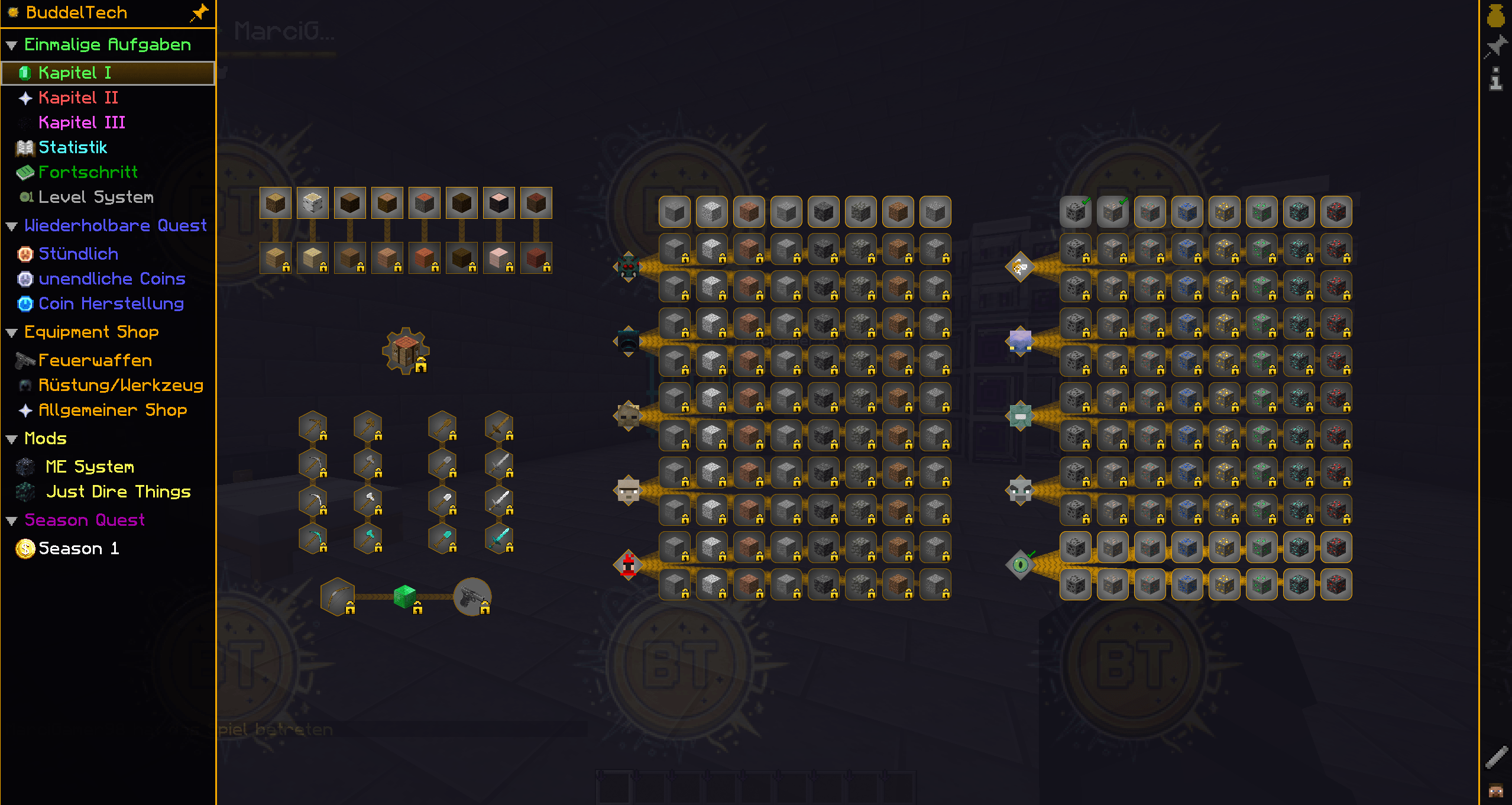
- Custom quest panel background — dark blue-gray tones for a clean, modern look
- Restyled locked quest color — subtle gray overlay (
#88CCCCCC) instead of the harsh vanilla black
- BuddelTech watermark — a faint server logo tile on the quest background at 7% opacity
- Improved readability — high contrast between locked and unlocked quests without visual clutter
- Fully compatible with FTB Quests for NeoForge 1.21.1
Compatibility
| Component |
Version |
| Minecraft |
1.21.1 |
| FTB Quests |
2101.1.24+ |
| NeoForge |
21.1.x |
Installation
- Download the
.zip file
- Place it in your
resourcepacks/ folder
- Enable it in Options → Resource Packs
- The FTB Quests UI will automatically use the new theme
Credits
Designed by 2area for the BuddelTech Minecraft server.
Join the server: Buddeltech.com
Discord: 2area | CurseForge: 2area's Projects