Mineuniverse
Resource Packs
British Road Sign Fonts

British Road Sign Fonts

RESOURCE PACK
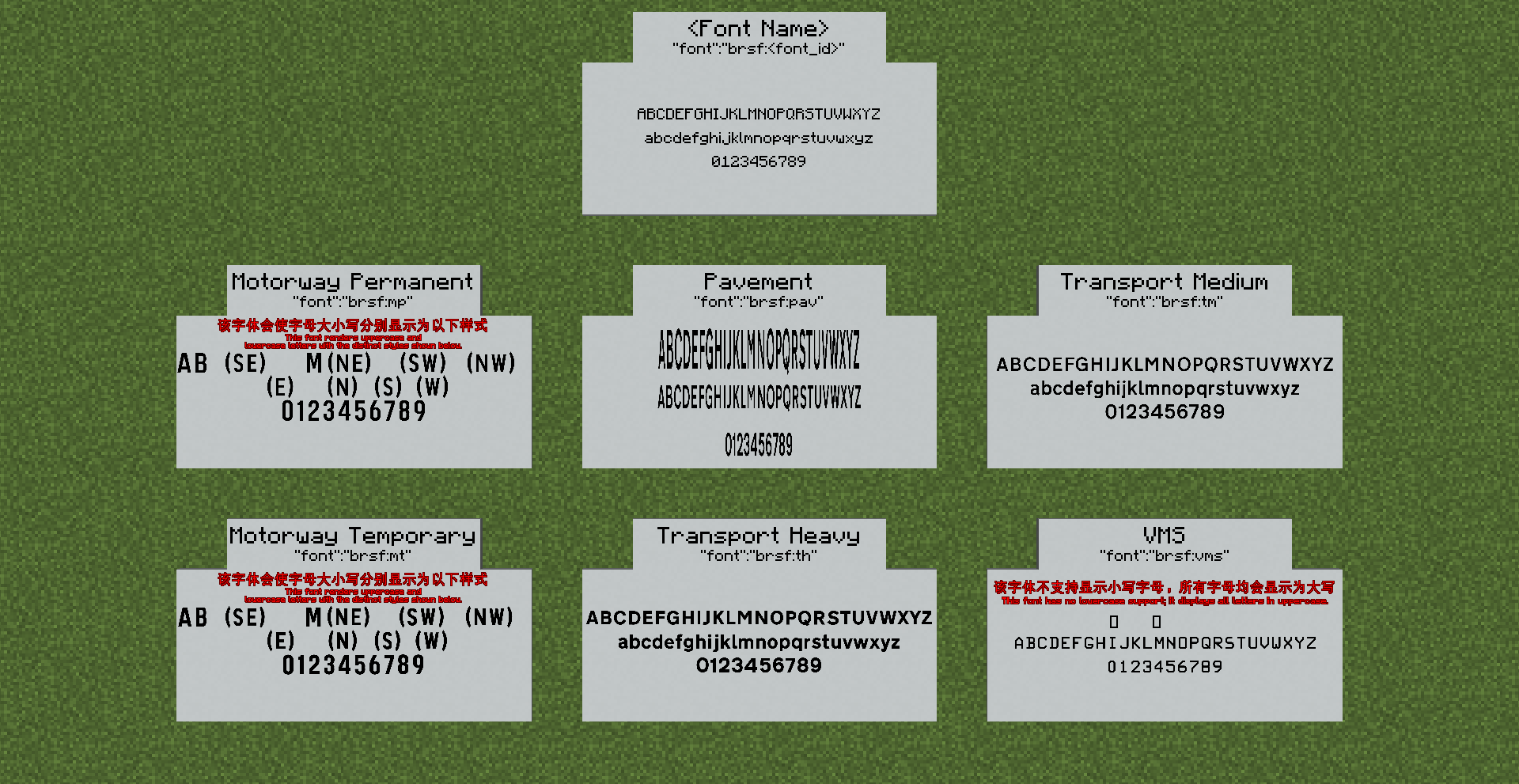
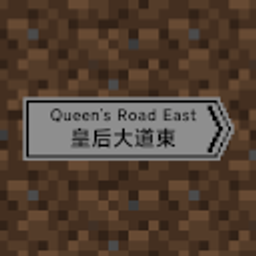
This is a British road sign fonts resource pack created by T123Minecraft, with generative AI assistance.
by T123Minecraft
Download Claim this project
Add a badge to your pageLink to British Road Sign Fonts from a README, website or forum post.
Preview: Badge

Badges update automatically and link to the resource pack page on MineUniverse.

72 downloads
0 likes
0 followers
Updated Oct 14, 2026
0 hypes
Follow0
Font Packs Mod Support
Advertisement Remove ads with Premium →

图标的路牌和汉字字体来自OcelotSign模组。
The icon road signs and Chinese character fonts originate from the OcelotSign mod.

关于简体中文介绍:
如果你需要简体中文介绍,请前往Github上的READMC_cn.md。

關於繁體中文介紹:
如果你需要繁體中文介紹,請前往Github上的READMC_tw.md。

British Road Sign Fonts

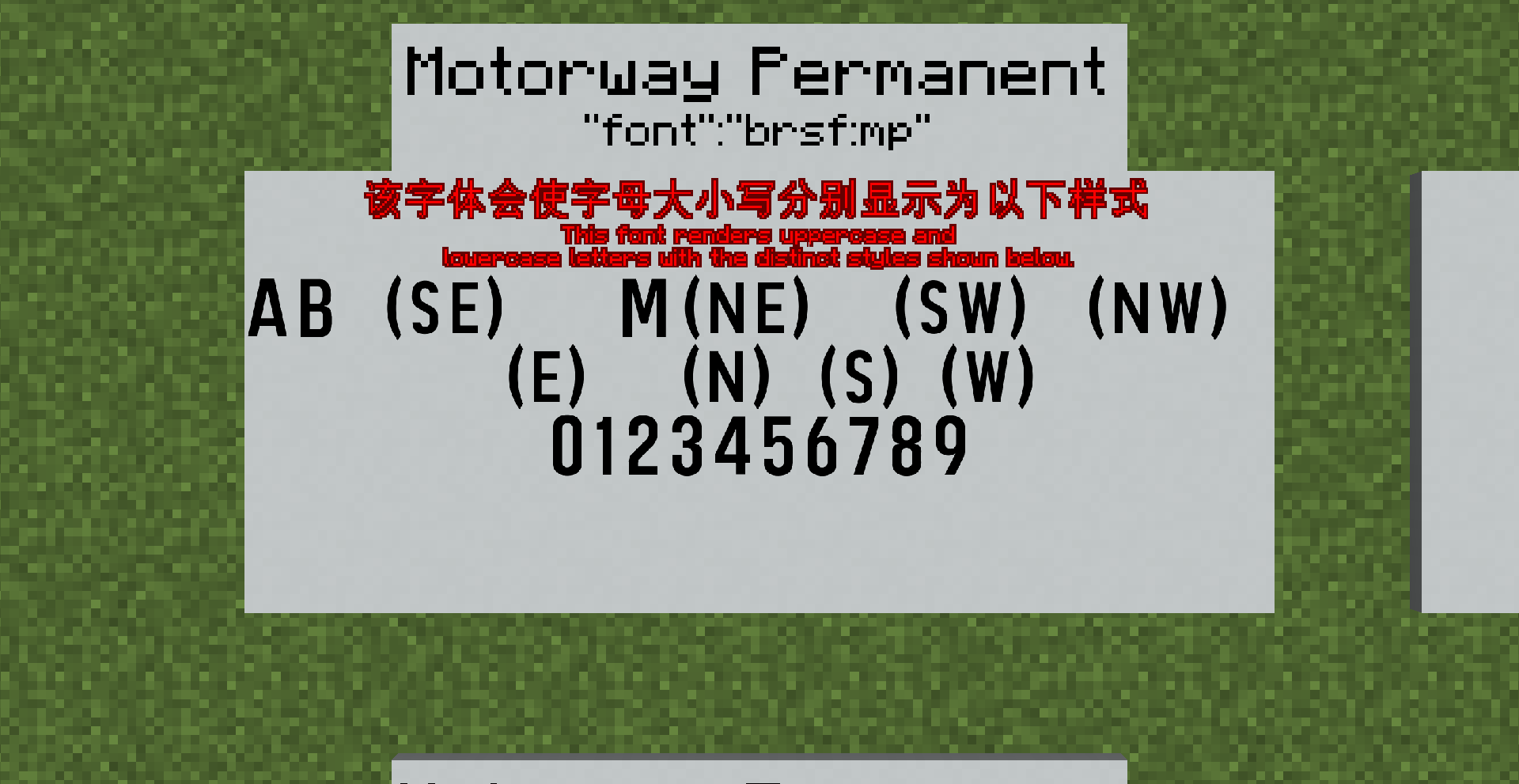
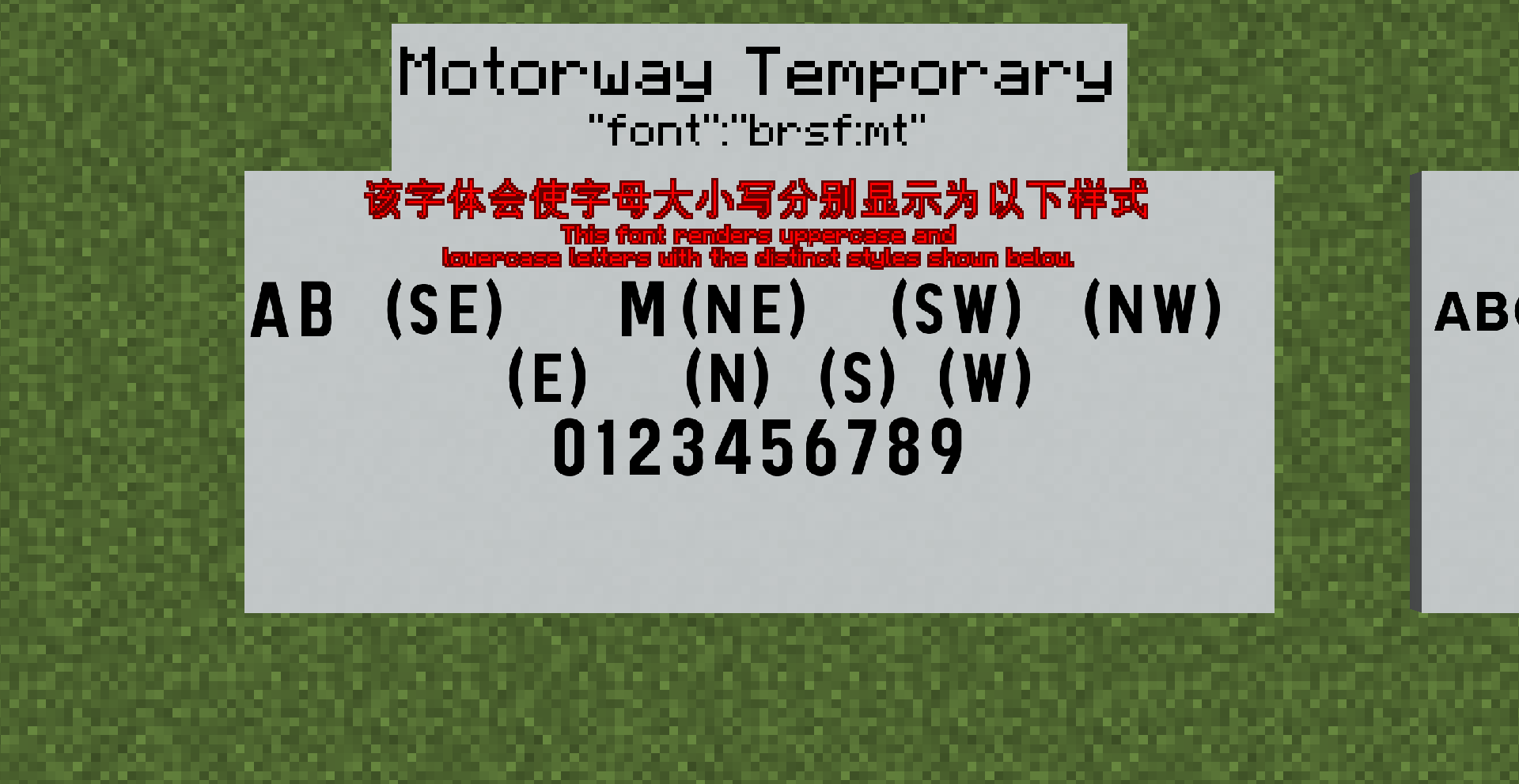
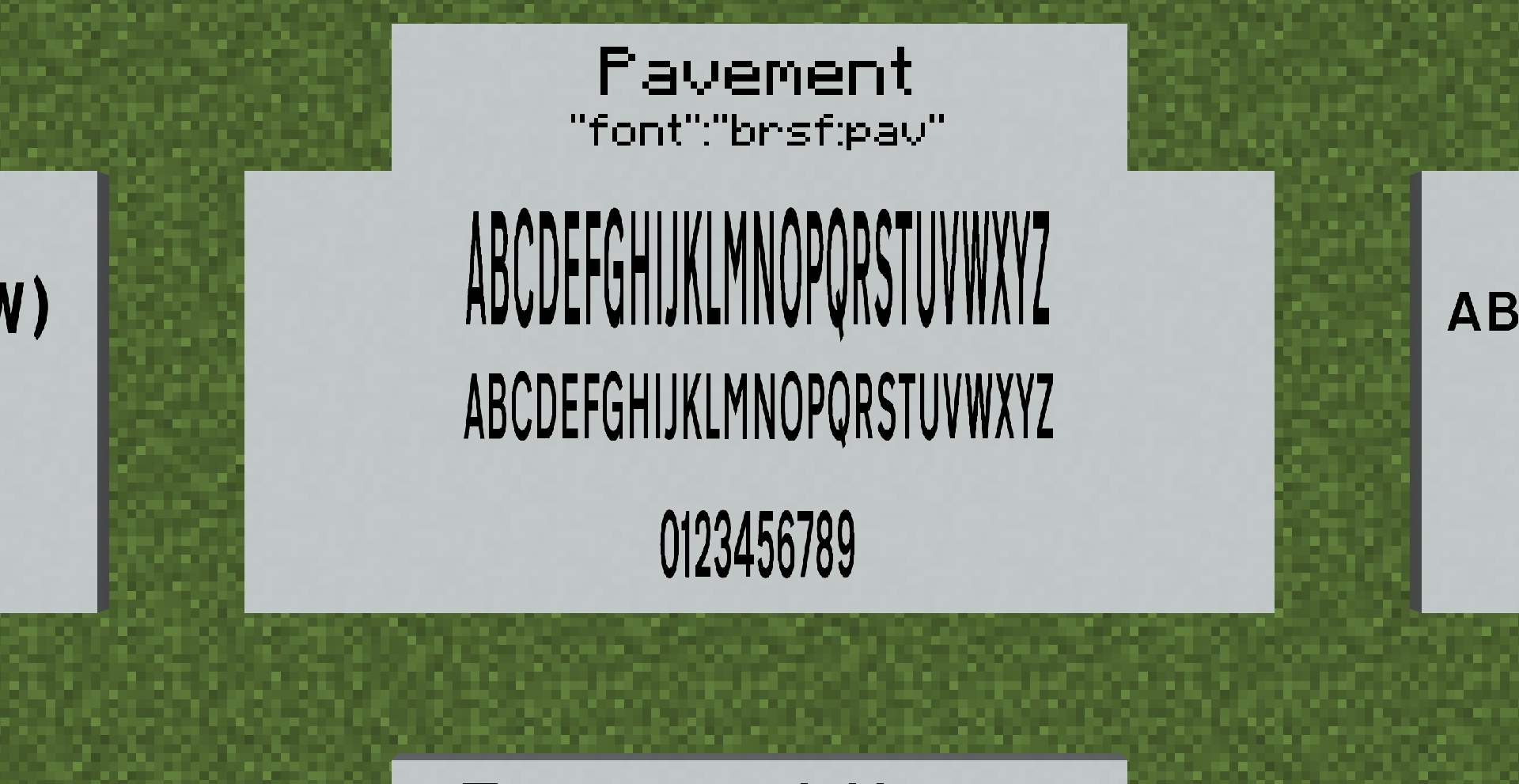
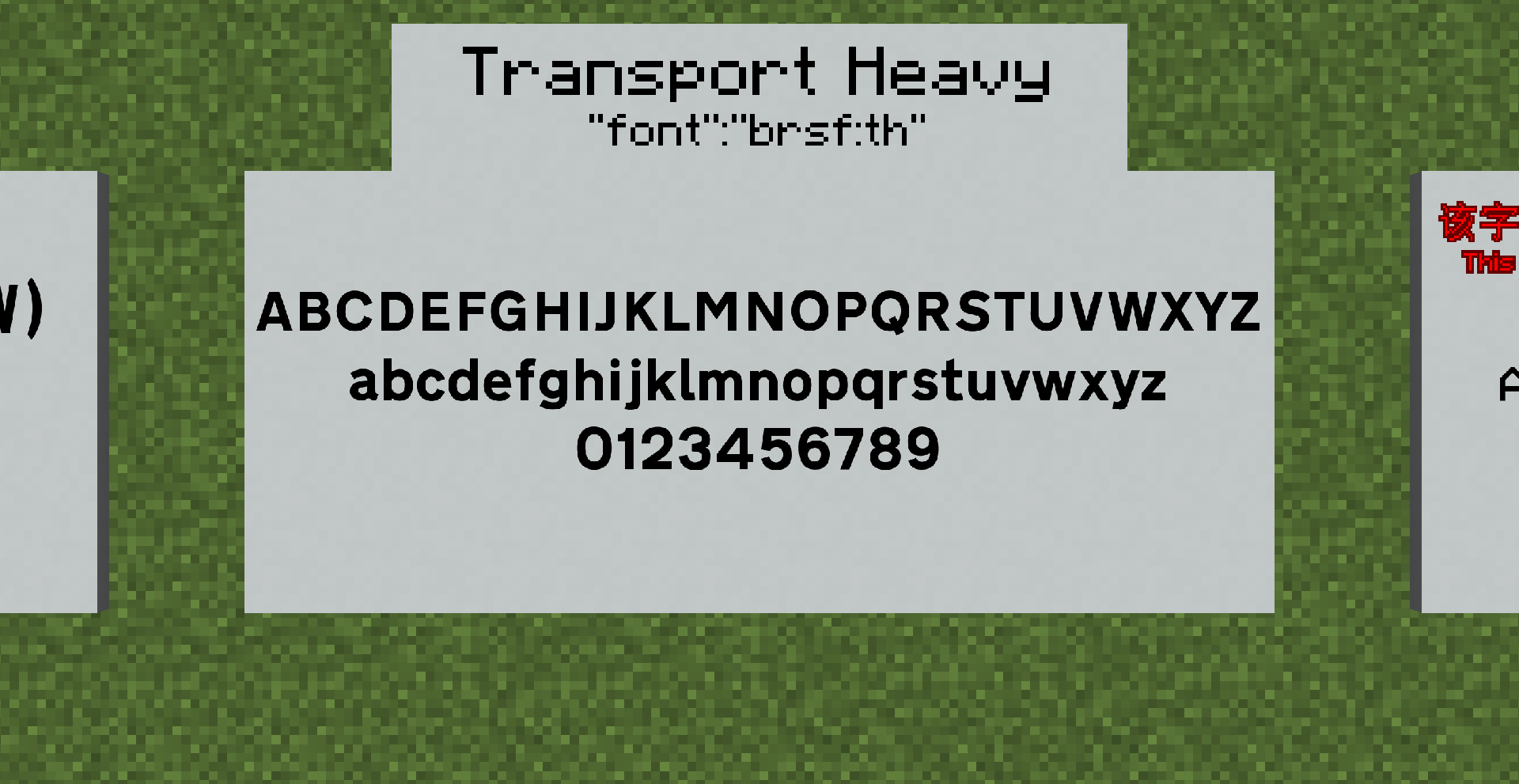
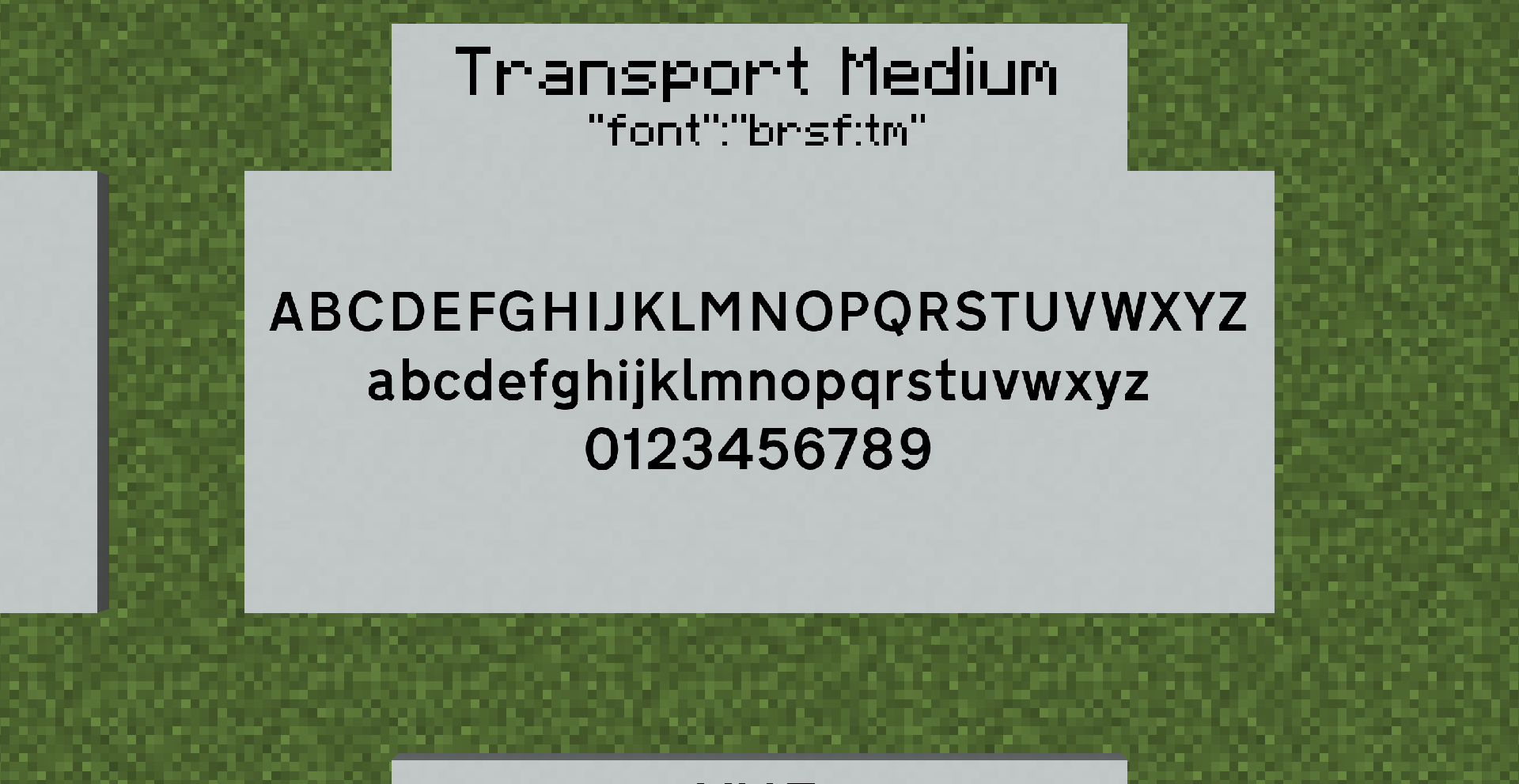
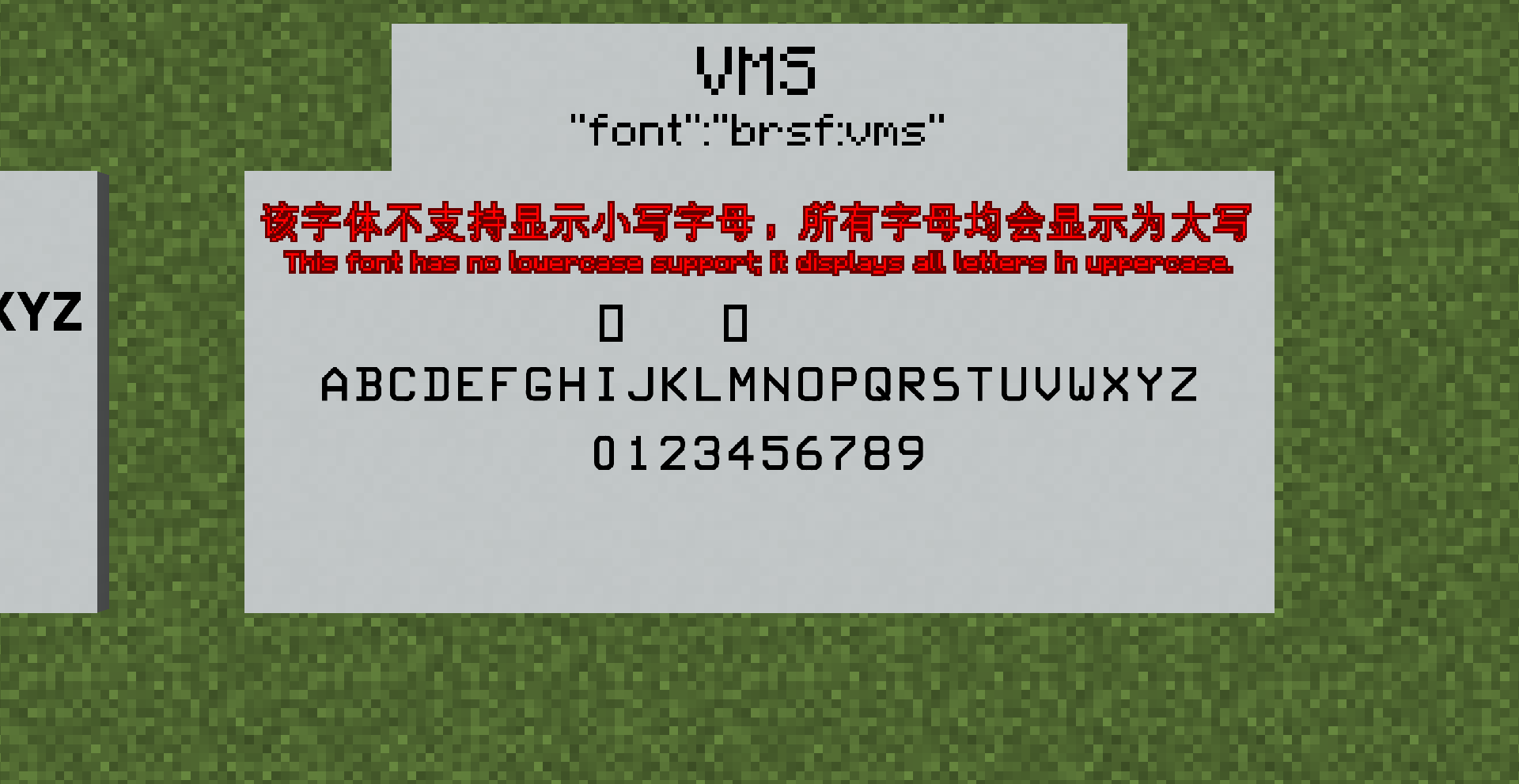
This is a British road sign fonts resource pack created by T123Minecraft (resource pack files packaged and edited by T123Minecraft), with generative AI assistance (code primarily generated by ChatGPT and DeepSeek). It can be used in vanilla Minecraft, as well as with the Mishang Urban Construction and/or Yunbei Urban Construction mods. It excludes three fonts: Transport Medium (Greek), Old Road Sign Font, and AES Ministry.

These fonts are free and were downloaded from:
https://www.roads.org.uk/fonts/

These fonts are subject to Crown Copyright and contain public sector information licensed under the Open Government Licence v1.0.

The full terms of the Open Government Licence v1.0 can be read at:
https://www.nationalarchives.gov.uk/doc/open-government-licence/version/1/open-government-licence.html


License

This project contains two parts with different licenses:

  • Font files (.ttf files under assets/<font_name>/):
    Crown Copyright, licensed under the Open Government Licence v1.0.
    See LICENSE-FONT for the full text.

  • All other code, metadata, and documentation:
    Licensed under the MIT License.
    See LICENSE for details.

Other Versions

If you need to download individual fonts, please visit the GitHub Releases page.

Feedback

If you encounter any issues related to this resource pack, please feel free to report them on the GitHub Issues page.

1.3.0
MC 1.17.1, 1.21, 1.18.1, 1.16.5, 1.19.3, 1.20.2, 1.19.4, 1.21.8, 1.20.5, 1.21.5, 1.21.4, 1.20.1, 1.20, 1.20.6, 1.21.1, 1.21.6, 1.21.3, 1.21.7, 1.19.1, 1.20.4, 1.18.2, 1.19.2
Release 2026-08-13 Get
1.4.0
MC 1.17.1, 1.21, 1.18.1, 1.16.5, 1.19.3, 1.20.2, 1.19.4, 1.21.8, 1.20.5, 1.21.5, 1.21.4, 1.20.1, 1.20, 1.20.6, 1.21.1, 1.21.6, 1.21.3, 1.21.7, 1.19.1, 1.20.4, 1.18.2, 1.19.2
Release 2026-08-13 Get
1.0.0-beta.1_All
MC 1.17.1, 1.21, 1.18.1, 1.16.5, 1.19.3, 1.20.2, 1.19.4, 1.21.8, 1.20.5, 1.21.5, 1.21.4, 1.20.1, 1.20, 1.20.6, 1.21.1, 1.21.6, 1.21.3, 1.21.7, 1.19.1, 1.20.4, 1.18.2, 1.19.2
Beta 2026-08-11 Get
1.1.1-beta.1_All
MC 1.17.1, 1.21, 1.18.1, 1.16.5, 1.19.3, 1.20.2, 1.19.4, 1.21.8, 1.20.5, 1.21.5, 1.21.4, 1.20.1, 1.20, 1.20.6, 1.21.1, 1.21.6, 1.21.3, 1.21.7, 1.19.1, 1.20.4, 1.18.2, 1.19.2
Beta 2026-08-11 Get
1.1.1-beta.2_All
MC 1.17.1, 1.21, 1.18.1, 1.16.5, 1.19.3, 1.20.2, 1.19.4, 1.21.8, 1.20.5, 1.21.5, 1.21.4, 1.20.1, 1.20, 1.20.6, 1.21.1, 1.21.6, 1.21.3, 1.21.7, 1.19.1, 1.20.4, 1.18.2, 1.19.2
Beta 2026-08-11 Get
1.1.1-beta.5
MC 1.17.1, 1.21, 1.18.1, 1.16.5, 1.19.3, 1.20.2, 1.19.4, 1.21.8, 1.20.5, 1.21.5, 1.21.4, 1.20.1, 1.20, 1.20.6, 1.21.1, 1.21.6, 1.21.3, 1.21.7, 1.19.1, 1.20.4, 1.18.2, 1.19.2
Beta 2026-08-11 Get
1.1.1
MC 1.17.1, 1.21, 1.18.1, 1.16.5, 1.19.3, 1.20.2, 1.19.4, 1.21.8, 1.20.5, 1.21.5, 1.21.4, 1.20.1, 1.20, 1.20.6, 1.21.1, 1.21.6, 1.21.3, 1.21.7, 1.19.1, 1.20.4, 1.18.2, 1.19.2
Release 2026-08-11 Get
1.1.1-hotfix.2
MC 1.17.1, 1.21, 1.18.1, 1.16.5, 1.19.3, 1.20.2, 1.19.4, 1.21.8, 1.20.5, 1.21.5, 1.21.4, 1.20.1, 1.20, 1.20.6, 1.21.1, 1.21.6, 1.21.3, 1.21.7, 1.19.1, 1.20.4, 1.18.2, 1.19.2
Release 2026-08-11 Get
1.2.0
MC 1.17.1, 1.21, 1.18.1, 1.16.5, 1.19.3, 1.20.2, 1.19.4, 1.21.8, 1.20.5, 1.21.5, 1.21.4, 1.20.1, 1.20, 1.20.6, 1.21.1, 1.21.6, 1.21.3, 1.21.7, 1.19.1, 1.20.4, 1.18.2, 1.19.2
Release 2026-08-11 Get
1.1.1-pre.1
MC 1.17.1, 1.21, 1.18.1, 1.16.5, 1.19.3, 1.20.2, 1.19.4, 1.21.8, 1.20.5, 1.21.5, 1.21.4, 1.20.1, 1.20, 1.20.6, 1.21.1, 1.21.6, 1.21.3, 1.21.7, 1.19.1, 1.20.4, 1.18.2, 1.19.2
Beta 2026-08-11 Get

Requirements & install

How to use this resource pack in Minecraft
Resolution
Not specified
Minecraft
1.21 – 1.21.8
Install folder
.minecraft/resourcepacks

How to install resource packs

  1. Download the resource pack .zip file (do not extract it).
  2. In Minecraft open Options → Resource Packs → Open Pack Folder.
  3. Drop the .zip into the resourcepacks folder (.minecraft/resourcepacks).
  4. Move the pack to the Selected column and click Done.
Browse more: 16x resource packs 32x resource packs 64x resource packs 128x resource packs 256x resource packs 512x+ resource packs Resource Packs for 1.21.8 All resource packs
Advertisement Remove ads with Premium →

You Might Also Like