Mineuniverse
Resource Packs
British Diesels And Electrics For Immersive  Railroading

British Diesels And Electrics For Immersive Railroading

RESOURCE PACK
Modern British Trains For Immerisve Railroading
by coolcat8710
Download Claim this project
Add a badge to your pageLink to British Diesels And Electrics For Immersive Railroading from a README, website or forum post.
Preview: Badge

Badges update automatically and link to the resource pack page on MineUniverse.

3,762 downloads
0 likes
0 followers
Updated Oct 14, 2026
0 hypes
Follow0
Data Packs Mod Support
Advertisement Remove ads with Premium →

British Rail Engineering Unlimited

Version 4.2!

Includes:

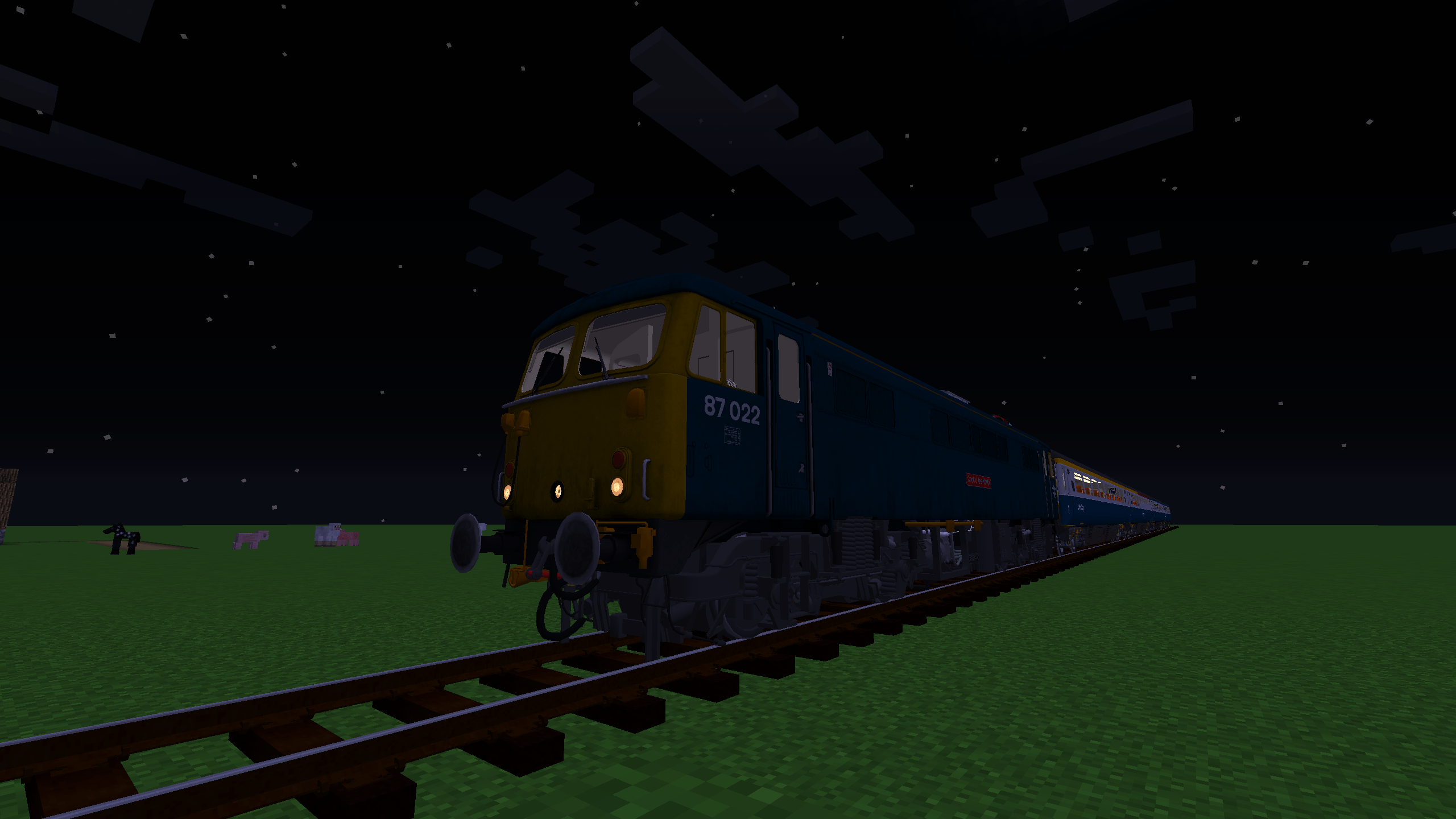
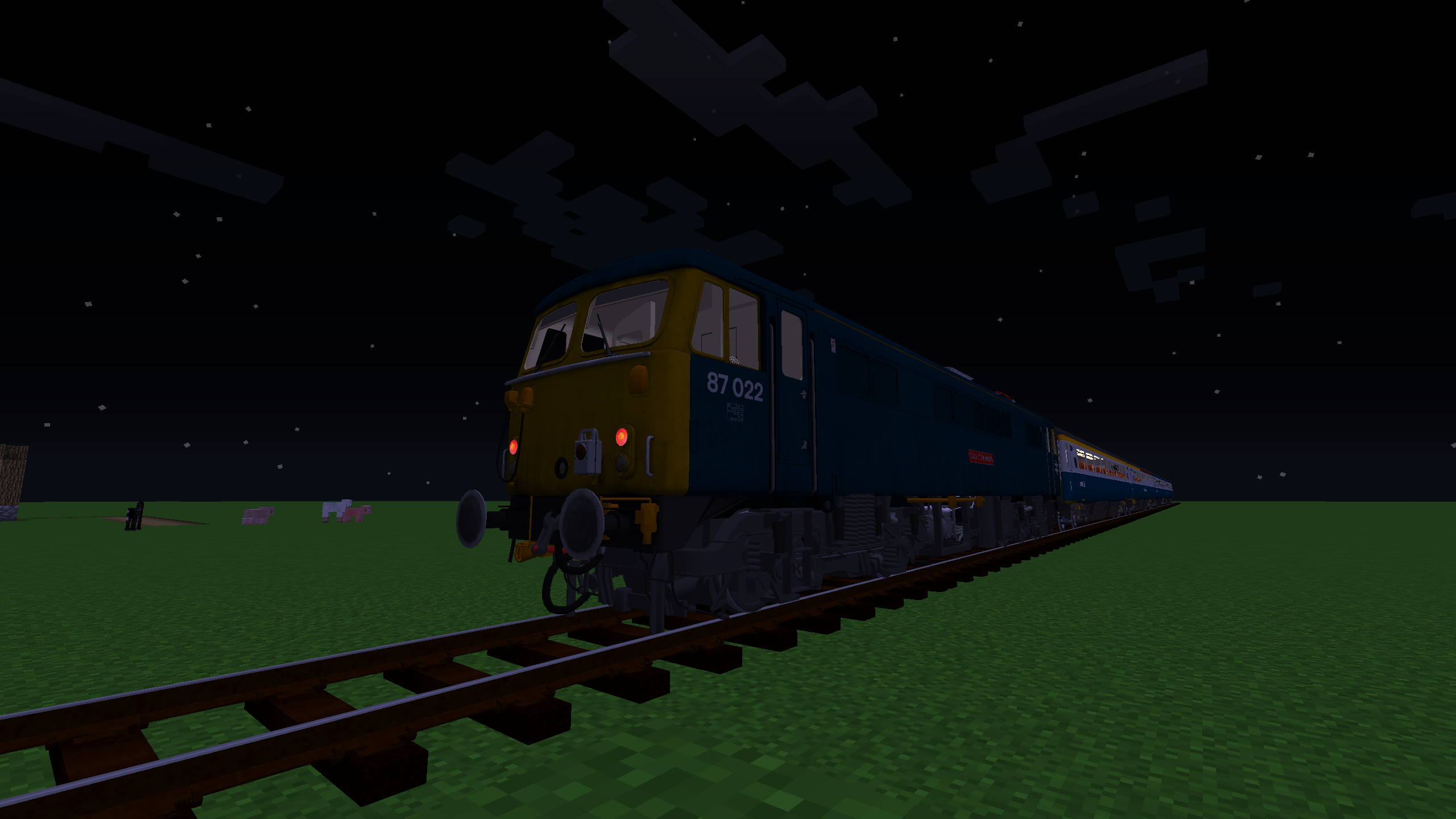
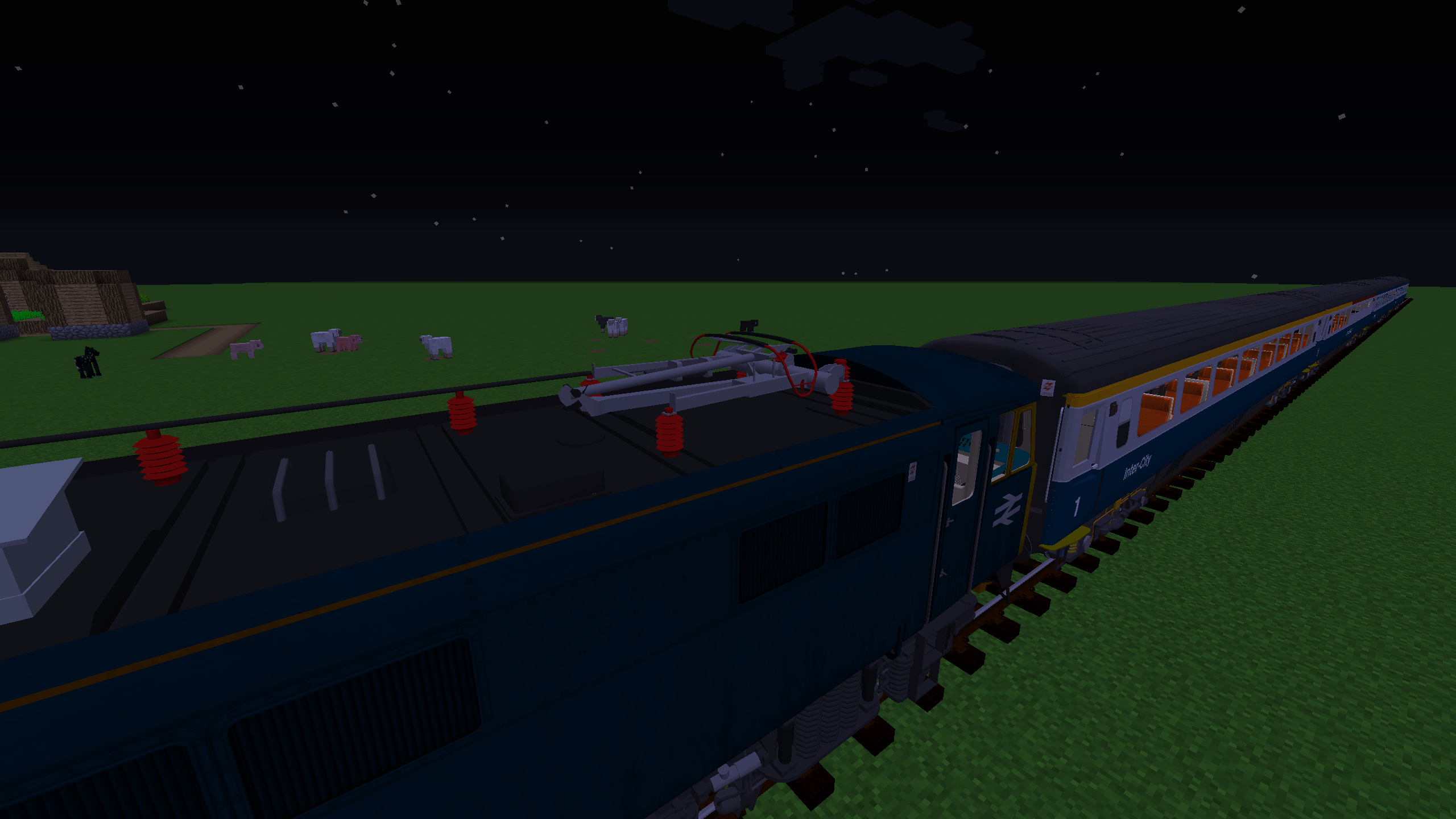
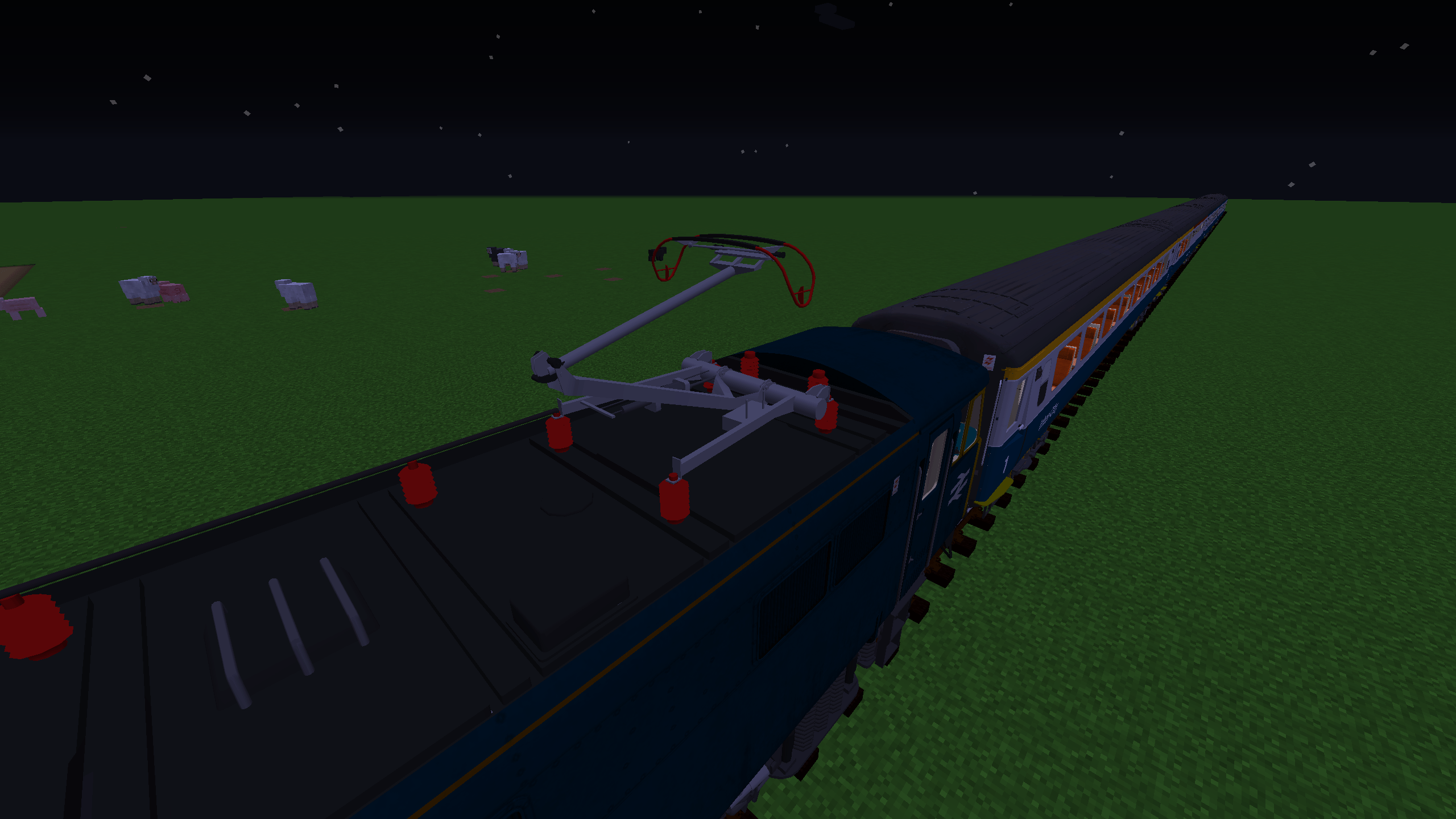
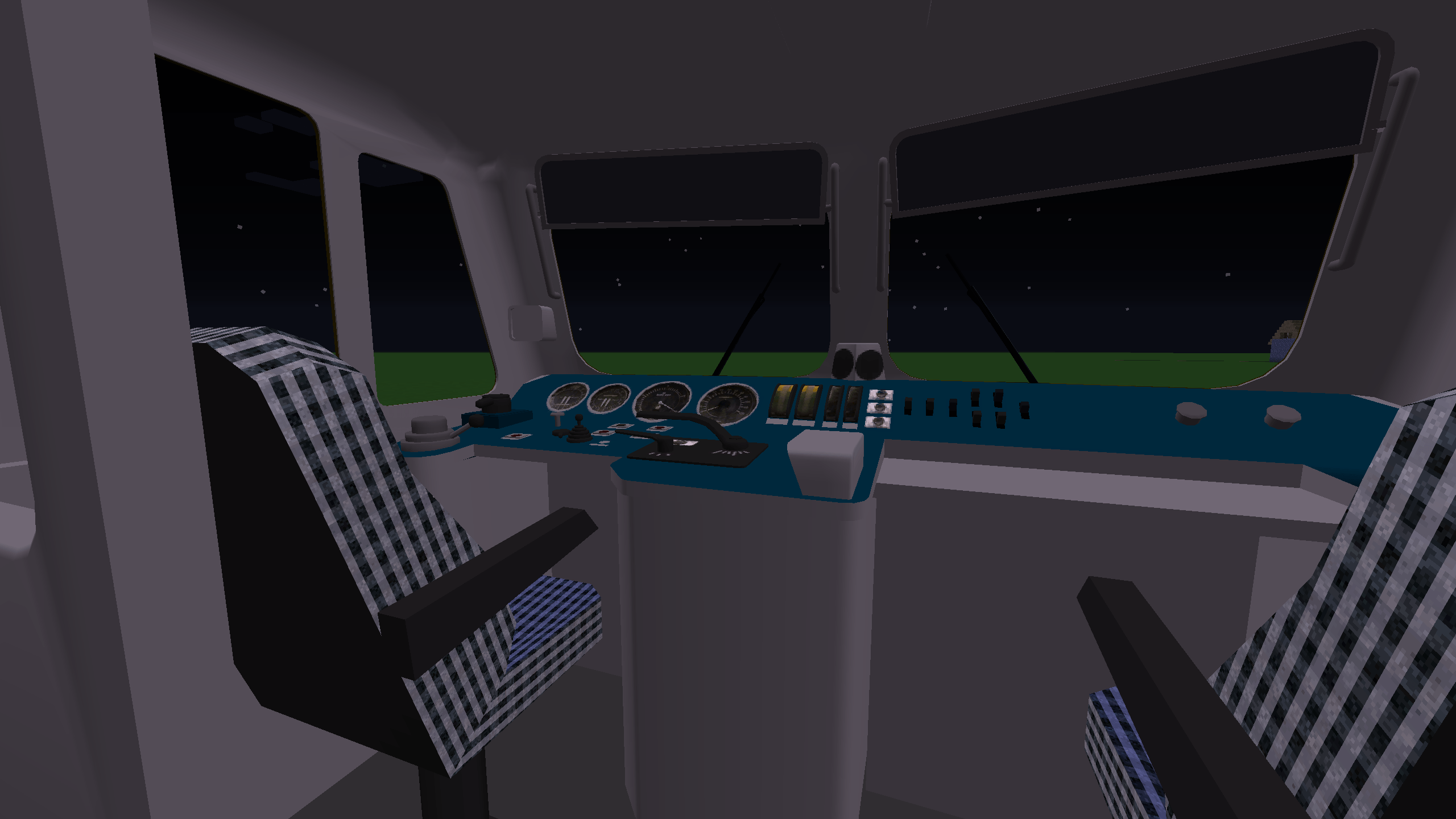
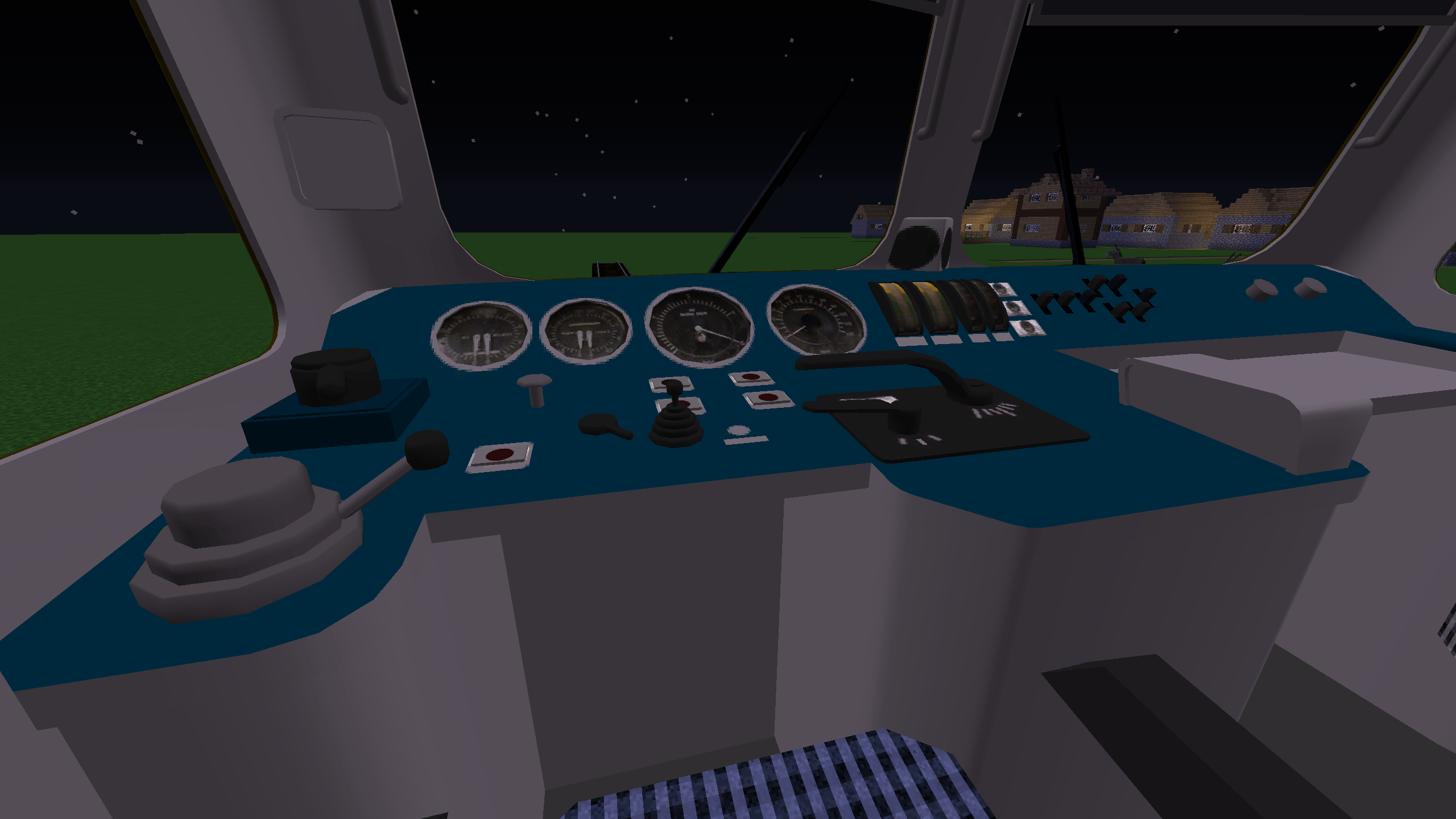
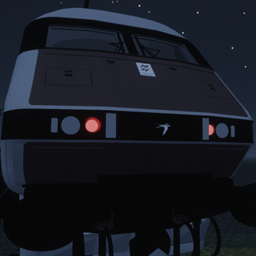
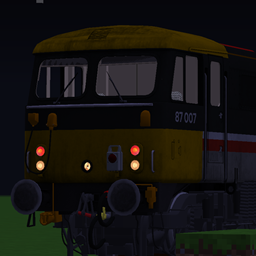
Class 87, 86 and mk3 DVT - CW315

Class 47 - Tankslapper

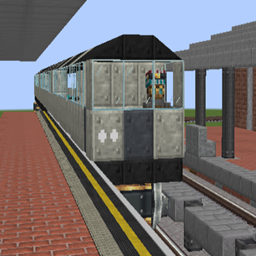
Class 370 - Georgecat19 (me) - Pantograph by CW315

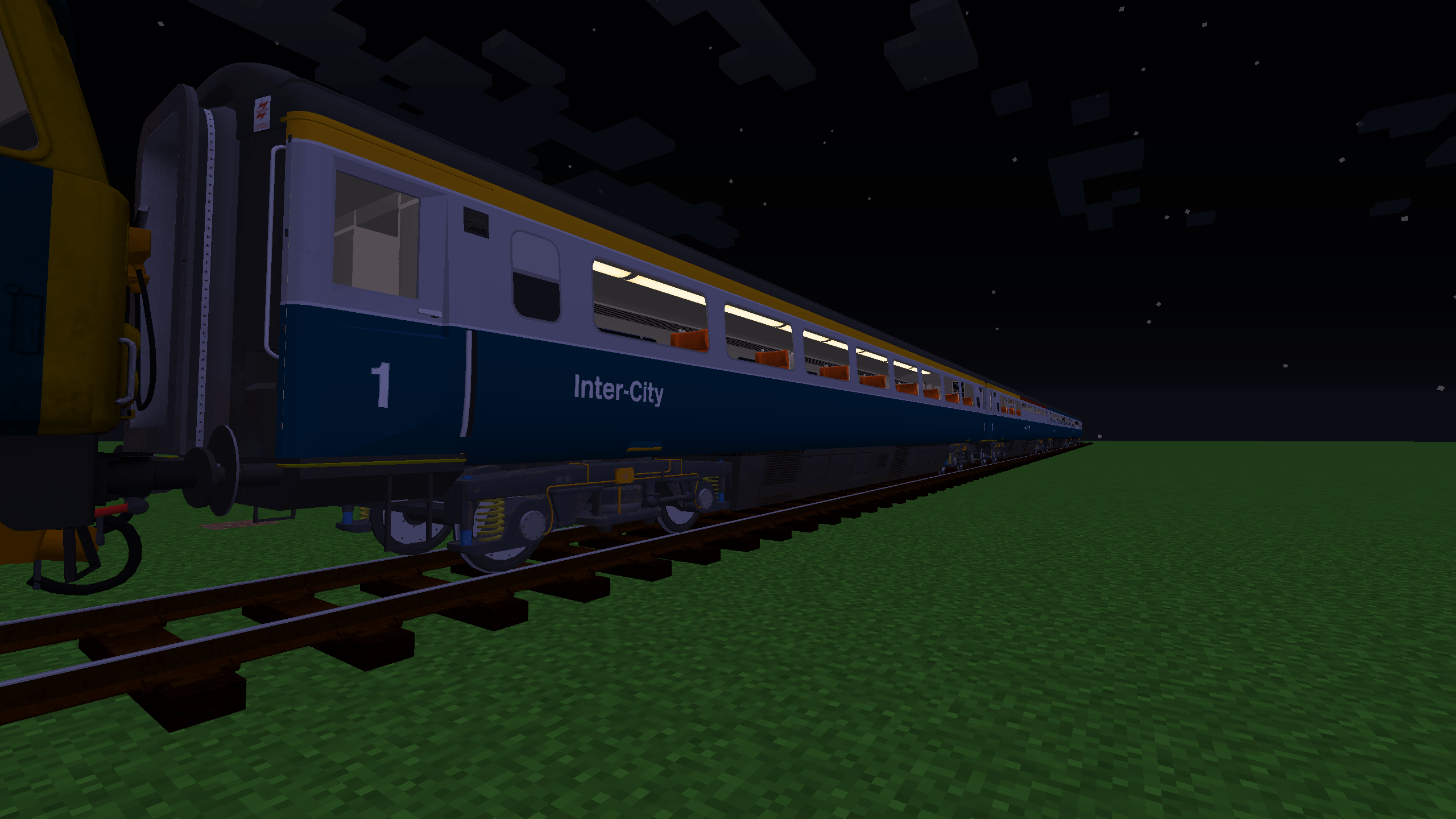
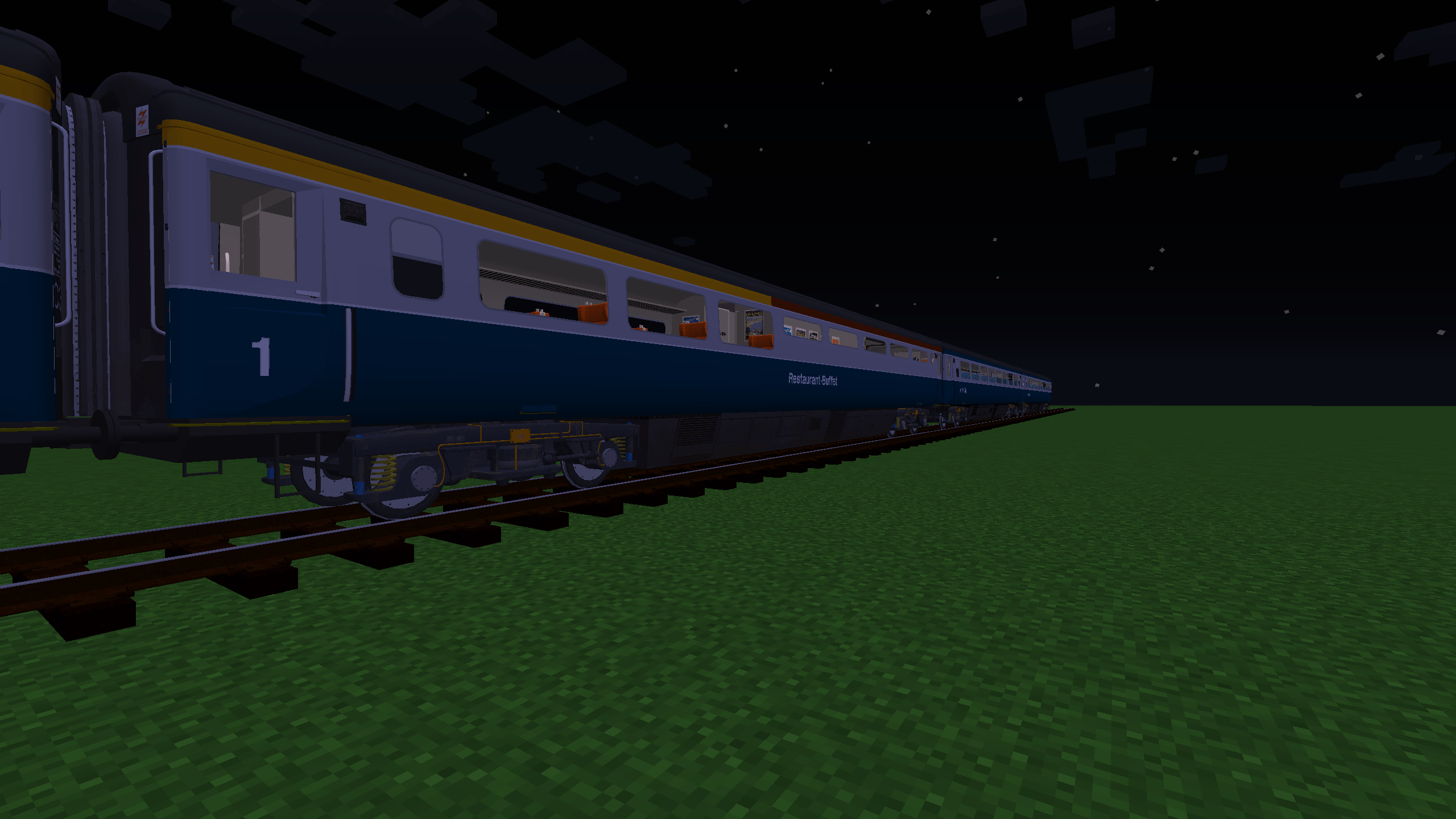
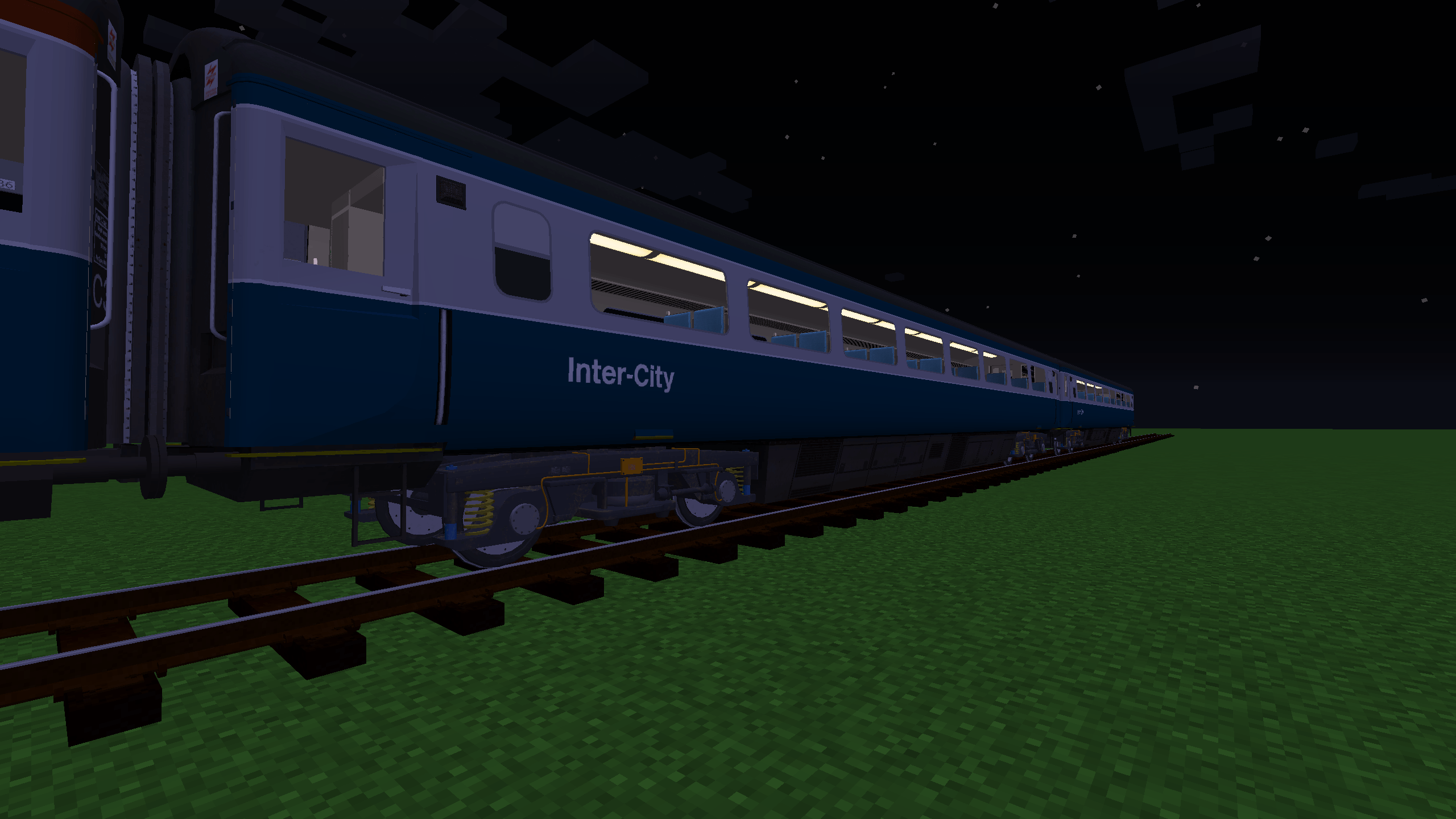
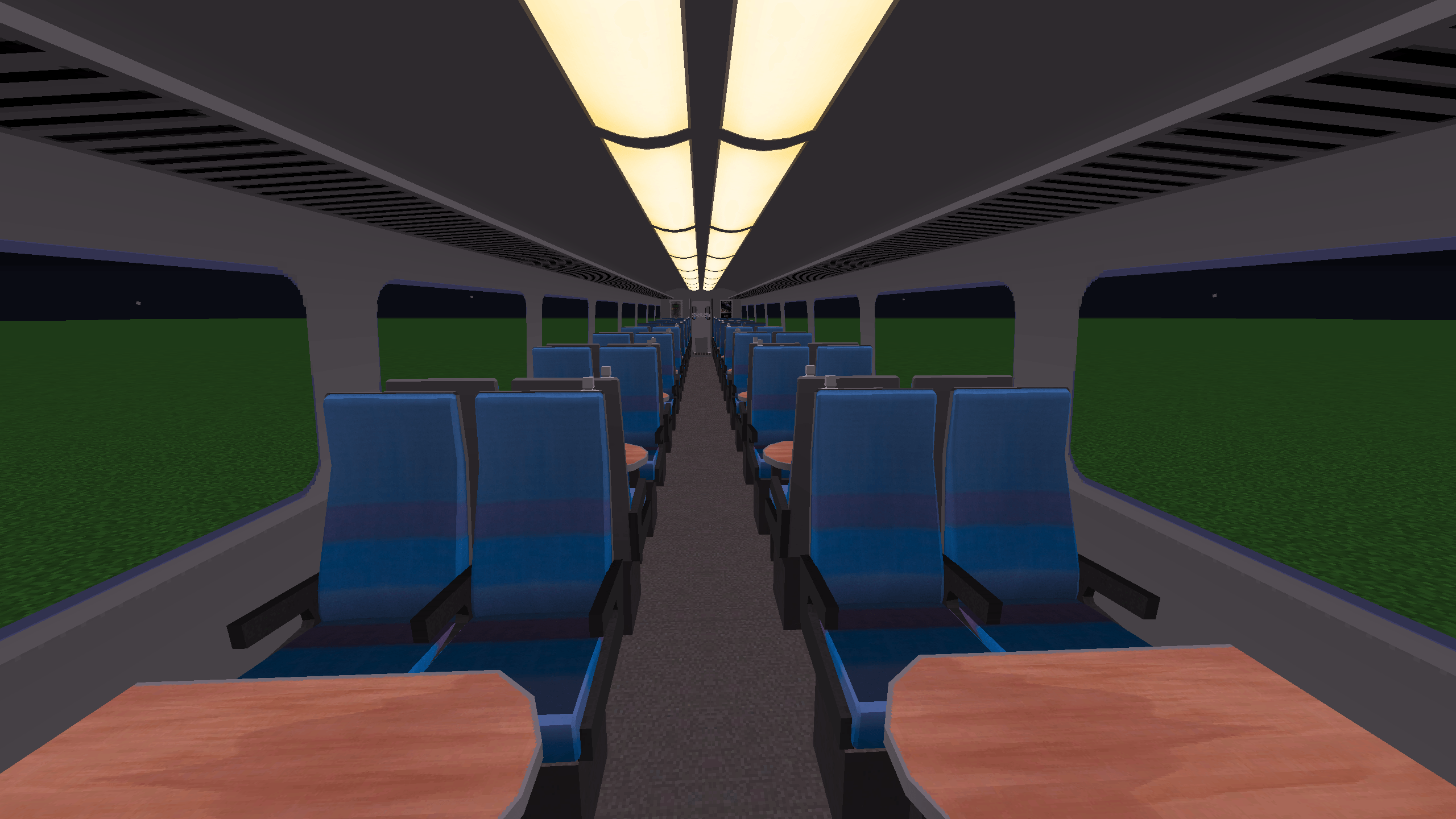
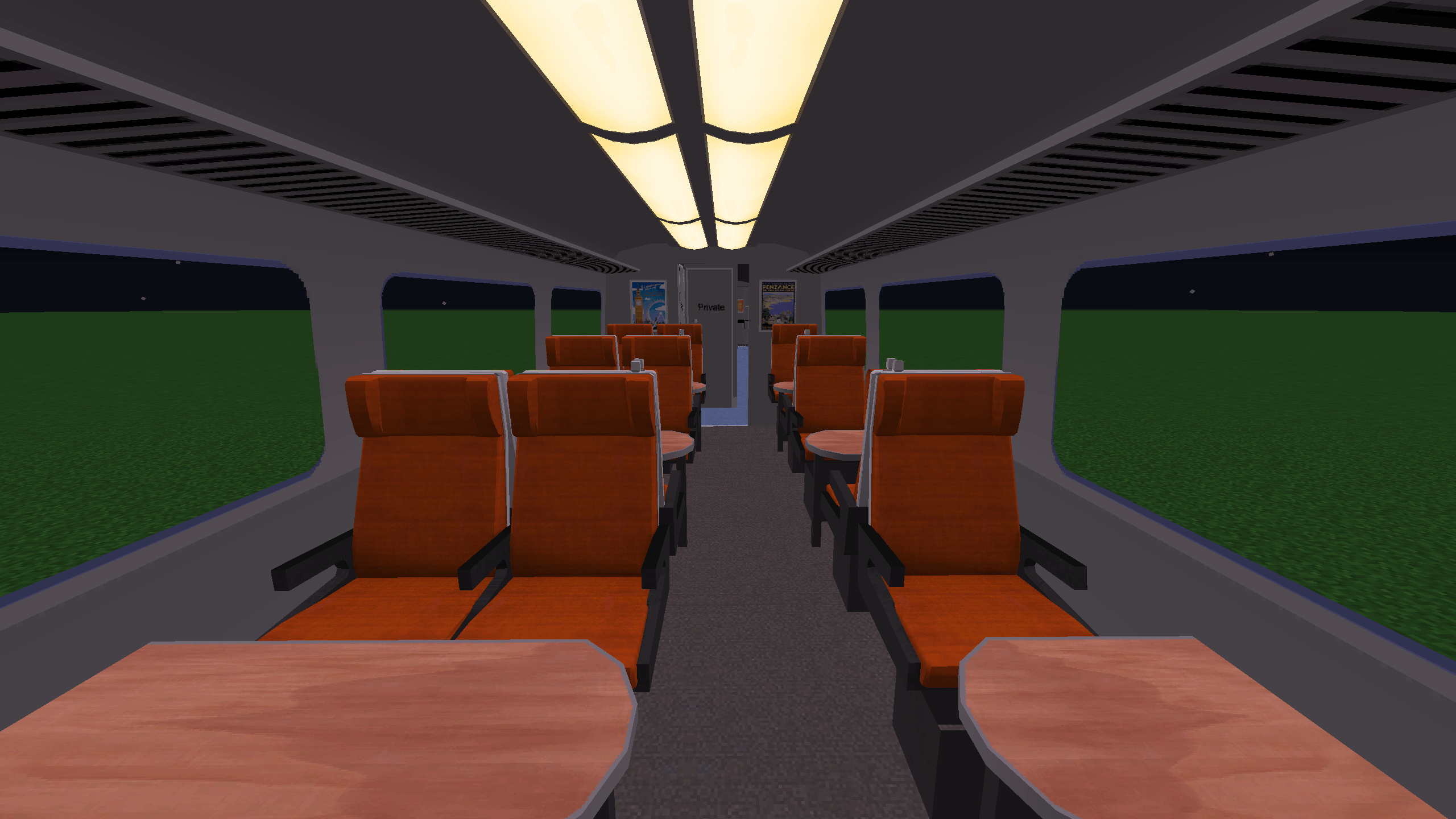
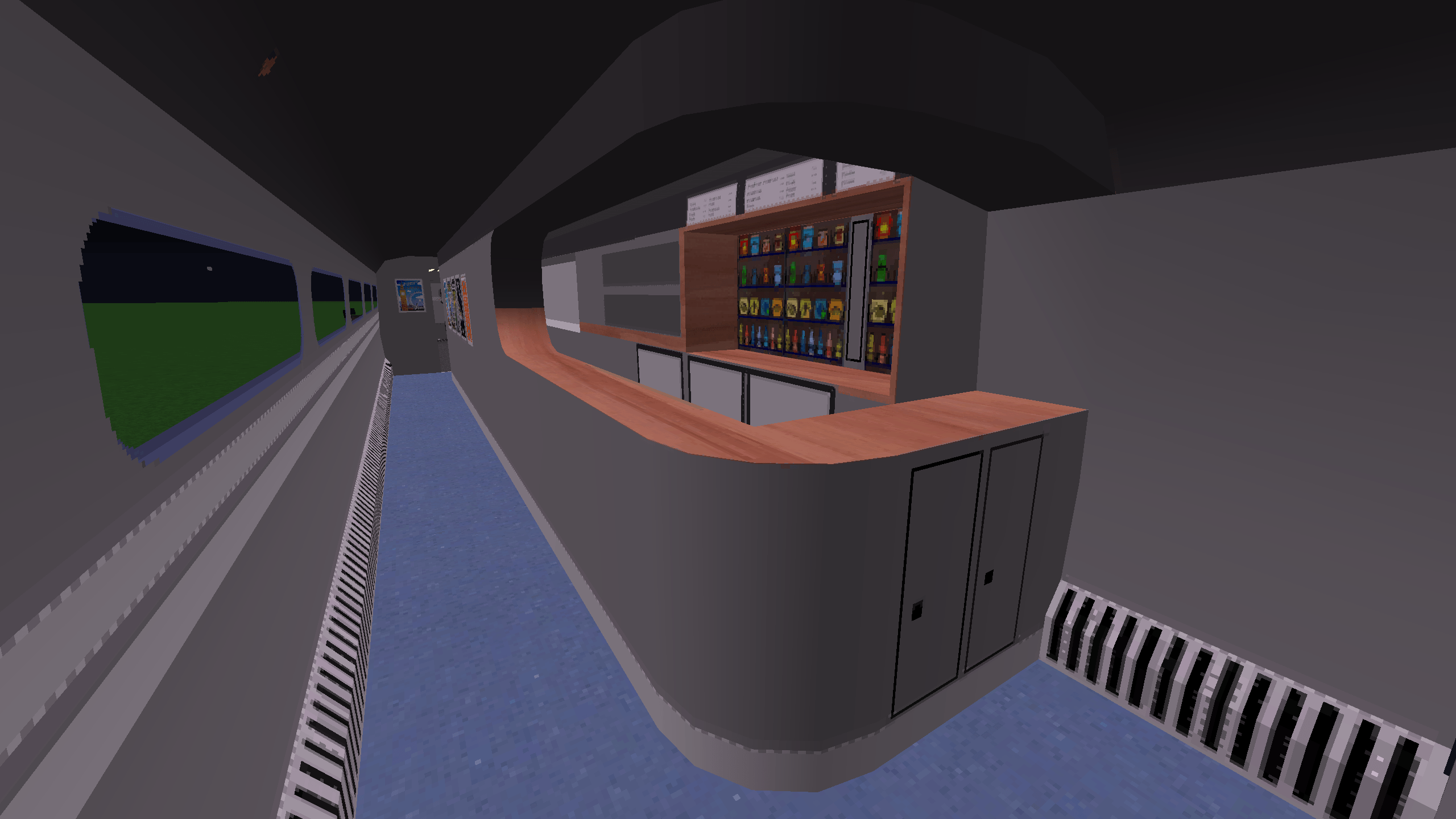
Mk3 TF, TS and TRFB - Yung lenin - Seats By Planesimple

to get the old trains download the previous releases (pre 4.0)

Ensure you have the Immersive Railroading mod installed.  
Download the pack from CurseForge.  
Place the downloaded file into your Minecraft config/immersive railroading folder.  
Start building your railway empire with stunning new trains!  

List Of HUGE Thanks To The Modders Who Allowed Me To Port Their Models:

Cw_315  
Tankslapper  
Aradicate  
Scotchbob  
Funclive  
Planesimple  
Northern Fail  
Yung Lenin  
Jacktheoh  
Killakanz

Discord: https://discord.gg/CnBZaHBZ7F
discord doesnt offer much as of now but occasionally i post updates

BREU_4.2.zip
MC 1.16.5, 1.12.2
Release 2025-10-15 Get
BREU_4.1.zip
MC 1.16.5, 1.12.2
Release 2025-05-10 Get
BREU_2_Smoothing_Update.zip
MC 1.16.5, 1.12.2
Release 2024-08-28 Get
BREU_1.2
MC 1.16.5, 1.12.2
Beta 2024-08-08 Get
BREU_1.1.zip
MC 1.16.5, 1.12.2
Beta 2024-07-26 Get
BREU_1.zip
MC 1.16.3, 1.16.1, 1.16, 1.16.5, 1.16.4, 1.16.2, 1.12.2
Beta 2024-07-16 Get

Requirements & install

How to use this resource pack in Minecraft
Resolution
Not specified
Minecraft
1.12.2 – 1.16.5
Install folder
.minecraft/resourcepacks

How to install resource packs

  1. Download the resource pack .zip file (do not extract it).
  2. In Minecraft open Options → Resource Packs → Open Pack Folder.
  3. Drop the .zip into the resourcepacks folder (.minecraft/resourcepacks).
  4. Move the pack to the Selected column and click Done.
Browse more: 16x resource packs 32x resource packs 64x resource packs 128x resource packs 256x resource packs 512x+ resource packs Resource Packs for 1.16.5 All resource packs

More from coolcat8710

Advertisement Remove ads with Premium →

You Might Also Like