Mineuniverse
Resource Packs
Breaking Armor

Breaking Armor

RESOURCE PACK
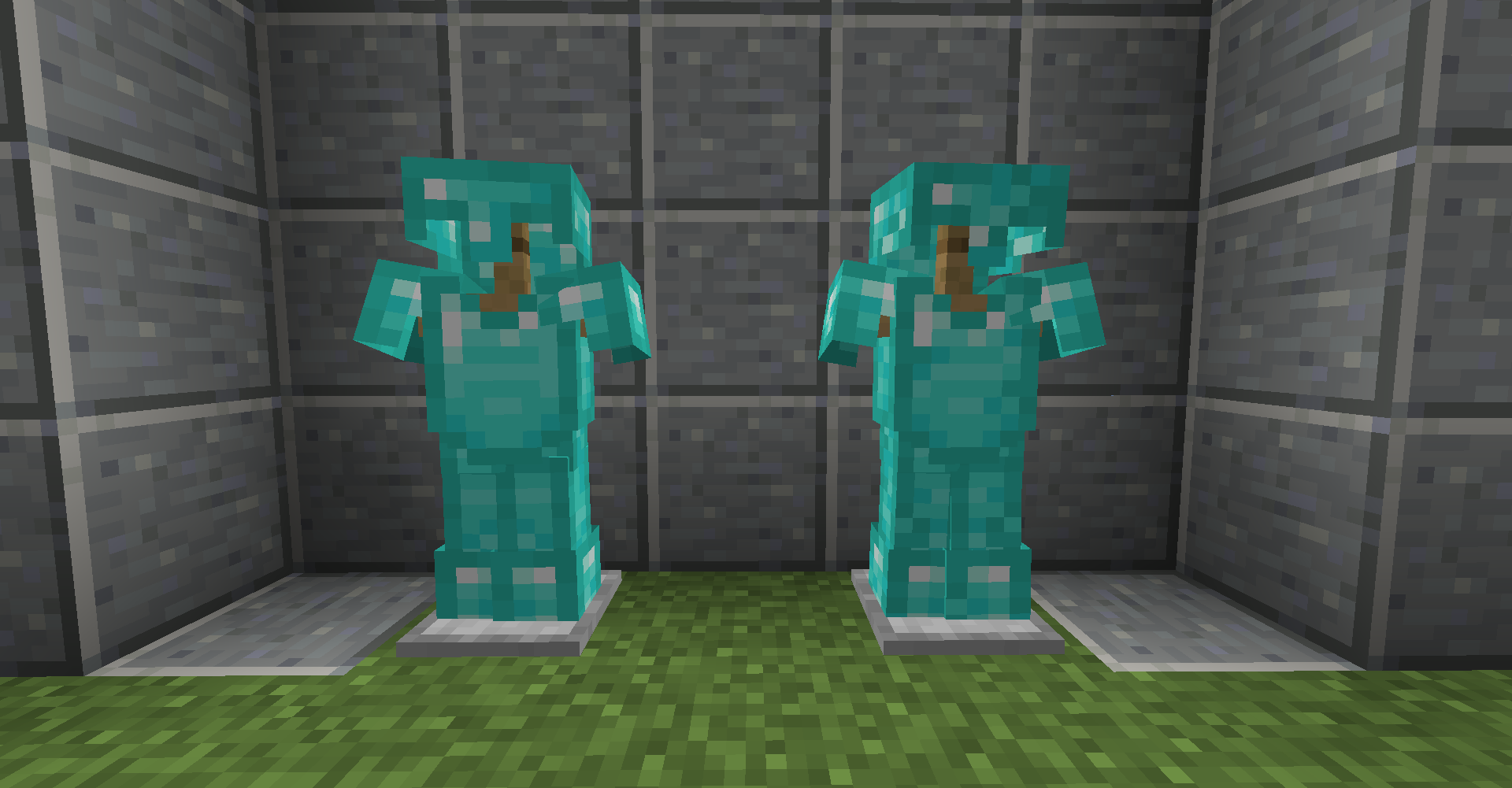
You can see how the armor deteriorates as its durability decreases.
by PorotoMz
Download Claim this project
12,799 downloads
0 likes
Updated Oct 14, 2026
0 hypes
16x Miscellaneous Mod Support Traditional
Advertisement Remove ads with Premium →


This pack requires CIT Resewn or Optifine.Title

Lower durability. More cracks.


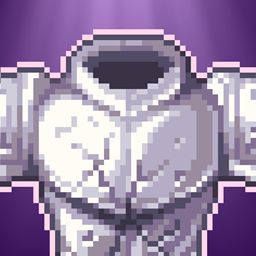
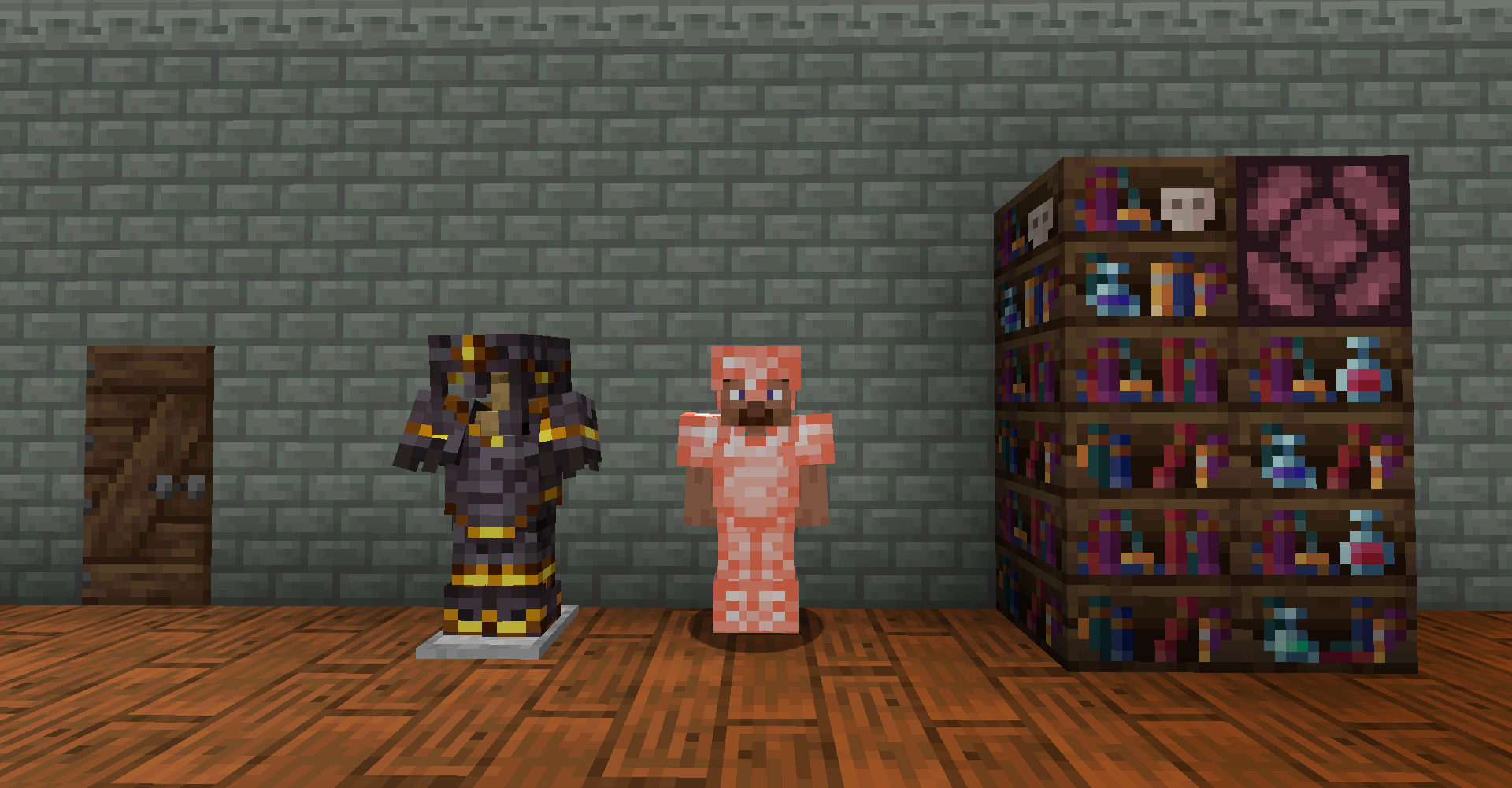
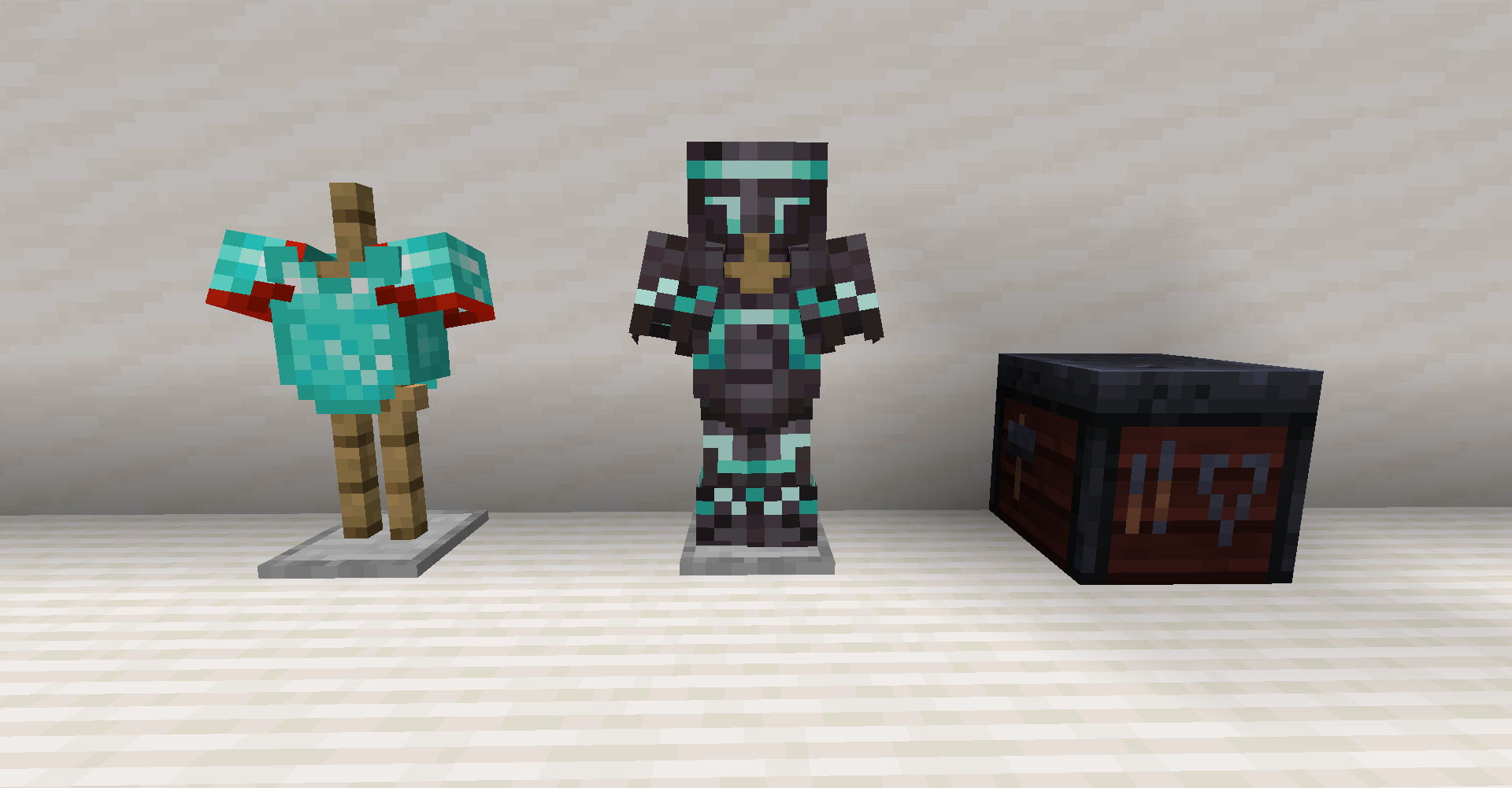
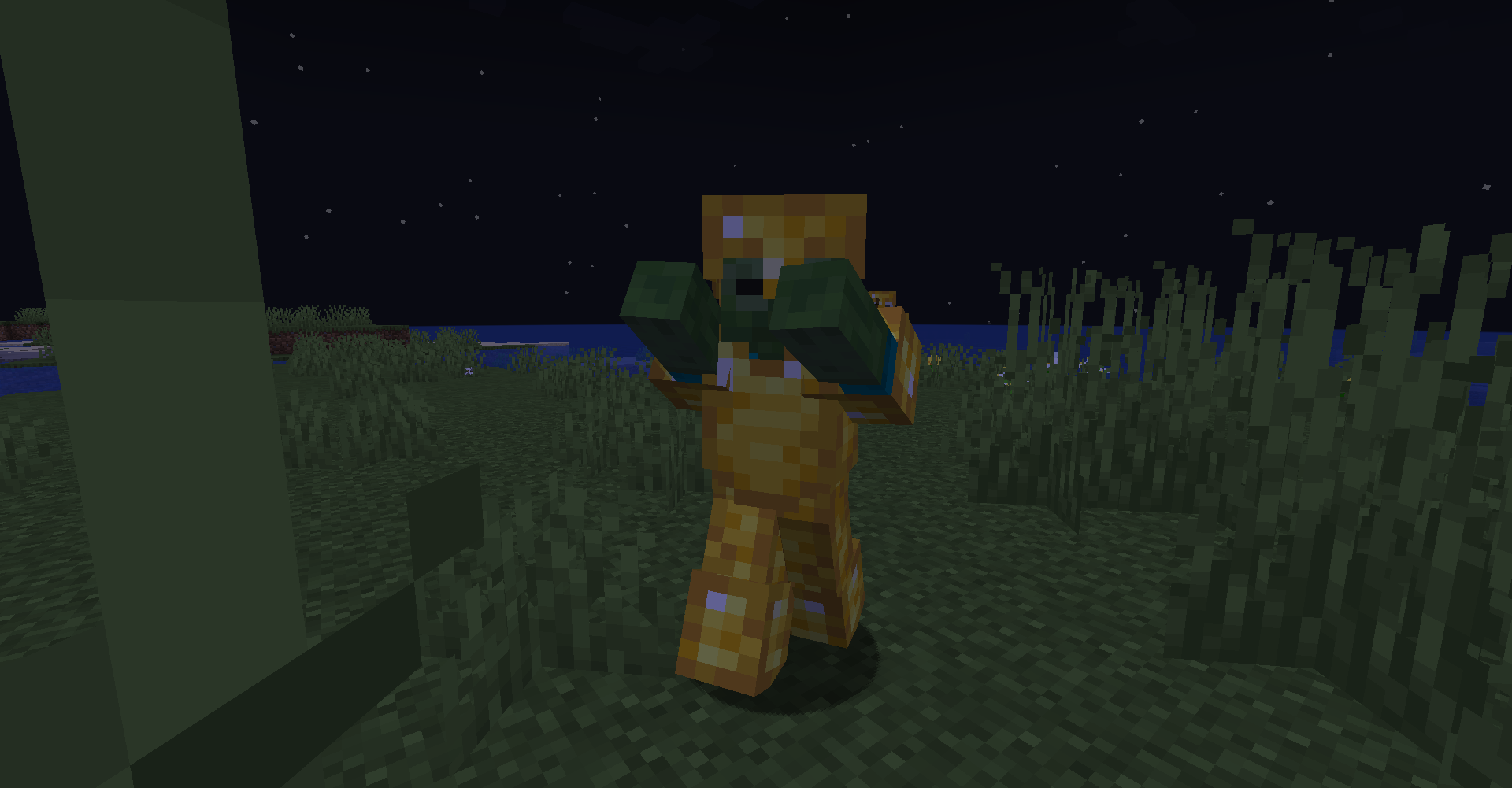
 Breaking Armor is a Resource Pack that adds more details to armor texture when its durability decreases. The armor will change its appearance to demonstrate its current state. 

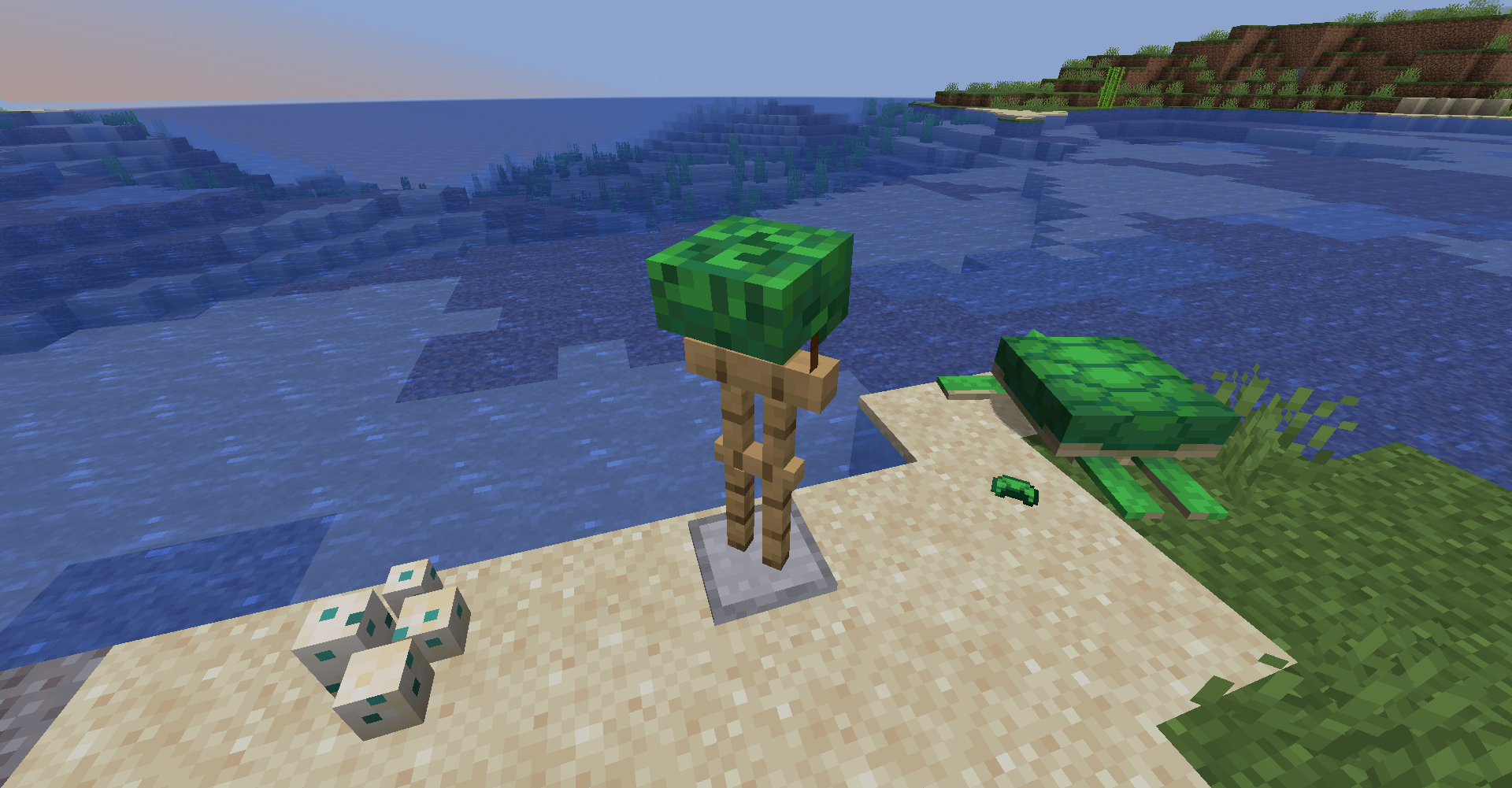
Works with every Vanilla Armor (including Turtle Shell Helmet).


Compatible from 1.13 - Current Versions.


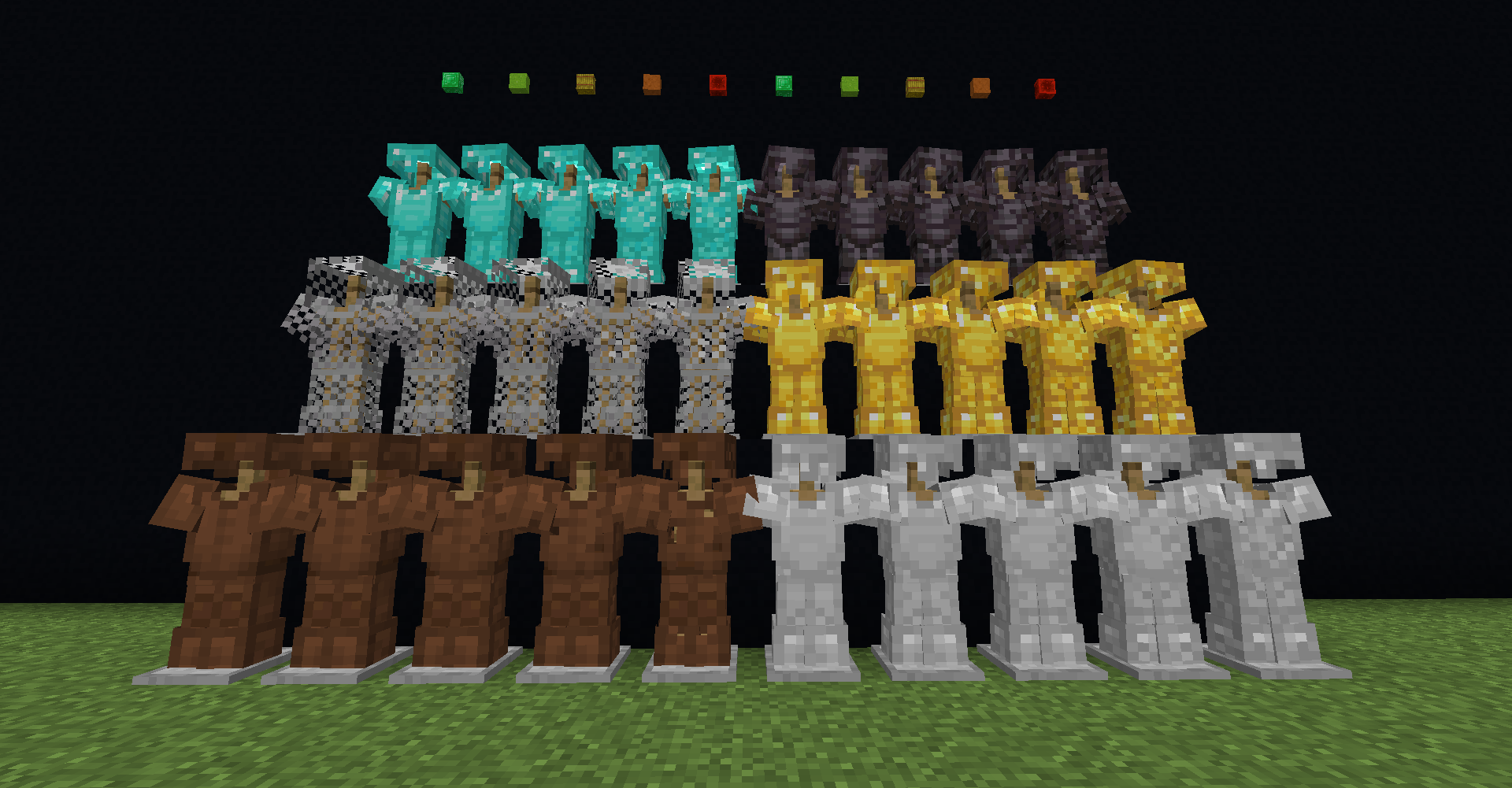
🔋 Armor's Durability States 🔋


100% Default Look > 80% Very slight cracks > 60% Noticiable cracks > 40% Ruined > 10% I need mending NOW!


Armor Durability Example

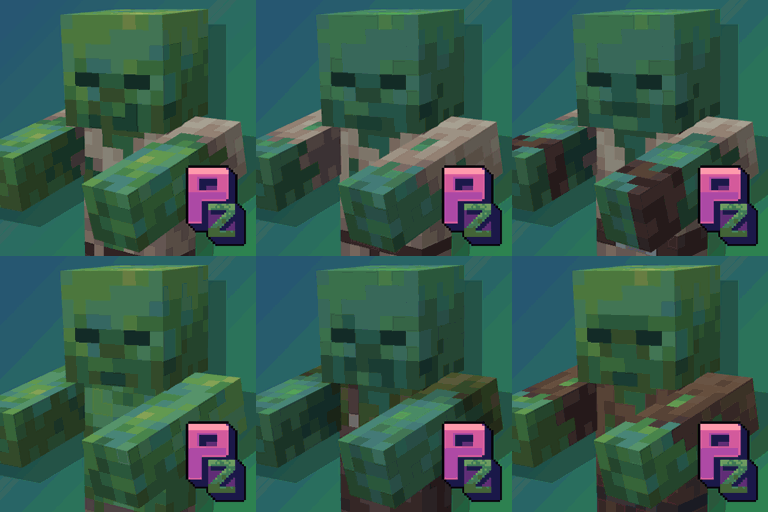
🛠️ Mods Compatibility 🛠️


Additional Additions

More Coming Soon...


I'll add more mods in the future. if you want to see your favorite mod in Breaking Armor, put in the comments :)

(I'll take more into consideration armors that have the vanilla model).


⚠️ Disclaimer ⚠️


Breaking Armor was designed with the goal of adding more visual depth to the armors. It is not competitive oriented.

Some PVP servers do not allow this type of Resource Packs, so if you wanna use on a public pvp server, it's at your own risk.


Incompatible with others Resource Packs that have a different art style.


Feel free to feature Breaking Armor in your modpack. Just keep in mind to make sure to credit, and don't claim Breaking Armor as your own creation.


All the art and textures edits were made by me (RPorotos).

 

Breaking+Armor+[1.0].zip
MC 1.16-Snapshot, 1.17.1, 1.16.3, 1.13.1, 1.19.3, 1.15-Snapshot, 1.16.1, 1.18.1, 1.19.4-Snapshot, 1.14.4, 1.14.1, 1.17, 1.20.2-Snapshot, 1.14.3, 1.15, 1.16, 1.13, 1.19.4
Release 2023-09-12 Get

Requirements & install

How to use this resource pack in Minecraft
Resolution
16x
Minecraft
1.16.3 – 1.20.2-Snapshot
Install folder
.minecraft/resourcepacks

How to install resource packs

  1. Download the resource pack .zip file (do not extract it).
  2. In Minecraft open Options → Resource Packs → Open Pack Folder.
  3. Drop the .zip into the resourcepacks folder (.minecraft/resourcepacks).
  4. Move the pack to the Selected column and click Done.
Browse more: 16x resource packs 32x resource packs 64x resource packs 128x resource packs 256x resource packs 512x+ resource packs Resource Packs for 1.20.2-Snapshot All resource packs

More from PorotoMz

Advertisement Remove ads with Premium →

You Might Also Like