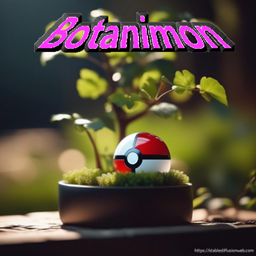
This datapack will allow most Cobblemon plants to be grown in BotanyPots. Automate your cobblemon resource collection!
Supported crops in this datapack are all v1.4 berries, all colors of apricorns (via their seeds/sprouts) the revival herb (which has a chance to drop all the herbs and flowers that would be obtained from using mulches on a normal revival herb during its growth), and the big root (which can also drop the energy roots) The apricorns use dirt for soil and the big root uses stone, everything else uses farmland for soil. Vivichoke now has a rare chance to drop from any cobblemon berry crop. The various colors of mint leaf can be acquired from their respective color of an apricorn crop except for cyan mint leaf which instead uses the black apricorn crop.
Unsupported crops: Vivichoke and any color mint (as of 1.04 drops for these can be obtained by other means but the plants themselves can't be grown in botany pots)
copy the zip file to the datapacks folder in your singleplayer saves folder for the world you want to use it in or the datapacks folder in the world folder of your server.
created for Minecraft Version 1.20.1 with the Cobblemon and Botany Pots mods required for use. May work for earlier or later versions but at your own risk.