Mineuniverse
Resource Packs
Boredom's ~ ReShaped Items and Effects

Boredom's ~ ReShaped Items and Effects

RESOURCE PACK
Resoure Pack that adds new designs for all tools and other various items.
by some2thing
Download Claim this project
1,498 downloads
0 likes
0 followers
Updated Oct 14, 2026
0 hypes
Follow0
16x
Advertisement Remove ads with Premium →

This is the first resource pack of Boredom's (some2thing). 

  •  All items/effects are in a 16x16 format (so the same amount of detail in the vanilla Minecraft textures).
  •  Most item/effect designs are unique they aren't just a different color.
  •  Most items/effects are limited to colors that were existent in the original item/effect

--------------------------------------------------------------------------------------------------------------------------------------

Update Plans:

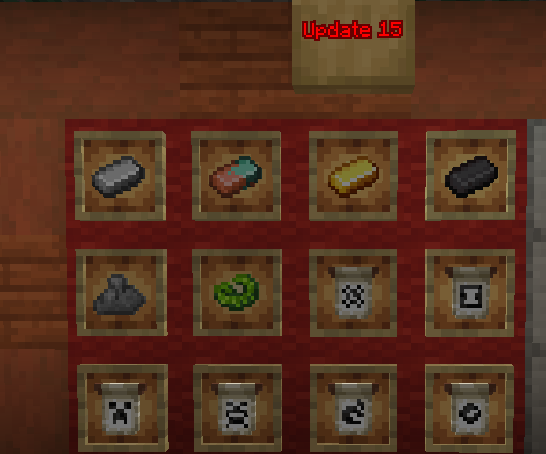
- Update 15: Released!

- New resource pack/mod Boredom's Eating Animations has been released!

- Update 14 News: Idk yet seems like it might be more of just some random items
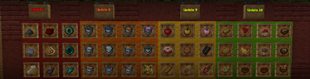
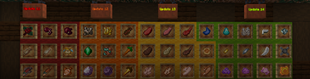
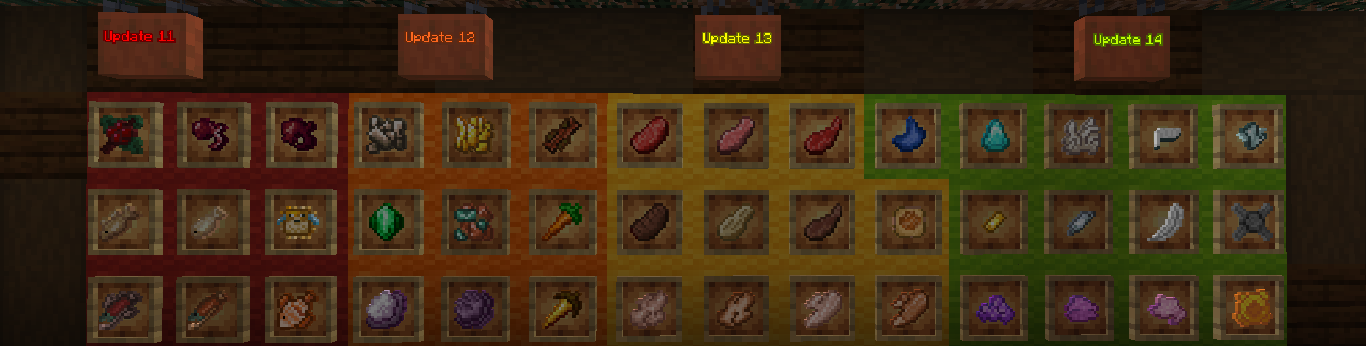
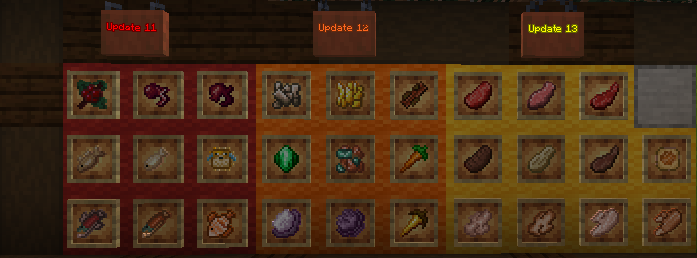
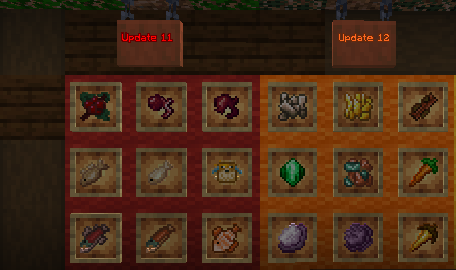
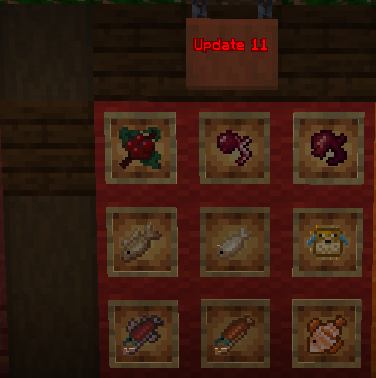
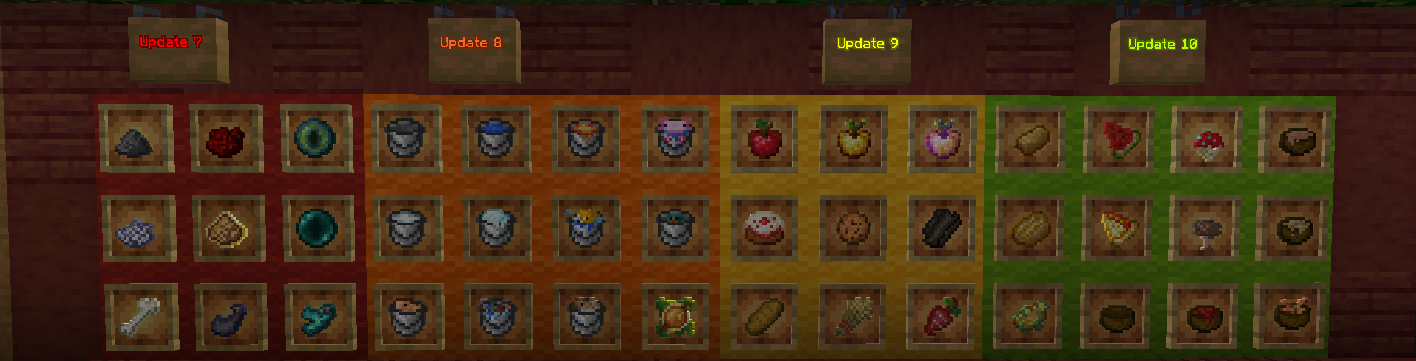
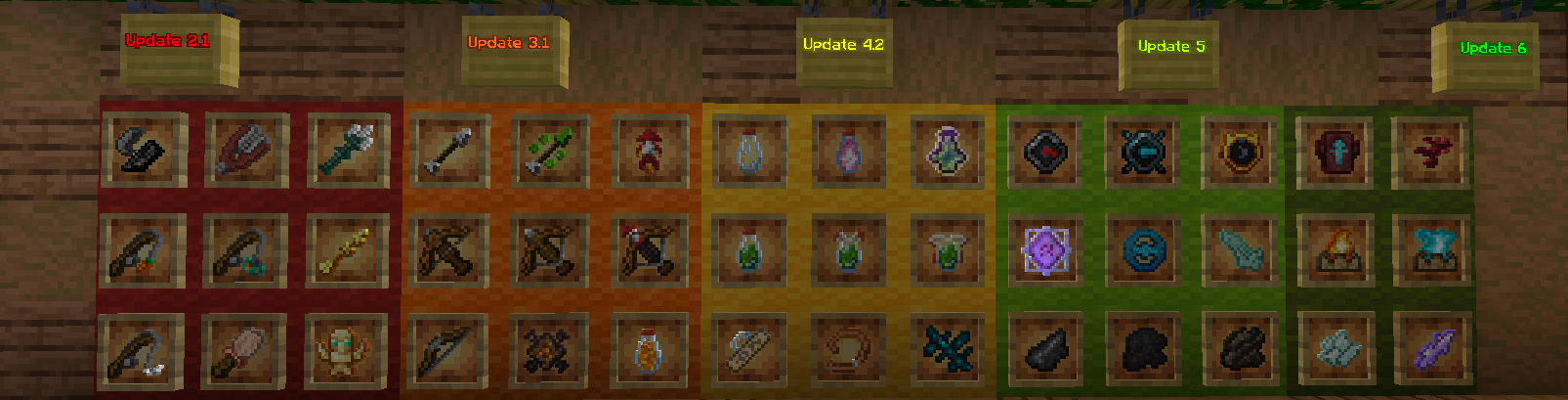
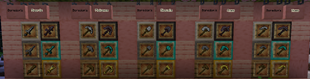
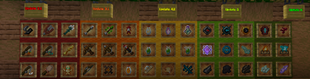
Adds new item designs for:


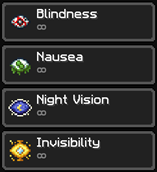
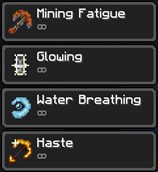
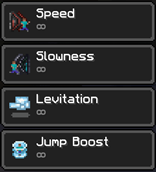
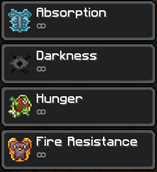
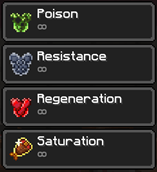
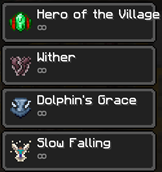
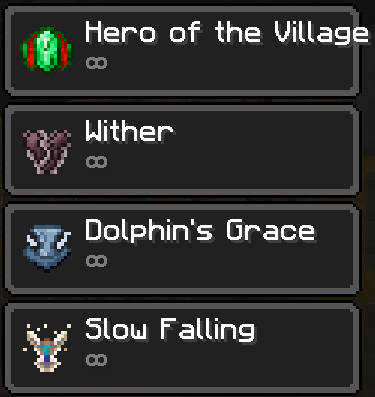
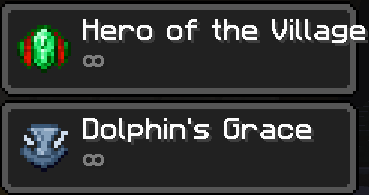
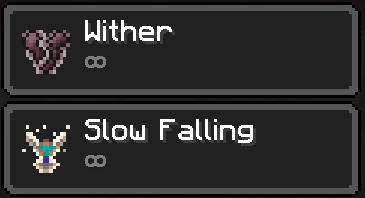
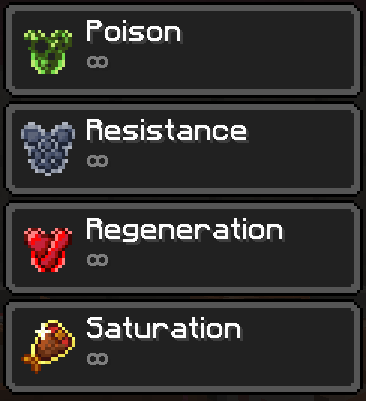
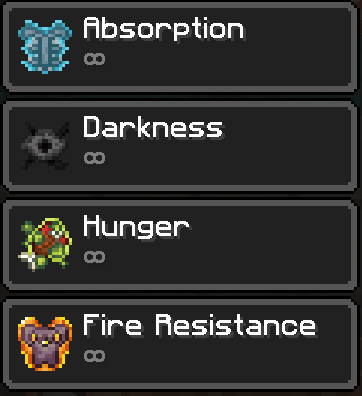
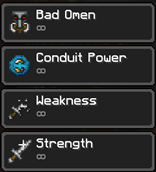
Adds new effect designs for:


Extra Info:

- Discord Username: avoidingboredom

- Want an older version of the resource pack but can't find them in the files tab? Click the "view all" button on the right under the main file box.
- If you don't like a certain texture or whatever you can simply remove it (or take the texture to modify or just look at it or something), instructions on how to do so are below.
   1. Make sure the pack is not in your active pack section (right side) of the resource pack menu in-game. 

   2. Click on "Open Pack Folder" 

   3. Double Click on the "Boredom's Tools vX"
   4. Double Click through these folders "assets" ->"minecraft" ->"textures"->"item"
   5. And them simply delete the texture of the item you wish to remove or take 

- I can make the pack compatible with older versions if requested or you can do it yourself by replacing the pack.mcmeta to make it compatible with your desired version.

- Some updates will redo textures if you would rather have the old textures you can contact me on discord to custom make you a pack (or just ask me how to do it yourself) or download the pack version with the old version of the item and move the png to the version you desire it to be in.
- v1 only has the redesigns for normal tools (Sword, Pickaxe, Axe, Shovel, Hoe) if you just want that.

 - Boredom's ReShaped Armor is my 2nd resource pack (currently on v1.3)
- 3rd Resource pack (Boredom's ~ ReShaped Eating Animations) 

- I sometimes do polls for which new texture to include in updates on this server if you'd like to participate https://discord.gg/XcJb7a9Feq

ReShaped Items and Effects v15.1
MC 1.21.4
Release 2024-12-23 Get
ReShaped Items and Effects v15
MC 1.20.4
Release 2024-03-05 Get
ReShaped Items and Effects v14
MC 1.20.4
Release 2024-02-25 Get
Boredom's Items and Effects v13
MC 1.20.2, 1.20.1, 1.20
Release 2023-11-13 Get
Boredom's Items and Effects v12
MC 1.20.2, 1.20.1, 1.20
Release 2023-10-15 Get
Boredom's Items and Effects v11+v8.1
MC 1.20.2, 1.20.1, 1.20
Release 2023-09-24 Get
Boredom's Items and Effects v10
MC 1.20.1, 1.20
Release 2023-09-04 Get
Boredom's Items and Effects v9+v6.1+v1.1
MC 1.20.1, 1.20
Release 2023-08-23 Get
Boredom's Items and Effects v8+v4.2
MC 1.20.2-Snapshot, 1.20.1
Release 2023-08-13 Get
Boredom's Items and Effects v7
MC 1.20.1, 1.20
Release 2023-08-07 Get
Boredom's Items and Effects v6 + 3.1
MC 1.20.1, 1.20
Release 2023-08-01 Get
Boredom's Items and Effects v5 + v4.1
MC 1.20.1, 1.20
Release 2023-07-27 Get
Boredom's Items v4
MC 1.20.1, 1.20
Release 2023-07-24 Get
Boredom's Items v3
MC 1.20.1, 1.20
Release 2023-07-20 Get
Boredom's Items v2.1
MC 1.20.1, 1.20
Release 2023-07-18 Get
Boredom's Items v2
MC 1.20.1, 1.20
Release 2023-07-14 Get
Boredom's Tools v0.1
MC 1.20.1, 1.20
Release 2023-07-13 Get
Boredom's Tools v0.2
MC 1.20.1, 1.20
Release 2023-07-13 Get
Boredom's Tools v1
MC 1.20.1, 1.20
Release 2023-07-13 Get
Boredom's Tools v0
MC 1.20.1, 1.20
Release 2023-07-12 Get

Requirements & install

How to use this resource pack in Minecraft
Resolution
16x
Minecraft
1.20 – 1.21.4
Install folder
.minecraft/resourcepacks

How to install resource packs

  1. Download the resource pack .zip file (do not extract it).
  2. In Minecraft open Options → Resource Packs → Open Pack Folder.
  3. Drop the .zip into the resourcepacks folder (.minecraft/resourcepacks).
  4. Move the pack to the Selected column and click Done.
Browse more: 16x resource packs 32x resource packs 64x resource packs 128x resource packs 256x resource packs 512x+ resource packs Resource Packs for 1.21.4 All resource packs

More from some2thing

Advertisement Remove ads with Premium →

You Might Also Like