Mineuniverse
Resource Packs
BlueBlocksCraft Vanilla

BlueBlocksCraft Vanilla

RESOURCE PACK
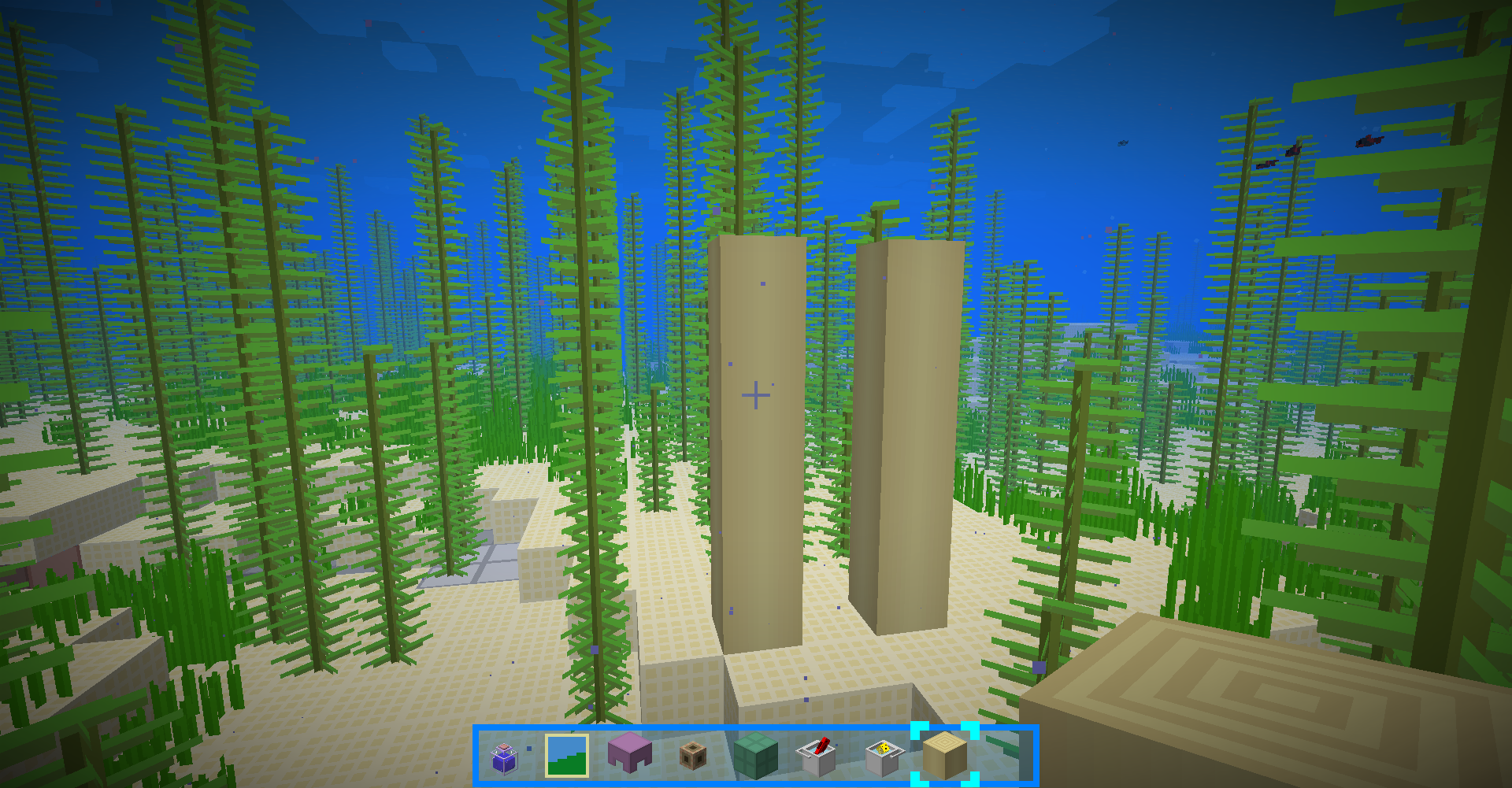
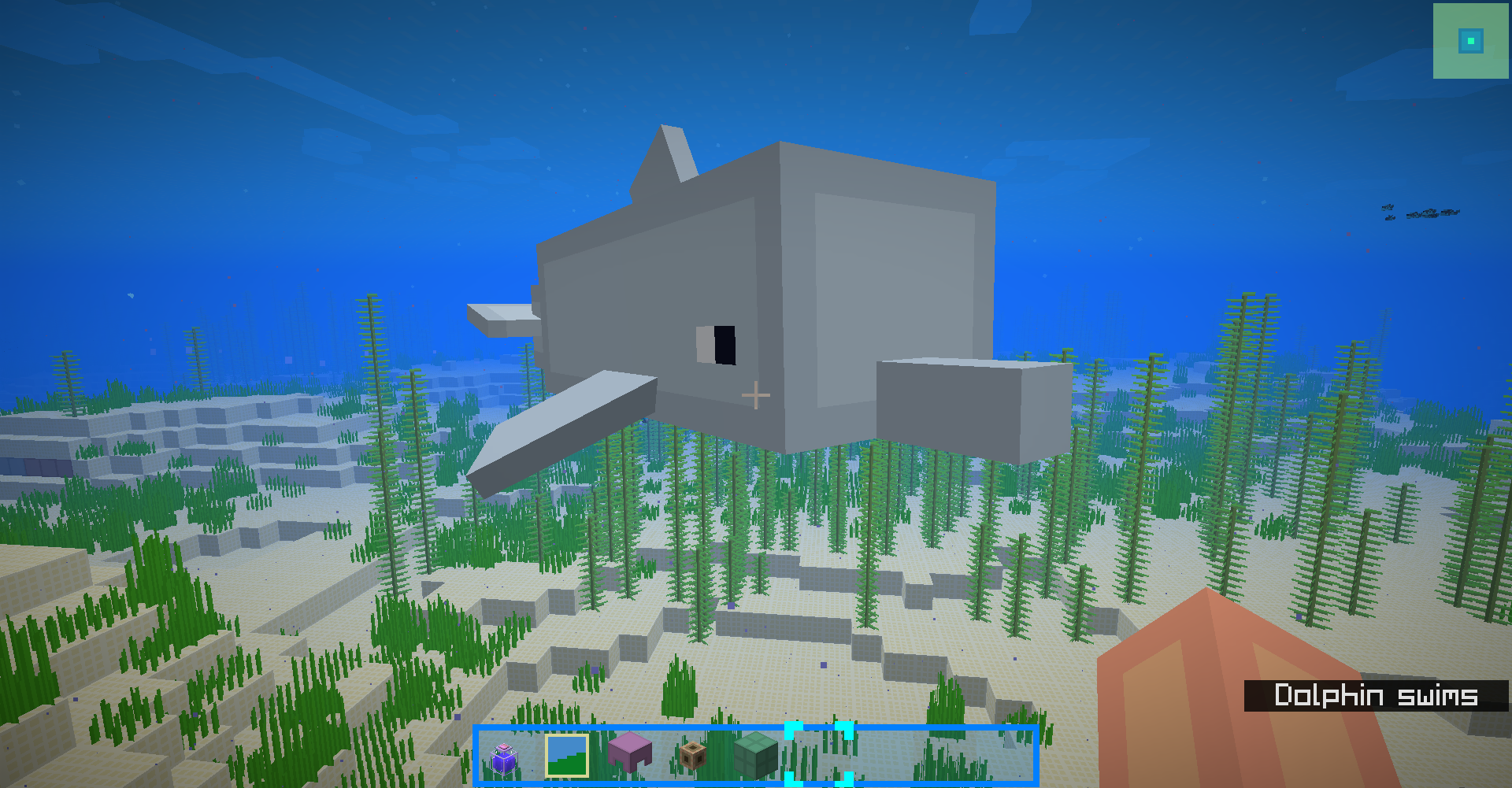
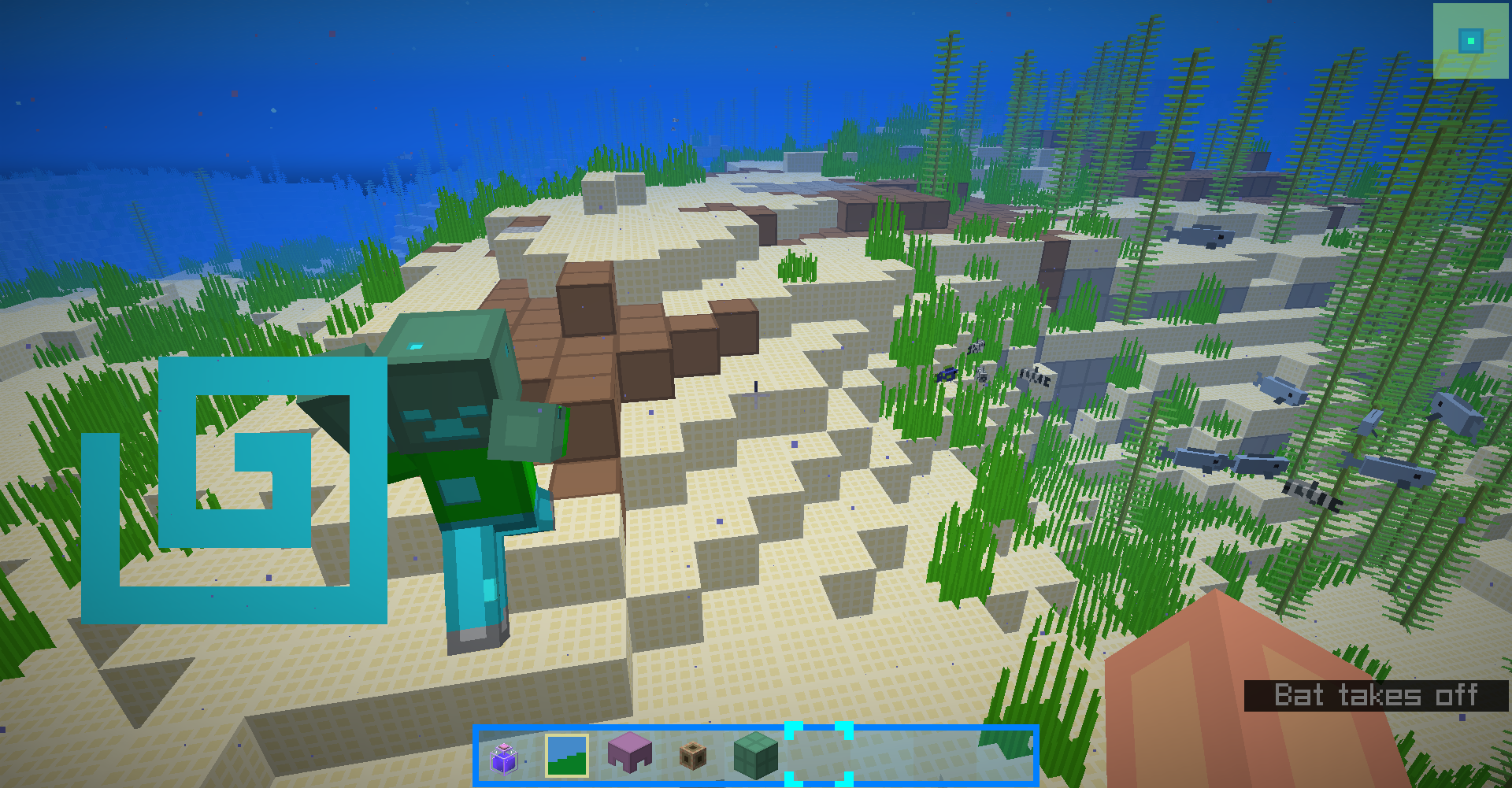
A simple texture pack with many 3D models
by blue_beaker
Download Claim this project
6,961 downloads
0 likes
Updated Oct 14, 2026
0 hypes
16x Traditional
Advertisement Remove ads with Premium →

BlueBlocksCraft is a simple resource pack.

For 1.14+, use the 1.16 version from the github source. most things would work well.

3.x supports MC1.12+. MC1.9~1.11.2 is no longer supported but still usable(use 1.12.2 version instead, may have minor bugs)

2.x supports MC1.6~1.7.10 and is no longer supported.

This resource pack supports Optifine except for earlier versions for MC1.13.x.

To install Optifine without a mod loader using MultiMC launcher,see this.

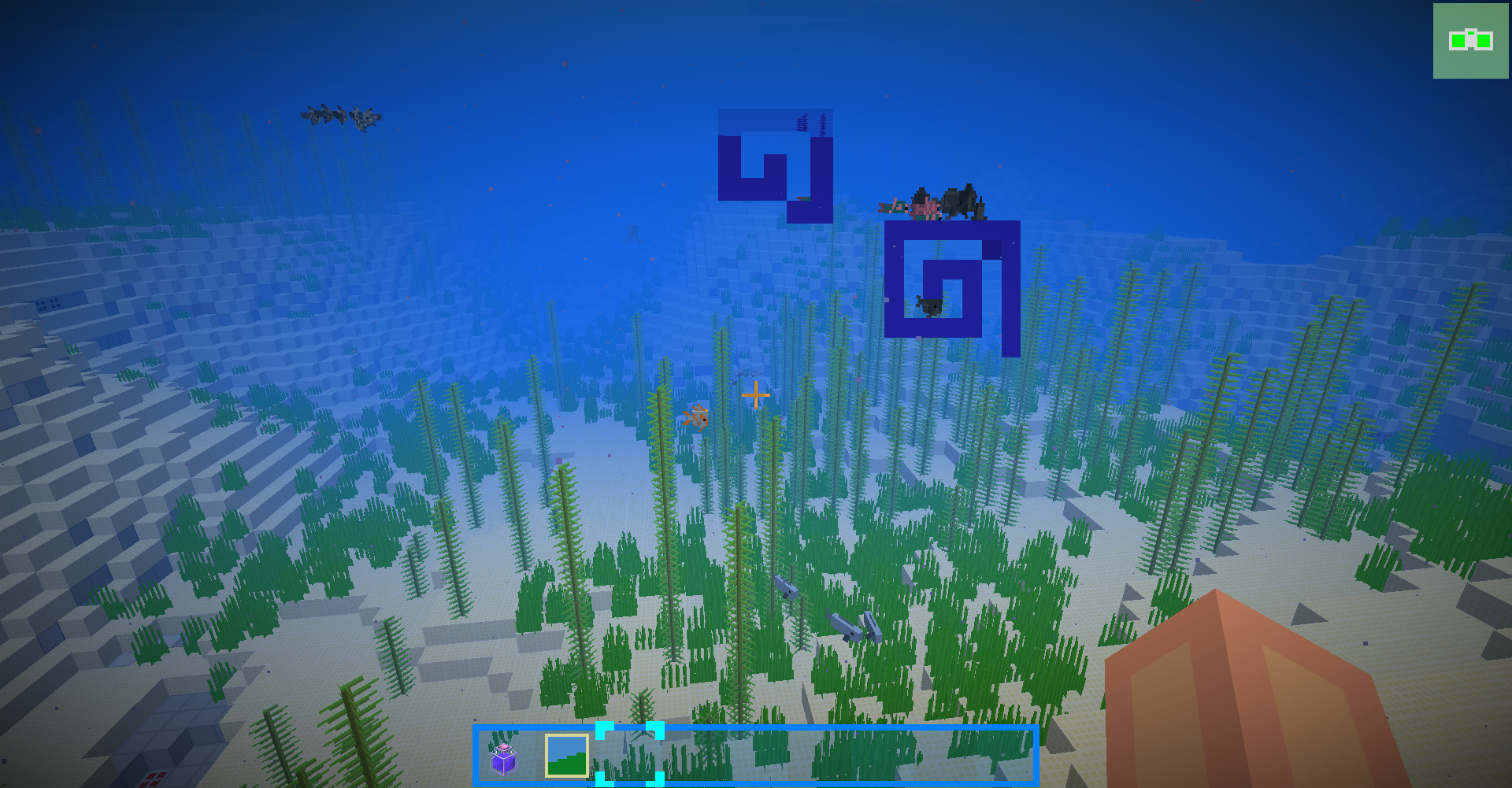
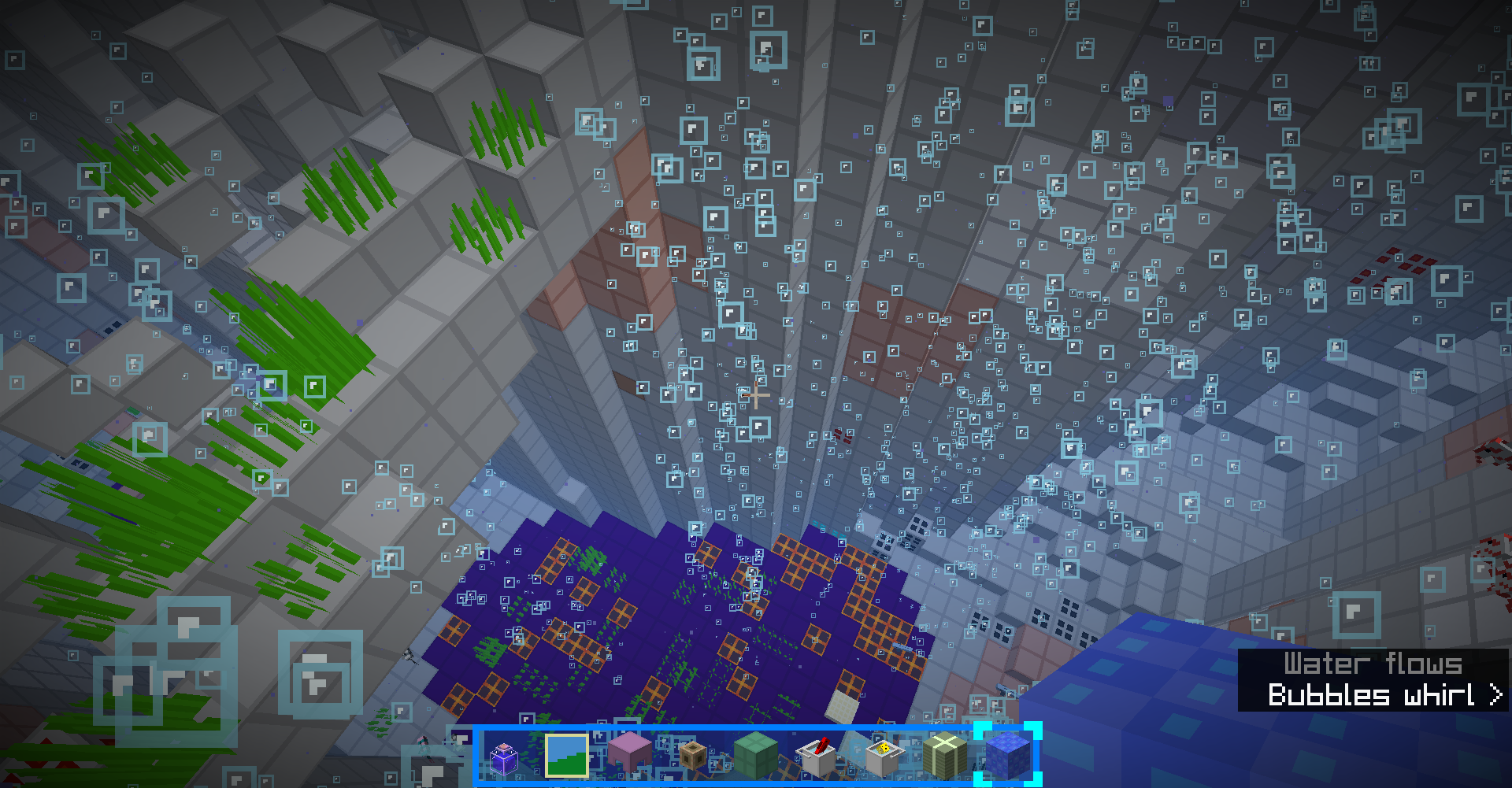
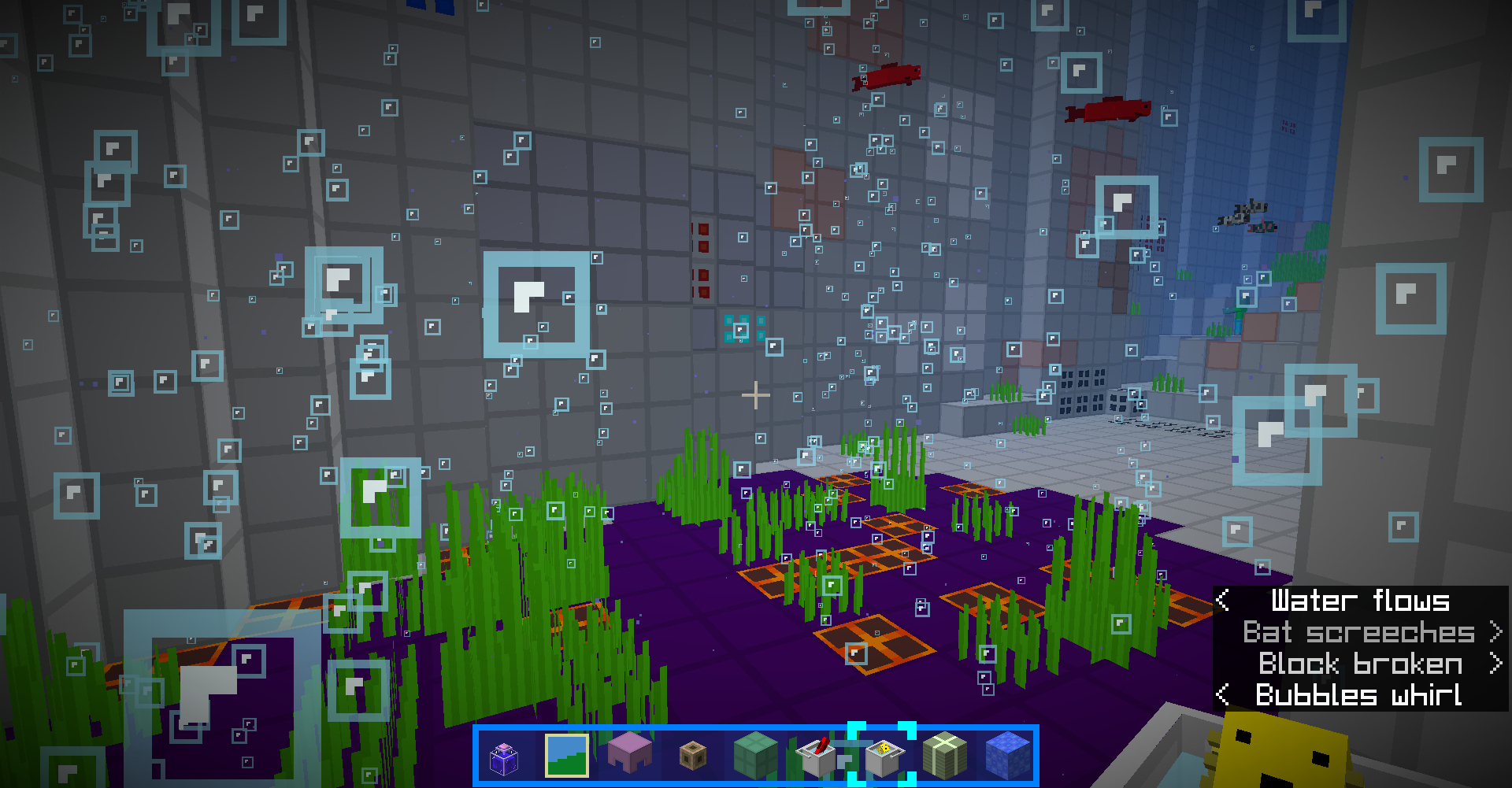
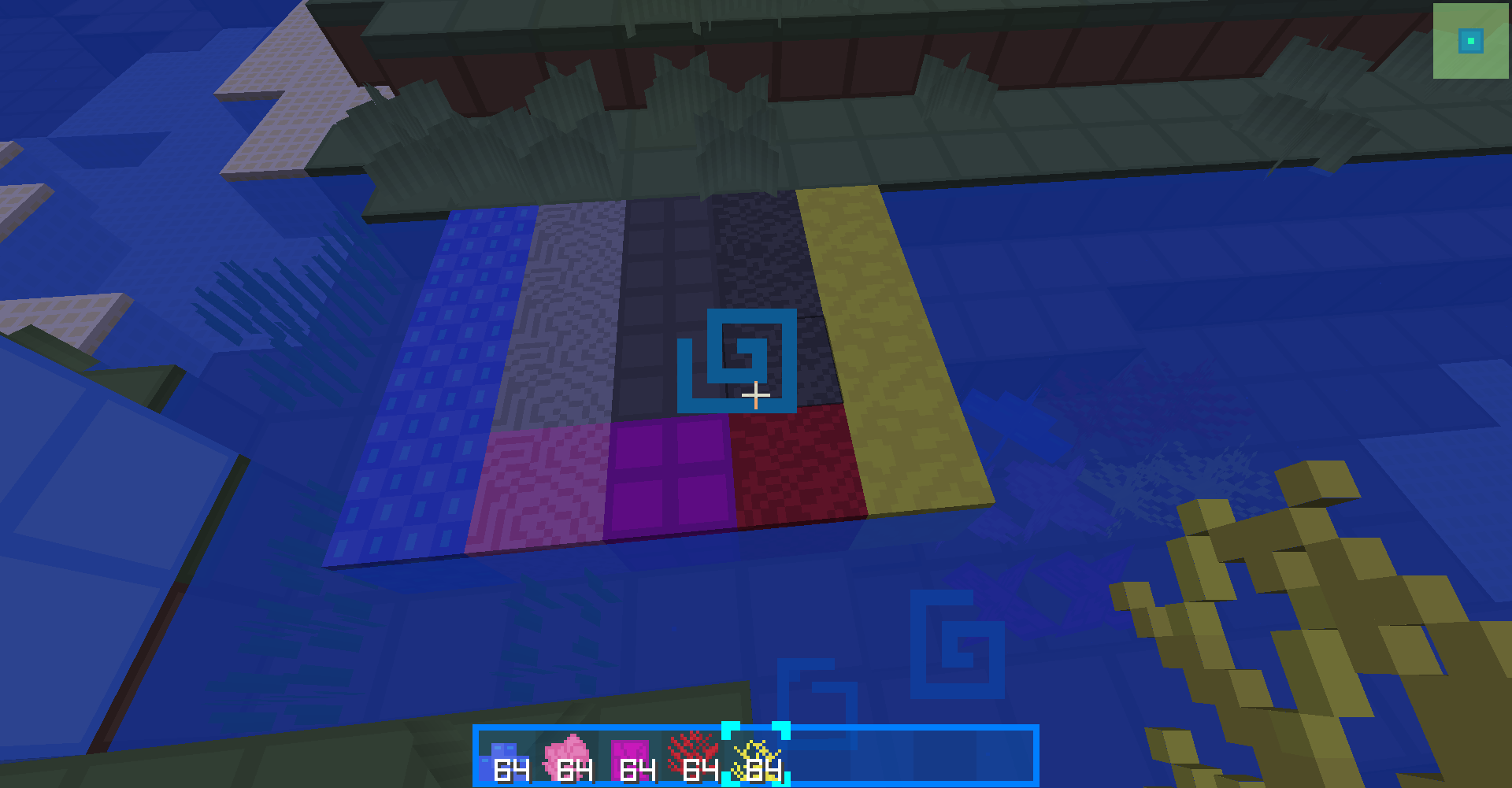
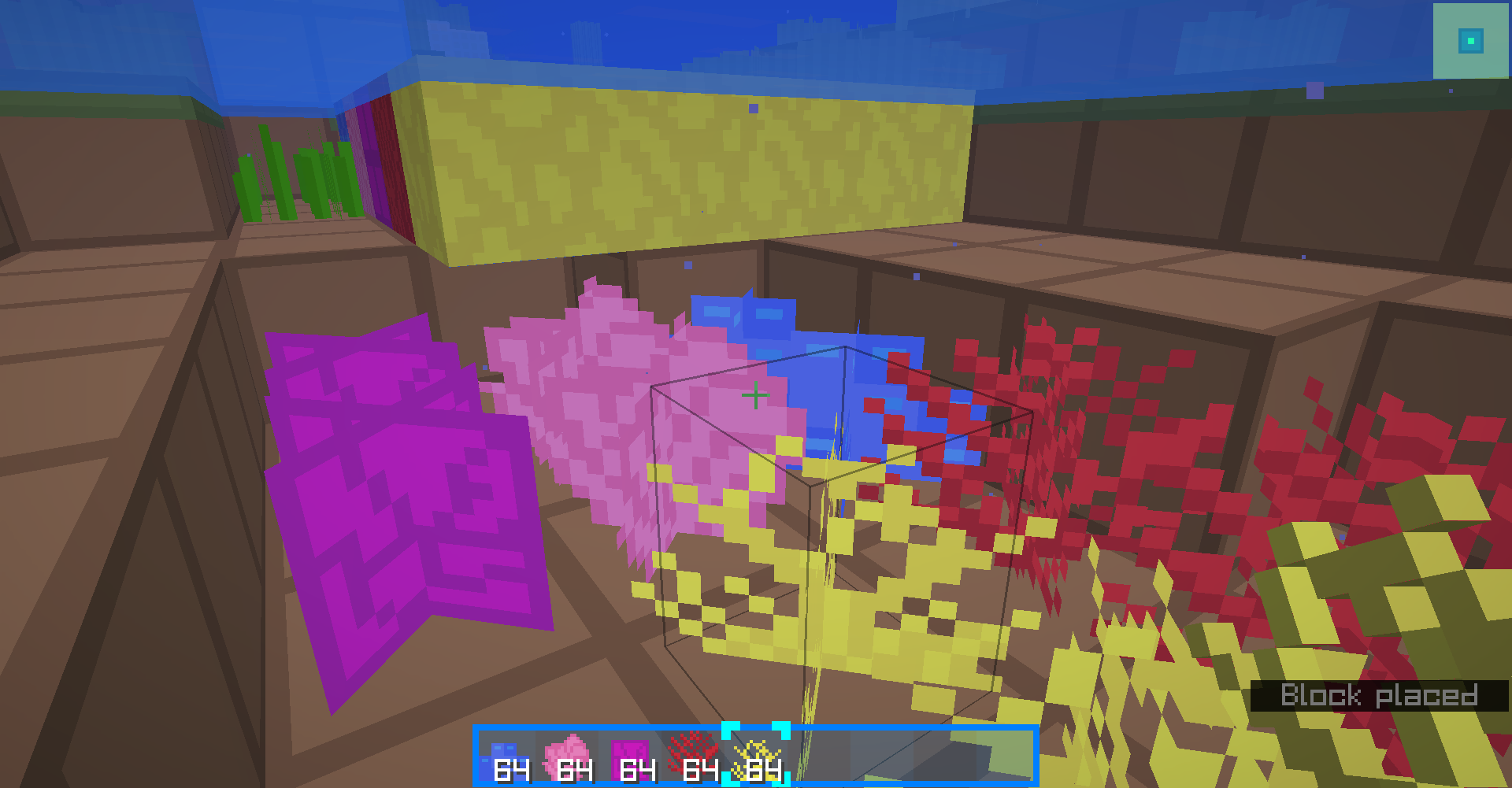
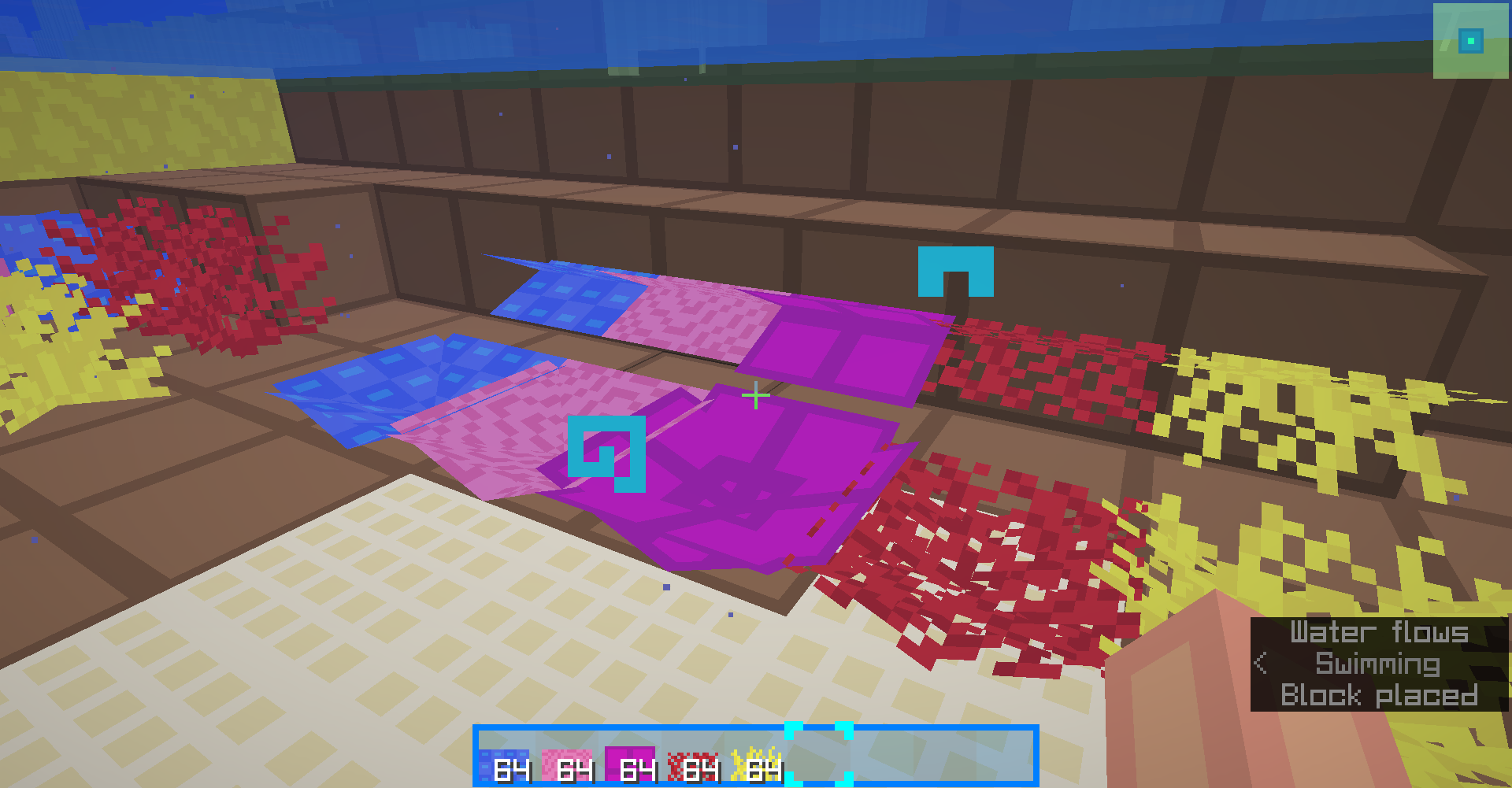
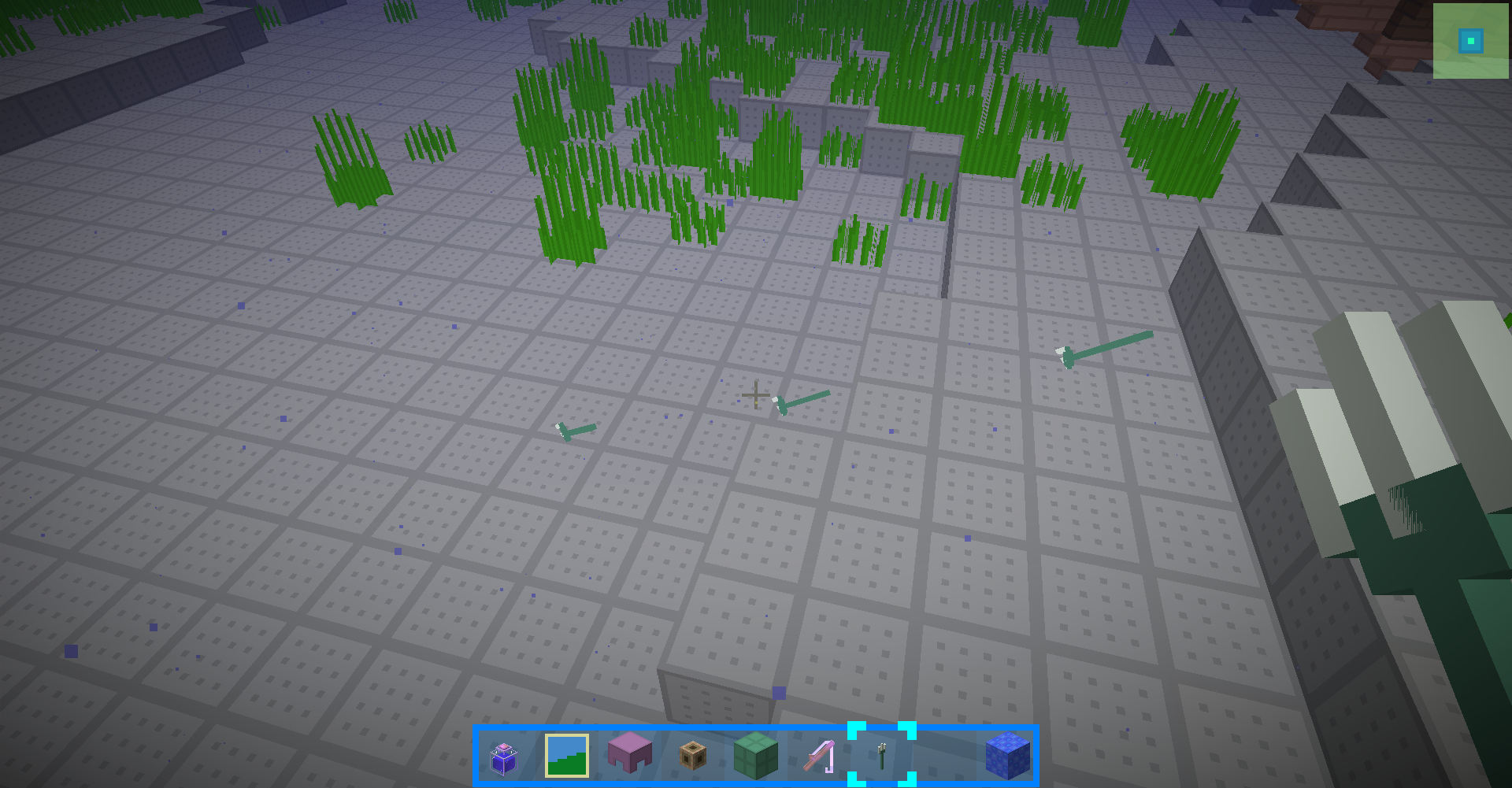
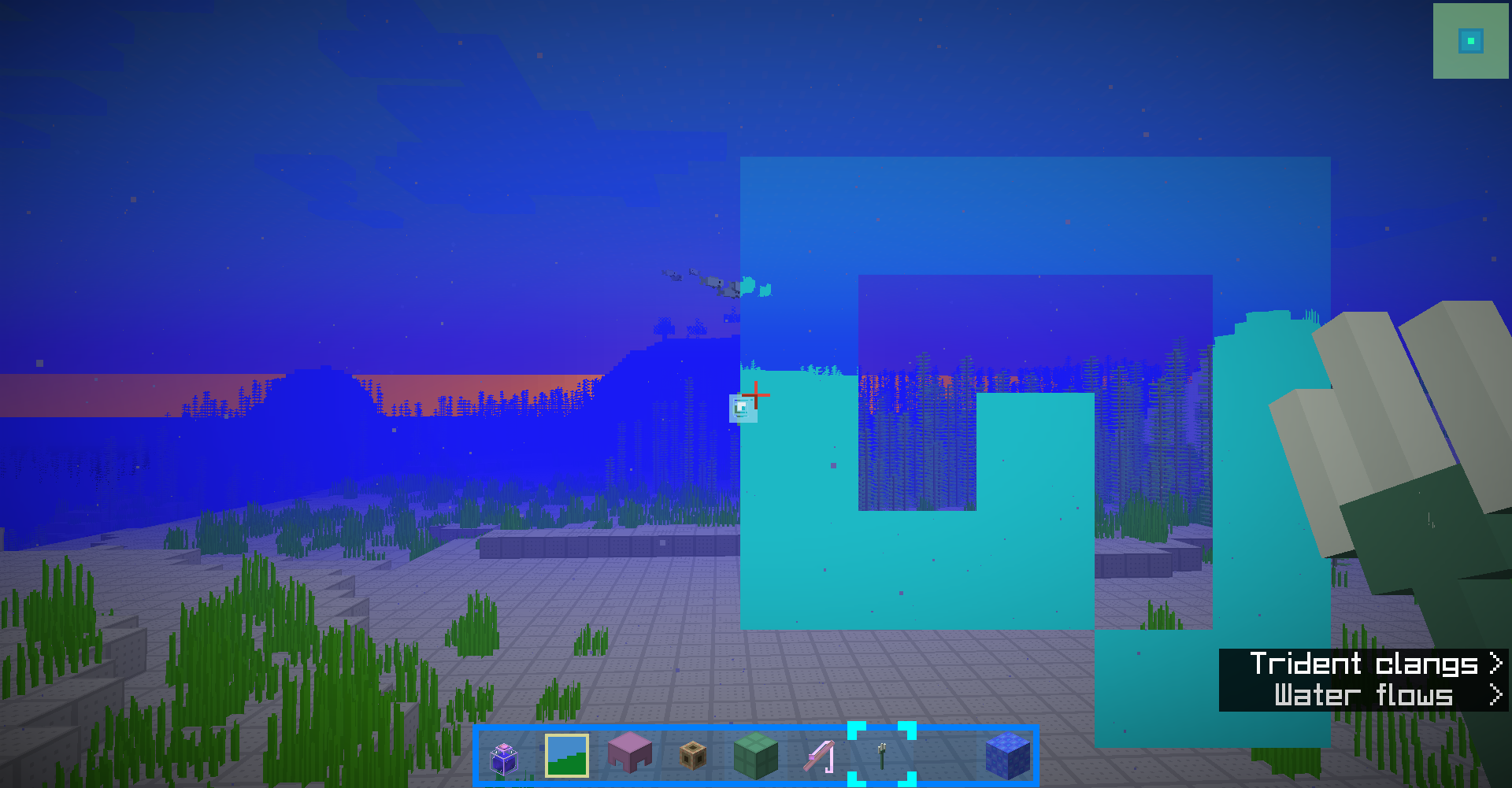
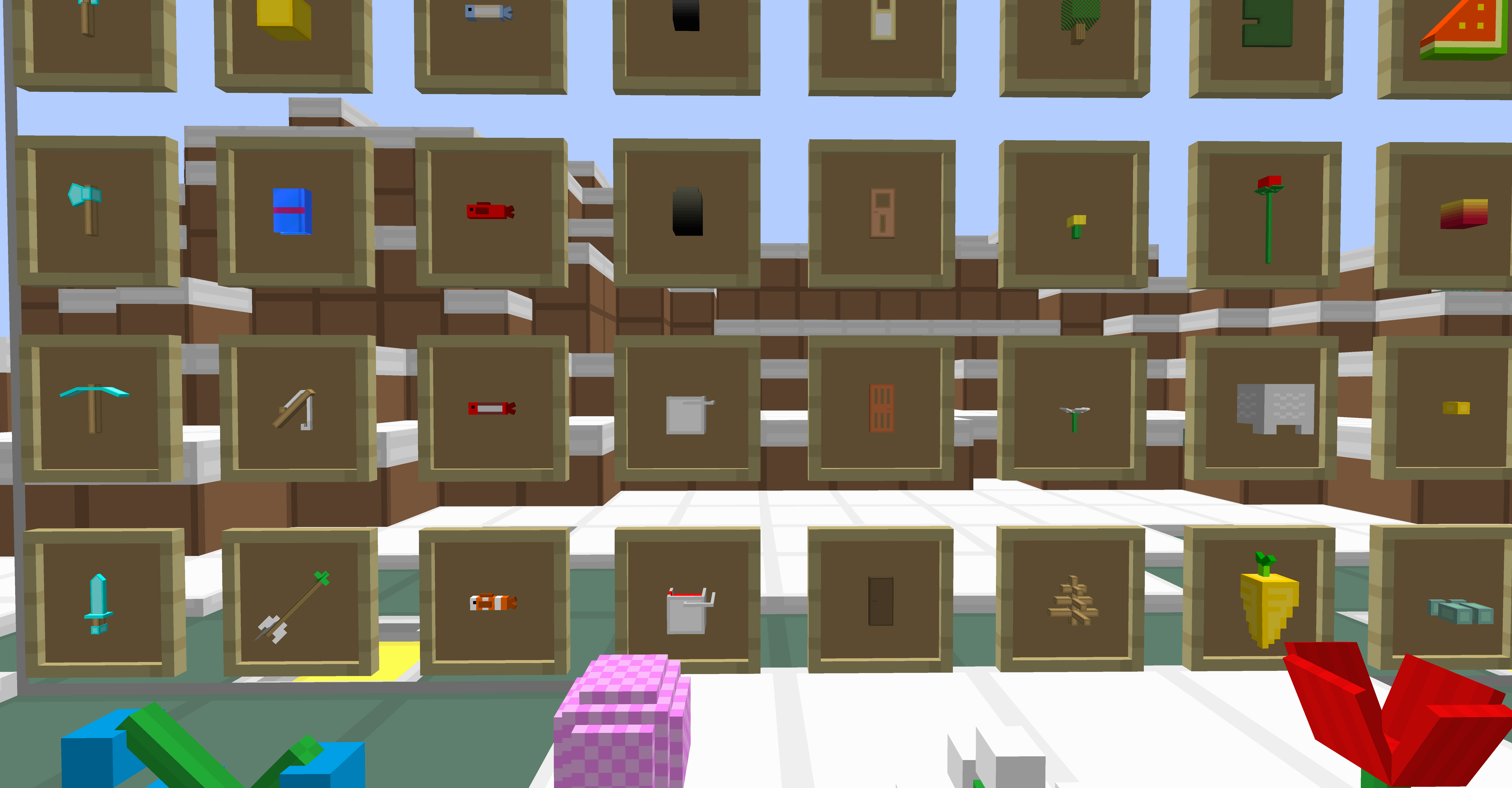
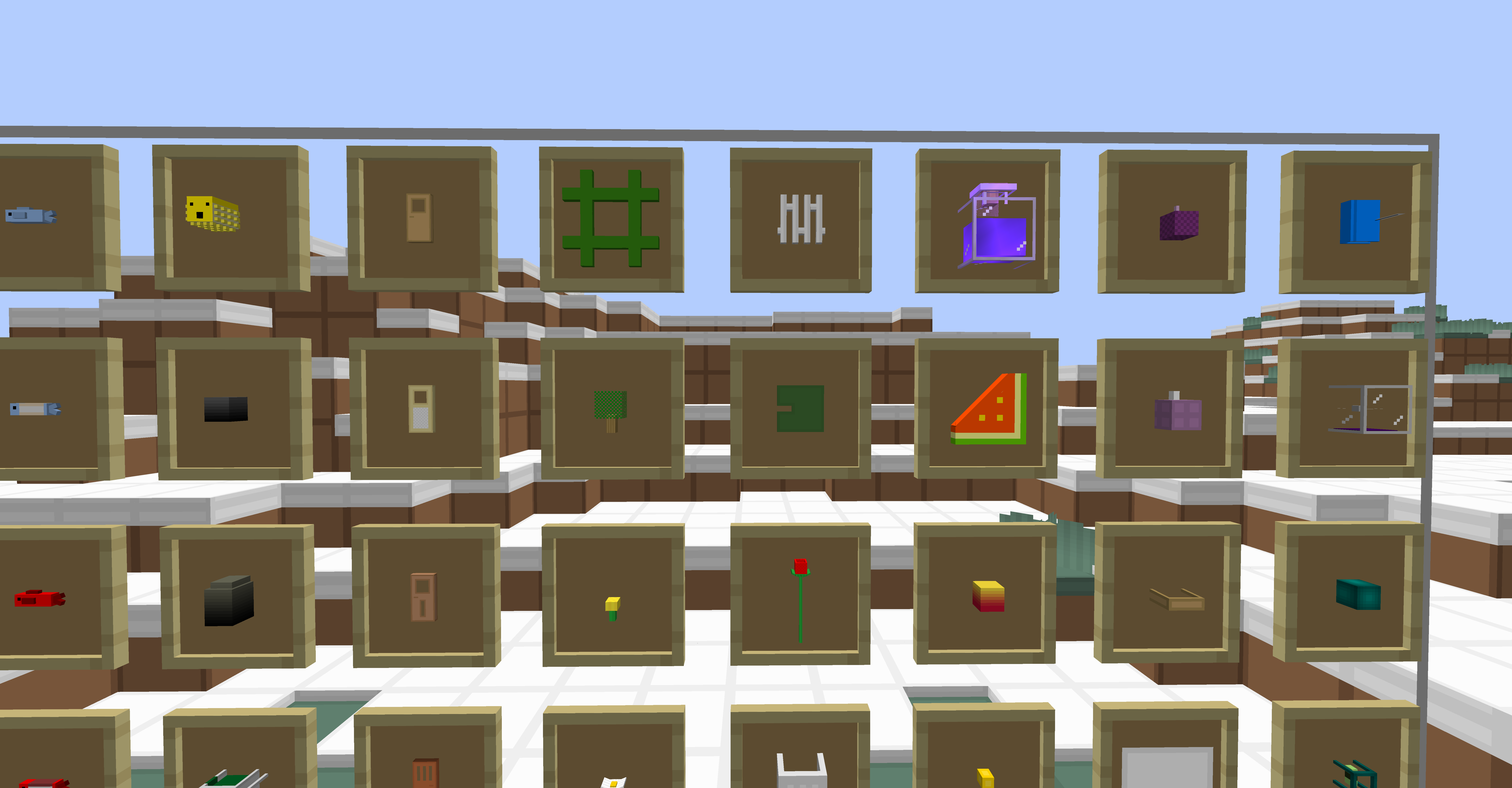
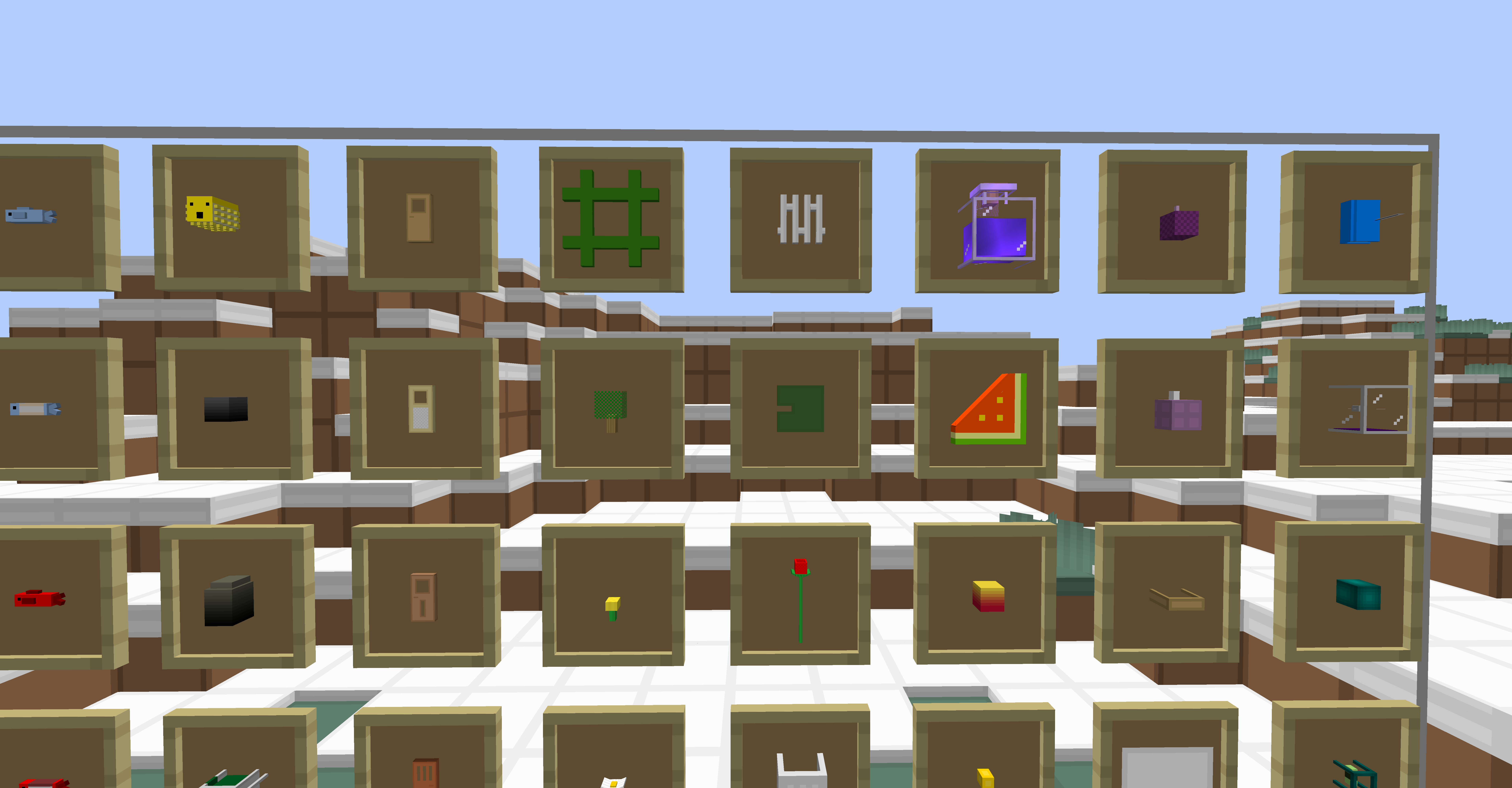
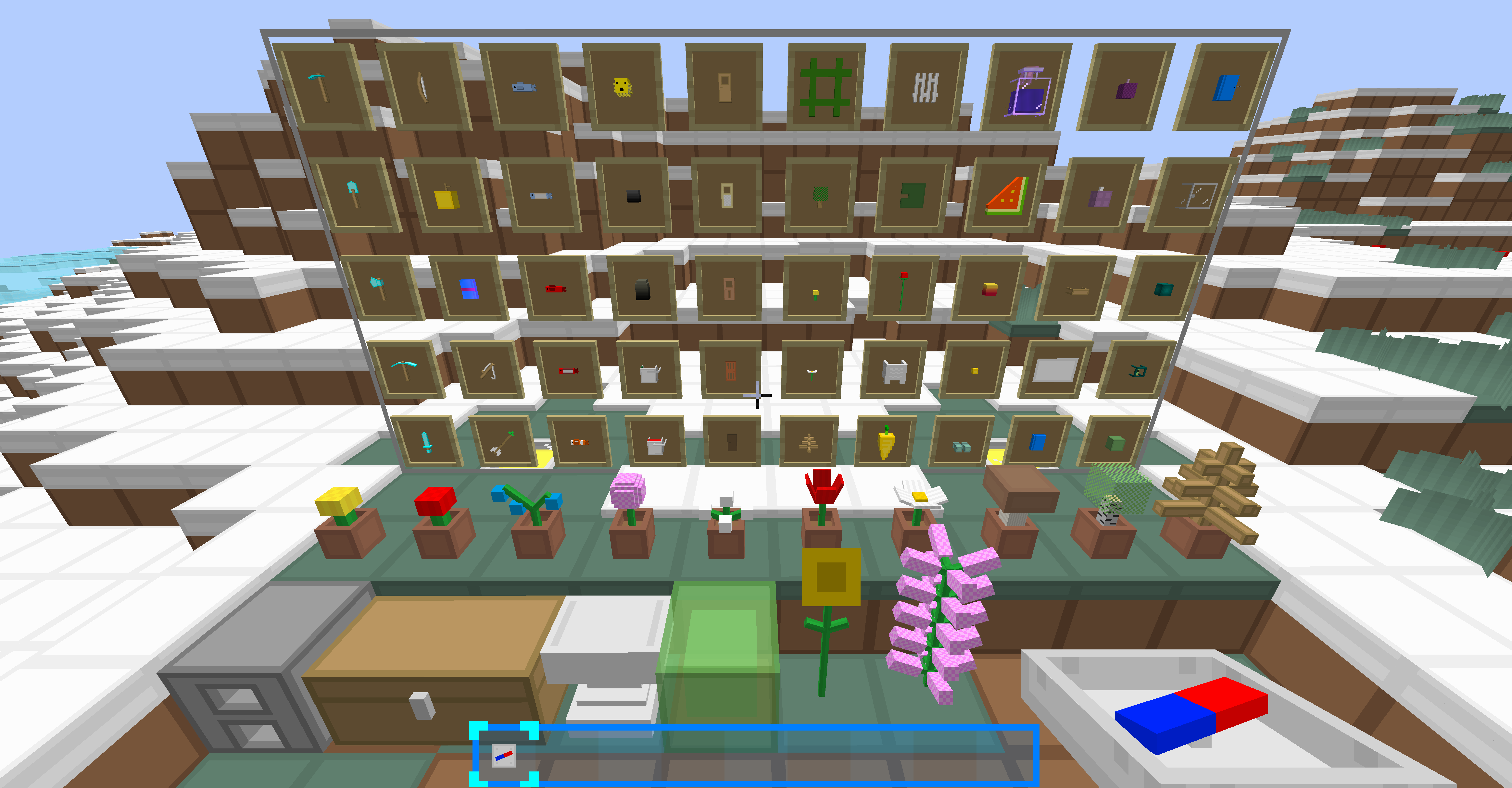
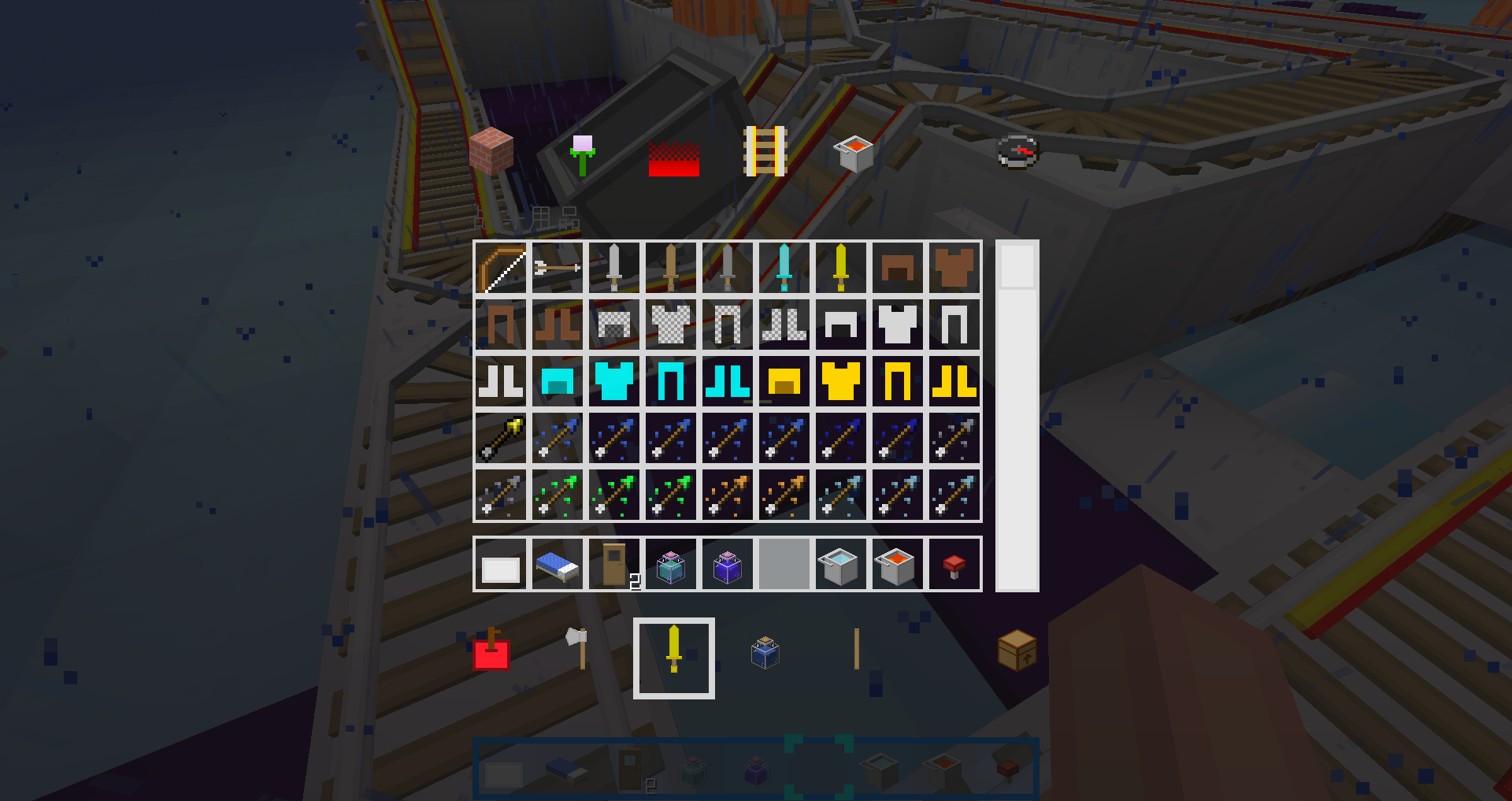
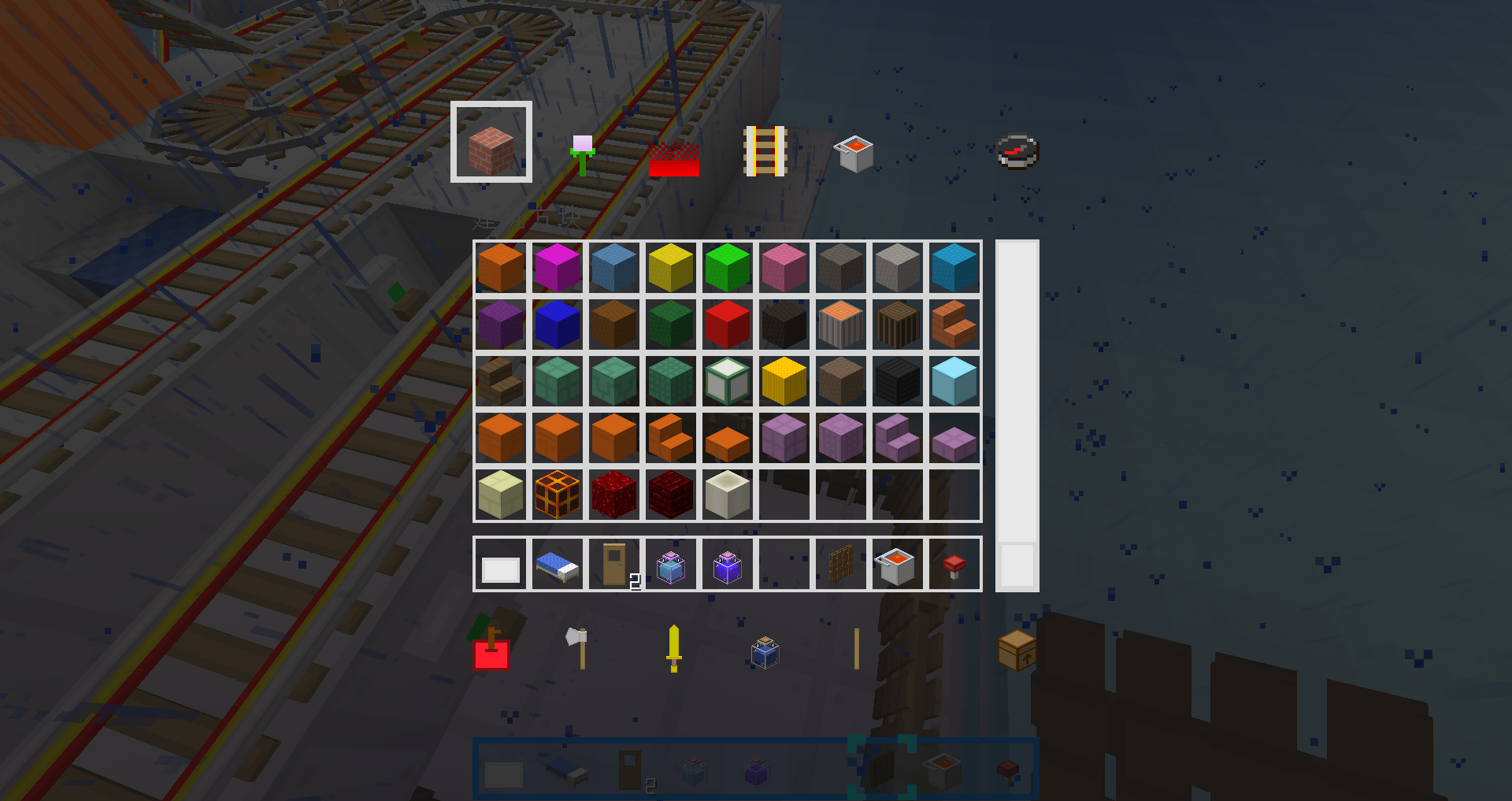
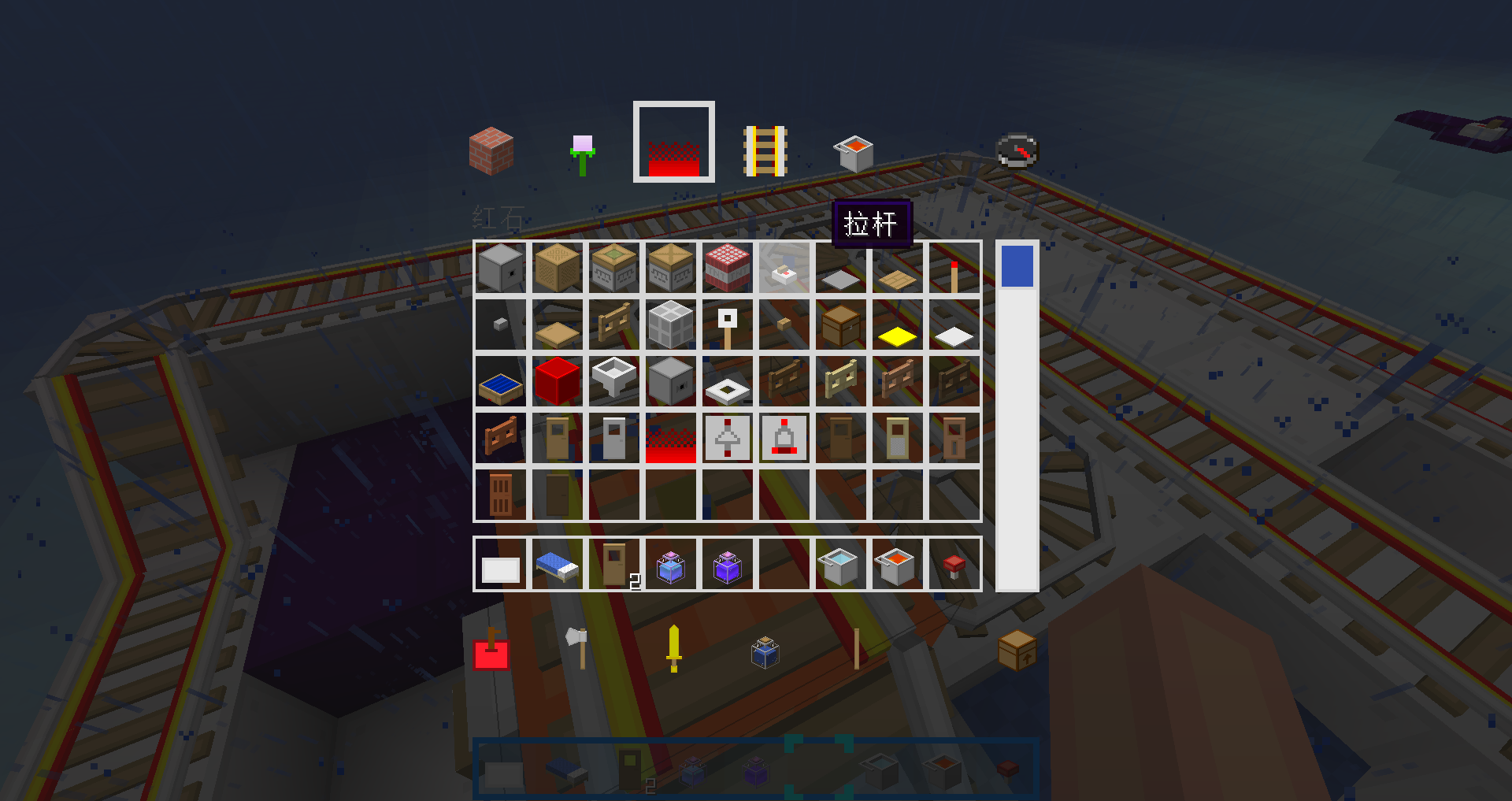
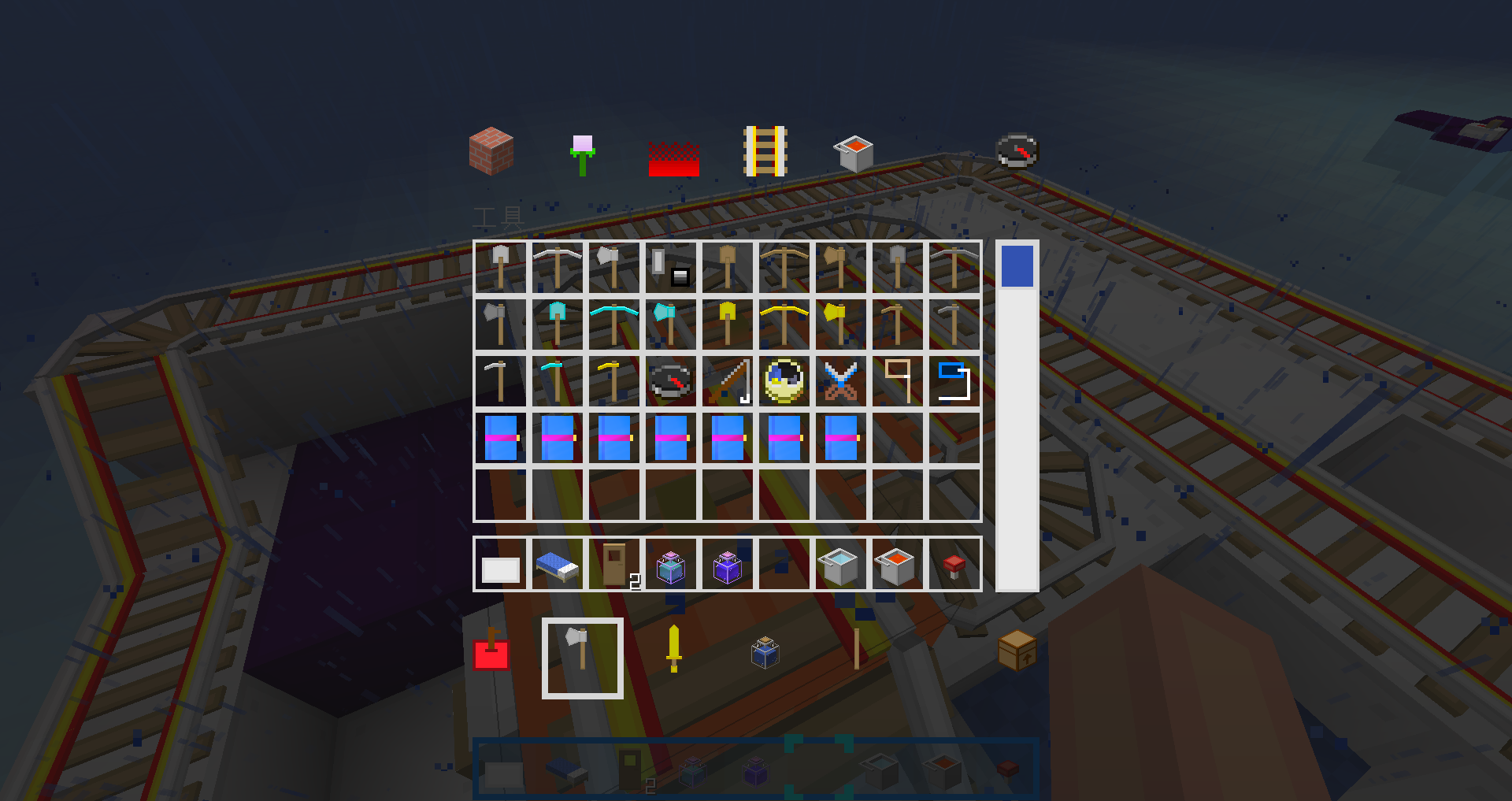
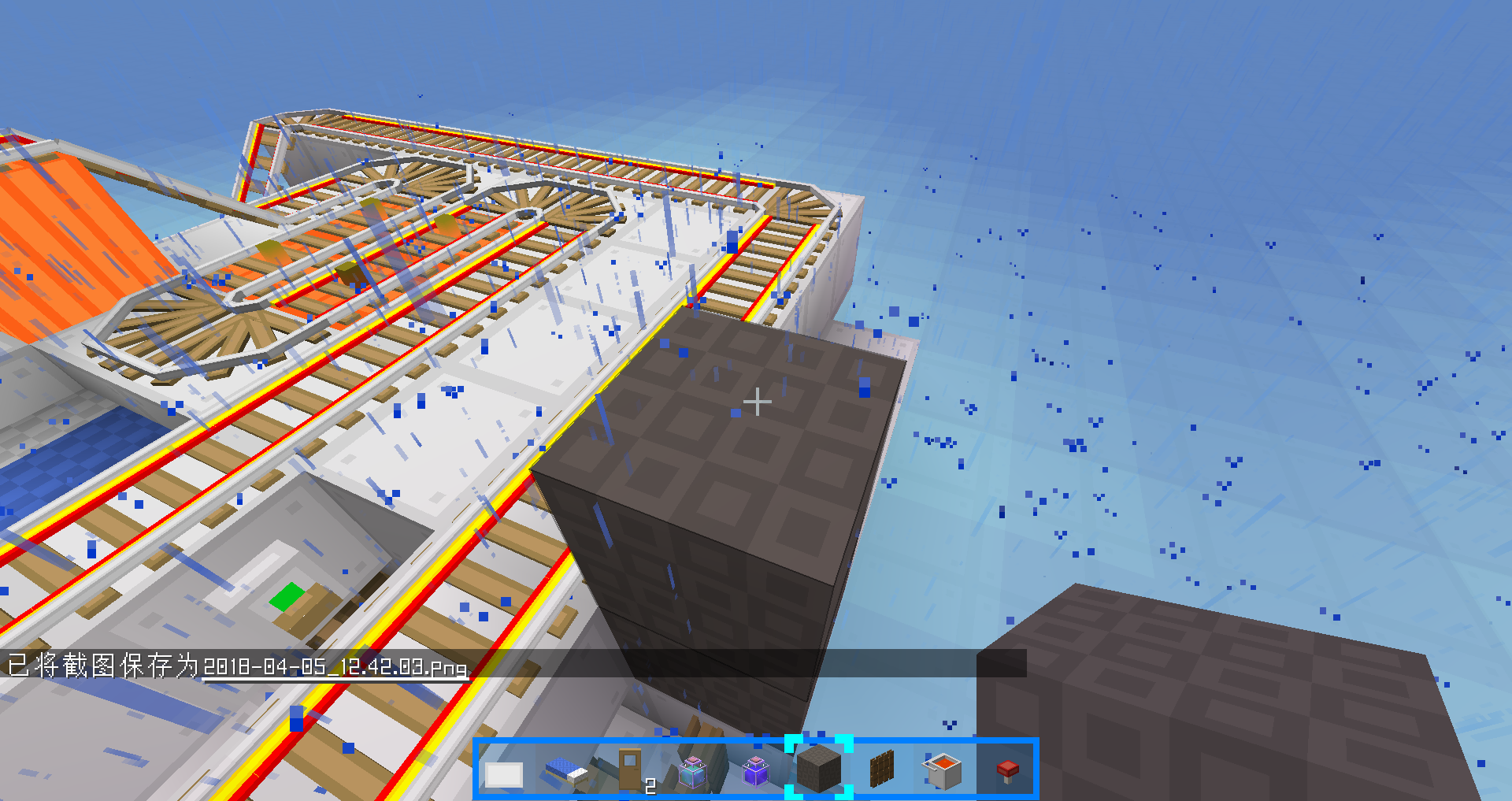
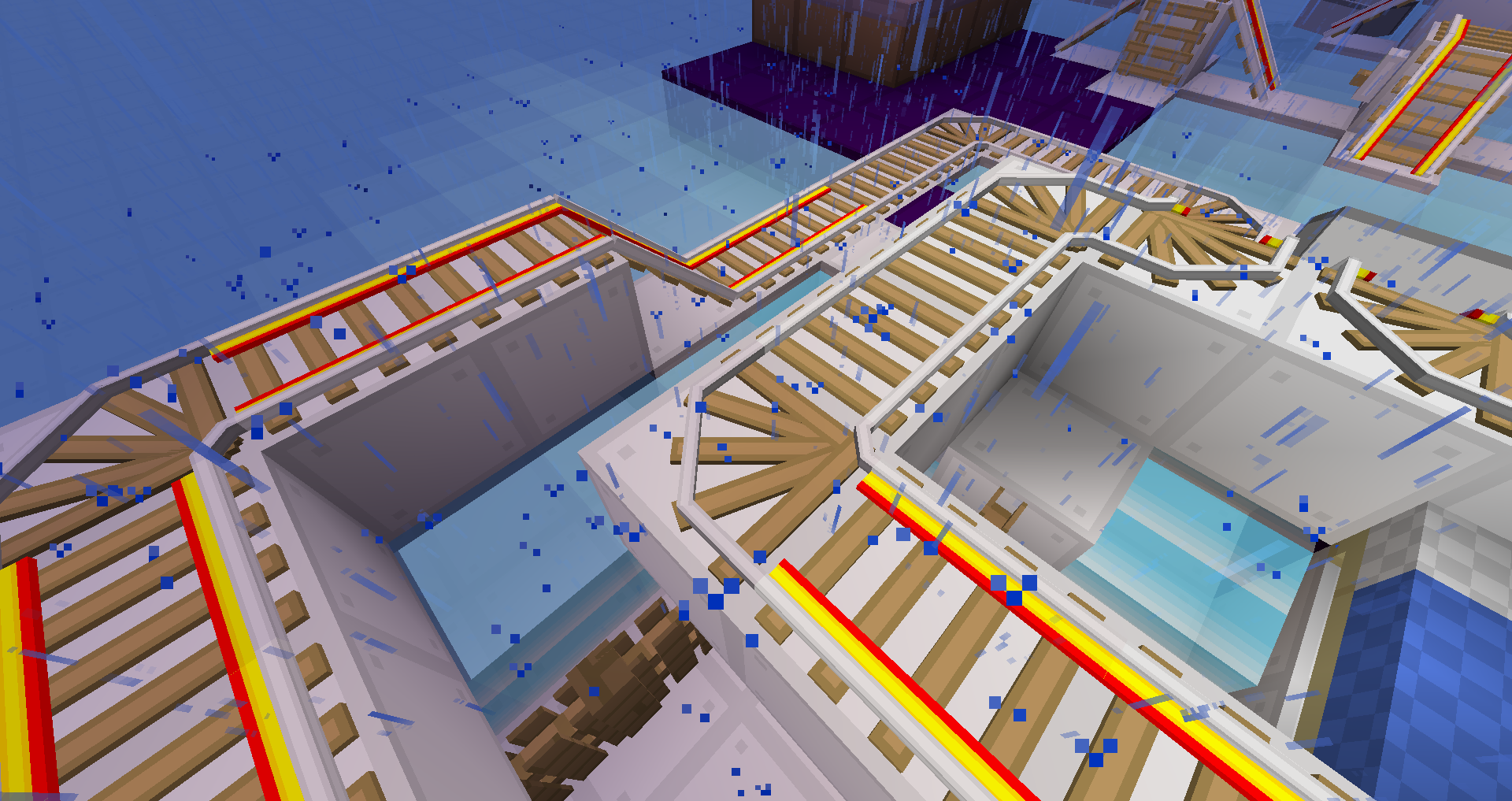
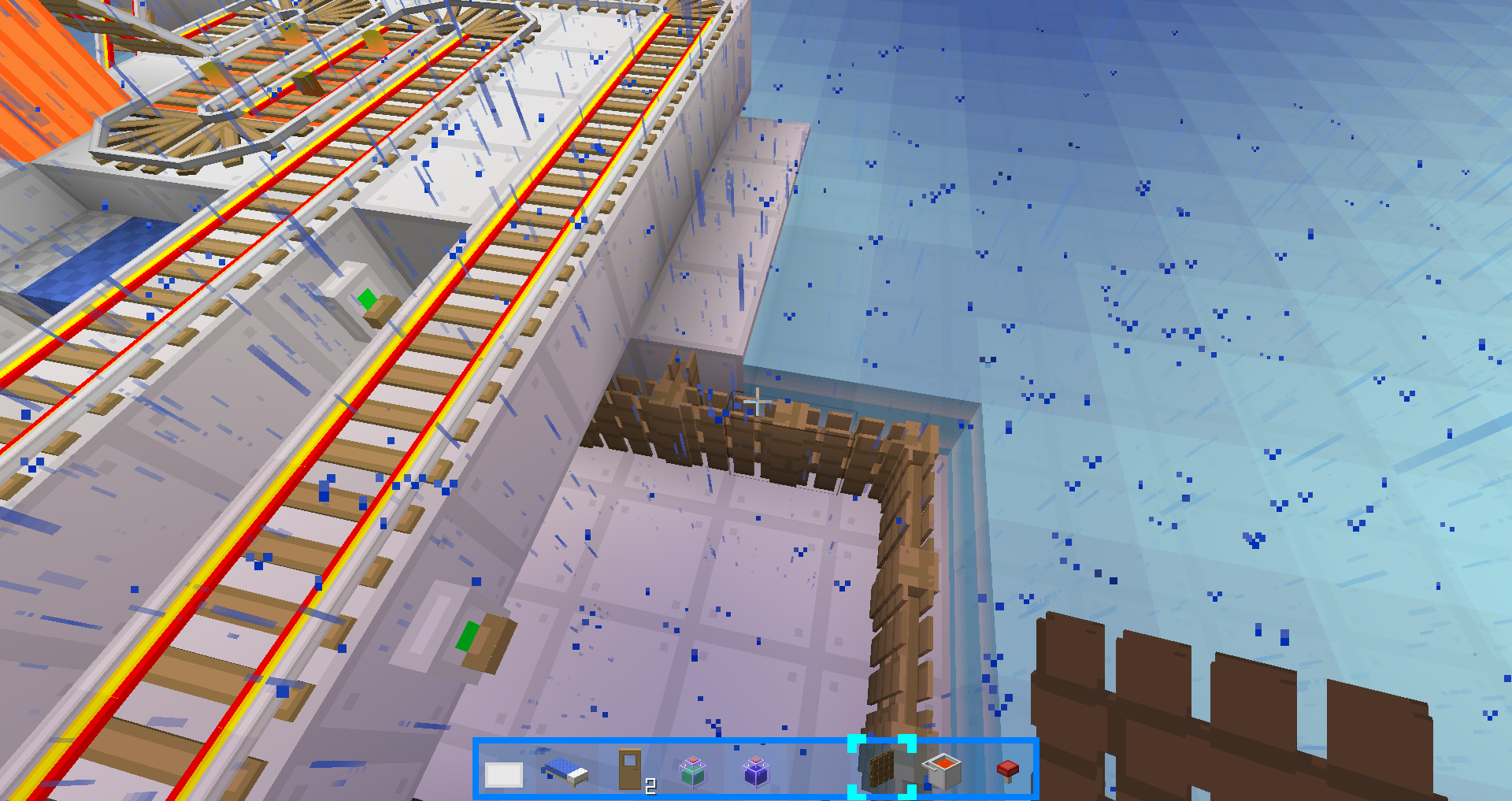
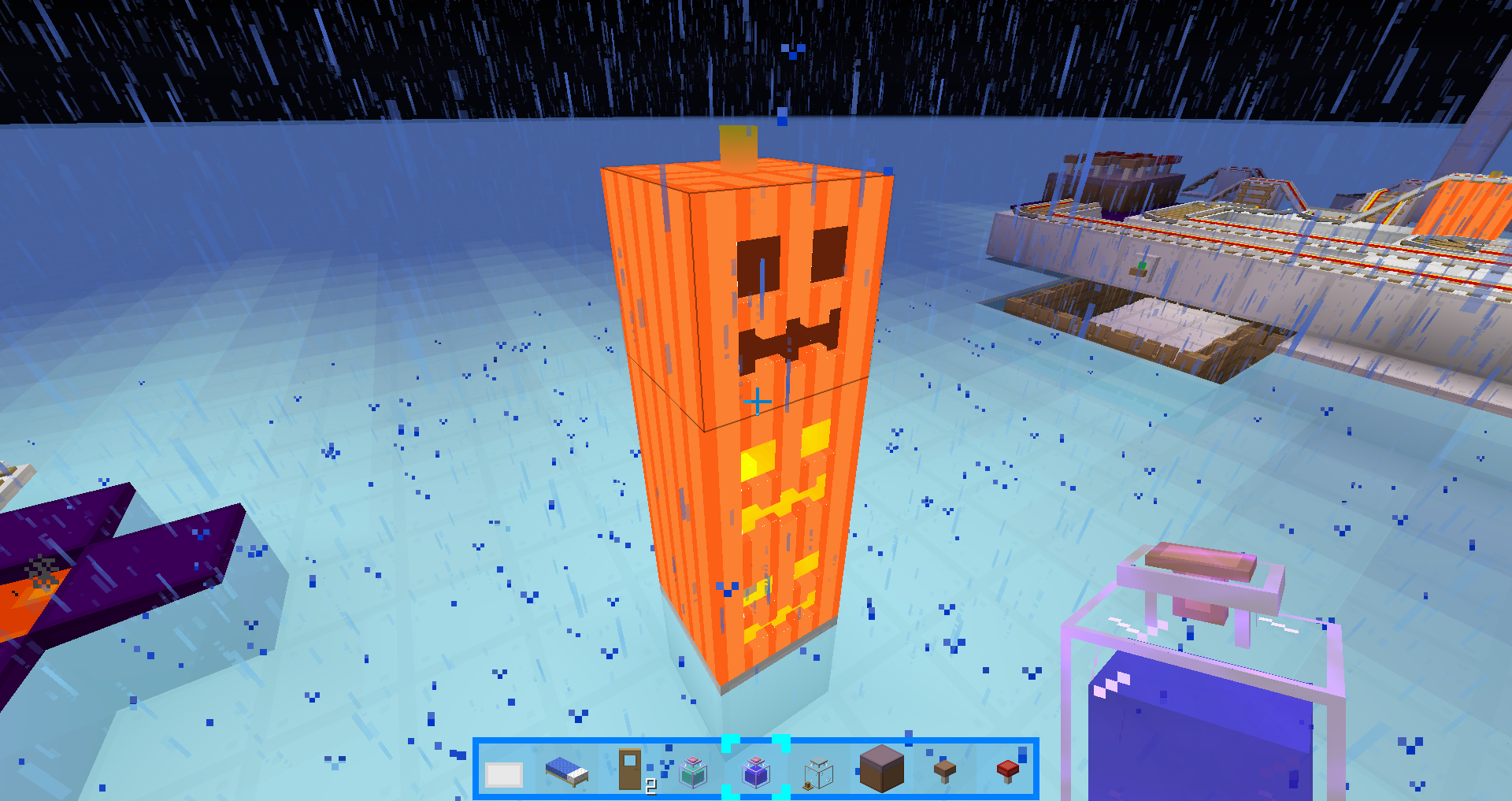
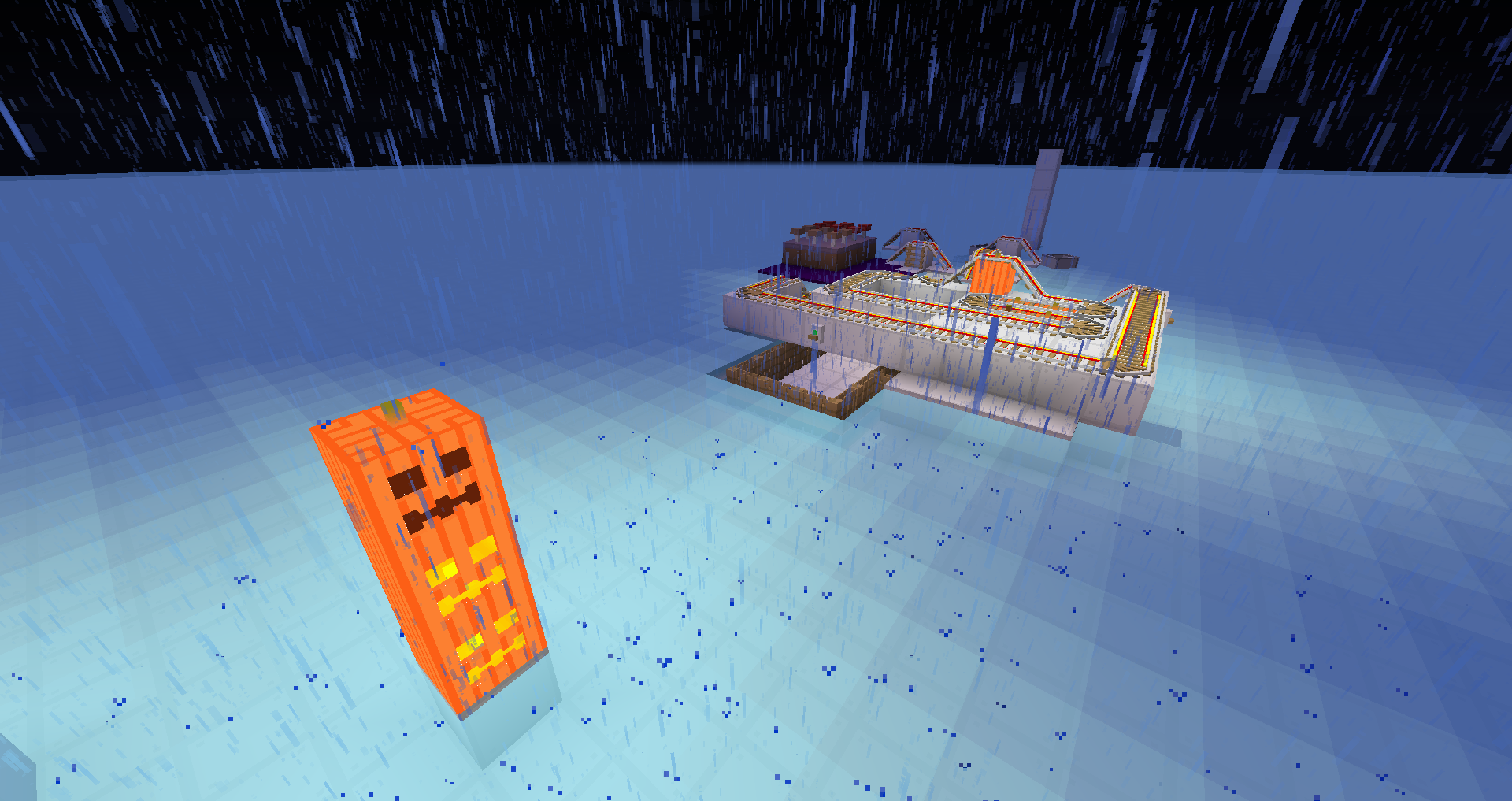
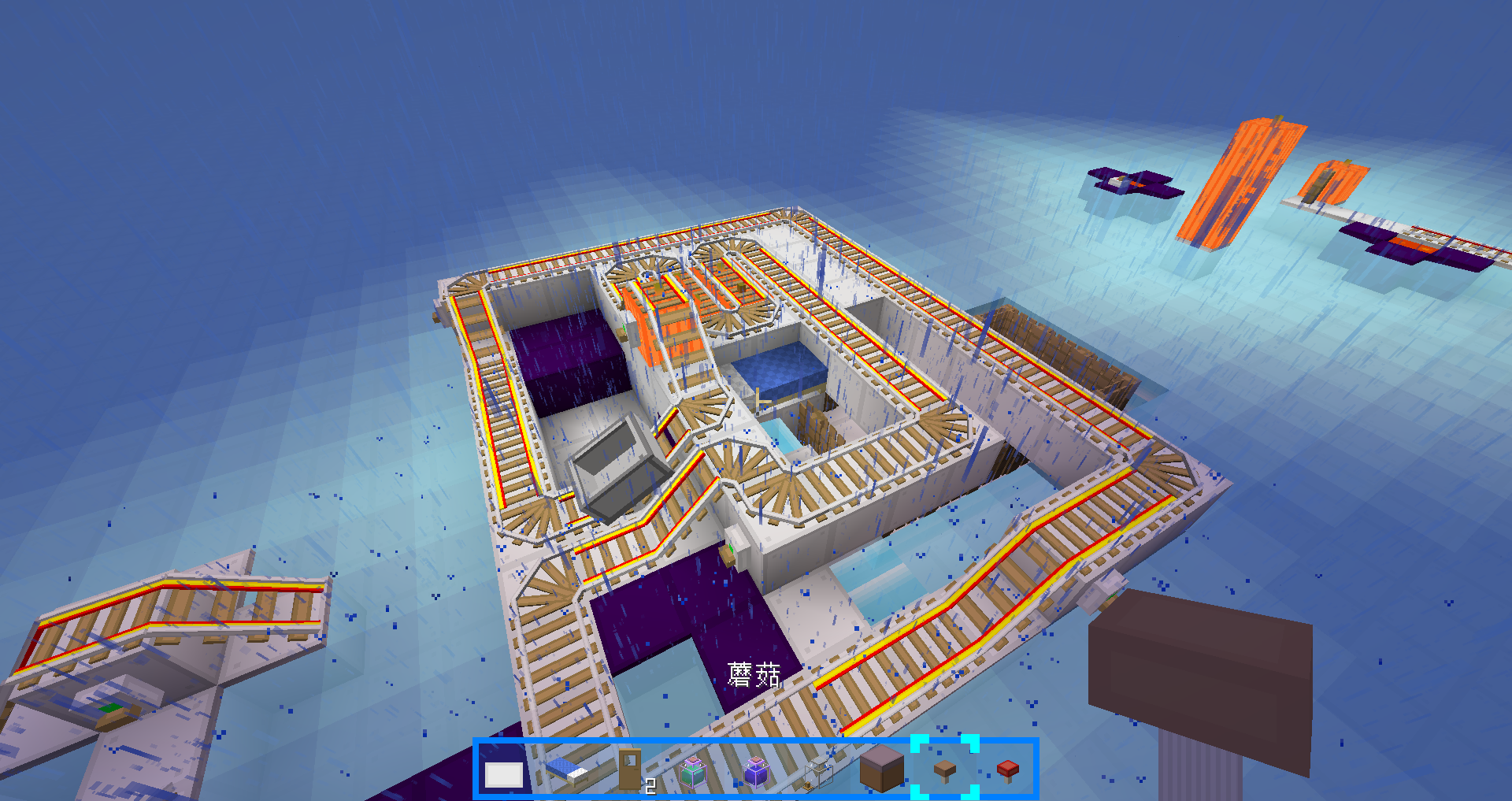
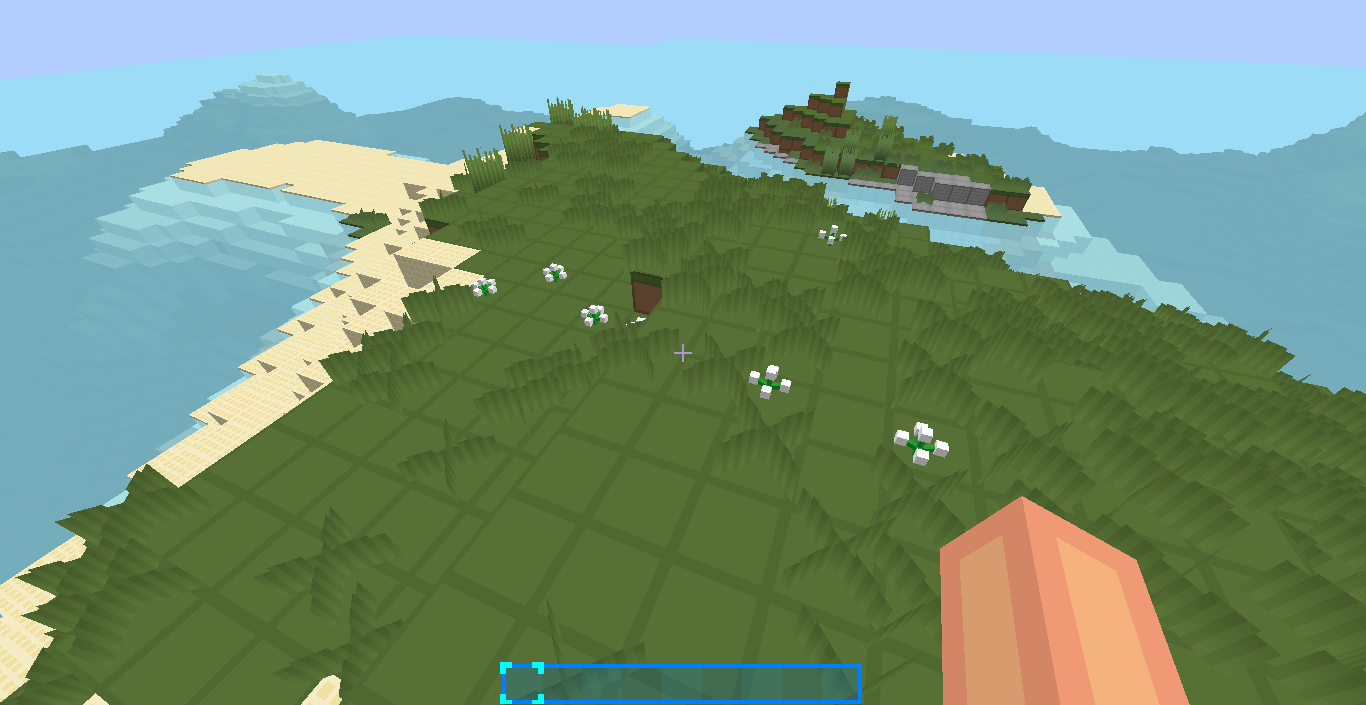
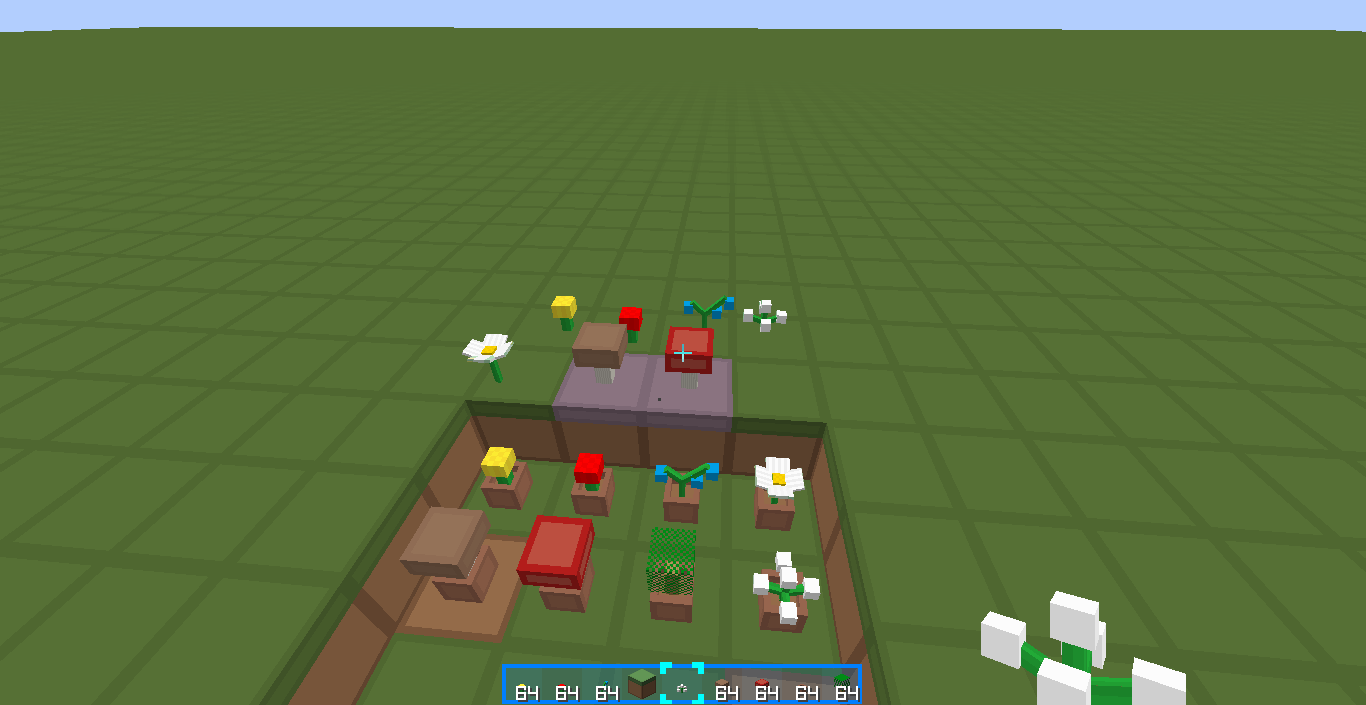
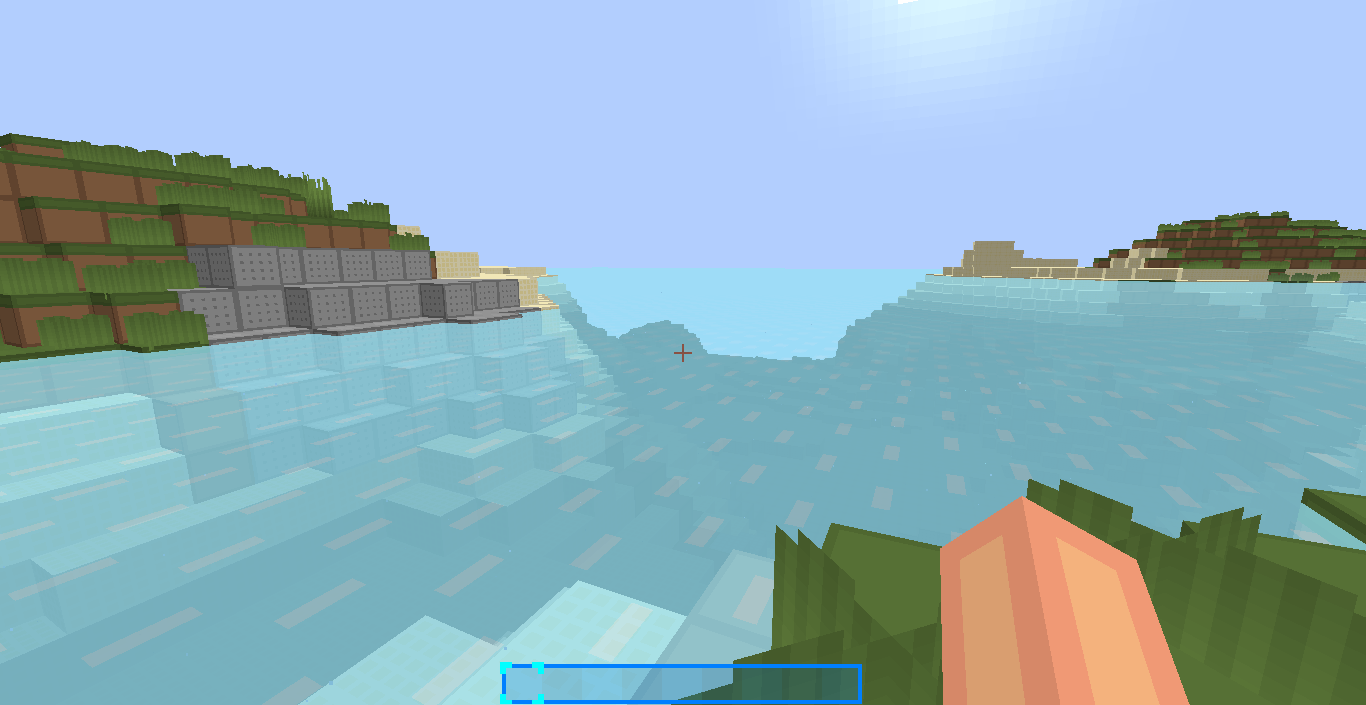
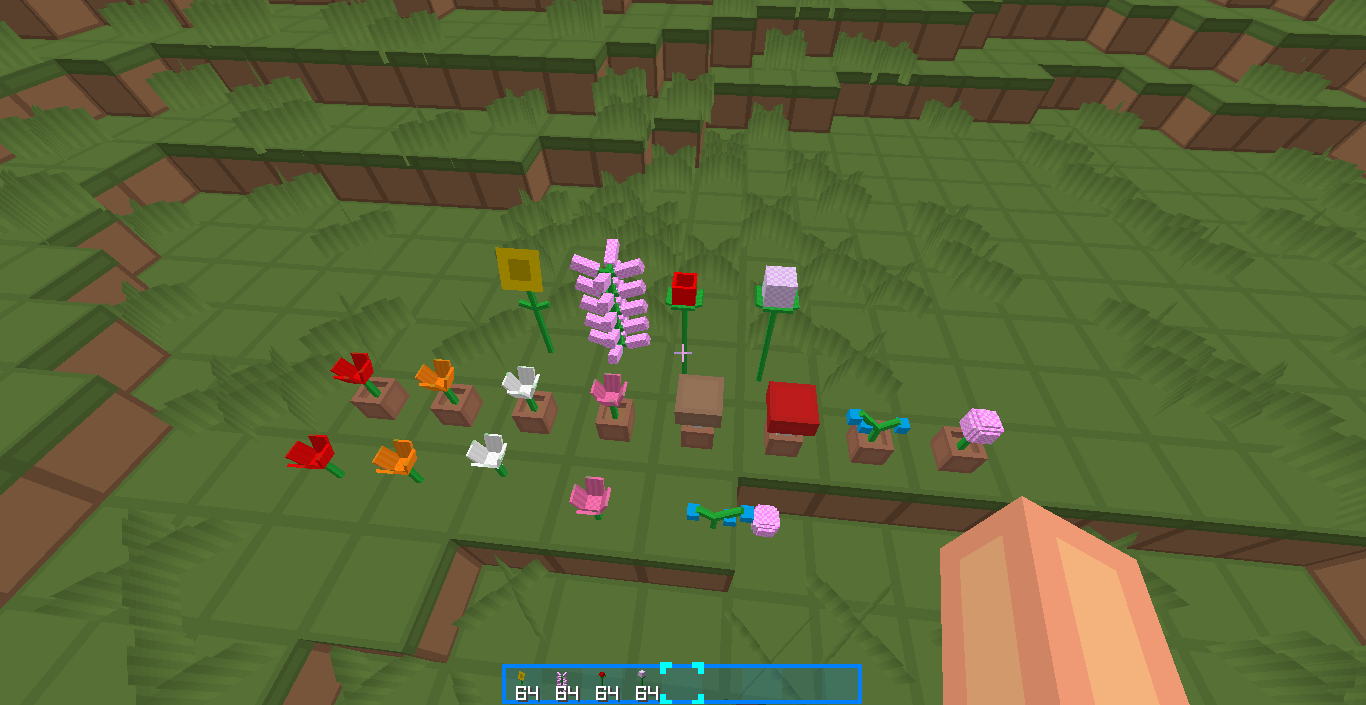
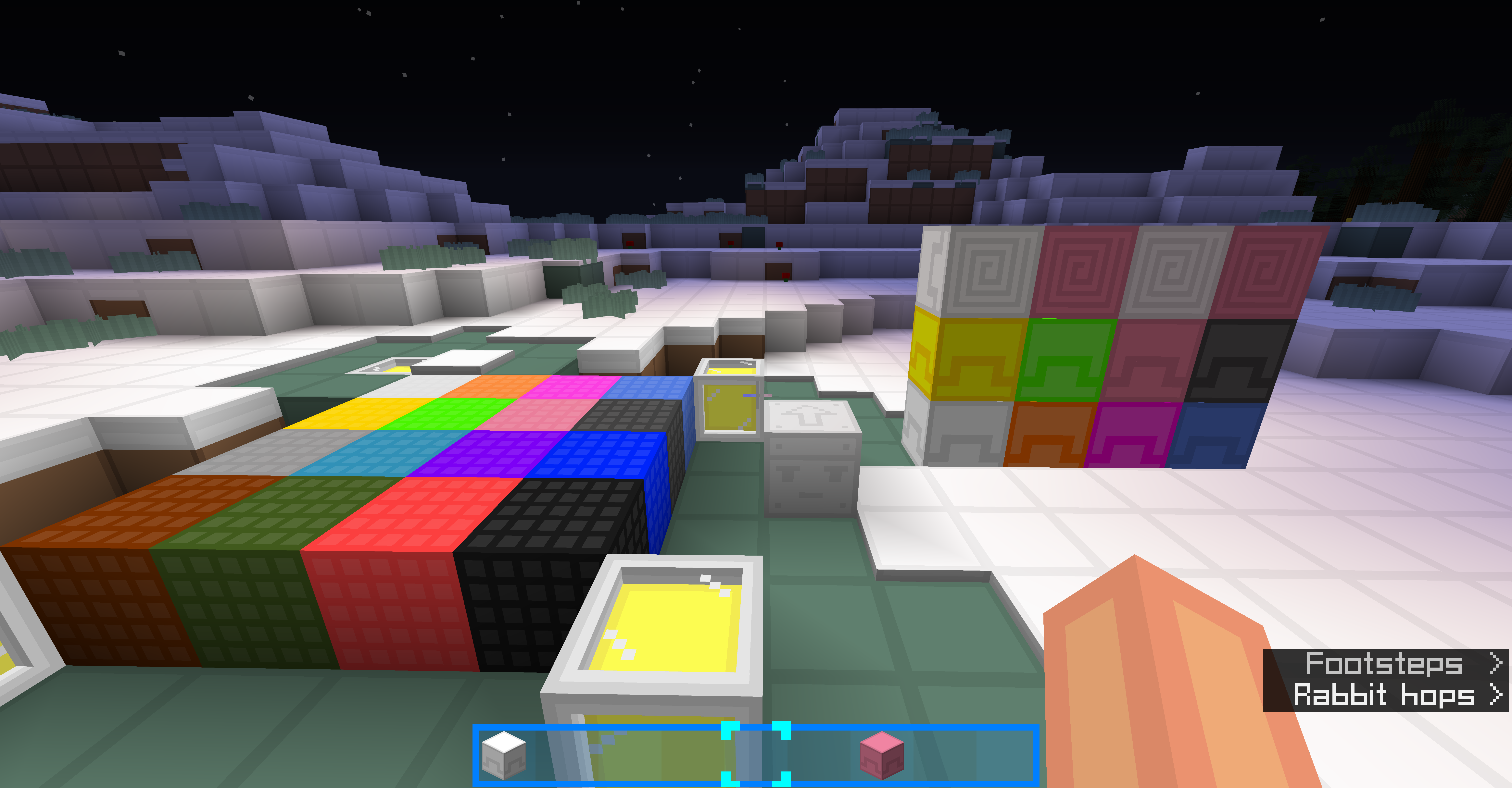
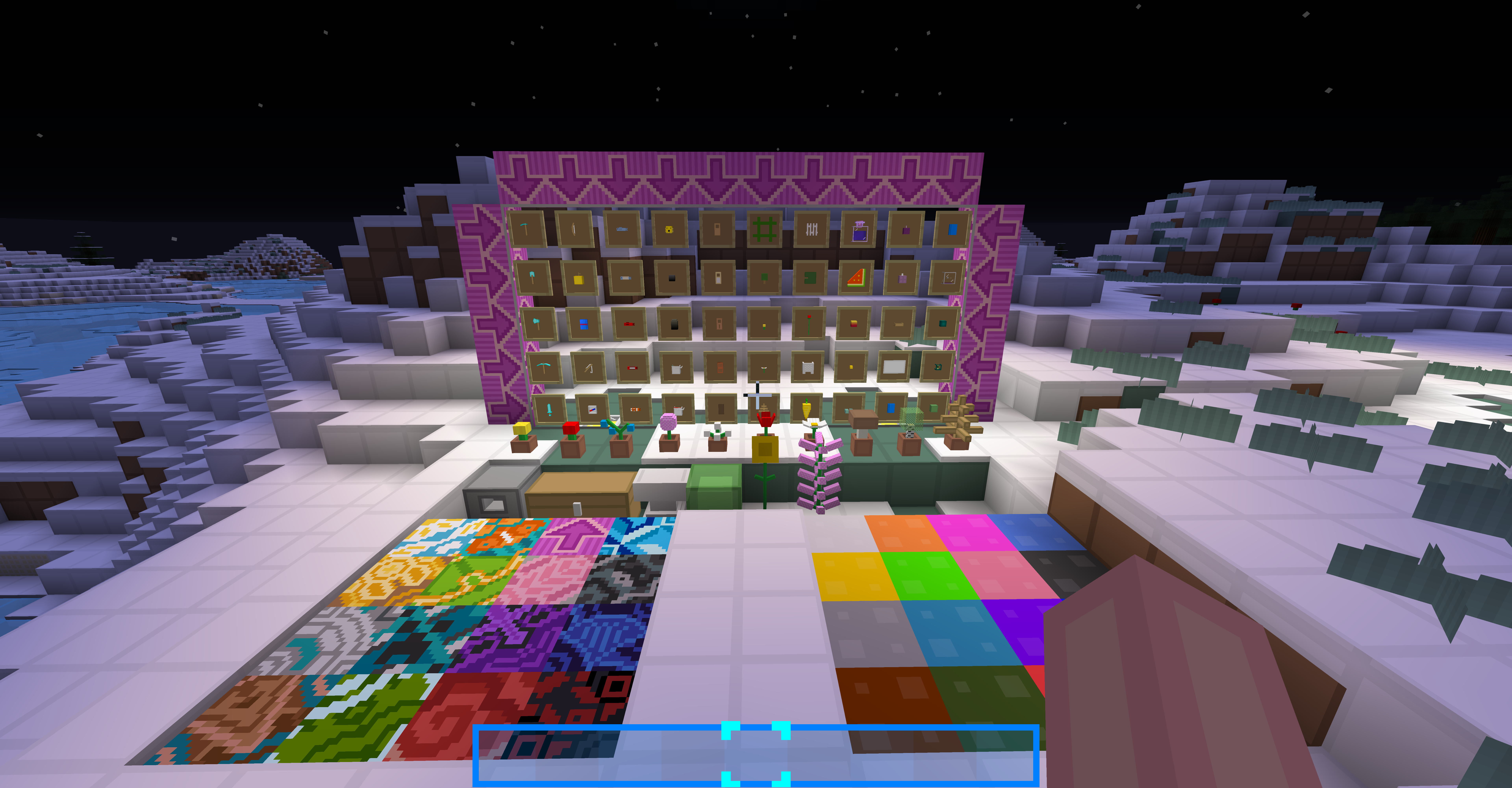
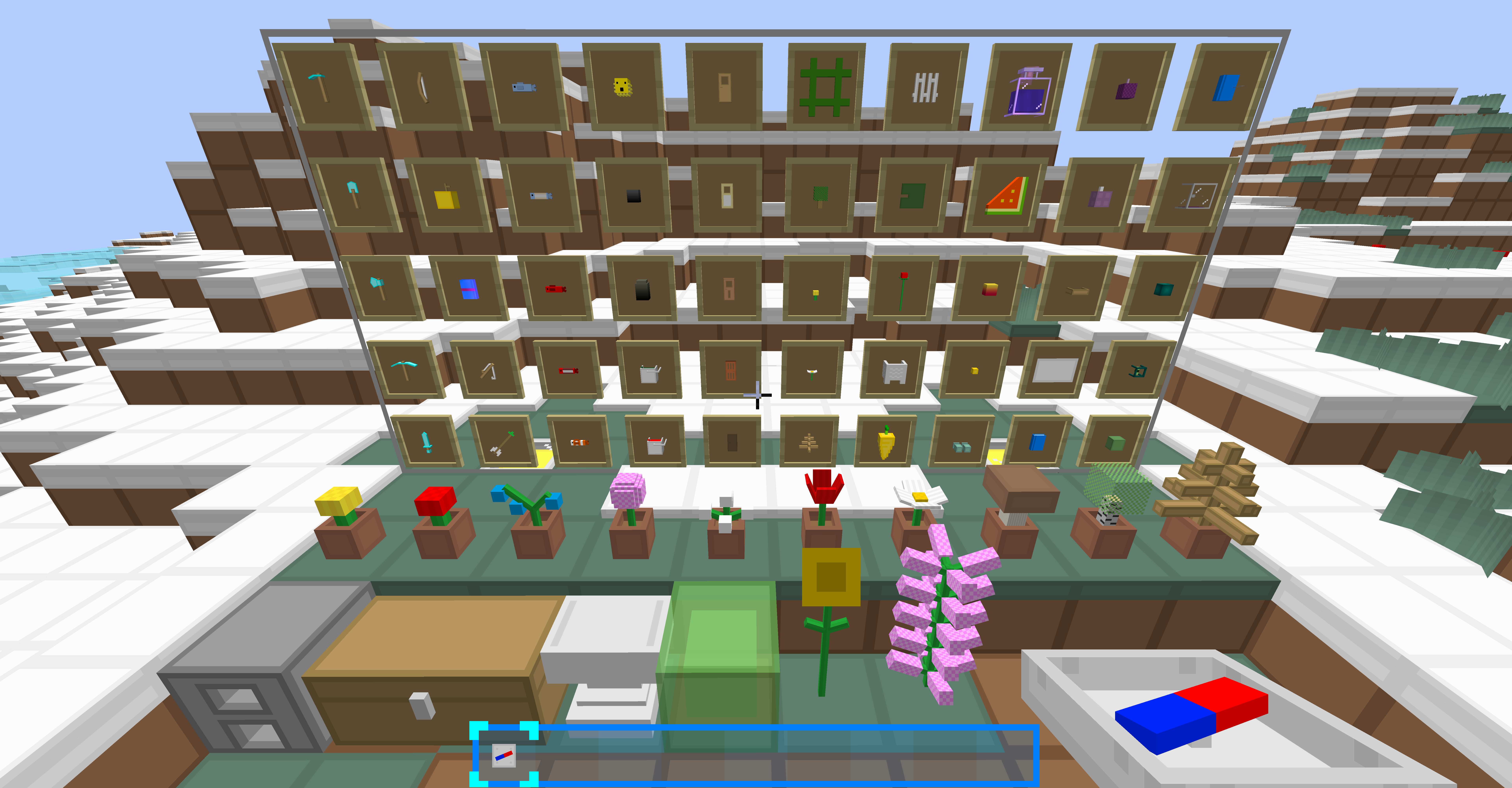
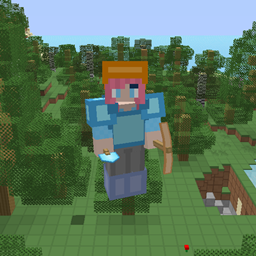
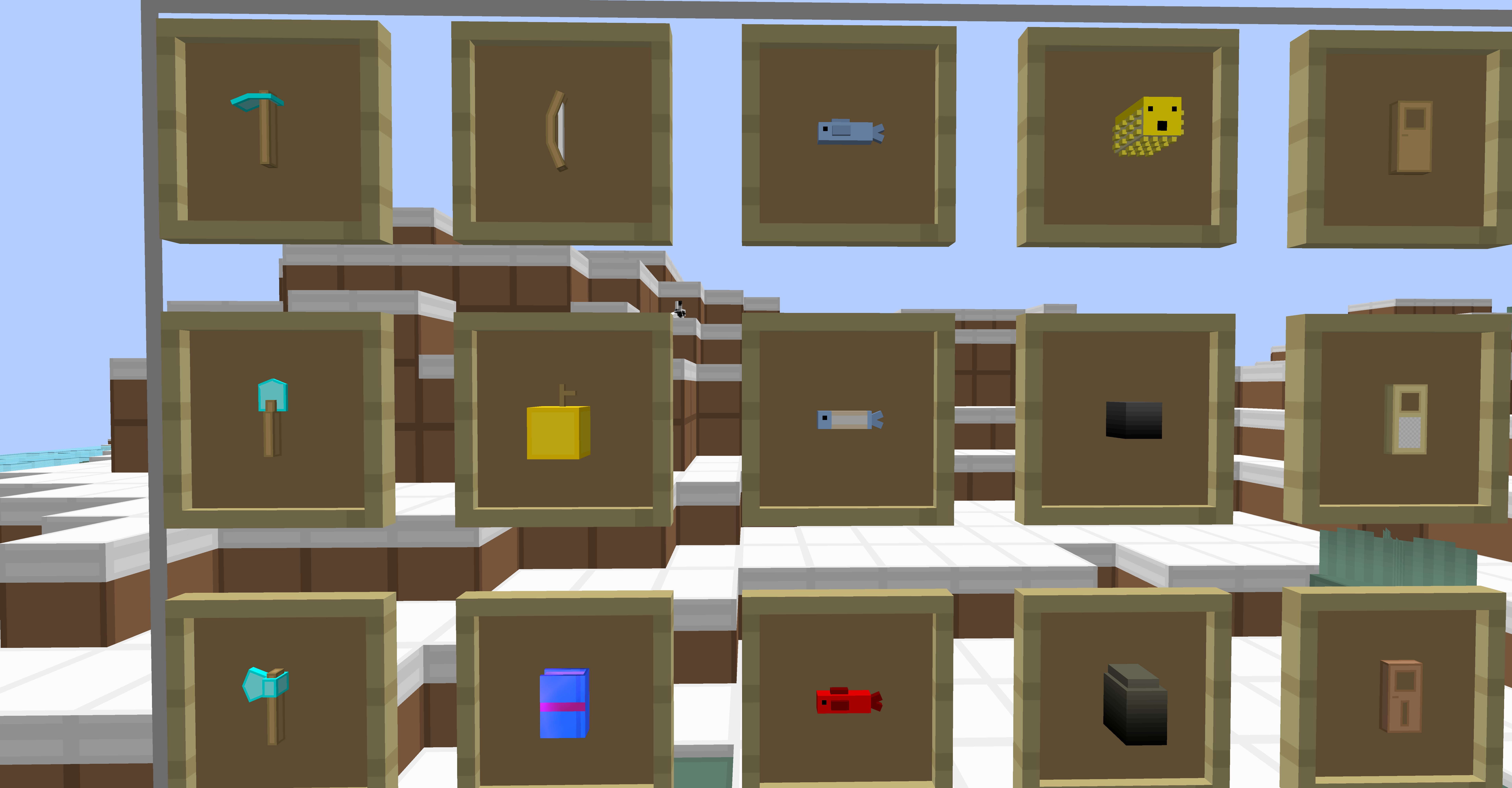
Now has 3D models for many blocks and items!

Such as: Tools, flowers, rails, pumpkin and melon, and more!

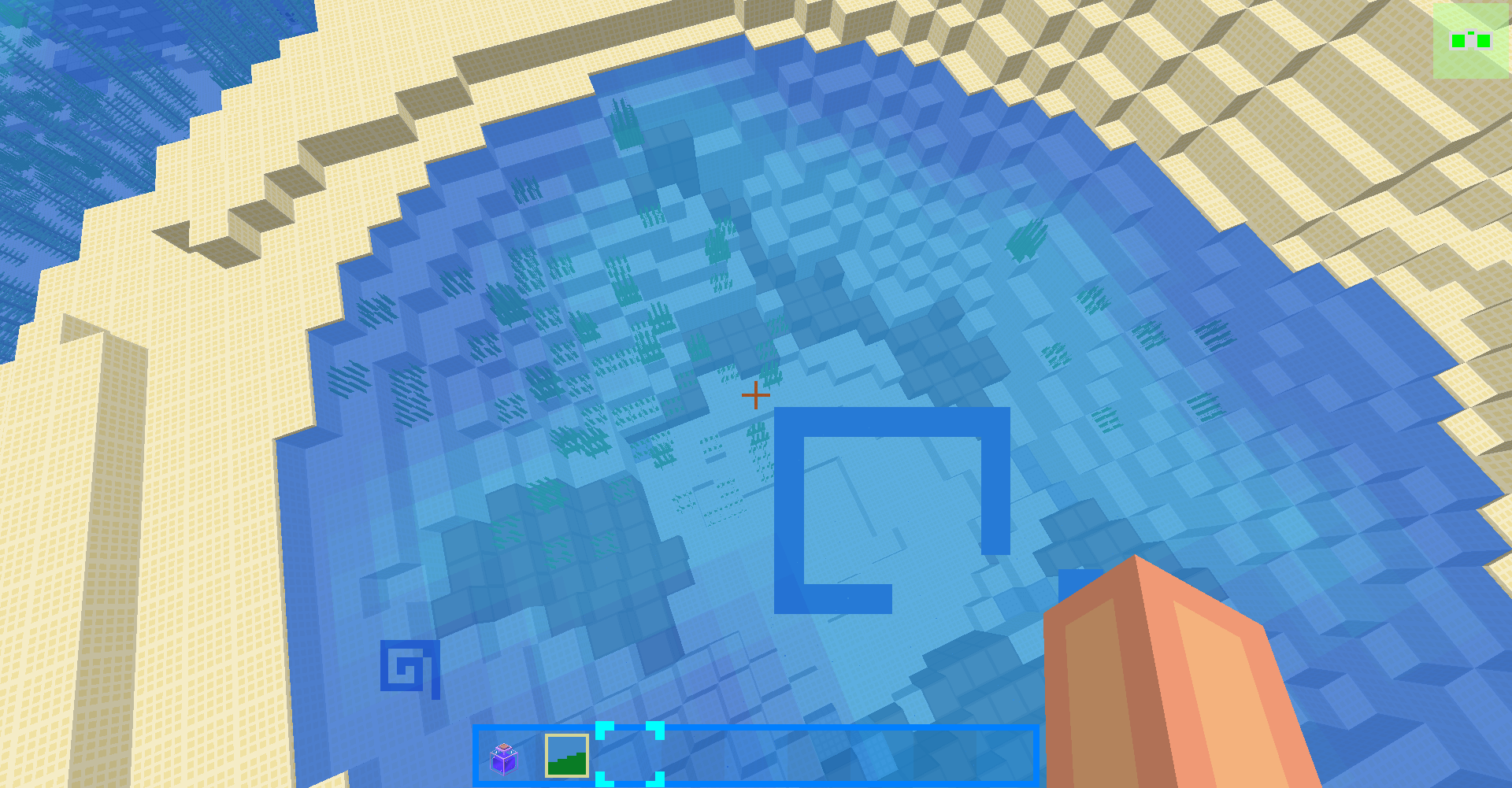
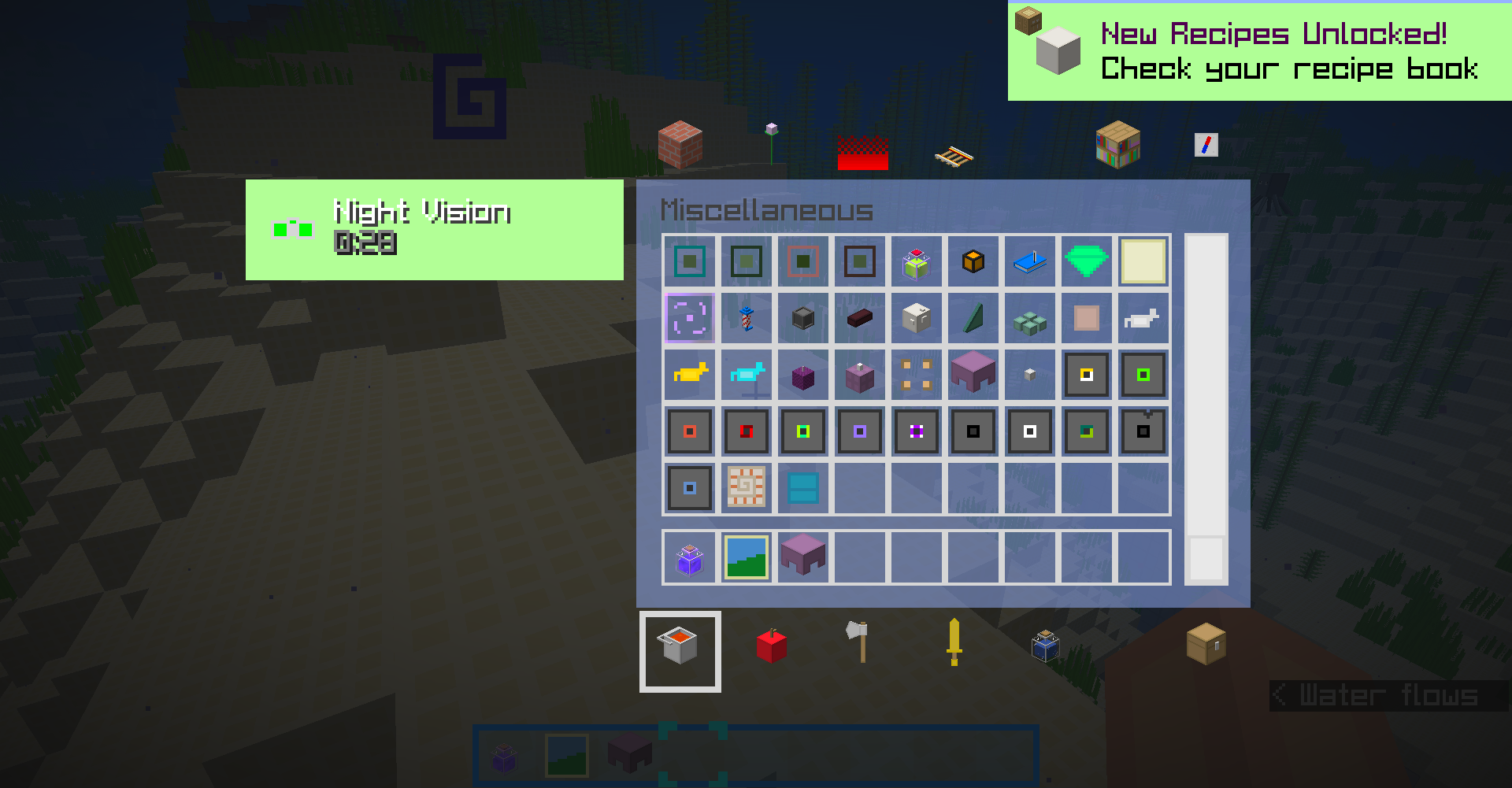
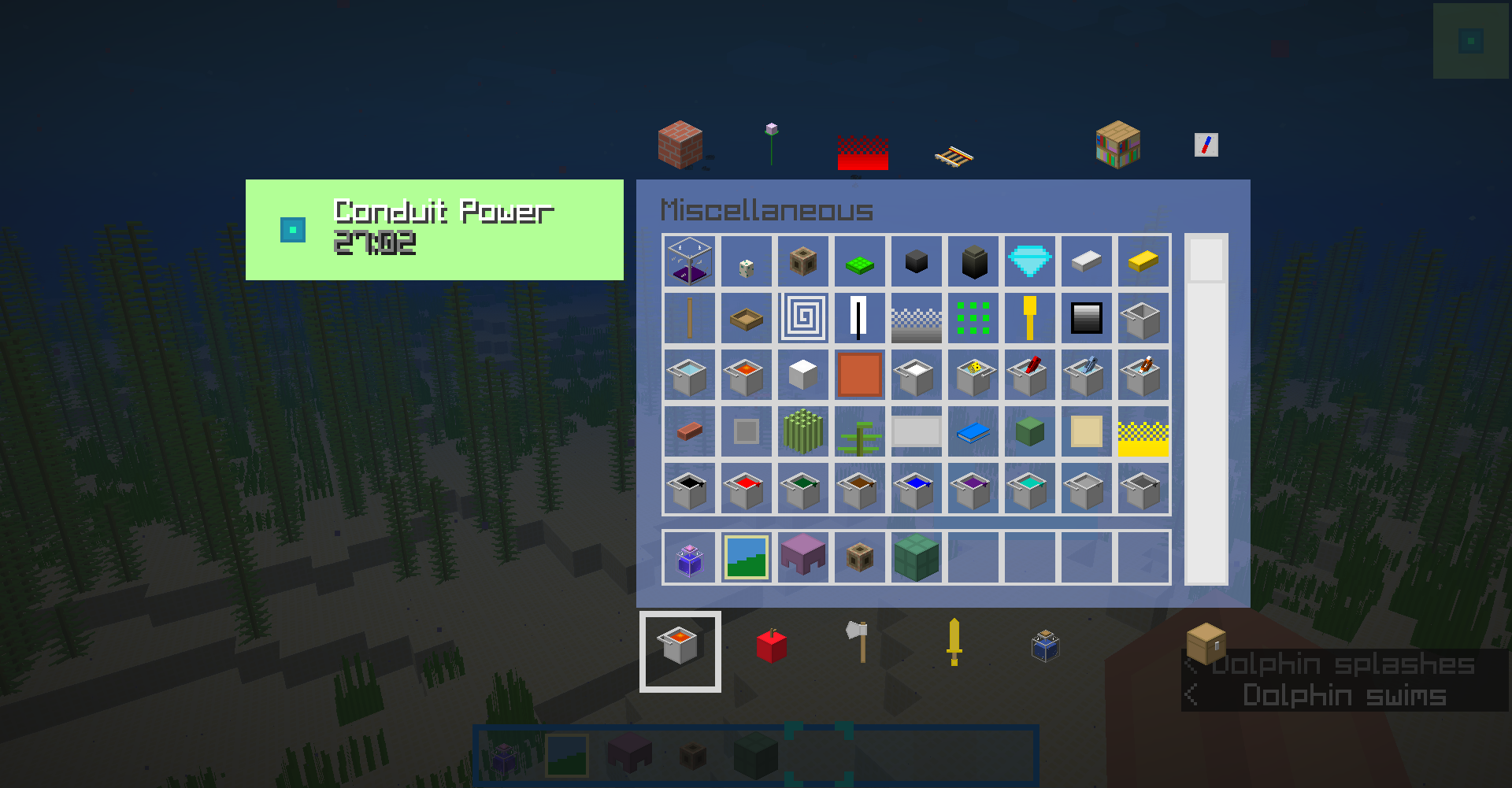
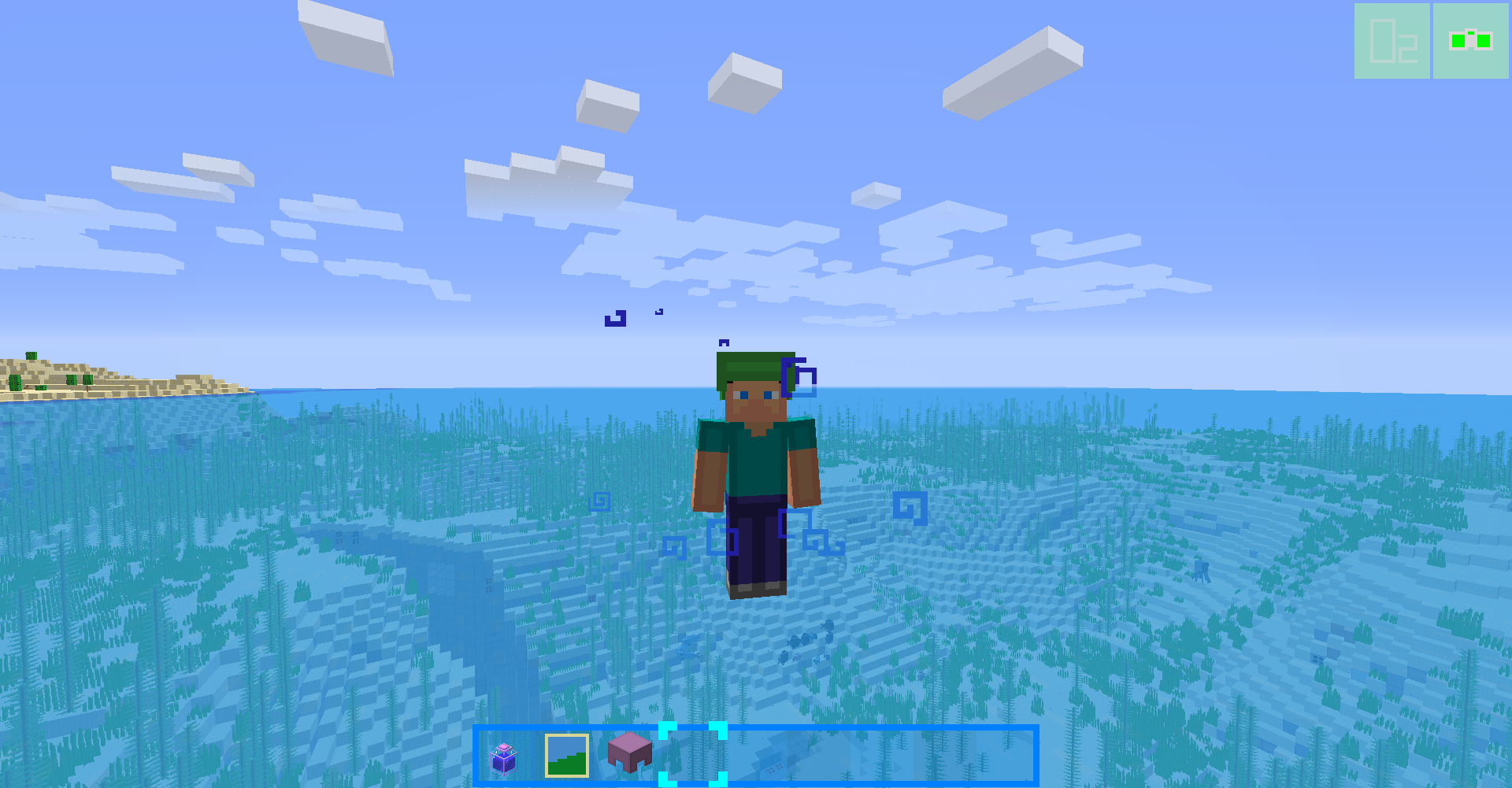
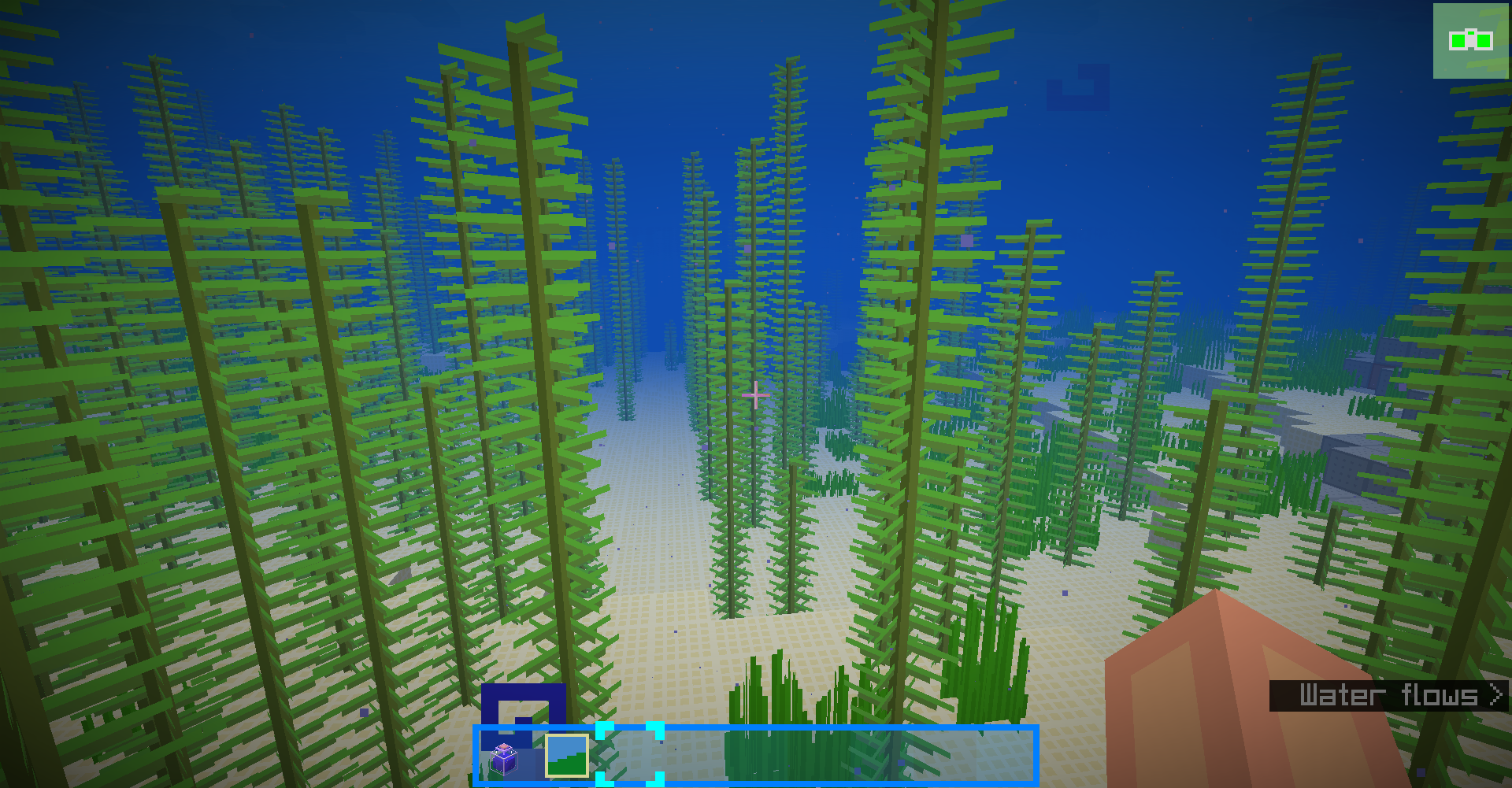
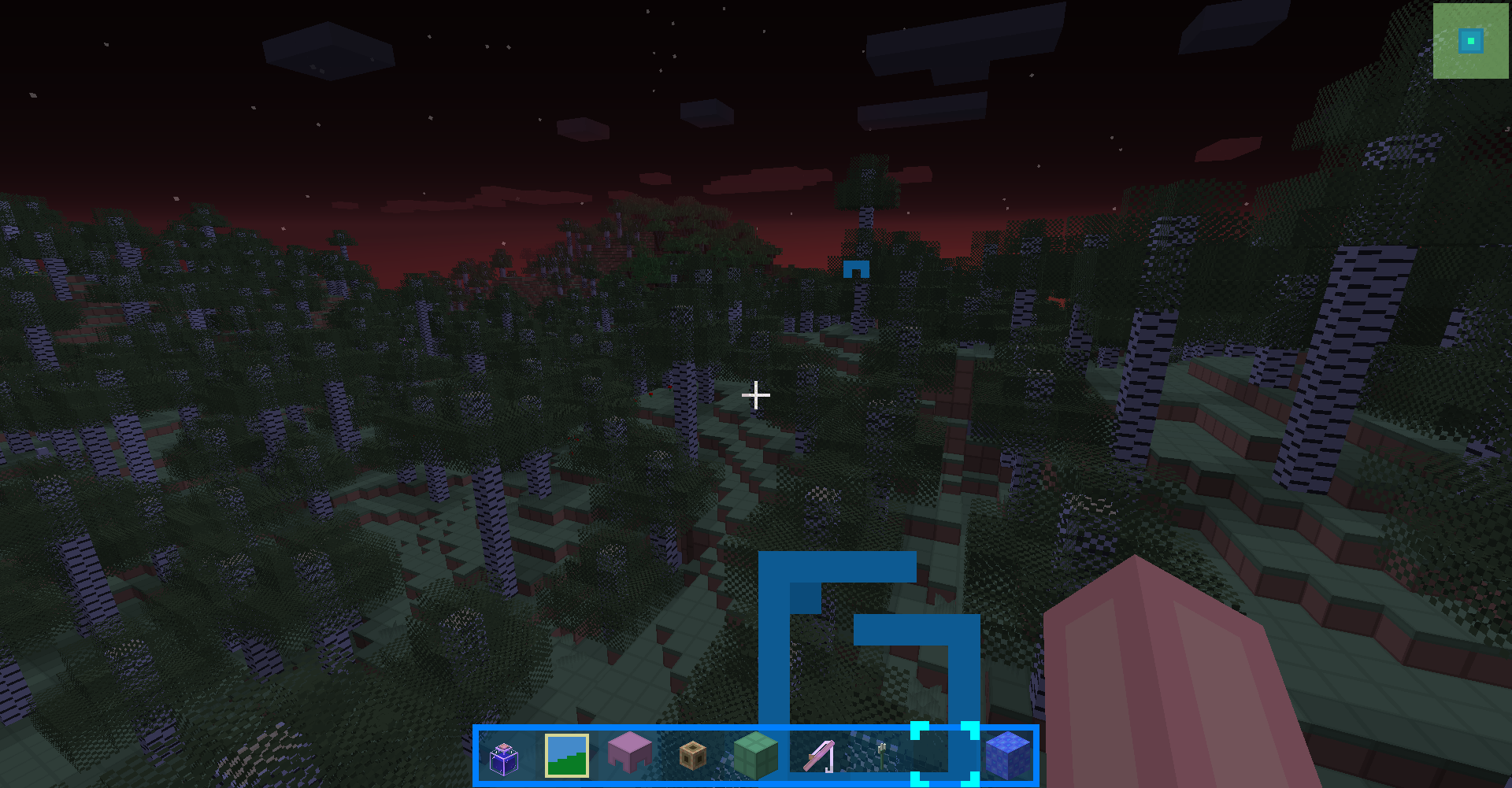
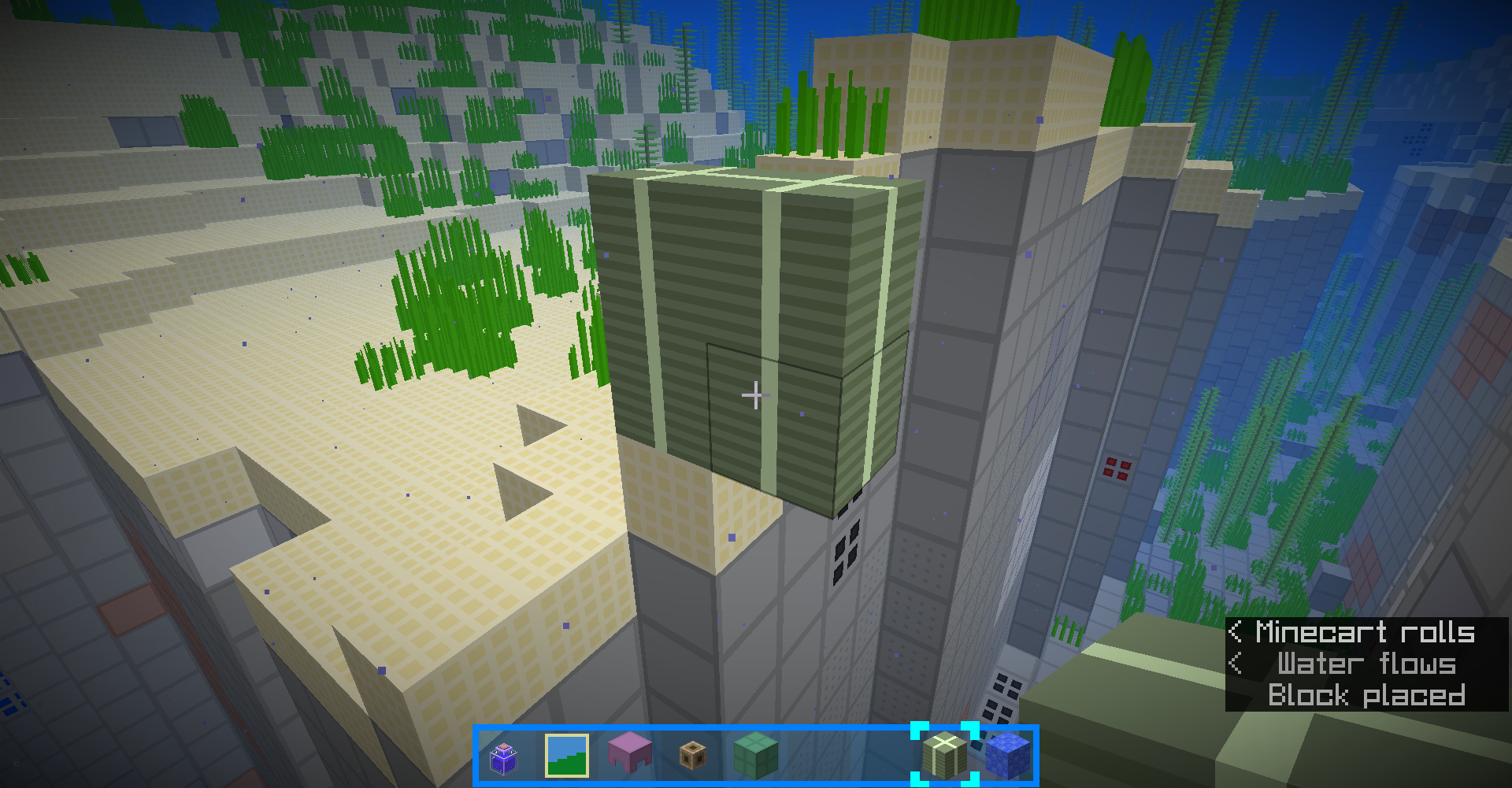
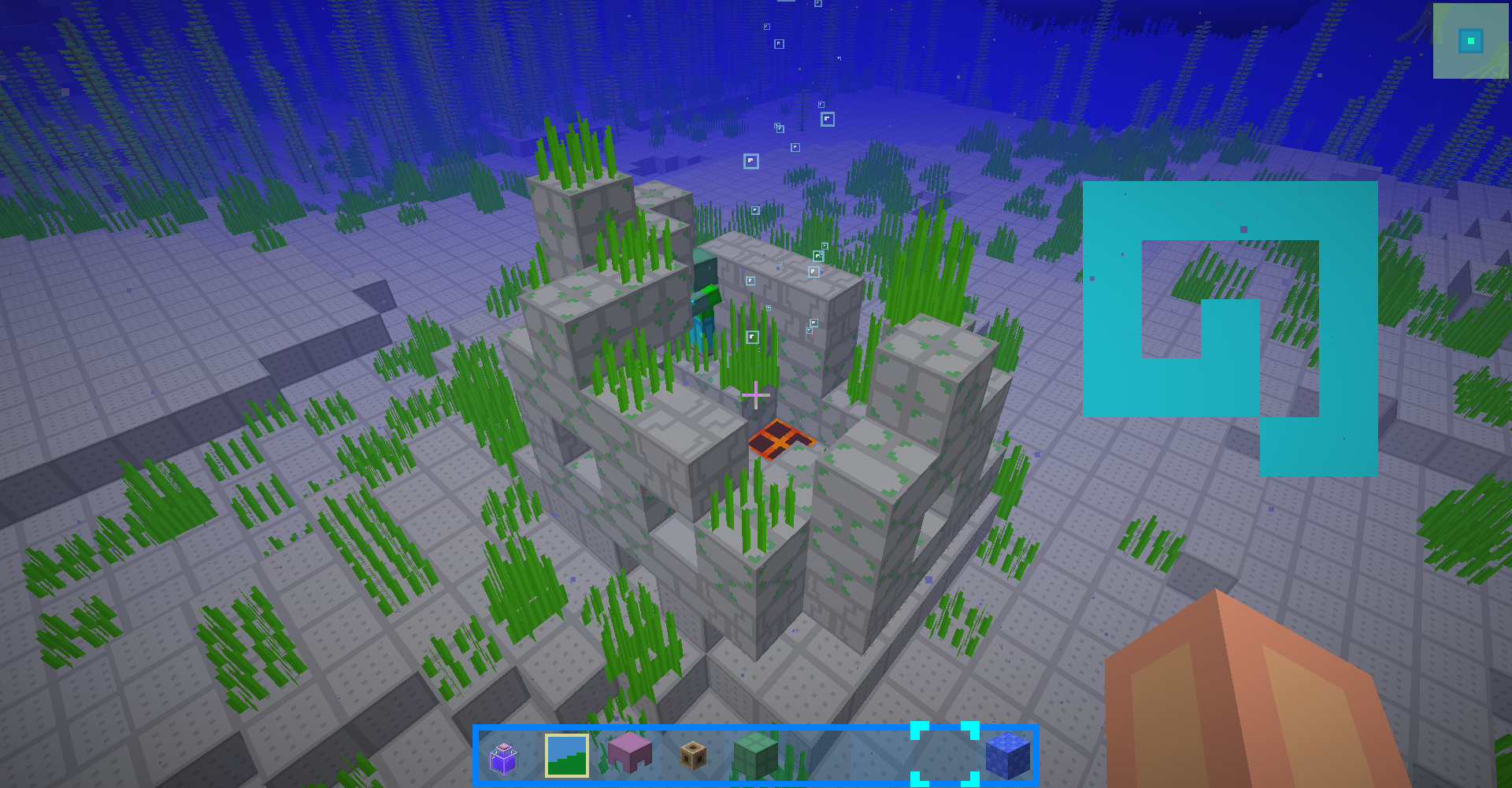
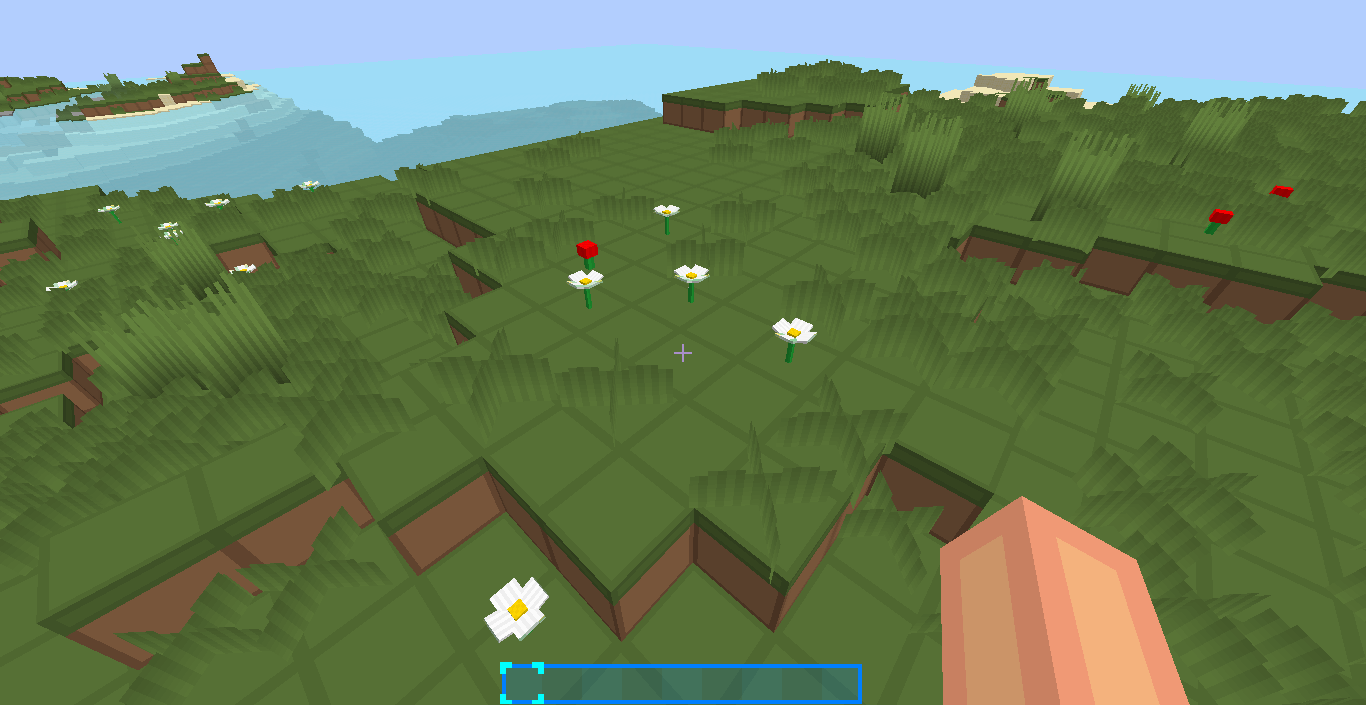
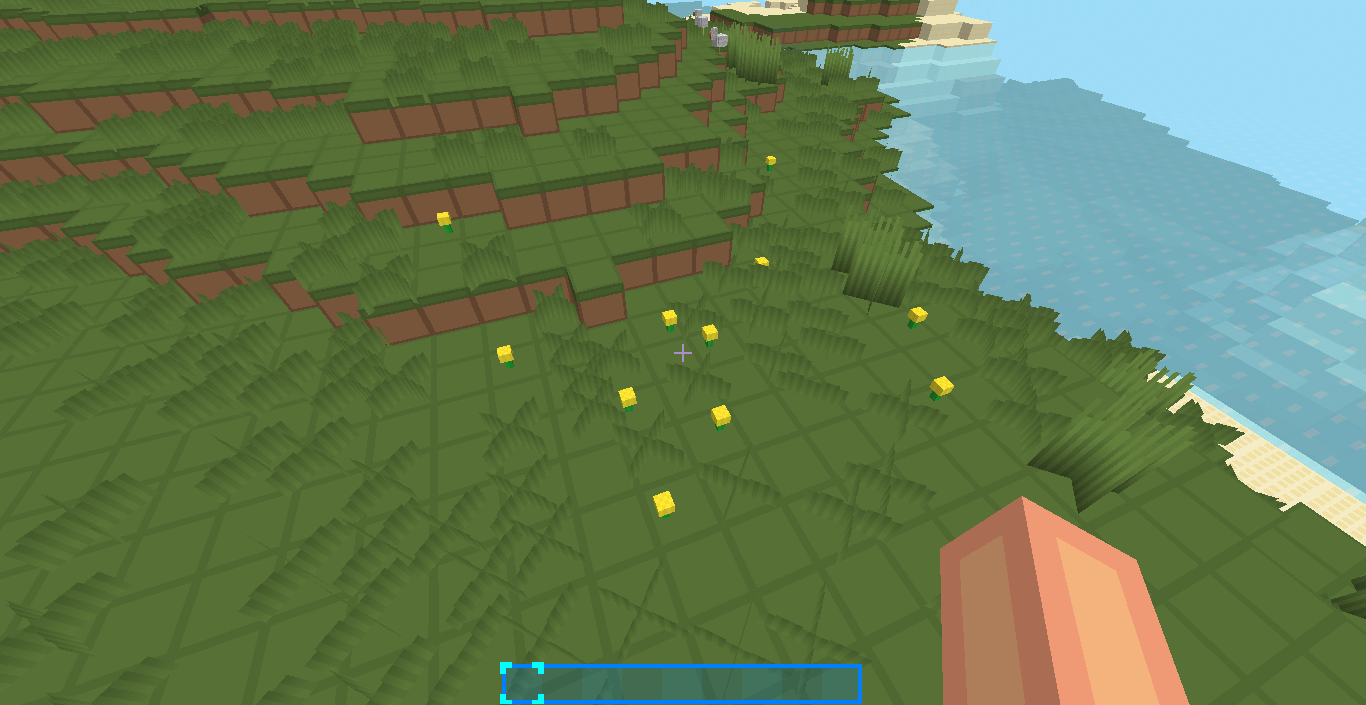
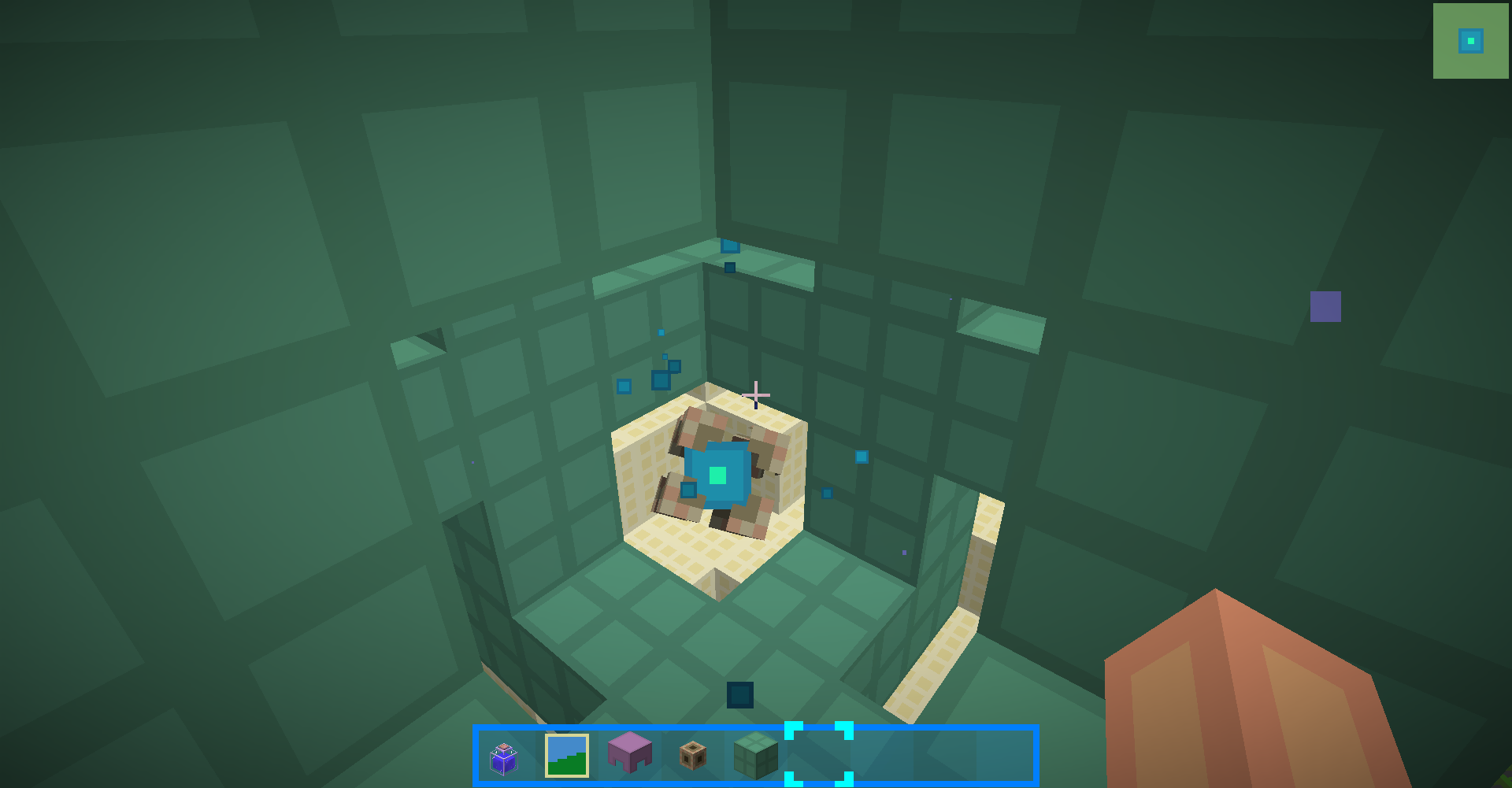
Screeshots:

1.13:


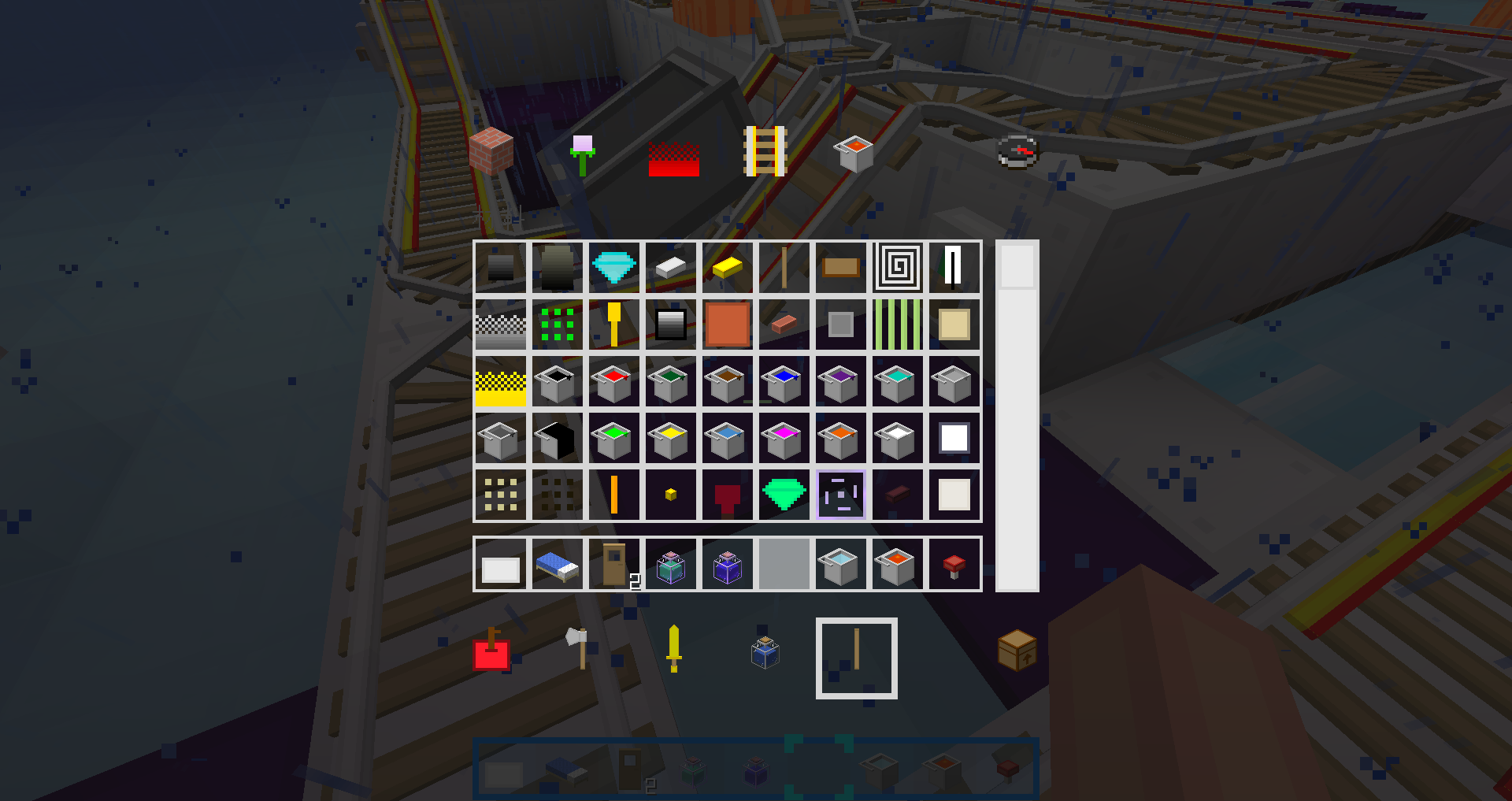
 1.10.2 and 1.12.2:


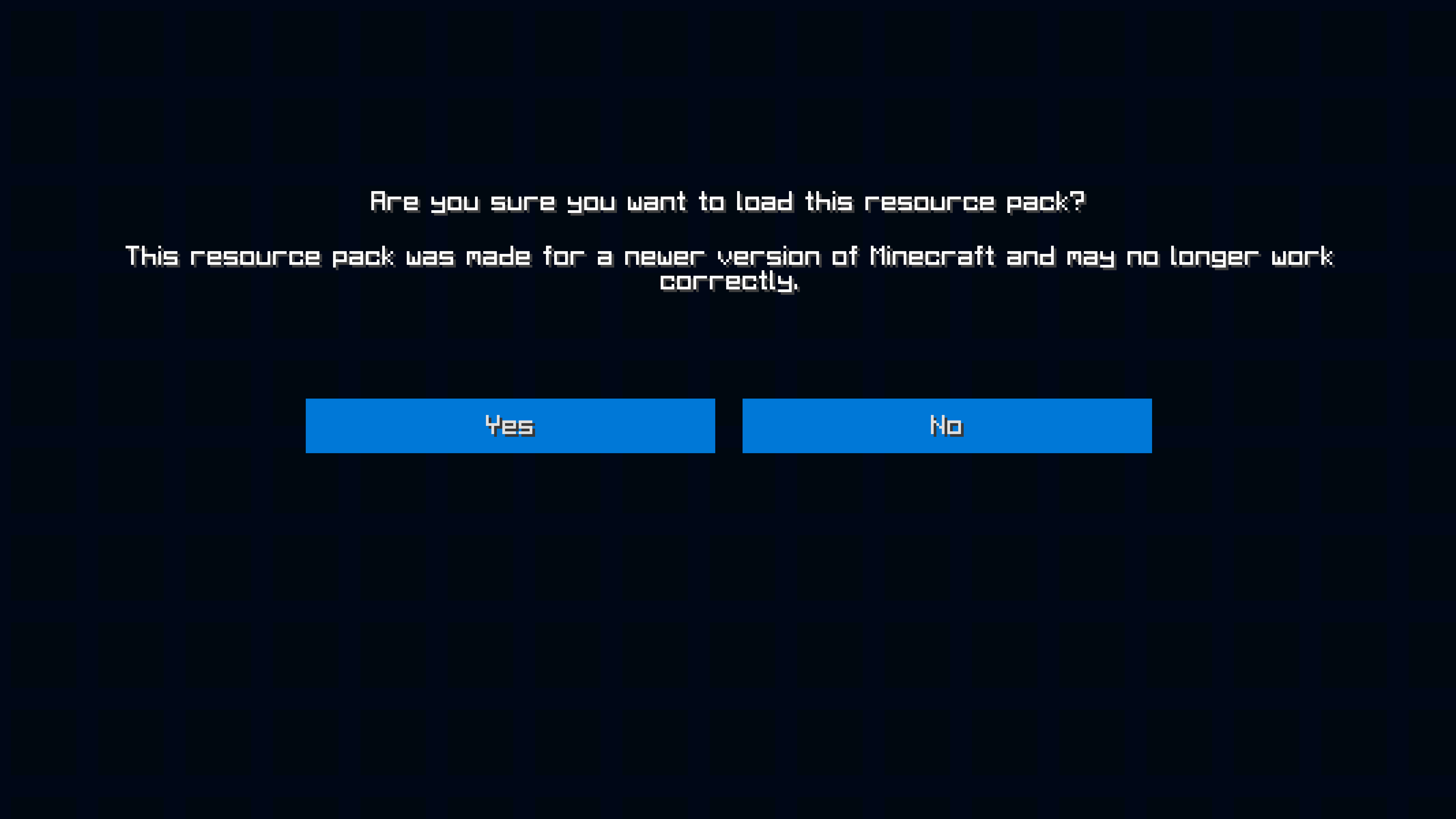
 1.9~1.10.2 Installing tips:

Click Yes in this prompt
Minecraft Forum post(English):https://www.minecraftforum.net/forums/mapping-and-modding-java-edition/resource-packs/2917555-1-9-1-13-16x-blueblockscraft-not-just-simple

MCBBS post(Chinese):http://www.mcbbs.net/thread-809999-1-1.html

Github(You can get developing versions here):https://github.com/Blue-Beaker/BlueBlocksCraft_Vanilla

Gitee(Mirrored from Github, but faster for Chinese users):https://gitee.com/blue-beaker/BlueBlocksCraft_Vanilla


You may also need these packs:

BlueBlocksTFoundation (Pack for Thermal Foundation)

BlueBlocksArsenal (Pack for Redstone Arsenal)

3.6-mc112-git1da1e35
MC 1.12.2
Release 2026-07-24 Get
3.6.2-mc1.16-git2d2f3188
MC 1.16.3, 1.16.1, 1.16, 1.16.5, 1.16.4, 1.16.2
Beta 2024-08-27 Get
3.5.1 alpha 1.16
MC 1.16.1, 1.16
Alpha 2020-07-06 Get

Requirements & install

How to use this resource pack in Minecraft
Resolution
16x
Minecraft
1.12.2 – 1.16.5
Install folder
.minecraft/resourcepacks

How to install resource packs

  1. Download the resource pack .zip file (do not extract it).
  2. In Minecraft open Options → Resource Packs → Open Pack Folder.
  3. Drop the .zip into the resourcepacks folder (.minecraft/resourcepacks).
  4. Move the pack to the Selected column and click Done.
Browse more: 16x resource packs 32x resource packs 64x resource packs 128x resource packs 256x resource packs 512x+ resource packs Resource Packs for 1.16.5 All resource packs

More from blue_beaker

Advertisement Remove ads with Premium →

You Might Also Like