Mineuniverse
Resource Packs
Blooming Ground Fusion

Blooming Ground Fusion

RESOURCE PACK
Makes Simple Grass Flowers compatible with Mossy’s Better Dirt by combining their grass block textures and details
by OrkaMC
Download Claim this project
2,119 downloads
0 likes
0 followers
Updated Oct 14, 2026
0 hypes
Follow0
16x Miscellaneous Mod Support Traditional
Advertisement Remove ads with Premium →

📦 Blooming Ground Fusion

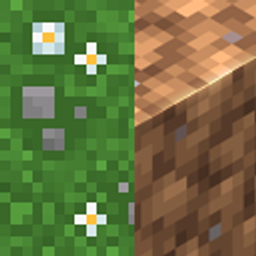
Blooming Ground Fusion is a Java Edition resource pack that makes Simple Grass Flowers compatible with Mossy’s Better Dirt.

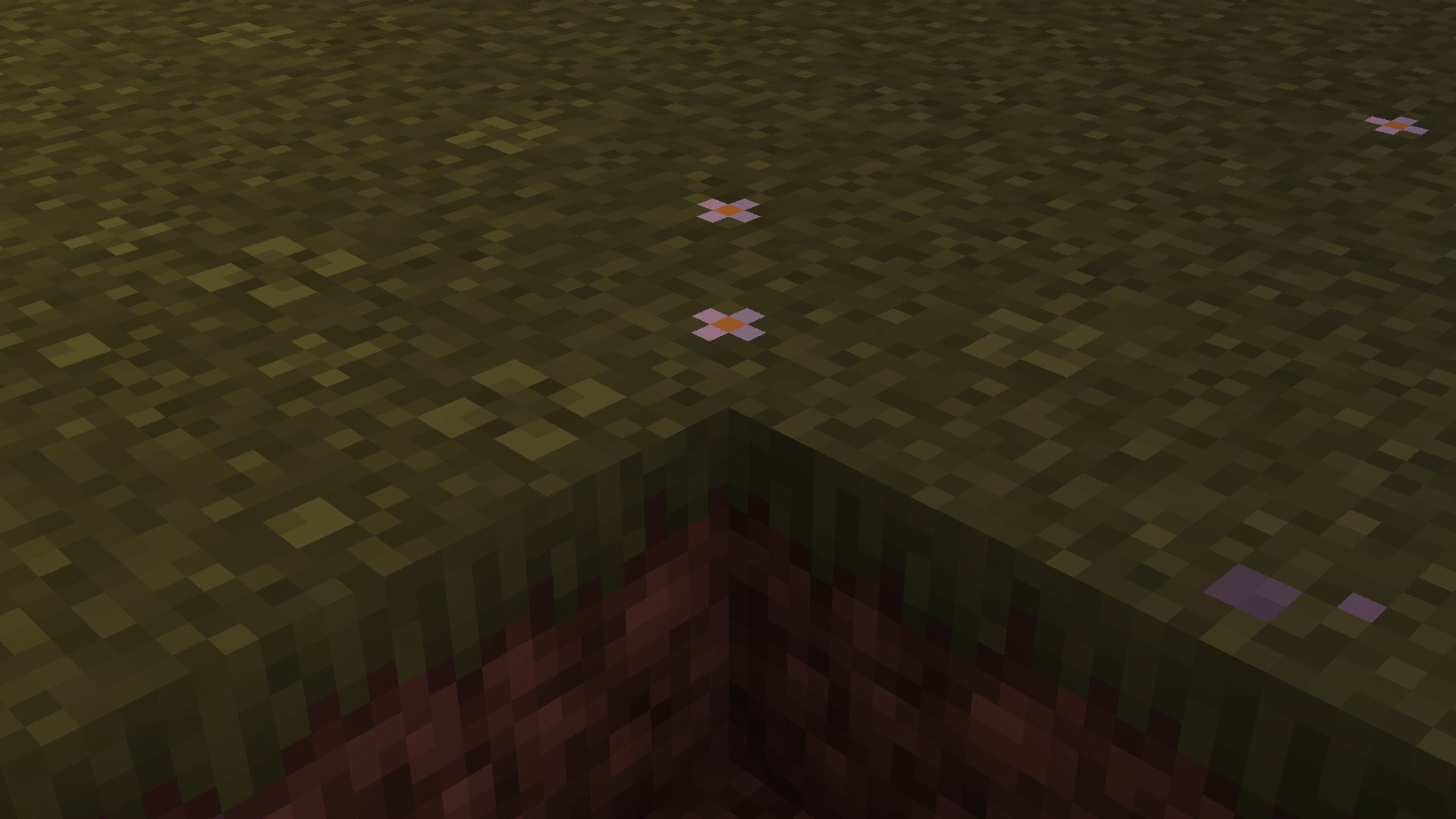
It combines the flowers, clovers and pebbles from Simple Grass Flowers with the grass and dirt textures from Mossy’s Better Dirt.

🧩 Optional: Use Continuity or OptiFine to enable biome-specific flower variants in Swamps, Cherry Grove, and Pale Garden. The pack also works without them.

✅ Recommended for players who:

  • Want to use Simple Grass Flowers and Mossy’s Better Dirt together
  • Want flowers, clovers and pebbles to work correctly with Mossy’s grass blocks
  • Like small vanilla-style visual improvements

💬 If you want to share feedback or ideas about the project, please leave a comment Here.

Credits

BGF 3
MC 1.16.3, 1.13.1, 1.17.1, 1.21, 1.16.1, 1.18.1, 1.14.3, 1.15, 1.16, 1.13, 1.16.5, 1.19.3, 1.20.2, 1.19.4, 1.21.8, 1.14.4, 1.14.1, 1.17, 1.20.5, 1.21.5, 1.18, 1.21.4, 1.20.1
Release 2026-09-30 Get
BGF 2
MC 1.16.3, 1.13.1, 1.17.1, 1.21, 1.16.1, 1.18.1, 1.14.3, 1.15, 1.16, 1.13, 1.16.5, 1.19.3, 1.20.2, 1.19.4, 1.21.8, 1.14.4, 1.14.1, 1.17, 1.20.5, 1.21.5, 1.18, 1.21.4, 1.20.1
Release 2026-09-05 Get
BGF 1
MC 1.16.3, 1.13.1, 1.17.1, 1.21, 1.16.1, 1.18.1, 1.14.3, 1.15, 1.16, 1.13, 1.16.5, 1.19.3, 1.20.2, 1.19.4, 1.21.8, 1.14.4, 1.14.1, 1.17, 1.20.5, 1.21.5, 1.18, 1.21.4, 1.20.1
Release 2026-07-23 Get

Requirements & install

How to use this resource pack in Minecraft
Resolution
16x
Minecraft
1.19.4 – 1.21.8
Install folder
.minecraft/resourcepacks

How to install resource packs

  1. Download the resource pack .zip file (do not extract it).
  2. In Minecraft open Options → Resource Packs → Open Pack Folder.
  3. Drop the .zip into the resourcepacks folder (.minecraft/resourcepacks).
  4. Move the pack to the Selected column and click Done.
Browse more: 16x resource packs 32x resource packs 64x resource packs 128x resource packs 256x resource packs 512x+ resource packs Resource Packs for 1.21.8 All resource packs

More from OrkaMC

Advertisement Remove ads with Premium →

You Might Also Like