Mineuniverse
Resource Packs
BloodyBedwars [16x]

BloodyBedwars [16x]

RESOURCE PACK
Bloody Bedwars [16x] is a red-themed PvP resource pack designed for Bedwars. It features clean 16x textures, improved FPS, and a bold but kid-friendly aesthetic to make your gameplay sharper and more intense.
by AimLocked
Download Claim this project
7,843 downloads
0 likes
0 followers
Updated Oct 14, 2026
0 hypes
Follow0
16x
Advertisement Remove ads with Premium →

🔴 Bloody Bedwars [16x] – Red-Themed PvP Texture Pack

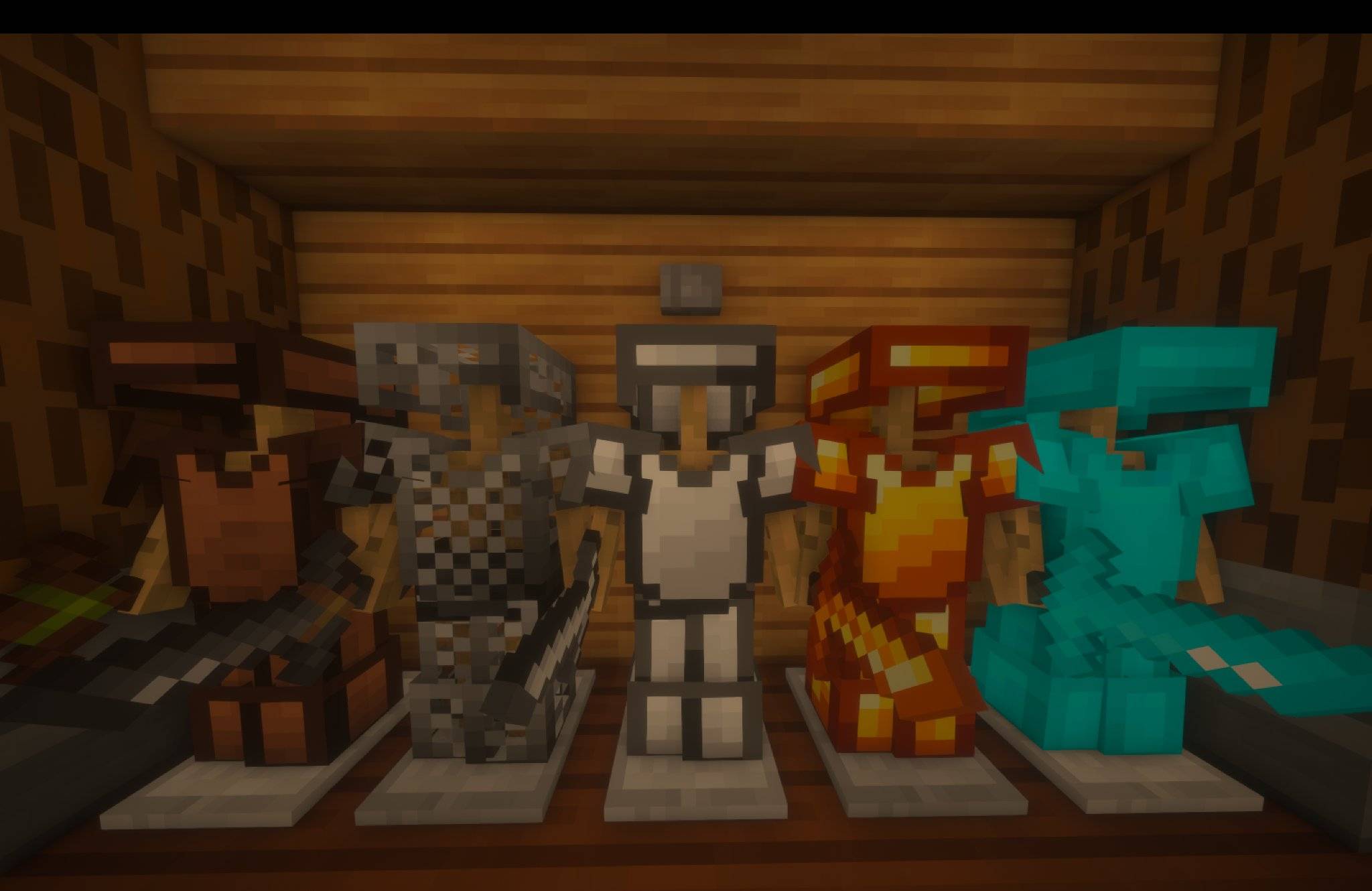
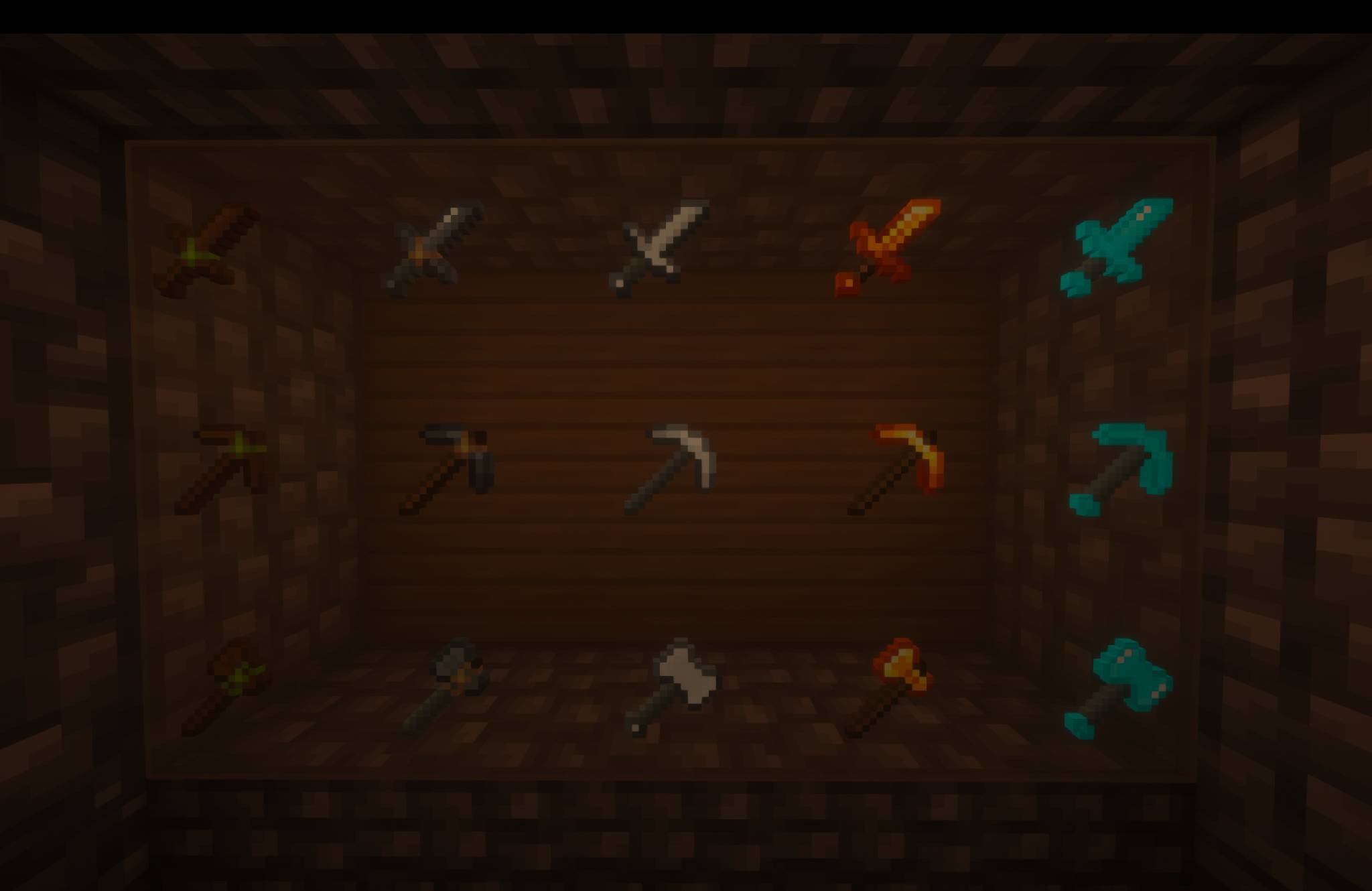
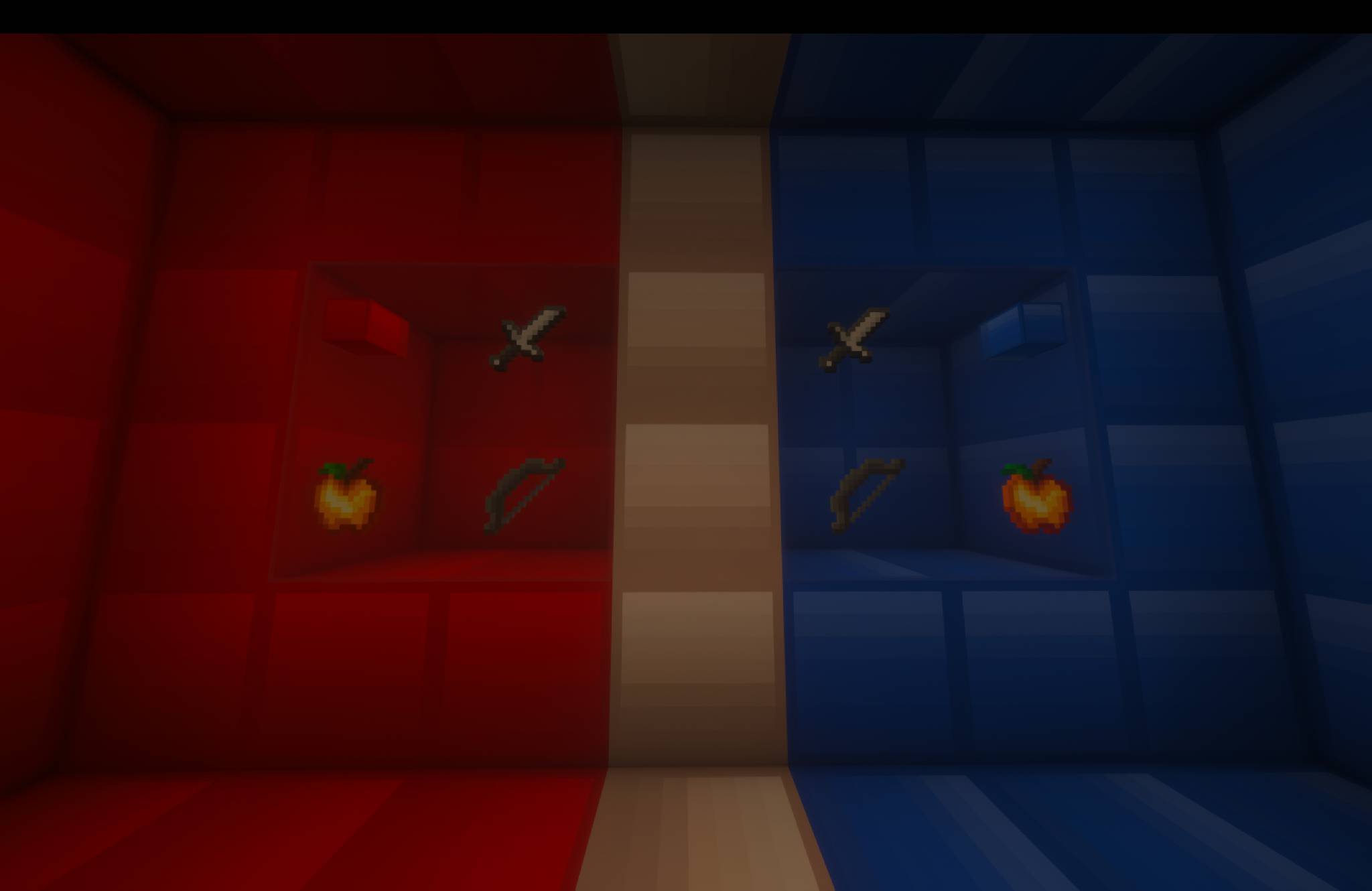
Bloody Bedwars [16x] is a sleek, performance-optimized red-themed PvP texture pack designed for Minecraft Bedwars and Bridge Fight players. With bold visuals and a clean 16x resolution, it delivers high FPS and fast-paced gameplay without sacrificing style.

The pack features sharp red-themed textures and custom visuals across GUI elements, particles, and blocks—intense, polished, and totally kid-friendly.


🎮 Features:

  • Smooth 16x resolution – perfect for low-end PCs

  • Bold red visuals with a clean, competitive PvP design

  • Custom GUI, particles, blocks, and more

  • Family-friendly visuals – intense but not graphic


📦 Compatibility:

  • Built for Minecraft 1.8.9

  • Compatible with other versions via OptiFine

BloodyBedwars [16x] v1.8
MC 1.8.9
Release 2025-08-27 Get
BloodyBedwars [16x] v1.7
MC 1.8.9
Release 2025-08-21 Get
BloodyBedwars [16x] v1.6
MC 1.8.9
Release 2025-08-18 Get
BloodBedwars [16x] v1.5
MC 1.8.9
Release 2025-08-15 Get
BloodyBedwars [16x] v1.4
MC 1.8.9
Release 2025-08-12 Get
Bloody Bedwars [16x] v1.3
MC 1.8.9
Release 2025-08-07 Get
BloodyBedwars [16x] v1.2
MC 1.8.9
Release 2025-08-06 Get
BloodyBedwars [16x] v1.1
MC 1.8.9
Release 2025-08-03 Get

Requirements & install

How to use this resource pack in Minecraft
Resolution
16x
Minecraft
1.8.9
Install folder
.minecraft/resourcepacks

How to install resource packs

  1. Download the resource pack .zip file (do not extract it).
  2. In Minecraft open Options → Resource Packs → Open Pack Folder.
  3. Drop the .zip into the resourcepacks folder (.minecraft/resourcepacks).
  4. Move the pack to the Selected column and click Done.
Browse more: 16x resource packs 32x resource packs 64x resource packs 128x resource packs 256x resource packs 512x+ resource packs Resource Packs for 1.8.9 All resource packs
Advertisement Remove ads with Premium →

You Might Also Like