Mineuniverse
Resource Packs
BlockPixel PBR

BlockPixel PBR

RESOURCE PACK
A PBR edition of BlockPixel
by termi_tw
Download Claim this project
Add a badge to your pageLink to BlockPixel PBR from a README, website or forum post.
Preview: Badge

Badges update automatically and link to the resource pack page on MineUniverse.

4,703 downloads
0 likes
0 followers
Updated Oct 14, 2026
0 hypes
Follow0
128x Animated Miscellaneous Traditional
Advertisement Remove ads with Premium →

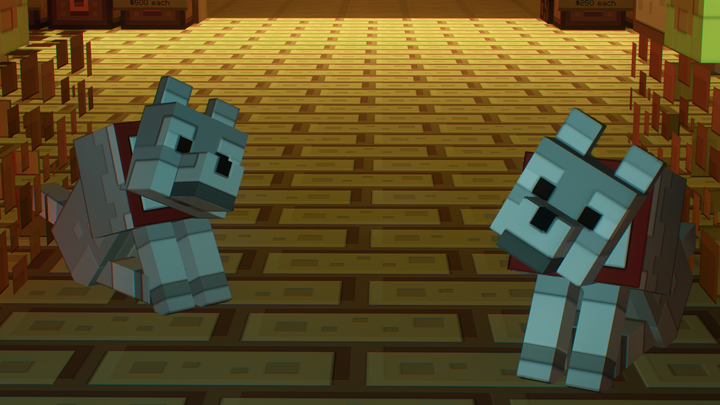
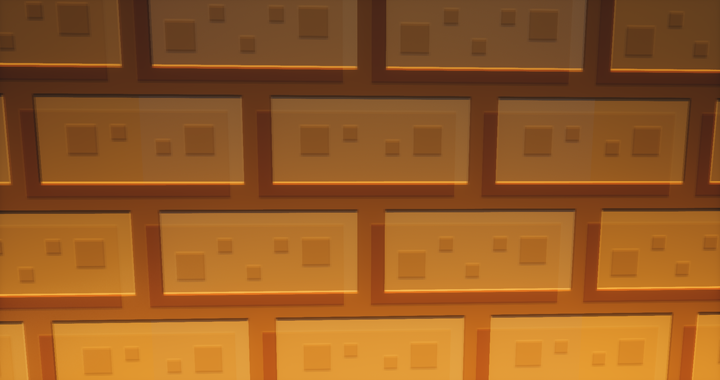
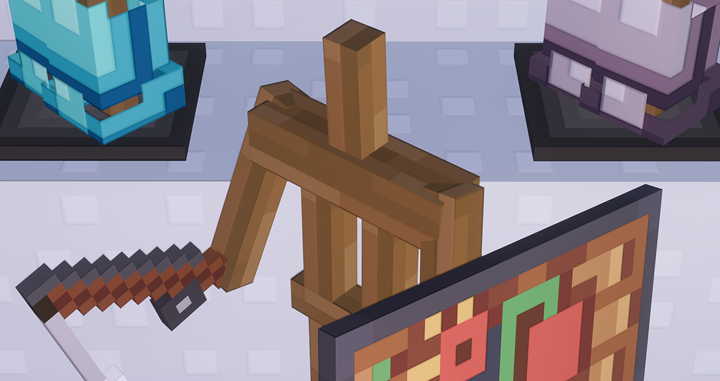
Description : This is a PBR edition of the famous resource pack BlockPixel.

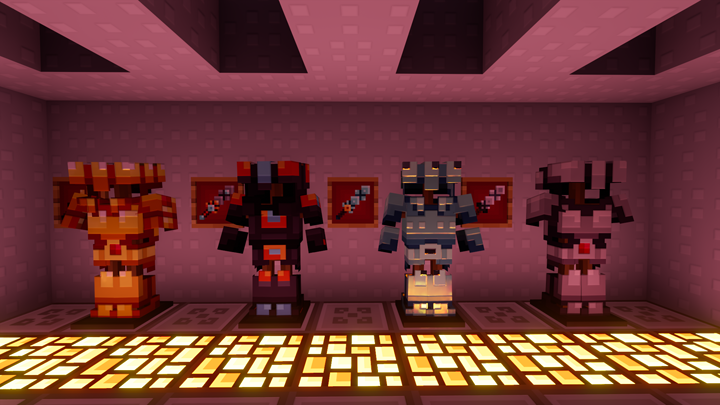
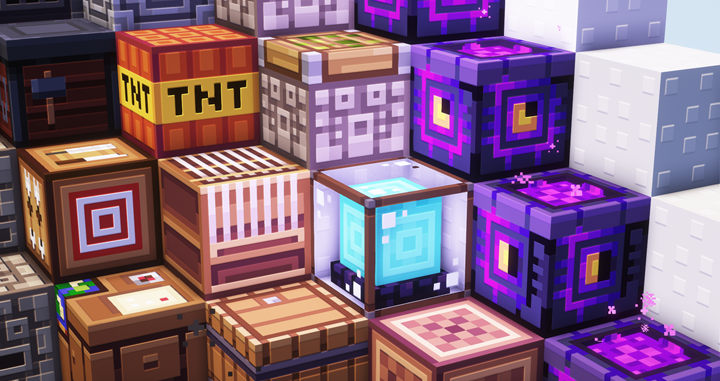
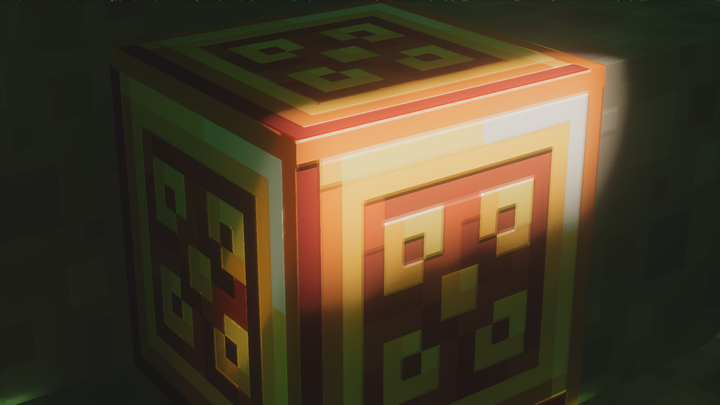
What this means is that the textures all have depth and reflective properties when using shaders supporting LabPBR.

I wasn't planning on releasing it at first but with some motivation and the kind support of Jakob.Zero, here I am doing it anyway ;)


Features :

  • Everything from the original BlockPixel, the pack's still got it's animated textures and 3D models.
  • Bumpy and reflective textures true to the original source.

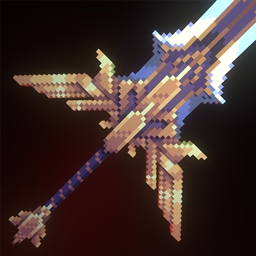
Every block and entities have been made. The only things missing at the moment are the items which I will probably cover in the future.


To use it, you'll need :


  • Minecraft 1.16.5. Since the original Blockpixel isn't updated to 1.17, its blocks are missing at the moment.
  • Optifine G8 or newer.
  • A shader that supports PBR.  The ones used in the screenshots are Kappa PT, Molly VX and Seus PTGI wich are path traced shaders,

     but others will work as well as long as they support LabPBR.

     Although, note that BSL as well as its edits, Complementary and AstraLex, break the leaves blocks at the moment for unknown reasons.


Give your feedback ! I will try to improve the pack as you guys give your impressions on it ;)


All credits goes to Jakob.Zero, creator of the original BlockPixel.


BlockPixel PBR v.1.0
MC 1.16-Snapshot, 1.16.3, 1.16.1, 1.16, 1.16.5, 1.16.4, 1.16.2
Release 2021-08-25 Get

Requirements & install

How to use this resource pack in Minecraft
Resolution
128x
Minecraft
1.16-Snapshot – 1.16.5
Install folder
.minecraft/resourcepacks

How to install resource packs

  1. Download the resource pack .zip file (do not extract it).
  2. In Minecraft open Options → Resource Packs → Open Pack Folder.
  3. Drop the .zip into the resourcepacks folder (.minecraft/resourcepacks).
  4. Move the pack to the Selected column and click Done.

Packs from 128x upwards need more video memory: install a performance mod such as Sodium for smooth frame rates.

Browse more: 16x resource packs 32x resource packs 64x resource packs 128x resource packs 256x resource packs 512x+ resource packs Resource Packs for 1.16.5 All resource packs
Advertisement Remove ads with Premium →

You Might Also Like