Mineuniverse
Resource Packs
Blackout Firefly Bush

Blackout Firefly Bush

RESOURCE PACK
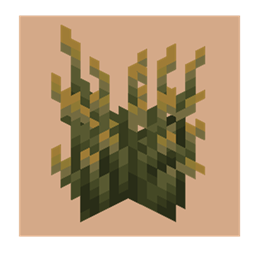
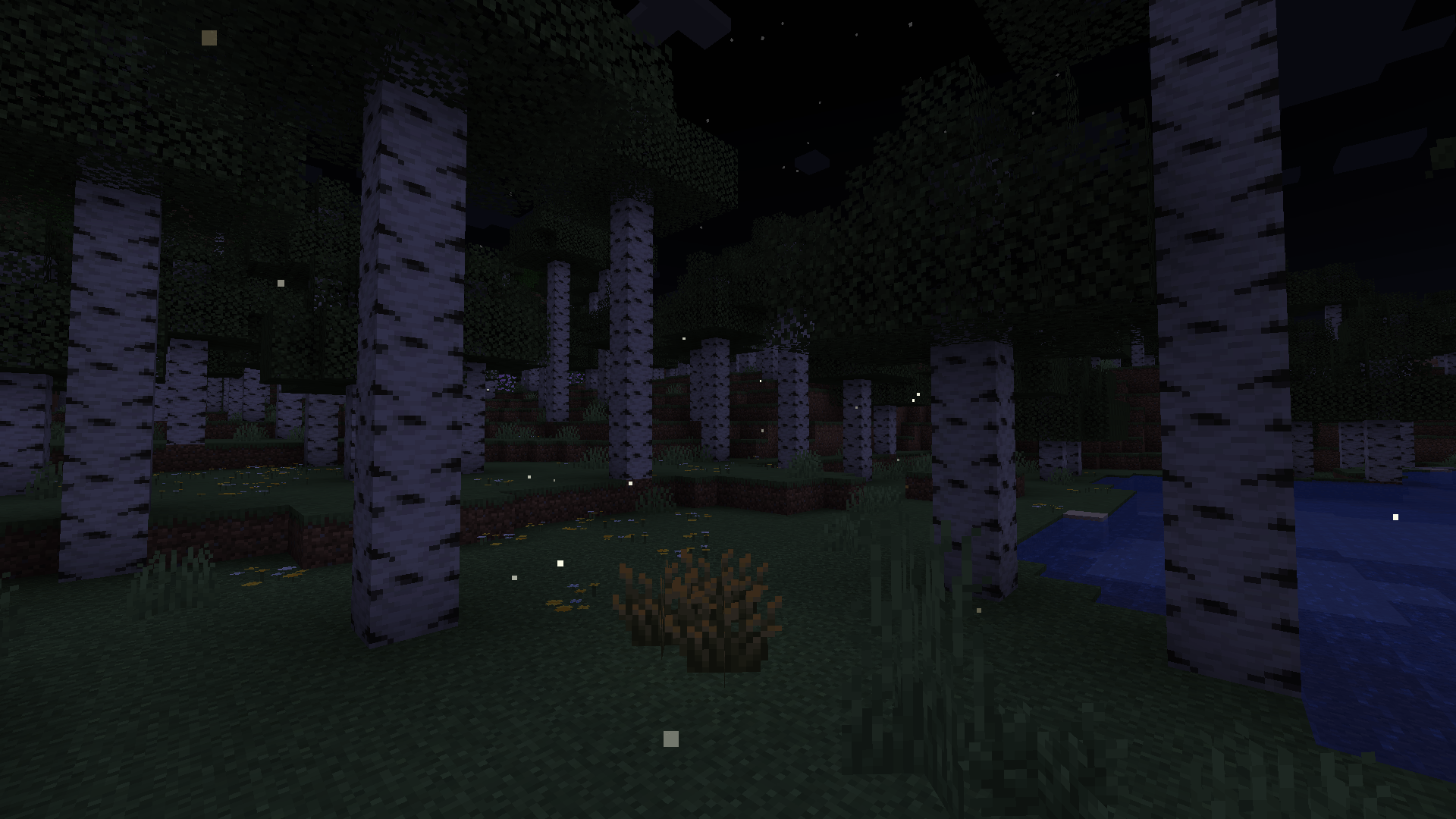
Removes the blinking firefly animation from the Firefly Bush, eliminating the repeating pattern for a cleaner, more consistent and natural look.
by Terralyft
Download Claim this project
354 downloads
0 likes
0 followers
Updated Oct 14, 2026
0 hypes
Follow0
16x
Advertisement Remove ads with Premium →

Blackout Firefly Bush

This resource pack specifically modifies the newly added firefly bush introduced in Minecraft Java Edition snapshot 25w05a, offering a refined and more natural aesthetic.

This alters the firefly bush emissive pack, removing the animation specifically used for the fireflies within the bush. While one may be beautiful, having multiple together doesn't look as good.

Key Features:

  • Eliminates repetitive animations: Removes the blinking fireflies that disrupt the visual continuity of foliage, creating a more serene and cohesive environment.
  • Maintains Compatibility: Full compatibility with vanilla resource packs and most mods.

Who is this for?

  • Minimalist Players: Creates a cleaner, more natural look for the bushes, especially during the day when fireflies are supposed to be nocturnal, improving the overall visual experience.
  • Creative Builders: Ideal for builders who require predictable and consistent texture behavior for landscaping projects.
  • Survivalists: Players who want to reduce visual distractions during gameplay.

Blackout Firefly Bush (25w08a)
MC 1.21.5-Snapshot
Release 2025-02-20 Get
Blackout Firefly Bush (25w05a)
MC 1.21.5-Snapshot
Release 2025-02-18 Get
Blackout Firefly Bush (25w06a)
MC 1.21.5-Snapshot
Release 2025-02-18 Get
Blackout Firefly Bush (25w07a)
MC 1.21.5-Snapshot
Release 2025-02-16 Get

Requirements & install

How to use this resource pack in Minecraft
Resolution
16x
Minecraft
1.21.5-Snapshot
Install folder
.minecraft/resourcepacks

How to install resource packs

  1. Download the resource pack .zip file (do not extract it).
  2. In Minecraft open Options → Resource Packs → Open Pack Folder.
  3. Drop the .zip into the resourcepacks folder (.minecraft/resourcepacks).
  4. Move the pack to the Selected column and click Done.
Browse more: 16x resource packs 32x resource packs 64x resource packs 128x resource packs 256x resource packs 512x+ resource packs Resource Packs for 1.21.5-Snapshot All resource packs

More from Terralyft

Advertisement Remove ads with Premium →

You Might Also Like