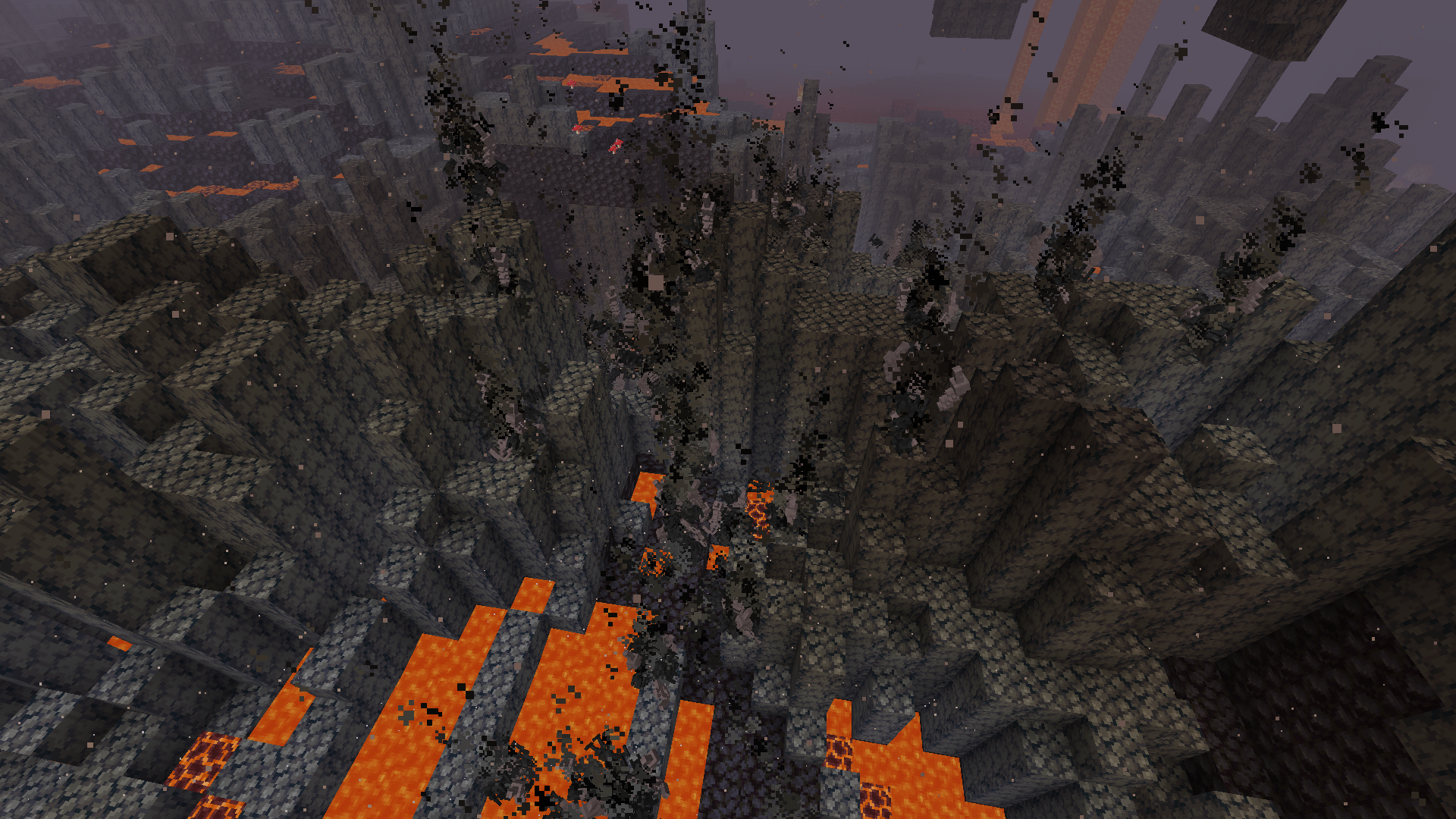
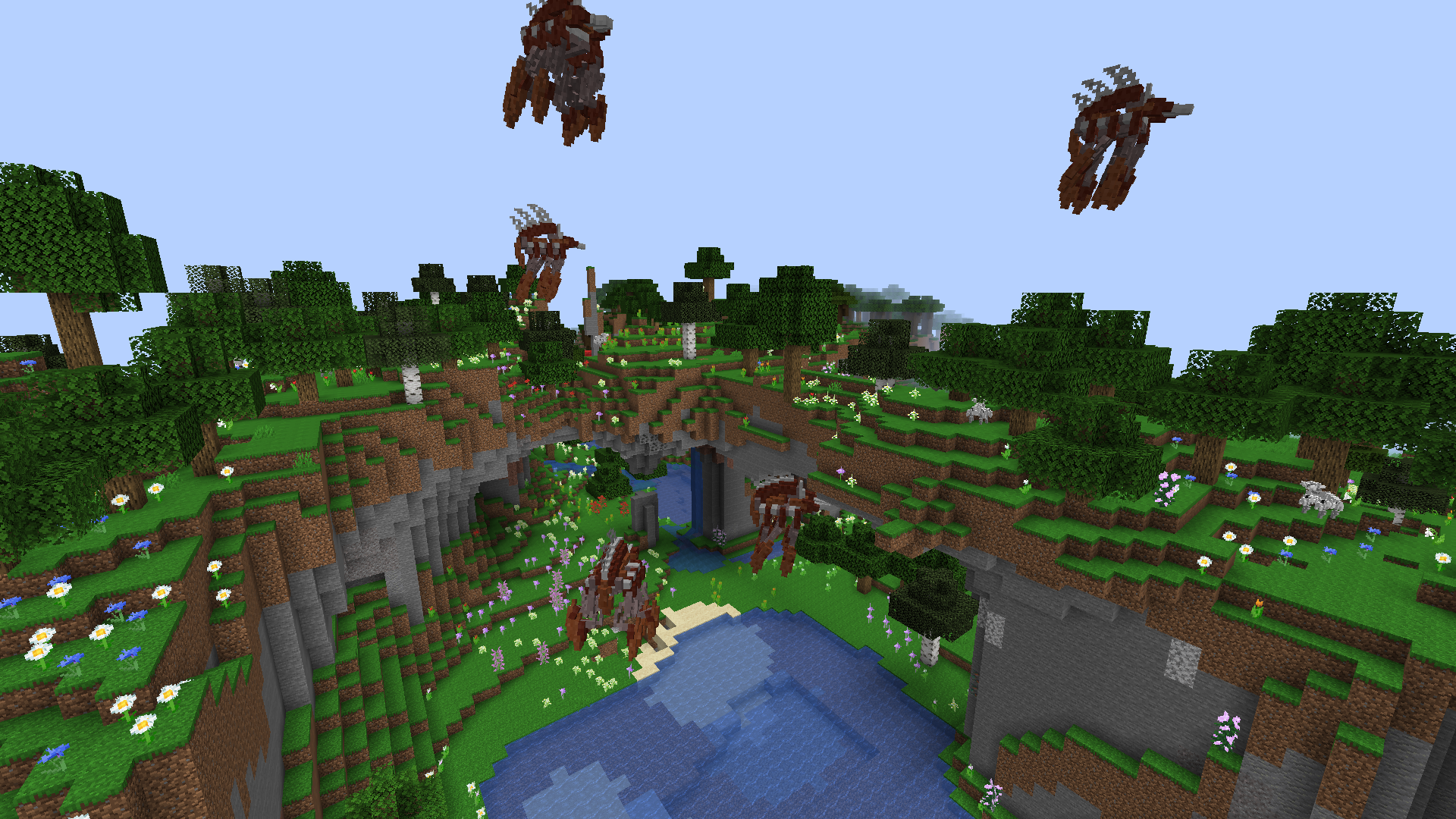
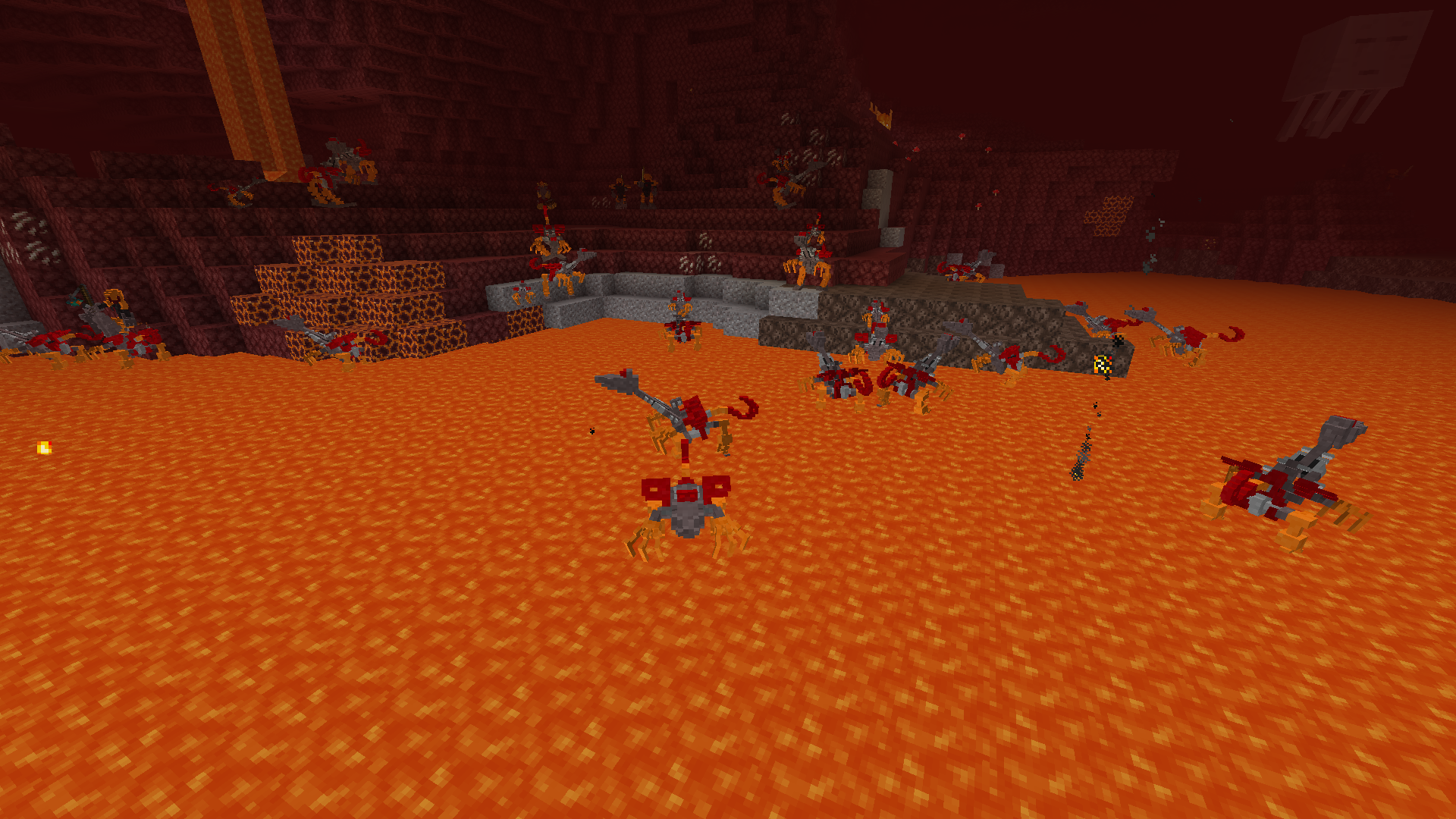
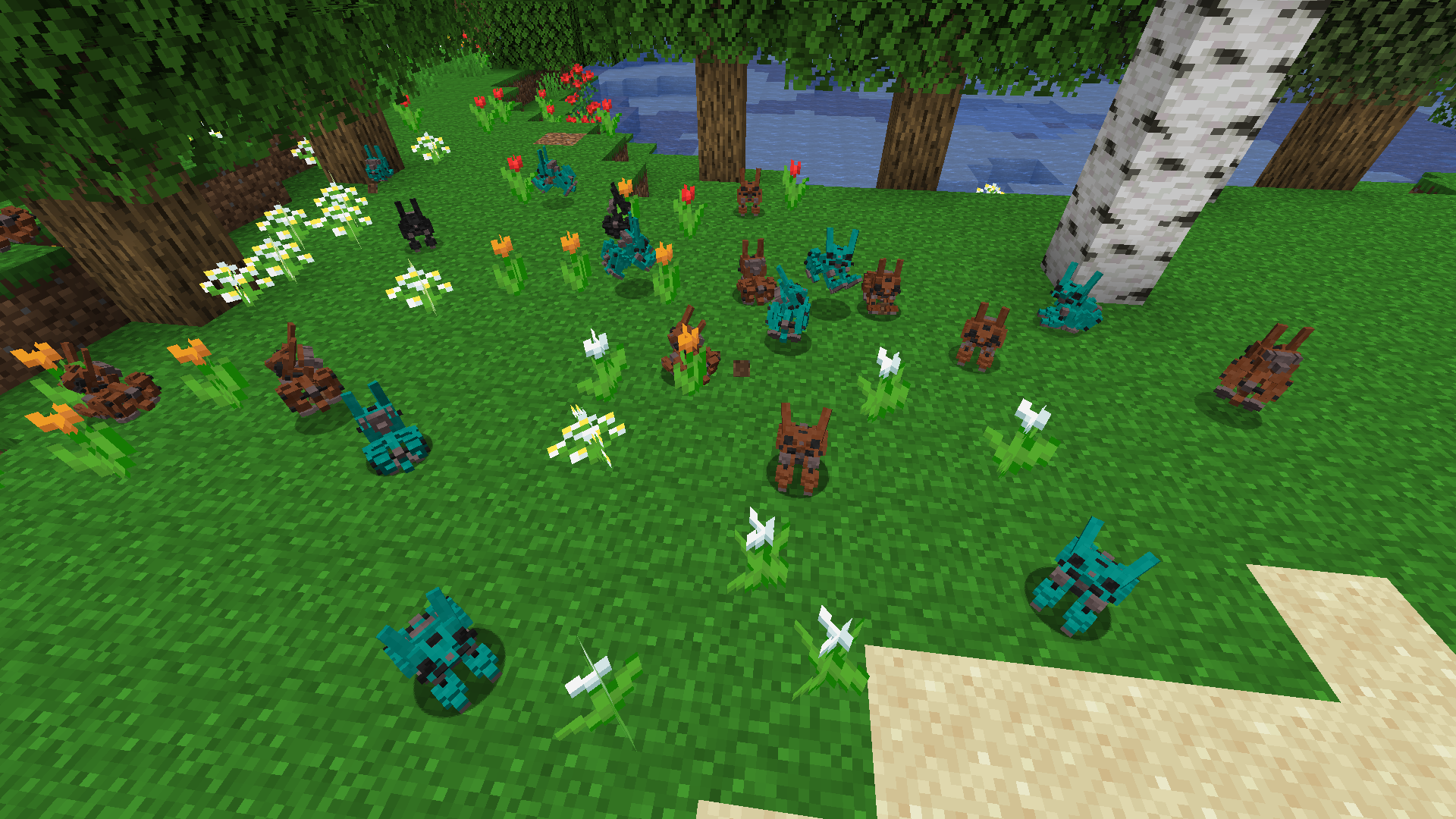
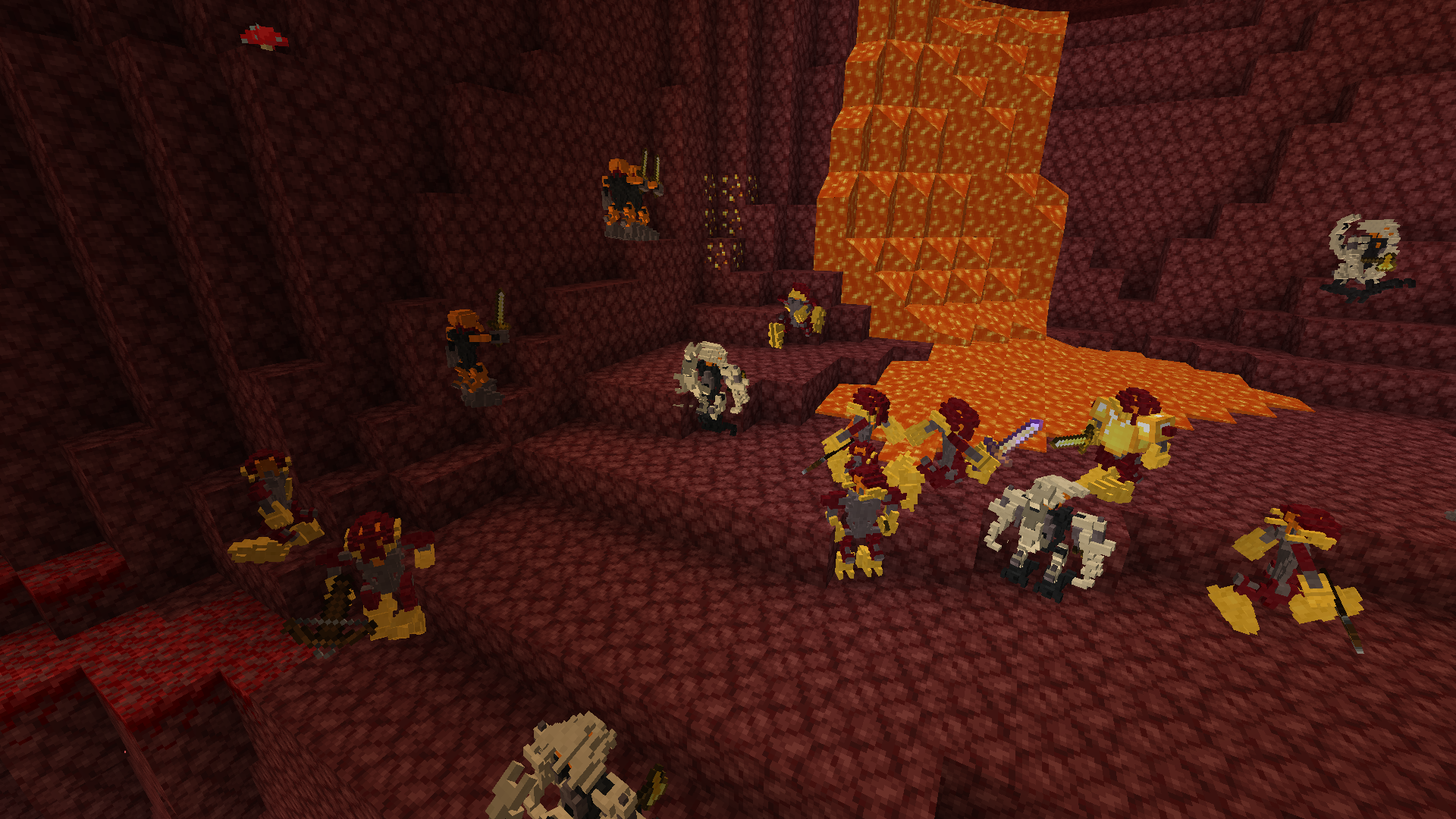
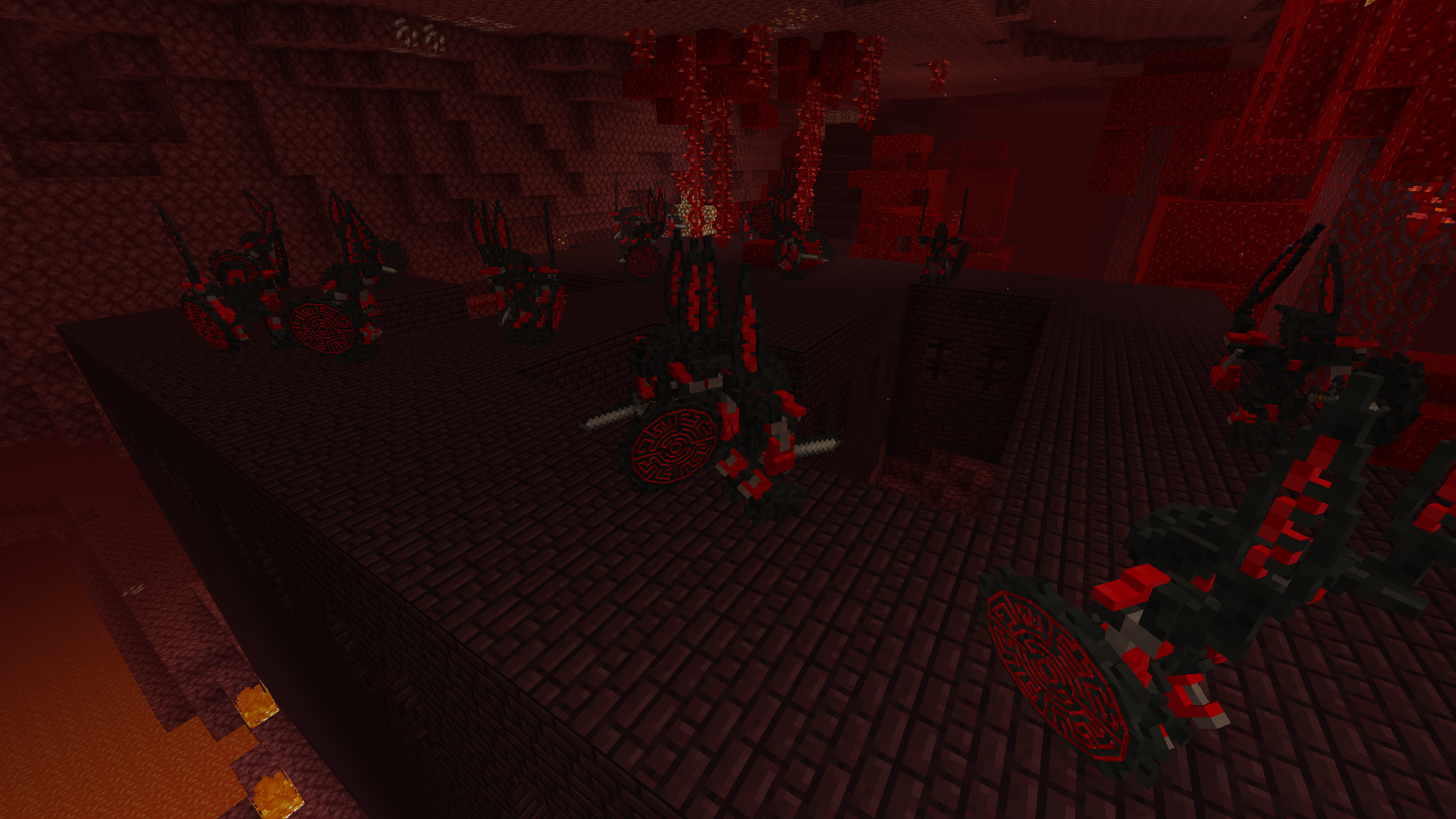
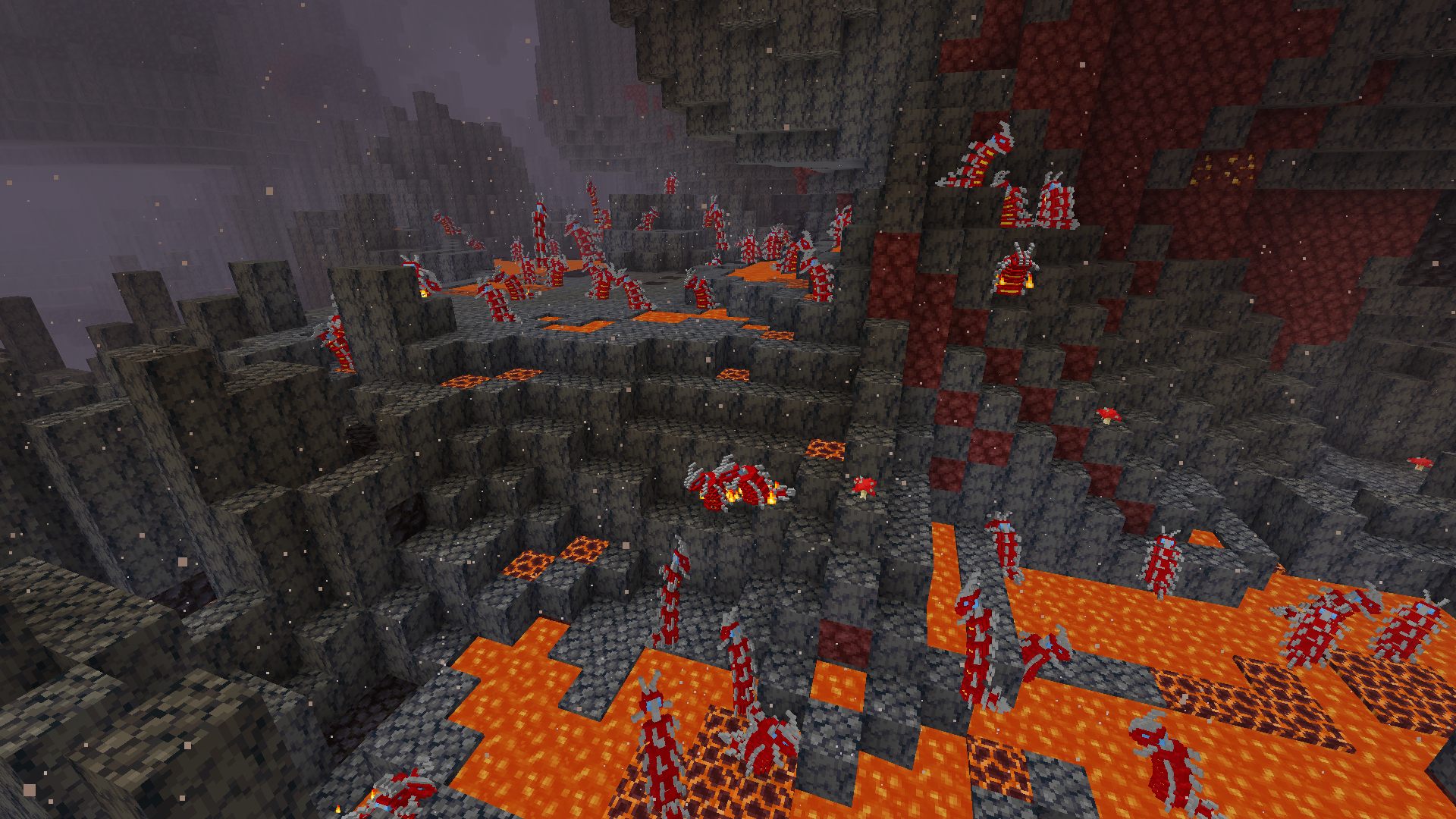
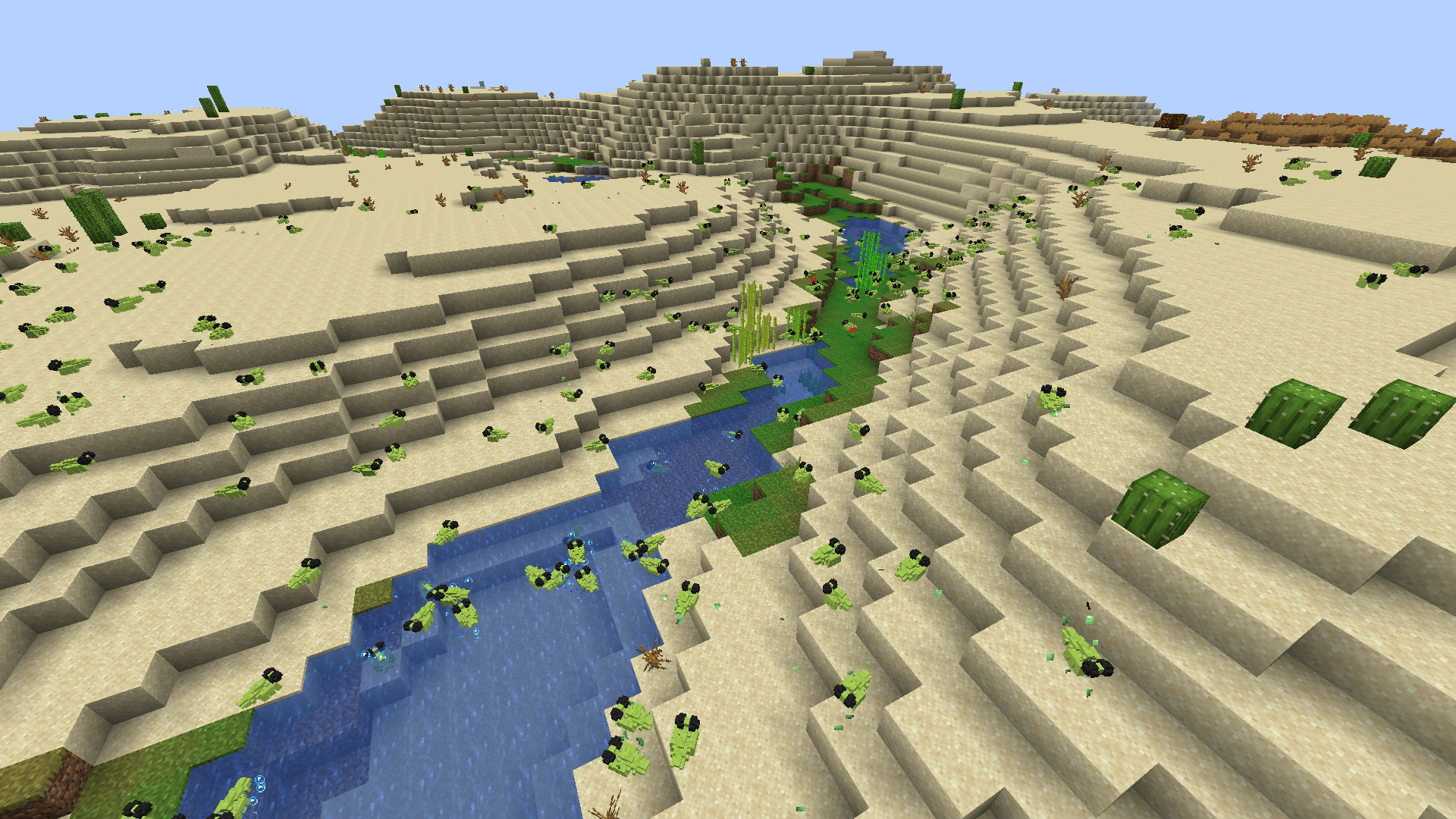
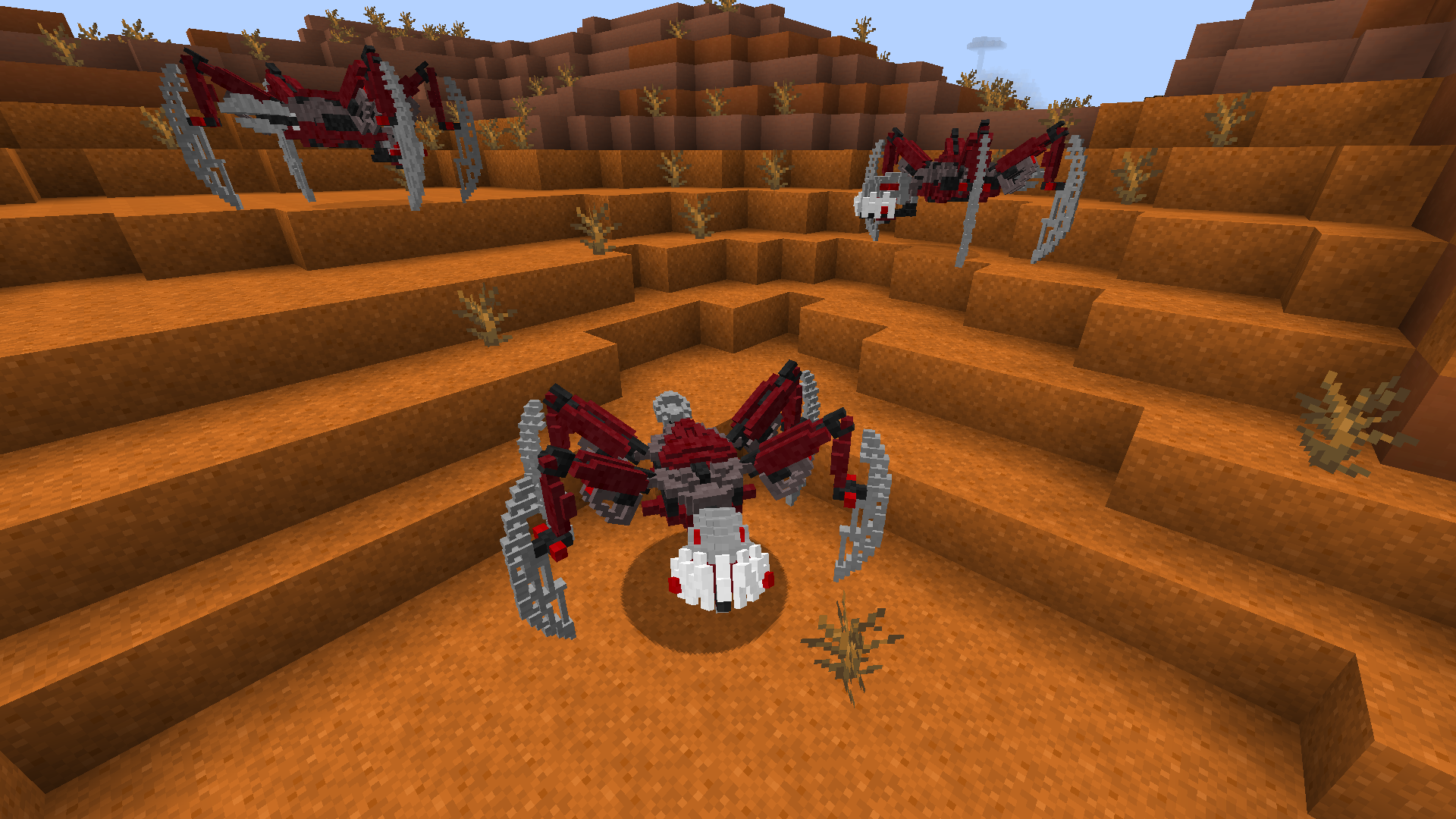
This resource pack changes the models of various mobs into custom Bionicle models.The colors of some species will depend on the biome they reside in. For example, Po-matoran are found in desert regions, whereas Ko-matoran generally reside in snowy areas.
The pack currently features the following Bionicle:
-Matoran
-Bohrok
-Turaga
-Mukau
-Hapaka
-Fikou
-Kofo-Jaga
-Bohrok Va
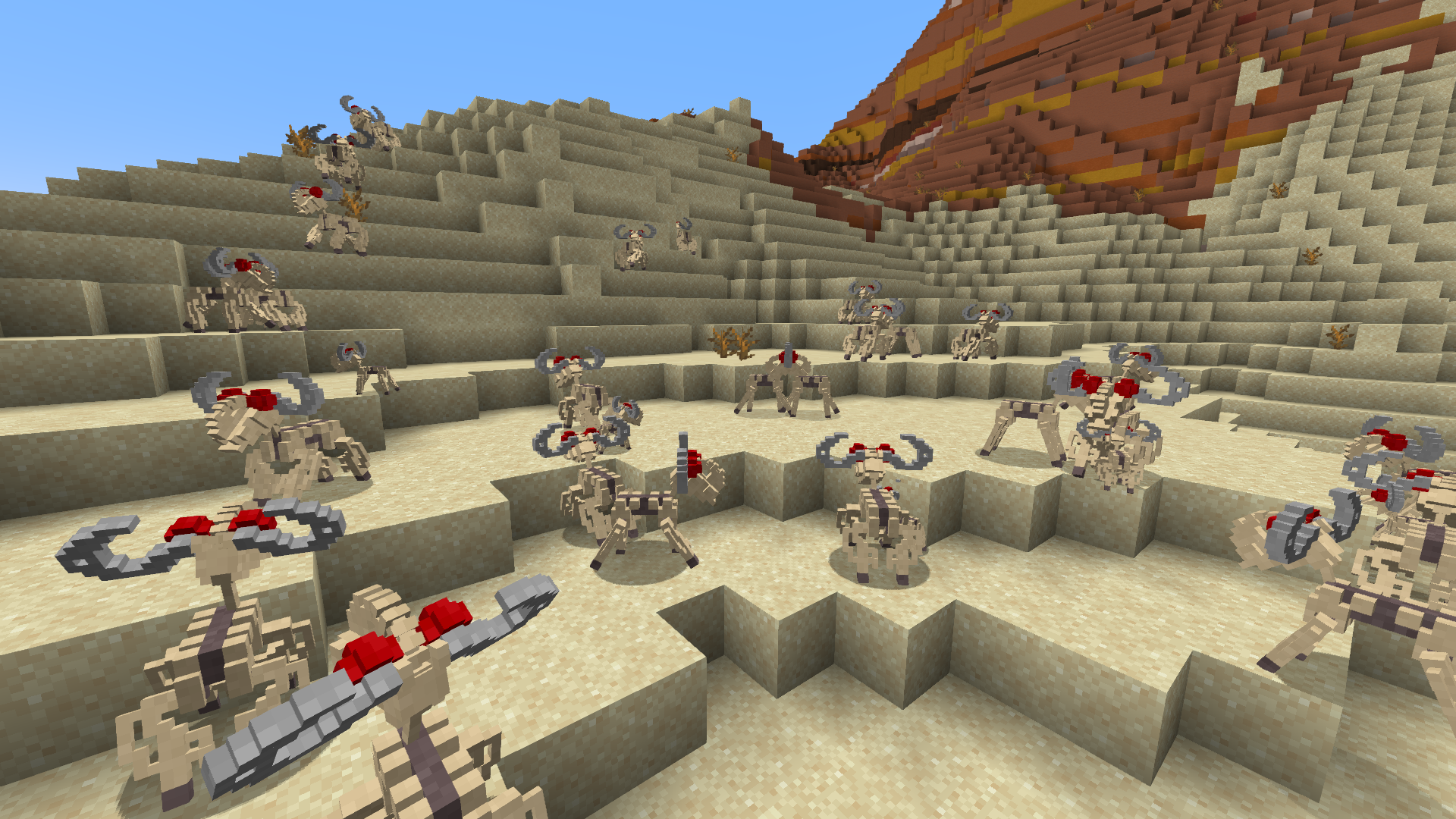
-Custom sheep rahi
-Nui-Rama
-Ash bears
-Pokawi
-Rahaga
-Vako
-Kikanalo
-Rahkshi
-Kraata
-Piraka
-Dark Hunters
-Fusa
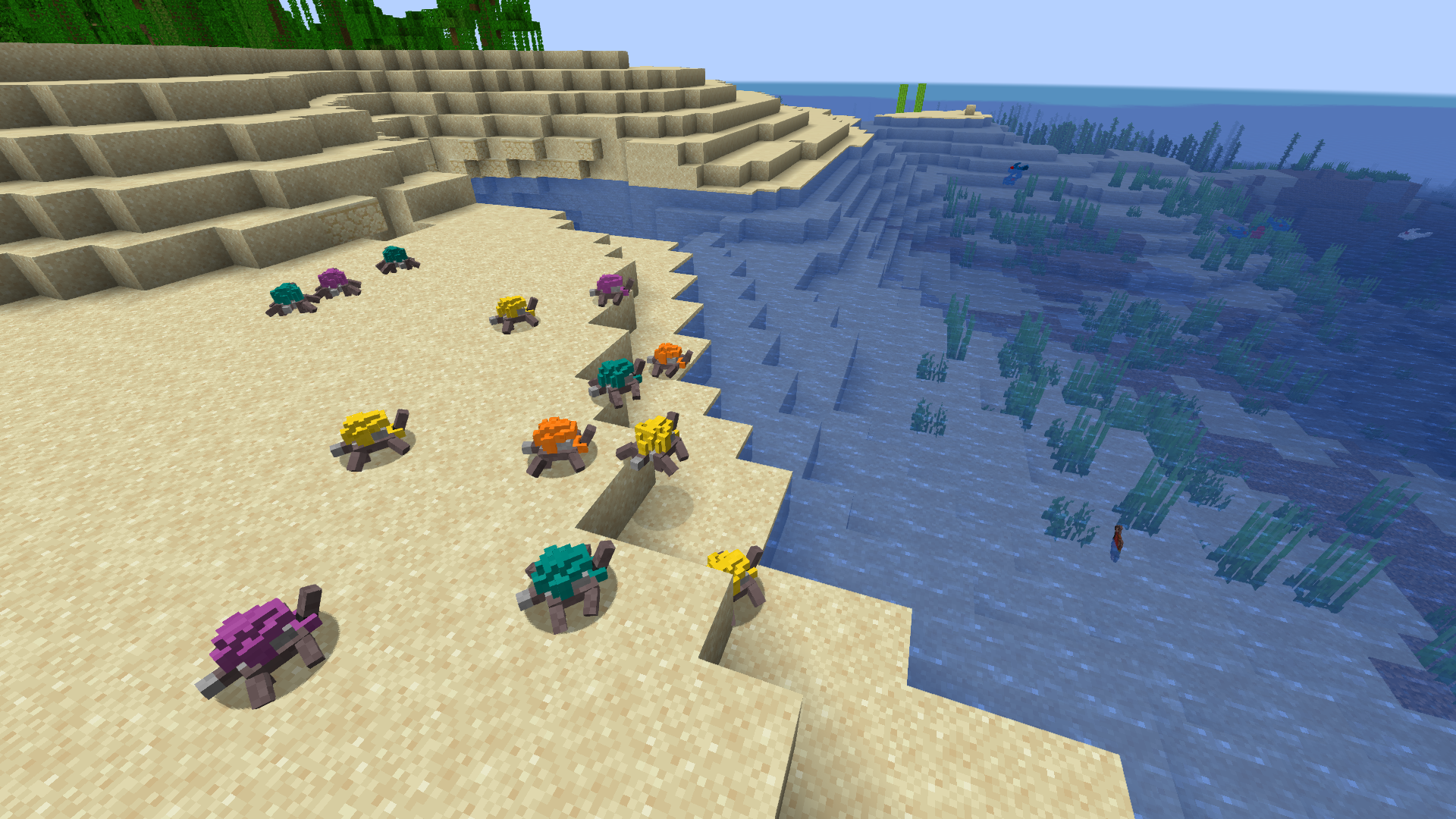
-Turtle rahi
-Various fish rahi
-Jellyfish rahi
-Bat rahi
-Takea sharks
-Hoto bugs
-Ussal crabs
-Kavinika
-Archives Moles
-Muaka
-Kane-Ra
-Bird rahi
-Mutated Pit rahi
-Fenrakk
-Bug rahi
-Red Serpents
-Skrall
-Zesk
-Agori
-Custom rabbit rahi
-Hikaki
-Custom ghost creatures
-Custom Makuta spawn
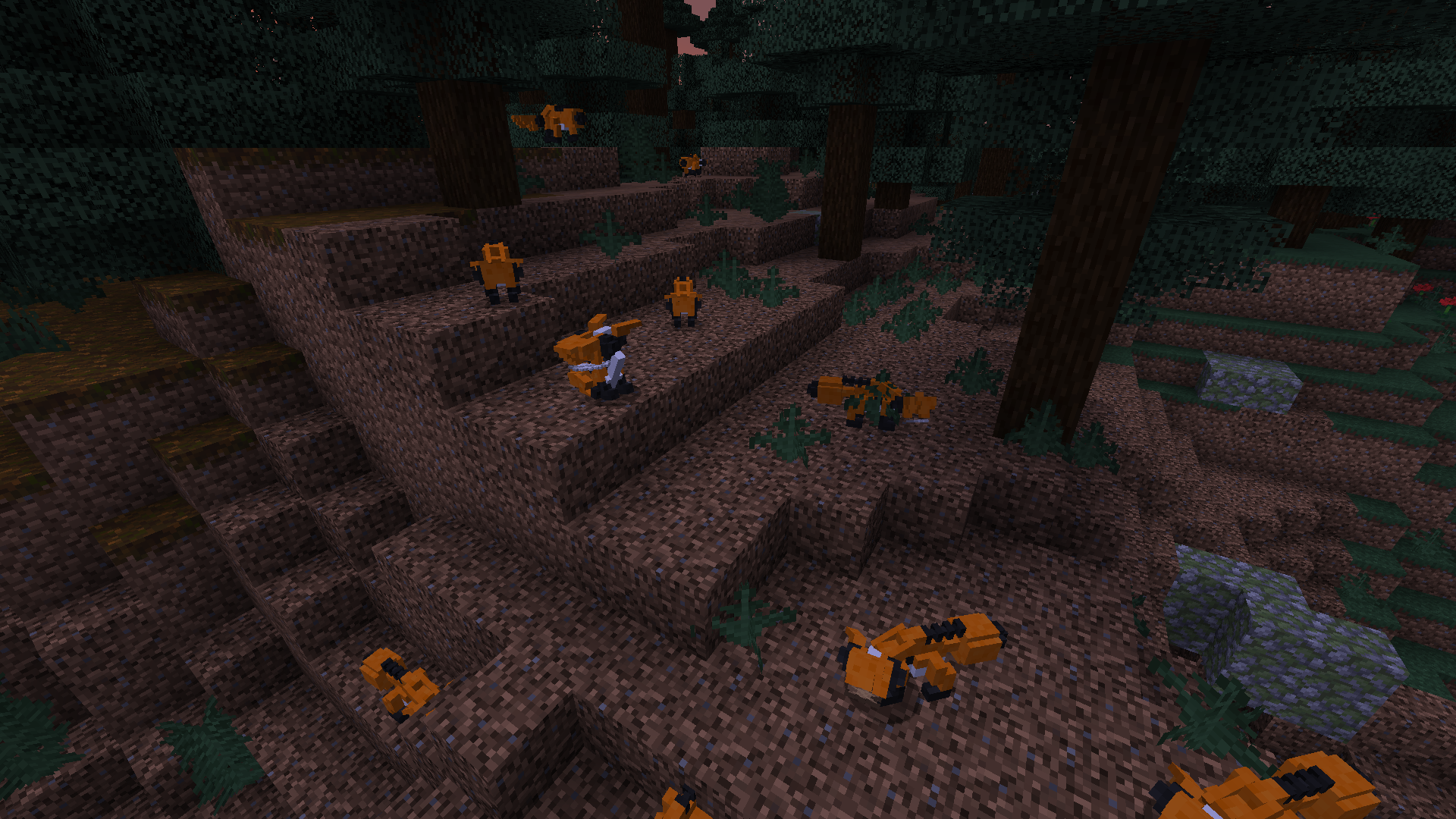
-Custom fox rahi
-Mahi
-Shore turtle
I have plans to add more Bionicle and I may occasionally post updates about the project at https://twitter.com/Rummibeer.
Feel free to contact me about the project. I appreciate feedback and ideas!
This resource pack requires Optifine to work properly. Make sure to turn on Random Entities and Custom Entity Models in Options > Video Settings > Quality.
Known issues:
1) Bionicle may sometimes appear with incorrect colors as if they were in a plains biome. This happens when the chunks they reside in are loaded too quickly. Quitting and reloading the world or otherwise reloading the chunks may fix this.
2) Bionicle may change colors upon moving between the Overworld, the Nether, and the End.
3) Bird rahi change to their vanilla model when perching on a player's shoulder.
4) Armor and held items may appear incorrectly on certain Bionicle.
5) When riding Kikanalo, the player's first person view will be obscured. Press F5 to switch to third person view.
Issue 1 and 2 may be avoided by giving a mob a name that matches their color. For example: name a matoran "Ta-matoran" to make sure it keeps its red colors.
Besides color variants depending on biomes, players may also force certain Bionicle to become certain colors by giving them specific names.
For matoran: Po-matoran, Onu-matoran, Ga-matoran, Ta-matoran, Le-matoran, Ko-matoran, [???]
For bohrok: Pahrak, Nuhvok, Gahlok, Tahnok, Lehvak, Kohrak
For turaga: Onewa, Whenua, Nokama, Vakama, Matau, Nuju, [???]
For Rahaga: Pouks, Bomonga, Gaaki, Norik, Iruini, Kualus
For Rahkshi: Panrahk, Vorahk, Guurahk, Turahk, Lerahk, Kurahk
For Piraka: Avak, Reidak, Vezok, Hakann, Zaktan, Thok
Neither me nor this project are in any way officially affiliated with LEGO. This is a fan project.