Mineuniverse
Resource Packs
BiomeBloom

BiomeBloom

RESOURCE PACK
Transforms sky, fog, and water colors across every biome for a richer, more atmospheric Minecraft experience.
by notnicto
Download Claim this project
Add a badge to your pageLink to BiomeBloom from a README, website or forum post.
Preview: Badge

Badges update automatically and link to the resource pack page on MineUniverse.

127,030 downloads
0 likes
0 followers
Updated Oct 14, 2026
0 hypes
Follow0
16x Miscellaneous Modern Photo Realistic Traditional
Advertisement Remove ads with Premium →


🌄 BiomeBloom

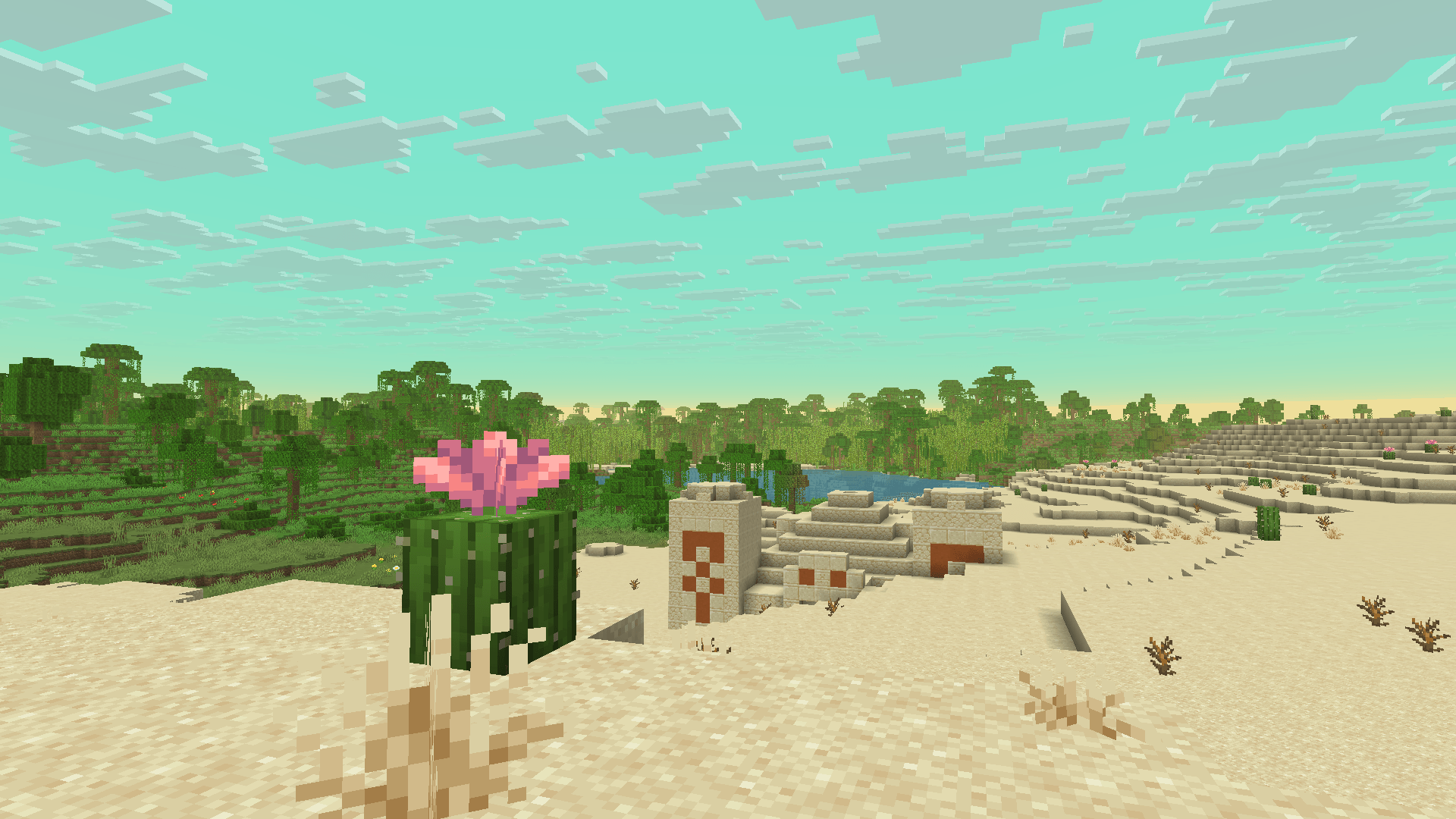
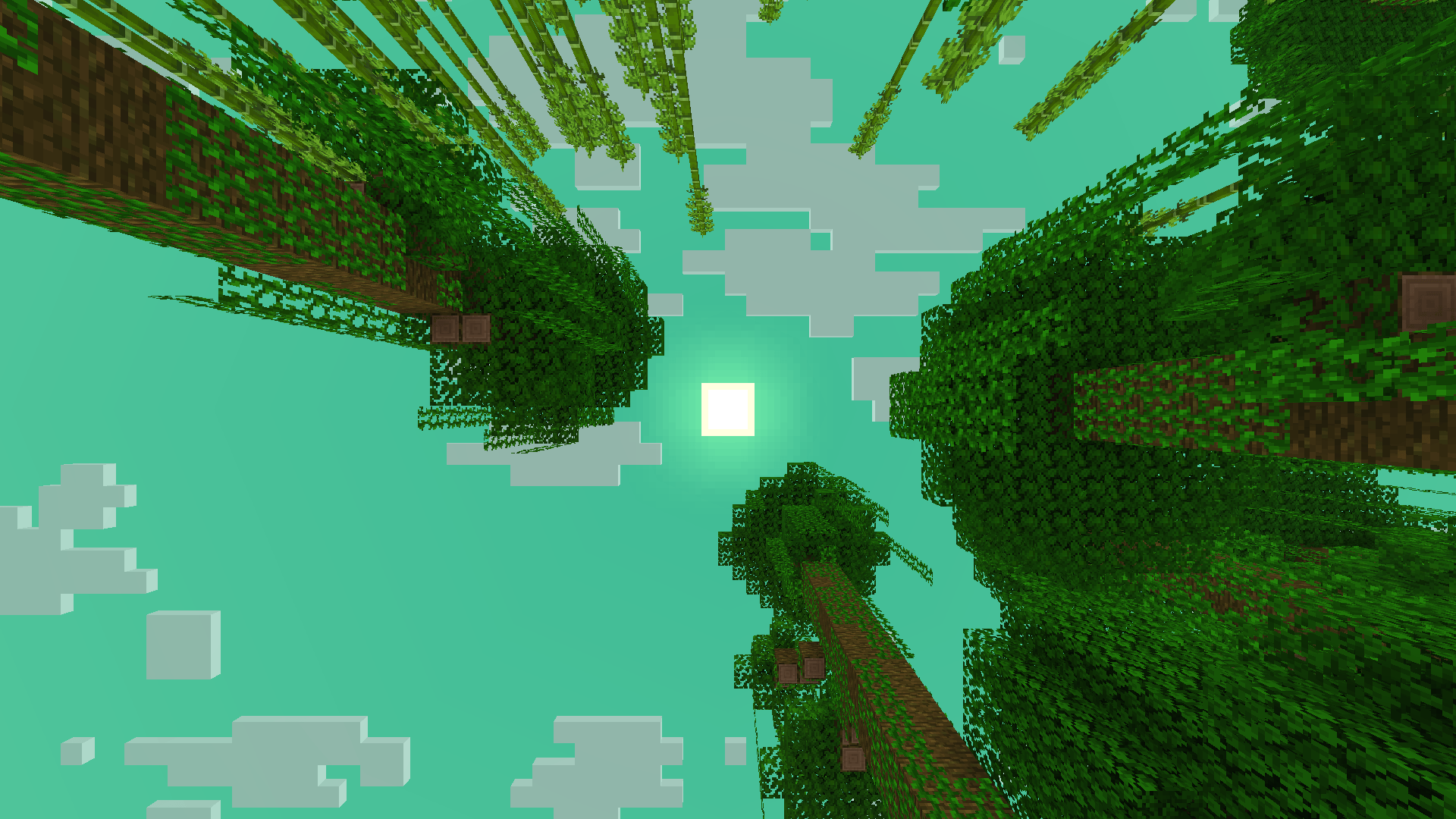
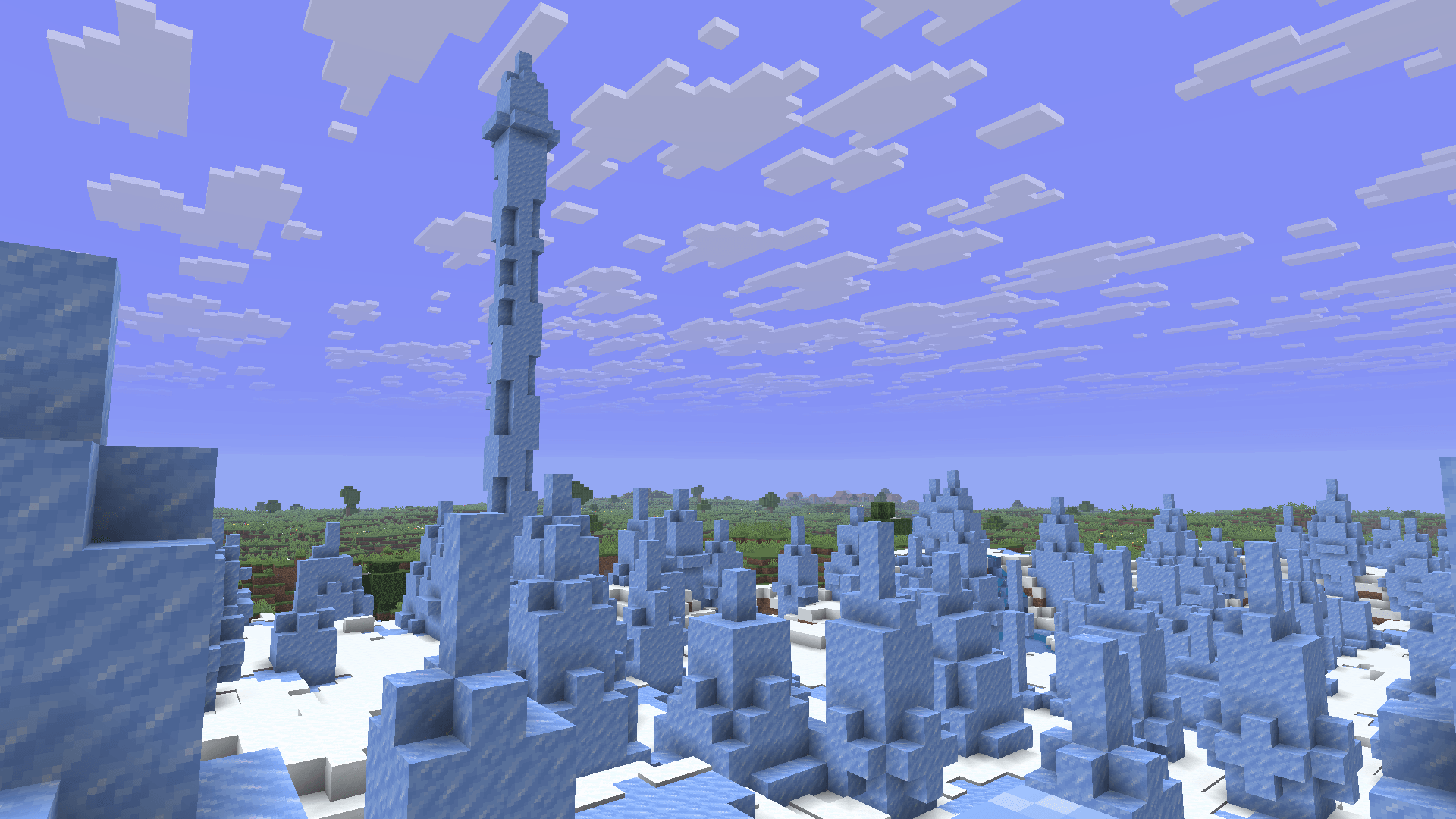
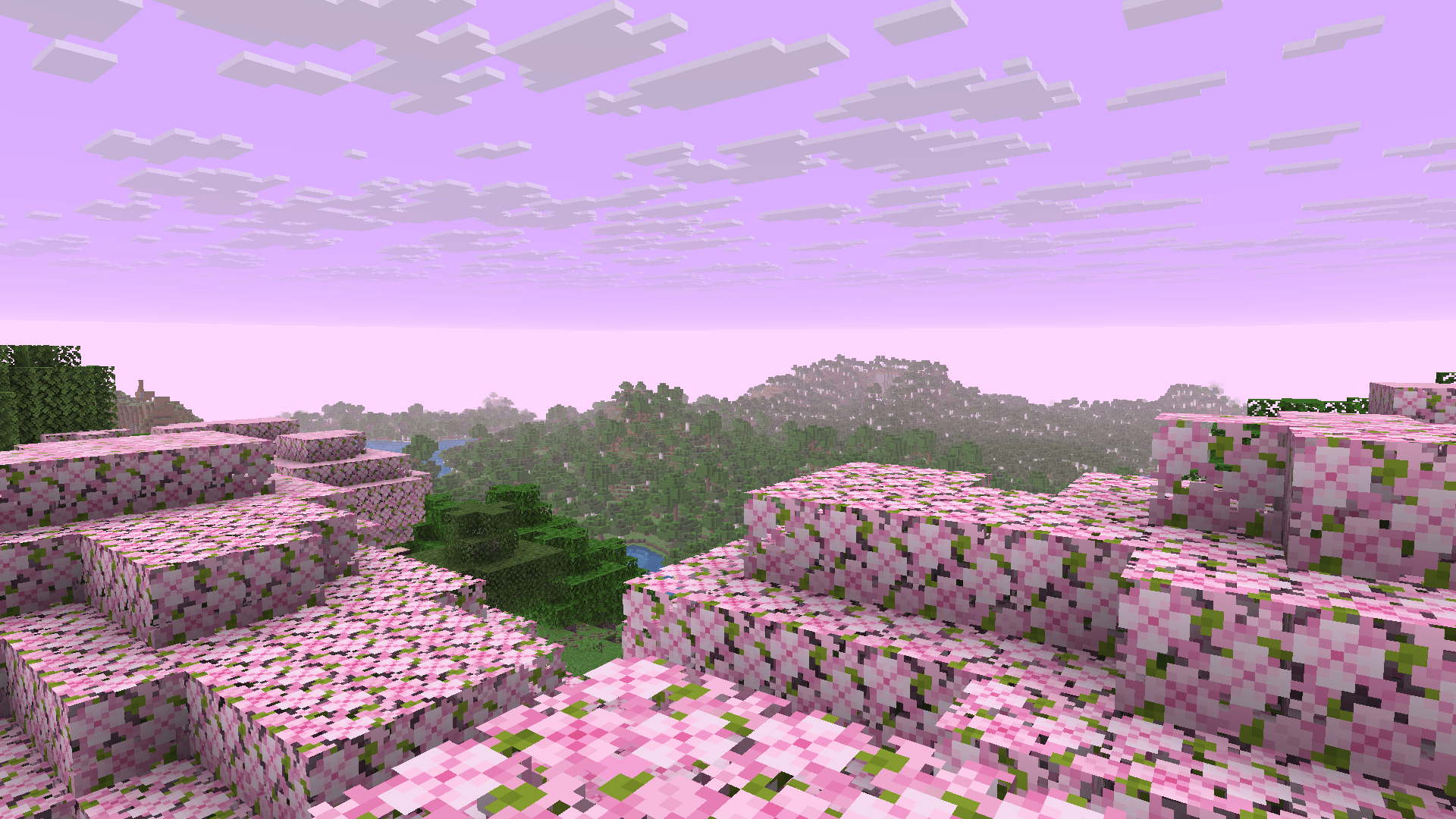
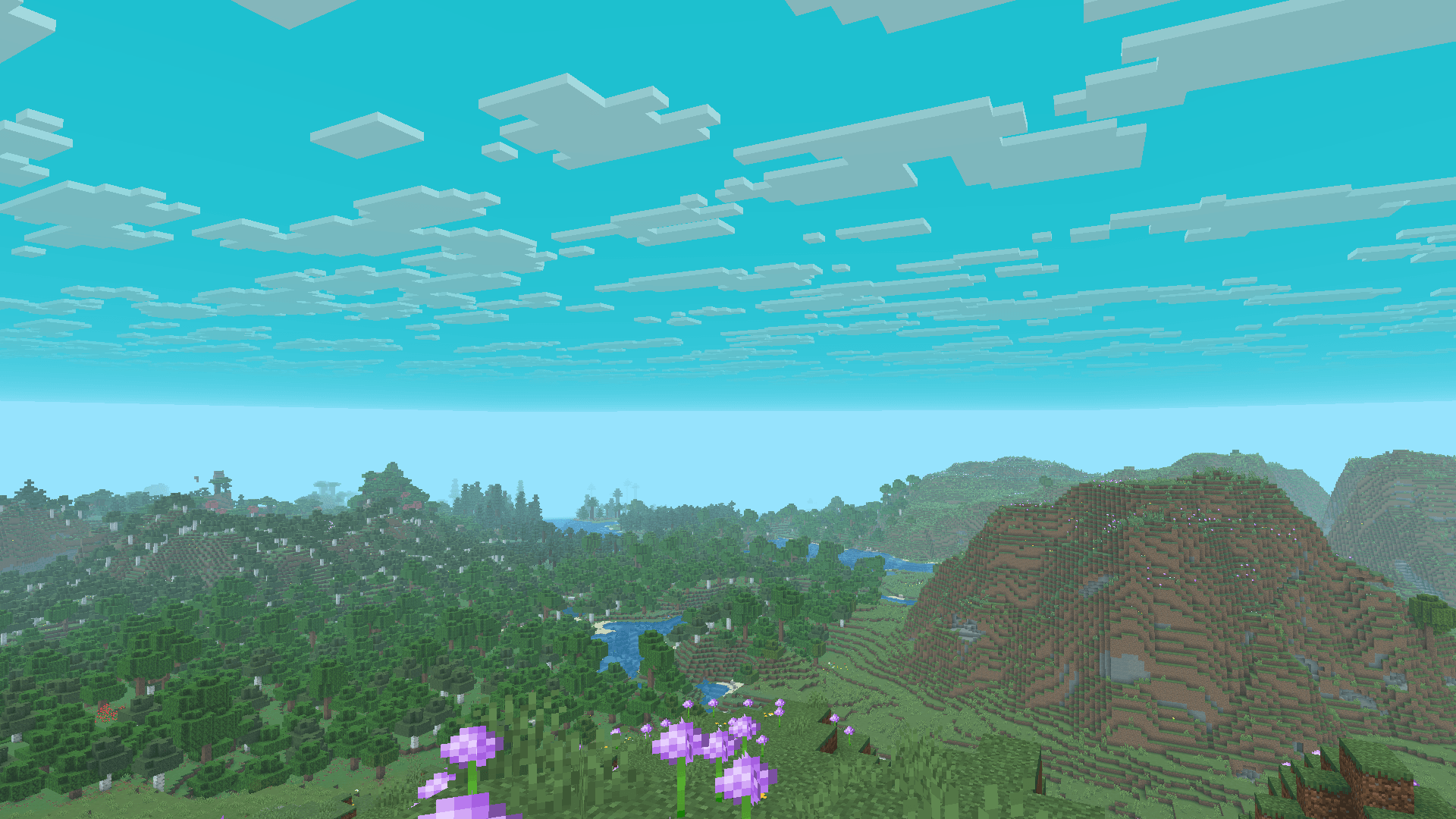
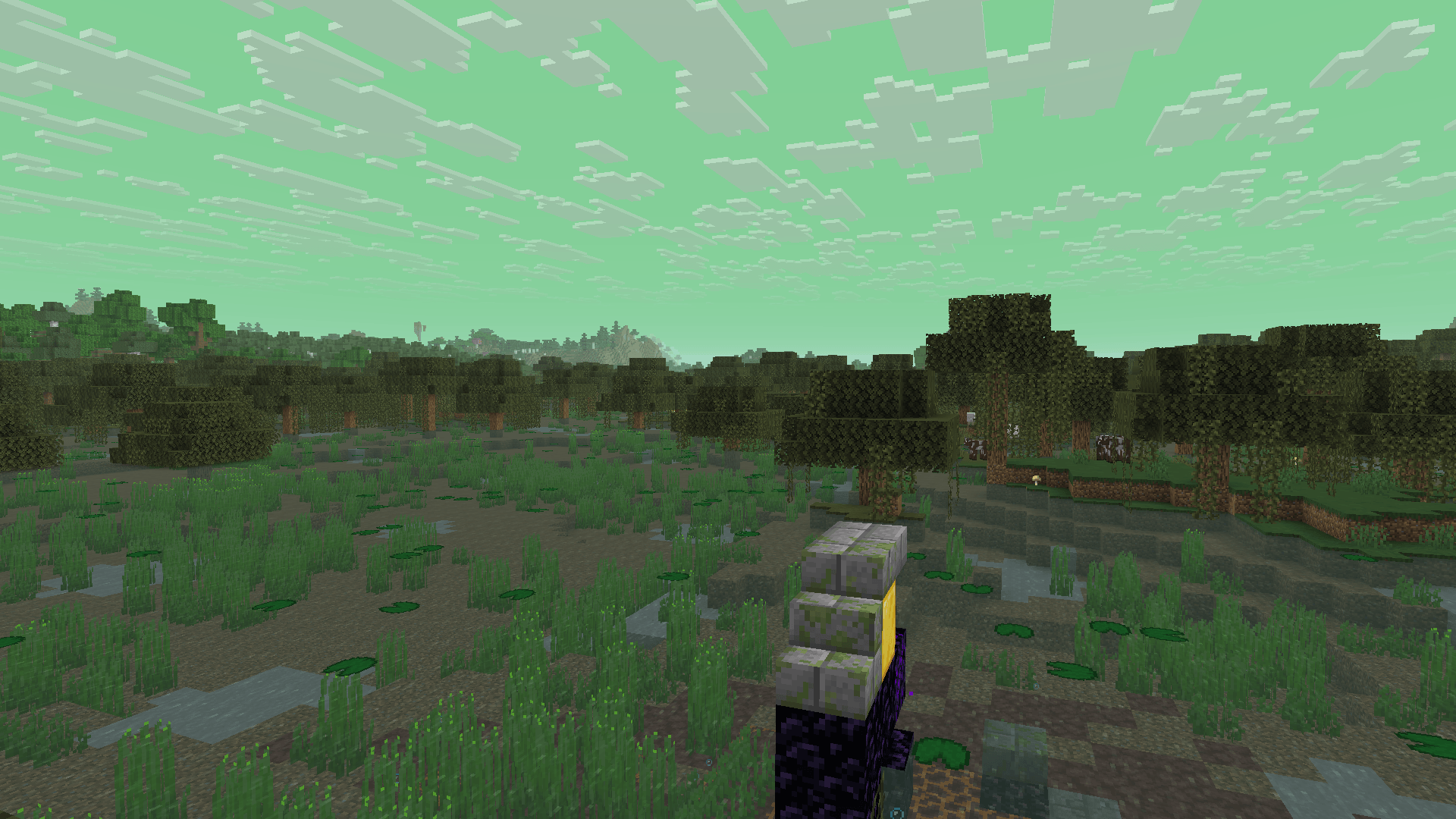
BiomeBloom transforms your Minecraft world through dynamic sky, fog, and water color variations based on each biome.
Every region gains its own mood — from bright tropical waters to misty forests and crisp, icy tundras.



✨ Features

  • Biome-specific sky color variations
  • Immersive fog gradients unique to each region
  • Distinct water tints for oceans, rivers & swamps


Every sky tells a new story.


BiomeBloom v1.3
MC 1.16.3, 1.17.1, 1.21, 1.16.1, 1.18.1, 1.16, 1.16.5, 1.19.3, 1.20.2, 1.19.4, 1.21.8, 1.17, 1.20.5, 1.21.5, 1.18, 1.21.4, 1.20.1, 1.20, 1.20.6, 1.21.1, 1.21.6, 1.21.3, 1.21.7
Release 2026-01-03 Get

Requirements & install

How to use this resource pack in Minecraft
Resolution
16x
Minecraft
1.21 – 1.21.8
Install folder
.minecraft/resourcepacks

How to install resource packs

  1. Download the resource pack .zip file (do not extract it).
  2. In Minecraft open Options → Resource Packs → Open Pack Folder.
  3. Drop the .zip into the resourcepacks folder (.minecraft/resourcepacks).
  4. Move the pack to the Selected column and click Done.
Browse more: 16x resource packs 32x resource packs 64x resource packs 128x resource packs 256x resource packs 512x+ resource packs Resource Packs for 1.21.8 All resource packs

More from notnicto

Advertisement Remove ads with Premium →

You Might Also Like