Mineuniverse
Resource Packs
BINT - Early Development

BINT - Early Development

RESOURCE PACK
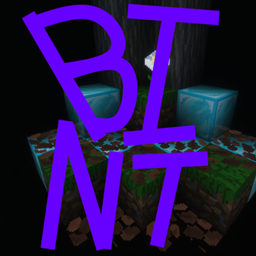
BINT is a project I am working, it is currently very early in development, BINT plans to re-envision how minecraft looks by making it 32 x 32, I do not plan on making textures hyper accurate, just making it look better.

by ralfku
Download Claim this project
34 downloads
0 likes
0 followers
Updated Oct 14, 2026
0 hypes
Follow0
32x Miscellaneous
Advertisement Remove ads with Premium →

WHAT BINT IS
BINT is a resource pack which plans on re-making every texture to a 32 by 32 style, this plans to make many textures, so far this texture pack is very early in development
_________________________________________________________________________________________________
TEXTURED BLOCKS/ITEMS SO FAR
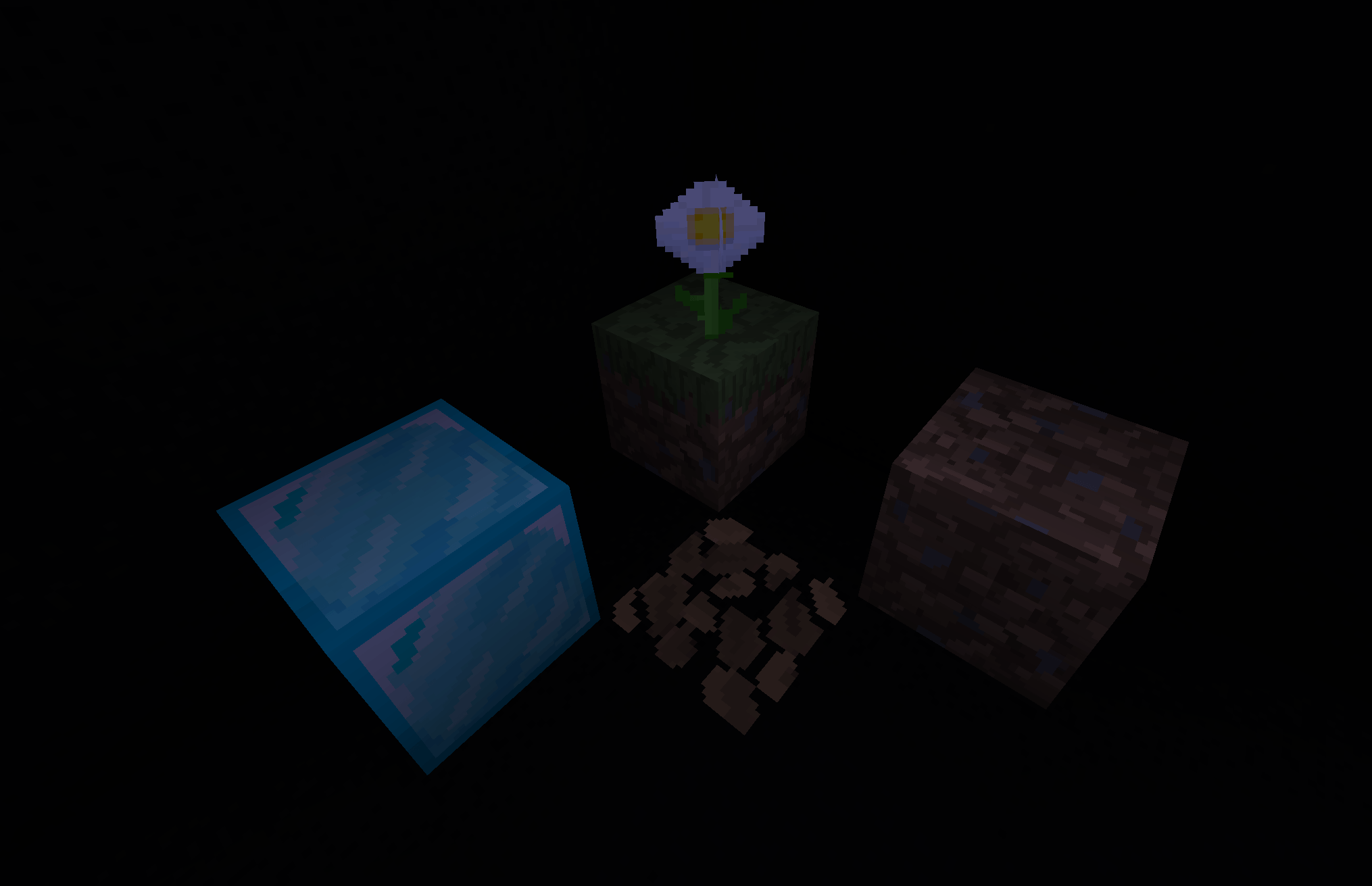
-   grass blocks
-   dirt blocks
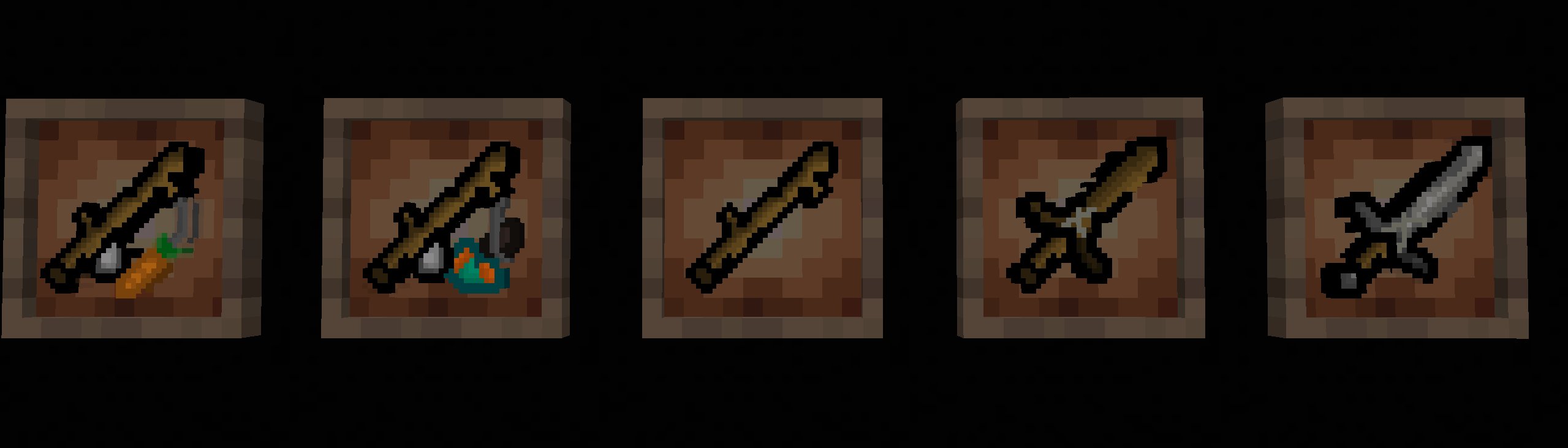
-   sticks
-   wooden sword
-   stone sword
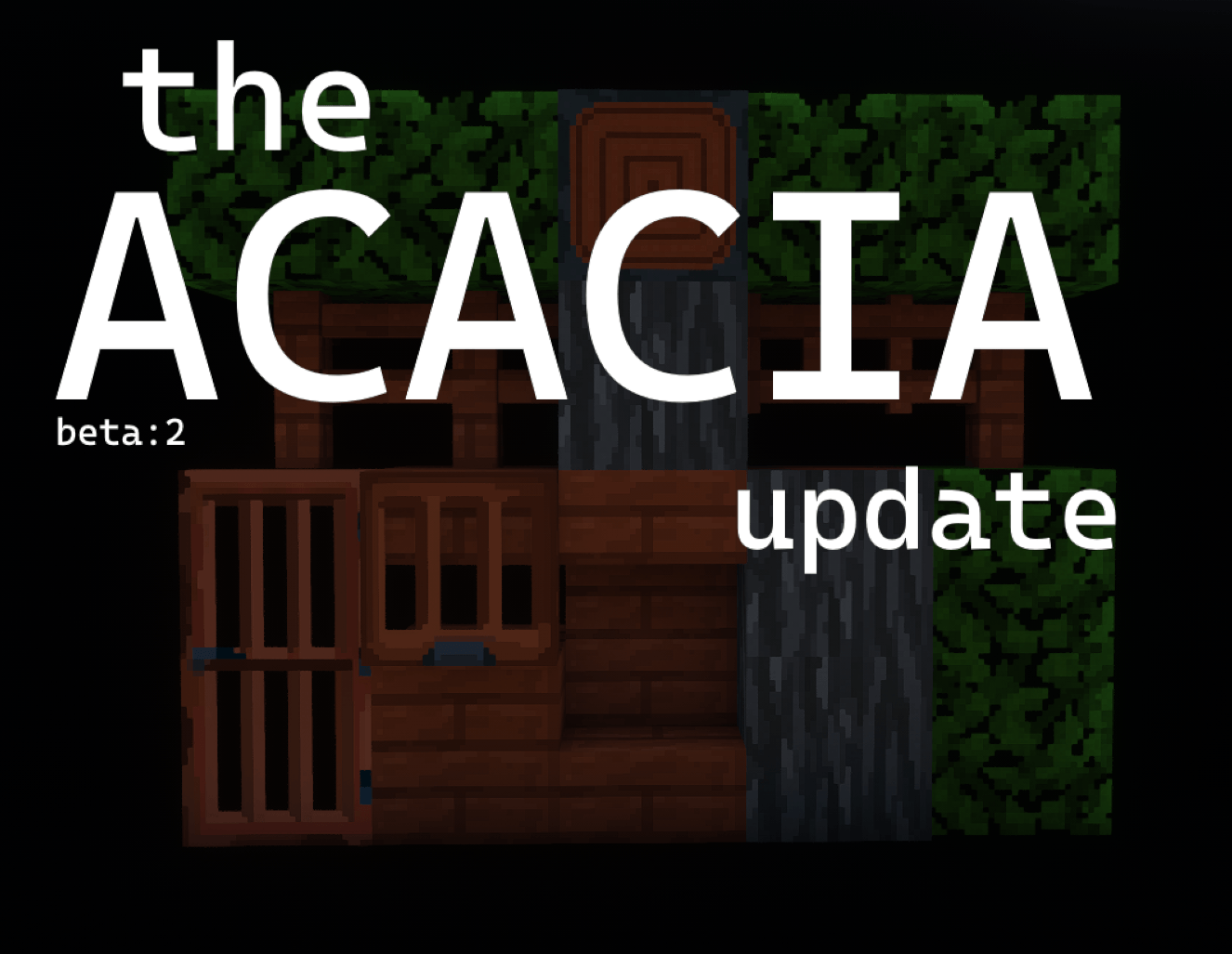
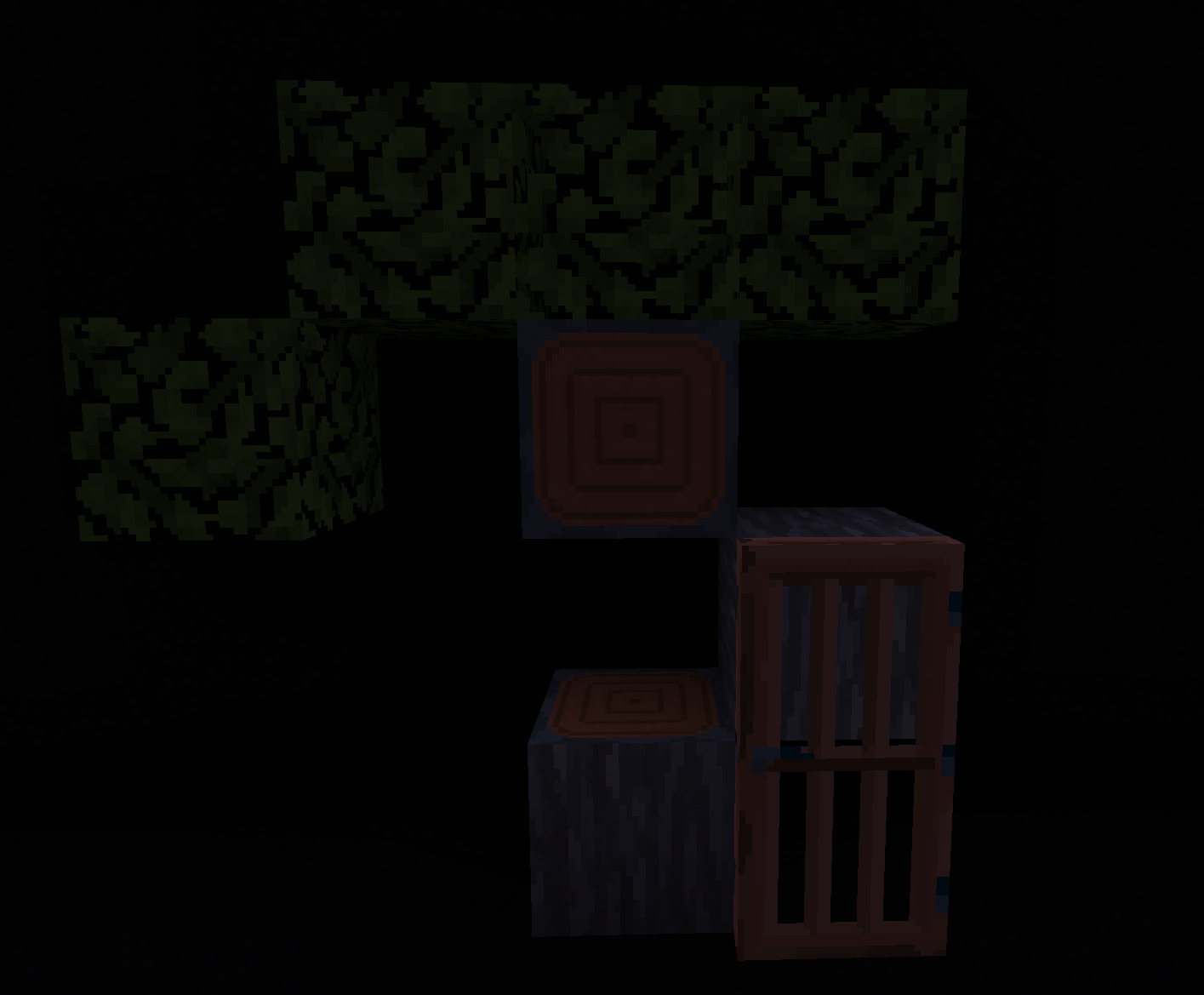
-   acacia log
-   stripped acacia log
-   acacia leaves
-   etc of acacia
_________________________________________________________________________________________________
there is not much textured yet as this is a very early development but over time our pack will be updated to include more textures and try to keep up with the ever-growing amount of textures there are in minecraft.
_________________________________________________________________________________________________
EXTRA INFO
This resource pack is actually a port from Curseforge to modrinth, this pack does not intend to copy or take other packs textures as it is all hand made.
_________________________________________________________________________________________________
-Credits to Mcreator for creating the actual file for the pack.

BINT-THE NATURE UPDATE-1.1.1-WB
MC 1.21.8
Release 2026-08-25 Get
BINT-The Official ACACIA UPDATE
MC 1.21.8
Release 2026-07-21 Get
Beta:2 The ACACIA update
MC 1.21.8
Release 2026-06-18 Get
bint-1.0.1-Beta-TheAcaciaUpdate
MC 1.21.8
Release 2026-06-14 Get
bint-1.0.0-resourcepack-1.21.8.zip
MC 1.21.8
Alpha 2026-06-14 Get

Requirements & install

How to use this resource pack in Minecraft
Resolution
32x
Minecraft
1.21.8
Install folder
.minecraft/resourcepacks

How to install resource packs

  1. Download the resource pack .zip file (do not extract it).
  2. In Minecraft open Options → Resource Packs → Open Pack Folder.
  3. Drop the .zip into the resourcepacks folder (.minecraft/resourcepacks).
  4. Move the pack to the Selected column and click Done.
Browse more: 16x resource packs 32x resource packs 64x resource packs 128x resource packs 256x resource packs 512x+ resource packs Resource Packs for 1.21.8 All resource packs

More from ralfku

Advertisement Remove ads with Premium →

You Might Also Like