Badges update automatically and link to the resource pack page on MineUniverse.
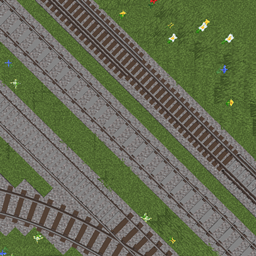
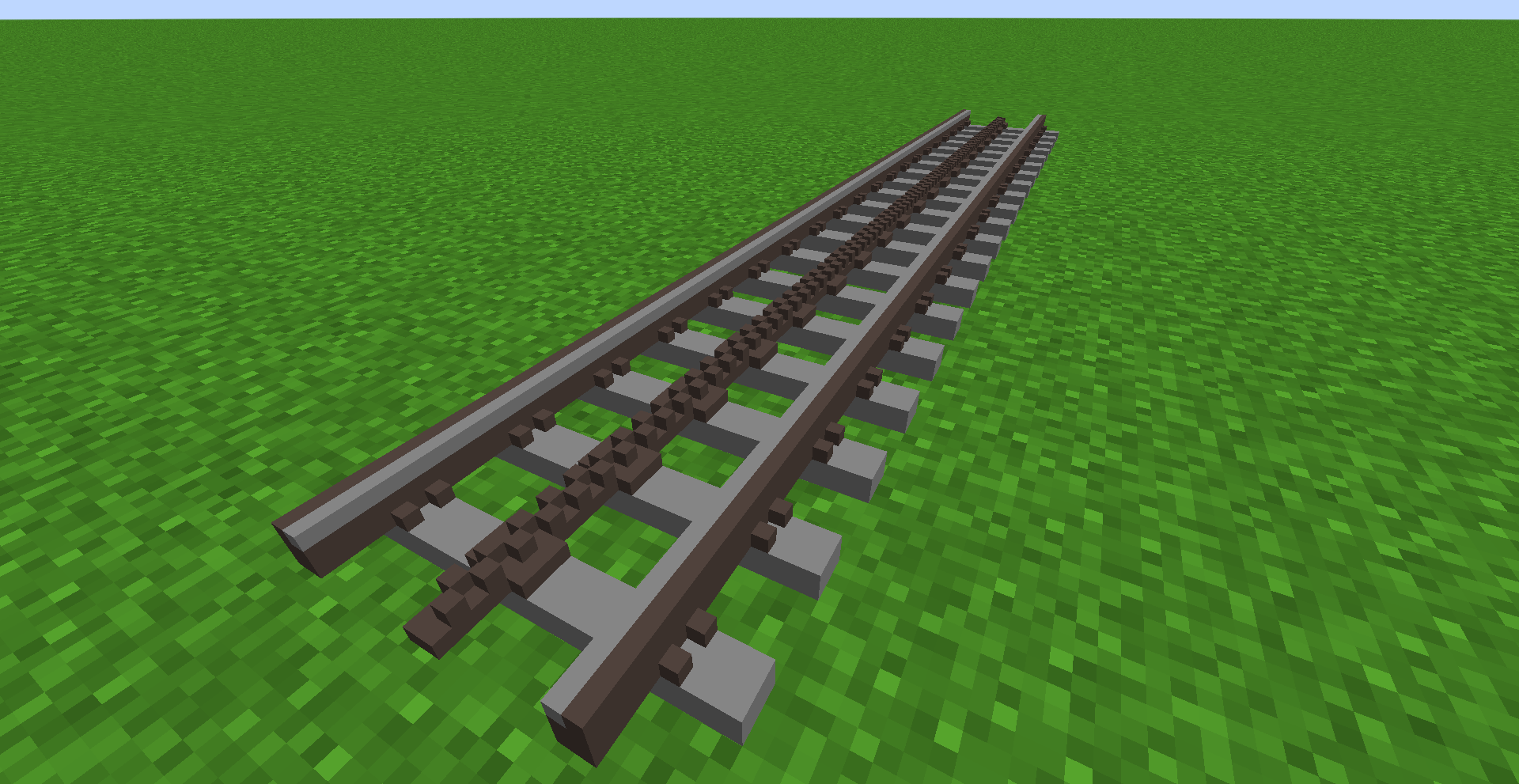
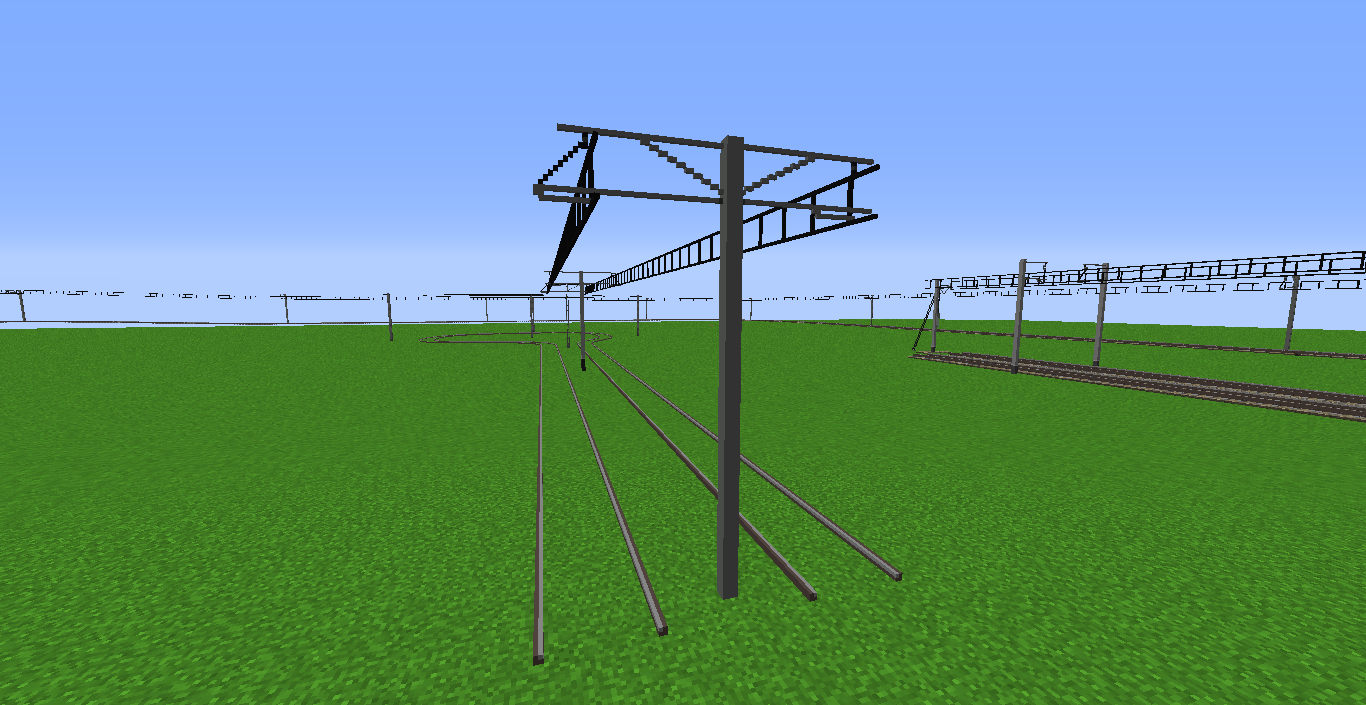
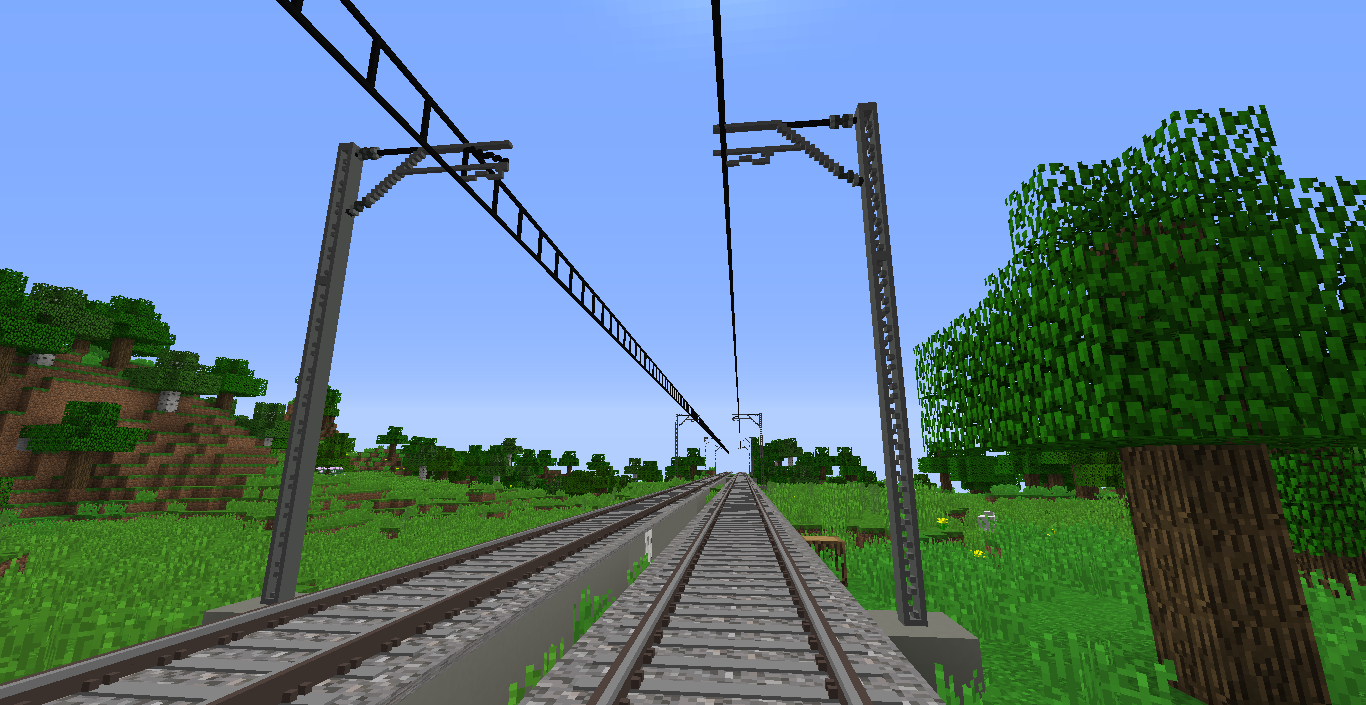
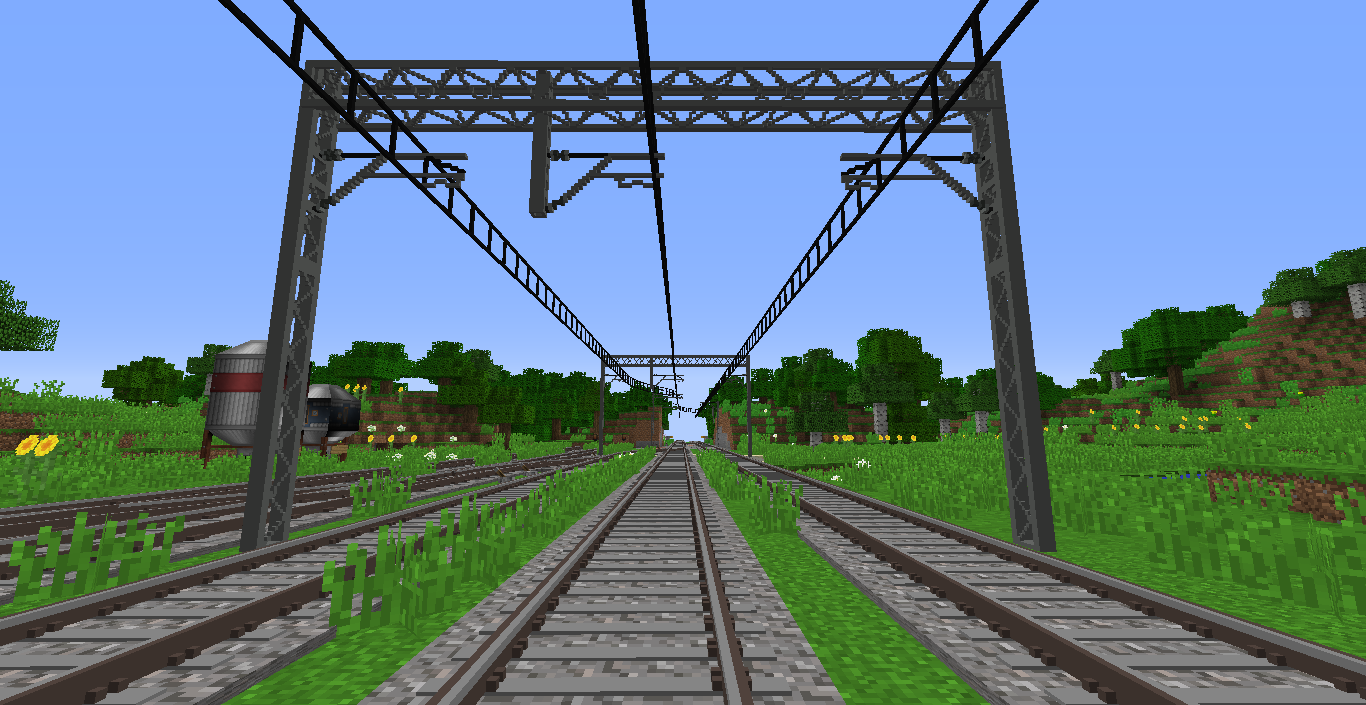
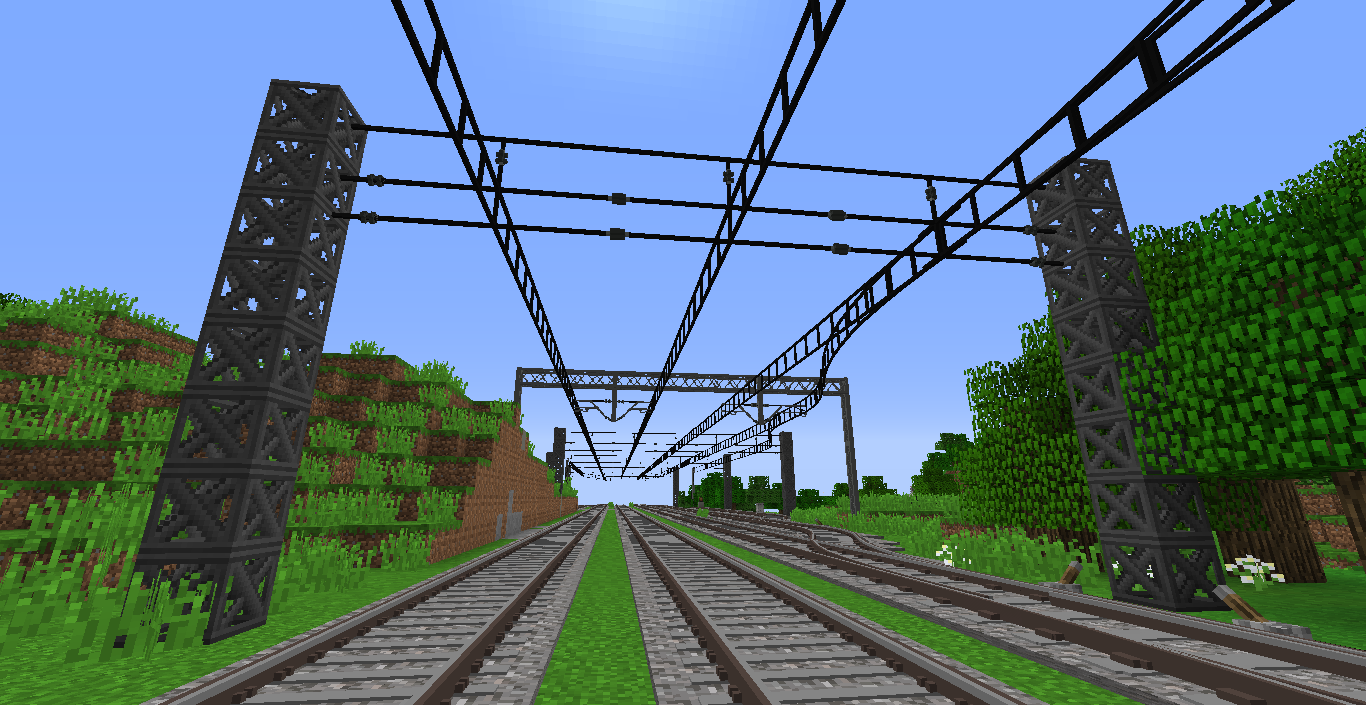
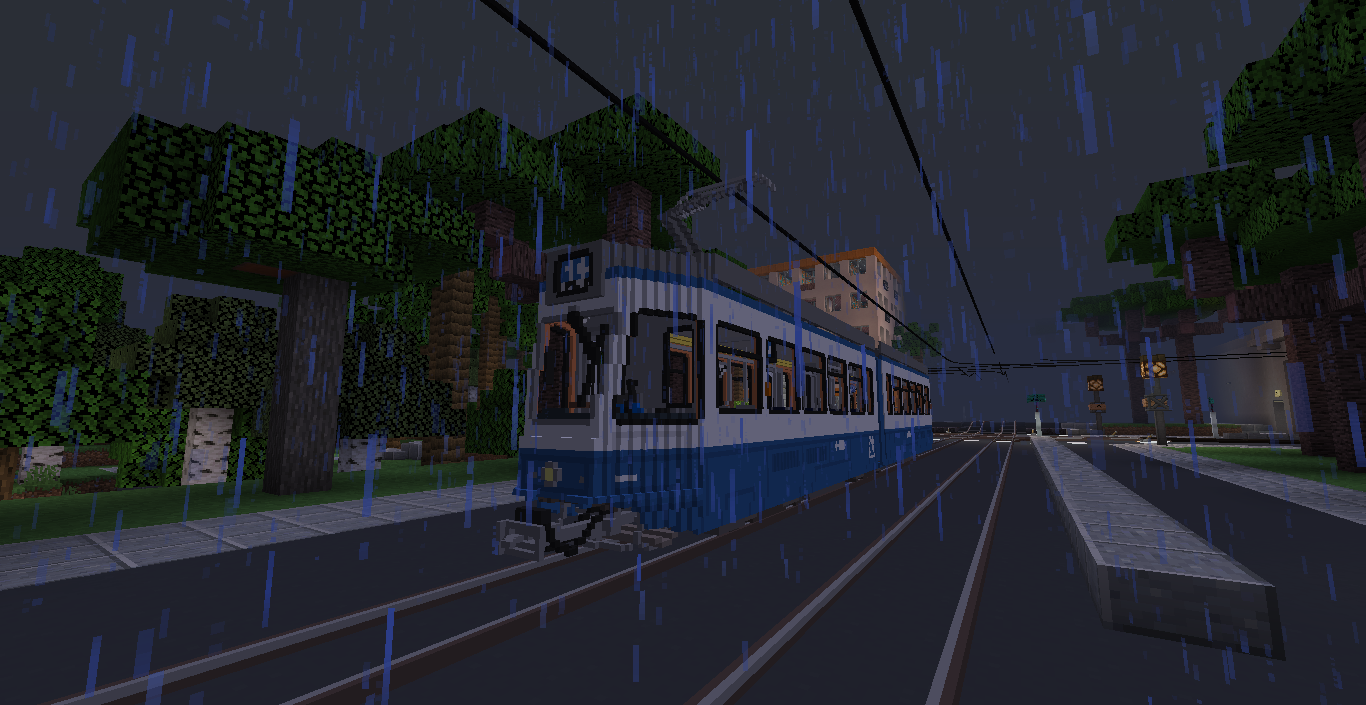
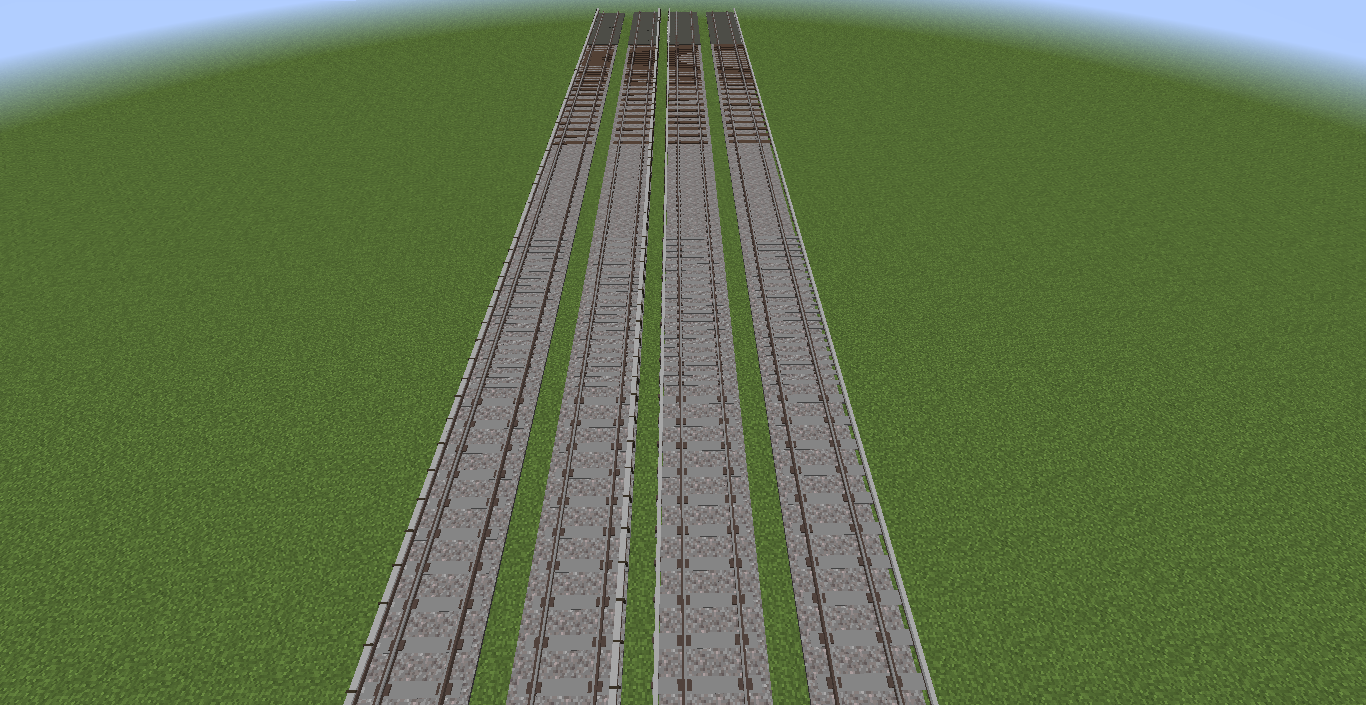
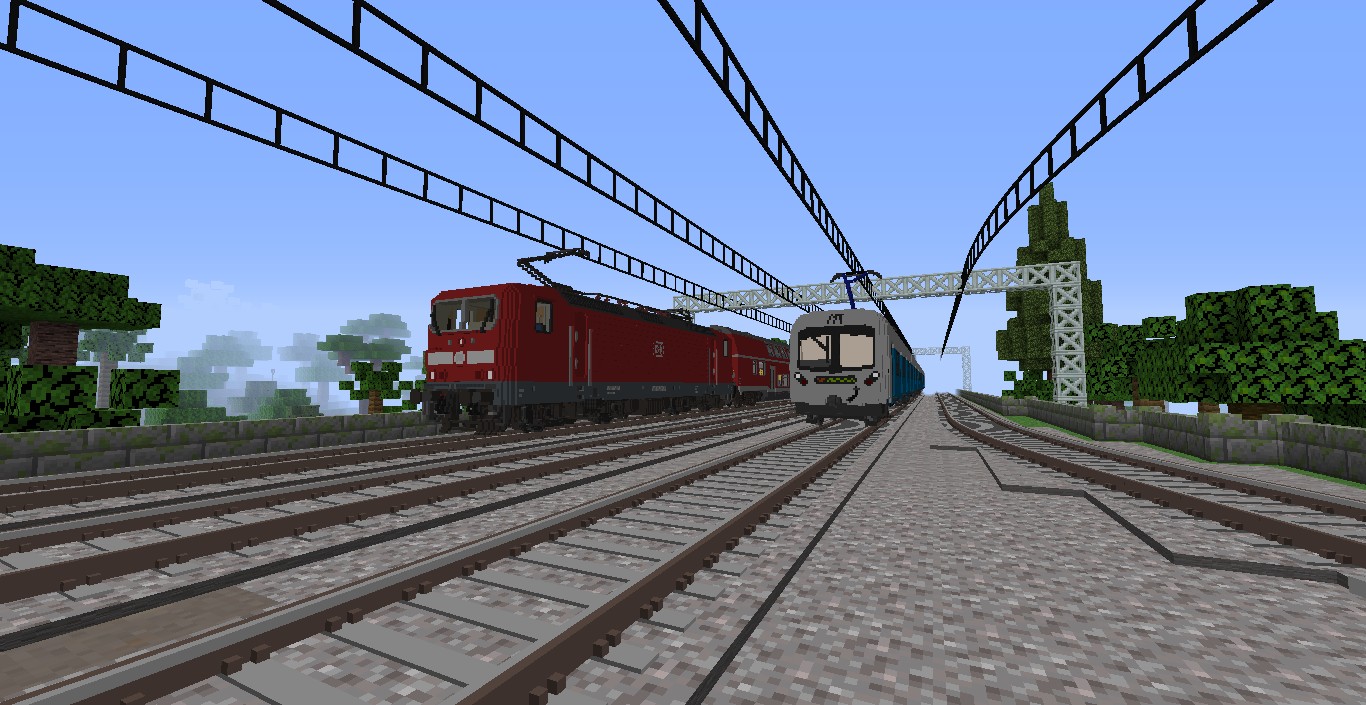
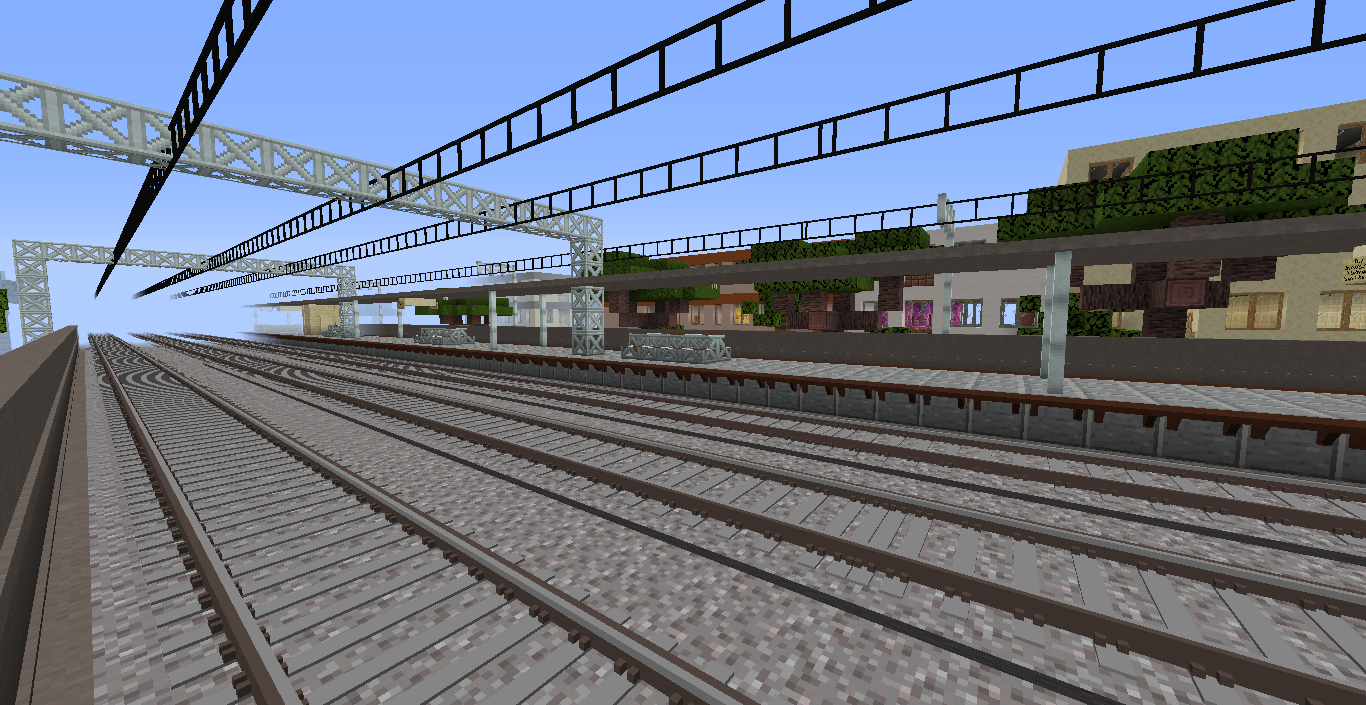
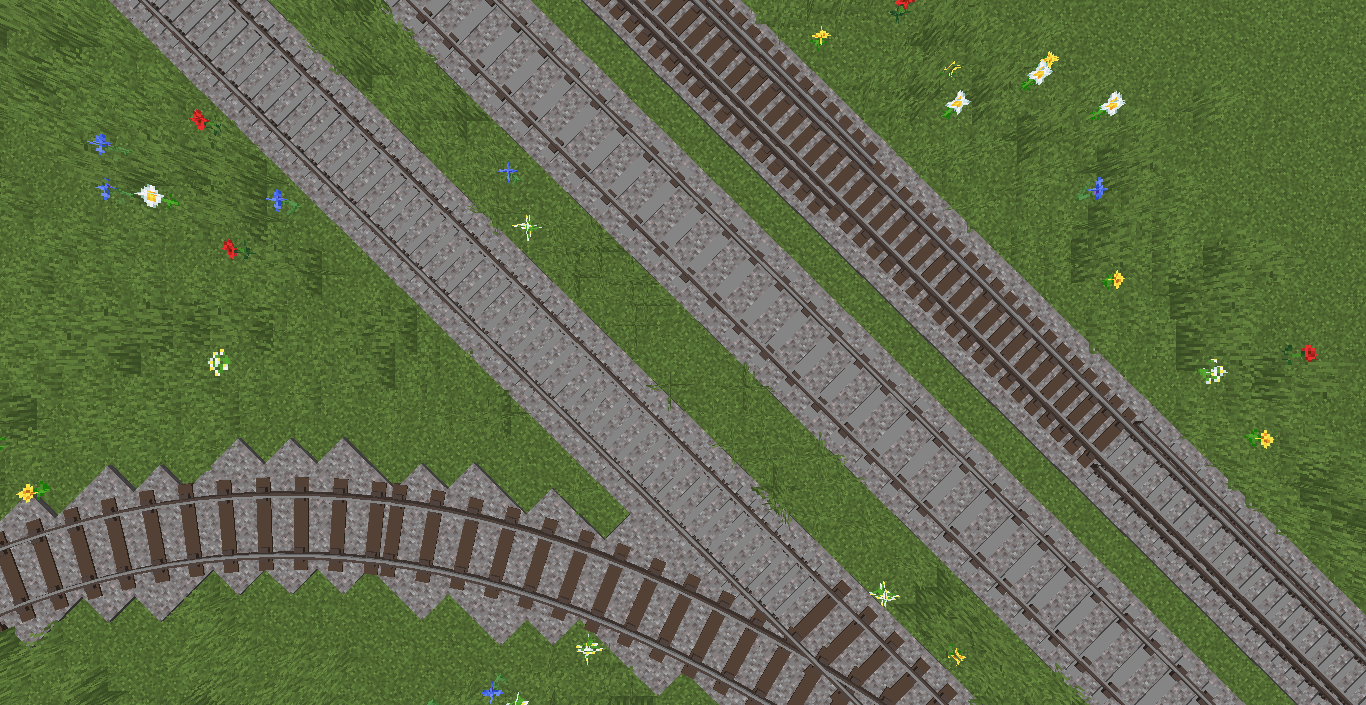
Addon pack for Immersive Railroading which adds over 100 track types, including railway track with catenary, tram tracks and tracks with third rail and also catenary elements!
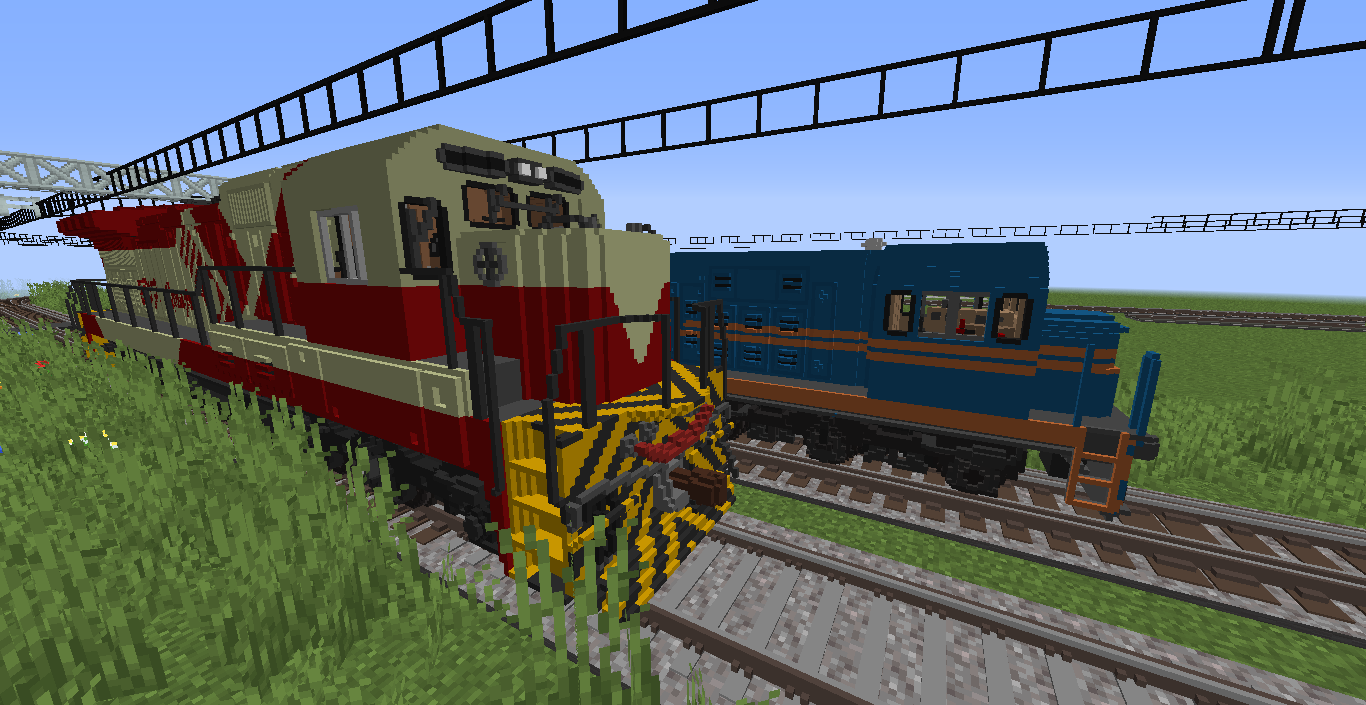
This pack is designed to visually work well with other voxel packs, such as Voxel Trains, braziltheking's pack or Polish Voxel Pack (made by me and my friends!)
Made using MagicaVoxel
Tracks are intended not to be rich in details to make it work well on weak computers and to allow to place a lot of them in small area (large stations and yards).
This is the third release which adds some new tracks and corrects old 3rd rail tracks!
Pack contains 121 track object, prepare for lot of clicking! Remember, that you can right-click to go back.
Documentation of all track objects: click here
How to use catenary poles?
1. Place actual rails, avoid very long track segments, especially in station areas.
2. Plan carefully where and how would you place poles and support wires - IR is quite buggy when it comes to track blocks placed in the same area.
3. Select a desired pole, set length to 1 and place it centrally on existing track.
4. If rails use ballast (or railbed), select the same for pole.
5. If you want to remove pole and place it again, you need to remove rails to, there is a bug of too many tracks and I can't do anything with that. Remember to plan ahead!
It should work on every MC version that IR supports.
Have fun!