Mineuniverse
Resource Packs
Beyond of Blossom

Beyond of Blossom

RESOURCE PACK
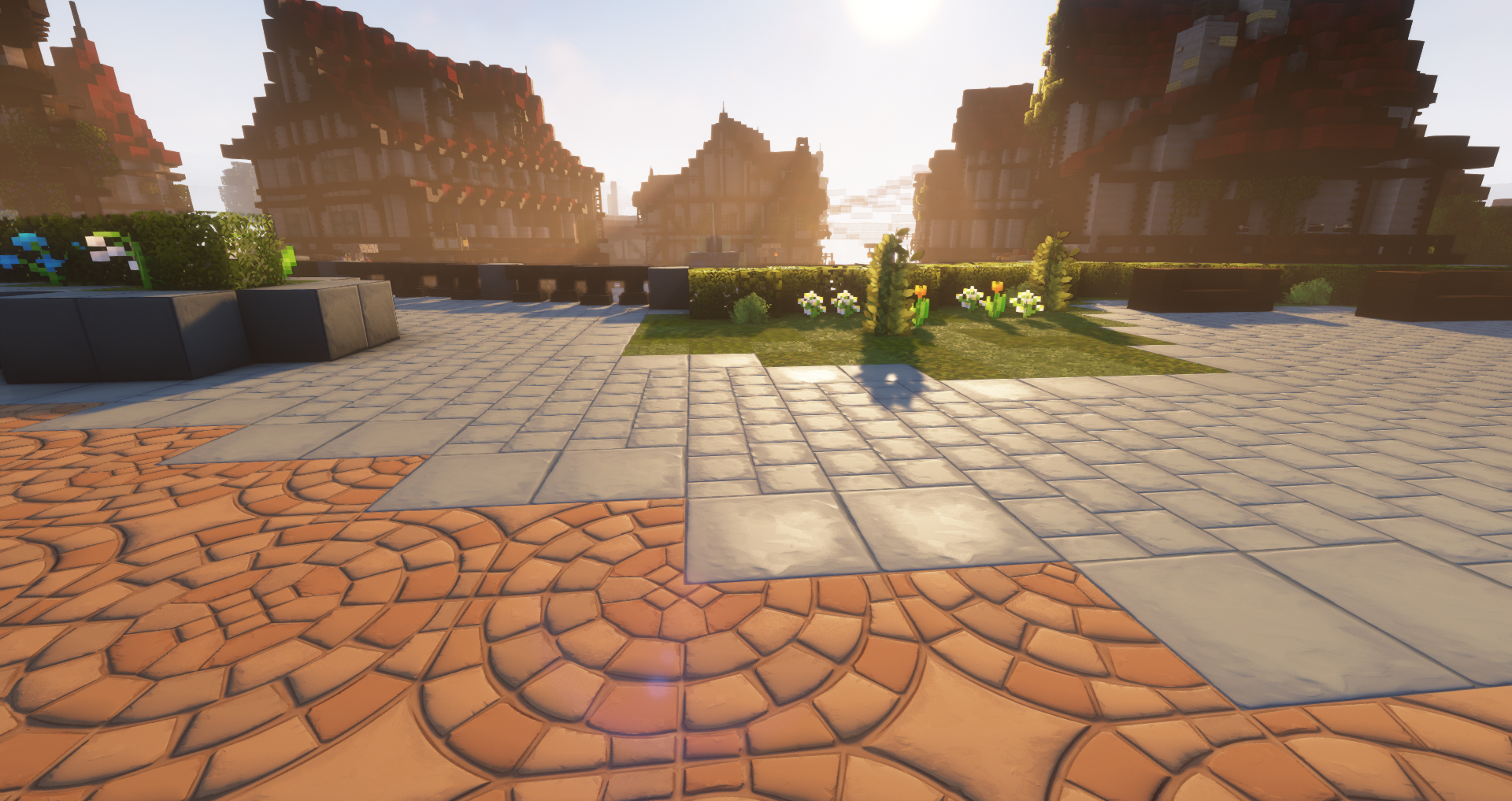
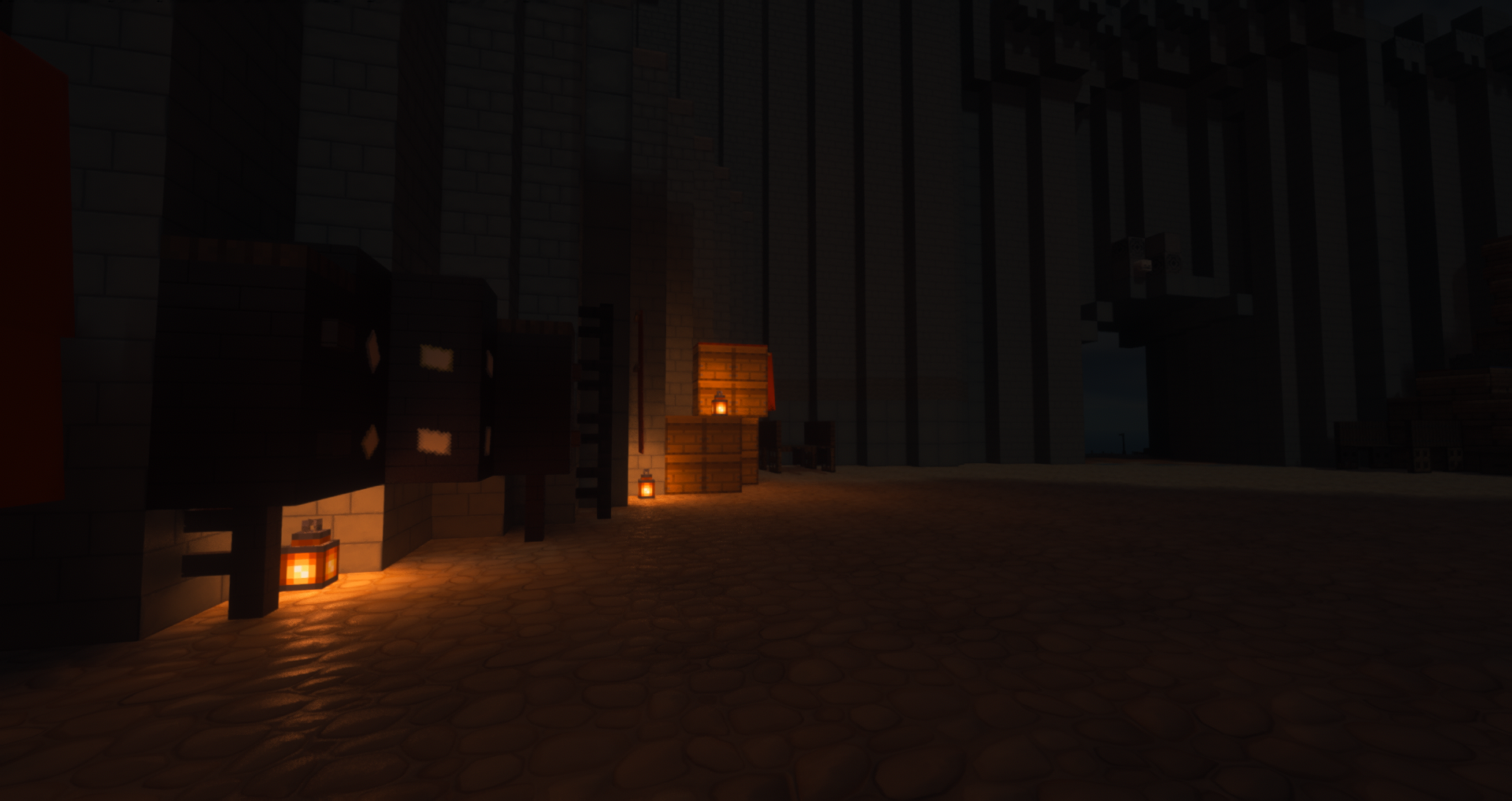
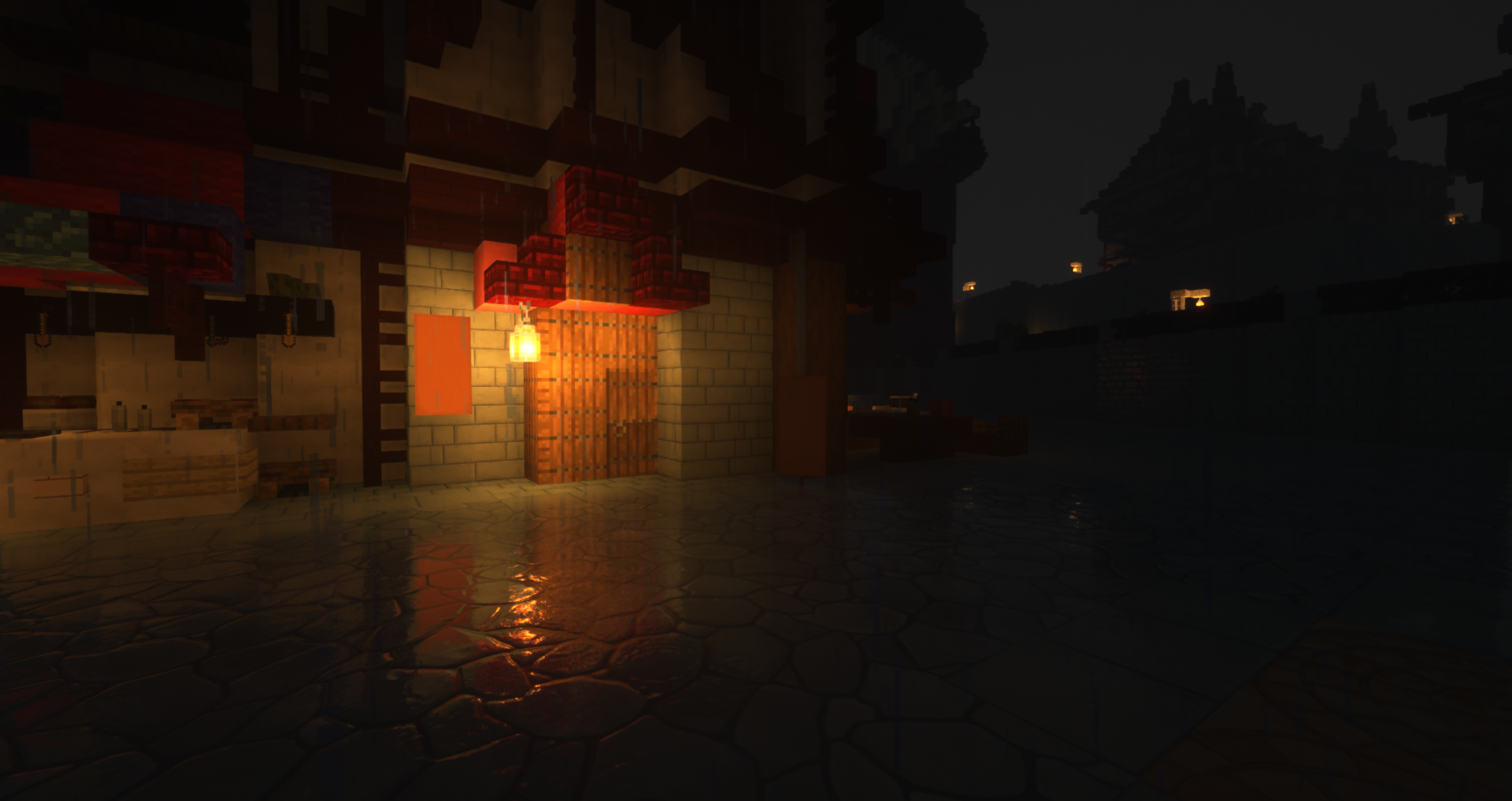
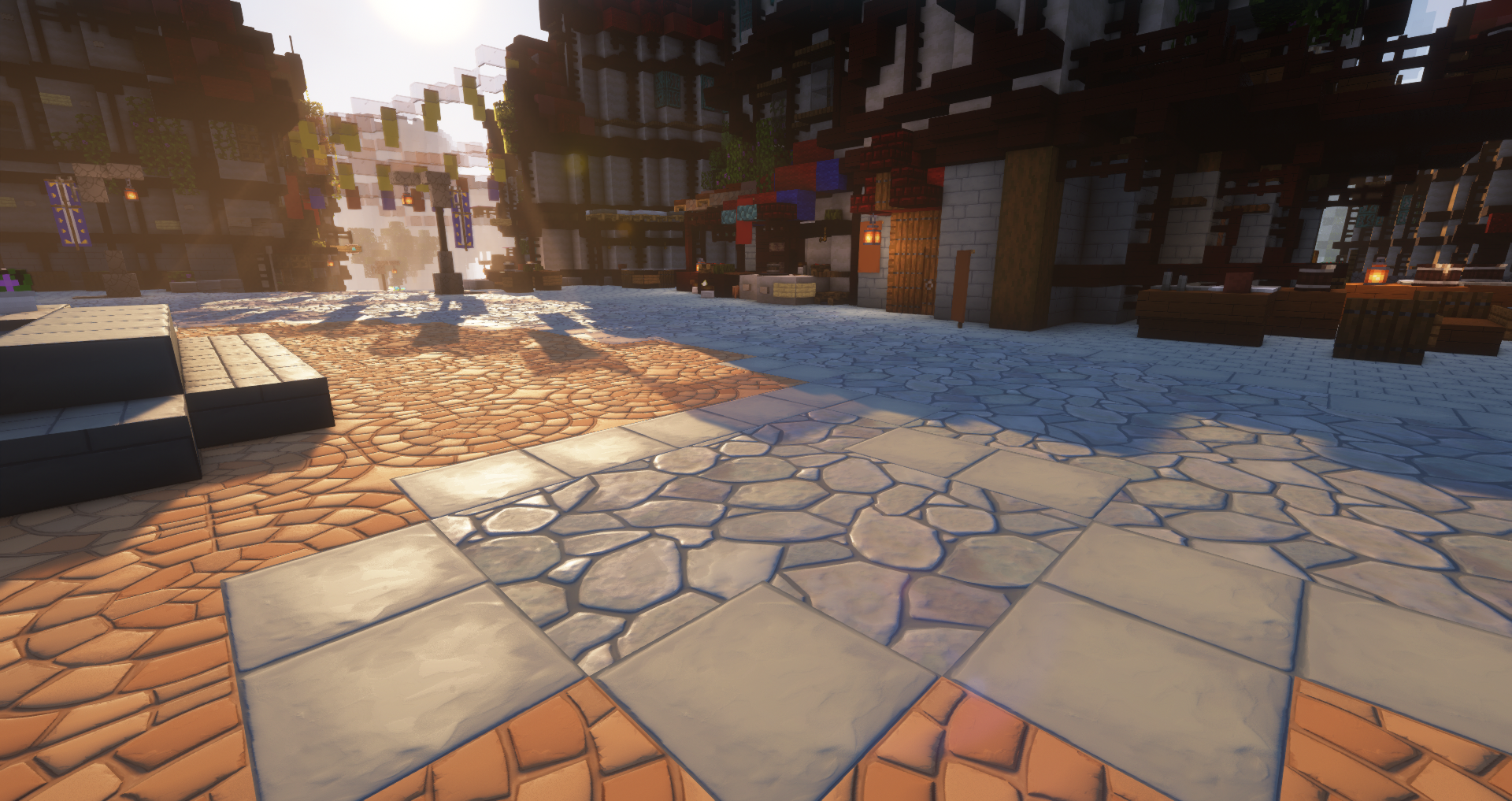
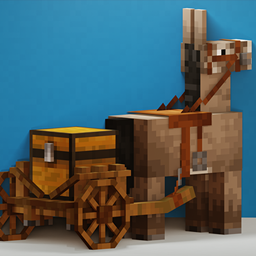
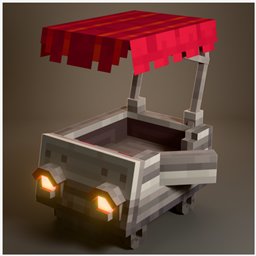
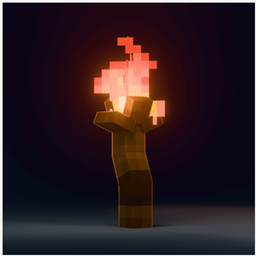
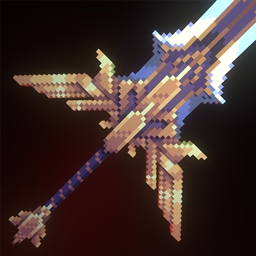
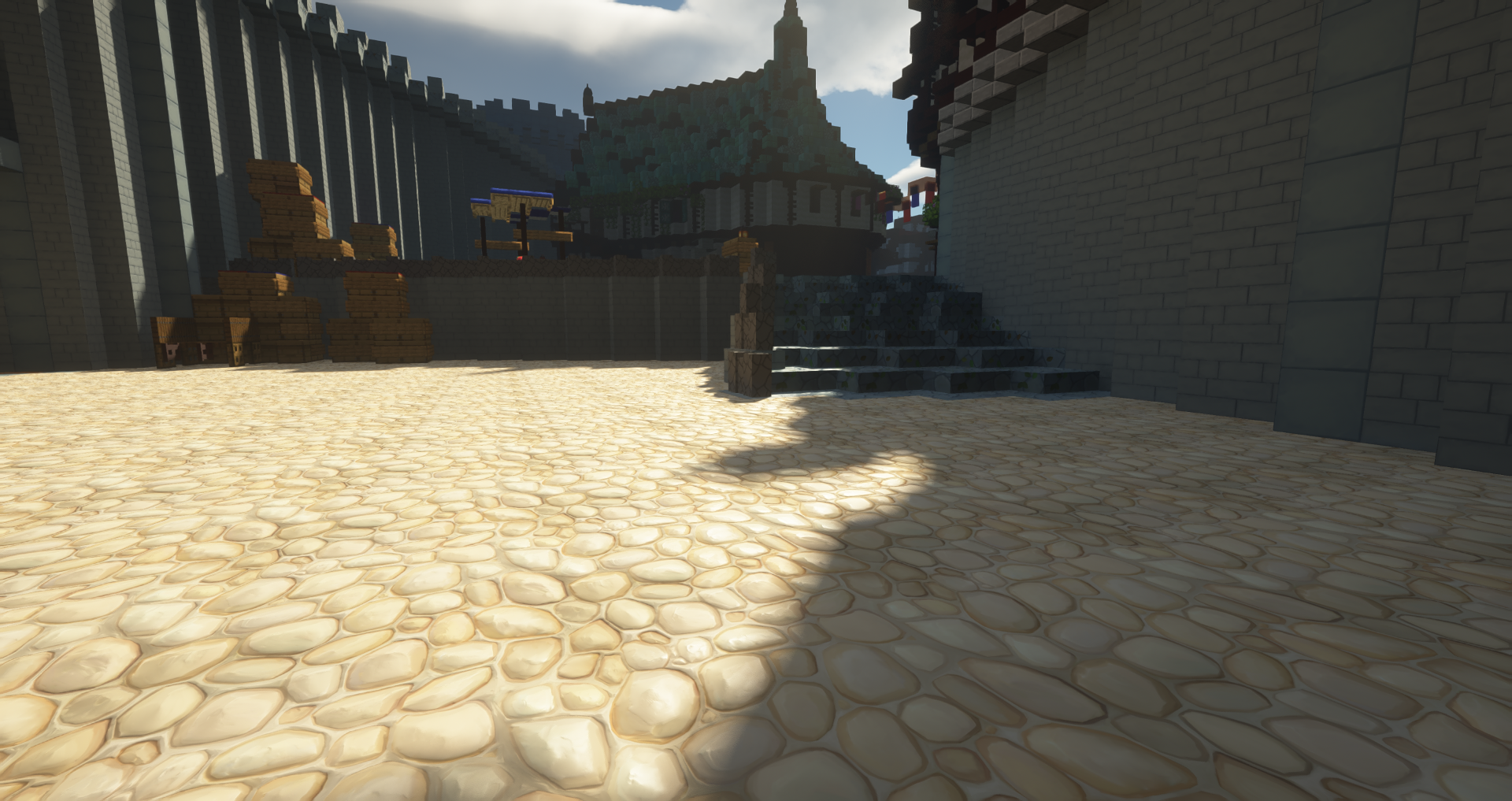
A fantasy resource pack with PBR support inspired by MMORPGs, mainly Gneshin.
by HakksG
Download Claim this project
Add a badge to your pageLink to Beyond of Blossom from a README, website or forum post.
Preview: Badge

Badges update automatically and link to the resource pack page on MineUniverse.

843 downloads
0 likes
0 followers
Updated Oct 14, 2026
0 hypes
Follow0
128x Medieval Miscellaneous Modern Traditional
Advertisement Remove ads with Premium →

You can also get the 1024x high resolution version on Patreon!


The concepts are clear, it is a very ambitious project that will be based on concepts such as fantasy, exploration, fun, visual noise reduction, a design suitable for all audiences, a new visual experience within the world of resources, and of course, a touch of nostalgia by renewing the visual aspect of a video game that many of us love.


Currently, the pack has been tested with the following shaders:


  • Complementary shaders (recomended)
  • Seus PTGI 2.1 & 3
  • Seus Renewed (recomended)
  • BLS shaders


List of currently added blocks:
 

  • Andesite
  • Birch leaves
  • Birch log
  • Coarse dirt
  • Cobblestone
  • Chiseled stone bricks
  • Diorite
  • Dirt
  • Dirt path
  • Granite
  • Grass
  • Jungle log (experimental)
  • Grass block
  • Mossy cobblestone
  • Oak leaves
  • Oak log
  • Polished andesite
  • Rooted dirt
  • Spruce leaves
  • Spruce log
  • Stone
  • Stone bricks
  • Tall grass
  • Warped planks
  • Crimson planks
  • Oak planks
  • Jungle planks
  • Acacia planks
  • Birch planks
  • Mangrove planks
  • Dark oak planks
  • Spruce planks
 
Beyond of Blossom 128x v0.05
MC 1.19.3, 1.19.2, 1.19.1, 1.19
Beta 2023-01-07 Get
Beyond of Blossom 128x v0.04.zip
MC 1.19.3, 1.18.1, 1.18.2, 1.19.2, 1.19.1, 1.18, 1.19
Release 2023-01-02 Get

Requirements & install

How to use this resource pack in Minecraft
Resolution
128x
Minecraft
1.18 – 1.19.3
Install folder
.minecraft/resourcepacks

How to install resource packs

  1. Download the resource pack .zip file (do not extract it).
  2. In Minecraft open Options → Resource Packs → Open Pack Folder.
  3. Drop the .zip into the resourcepacks folder (.minecraft/resourcepacks).
  4. Move the pack to the Selected column and click Done.

Packs from 128x upwards need more video memory: install a performance mod such as Sodium for smooth frame rates.

Browse more: 16x resource packs 32x resource packs 64x resource packs 128x resource packs 256x resource packs 512x+ resource packs Resource Packs for 1.19.3 All resource packs

More from HakksG

Advertisement Remove ads with Premium →

You Might Also Like