Mineuniverse
Resource Packs
Bevel Pack

Bevel Pack

RESOURCE PACK
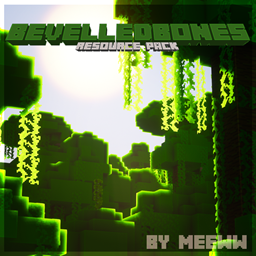
A resource pack for fans of Mojang's Promo Art.
by meeww_
Download Claim this project
19,698 downloads
0 likes
Updated Oct 14, 2026
0 hypes
32x Traditional
Advertisement Remove ads with Premium →

This resource pack designed for Minecraft 1.17+


Alternative Download Link: https://meeww.gumroad.com/l/bevelpack

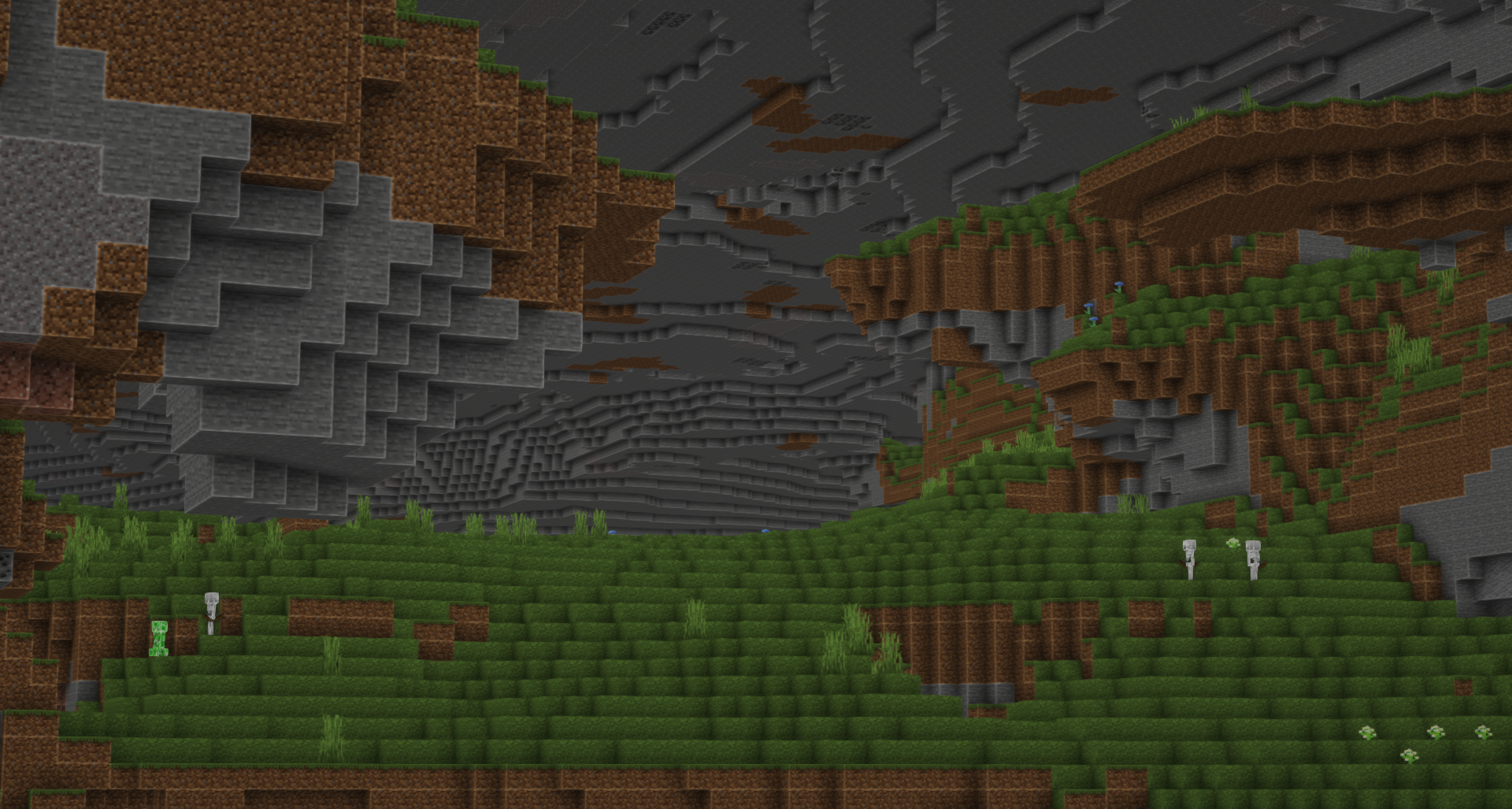
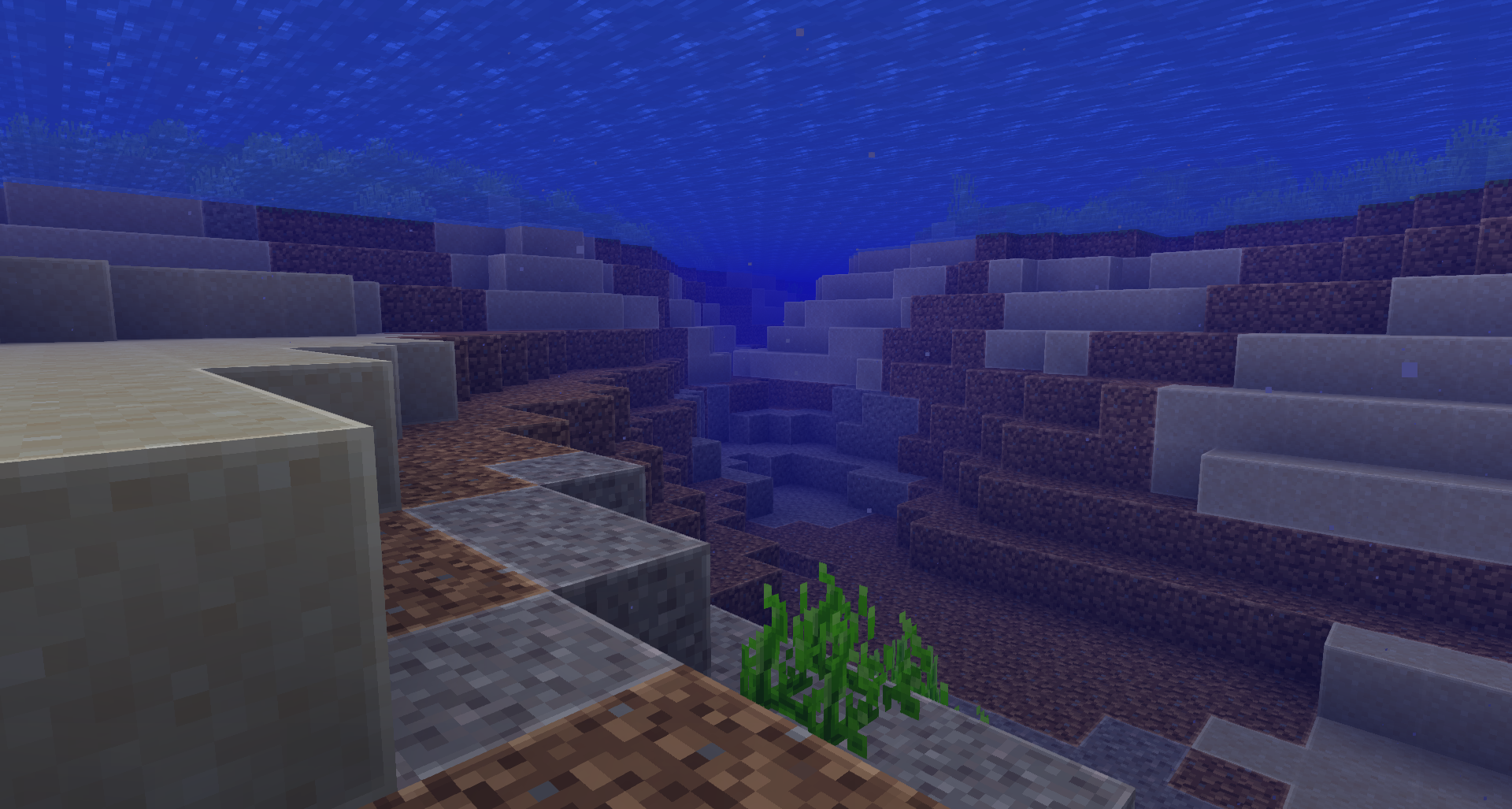
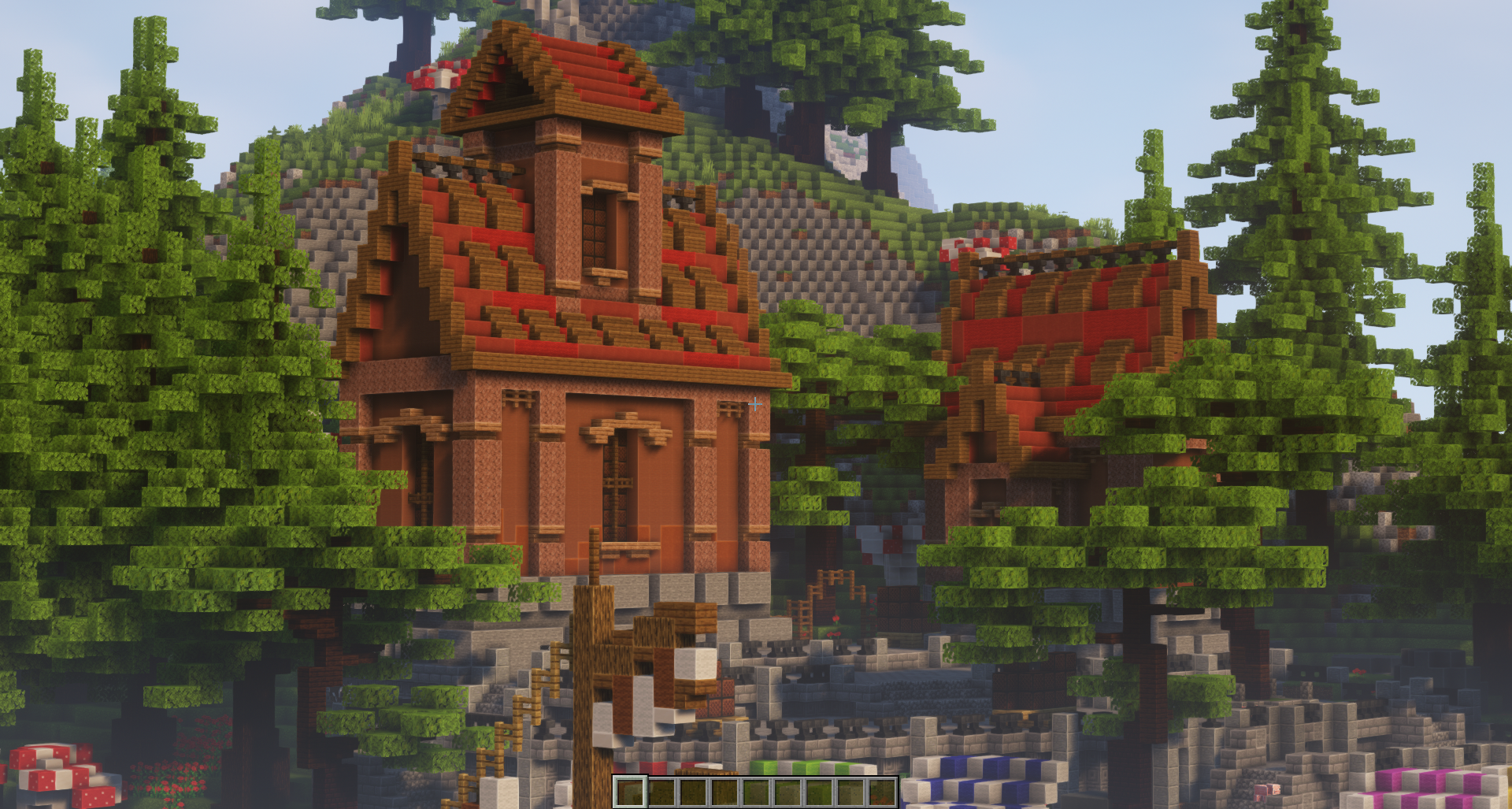
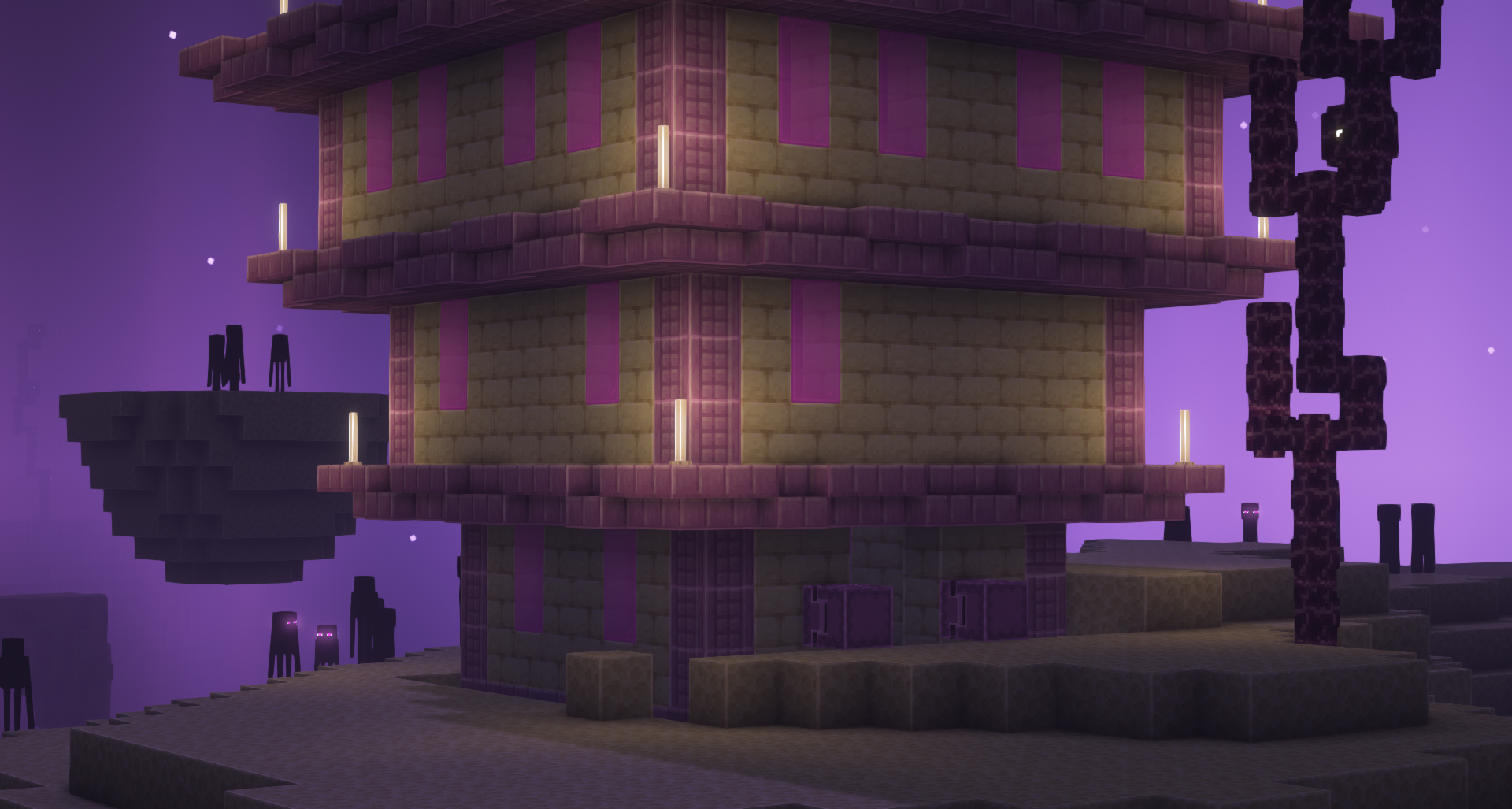
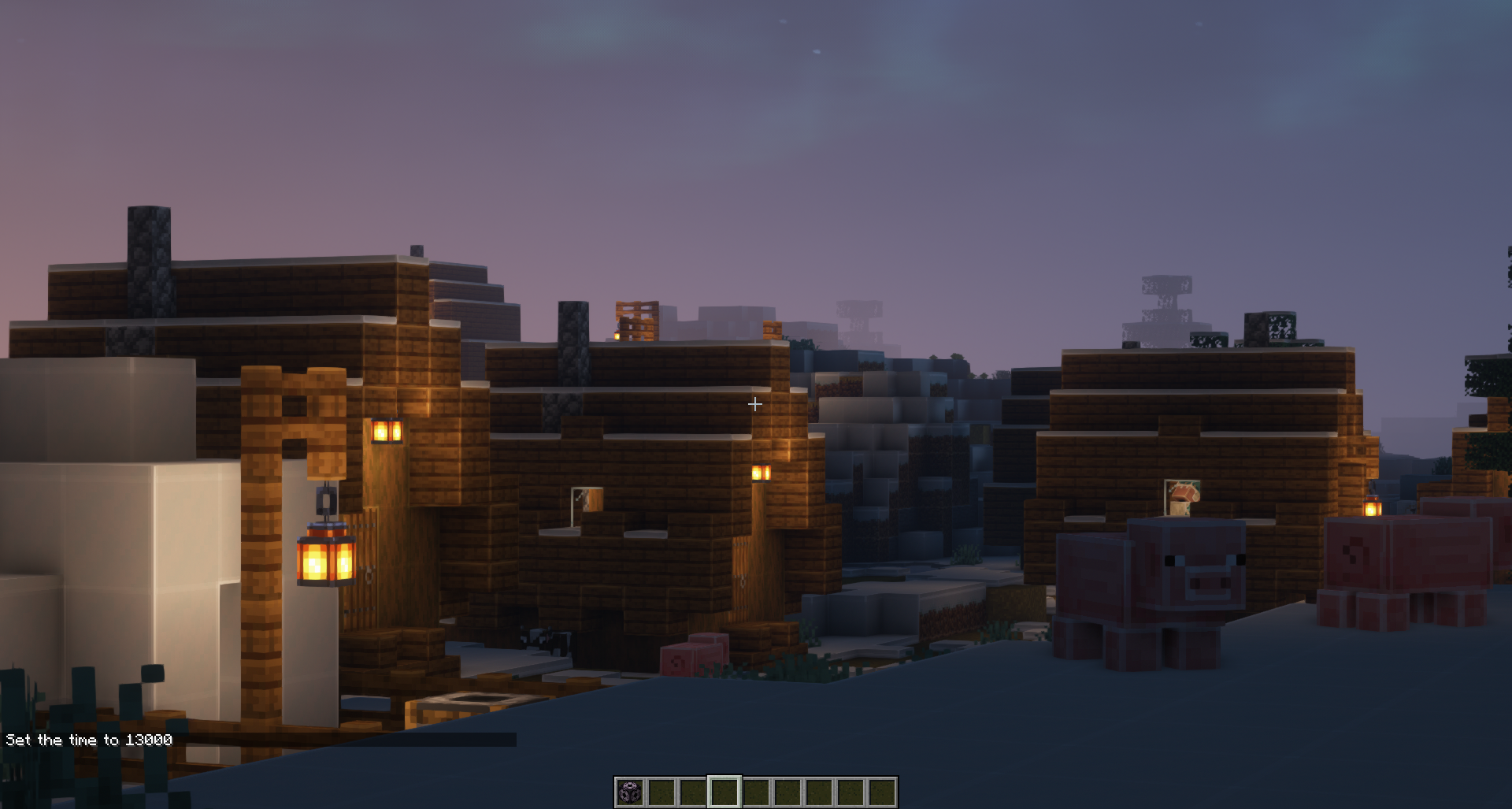
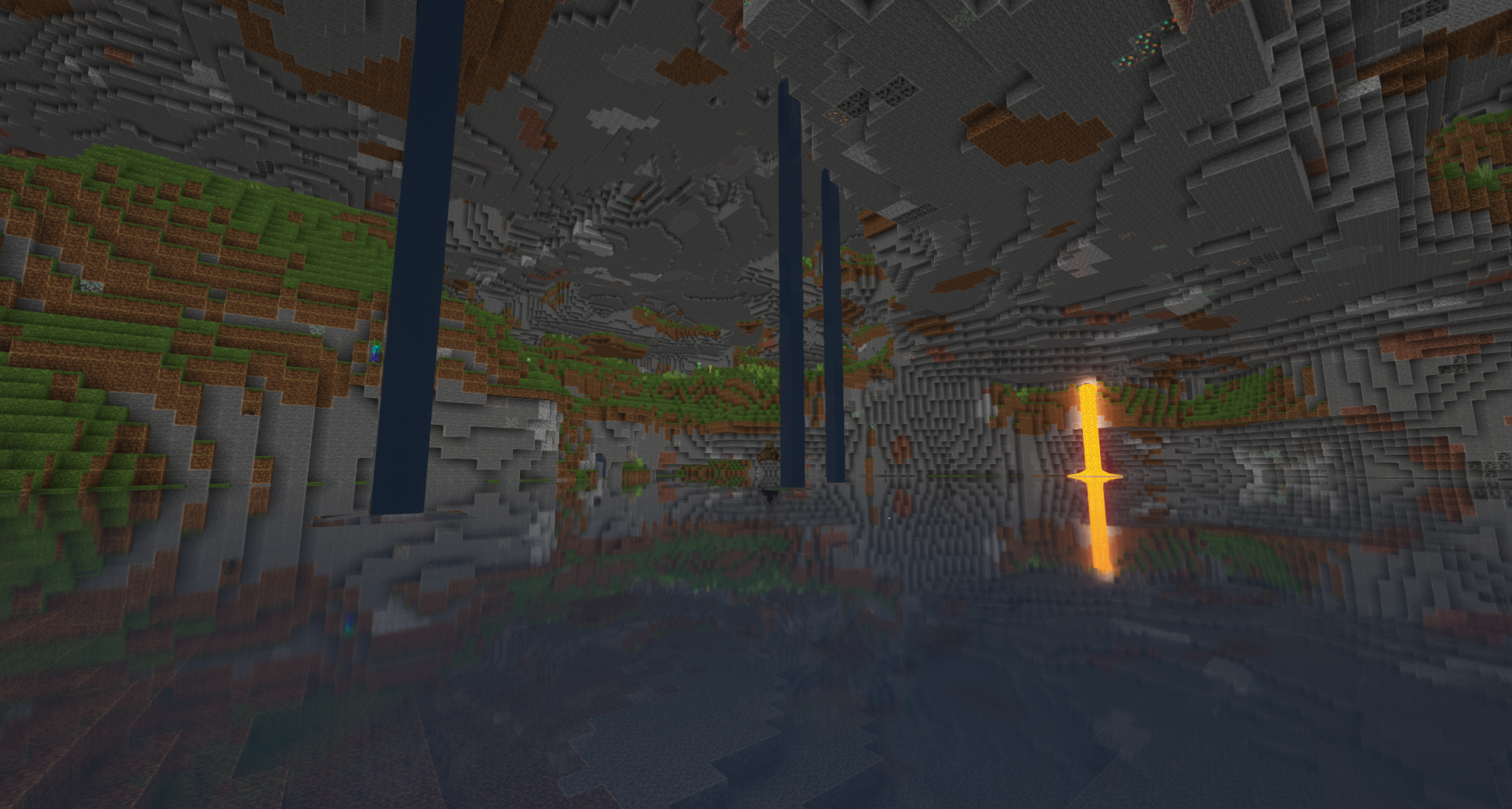
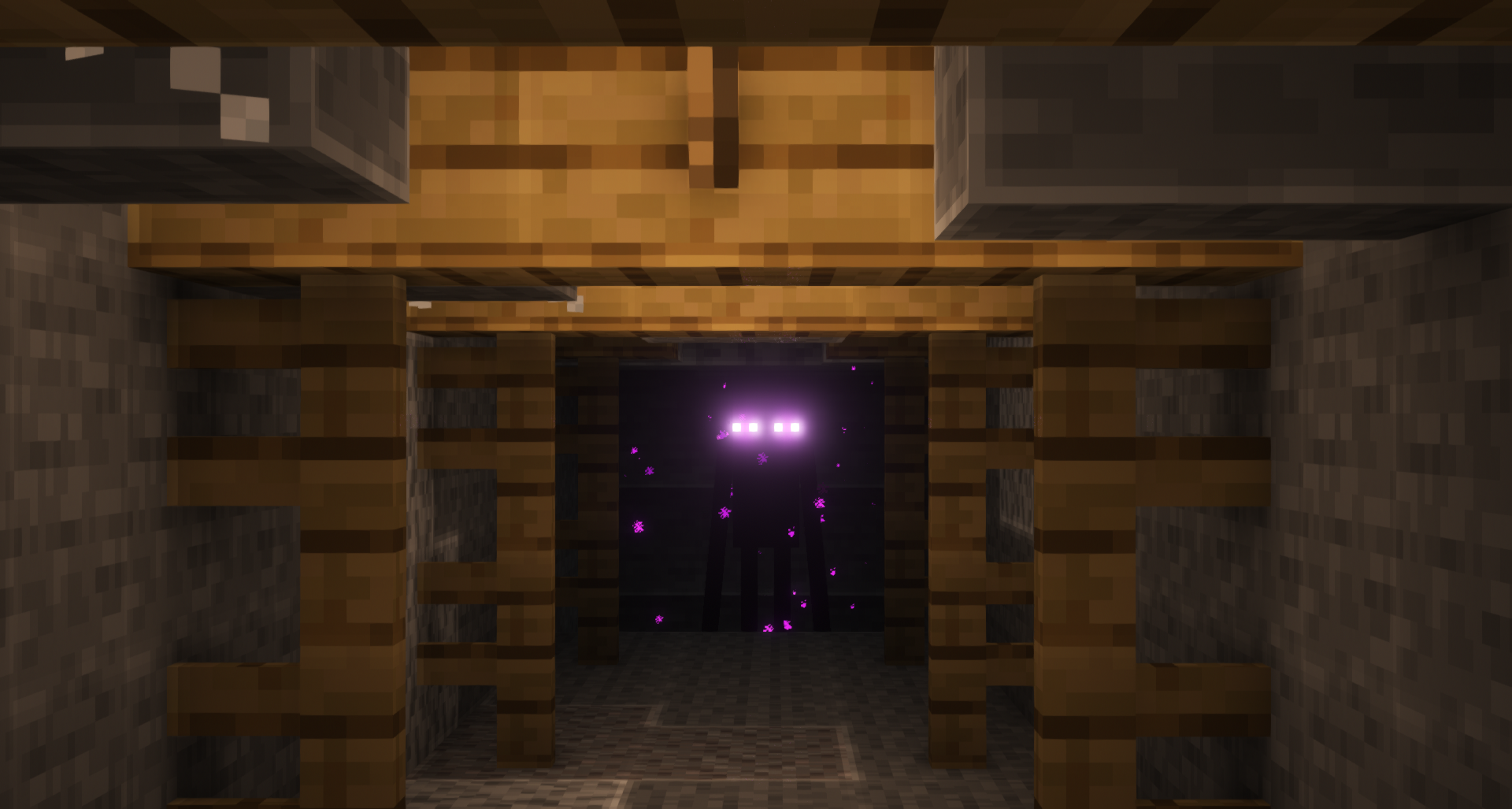
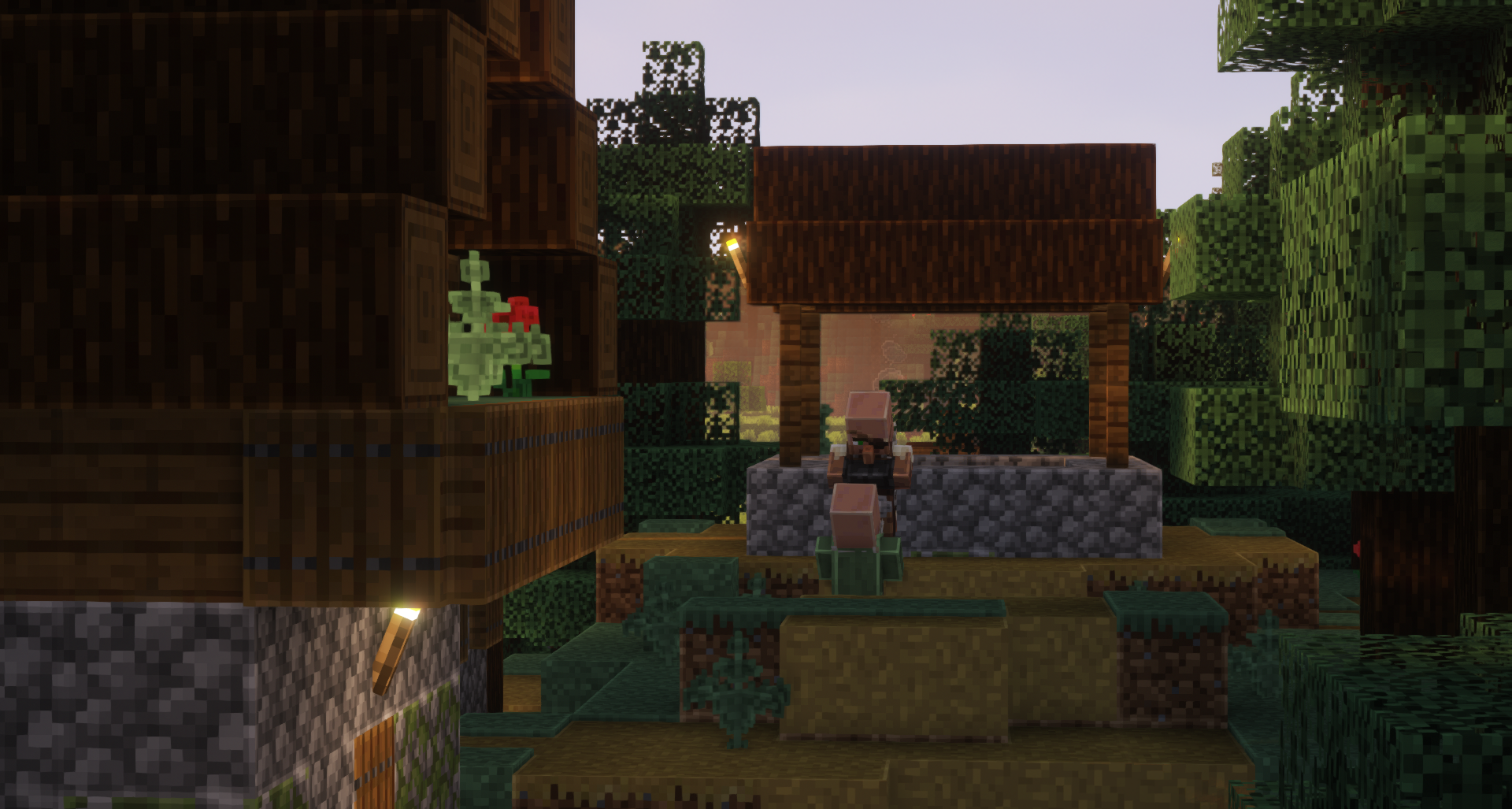
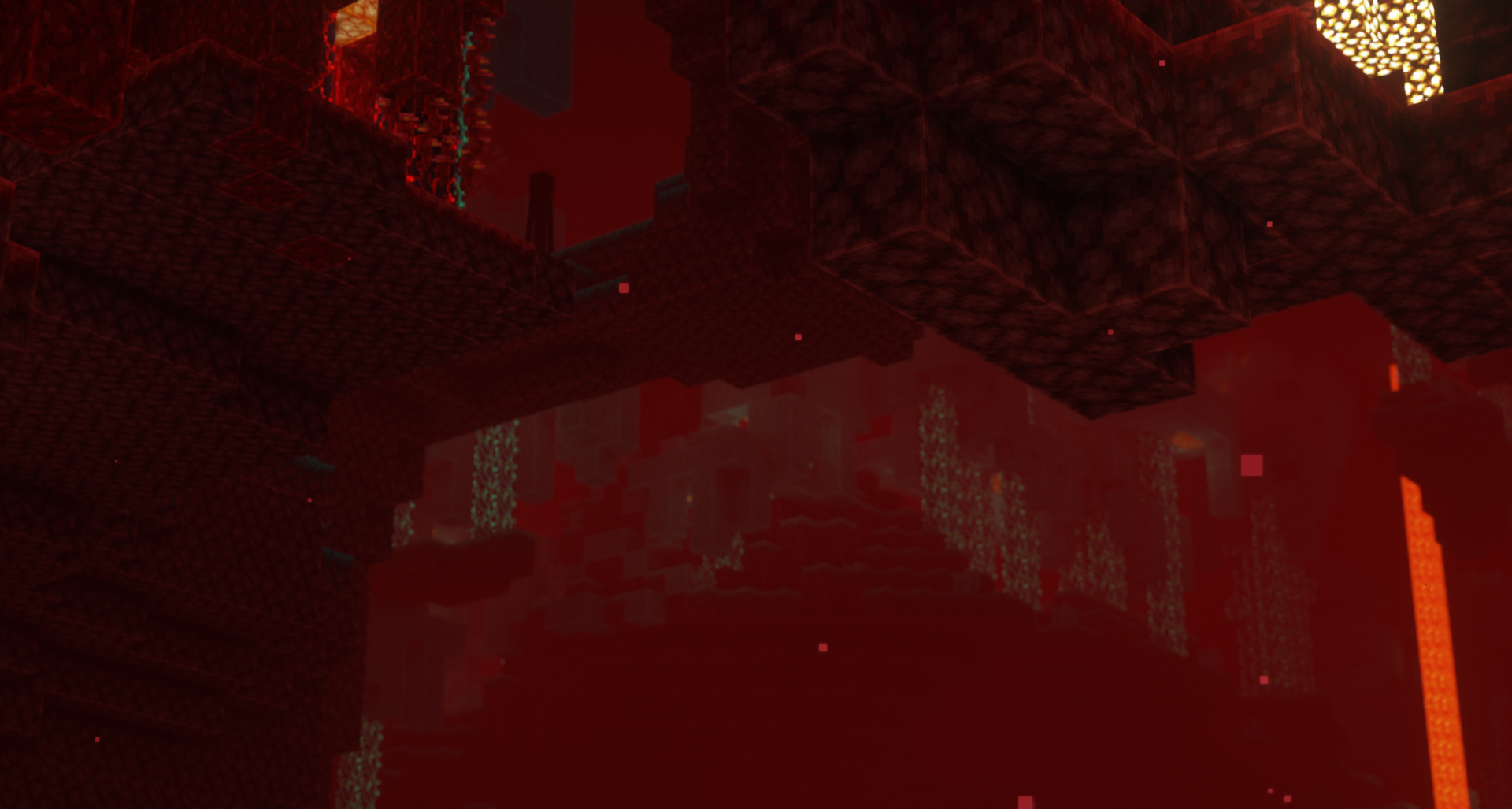
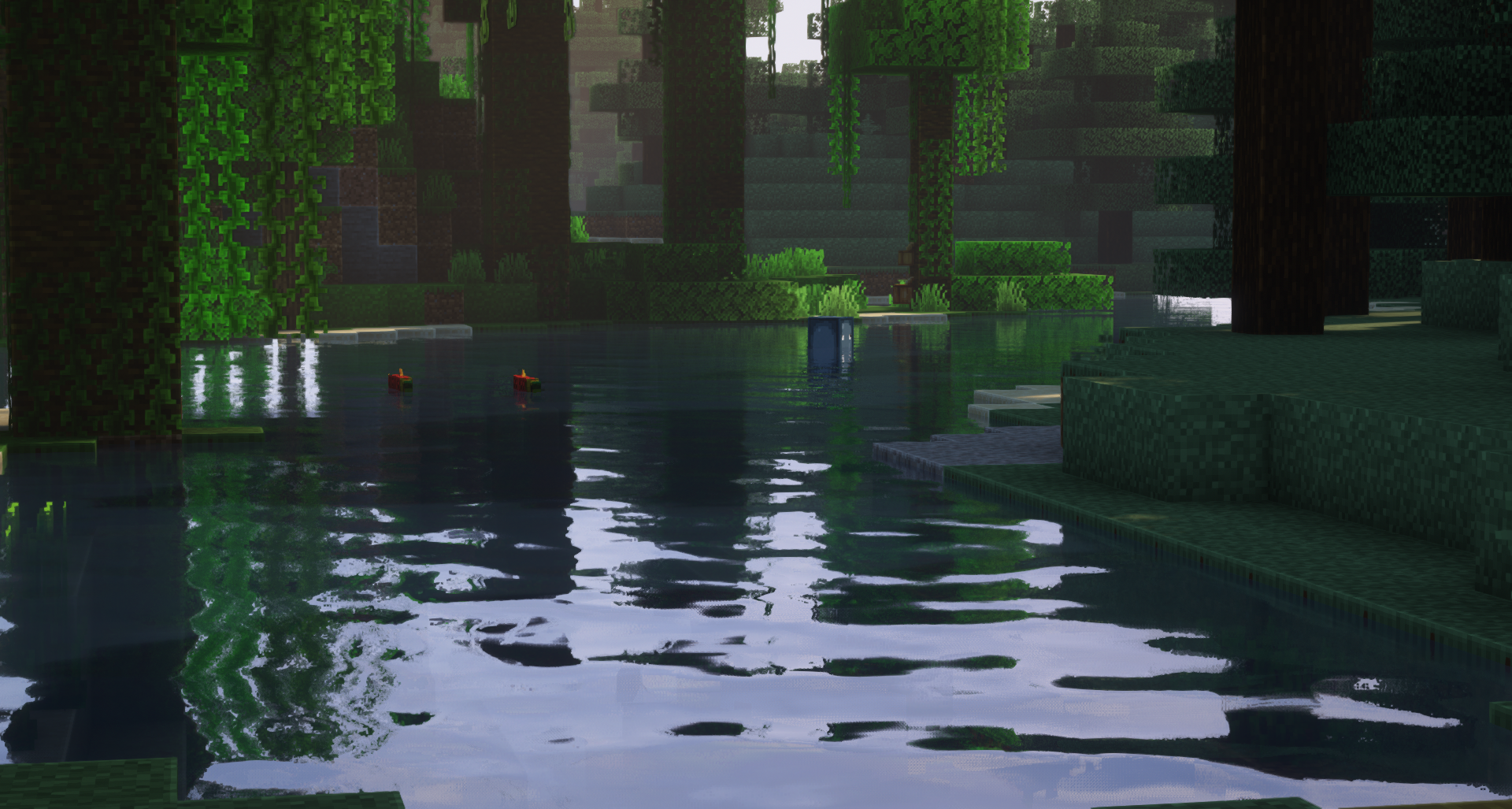
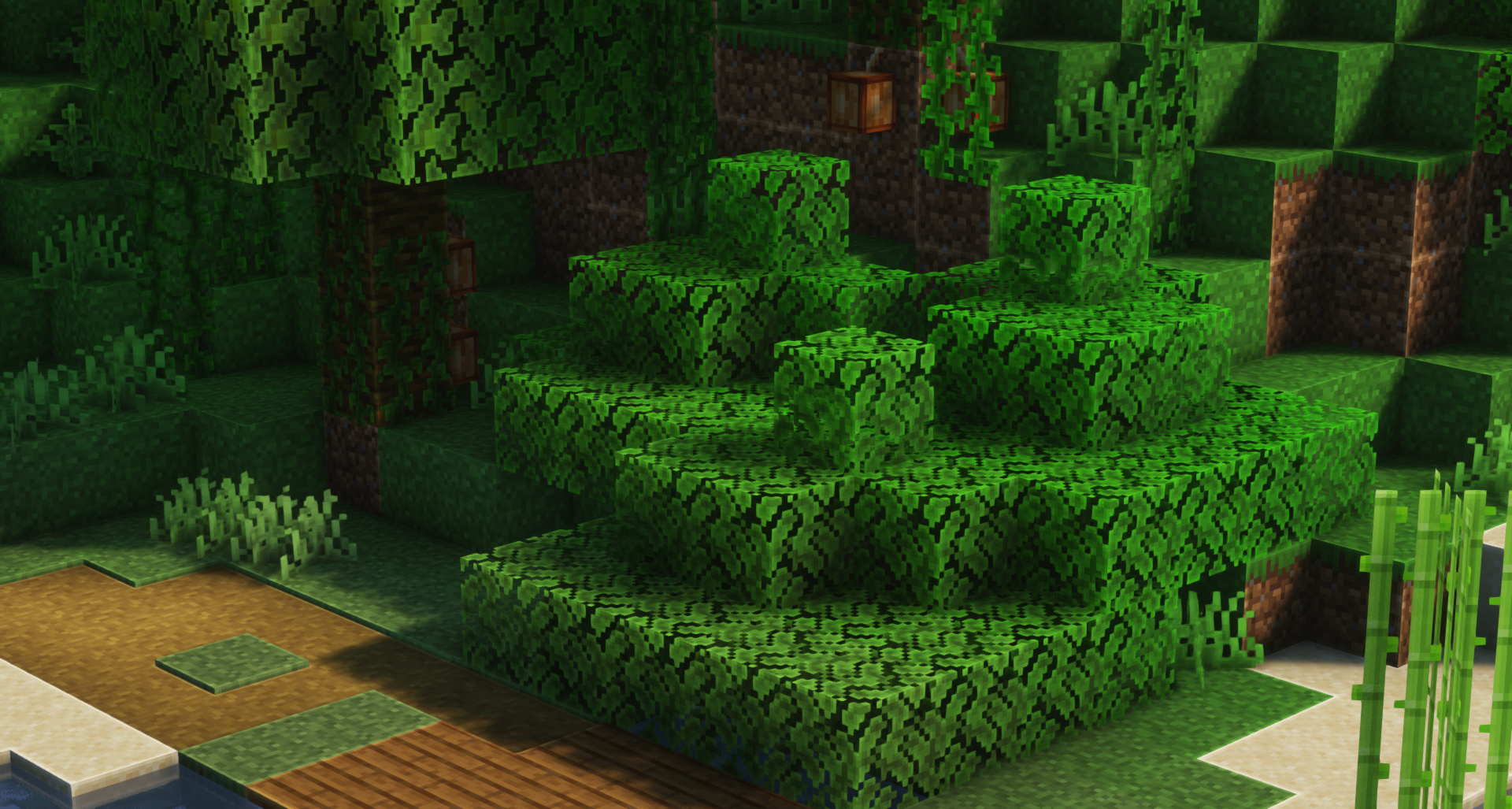
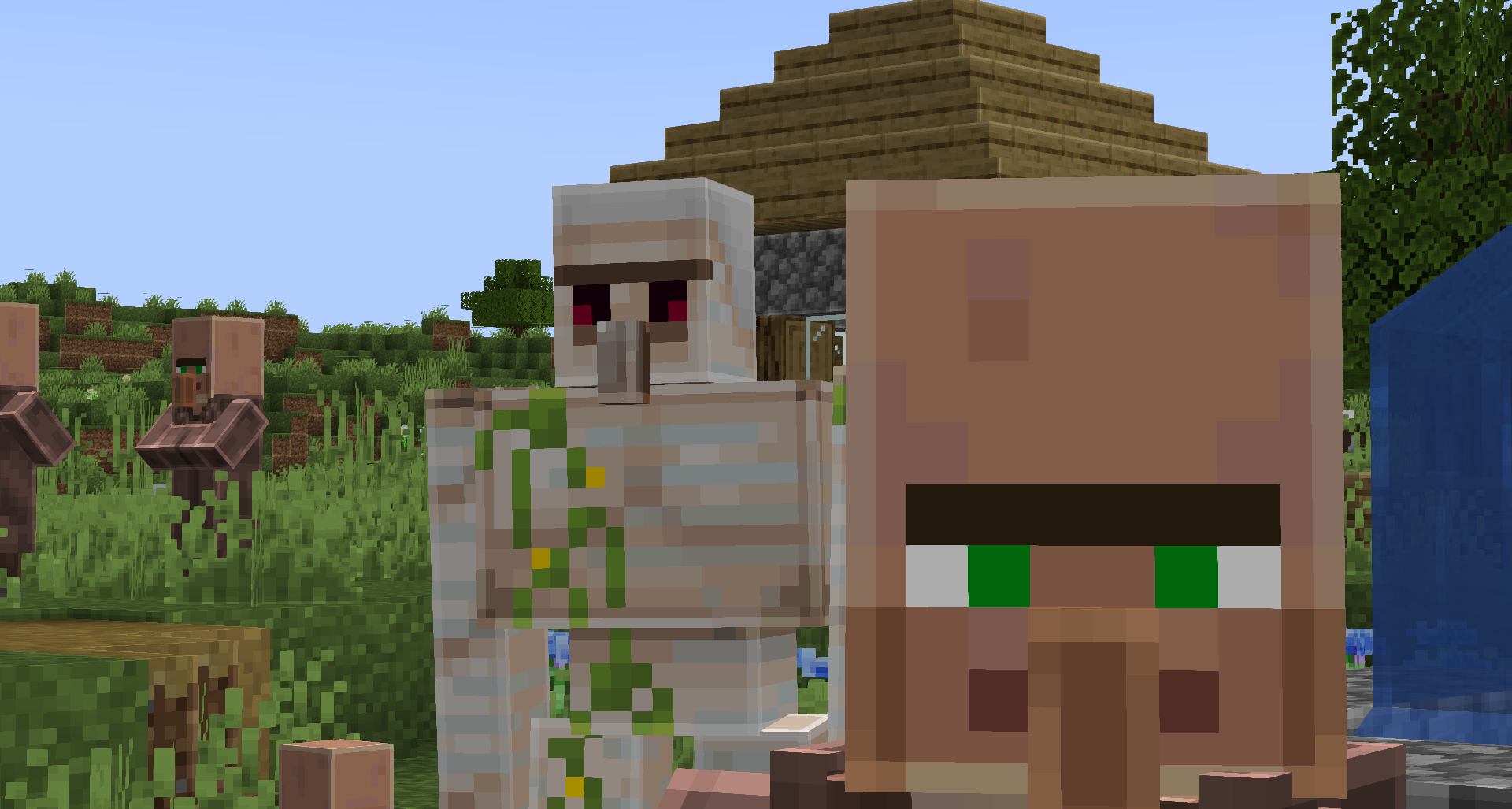
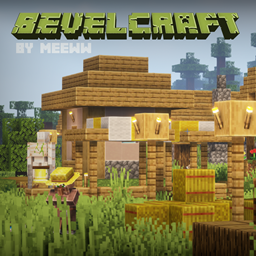
This resource pack emulates the soft edges of the blocks shown in Mojang's promo-art.


Using Optifine's connected textures feature, the resource pack draws soft edges on unconnected blocks and leaves the connected ones.


As a result the pack gives a very fun and enjoyable update to the original.


This resource pack uses a resolution of 32x32 as to keep the game running smoothly as it should.


In conjunction with Optifine shaders this pack is a welcome change for Minecraft players new and old!


Dependencies:


- Optifine


Installation:


- Once optifine is installed, simply drag and drop the bevel craft folder into your resource packs folder. (C:\Users\YourPCName\Roaming\.minecraft\resourcepacks)

Bevel Pack v4.5
MC 1.18.1, 1.19-Snapshot, 1.18.2, 1.19.2, 1.19.1, 1.18, 1.18-Snapshot, 1.19
Release 2022-10-19 Get
Bevel Pack v4
MC 1.19-Snapshot, 1.19.2, 1.19.1, 1.19
Release 2022-10-09 Get
Bevel Pack v3
MC 1.19-Snapshot, 1.19.1, 1.19
Release 2022-07-06 Get
Bevel Pack 2.1
MC 1.17.1, 1.18.1, 1.17, 1.18.2, 1.17-Snapshot, 1.18, 1.18-Snapshot
Release 2022-04-11 Get
Bevel Pack 2.2
MC 1.18.1, 1.18.2, 1.18, 1.18-Snapshot
Release 2022-04-11 Get
Bevel Pack 2.0
MC 1.17.1, 1.18.1, 1.17, 1.18.2, 1.17-Snapshot, 1.18, 1.18-Snapshot
Release 2022-04-09 Get
Bevel Pack 1.3
MC 1.17.1, 1.18.1, 1.17, 1.18.2, 1.17-Snapshot, 1.18, 1.18-Snapshot
Release 2022-04-07 Get

Requirements & install

How to use this resource pack in Minecraft
Resolution
32x
Minecraft
1.18-Snapshot – 1.19.2
Install folder
.minecraft/resourcepacks

How to install resource packs

  1. Download the resource pack .zip file (do not extract it).
  2. In Minecraft open Options → Resource Packs → Open Pack Folder.
  3. Drop the .zip into the resourcepacks folder (.minecraft/resourcepacks).
  4. Move the pack to the Selected column and click Done.
Browse more: 16x resource packs 32x resource packs 64x resource packs 128x resource packs 256x resource packs 512x+ resource packs Resource Packs for 1.19.2 All resource packs

More from meeww_

Advertisement Remove ads with Premium →

You Might Also Like