Mineuniverse
Resource Packs
BetterTraders

BetterTraders

RESOURCE PACK
Give your Wandering Traders an upgrade!
by DrThestral
Download Claim this project
2,065 downloads
0 likes
Updated Oct 14, 2026
0 hypes
16x Miscellaneous Traditional
Advertisement Remove ads with Premium →

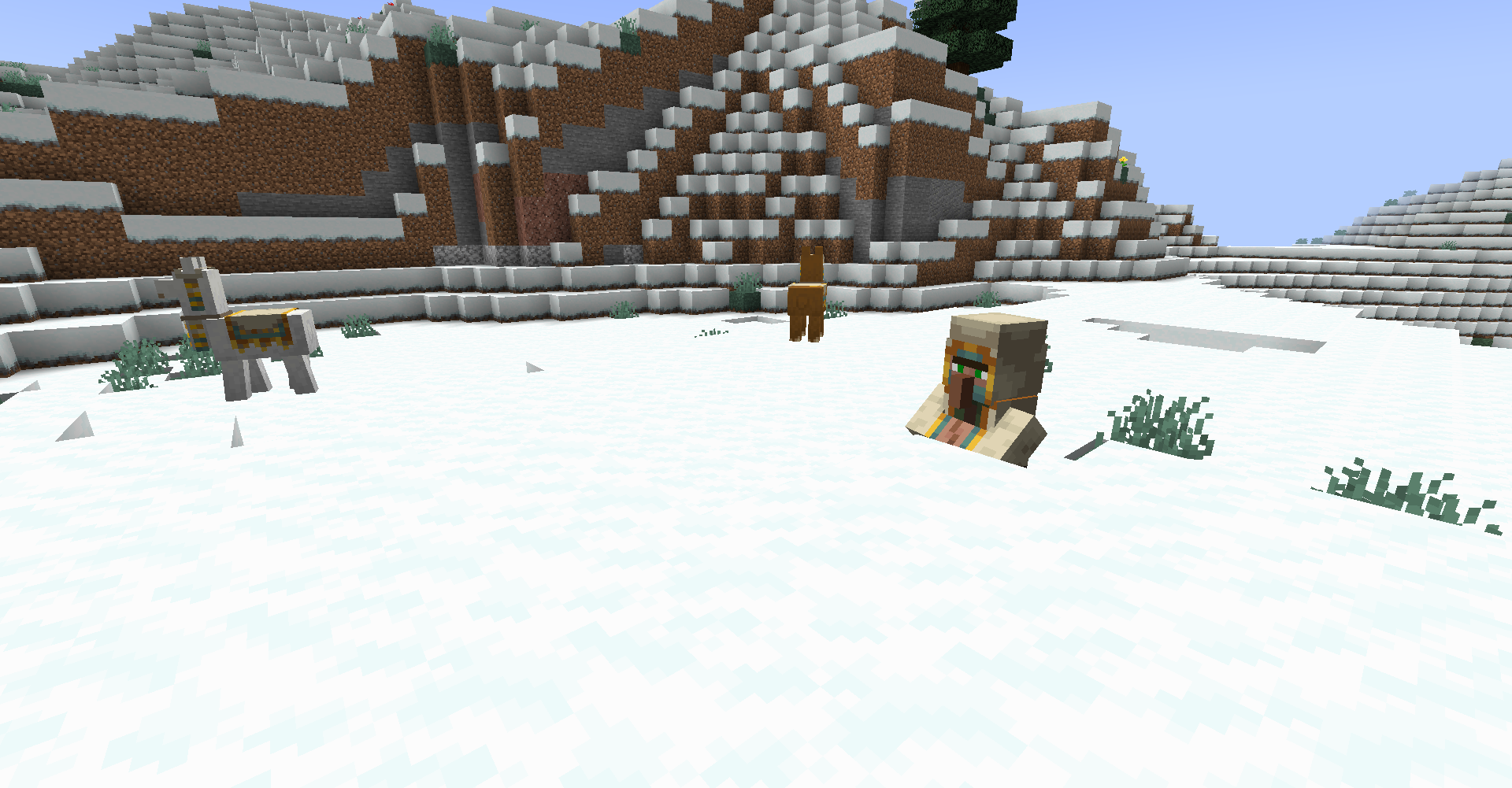
Trader Taiga

Information:

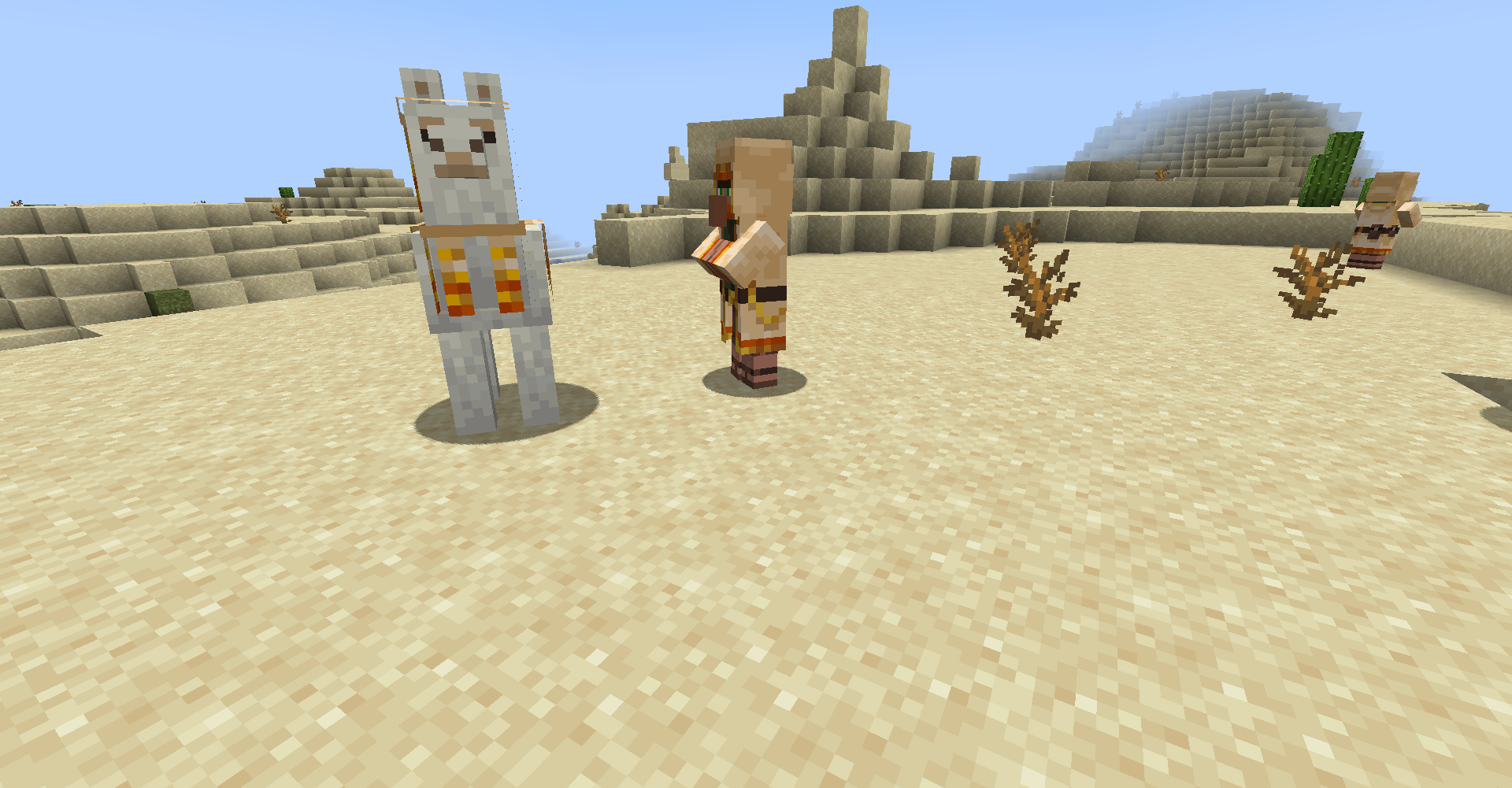
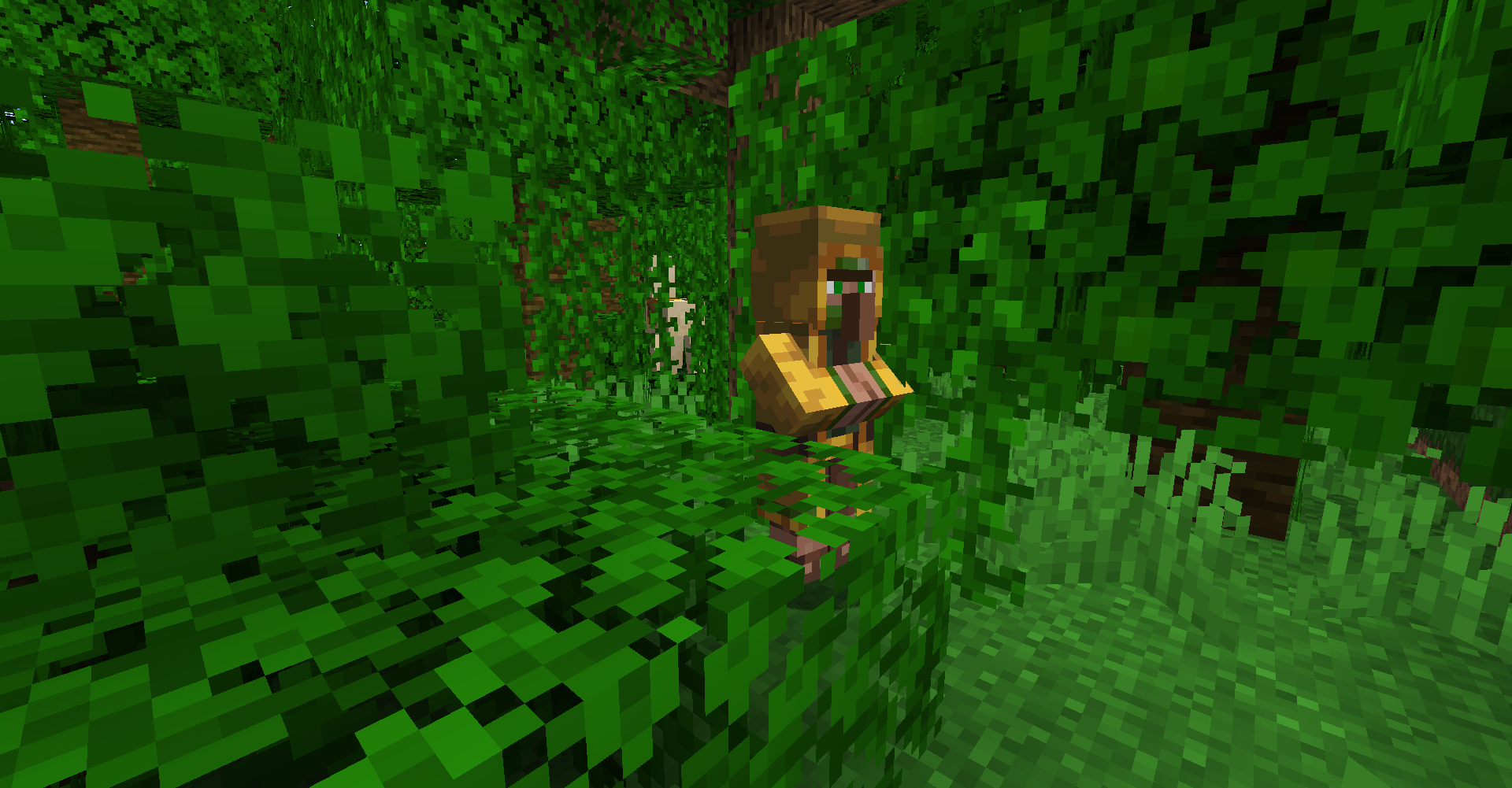
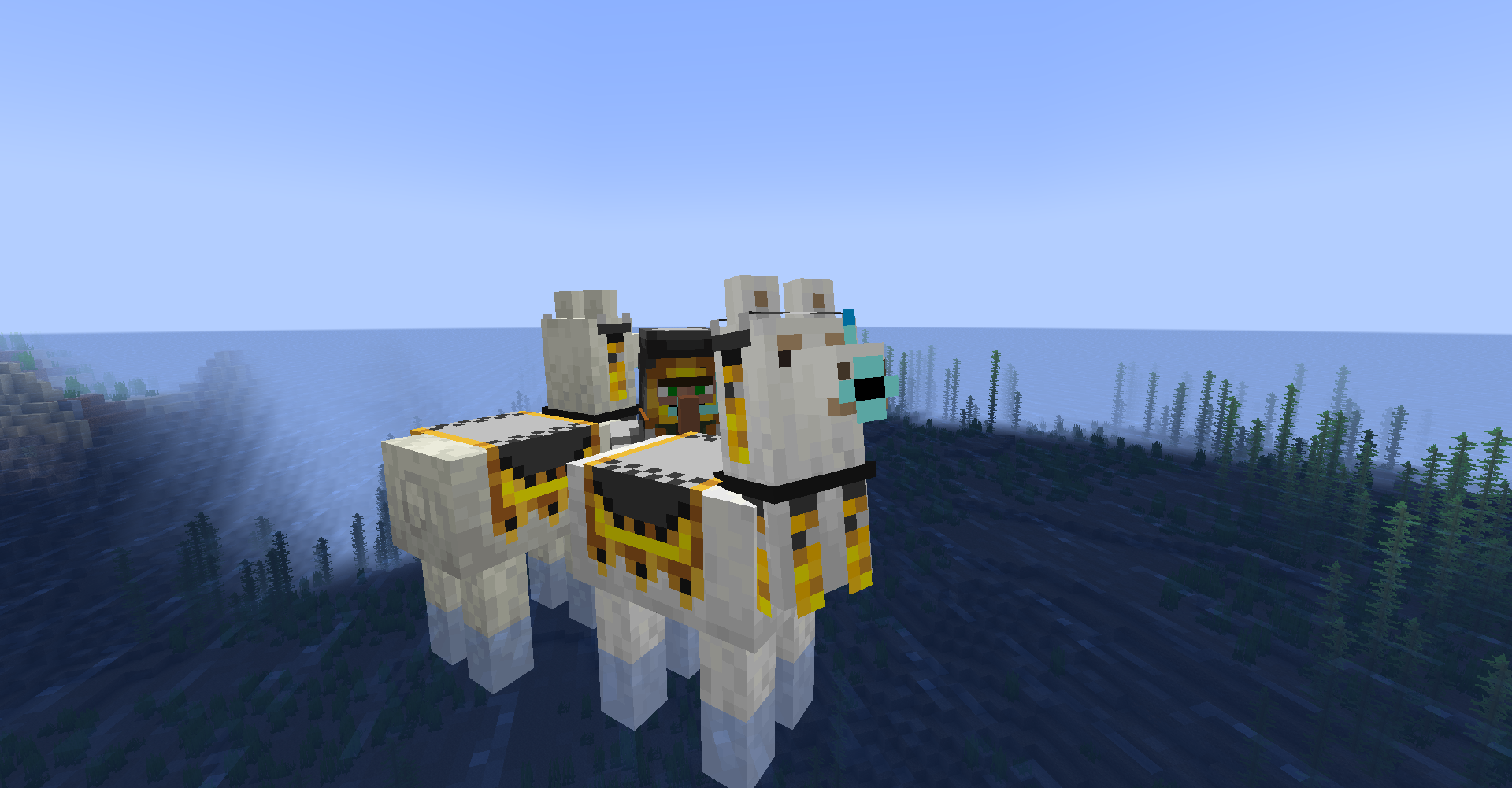
Give your Wandering Traders an amazing new upgrade with their biome dependent looks!


Requires Optifine!


Features:

  • Biome dependent looks for the Wandering Trader
  • Biome dependent looks for the Trader Llama


Different Looks per Biome:

  • desert
  • jungle sparse_jungle bamboo_jungle
  • river forest flower_forest birch_forest old_growth_birch_forest dark_forest plains sunflower_plains meadow
  • savanna savanna_plateau windswept_savanna
  • frozen_river snowy_beach snowy_taiga snowy_plains ice_spikes grove snowy_slopes frozen_peaks jagged_peaks
  • swamp
  • taiga old_growth_pine_taiga old_growth_spruce_taiga windswept_hills windswept_gravelly_hills windswept_forest stony_peaks
  • ocean deep_ocean frozen_ocean deep_frozen_ocean cold_ocean deep_cold_ocean lukewarm_ocean deep_lukewarm_ocean warm_ocean beach stony_shore
  • mushroom_fields
  • badlands wooded_badlands eroded_badlands
  • dripstone_caves
  • lush_caves
  • nether_wastes crimson_forest warped_forest soul_sand_valley basalt_deltas
  • the_end small_end_islands end_midlands end_highlands end_barrens the_void


Trailer:


 The different textures can also be required by giving your Trader or Trader Llama one of the following names:

  • desert
  • jungle
  • plains
  • savanna
  • snowy
  • swamp
  • taiga
  • ocean
  • mushroom
  • badlands
  • dripstone
  • lush
  • nether
  • end


Trader DesertTrader JungleTrader Ocean

BetterTraders 1.18-1.18.1 v1.0.0
MC 1.18.1, 1.18, 1.18-Snapshot
Release 2021-12-14 Get
BetterTraders 1.17-1.17.1 v1.1.0
MC 1.17.1, 1.17, 1.17-Snapshot
Release 2021-10-15 Get
BetterTraders.zip
MC 1.17.1, 1.17, 1.17-Snapshot
Release 2021-10-04 Get

Requirements & install

How to use this resource pack in Minecraft
Resolution
16x
Minecraft
1.17-Snapshot – 1.18.1
Install folder
.minecraft/resourcepacks

How to install resource packs

  1. Download the resource pack .zip file (do not extract it).
  2. In Minecraft open Options → Resource Packs → Open Pack Folder.
  3. Drop the .zip into the resourcepacks folder (.minecraft/resourcepacks).
  4. Move the pack to the Selected column and click Done.
Browse more: 16x resource packs 32x resource packs 64x resource packs 128x resource packs 256x resource packs 512x+ resource packs Resource Packs for 1.18.1 All resource packs
Advertisement Remove ads with Premium →

You Might Also Like