Mineuniverse
Resource Packs
BetterNether - Farmer's Delight - Bark Cutting Compat

BetterNether - Farmer's Delight - Bark Cutting Compat

RESOURCE PACK
Adds Compatibility Between BetterNether & Farmer's Delight
by RxniR
Download Claim this project
Add a badge to your pageLink to BetterNether - Farmer's Delight - Bark Cutting Compat from a README, website or forum post.
Preview: Badge

Badges update automatically and link to the resource pack page on MineUniverse.

3,560 downloads
0 likes
0 followers
Updated Oct 14, 2026
0 hypes
Follow0
Data Packs Miscellaneous Mod Support
Advertisement Remove ads with Premium →

Adds Support Between BetterNether & Farmer's Delight (Old Version Here)

Modrinth Version Here


Normally, when you try to cut modded wood types with a cutting board, a message appears saying, 'Doesn't seem cuttable...' However, with this datapack, it simply cuts the wood and gives you bark!

Both Mods are Required!

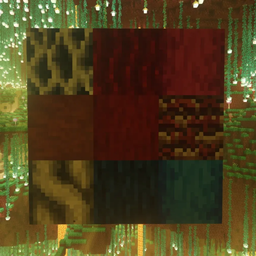
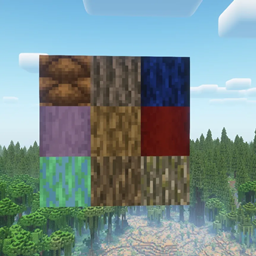
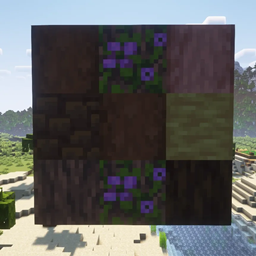
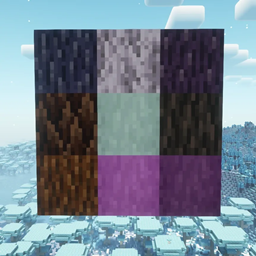
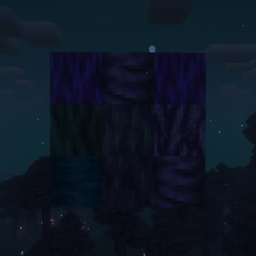
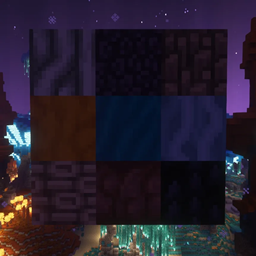
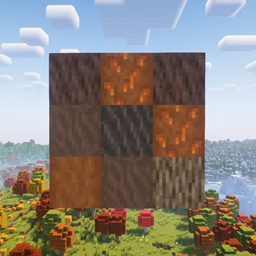
Log Types:

  • Anchor Tree,
  • Mushroom Fir,
  • Nether Sakura,
  • Rubeus,
  • Stalagnate,
  • Wart,
  • Willow.

All Types have,

  • Door,
  • Hanging Sign,
  • Log,
  • Sign,
  • Trapdoor,
  • And Wood Types!

THIS IS A DATAPACK!

How to Download:

  1. Download the file.
  2. Add it to the datapacks folder or use a loader (links below).
  3. Start your world.

Links:

How to use with Forge / Neoforge:

Please Note that doing this can cause issues, crashes or other problems, if so please click this link to go to the official github page.

Note: If you have any questions, please ask in the Comments section of the Datapack!

BN-FD-Compat -v.1.06.zip
MC 1.21.1
Release 2025-01-13 Get
BN-FD-Compat -v.1.02.zip
MC 1.19.2, 1.19.1
Release 2024-10-08 Get
BN-FD-Compat -v.1.03.zip
MC 1.18.1, 1.18.2
Release 2024-10-08 Get
BN-FD-Compat -v.1.04.zip
MC 1.17.1, 1.17
Release 2024-10-08 Get
BN-FD-Compat -v.1.05.zip
MC 1.16.5
Release 2024-10-08 Get
BN-FD-Compat -v.1.01.zip
MC 1.21, 1.20.1
Release 2024-09-23 Get
BN-FD-Compat - 1.20.1.zip
MC 1.20.1
Release 2024-08-28 Get

Requirements & install

How to use this resource pack in Minecraft
Resolution
Not specified
Minecraft
1.17.1 – 1.21.1
Install folder
.minecraft/resourcepacks

How to install resource packs

  1. Download the resource pack .zip file (do not extract it).
  2. In Minecraft open Options → Resource Packs → Open Pack Folder.
  3. Drop the .zip into the resourcepacks folder (.minecraft/resourcepacks).
  4. Move the pack to the Selected column and click Done.
Browse more: 16x resource packs 32x resource packs 64x resource packs 128x resource packs 256x resource packs 512x+ resource packs Resource Packs for 1.21.1 All resource packs

More from RxniR

Advertisement Remove ads with Premium →

You Might Also Like