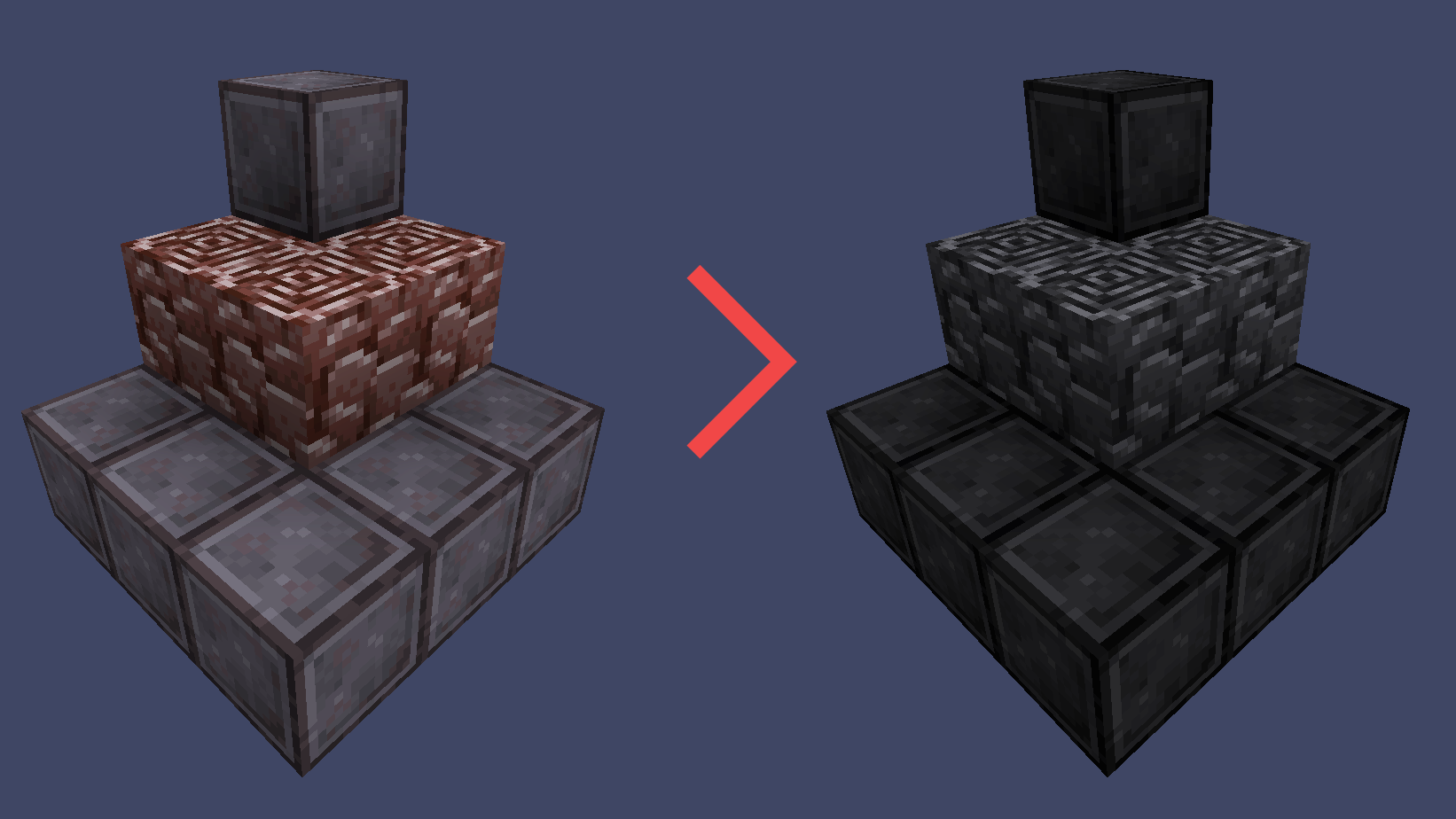
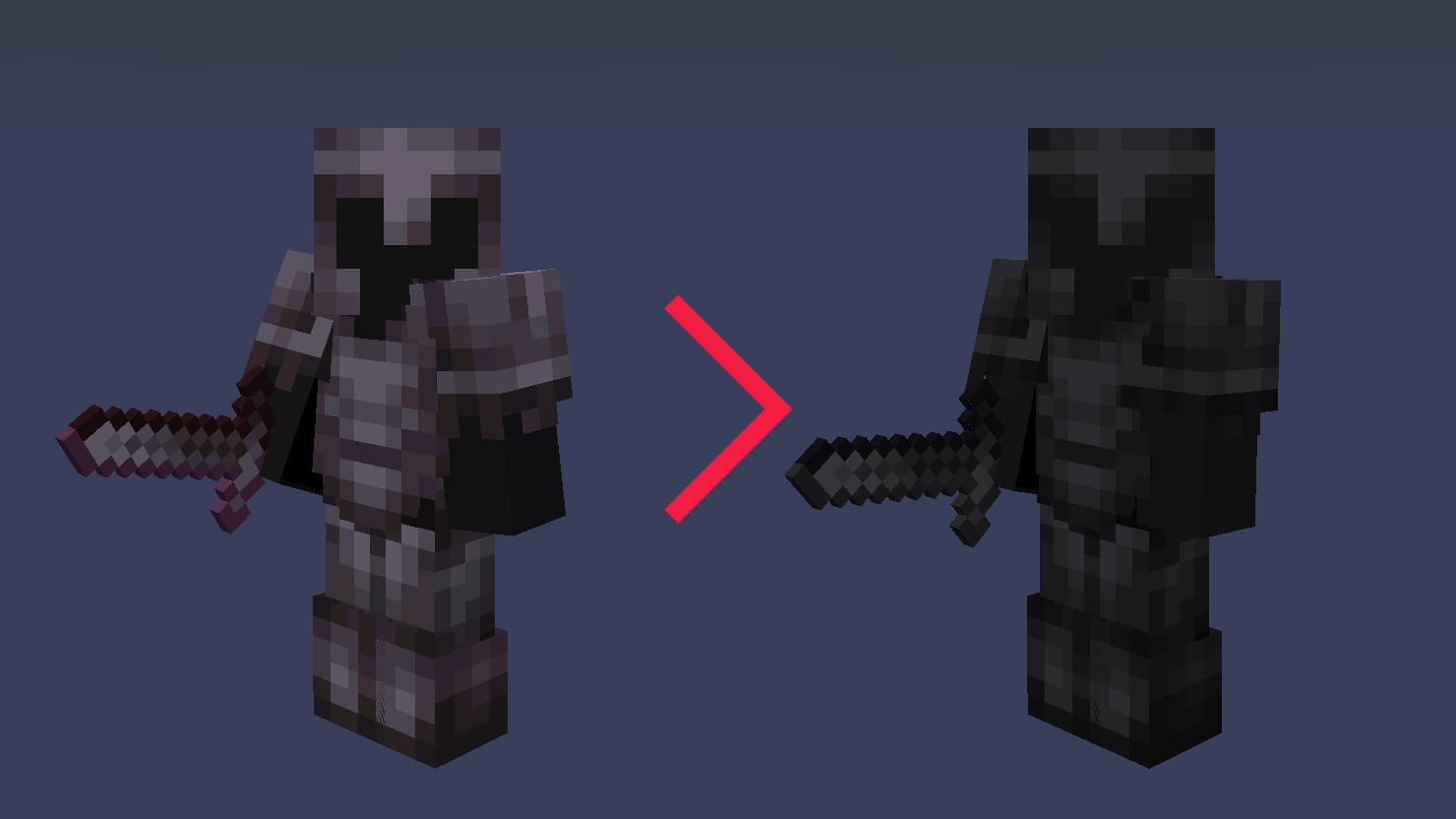
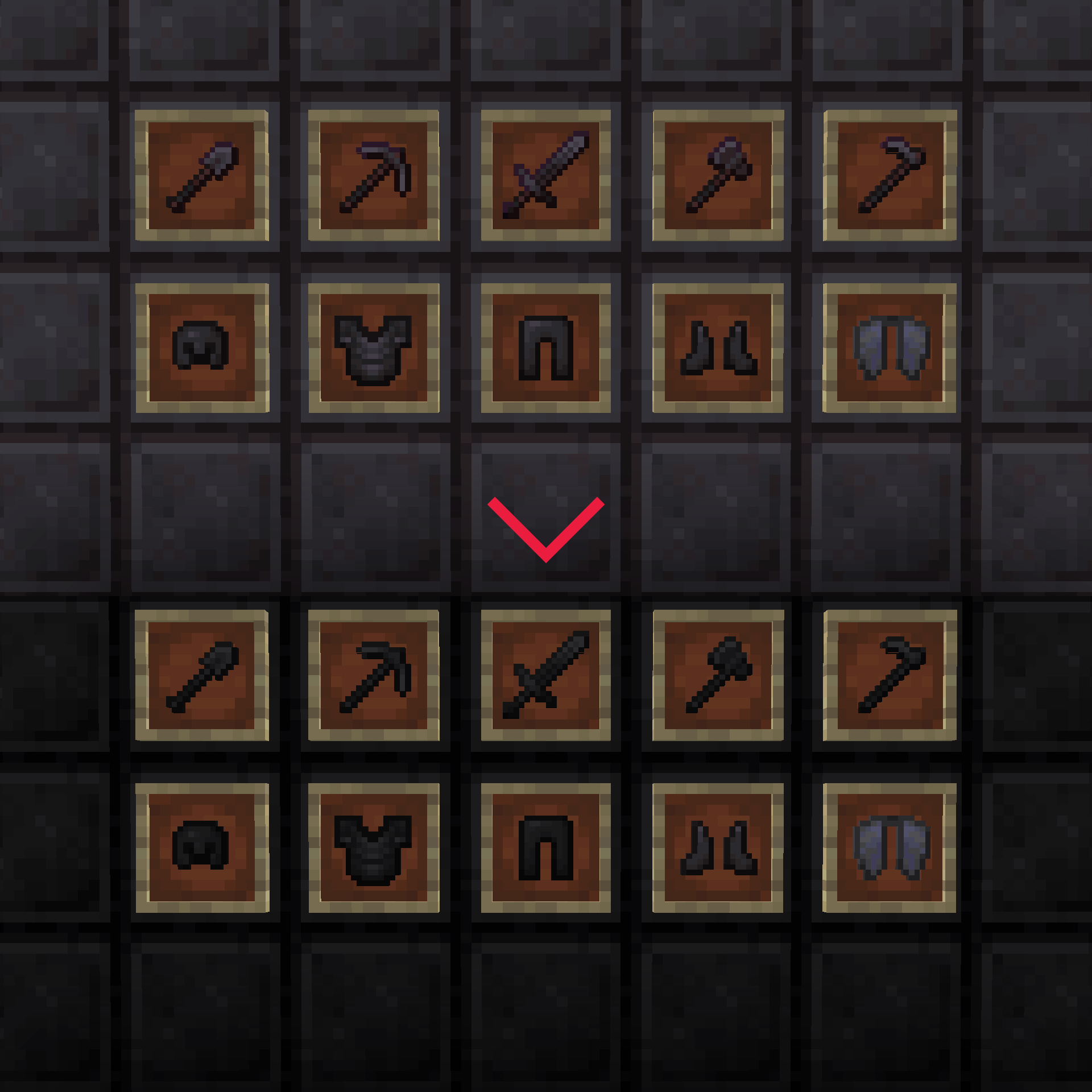
this resource pack desaturates and darkens the netherite items, blocks and armors
How to install a resource pack:
Download a resource pack, you should get a .zip file
Open the folder to which you downloaded the file
Copy the .zip file
Open Minecraft
Click on "Options", then "Resource Packs"
Choose "Open resource pack folder"
Paste the file into the resource folder in Minecraft
Go back to Minecraft, the resource pack should now be listed (if not listed then go to the main menu by pressing Esc and repeat step 5) and you can activate it by choosing it and hitting "Finished"
Note: video includes desaturated glint and shield-painted-on-both-sides which you can download here: