Mineuniverse
Resource Packs
BetterDefault 2.0.1 Textures

BetterDefault 2.0.1 Textures

RESOURCE PACK
It's like the default, but better!
by OwlsCubed
Download Claim this project
124,063 downloads
0 likes
0 followers
Updated Oct 14, 2026
0 hypes
Follow0
16x Medieval Miscellaneous Traditional
Advertisement Remove ads with Premium →


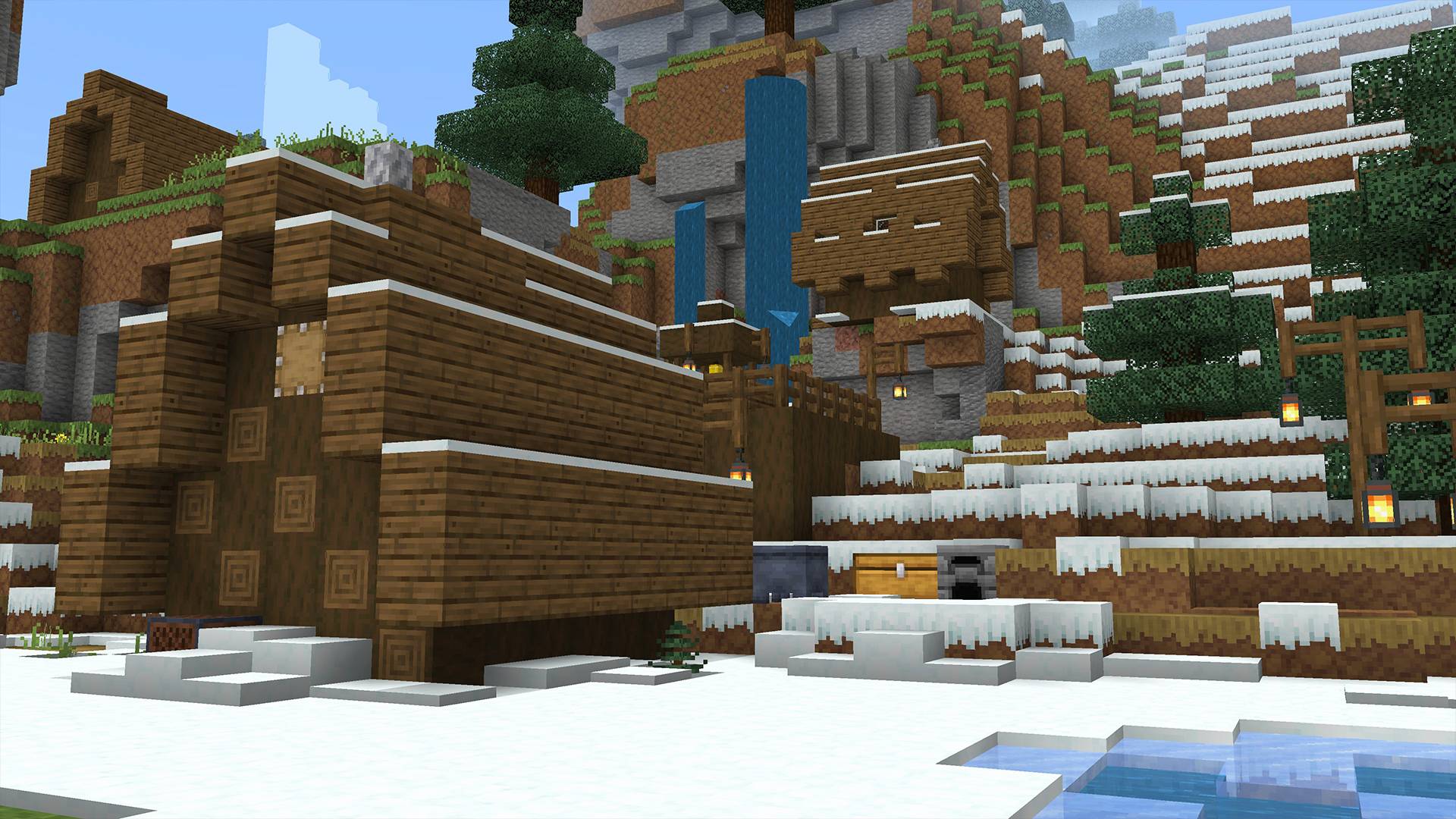
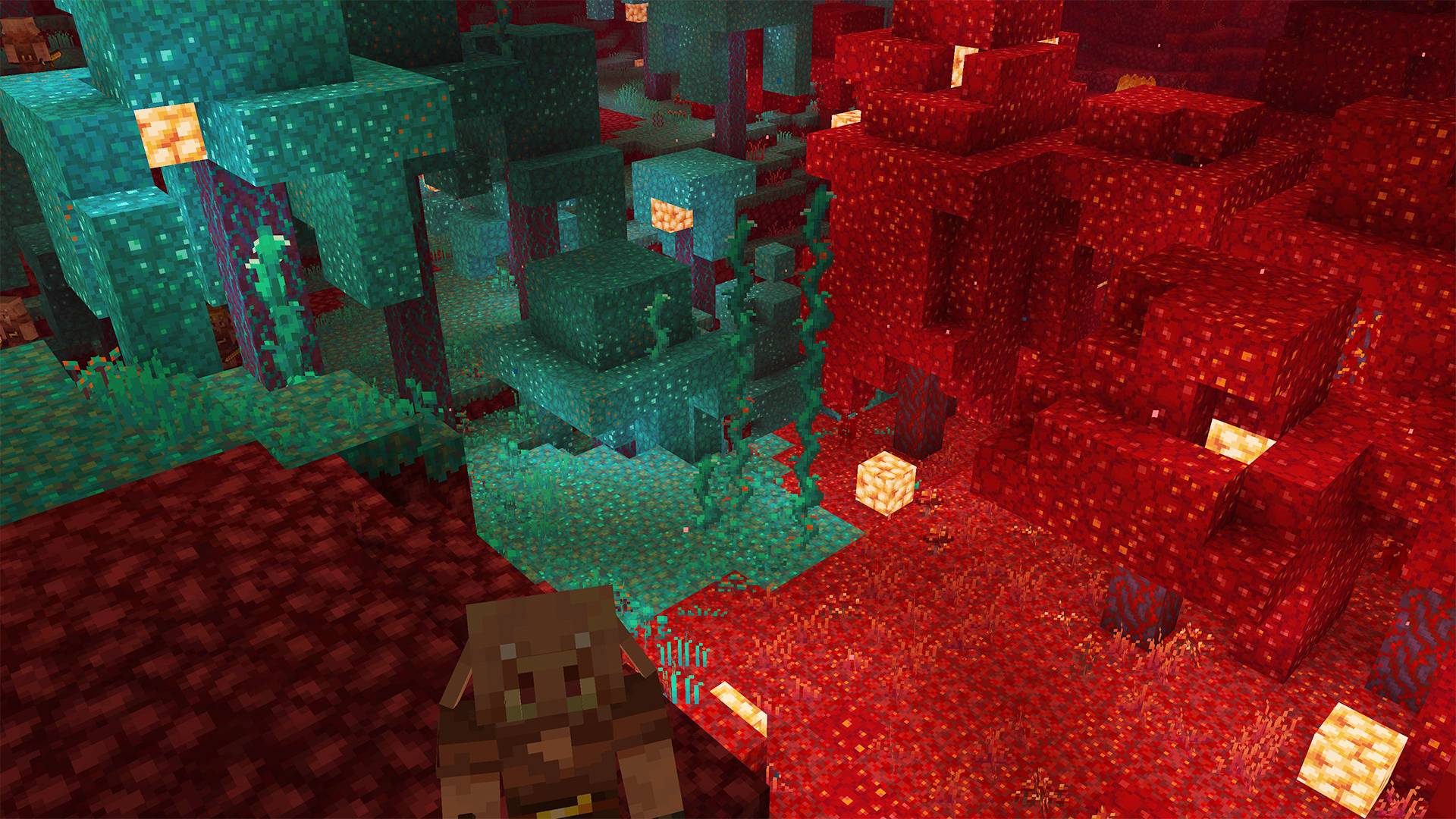
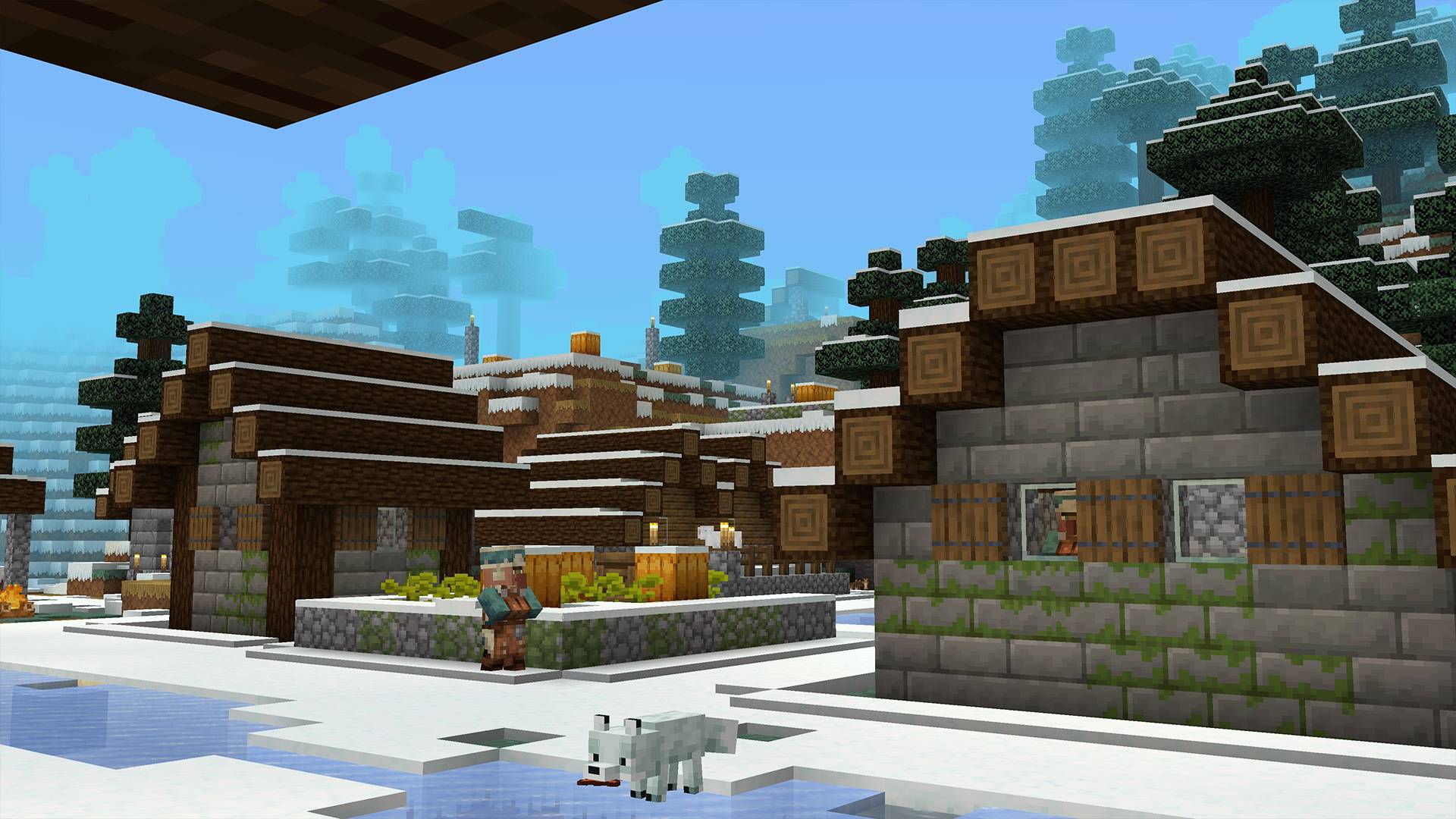
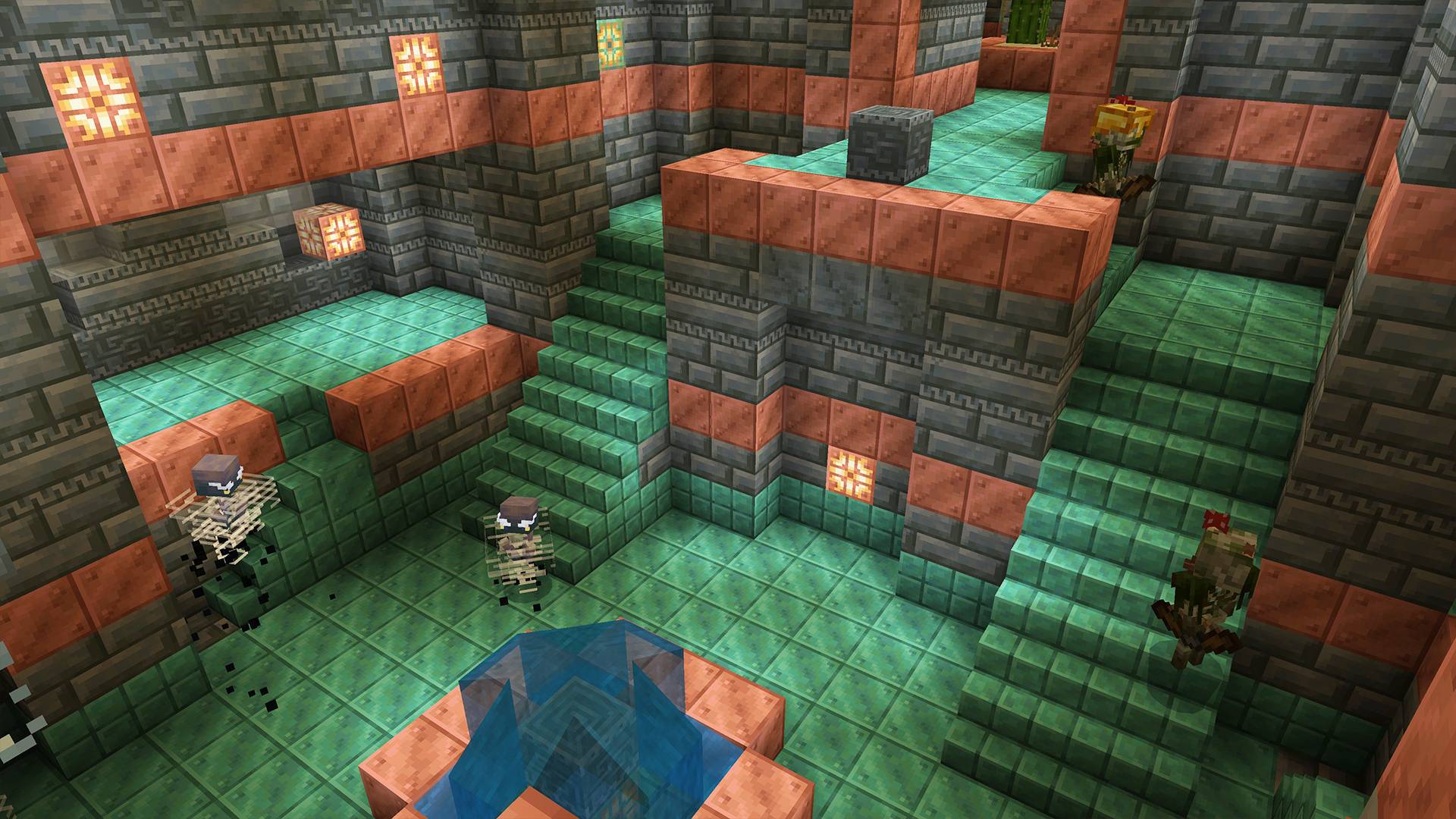
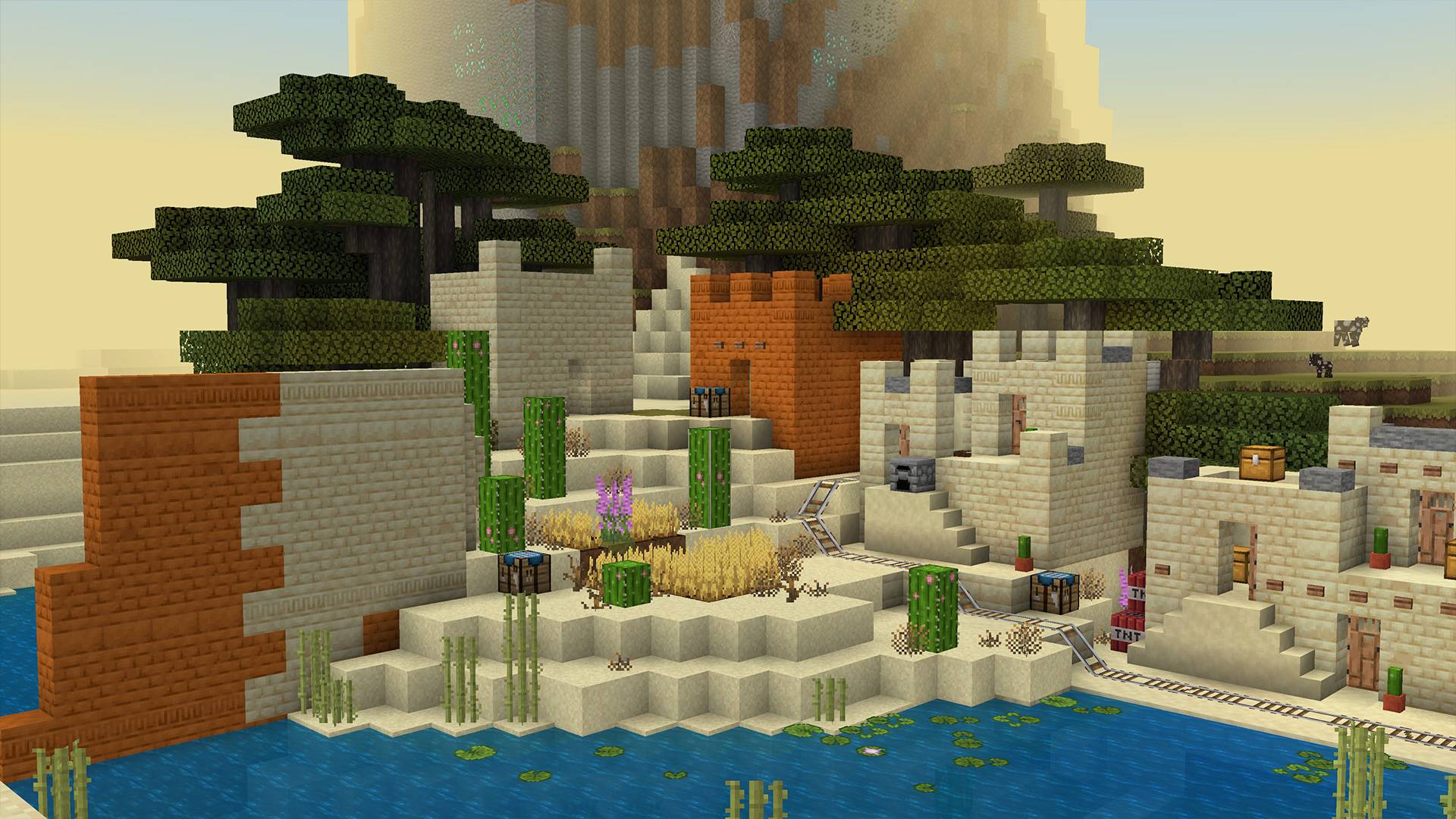
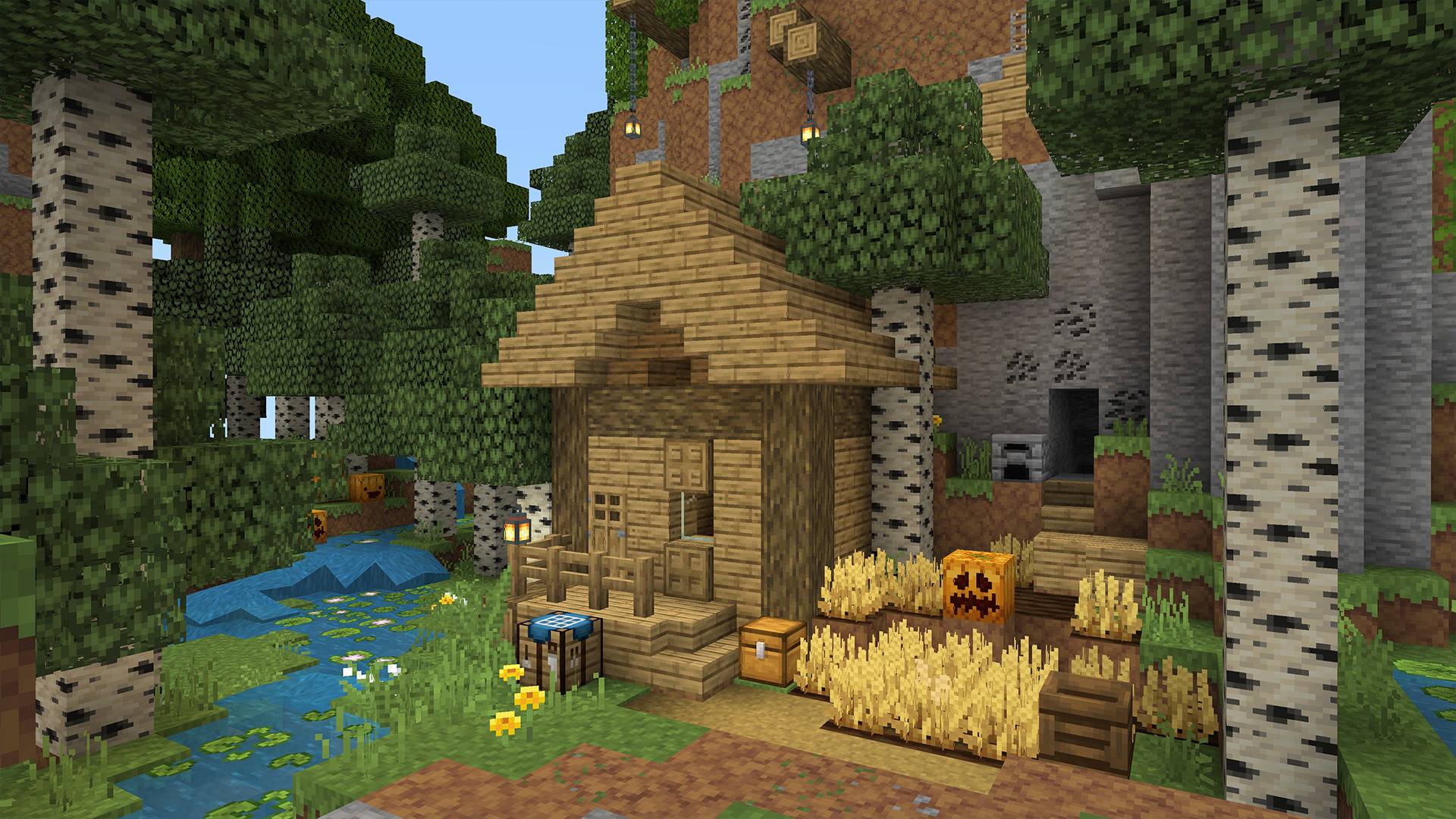
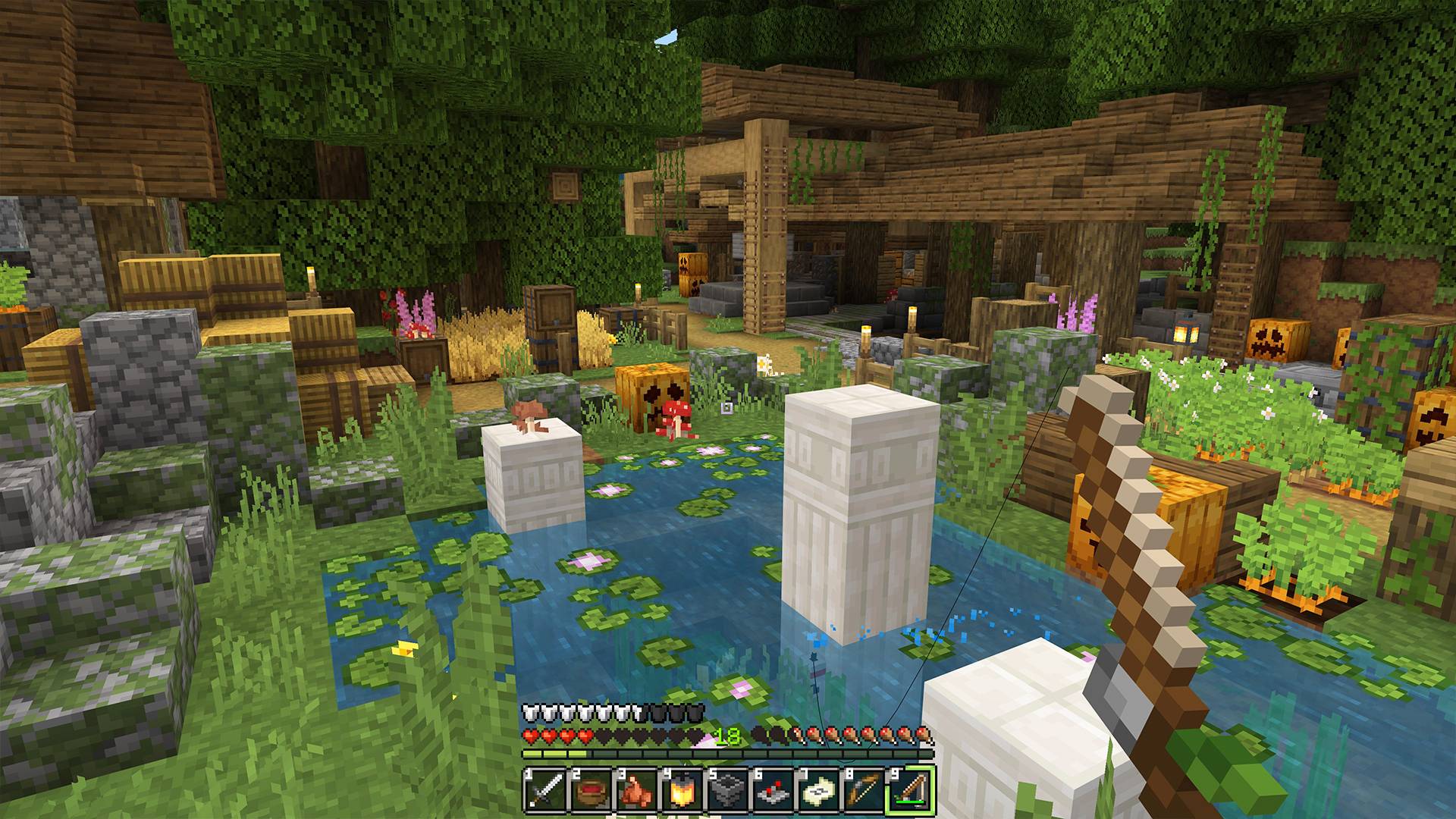
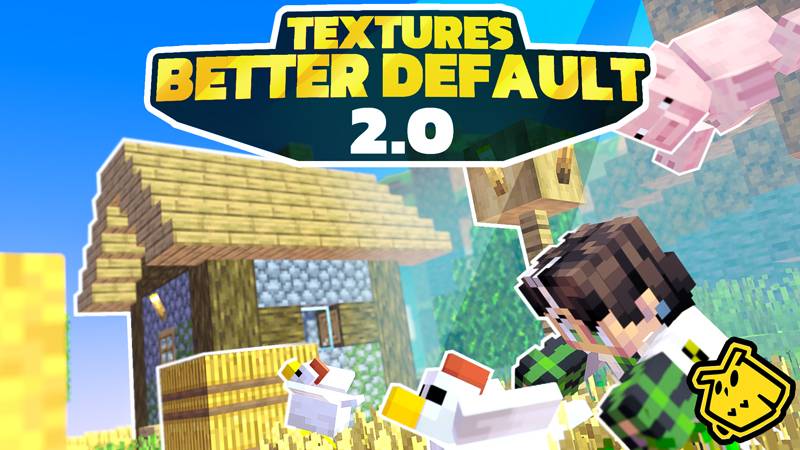
Better Default Textures for Minecraft by OwlsCubed.

You can get Bedrock Version here: Click here

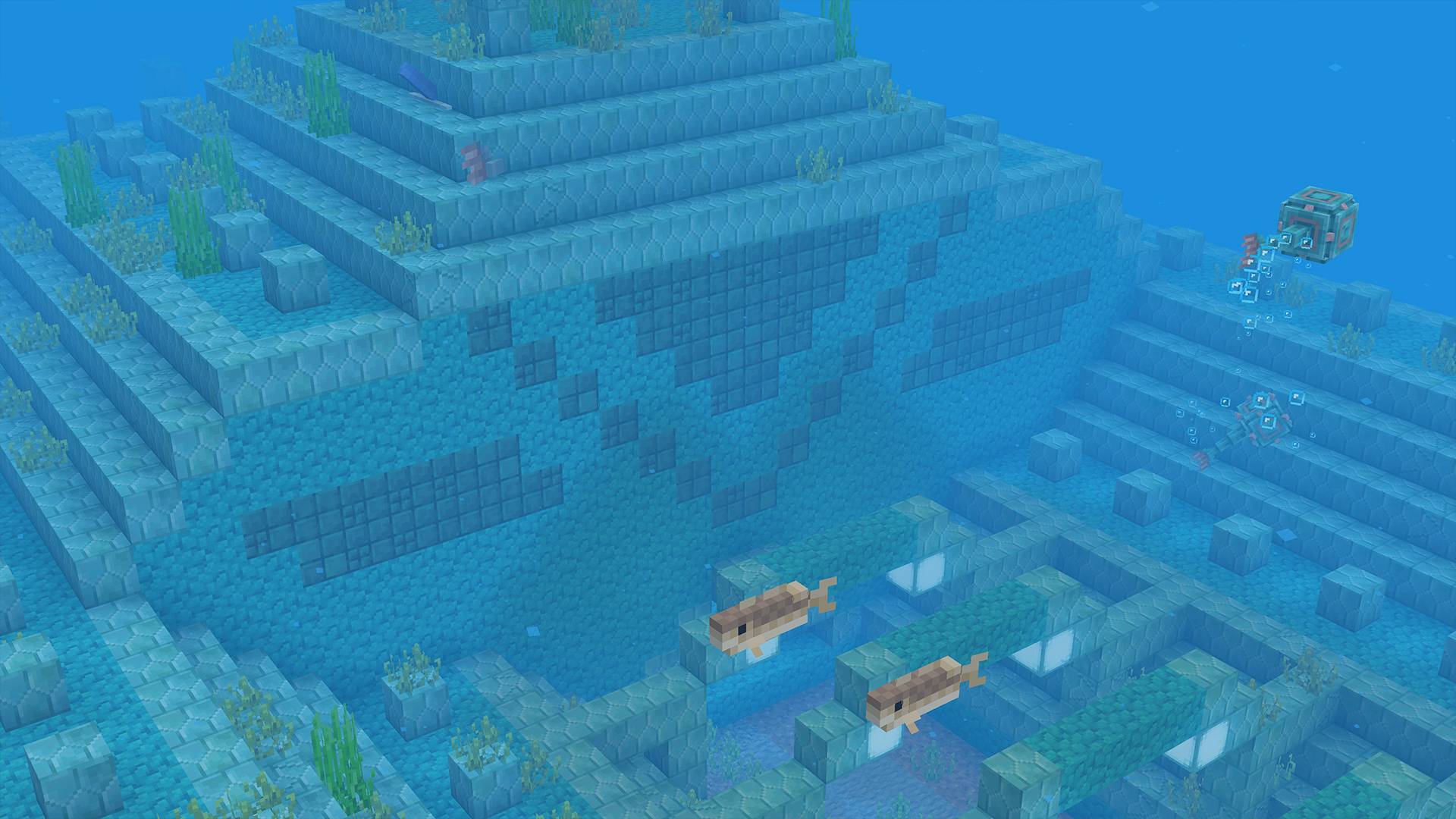
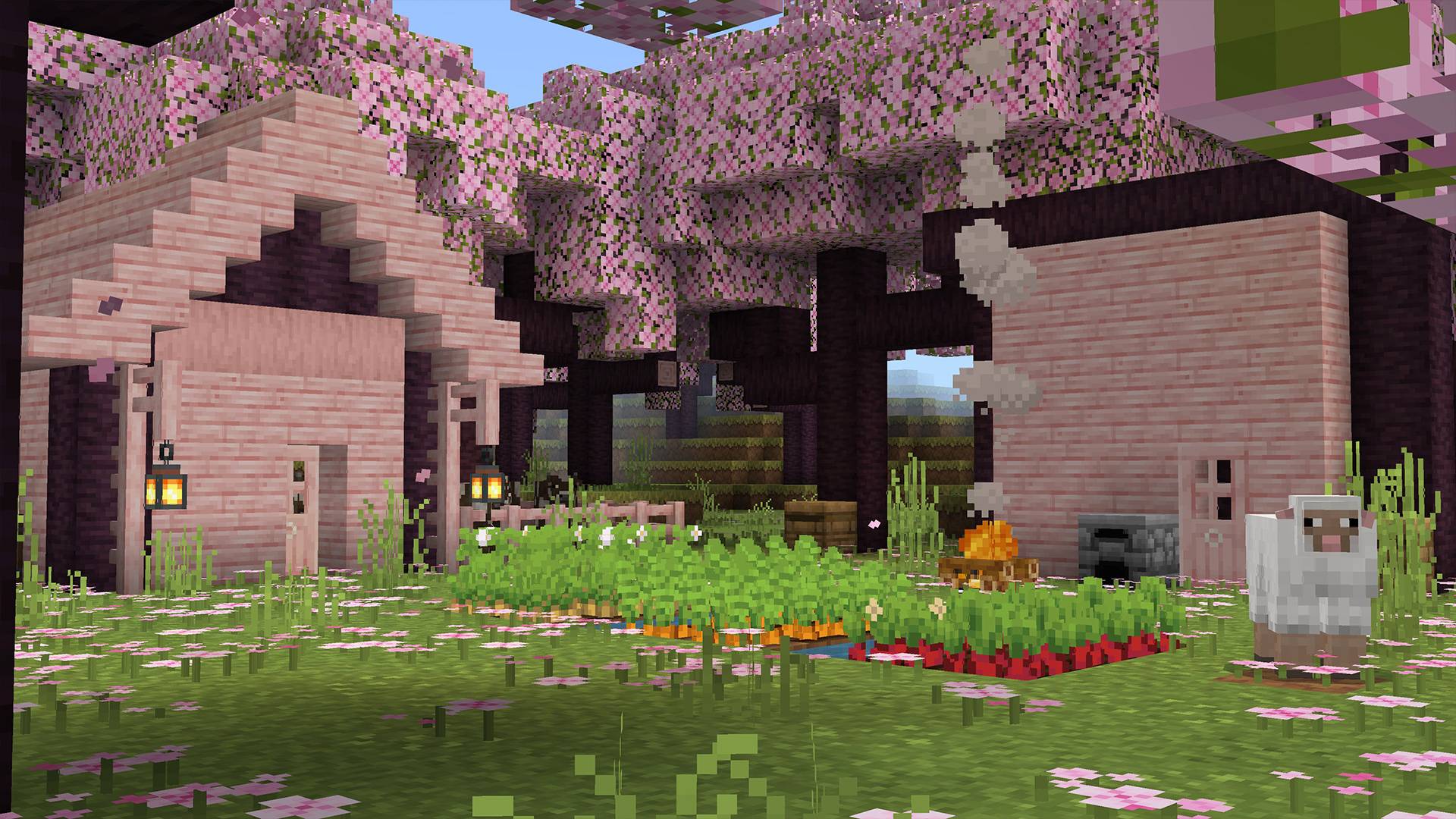
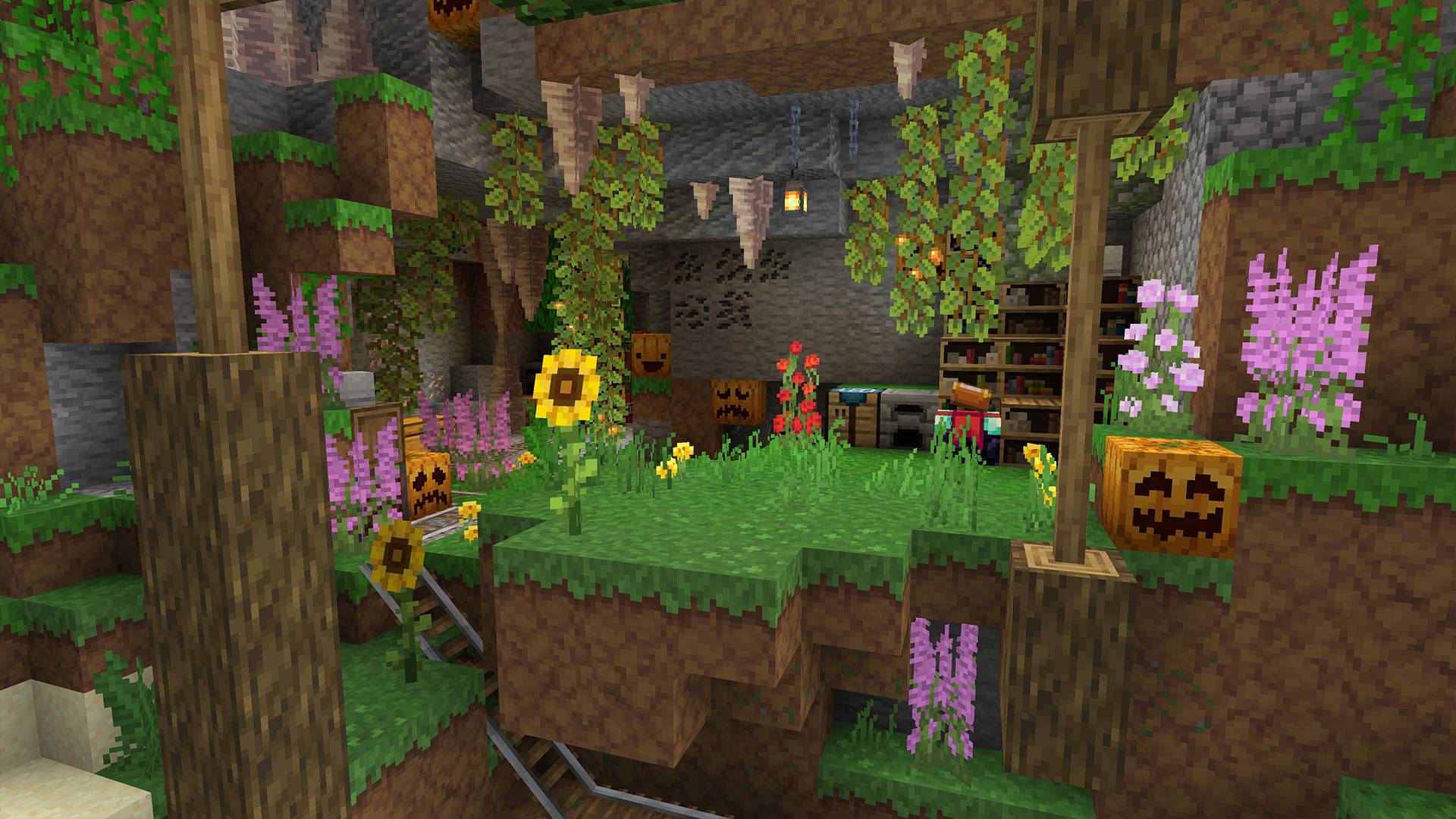
A different view of default Minecraft! We tried to preserve the spirit of default minecraft by refreshing its appearance. 
Our team has done a lot of work to rethink the default textures. When creating them, we relied on our experience in building and how we would like to see textures in minecraft.
 
We've added a variety of textures for almost every block. In the future, we plan to expand this list and add even more variations. We have not changed many of the textures of the mobs, as they are still in the process. We hope we will quickly find the right ideas or find answers in the wishes of the community :)

If you have any ideas or suggestions - we will be happy if you share them with us!
We are trying to make the textures in the best possible way, we will be glad for your help.

BetterDefault 2.0.1
MC 1.21, 1.21.5, 1.21.4, 1.21.3, 1.21.1, 1.21.2
Release 2025-04-26 Get
BetterDefault 2.0
MC 1.21, 1.21.5, 1.21.4, 1.21.3, 1.21.1, 1.21.2
Release 2025-04-25 Get
Better Default Textures 1.5
MC 1.17.1, 1.19.3, 1.18.1, 1.16.5, 1.18.2, 1.19.2, 1.19.1, 1.19
Release 2023-01-14 Get
Better Default Textures 1.4
MC 1.17.1, 1.19.3, 1.18.1, 1.16.5, 1.18.2, 1.19.2, 1.19.1, 1.19
Release 2023-01-04 Get
Better Default Textures 1.3
MC 1.17.1, 1.16.3, 1.19.3, 1.18.1, 1.16.5, 1.18.2, 1.19.2, 1.19.1, 1.18, 1.16.4, 1.19
Release 2022-11-27 Get
Better Default Textures 1.2
MC 1.17.1, 1.18.1, 1.16.5, 1.18.2, 1.19.2, 1.19.1, 1.18, 1.19
Release 2022-09-02 Get

Requirements & install

How to use this resource pack in Minecraft
Resolution
16x
Minecraft
1.19.2 – 1.21.5
Install folder
.minecraft/resourcepacks

How to install resource packs

  1. Download the resource pack .zip file (do not extract it).
  2. In Minecraft open Options → Resource Packs → Open Pack Folder.
  3. Drop the .zip into the resourcepacks folder (.minecraft/resourcepacks).
  4. Move the pack to the Selected column and click Done.
Browse more: 16x resource packs 32x resource packs 64x resource packs 128x resource packs 256x resource packs 512x+ resource packs Resource Packs for 1.21.5 All resource packs

More from OwlsCubed

Advertisement Remove ads with Premium →

You Might Also Like