ENGLISH: Hello! This project was born out of my desire for a complete and updated resource pack free for all with no paid content, not even project support with patreon.
For questions or feedbacks enter the resource pack discord server: https://discord.gg/Kf9K75DyzR
Features:
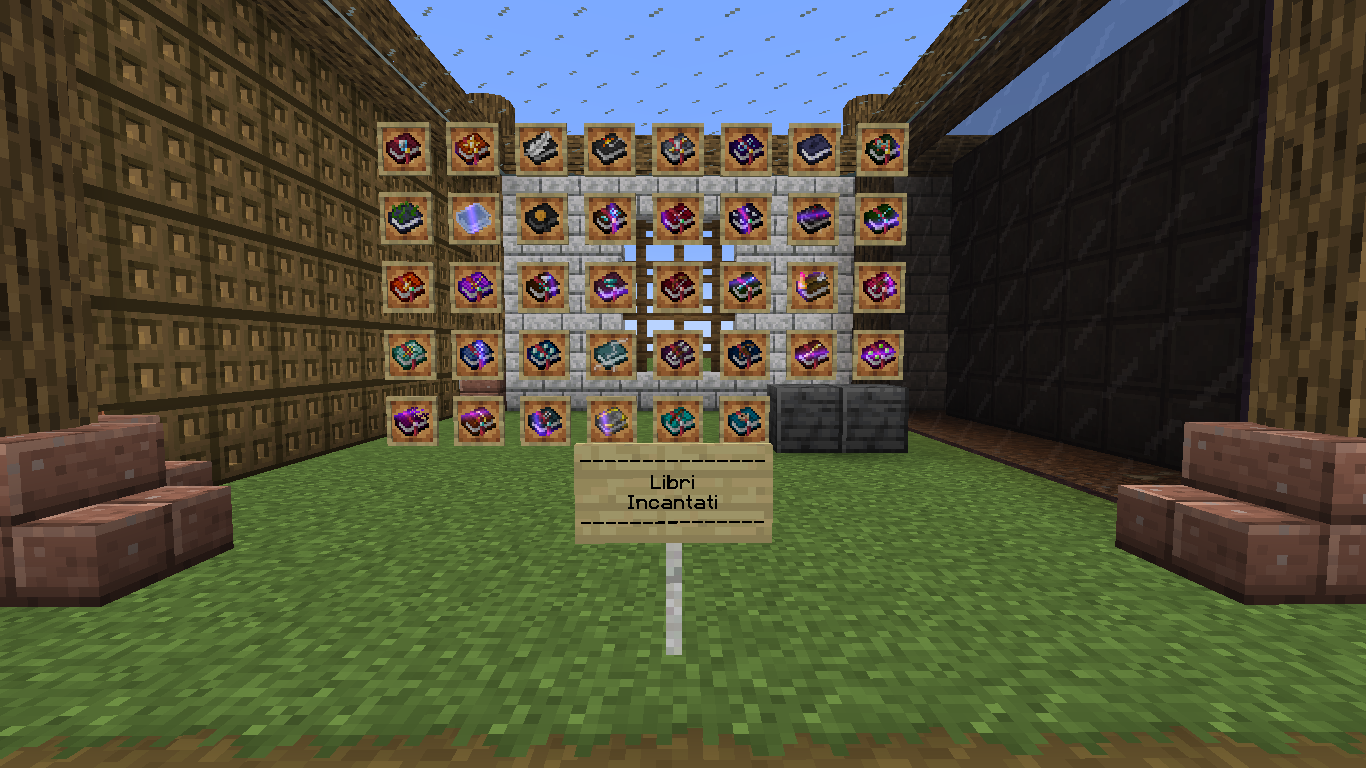
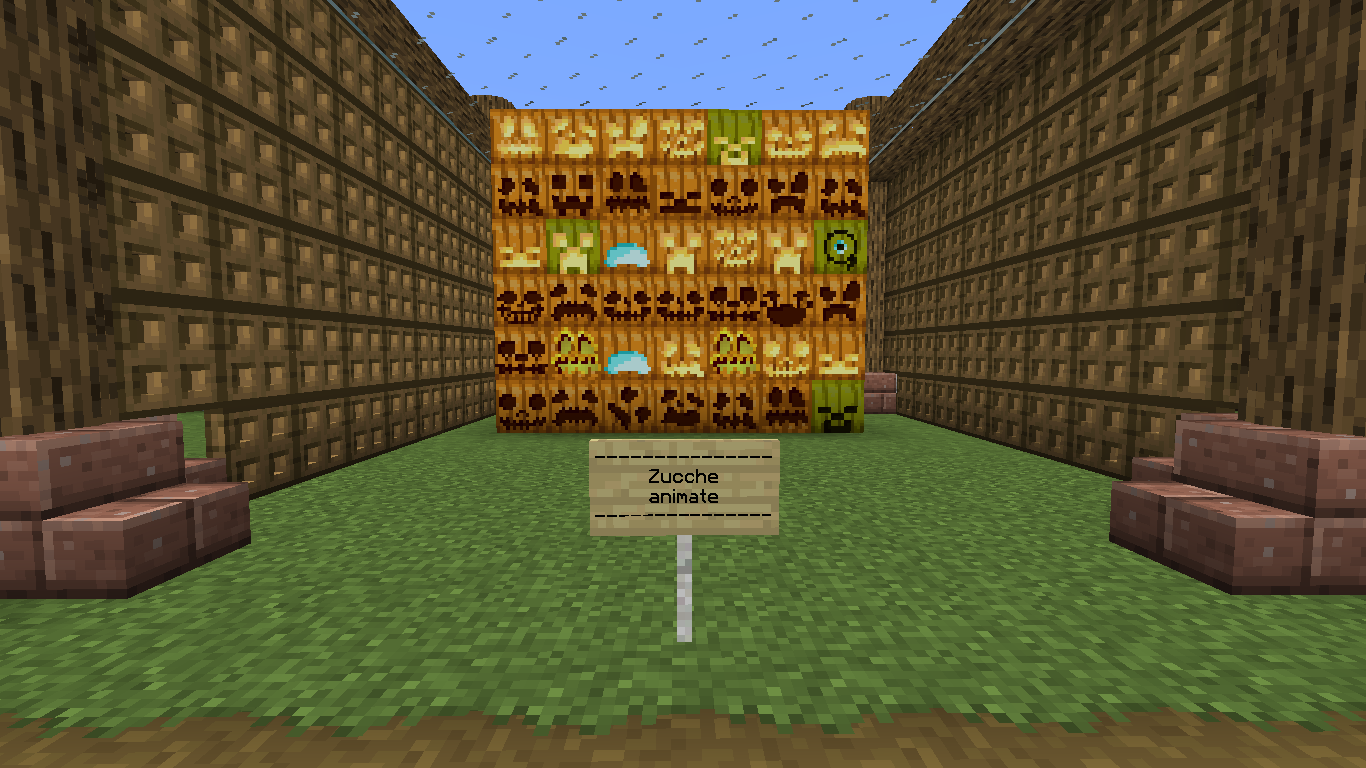
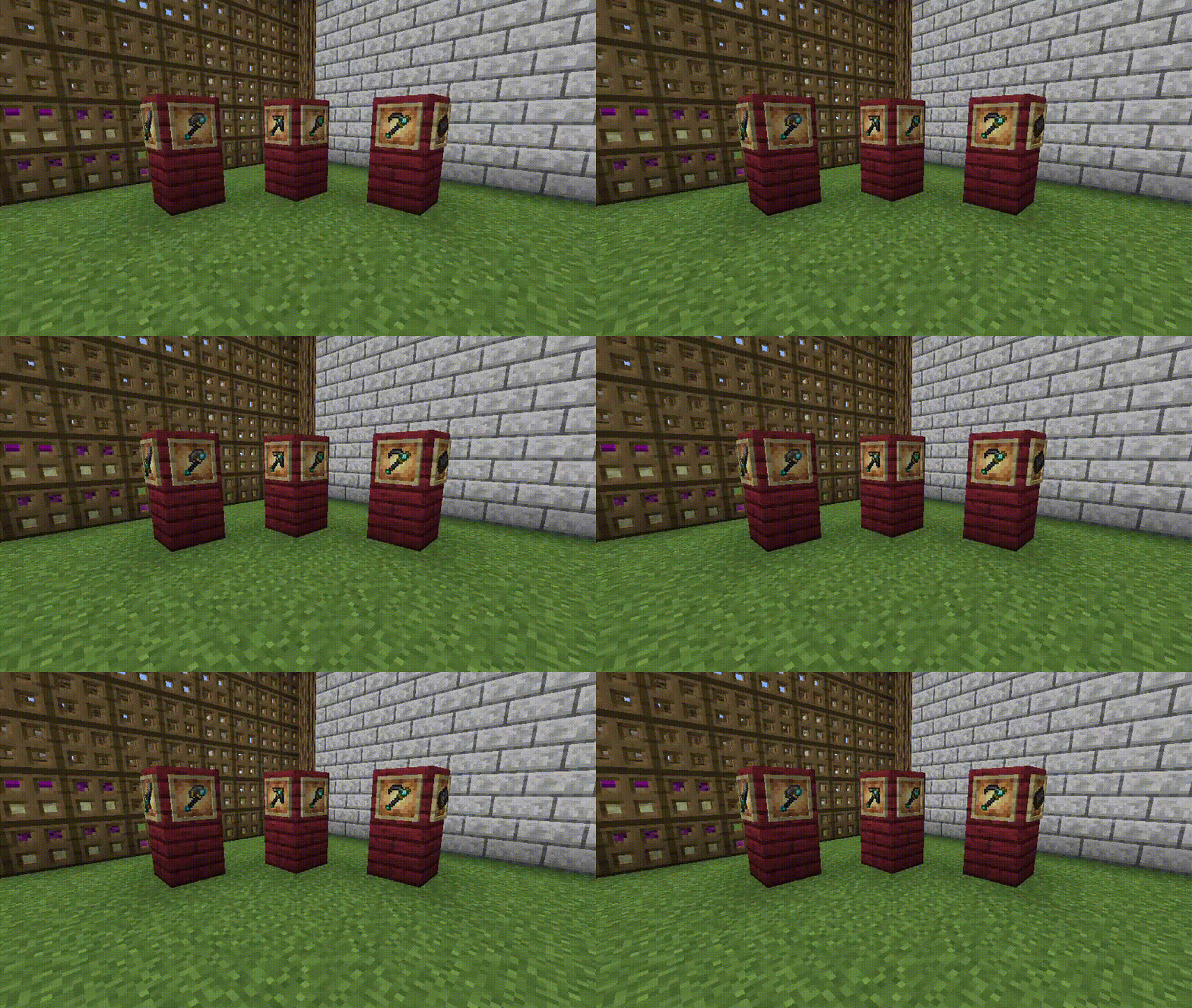
- Many animated items (some are still missing but will be animated in the future)
- connected textures with ctm system (optifine)
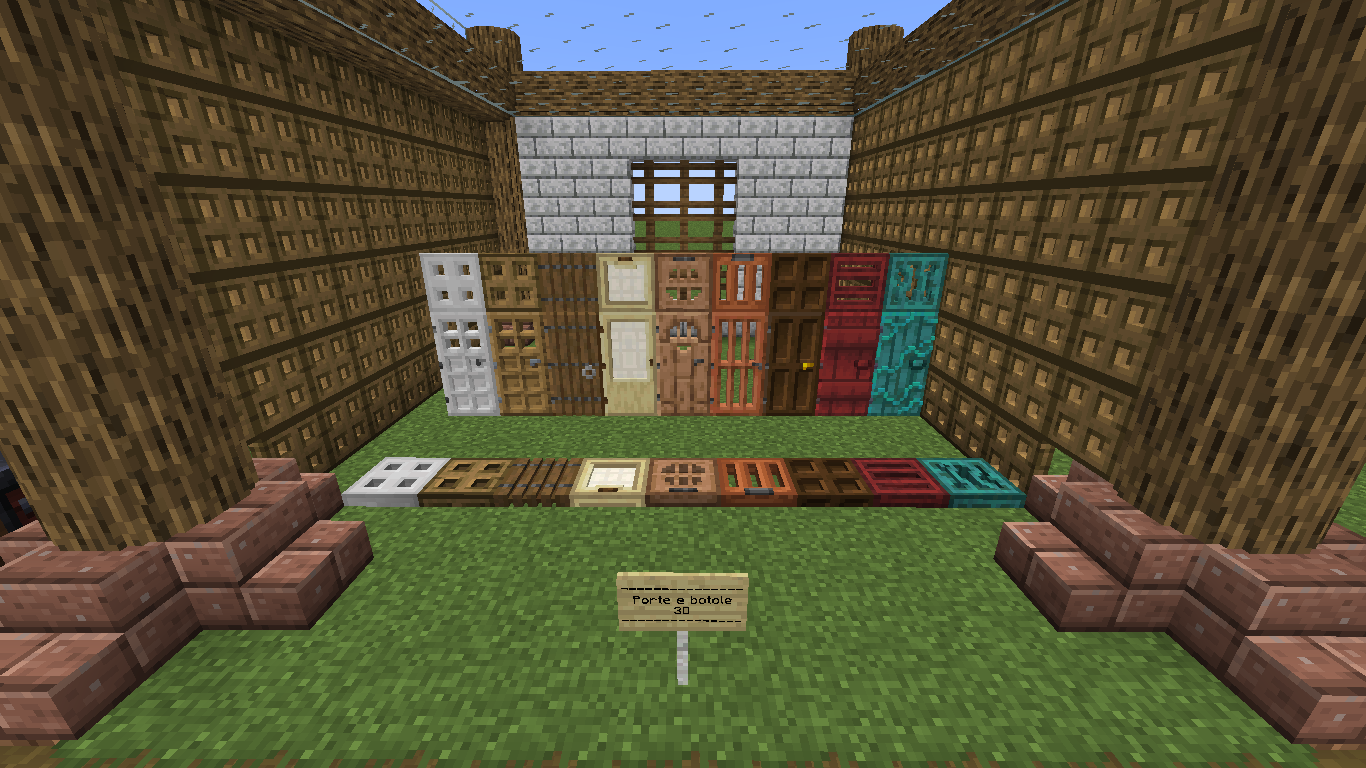
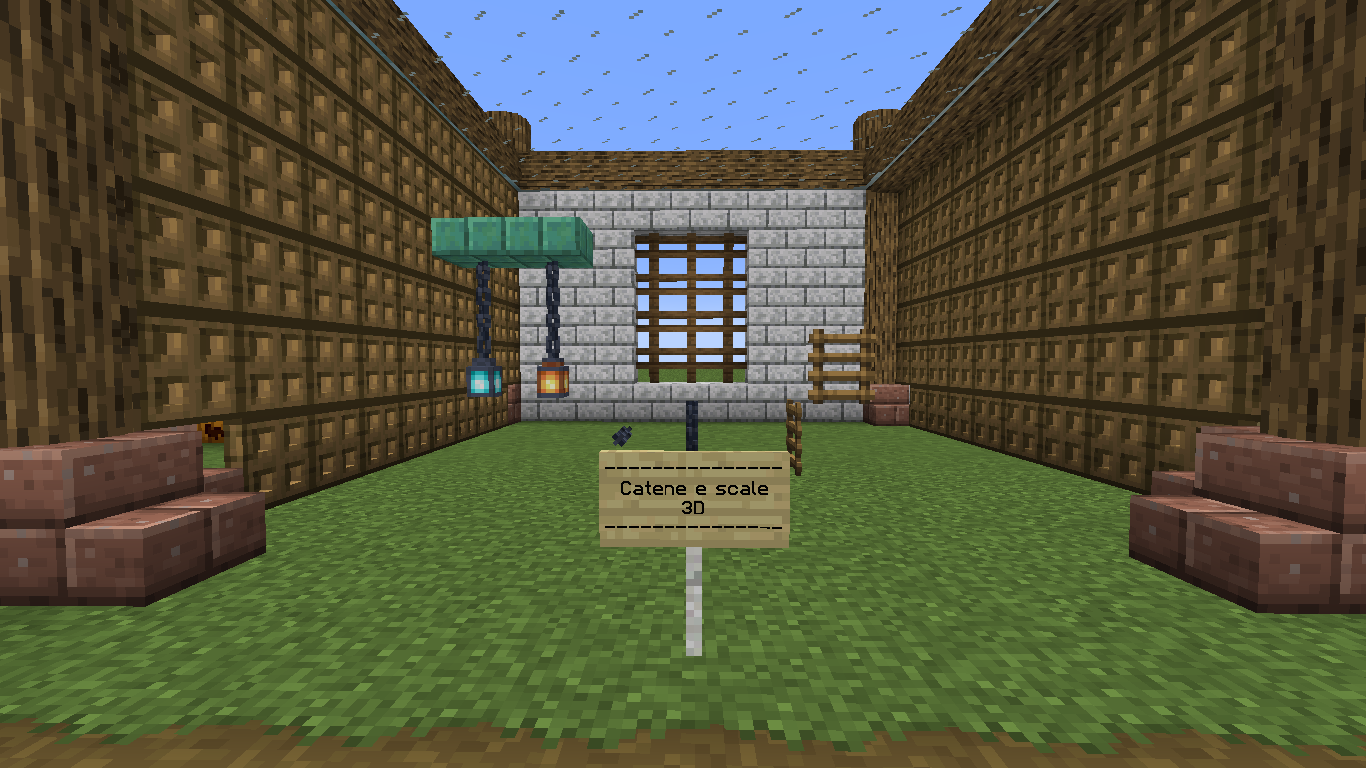
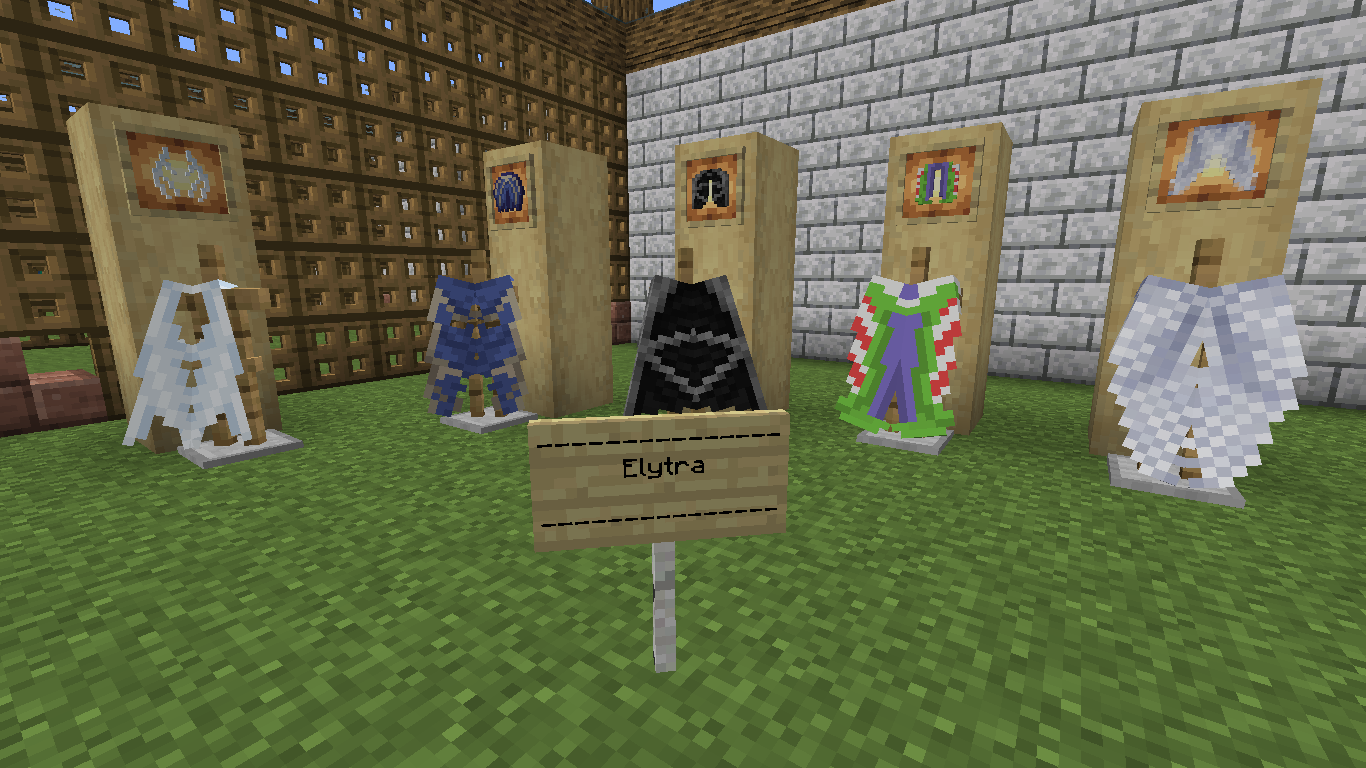
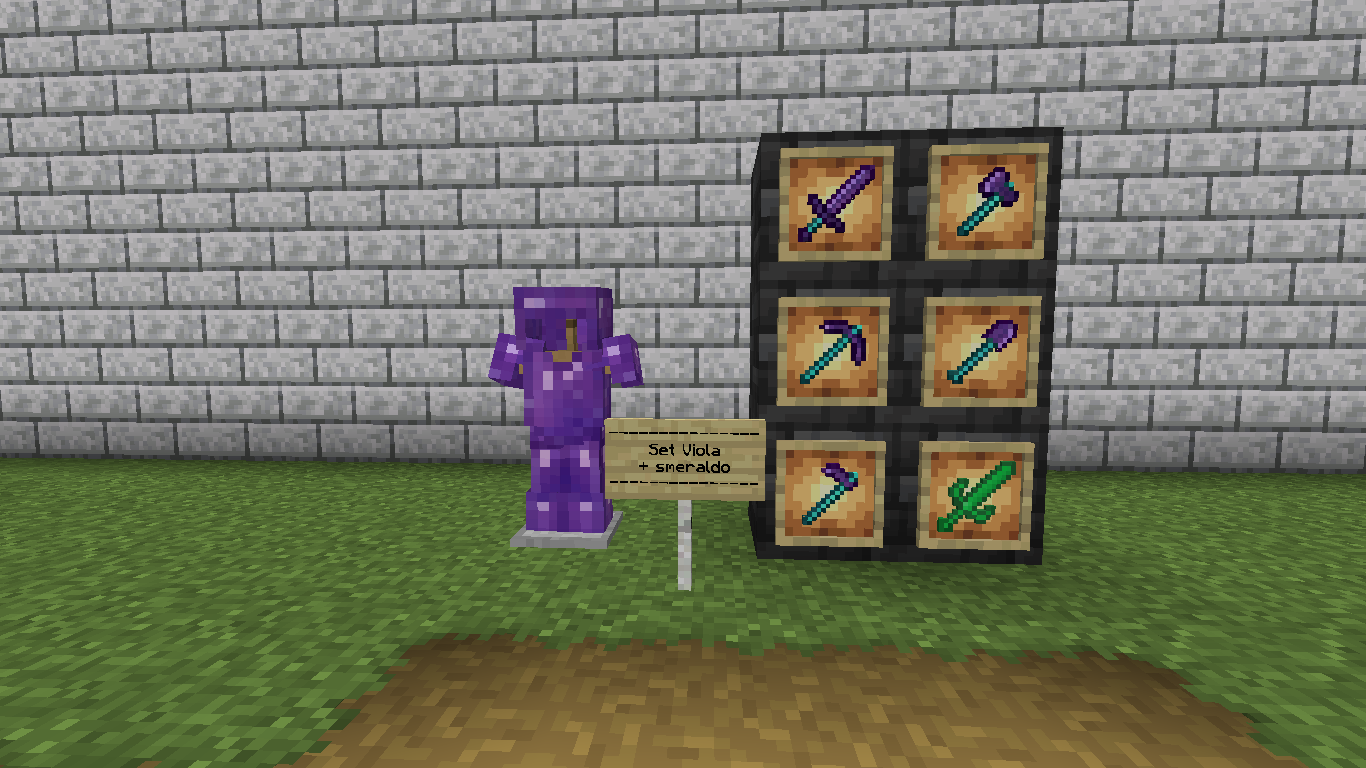
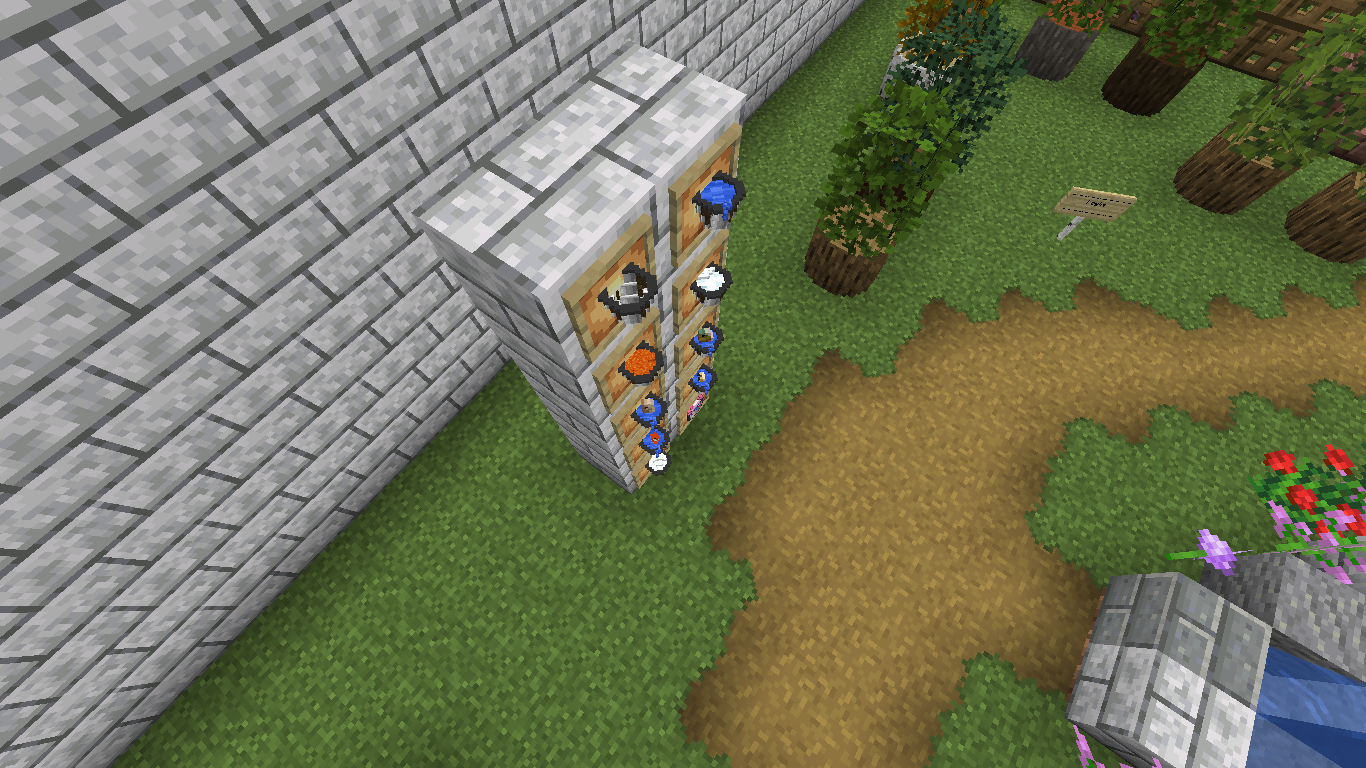
- Many 3d models
- Blocks and objects that can be renamed with optifine (if you open the .zip file you will find a Oggetti rinominabili.txt file where you can see which objects you can rename)
- 3d leaves
- Textures of various modified end blocks
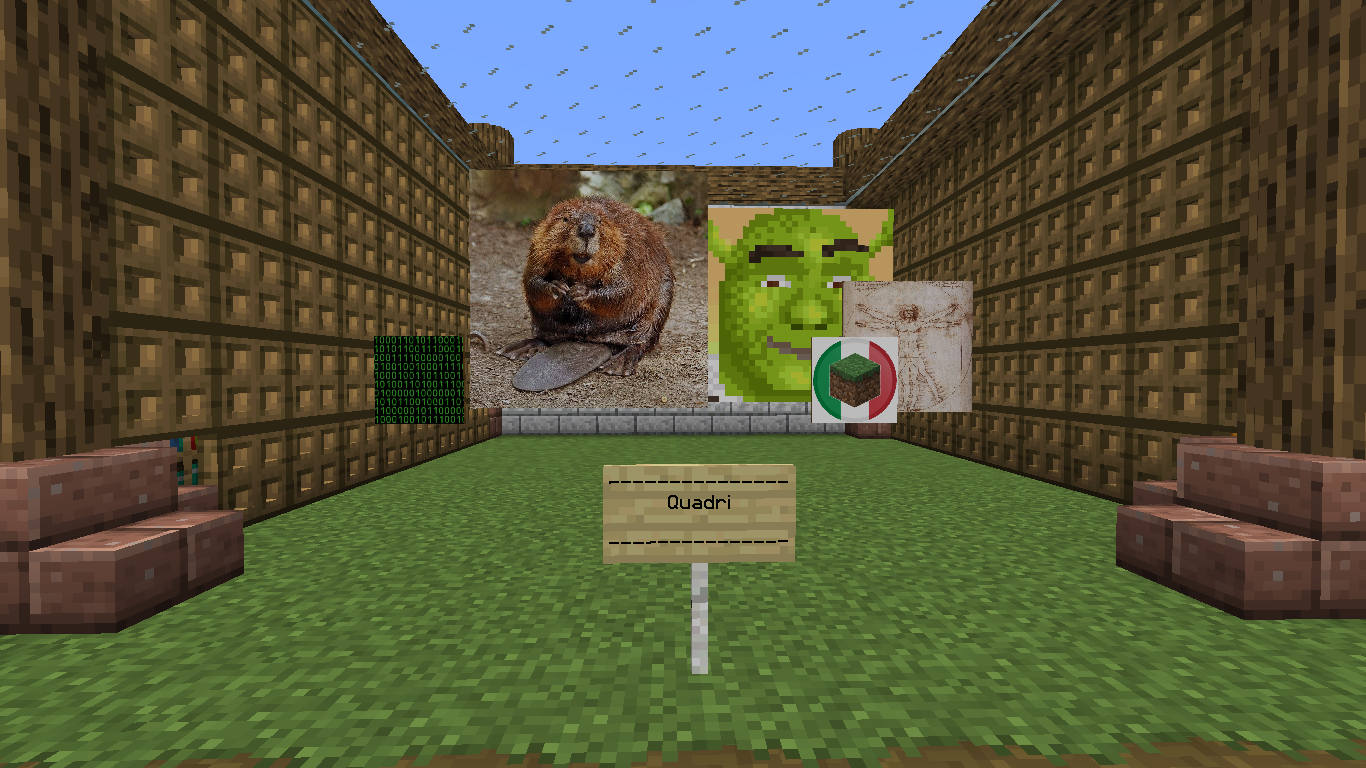
- Changed font (see screenshot)
- modified GUI
- round logs
ITALIAN: Ciao! Questo progetto nasce dal mio desiderio di una resource pack completa ed aggiornata gratis per tutti senza contenuti a pagamento, nemmeno il supporto del progetto con patreon.
Per domande o suggerimenti entra nel server discord della resource pack: https://discord.gg/Kf9K75DyzR
Features:
-Molti utensili animati (ne mancano ancora un po' ma verranno animati in futuro)
- texture connesse con sistema ctm di optifine
- Molti modelli 3d
- Blocchi e oggetti rinominabili con optifine (se apri il .zip trovi un file Oggetti rinominabili.txt dove puoi vedere che oggetti puoi rinominare)
- Foglie 3d
- Texture di vari blocchi dell'end modificati
- Font modificato (vedi screenshot)
- GUI modificate
- tronchi rotondi