Mineuniverse
Resource Packs
Better Wheat (New versions port)

Better Wheat (New versions port)

RESOURCE PACK
Makes wheat taller, thicker and more yellow
by ALEXYSSSJ4
Download Claim this project
Add a badge to your pageLink to Better Wheat (New versions port) from a README, website or forum post.
Preview: Badge

Badges update automatically and link to the resource pack page on MineUniverse.

1,252 downloads
0 likes
0 followers
Updated Oct 14, 2026
0 hypes
Follow0
32x Miscellaneous
Advertisement Remove ads with Premium →

🌾 Better Wheat (Port)

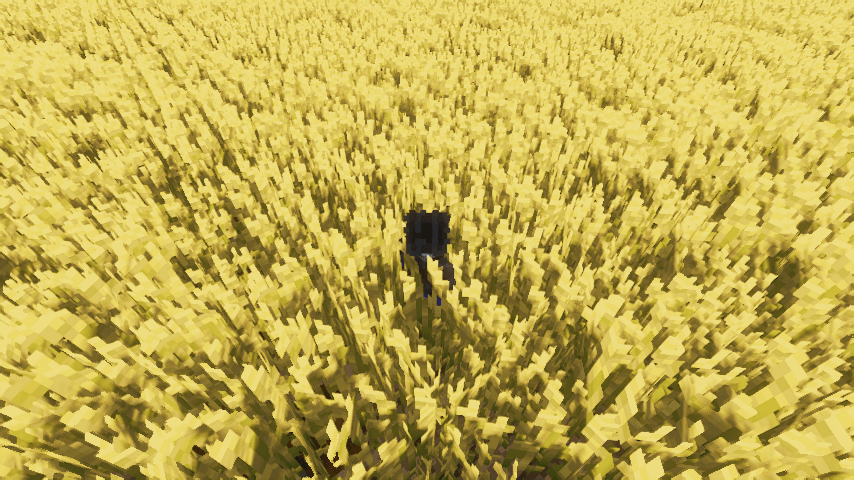
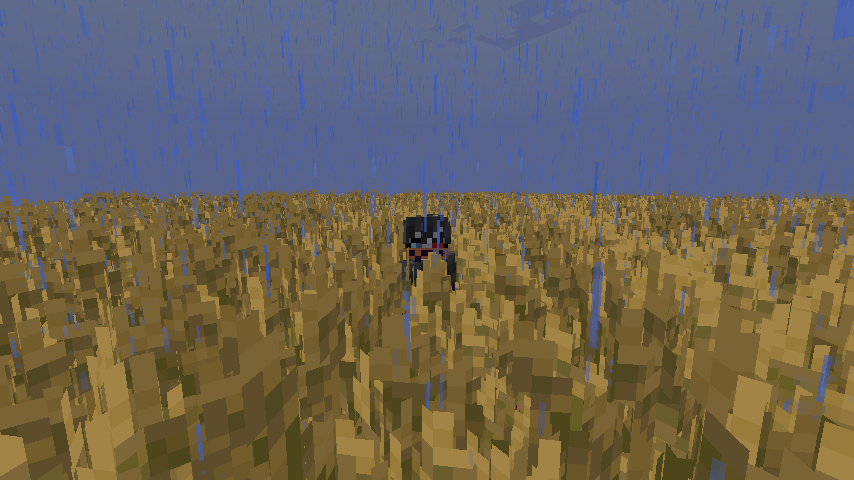
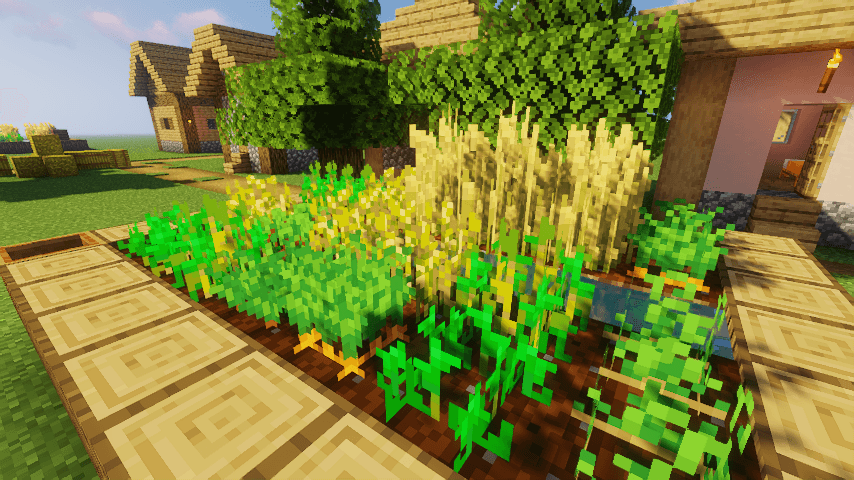
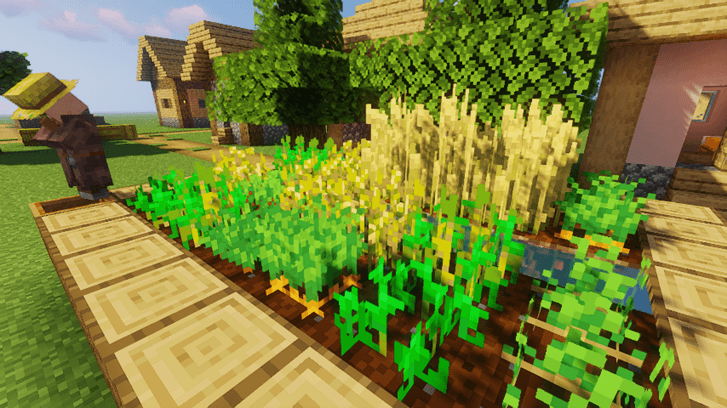
Denser, taller, and more golden wheat fields for a more immersive experience!

This is an updated version of SuperMor1s' original concept. The goal is to transform Minecraft farms into realistic crop fields, eliminating the flat appearance and giving them a much more natural and vibrant look.
✨ Key Features

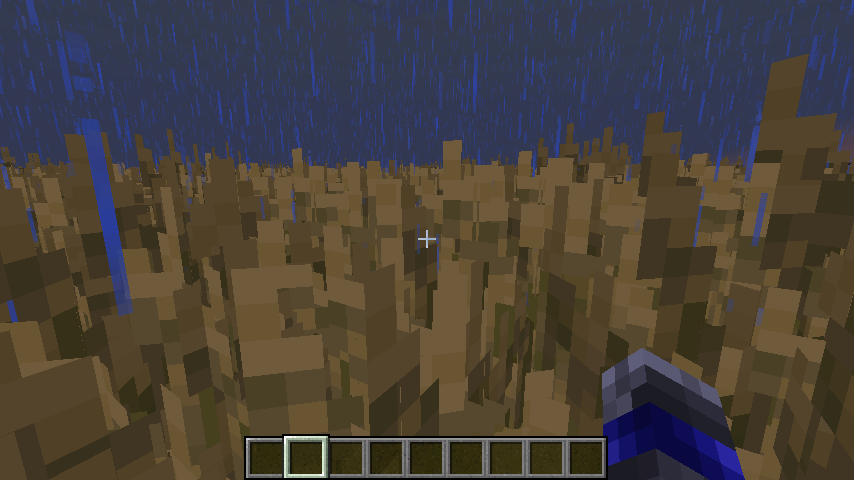
Realistic Growth: Wheat is now taller and thicker, filling the block space much better.

Improved Color Palette: A warmer and more saturated golden tone makes the crops pop in the sunlight.

Visual Variety (8 New Models): To break the monotony, wheat in its final stage will randomly generate one of 8 different 3D models, creating an uneven and realistic field.

Vanilla+ Style: Designed to fit perfectly with the original textures but with a higher level of detail.

🎮 Compatibility and Performance

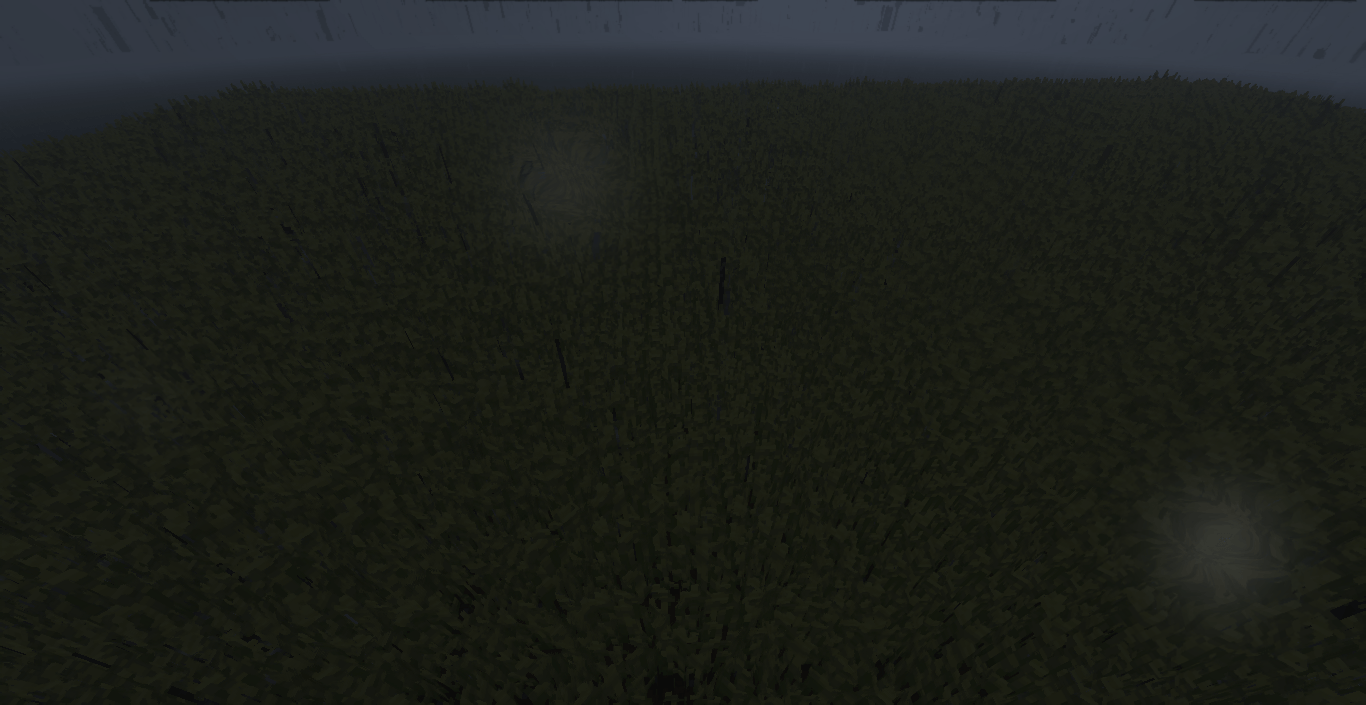
Shaders: Fully compatible with shaders (such as Sildur's Vibrant), taking advantage of the new models to generate dynamic shadows between the spikes.

Versions: Optimized to work on current versions while maintaining the lightweight nature of the original pack.

📜 Credits

Original Creator: SuperMor1s (Idea and basic concepts).

Use in Content: You are free to use this pack in your videos or streams. All I ask is that you provide proper credit in the description.

📺 Media

Better Wheat 1.20.x.
MC 1.20.1, 1.20, 1.20-Snapshot
Release 2026-05-07 Get
Better Wheat 1.21.x
MC 1.21, 1.21.1-Snapshot, 1.21.1, 1.21-Snapshot
Release 2026-05-07 Get

Requirements & install

How to use this resource pack in Minecraft
Resolution
32x
Minecraft
1.20-Snapshot – 1.21.1
Install folder
.minecraft/resourcepacks

How to install resource packs

  1. Download the resource pack .zip file (do not extract it).
  2. In Minecraft open Options → Resource Packs → Open Pack Folder.
  3. Drop the .zip into the resourcepacks folder (.minecraft/resourcepacks).
  4. Move the pack to the Selected column and click Done.
Browse more: 16x resource packs 32x resource packs 64x resource packs 128x resource packs 256x resource packs 512x+ resource packs Resource Packs for 1.21.1 All resource packs

More from ALEXYSSSJ4

Advertisement Remove ads with Premium →

You Might Also Like