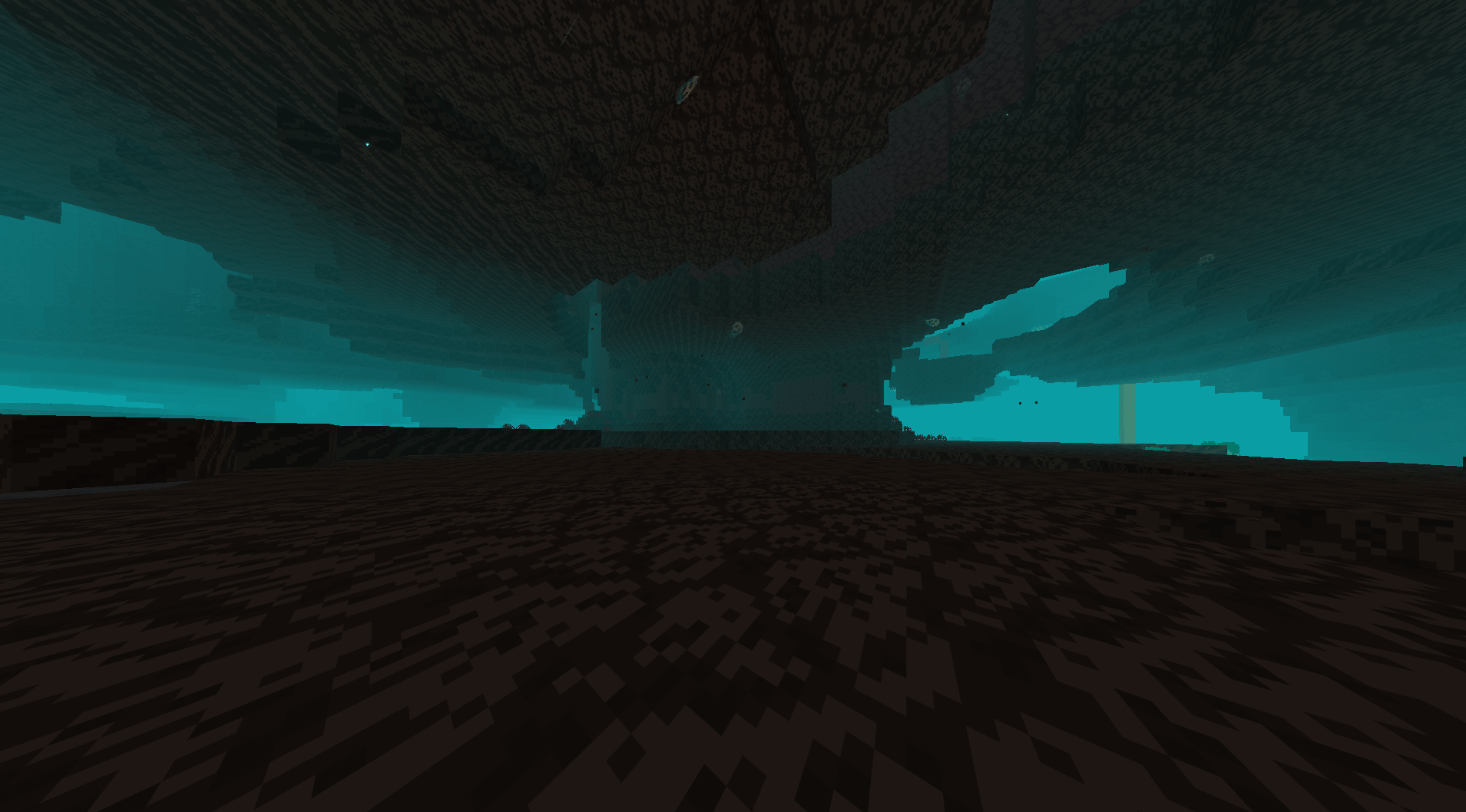
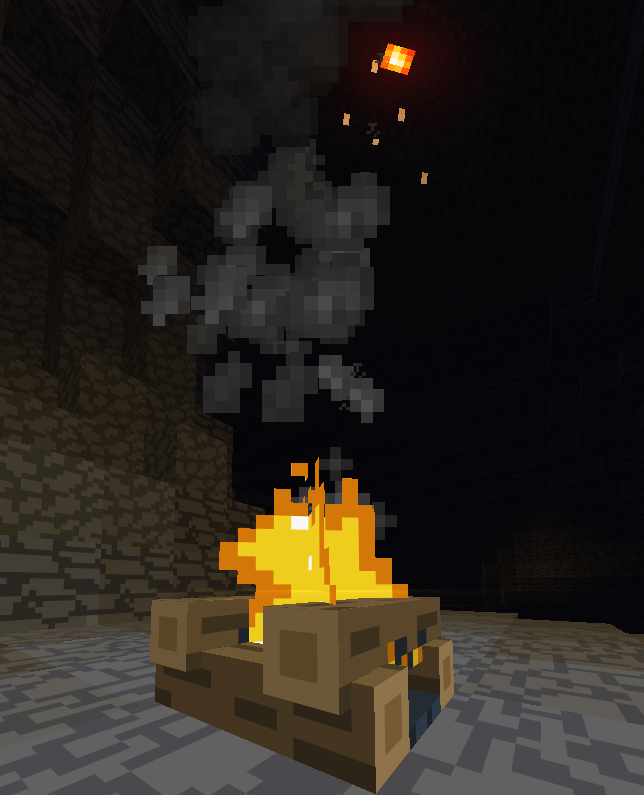
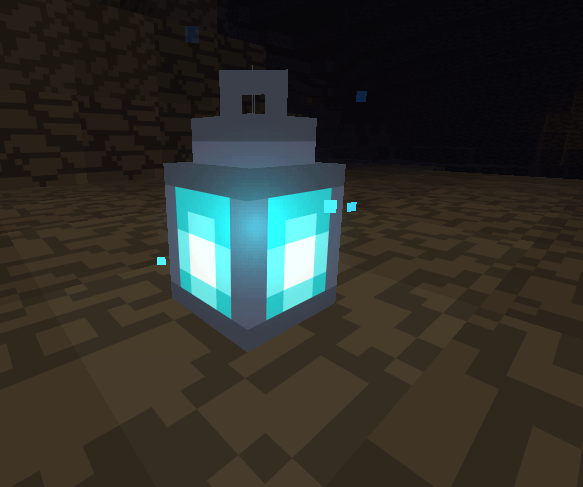
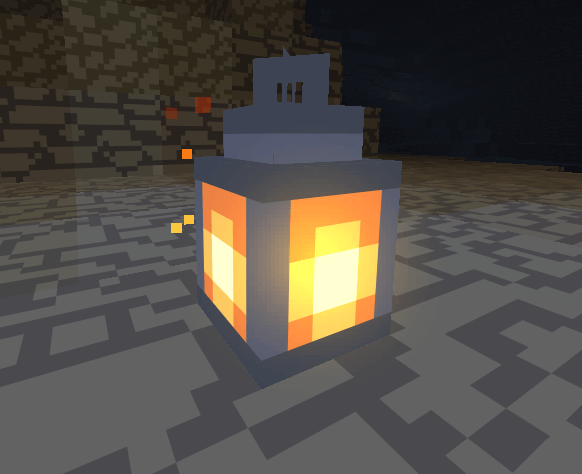
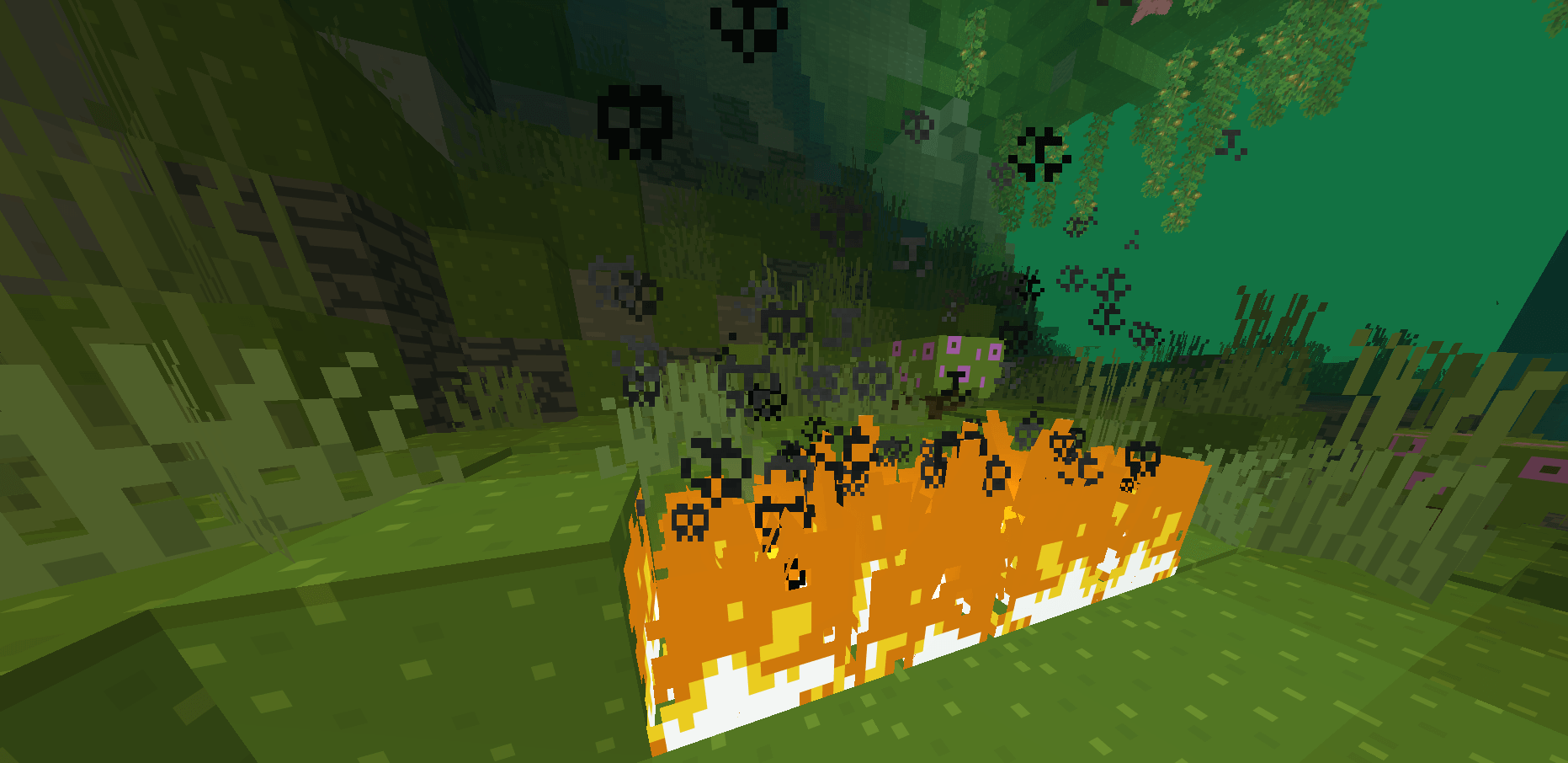
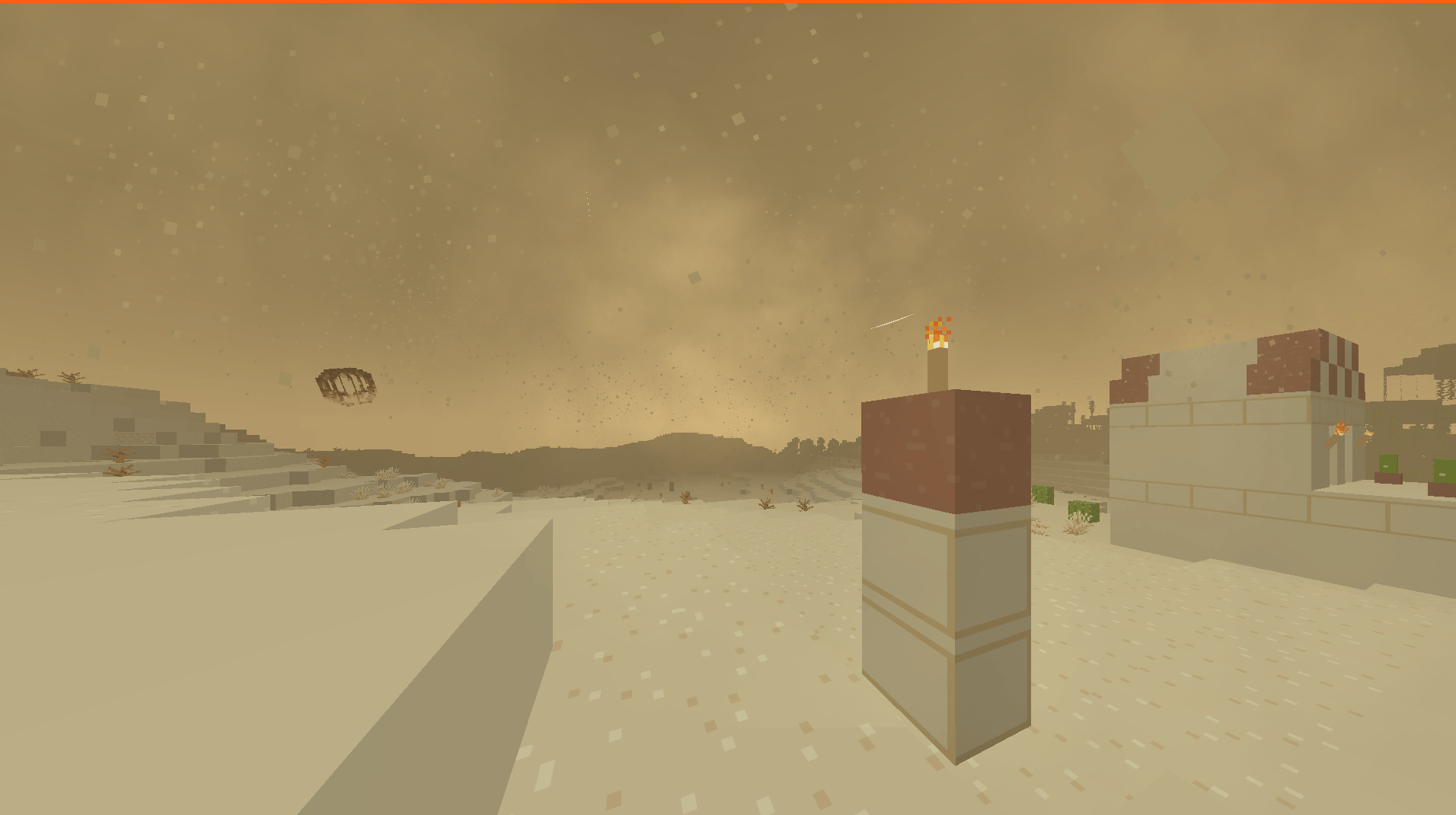
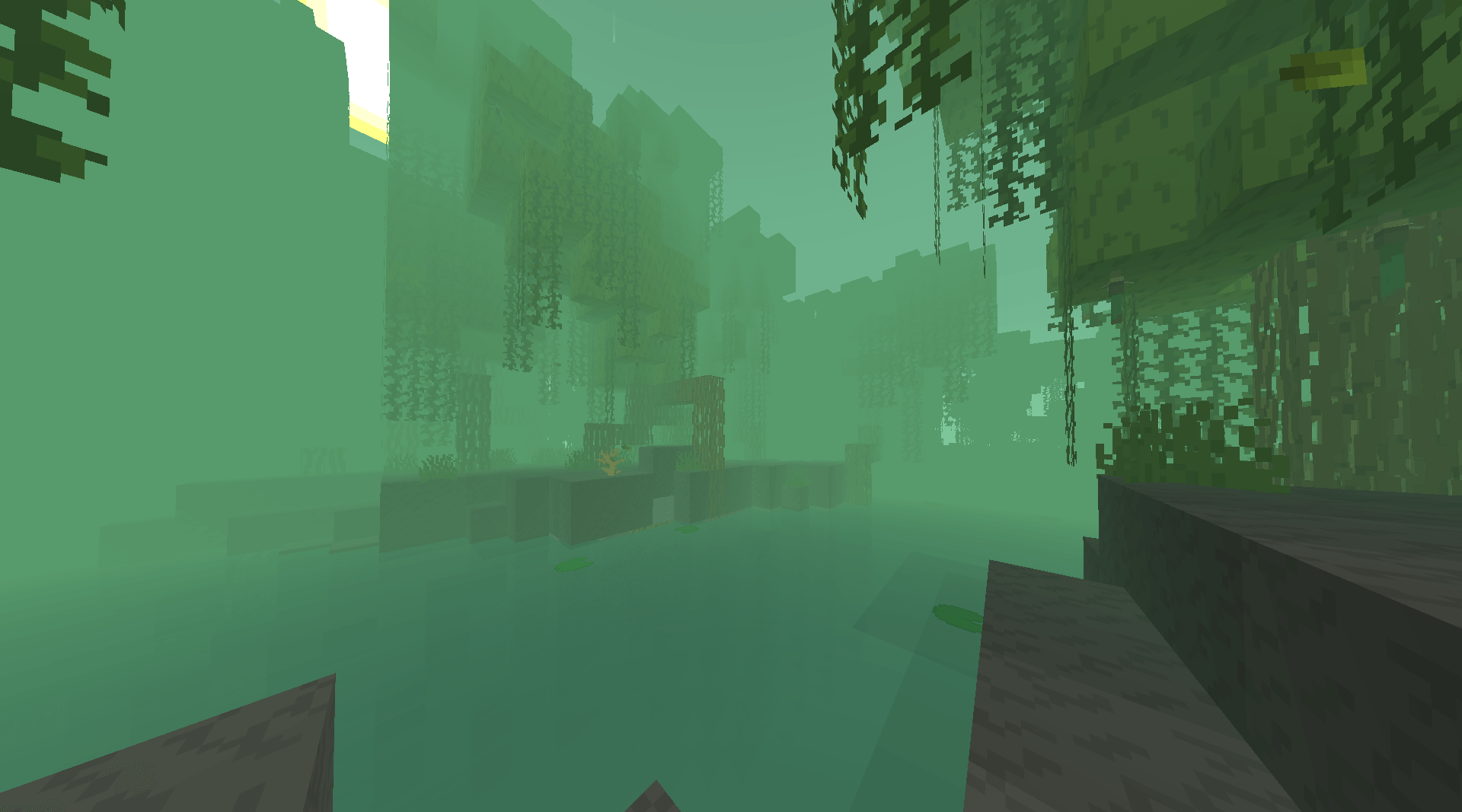
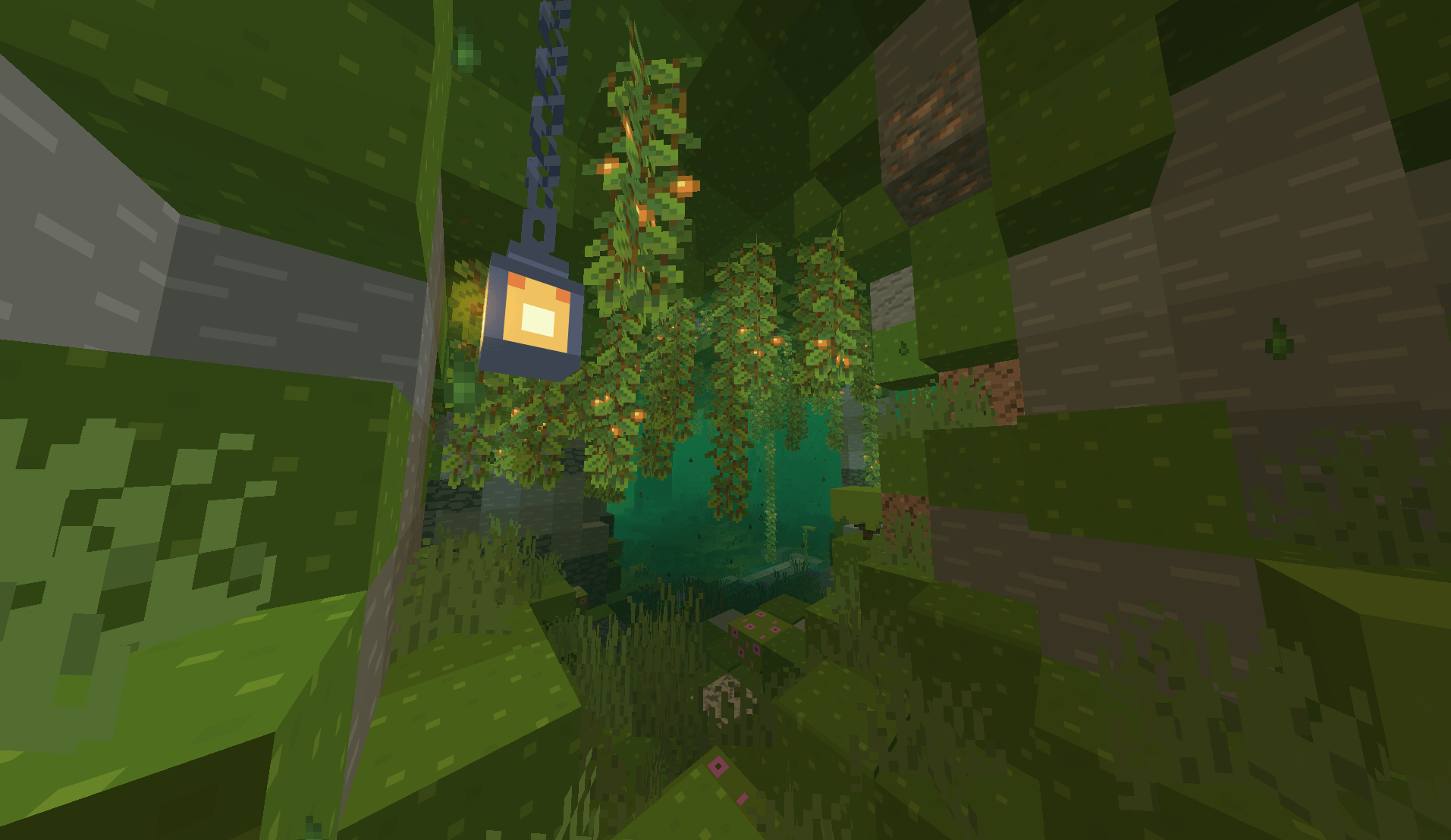
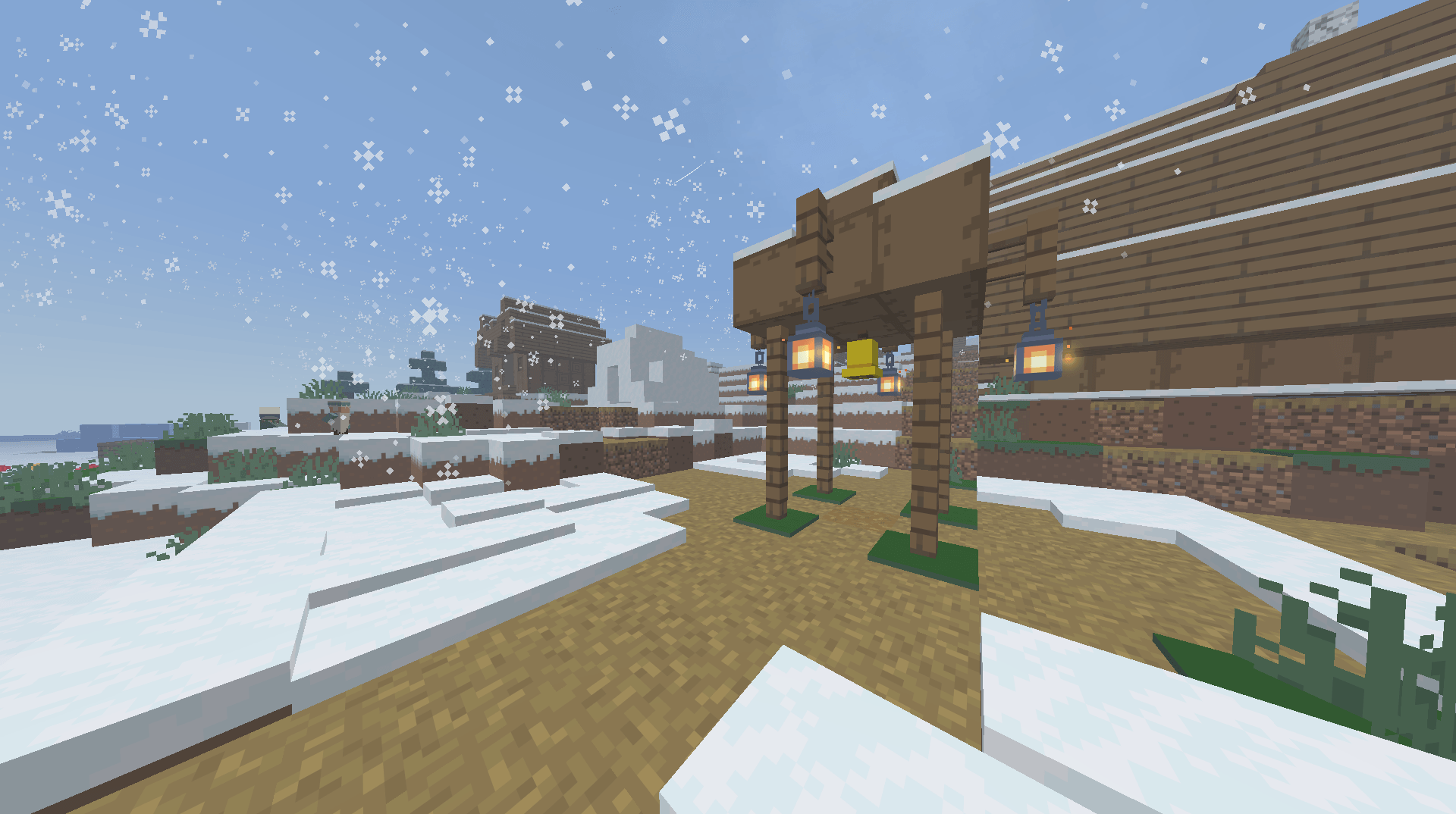
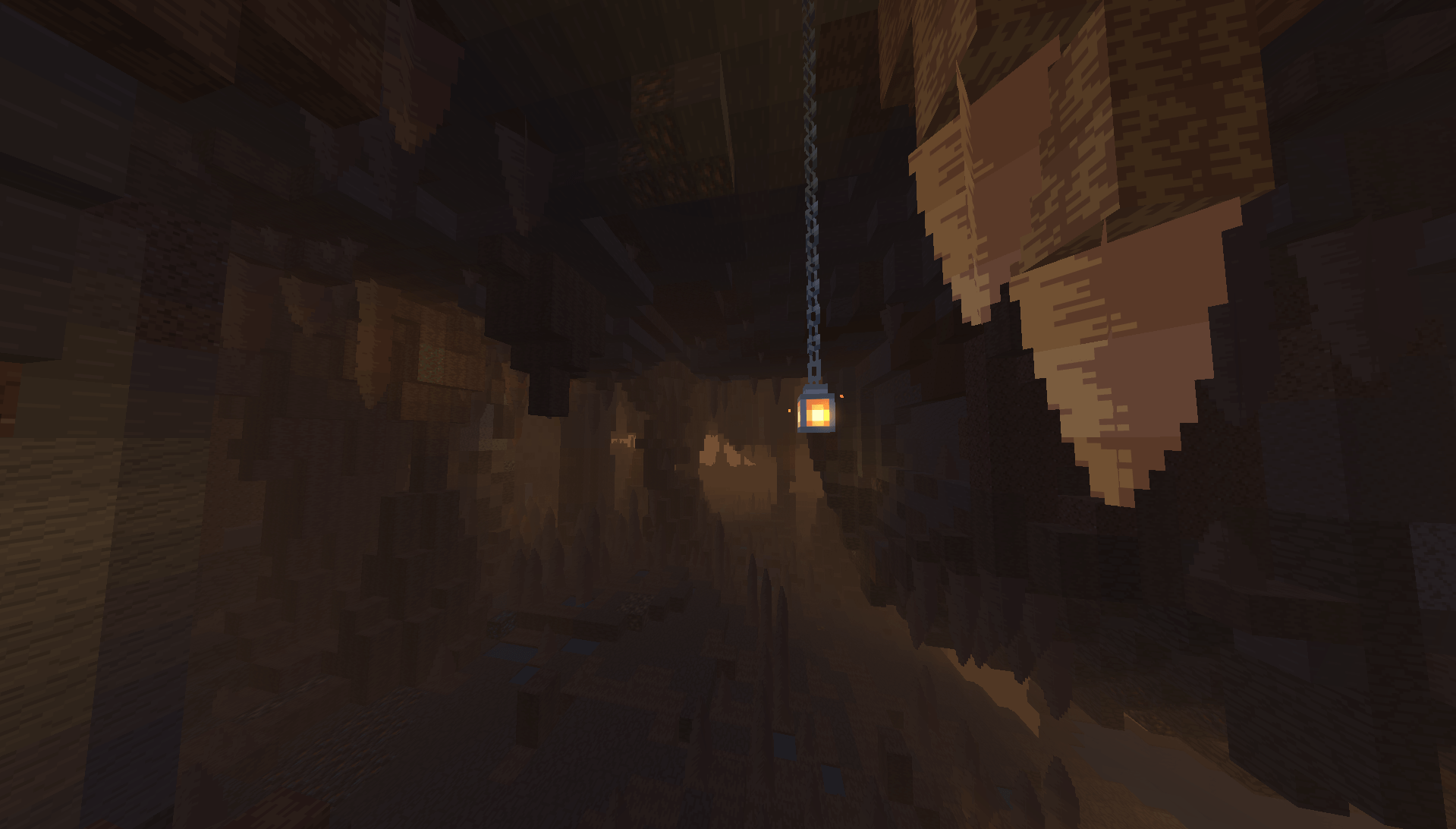
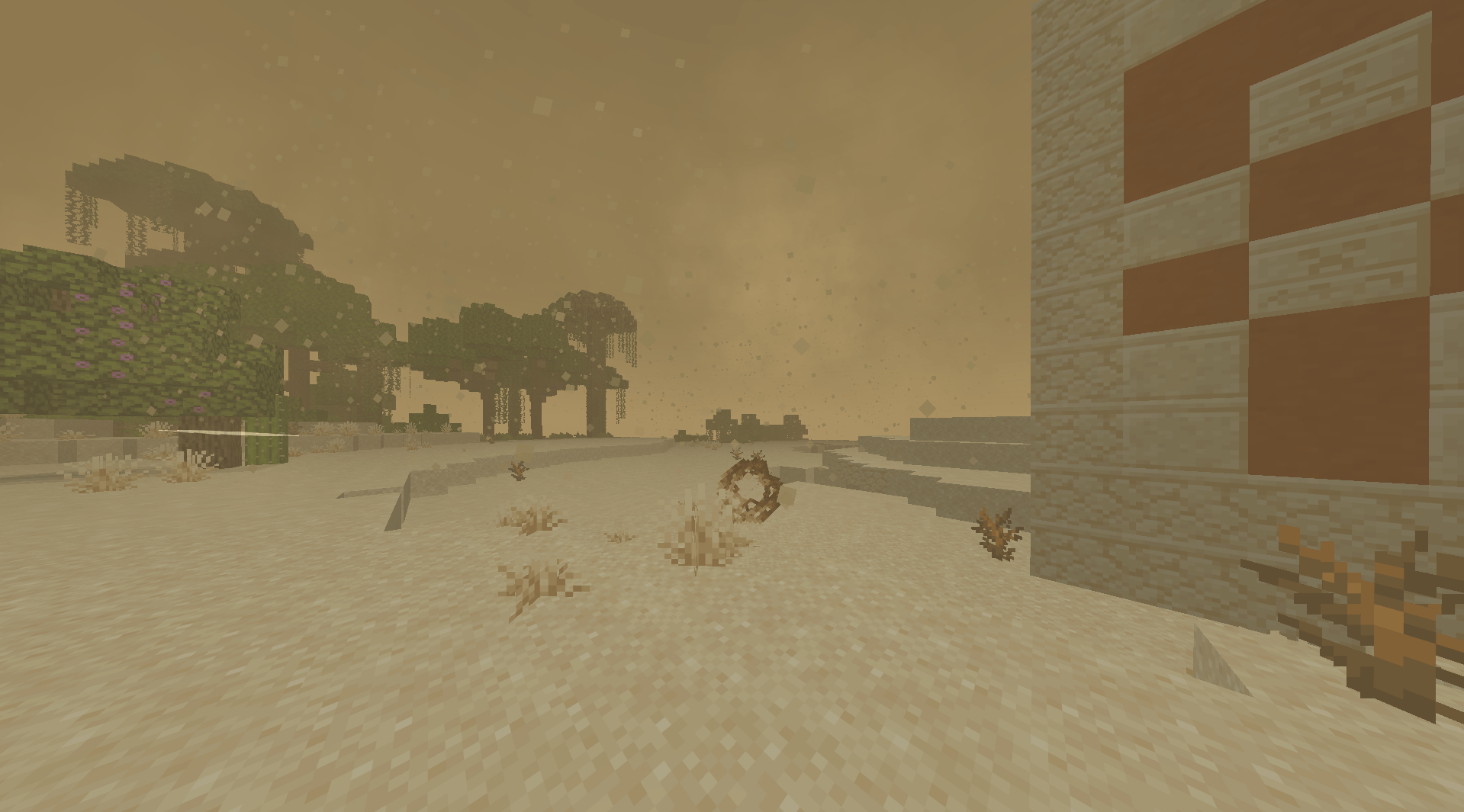
This resource pack adds many different visual effects, such as sandstorms in deserts, snowstorms, and different colors of sky and water in different biomes.
📅What has been added for today?
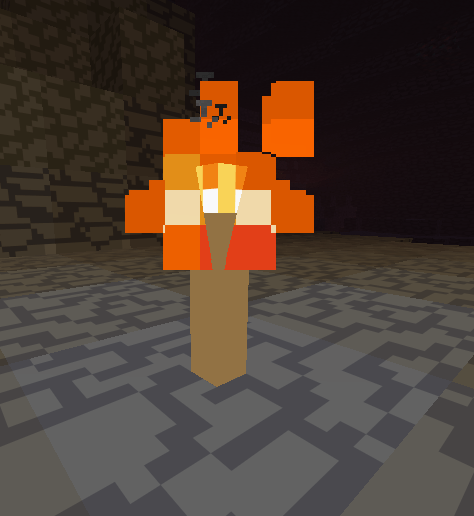
Currently added: sandstorms and tumbleweeds in deserts, snowstorms in snowy plains, different colors of water in different biomes, unique particles for each light source, majestic starry skies and much more...
🖼️Visual Effects Pictures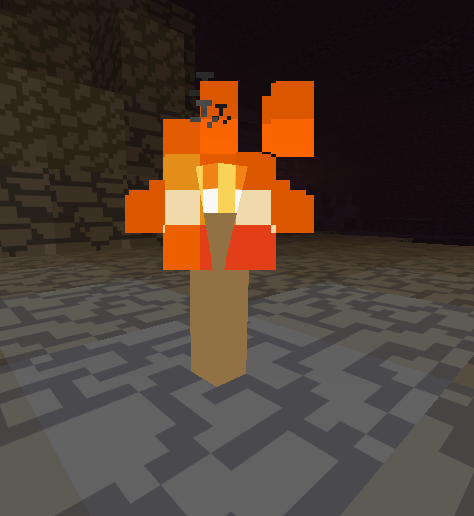
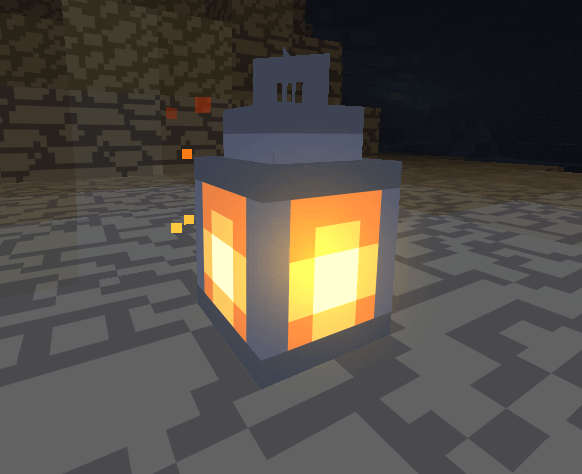
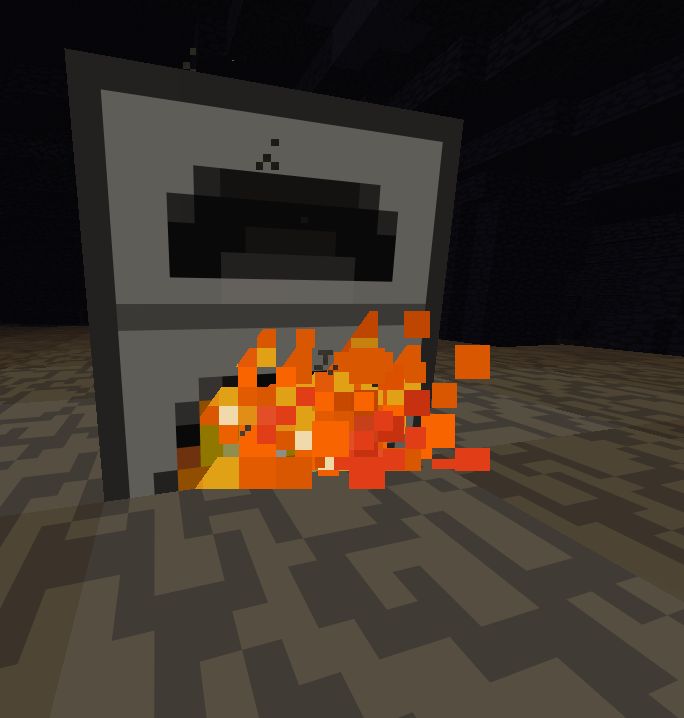
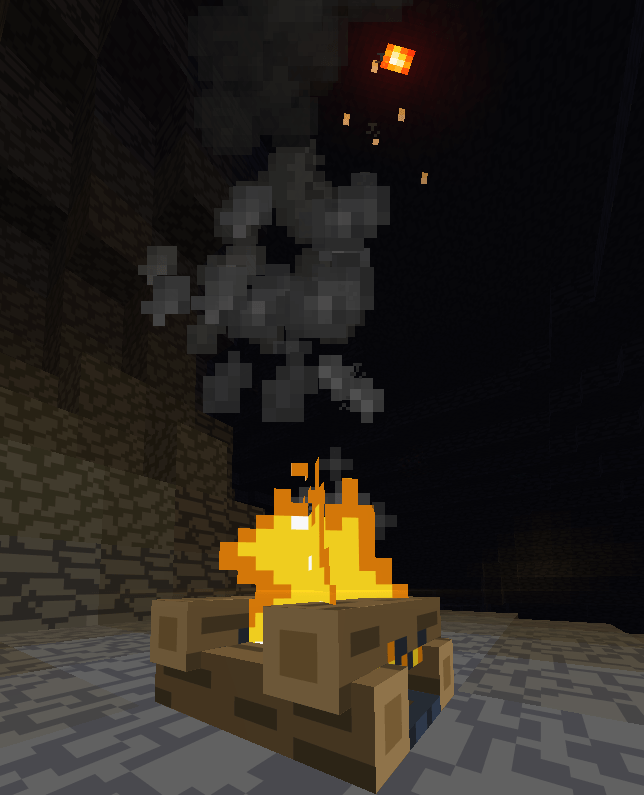
and many other visual effects...
❗❗Necessary modifications
ResourcePack requires a mod for stable operation Polytone
🤝Compatibility:
You can combine Better Visuals with any other resource packs without fear that something will break.
❌Incompatibilities
The Resource pack is incompatible with any shaders, mods, or resource packs that replace fog or disable particles.
📝Recommended settings
1. The resource pack should be on top of the rest!! This is necessary to avoid problems related to polytone.
2. (preferably) Turn off the fog occlusion! This option can be found on the Performance tab. For weak PCs, I advise you to leave this option enabled.
3. The resource pack is very demanding, on weak PCs the resource pack can take a long time to turn on or minecraft may crash.
4. The recommended drawing range is 16 chunks or less, but you can change this value at your discretion.
5. It is recommended to increase the RAM for Minecraft.
You can find even more visual effects and new particles by playing with Better Visuals.
- Change the resource package if it is intended for personal use only, which means that you cannot share it publicly.
- include this resource pack in your build or server
- Use this resource pack in content forms such as videos, live streams, blog posts
- Use the edited version of this resource pack in content forms such as videos, live streams, blog posts if the edited version is not available to the public
- Make remixes. transform and build its assets into its own resource package, within reasonable limits, with permission
- Earn money using remixes, transformed and add-on assets in this resource pack.
- distribute this resource package
- upload this resource pack or its resources to work in Minecraft Bedrock Edition
- include unedited resources in your own resource package without the author's permission
- include the resources of this resource package in a paid product or paid access to the product without the author's permission
You can get permission from the resource center's discord channel by contacting the author.
Autors:
olezek_kiroezek - creation of the entire resource package, including the discord server