Mineuniverse
Resource Packs
Better Vanilla 16x

Better Vanilla 16x

RESOURCE PACK
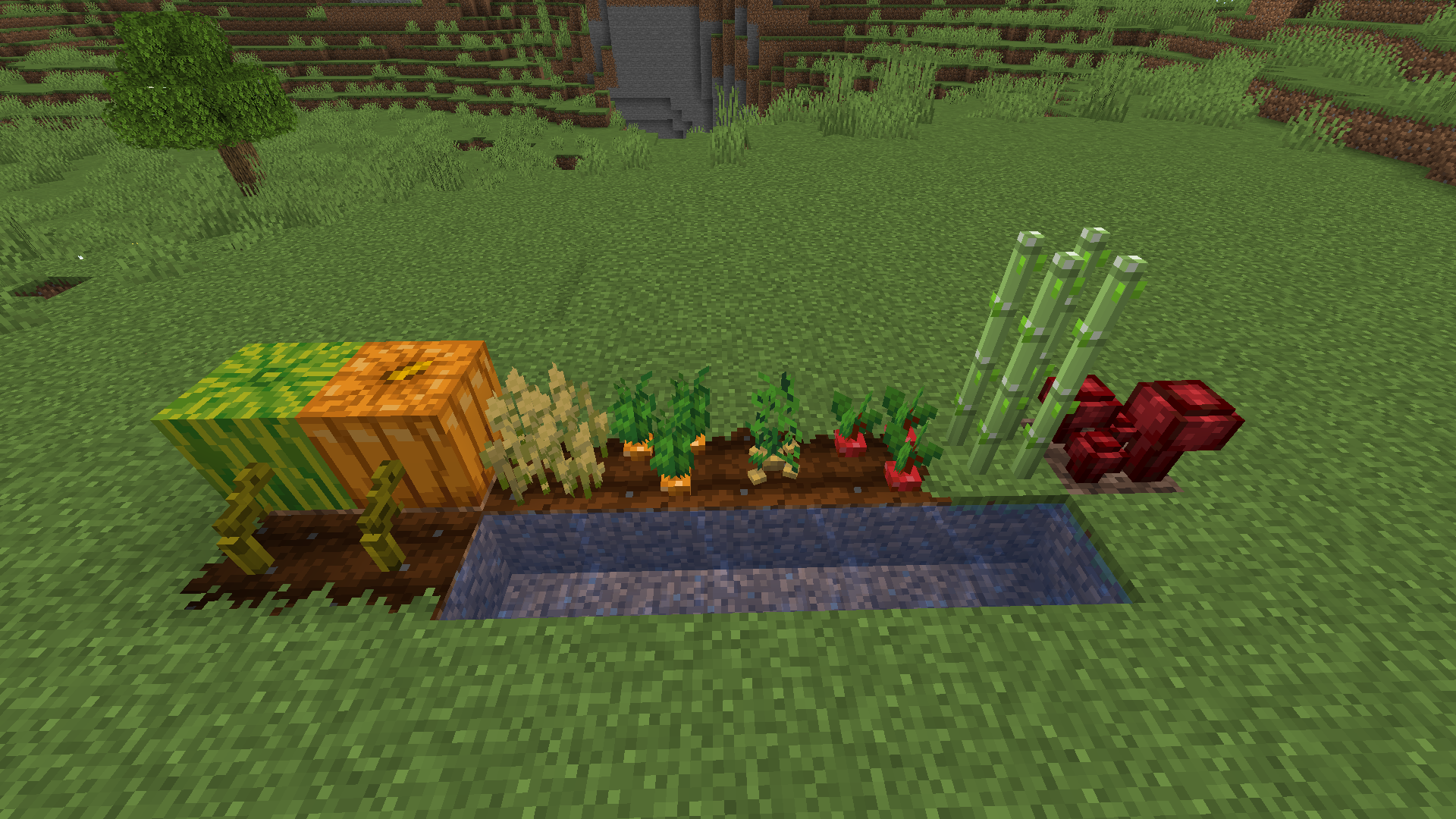
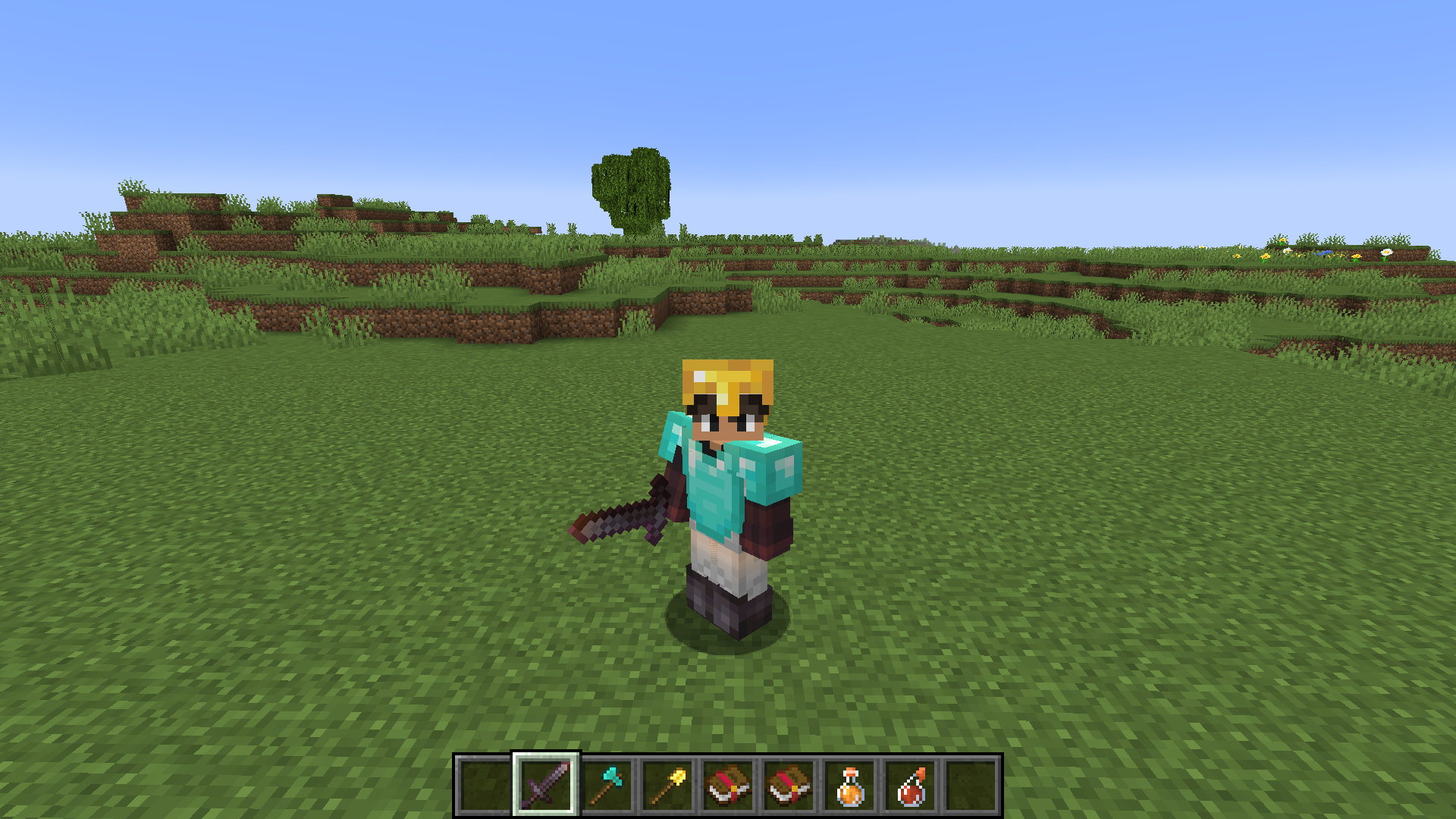
Better leaves+Connected textures+clear enchantements effects+3D Crops
by giuseppepelusi
Download Claim this project
Add a badge to your pageLink to Better Vanilla 16x from a README, website or forum post.
Preview: Badge

Badges update automatically and link to the resource pack page on MineUniverse.

6,102 downloads
0 likes
0 followers
Updated Oct 14, 2026
0 hypes
Follow0
16x Miscellaneous Traditional
Advertisement Remove ads with Premium →

A simple texture pack that adds some improvements to the original look of Minecraft in some aspects where Minecraft is missing, all without straying too far from the original feel of the game.


**WARNING** It must be used with the optifine to fully work

(to have all the new features you must download the last version of the texture pack)


Features:

• Better Leaves

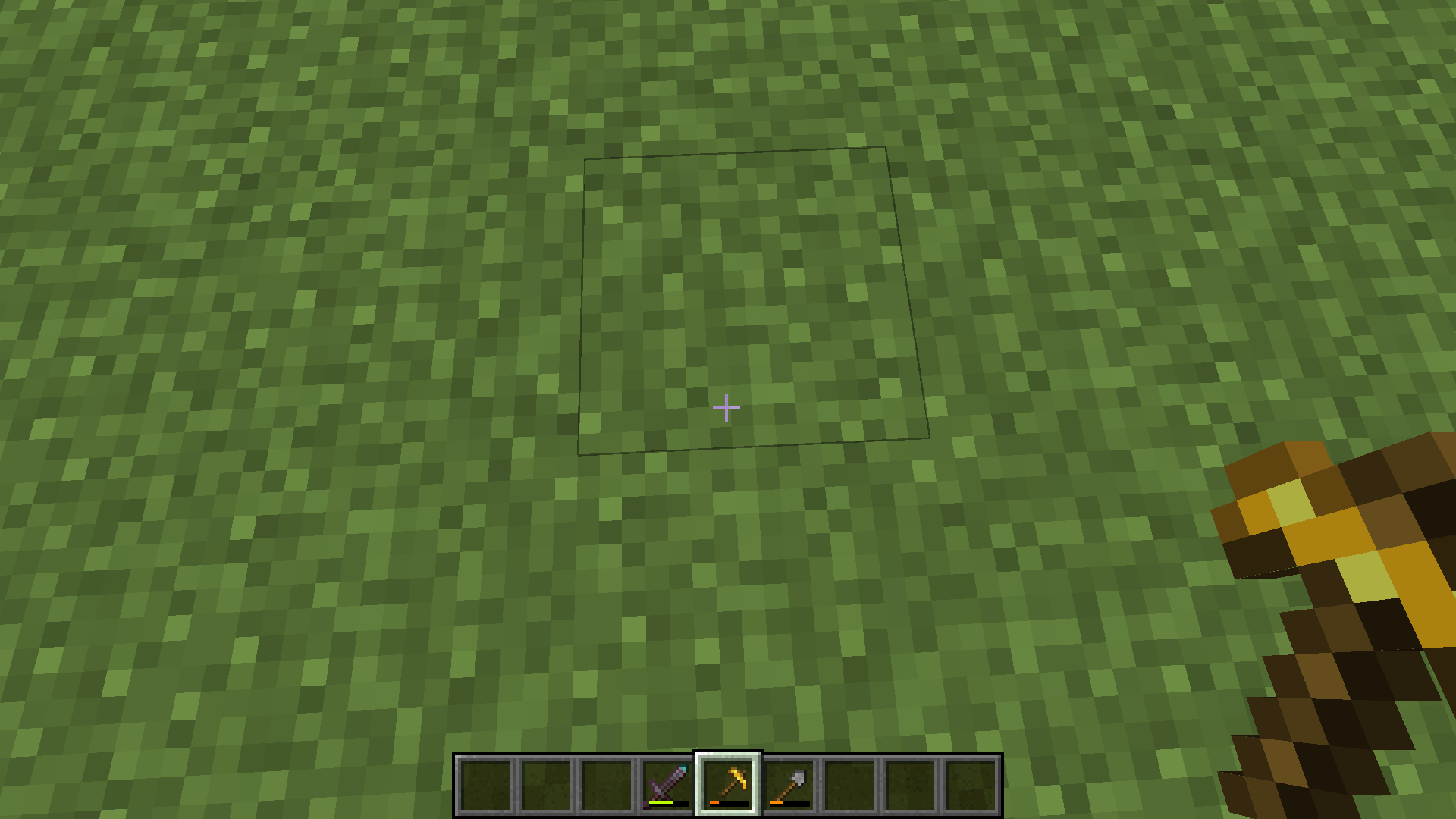
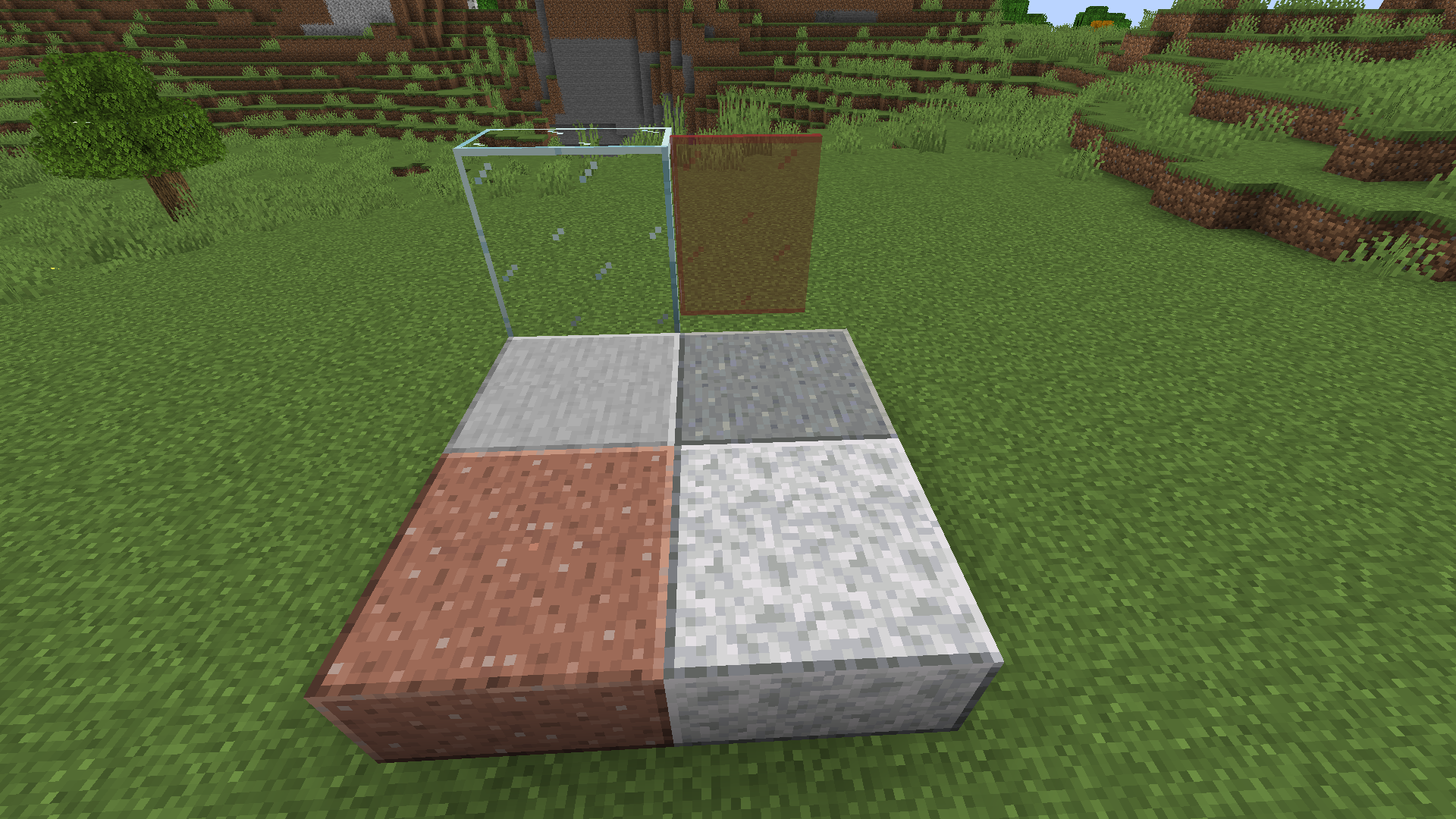
• Connected texture for glass and all the smooth blocks (like smooth stone, smooth granite etc.)

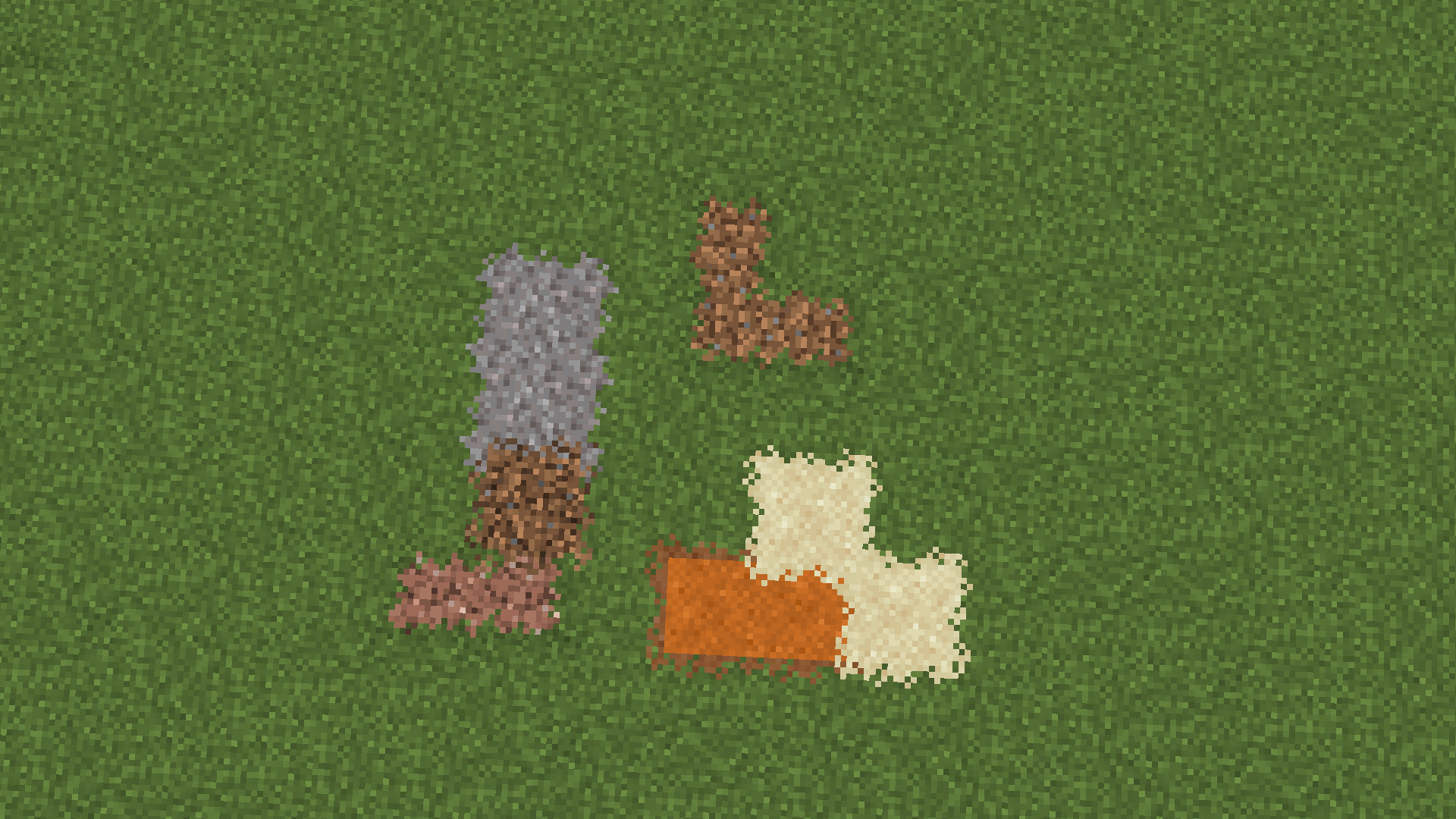
• Connected texture for natural spawning block like: dirt, grass, gravel, sand, etc.

• Cleaner enchantments effects on all enchanted items including potions.

• 3D crops (wheat, potatoes, carrots, beetroots, sugar cane, nether wart)

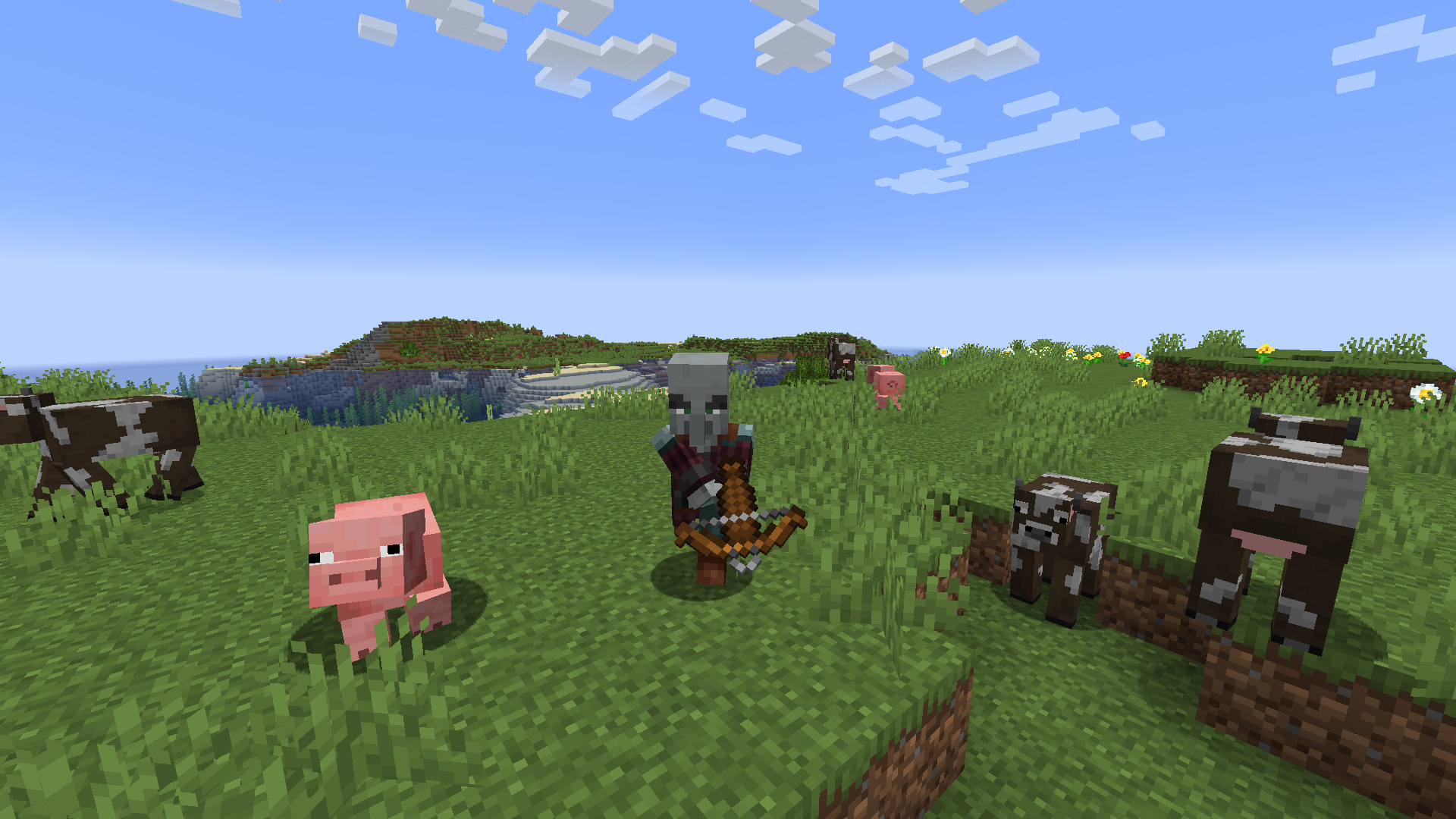
• New animation for most of the mob

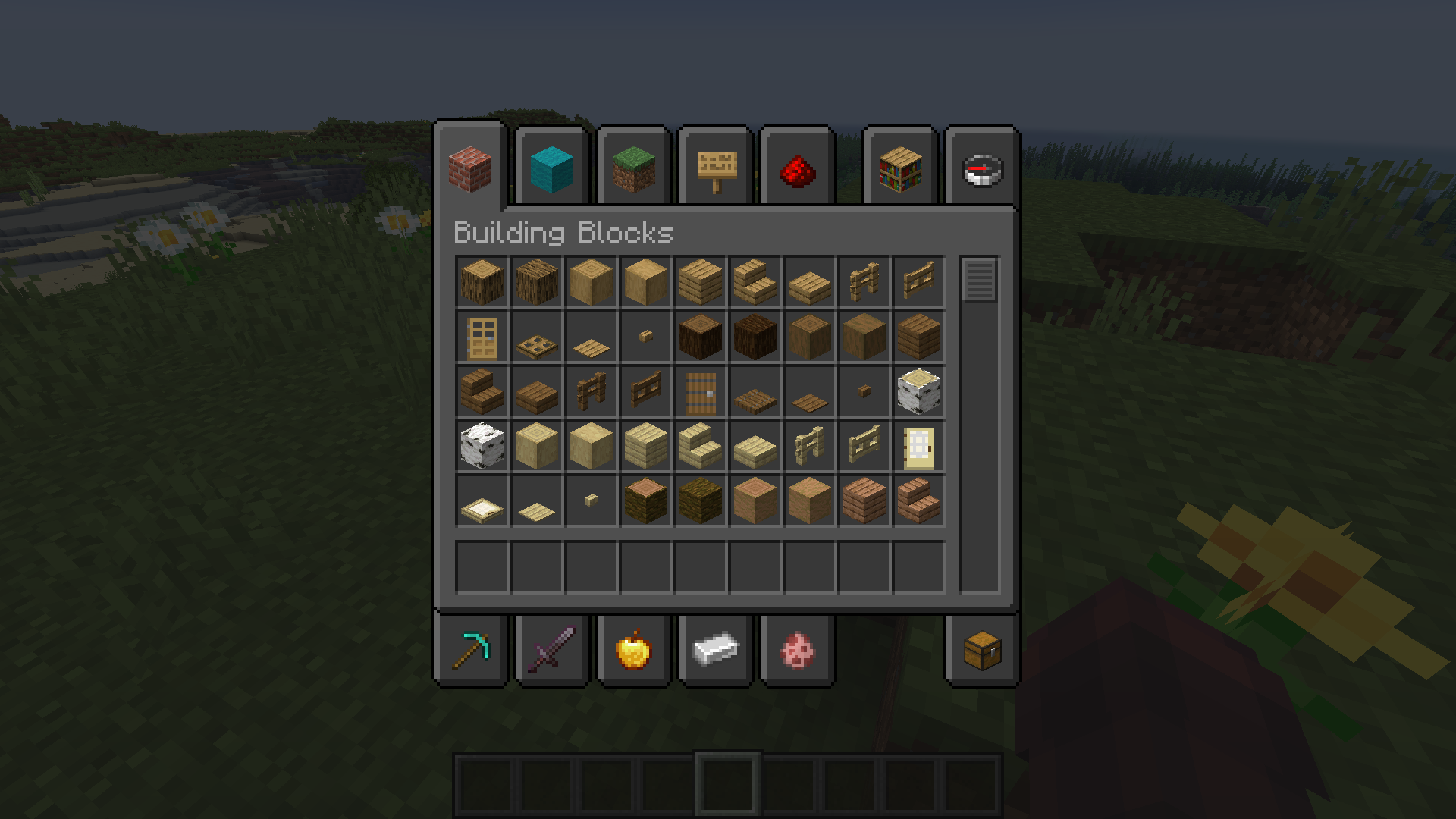
• Dark theme

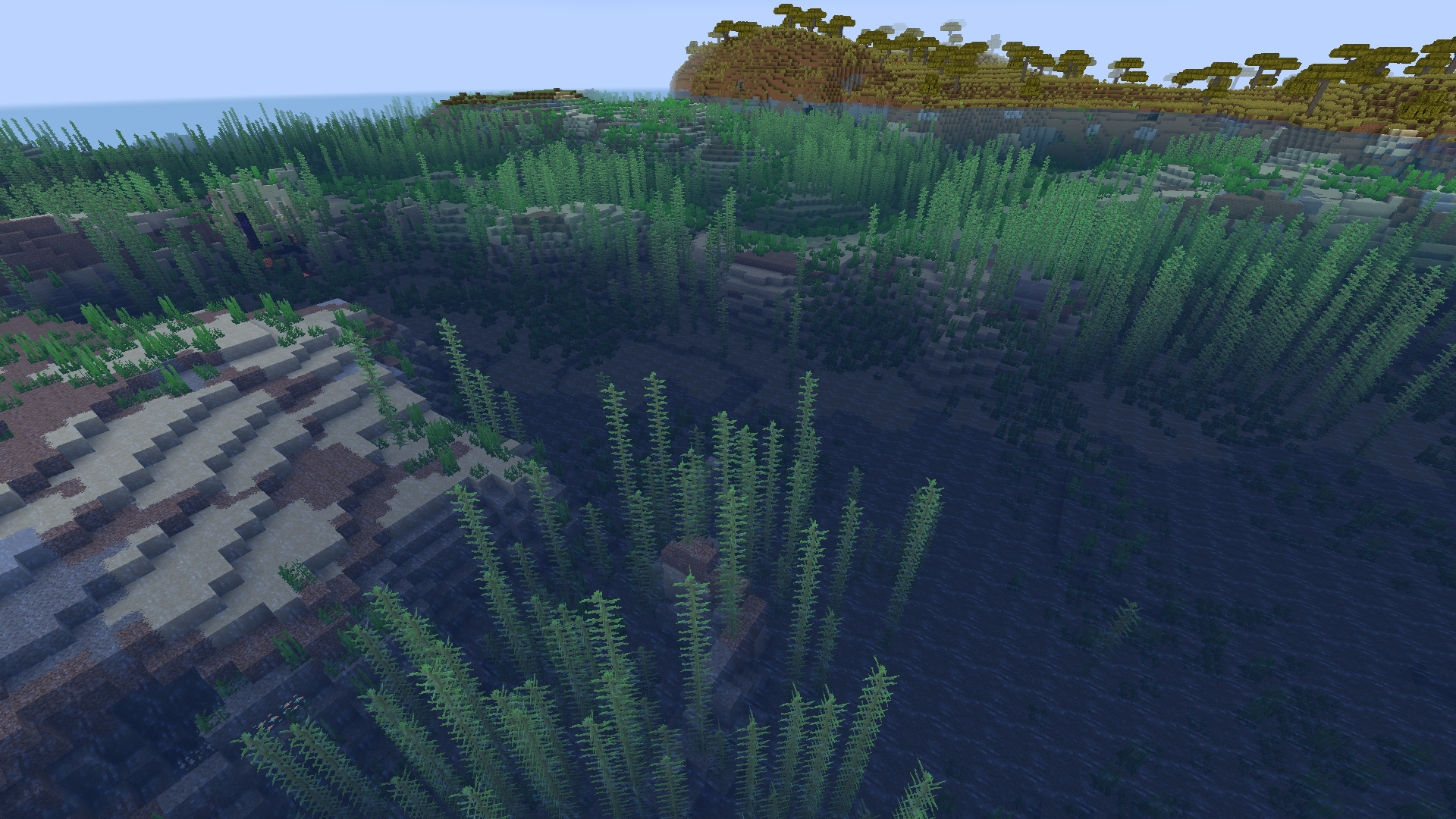
• Water improvement

• Broken tools

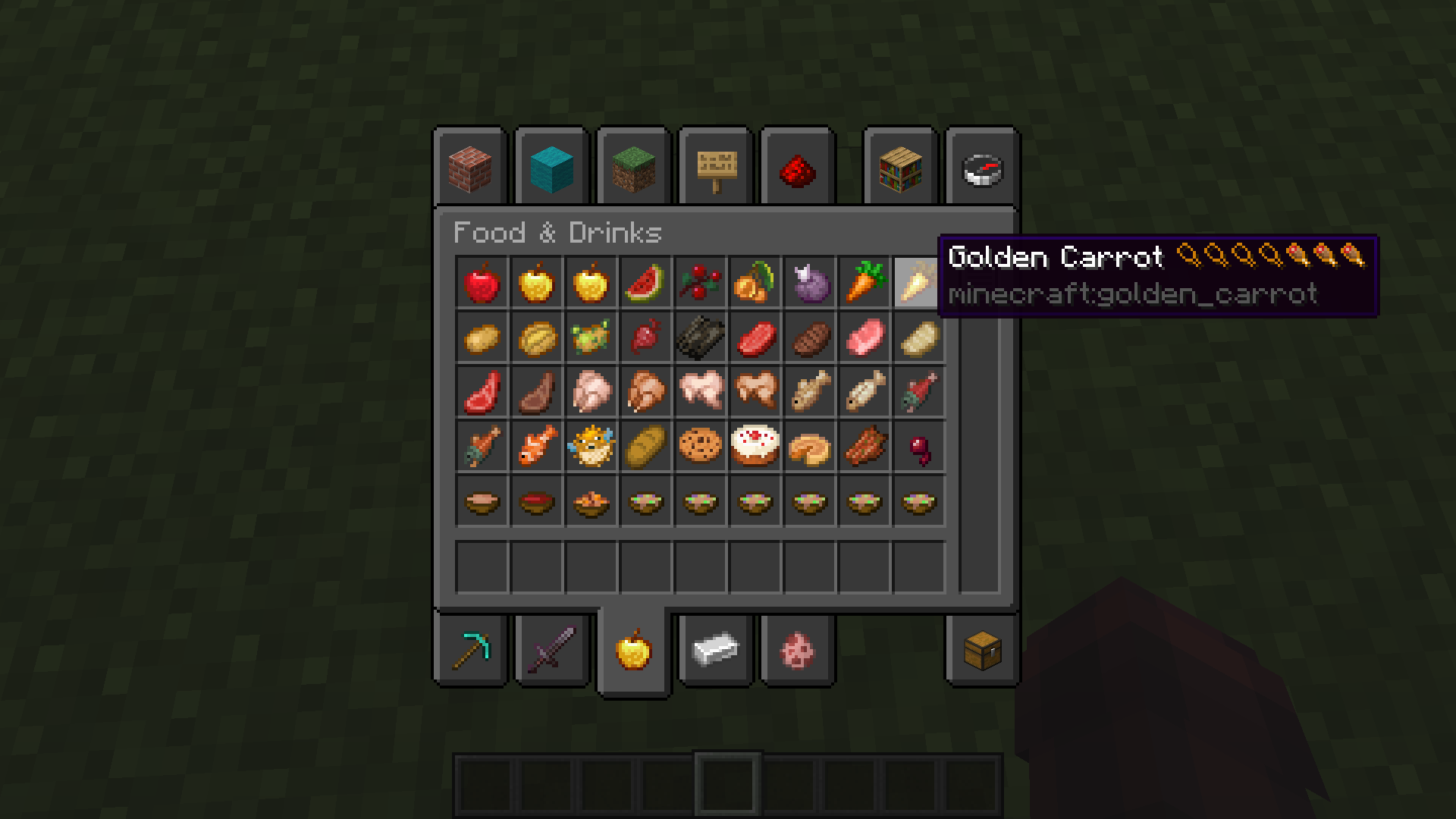
• Food hunger preview

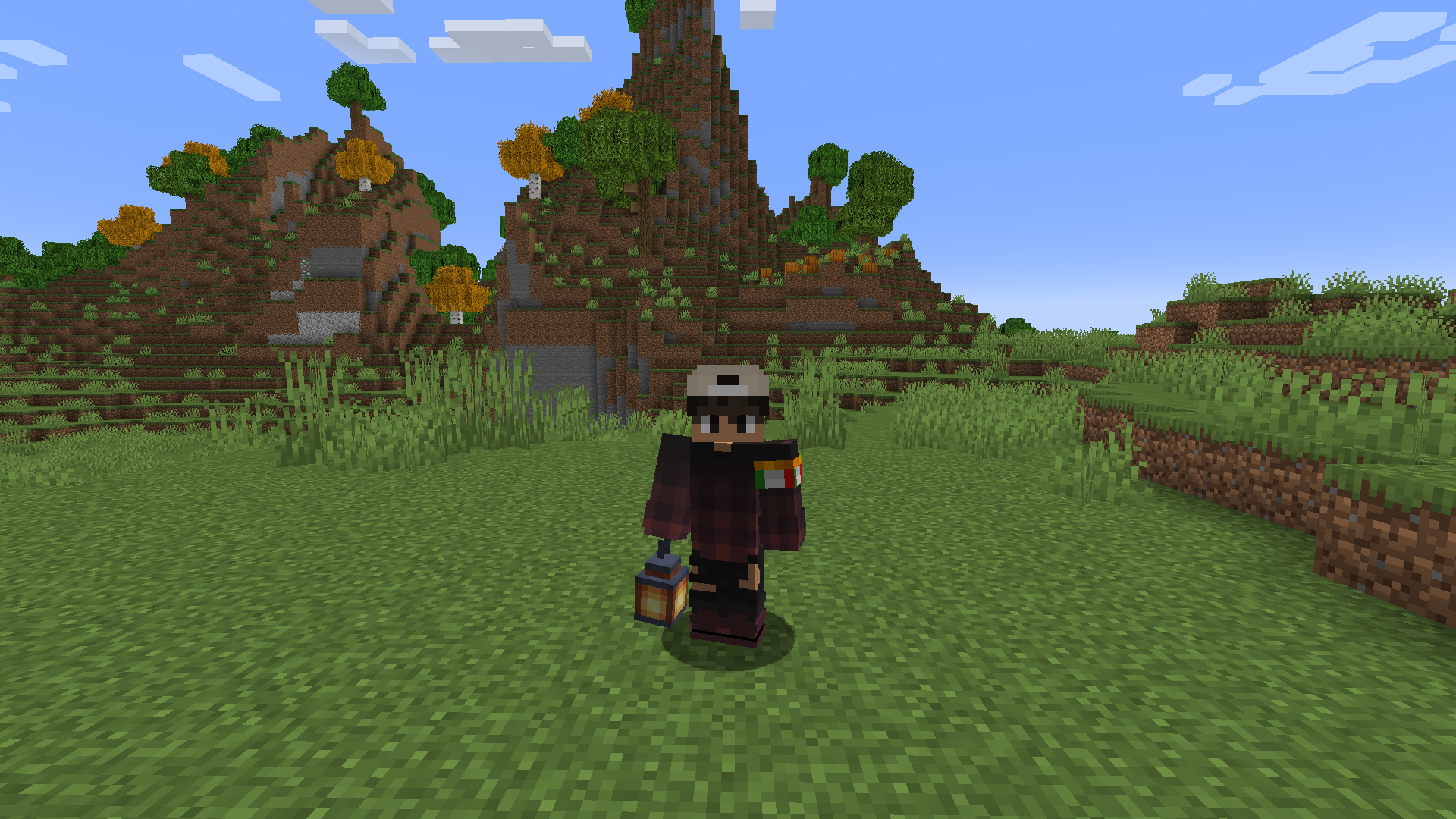
• Holding lantern

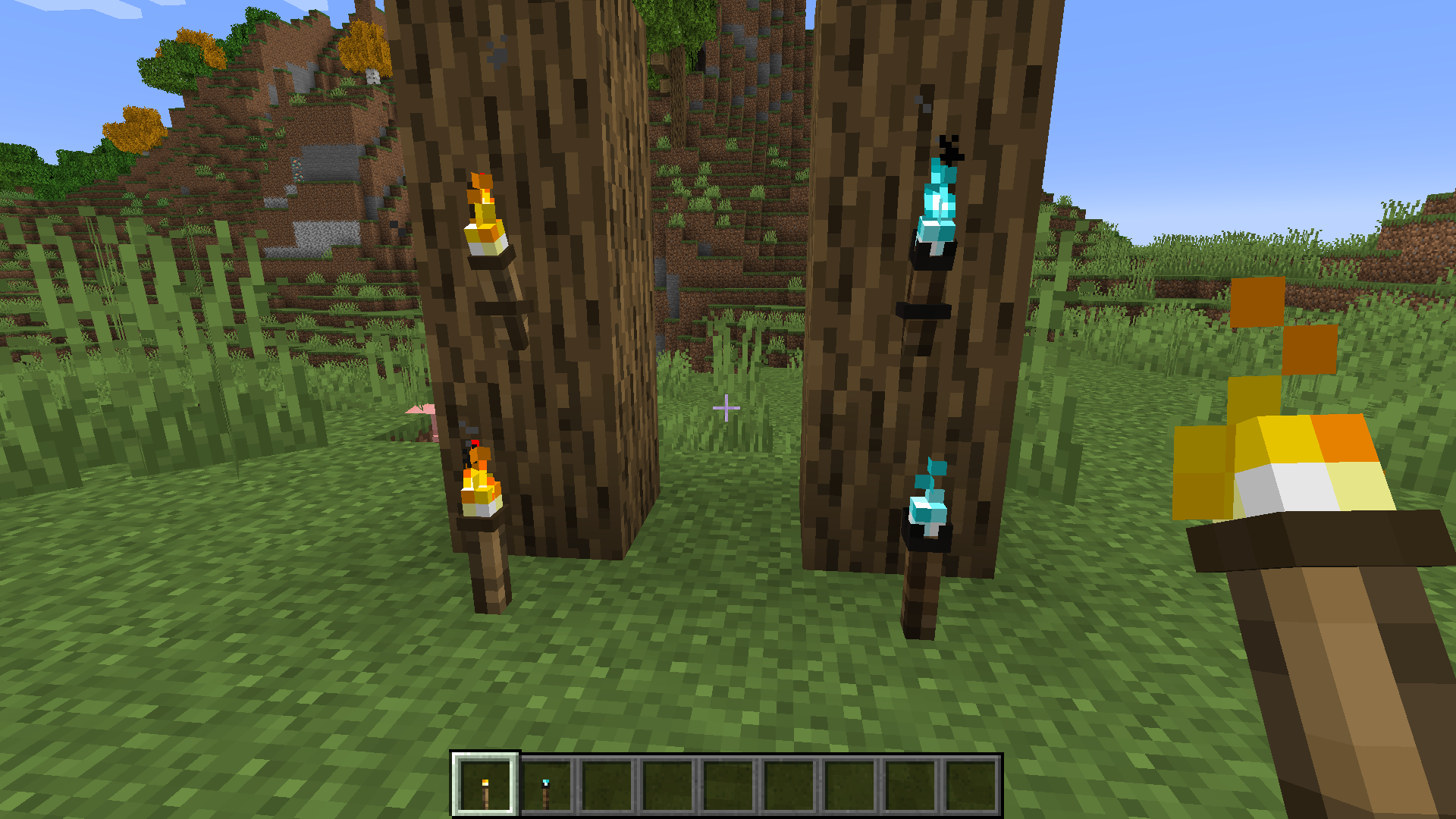
• Better torch

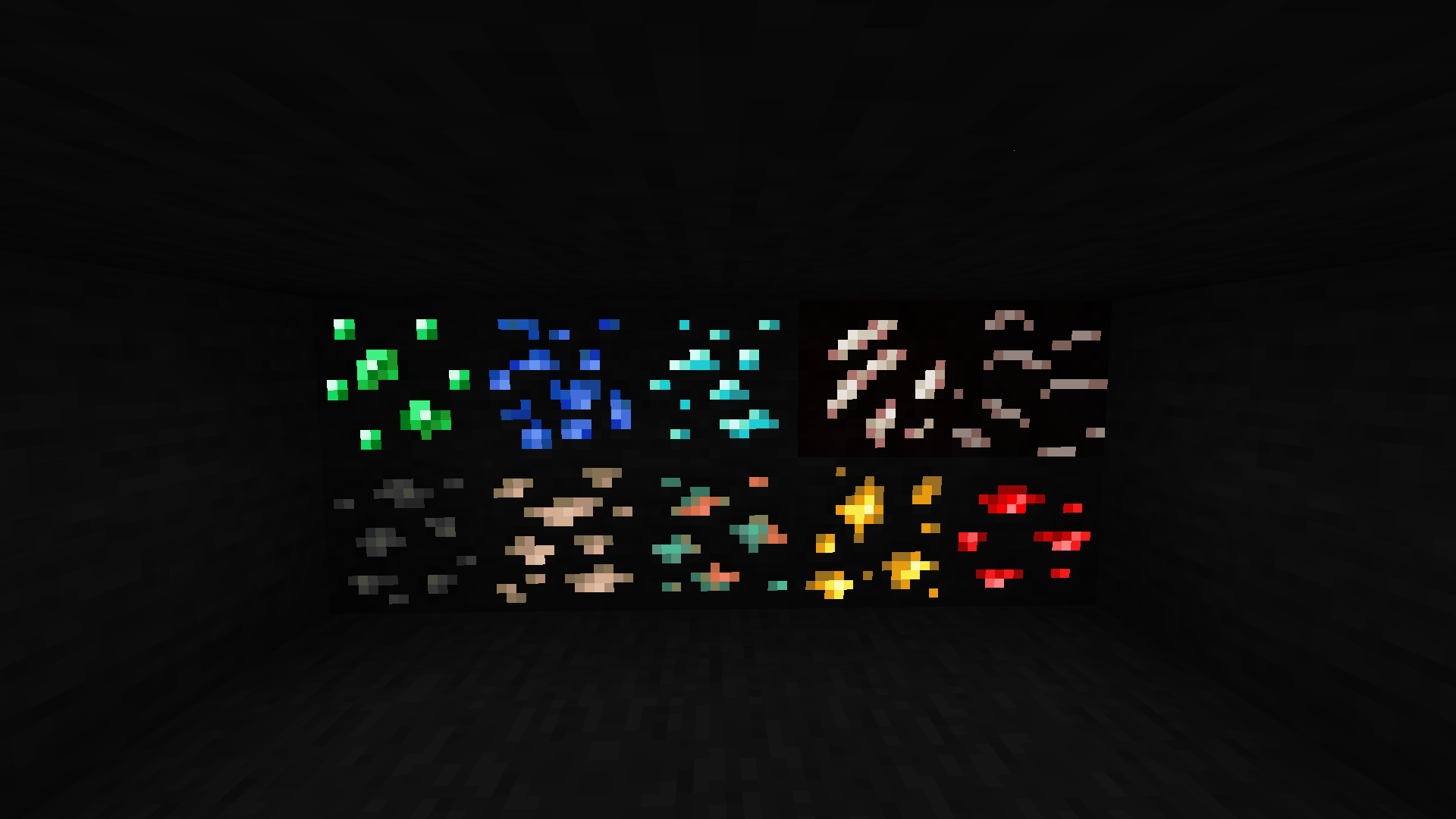
• Glowing ores


Comment for any issue or suggestion ;)

Better Vanilla 1.19.3
MC 1.19.3
Release 2023-01-30 Get
Better Vanilla 1.18.2
MC 1.18.1, 1.18.2, 1.18, 1.18-Snapshot
Release 2022-04-12 Get
Better Vanilla 1.17.1
MC 1.17.1, 1.17, 1.17-Snapshot
Release 2022-04-12 Get
Better Vanilla 1.16
MC 1.16.3, 1.16.1, 1.16, 1.16.5, 1.16.4, 1.16.2
Release 2021-01-25 Get

Requirements & install

How to use this resource pack in Minecraft
Resolution
16x
Minecraft
1.17-Snapshot – 1.19.3
Install folder
.minecraft/resourcepacks

How to install resource packs

  1. Download the resource pack .zip file (do not extract it).
  2. In Minecraft open Options → Resource Packs → Open Pack Folder.
  3. Drop the .zip into the resourcepacks folder (.minecraft/resourcepacks).
  4. Move the pack to the Selected column and click Done.
Browse more: 16x resource packs 32x resource packs 64x resource packs 128x resource packs 256x resource packs 512x+ resource packs Resource Packs for 1.19.3 All resource packs
Advertisement Remove ads with Premium →

You Might Also Like