Badges update automatically and link to the resource pack page on MineUniverse.
The work done for this pack has since been rolled into a mod and some accompanying resource packs. This is where the vast majority of development efforts will be going forward, so Better Trees will not be frequently updated. Check it out here!
Requires Optifine with Connected Textures ON
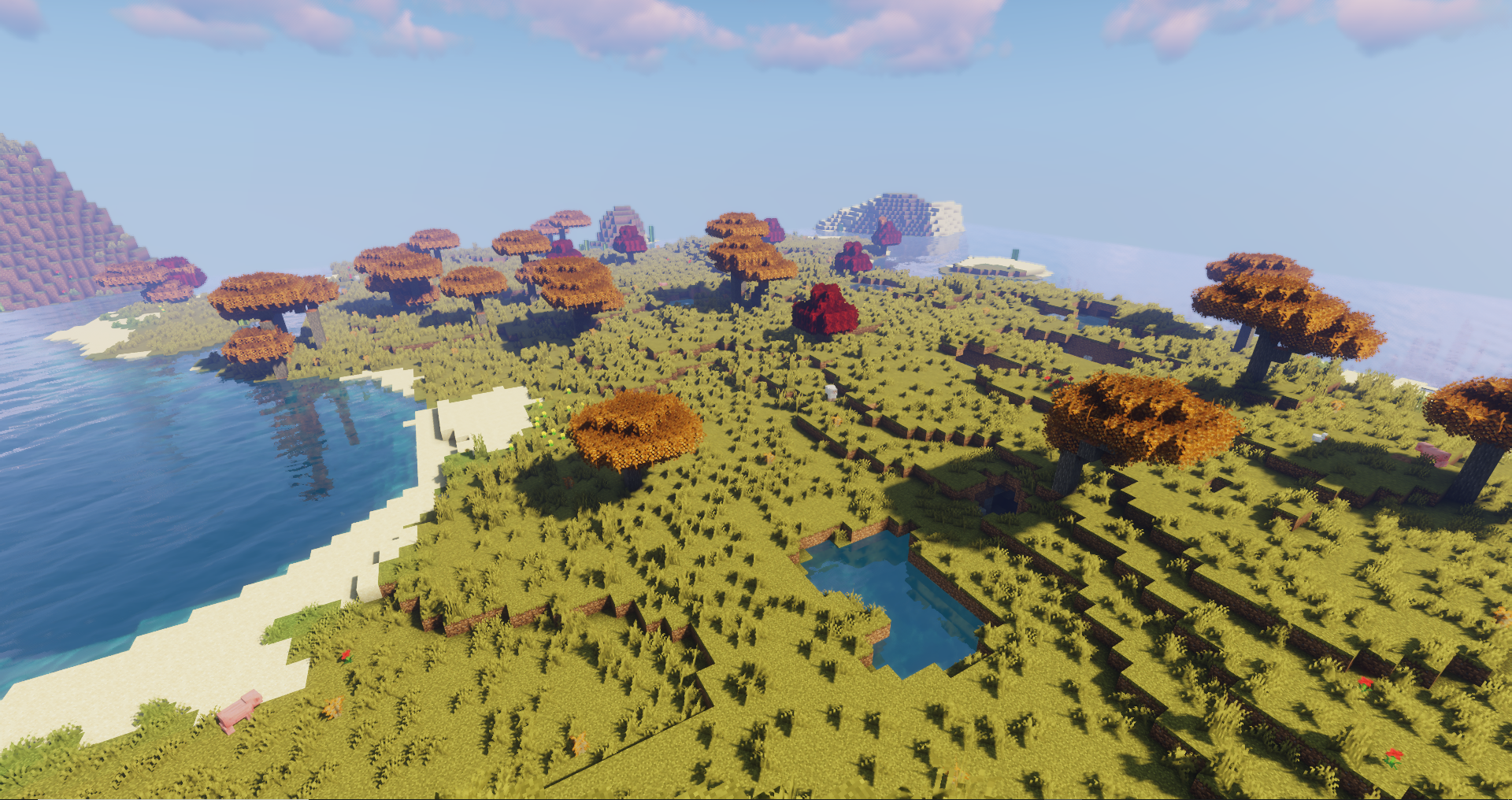
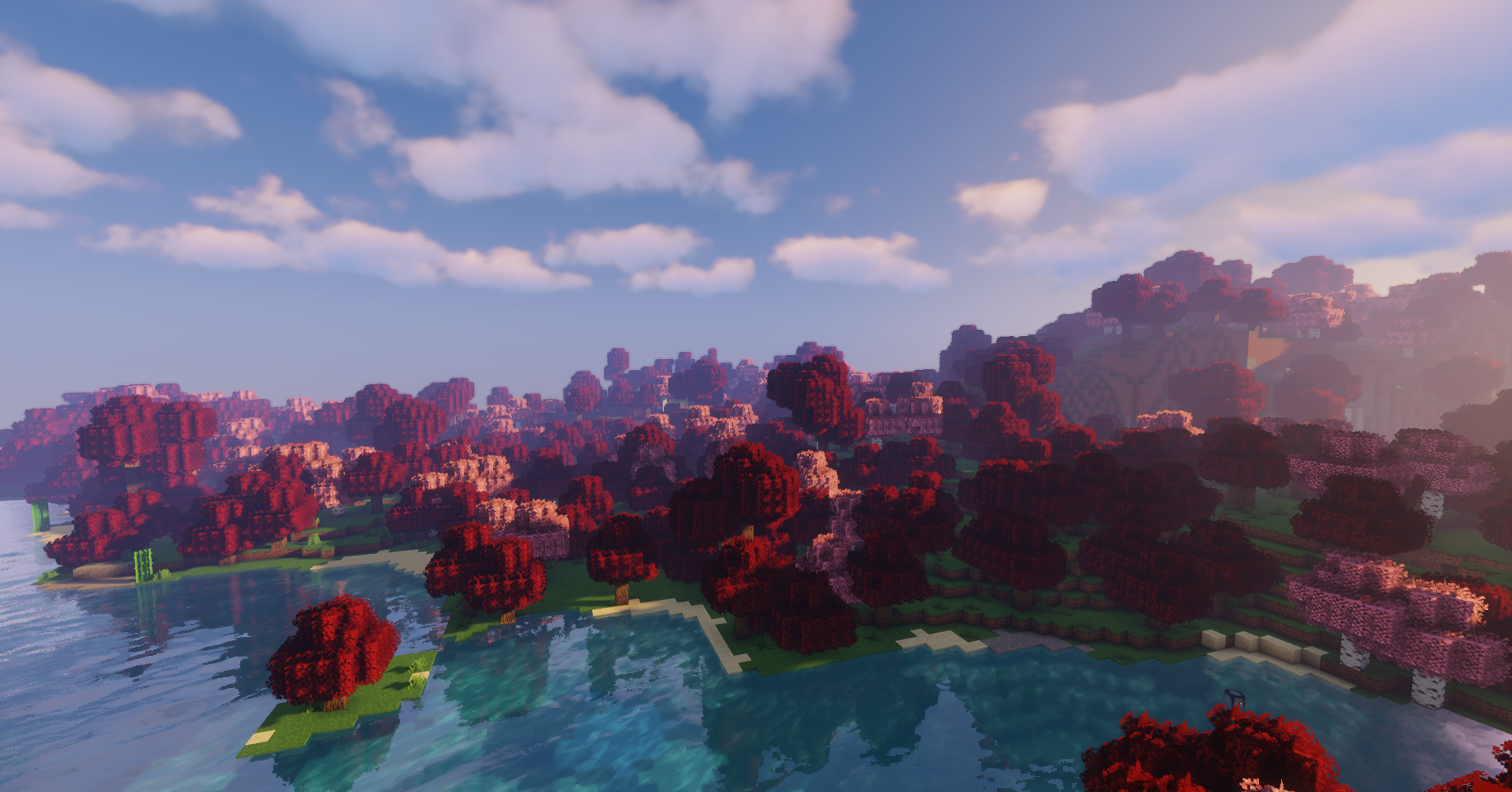
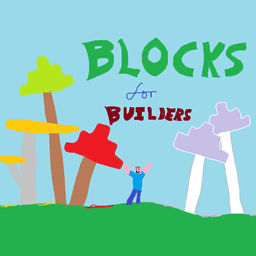
The main intention with this pack is to diversify the pool of leaves and wood, without taking too much away from the existing game's palette. The intention is not to make the world-as-it's-generated look better, but to provide a greater variety of visually appealing blocks you can gather to use while building. The biomes were only given thought in so far as not making them look ugly.
List of changes:
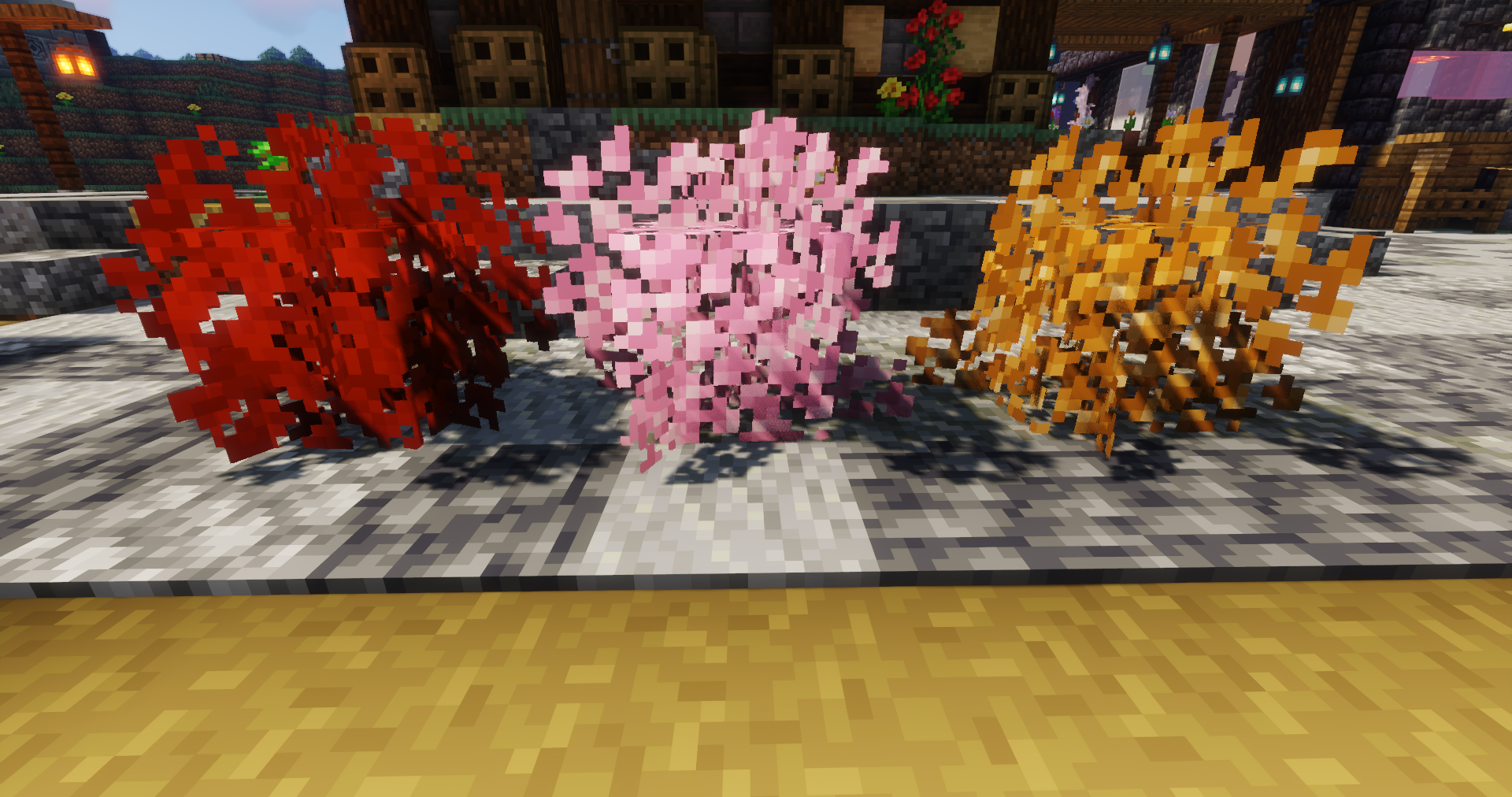
These are definitely the three colours of leaves that are most desirable, and changing these three existing leaves felt reasonable since they're all just slight variations on the same shade of green. This leaves Azalea as the "standard" green leaf block, while still allowing the more varied Spruce, Jungle and Dark Oak leaves to retain their colour.
Crimson woods are nice in theory, but always felt a little washed out. This boost helps them really fulfil their usabiltiy.
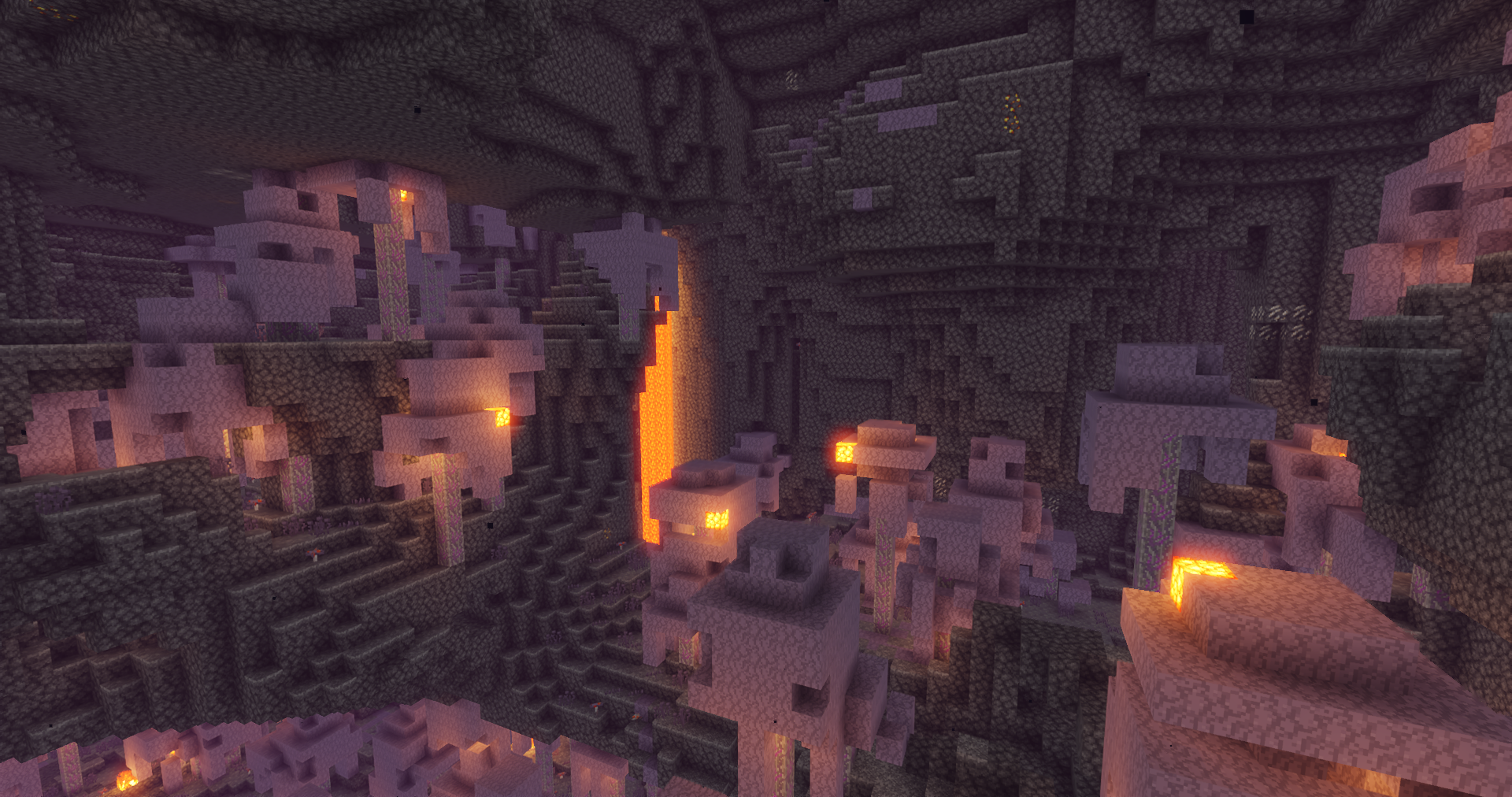
This started off simple and ended up with getting somewhat carried away learning texture packs while trying to keep the Warped Forest cohesive. Warped was the target for a full palette swap, as we wanted to introduce a white wood, and the Warped palette was the least visually appealing, so made the best candidate to replace. The full list of Warped changes is as follows:
- Warped Stem -> Ghostwood Log. In addition to changing the naming scheme and sounds of Stems to be more in line with Overworld woods, the Ghostwood Log in particular has some special behaviours: in its native biome it has a special animated texture as its veins suck the life and colour out the rest of the biome; in other Nether biome its veins go cold and empty as it is unable to sustain itself; and outwith the Nether it's just a normal Log texture for you to build with. If you want to build with the clean Log texture in the Nether, Ghostwood Wood is untouched, so remains clean in all Nether biomes.
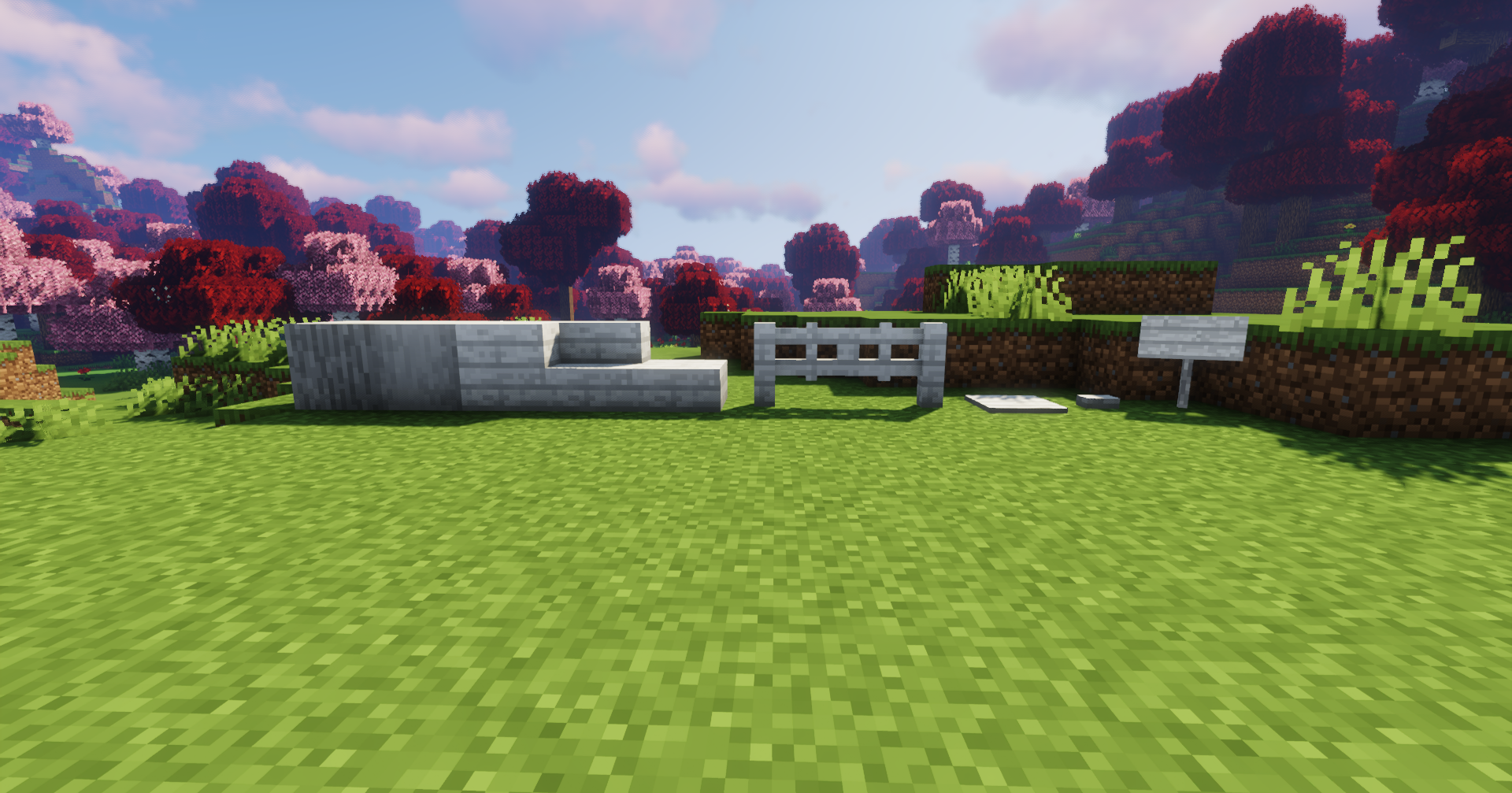
- All blocks made of Warped Planks are now nice clean white Ghostwood
- Warped Wart Blocks -> Lilac Leaves. The blue didn't look right with the white, so the change was made to a cool lilac to match the biome's fog. This change is applied to all the other Warped plants as well*.
*Warped Fungi, Twisted Vines, Warped Roots and Nether Sprouts revert to their Vanilla colours specifically in the Crimson Forest, as the desaturated look messed with the aesthetic in there.
- Warped Nylium -> Ghost Nylium. Spooky and desaturated!
- All other Nether blocks that can generate in Warped forests (Netherrack, Nether Gold/Quartz Ore, Crimson Fungi, etc.) take on desaturated colour schemes in the Ghostwood Forest, but retain their normal colours everywhere else.
- Ghostwood Doors and Trapdoors have a Japanese screen door texture. Not 100% on this but it fits the red and white motif of the pack, and it was a fun idea. Suggestions are welcome, however!
Pack by Steelpandas and disjoint
Credits:
Vanilla Tweaks: https://vanillatweaks.net/