Mineuniverse
Resource Packs
Better Textures: CLEAN EDITION

Better Textures: CLEAN EDITION

RESOURCE PACK
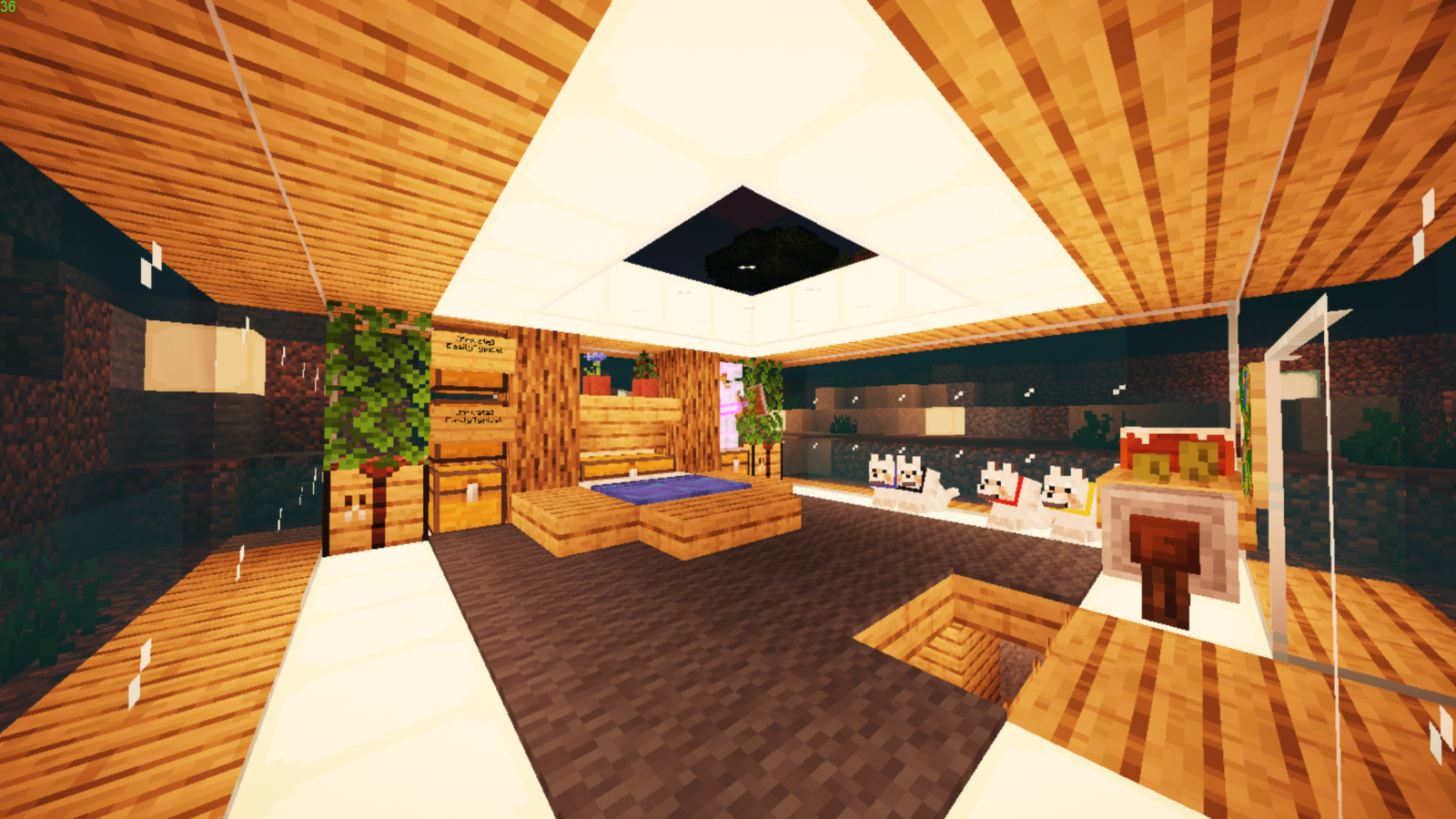
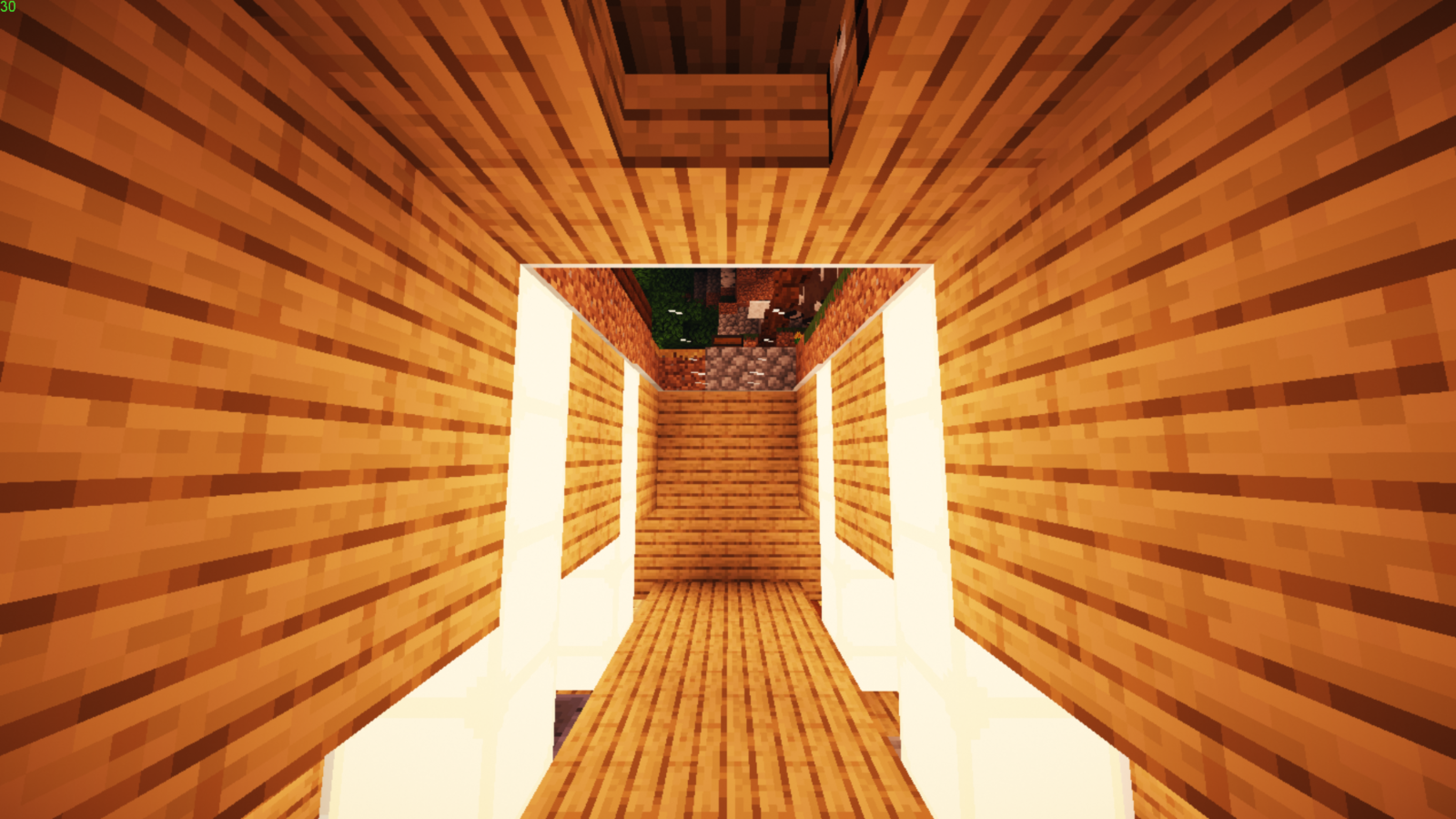
Cleaner textures for glass and glowstone! Incl. doors with glass! BEST USED WITH SHADERS (Chocapic13 V7)
by calweeen
Download Claim this project
16,789 downloads
0 likes
Updated Oct 14, 2026
0 hypes
16x Miscellaneous Modern
Advertisement Remove ads with Premium →

Hi guys, so this is the very first mod I have ever made and am relatively new to this, so take it easy!

So, what does this mod consist of?
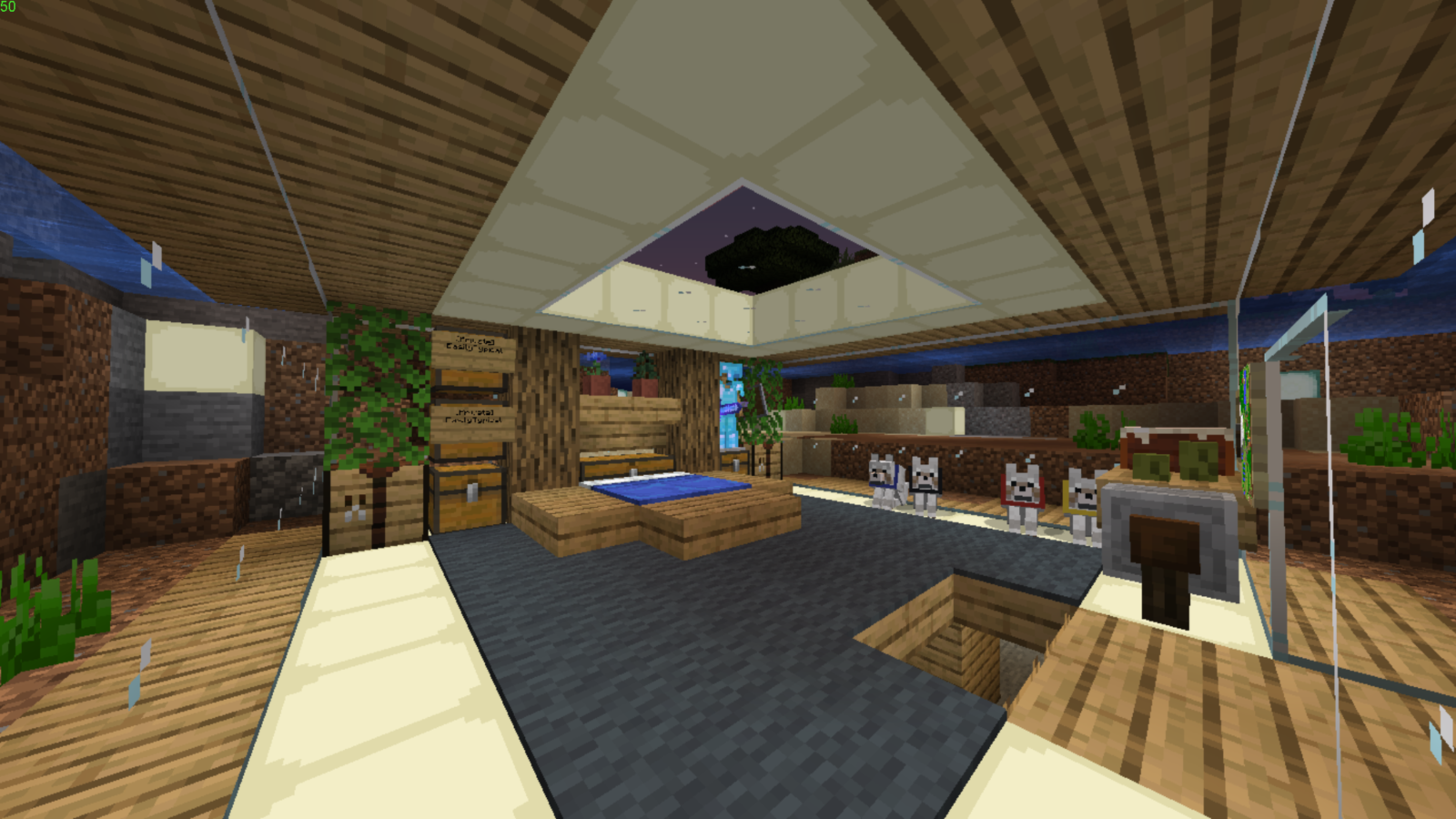
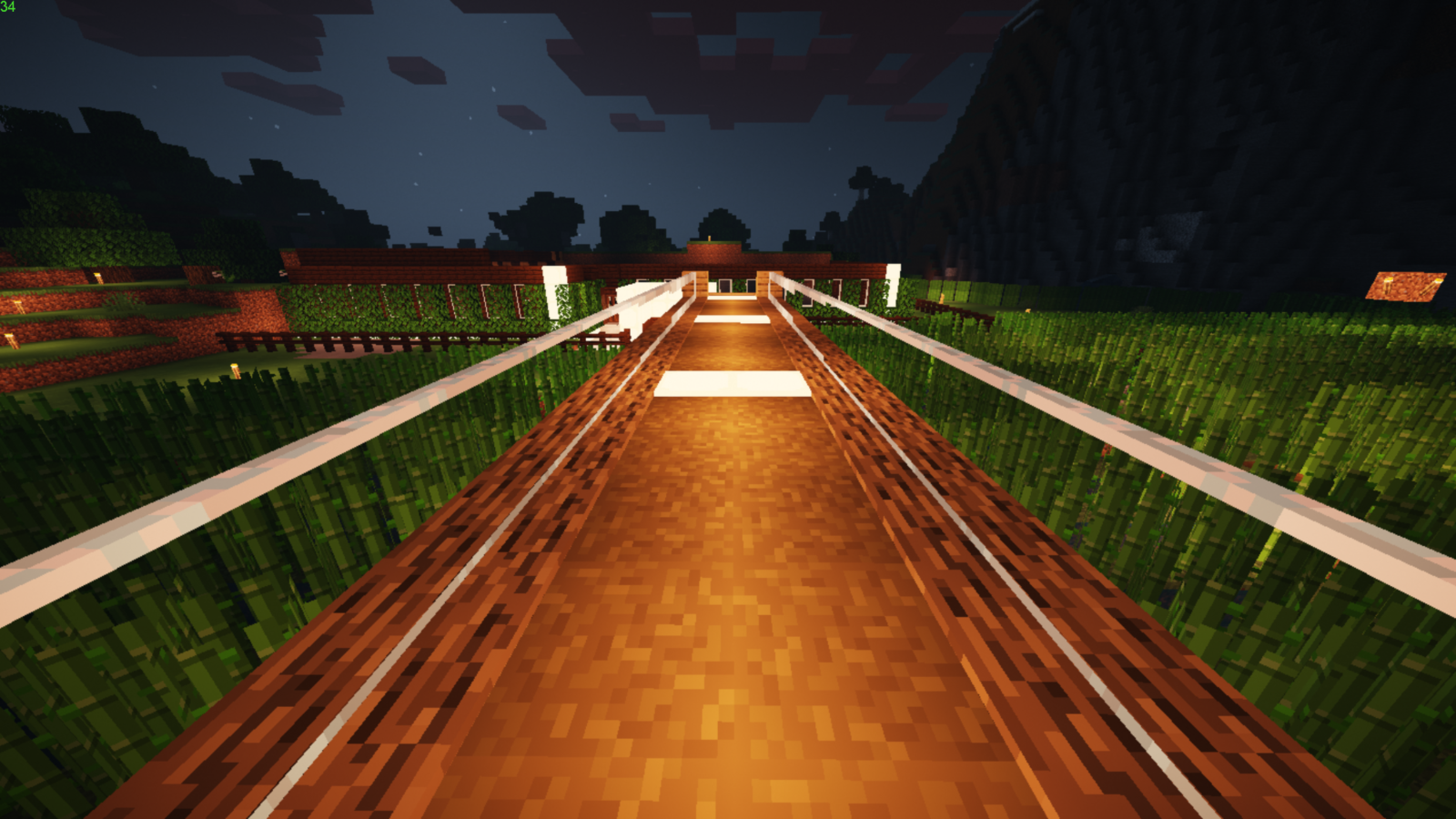
- Nice and clean glowstone, great for building nice and modern buildings!
- Clear, clean, connected glass to suit your transparent needs!
- Accidentally added doors with glass which isn't that bad either.

- Dark mode GUIs


This mod will look best with MOST shaders such as Chocapic13 V7 (which I use). (just download V7 and use toaster/lite, performance costs are minimal.)

Chocapic13- https://www.curseforge.com/minecraft/customization/chocapic13-shaders
OPTIFINE IS REQUIRED.

Optifine- https://optifine.net/downloads

How to install?
Hop into Minecraft
Options>Resource pack>Open resource pack folder
drop the cleanedition.zip into that folder!


Issues? Comment down below!

Thanks for visiting my first texture pack!

cleaneditiondarkfix2.zip
MC 1.16.1, 1.14.4, 1.14.1, 1.14.3, 1.15, 1.16, 1.15.2, 1.14, 1.14.2, 1.15.1
Release 2020-07-04 Get
cleaneditiondark.zip V1.1
MC 1.16-Snapshot, 1.13.1, 1.15-Snapshot, 1.14.4, 1.14.1, 1.12.1, 1.12, 1.14.3, 1.15, 1.13, 1.15.2, 1.14, 1.14.2, 1.12.2, 1.13.2, 1.15.1
Release 2020-06-10 Get
cleanedition.zip V1.1
MC 1.14.4, 1.14.1, 1.14.3, 1.15, 1.15.2, 1.14, 1.14.2, 1.15.1
Beta 2020-05-05 Get
cleanedition.zip
MC 1.14.4, 1.14.1, 1.14.3, 1.15, 1.15.2, 1.14, 1.14.2, 1.15.1
Release 2020-04-29 Get

Requirements & install

How to use this resource pack in Minecraft
Resolution
16x
Minecraft
1.14.4 – 1.16.1
Install folder
.minecraft/resourcepacks

How to install resource packs

  1. Download the resource pack .zip file (do not extract it).
  2. In Minecraft open Options → Resource Packs → Open Pack Folder.
  3. Drop the .zip into the resourcepacks folder (.minecraft/resourcepacks).
  4. Move the pack to the Selected column and click Done.
Browse more: 16x resource packs 32x resource packs 64x resource packs 128x resource packs 256x resource packs 512x+ resource packs Resource Packs for 1.16.1 All resource packs
Advertisement Remove ads with Premium →

You Might Also Like