BETTER TECHNICAL
ENGLISH
🧠 Better Technical is designed for technical Minecraft enthusiasts. This pack improves visual clarity and reduces noise on farms and mechanisms, helping you build more efficient and quieter systems.
🔧 Key Features:
🔇 95% reduced sound on minecarts, dispensers, droppers, and pistons
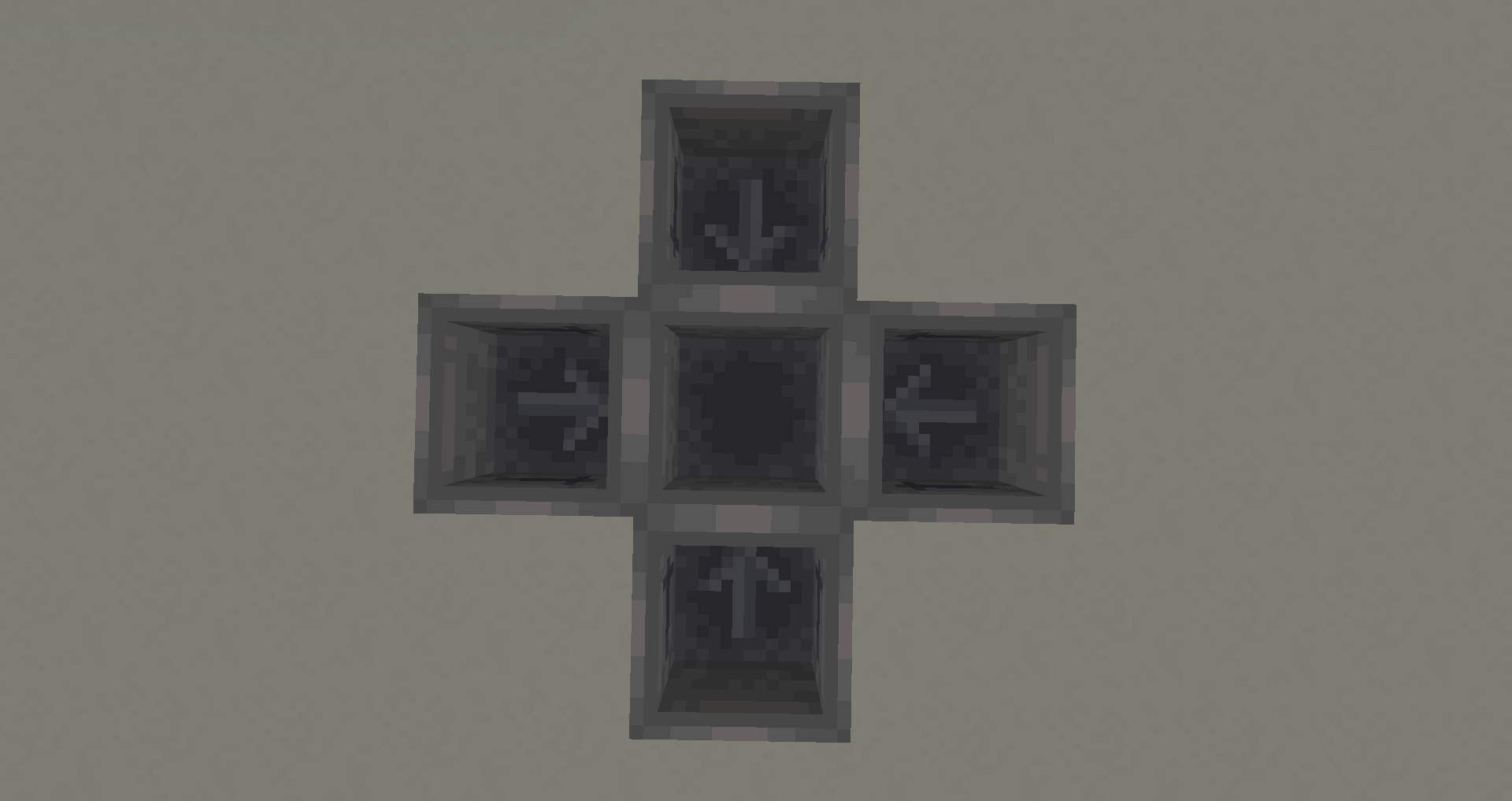
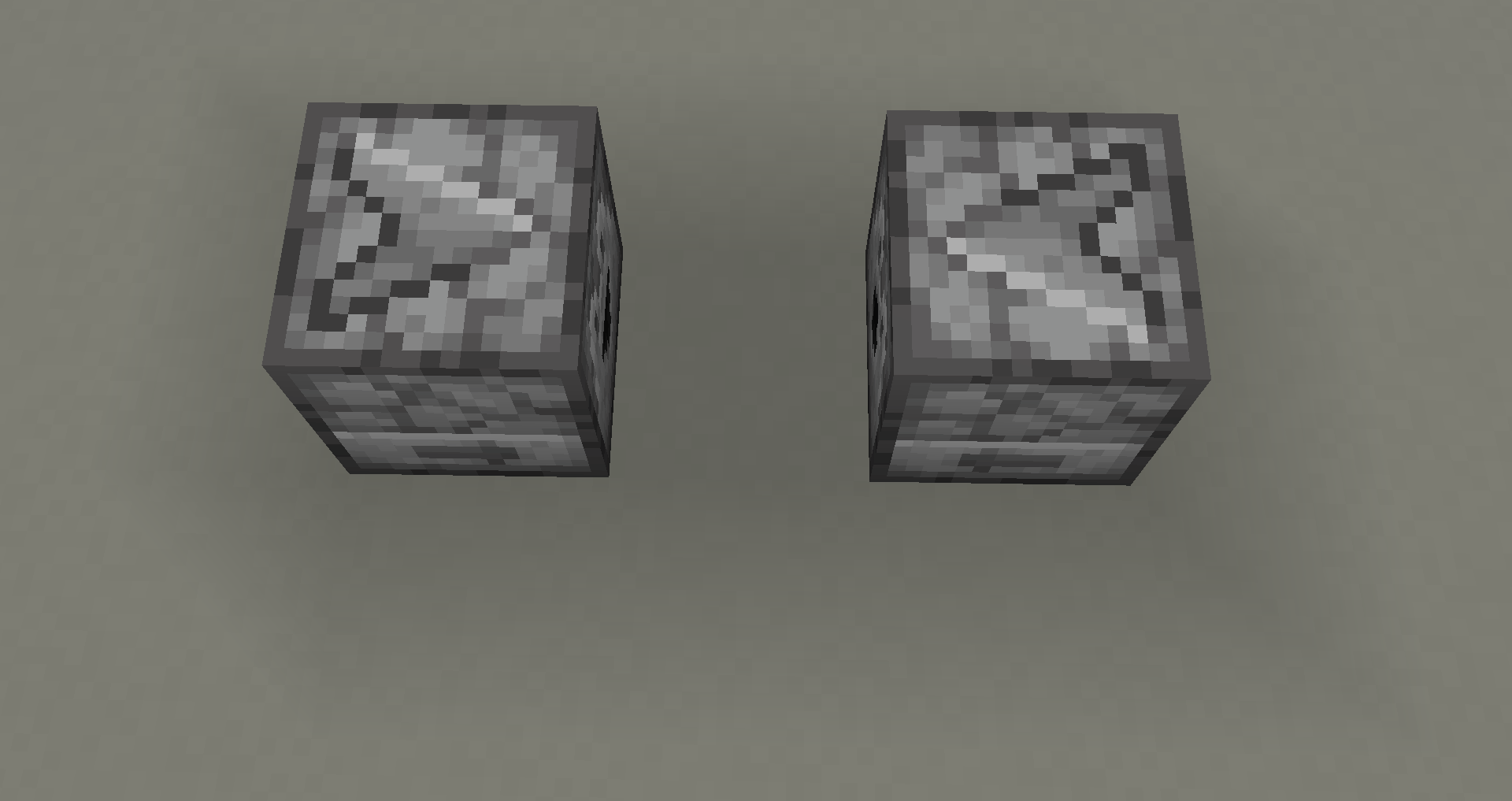
🔁 Hoppers, dispensers, droppers, and observers with directional arrows
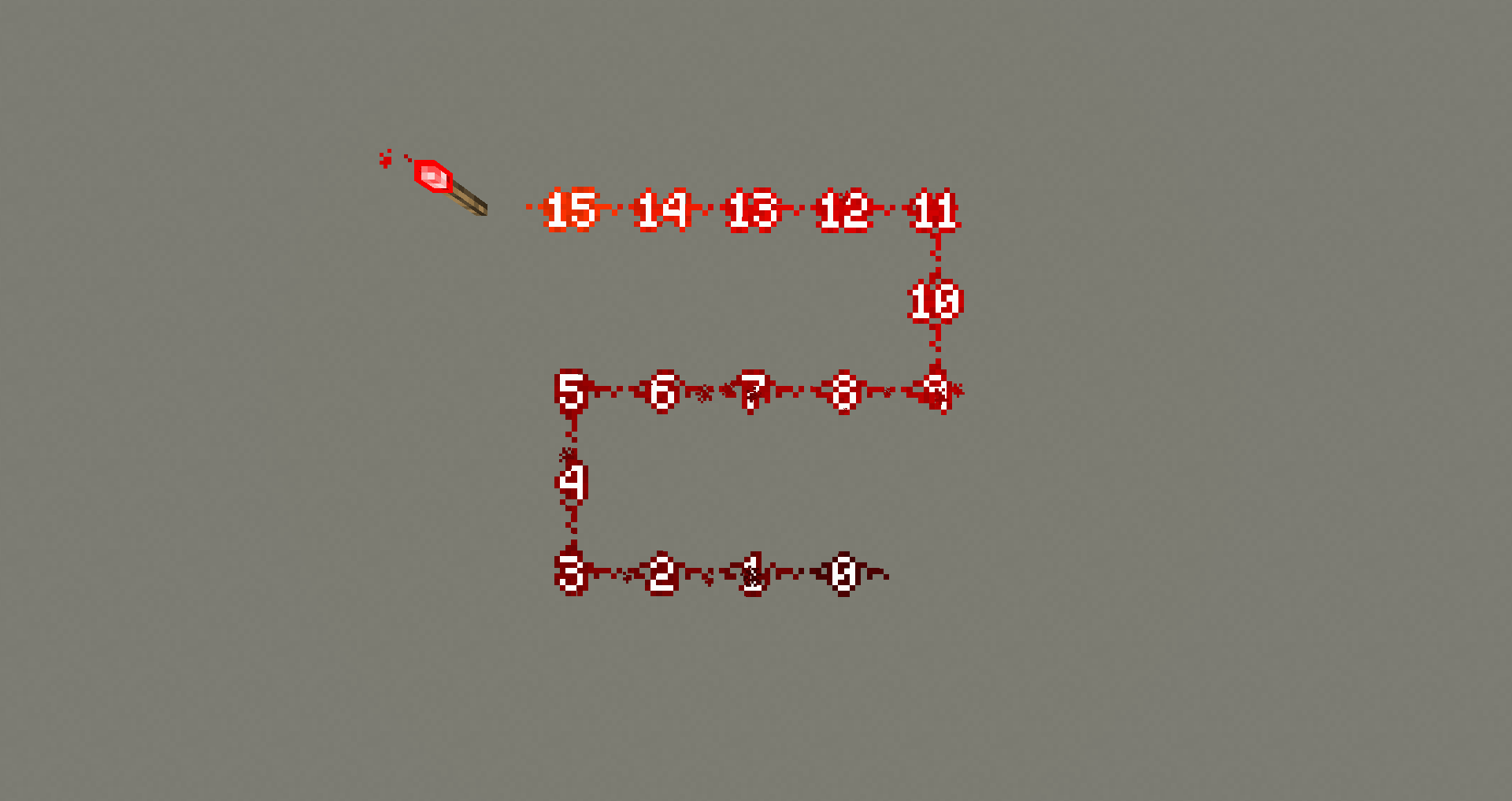
🔢 Redstone displays its power level with visible numbers
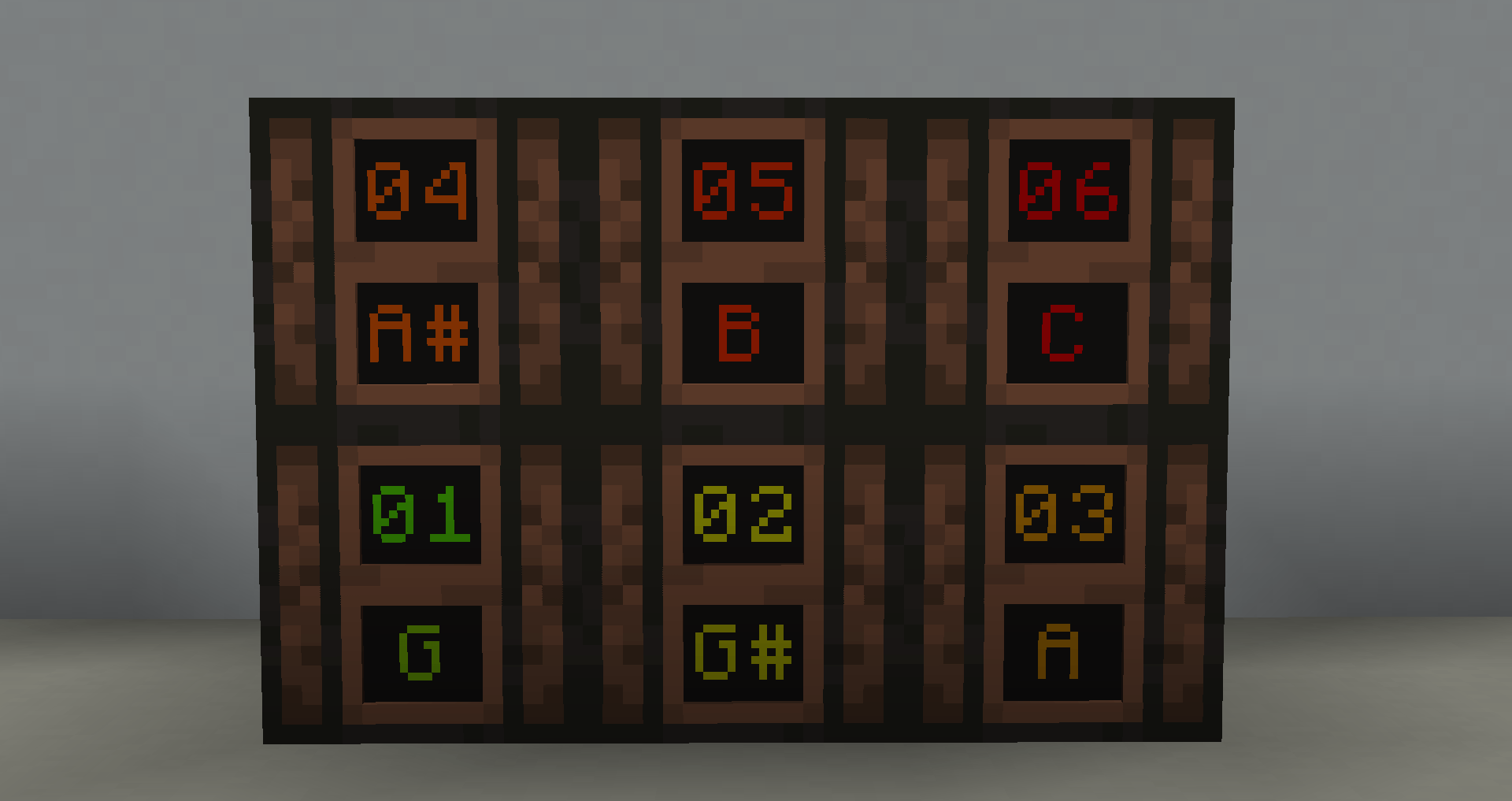
🎵 Music block indicates the current note
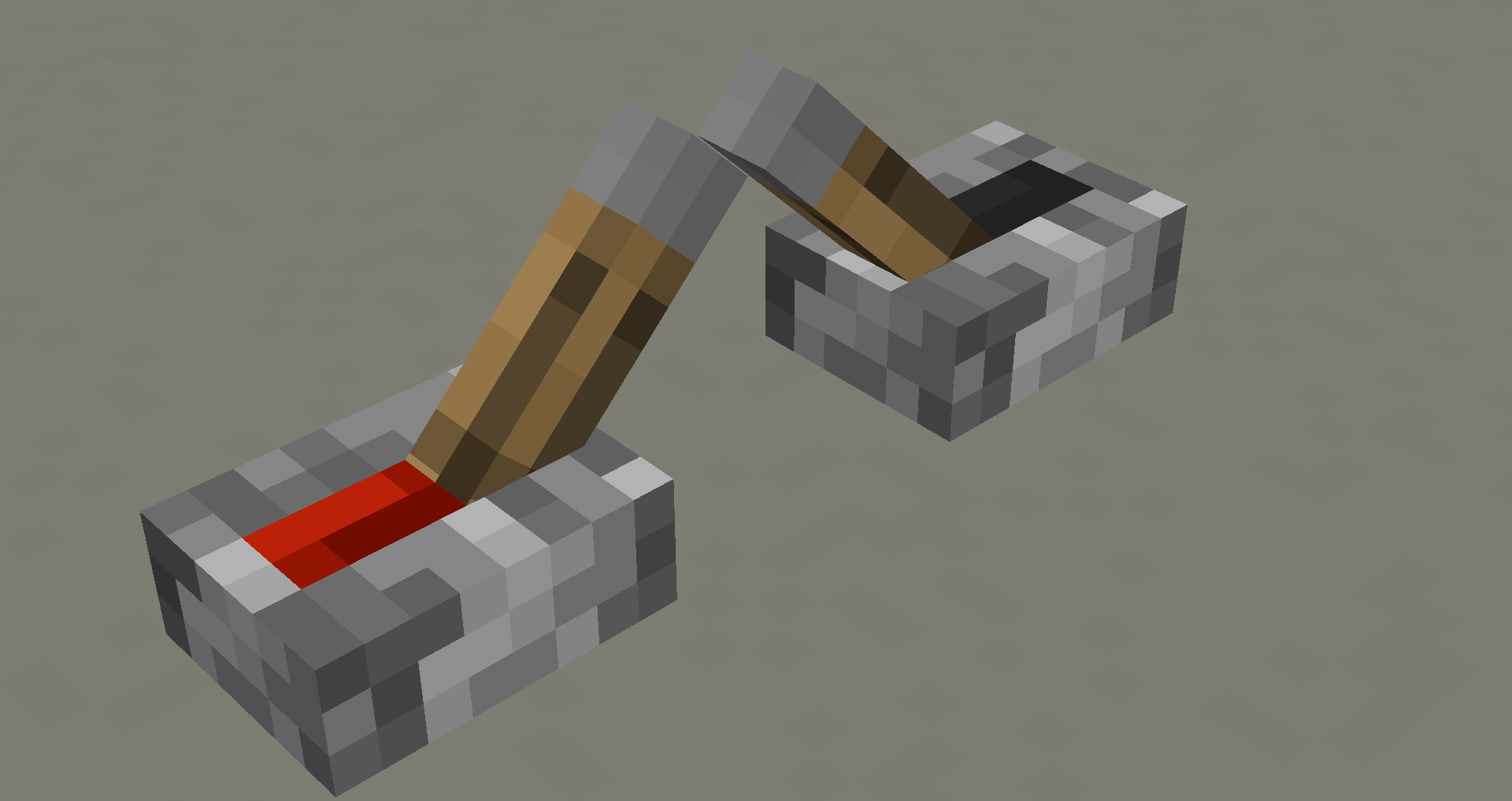
⚙️ Lever visually shows if it's active
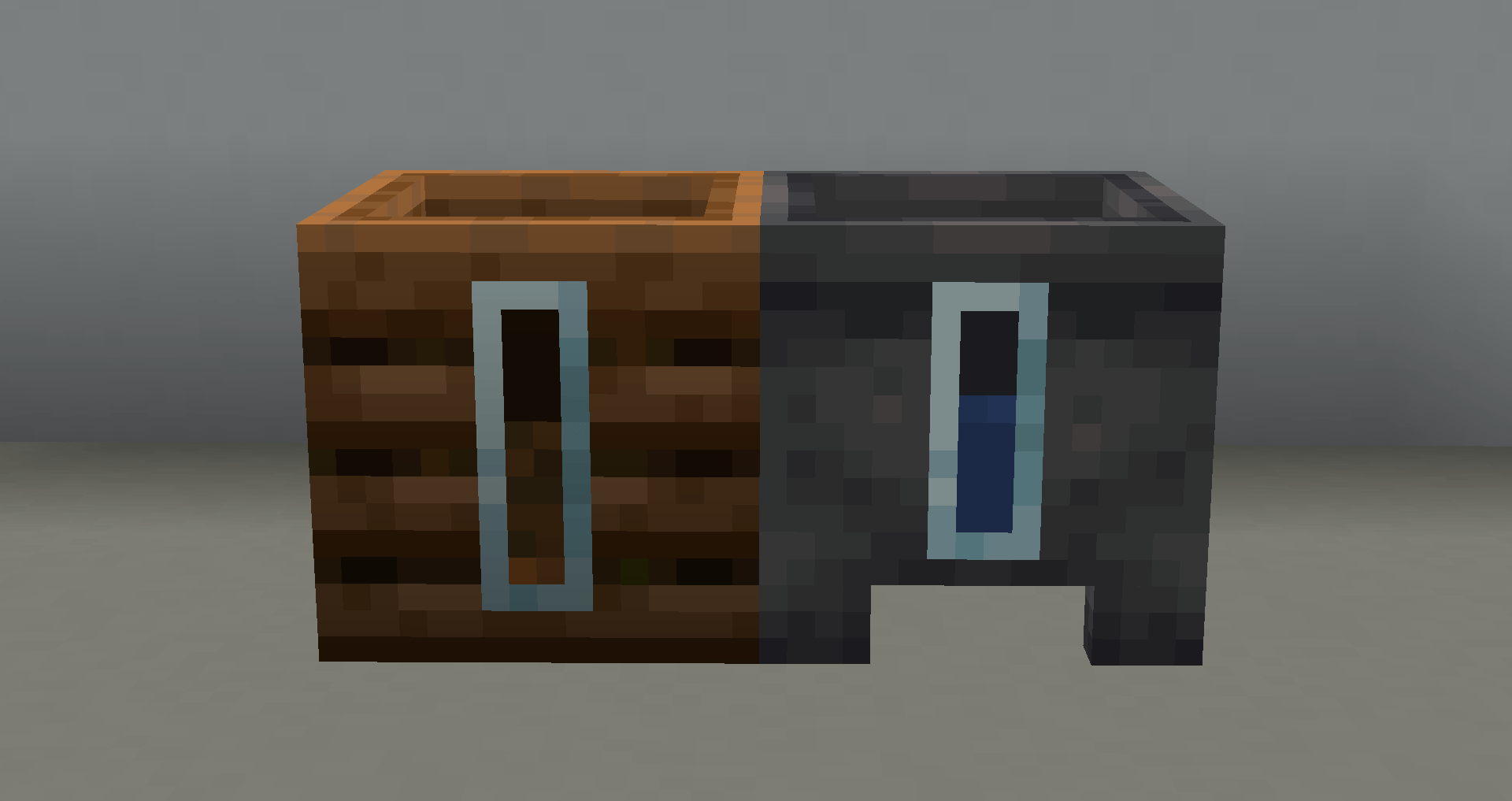
🪣 Compost bin and cauldron indicate their charge level
Perfect for redstone players, automated farms, and technical servers.
Optimize your world and master the technical side of Minecraft with Better Technical! ⚡
By @d_de_diego_d
ESPAÑOL
🧠 Better Technical Texture Pack está diseñado para los amantes del Minecraft técnico. Este pack mejora la claridad visual y reduce el ruido de las granjas y mecanismos, ayudándote a construir sistemas más eficientes y silenciosos.
🔧 Características principales:
🔇 Sonido reducido un 95% en vagonetas, dispensadores, droppers y pistones
🔁 Hoppers, dispensadores, droppers y observadores con flechas direccionales
🔢 Redstone muestra su nivel de potencia con números visibles
🎵 Bloque musical indica la nota actual
⚙️ Palanca muestra visualmente si está activa
🪣 Compostador y caldero indican su nivel de carga
Perfecto para jugadores de redstone, granjas automáticas y servidores técnicos.
Optimiza tu mundo y domina el lado técnico de Minecraft con Better Technical! ⚡
By @d_de_diego_d
❤️ Support Me ❤️






⭐ Our Projects⭐










© TRIDEX 2025 - All Rights Reserved