Mineuniverse
Resource Packs
Better Sun/Moon By LunoX

Better Sun/Moon By LunoX

RESOURCE PACK
A Simple resource pack to Enhance your Sky.
by LunoXx
Download Claim this project
Add a badge to your pageLink to Better Sun/Moon By LunoX from a README, website or forum post.
Preview: Badge

Badges update automatically and link to the resource pack page on MineUniverse.

73 downloads
0 likes
0 followers
Updated Oct 14, 2026
0 hypes
Follow0
16x Animated Miscellaneous Modern Photo Realistic
Advertisement Remove ads with Premium →

☀️ Custom Sun & Moon 🌙

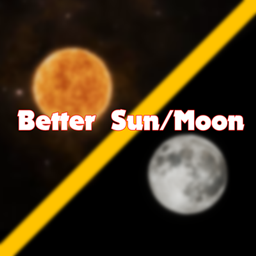
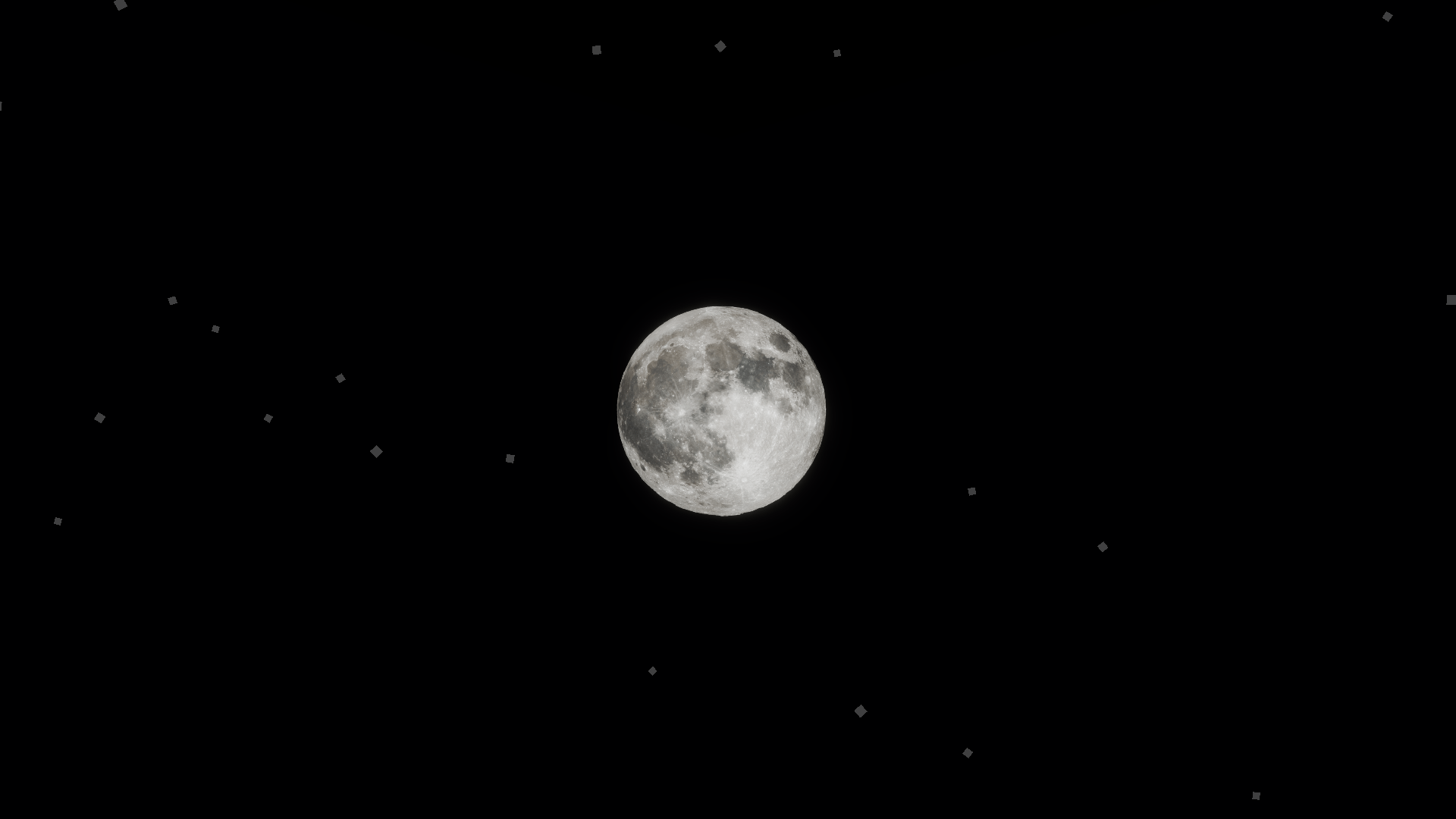
A clean celestial upgrade replacing the vanilla square Sun and Moon with high-definition, immersive textures.

 ✨ Features
- HD Sun & Moon: Detailed textures with soft glow effects.
- Full Moon Phases:  Unique textures for every phase.
- Zero Lag: 100% FPS-friendly, purely visual.

 🛠️ Compatibility
- Works on 1.21.11 for now
- Compatible with Fabric, Forge, Shaders (Iris/OptiFine).

📦 Installation
1. Drop the `.zip` into `resourcepacks`.
2. Activate in "Options > Resource Packs".


🐛 KNOWN ISSUES (Beta) 

- This pack is still in Beta — most features are stable, but a few things are still being polished.

Found a bug? Let me know — feedback helps a lot at this stage! 🙏 (discord: lunox.64)

Better Sun & Moon - 1.0V - 1.21.11mc
MC 1.21.11
Release 2026-08-13 Get

Requirements & install

How to use this resource pack in Minecraft
Resolution
16x
Minecraft
1.21.11
Install folder
.minecraft/resourcepacks

How to install resource packs

  1. Download the resource pack .zip file (do not extract it).
  2. In Minecraft open Options → Resource Packs → Open Pack Folder.
  3. Drop the .zip into the resourcepacks folder (.minecraft/resourcepacks).
  4. Move the pack to the Selected column and click Done.
Browse more: 16x resource packs 32x resource packs 64x resource packs 128x resource packs 256x resource packs 512x+ resource packs Resource Packs for 1.21.11 All resource packs

More from LunoXx

Advertisement Remove ads with Premium →

You Might Also Like