Mineuniverse
Resource Packs
Better Spyglass - Heycronus

Better Spyglass - Heycronus

RESOURCE PACK
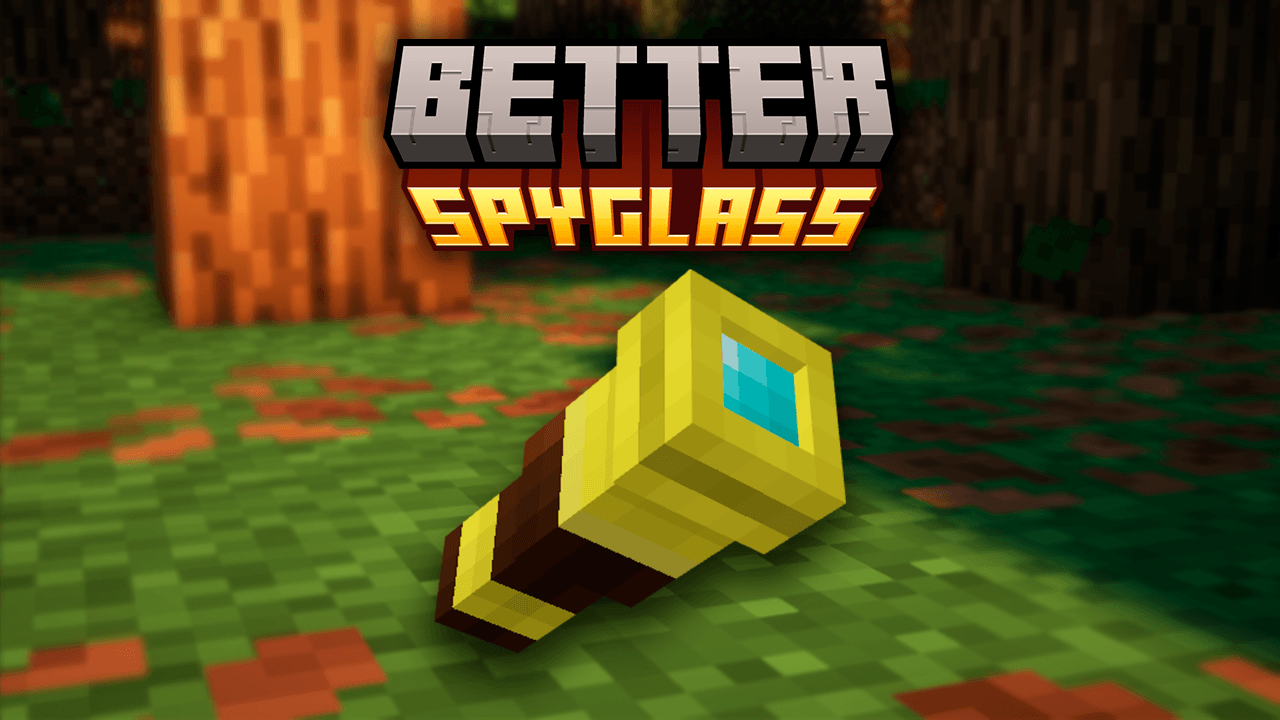
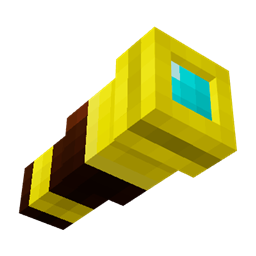
This texture makes the spyglass look better
by HeyCronus
Download Claim this project
Add a badge to your pageLink to Better Spyglass - Heycronus from a README, website or forum post.
Preview: Badge

Badges update automatically and link to the resource pack page on MineUniverse.
120 downloads
0 likes
0 followers
Updated Oct 14, 2026
0 hypes
Follow0
16x Miscellaneous Modern Traditional
Advertisement Remove ads with Premium →

Tired of using the default tools in Minecraft? Take your exploration to the next level with Better Spyglass!

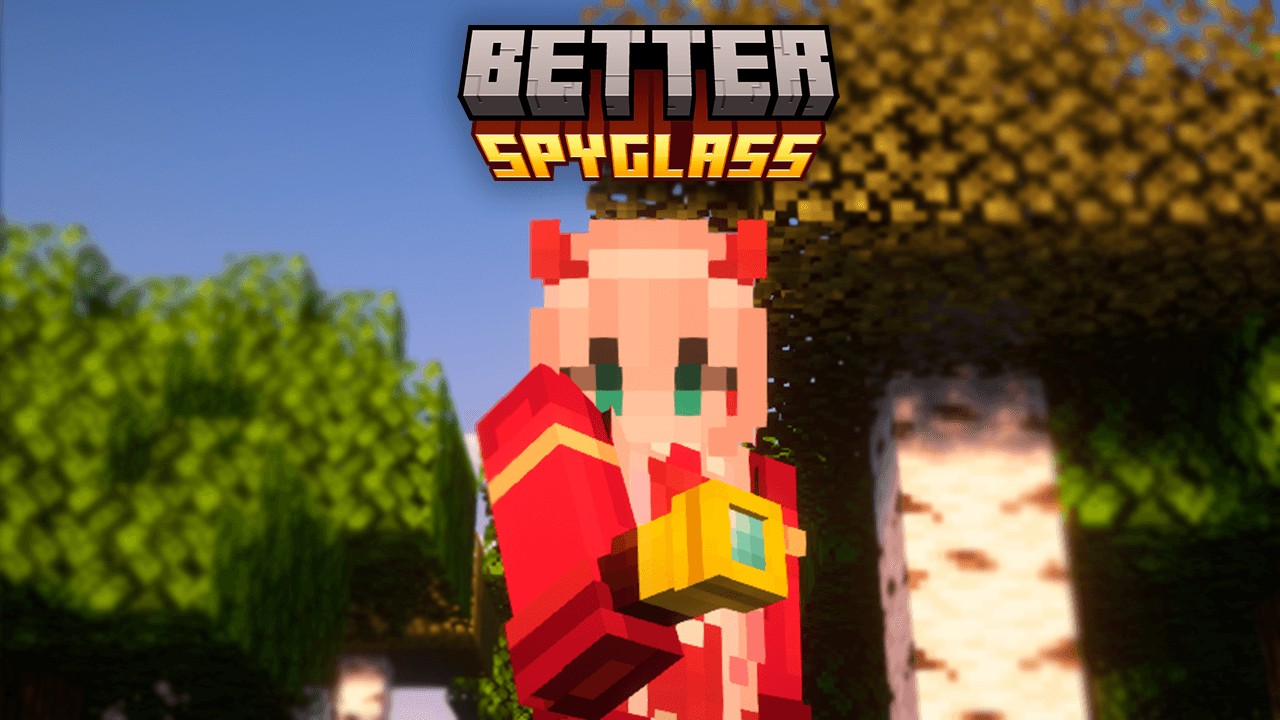
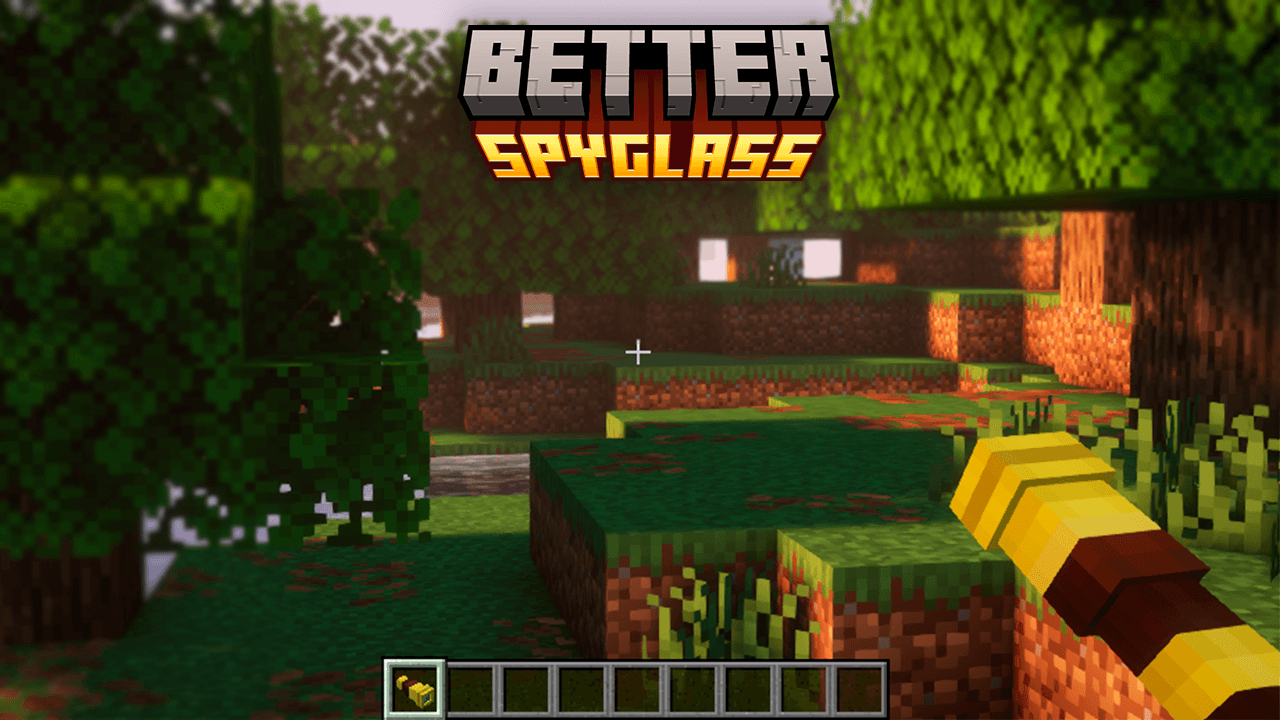
This texture reimagines the spyglass with a cleaner, more polished, and immersive design. Featuring a sleek golden look with refined details, it transforms a simple item into something far more stylish and satisfying to use—all while staying true to Minecraft’s iconic blocky aesthetic.

✨ Texture Highlights:

  • Redesigned, more elegant spyglass
  • Vibrant colors with a premium golden finish
  • Keeps the classic Minecraft style
  • Perfect for enhancing immersion without breaking vanilla vibes

If you love small details that make a big difference in gameplay, Better Spyglass is the perfect upgrade!

Better Spyglass
MC 1.16.3, 1.16-Snapshot, 1.17.1, 1.21.2-Snapshot, 1.21, 1.21.6-snapshot, 1.15-Snapshot, 1.16.1, 1.18.1, 1.20.2-Snapshot, 1.20.5-Snapshot, 1.14.3, 1.15, 1.16, 1.19-Snapshot
Release 2026-09-25 Get
Better Spyglass
MC 1.16.3, 1.16-Snapshot, 1.17.1, 1.21.2-Snapshot, 1.21, 1.21.6-snapshot, 1.15-Snapshot, 1.16.1, 1.18.1, 1.20.2-Snapshot, 1.20.5-Snapshot, 1.14.3, 1.15, 1.16, 1.19-Snapshot
Release 2026-06-28 Get

Requirements & install

How to use this resource pack in Minecraft
Resolution
16x
Minecraft
1.17.1 – 1.21.6-snapshot
Install folder
.minecraft/resourcepacks

How to install resource packs

  1. Download the resource pack .zip file (do not extract it).
  2. In Minecraft open Options → Resource Packs → Open Pack Folder.
  3. Drop the .zip into the resourcepacks folder (.minecraft/resourcepacks).
  4. Move the pack to the Selected column and click Done.
Browse more: 16x resource packs 32x resource packs 64x resource packs 128x resource packs 256x resource packs 512x+ resource packs Resource Packs for 1.21.6-snapshot All resource packs

More from HeyCronus

Advertisement Remove ads with Premium →

You Might Also Like