Mineuniverse
Resource Packs
Better Redstoning

Better Redstoning

RESOURCE PACK
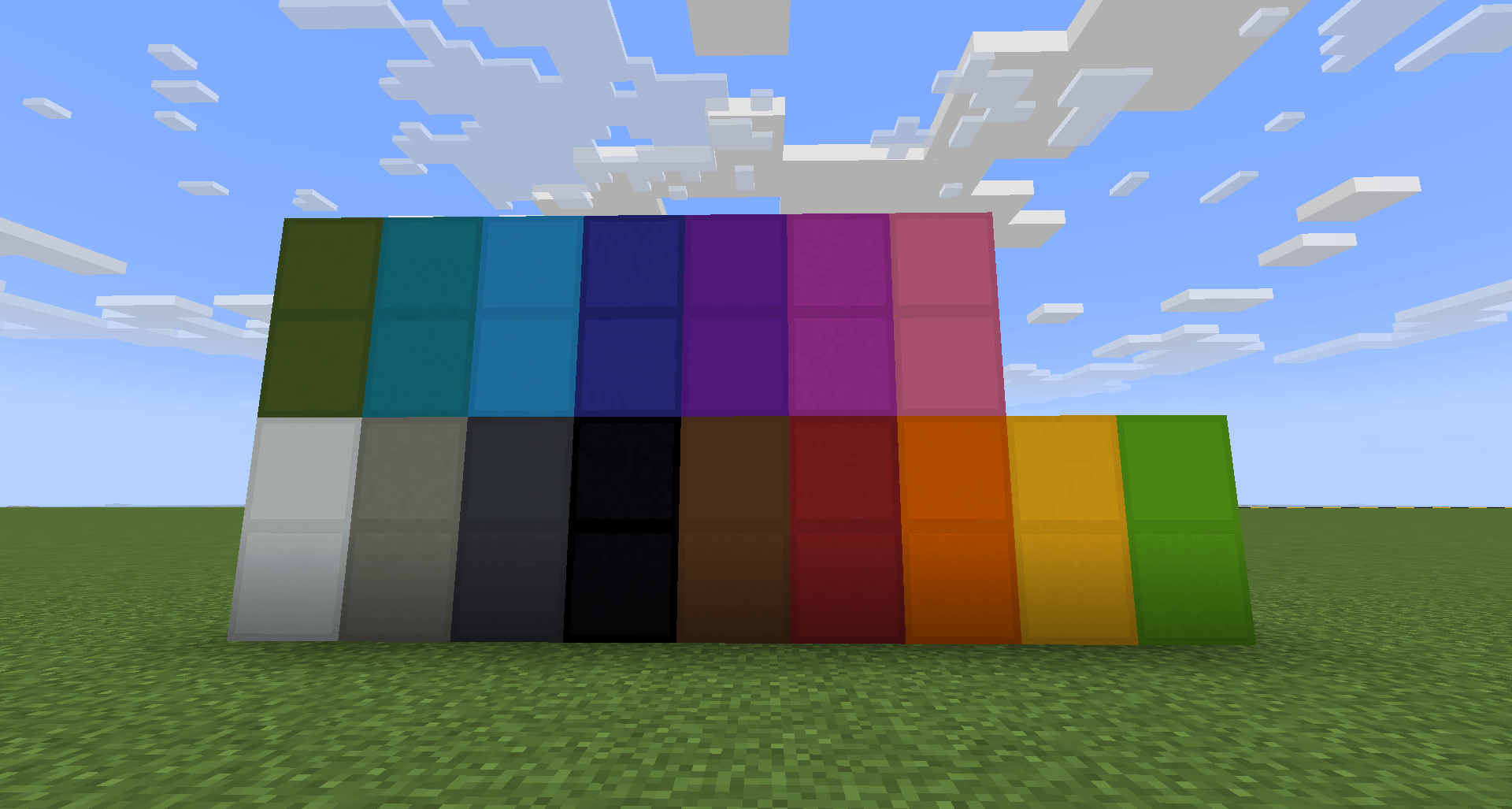
The Redstone Resource Pack is a custom Minecraft texture pack designed to make building and debugging redstone circuits easier and more intuitive.
by knirpslarsi_yt
Download Claim this project
1,848 downloads
0 likes
Updated Oct 14, 2026
0 hypes
16x Miscellaneous
Advertisement Remove ads with Premium →

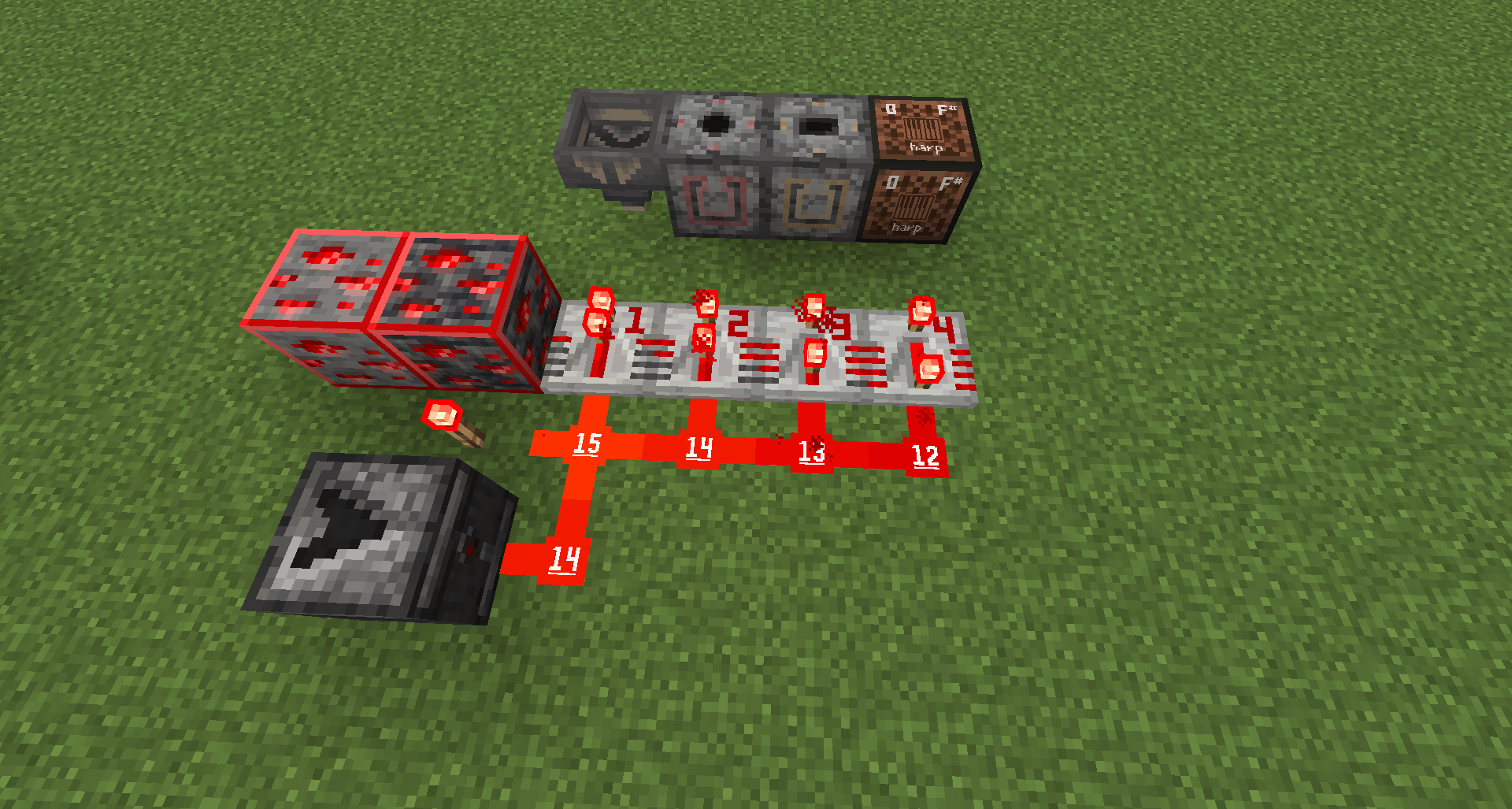
The Redstone Resource Pack is a custom Minecraft texture pack designed to make building and debugging redstone circuits easier and more intuitive.
It focuses on improving visual clarity by providing cleaner, more distinguishable textures for redstone components and related blocks.

⚙️ Purpose

This pack helps players who frequently work with redstone to better identify:

  • Power states (on/off) of components like repeaters, comparators, and redstone dust

  • Input and output sides of redstone devices

  • Visual signals for activation, timing, and connection paths

🎨 Design Approach

Textures have been redesigned with functionality in mind:

  • Clear color contrasts between powered and unpowered states

  • Simplified icons and shapes for faster recognition

  • Consistent shading and layout across all redstone-related blocks and items

💡 Compatibility

  • Works with Minecraft 1.21+ (Pack Format 34)

  • Intended for vanilla gameplay — no mods required

  • GUI elements (like the hotbar) are also visually adjusted for better readability

🧠 Goal

To make complex redstone builds easier to understand and more enjoyable to work with — whether you’re designing contraptions, debugging circuits, or teaching redstone mechanics.

Redstone Resourcepack v2.zip
MC 1.21.2-Snapshot, 1.21, 1.21.6-snapshot, 1.21.1-Snapshot, 1.21.8, 1.21.5, 1.21.4, 1.21.5-Snapshot, 1.21.1, 1.21.6, 1.21.3, 1.21.7, 1.21-Snapshot, 1.21.4-Snapshot, 1.21.2
Release 2025-11-15 Get
Better Redstoning.zip
MC 1.21, 1.21.8, 1.21.5, 1.21.4, 1.21.1, 1.21.6, 1.21.3, 1.21.7, 1.21.2, 1.21.9, 1.21.10
Release 2025-11-01 Get

Requirements & install

How to use this resource pack in Minecraft
Resolution
16x
Minecraft
1.21.5-Snapshot – 1.21.10
Install folder
.minecraft/resourcepacks

How to install resource packs

  1. Download the resource pack .zip file (do not extract it).
  2. In Minecraft open Options → Resource Packs → Open Pack Folder.
  3. Drop the .zip into the resourcepacks folder (.minecraft/resourcepacks).
  4. Move the pack to the Selected column and click Done.
Browse more: 16x resource packs 32x resource packs 64x resource packs 128x resource packs 256x resource packs 512x+ resource packs Resource Packs for 1.21.10 All resource packs

More from knirpslarsi_yt

Advertisement Remove ads with Premium →

You Might Also Like