Mineuniverse
Resource Packs
Better Rain Sounds

Better Rain Sounds

RESOURCE PACK
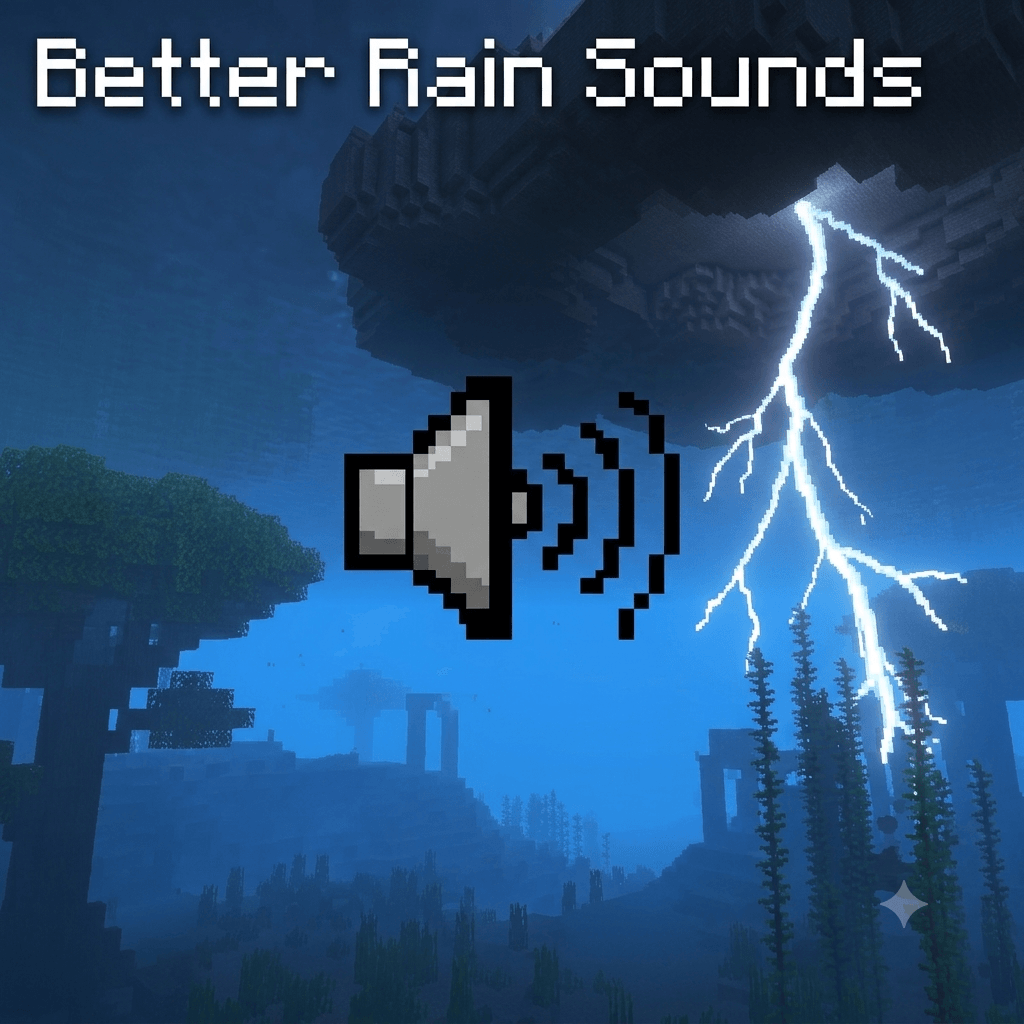
Experience the most epic and realistic sounds of rain and thunder
by Dark_PixelForge
Download Claim this project
Add a badge to your pageLink to Better Rain Sounds from a README, website or forum post.
Preview: Badge

Badges update automatically and link to the resource pack page on MineUniverse.

3,901 downloads
0 likes
0 followers
Updated Oct 14, 2026
0 hypes
Follow0
16x Miscellaneous
Advertisement Remove ads with Premium →

🌧️ Custom Rain Sounds v1.0.0

Transform Minecraft's weather with a brand-new atmospheric sound experience.

Custom Rain Sounds replaces the default rain and thunder audio with carefully crafted, high-quality sounds that make every storm feel more immersive, relaxing, and realistic. Whether you're exploring forests, building your base, or surviving through a thunderstorm, this pack delivers a fresh weather ambience without changing the game's visuals.

✨ Features

  • 🌧️ Brand-new custom rain sounds

  • ⛈️ Enhanced thunder audio

  • 🎧 High-quality immersive ambience

  • 📦 Lightweight and performance-friendly

  • 🎮 Easy to install and use

  • 💯 Works as a simple audio replacement pack

Experience Minecraft's rainy days like never before!

Version: v1.0.0
Author: Dark_PixelForge


For better experiecne you can use this resource with any shader pack

Better_Rain_Sounds_v1.1
MC 1.21.2-Snapshot, 1.21, 1.21.6-snapshot, 1.21.1-Snapshot, 1.21.8, 1.21.5, 1.21.4, 1.21.5-Snapshot, 1.21.1, 1.21.6, 1.21.3, 1.21.7, 1.21.4-Snapshot, 1.21.2, 1.21.9-snapshot, 1.21.9
Release 2026-09-30 Get
Better Rain Sounds
MC 1.21.2-Snapshot, 1.21, 1.21.6-snapshot, 1.21.1-Snapshot, 1.21.8, 1.21.5, 1.21.4, 1.21.5-Snapshot, 1.21.1, 1.21.6, 1.21.3, 1.21.7, 1.21.4-Snapshot, 1.21.2, 1.21.9-snapshot, 1.21.9
Release 2026-07-23 Get

Requirements & install

How to use this resource pack in Minecraft
Resolution
16x
Minecraft
1.21.5-Snapshot – 1.21.9
Install folder
.minecraft/resourcepacks

How to install resource packs

  1. Download the resource pack .zip file (do not extract it).
  2. In Minecraft open Options → Resource Packs → Open Pack Folder.
  3. Drop the .zip into the resourcepacks folder (.minecraft/resourcepacks).
  4. Move the pack to the Selected column and click Done.
Browse more: 16x resource packs 32x resource packs 64x resource packs 128x resource packs 256x resource packs 512x+ resource packs Resource Packs for 1.21.9 All resource packs

More from Dark_PixelForge

Advertisement Remove ads with Premium →

You Might Also Like