Mineuniverse
Resource Packs
Better Rails

Better Rails

RESOURCE PACK
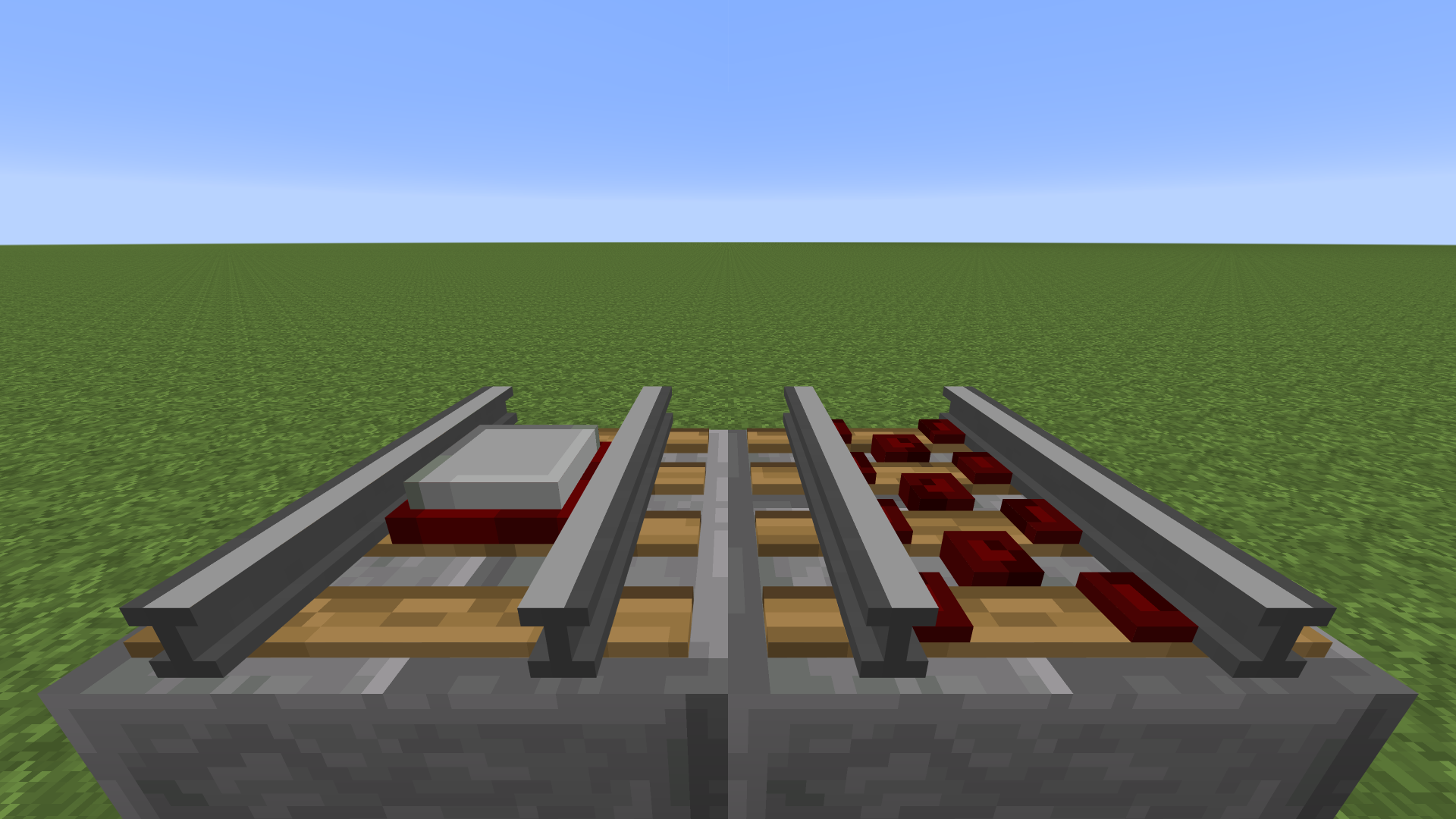
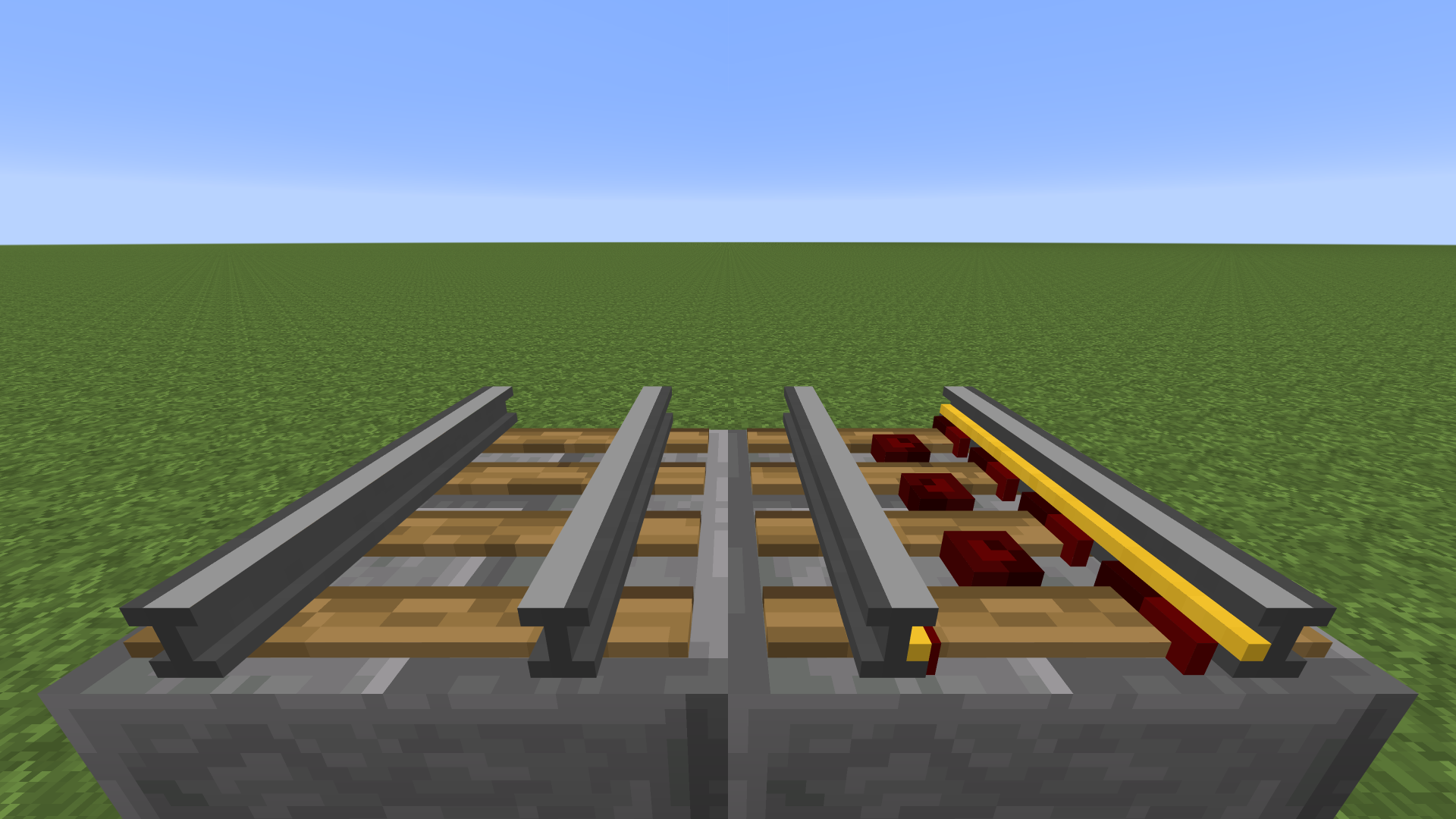
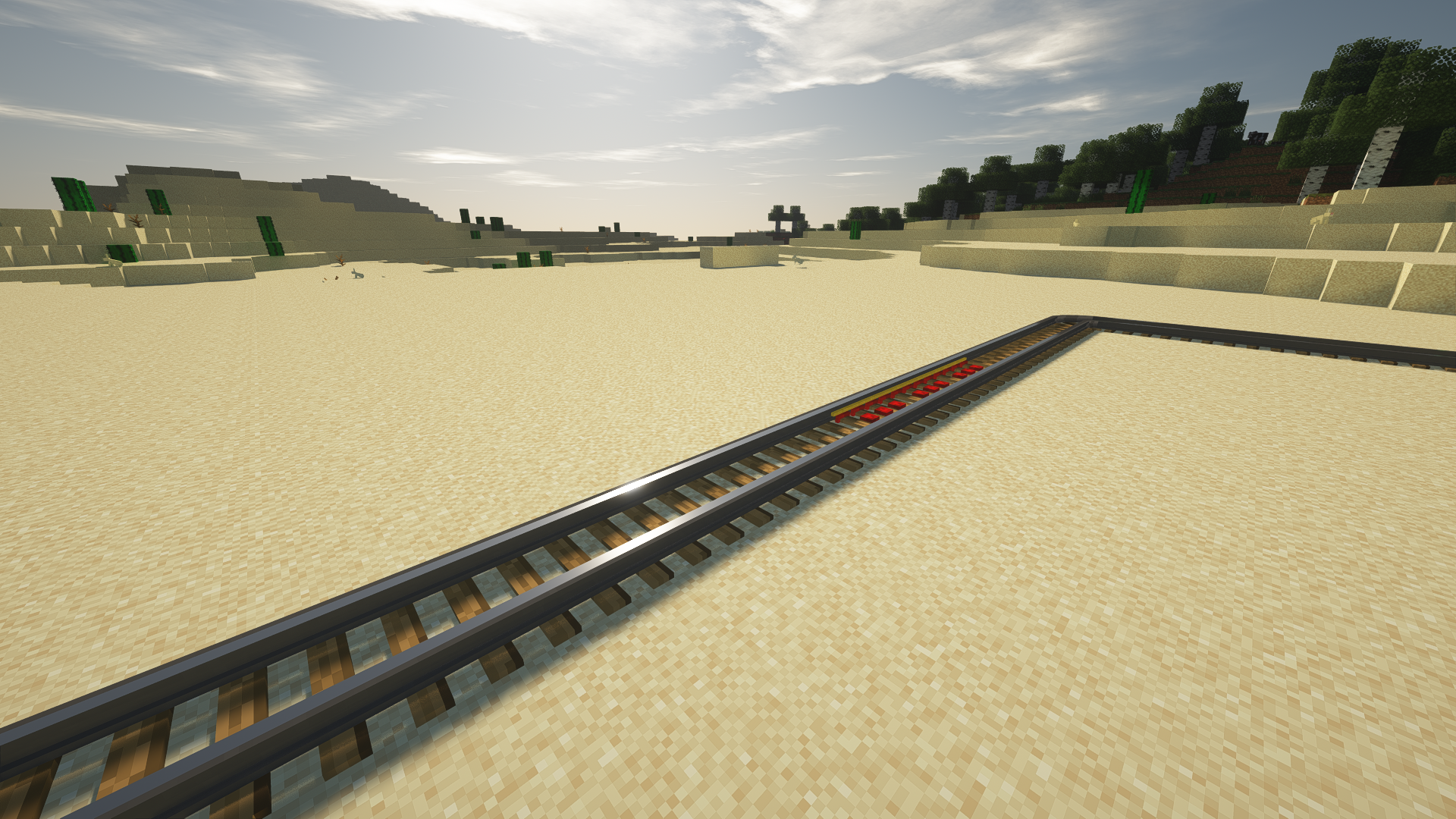
Adds 3D Rails based on Faithful textures
by Cyphall
Download Claim this project
2,859 downloads
0 likes
0 followers
Updated Oct 14, 2026
0 hypes
Follow0
32x Miscellaneous Traditional
Advertisement Remove ads with Premium →

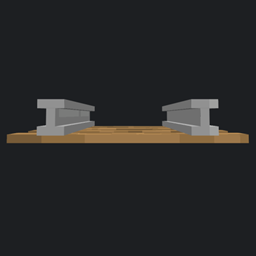
I felt like rails were the thing that suffered the most from being flat, so I made them 3D.

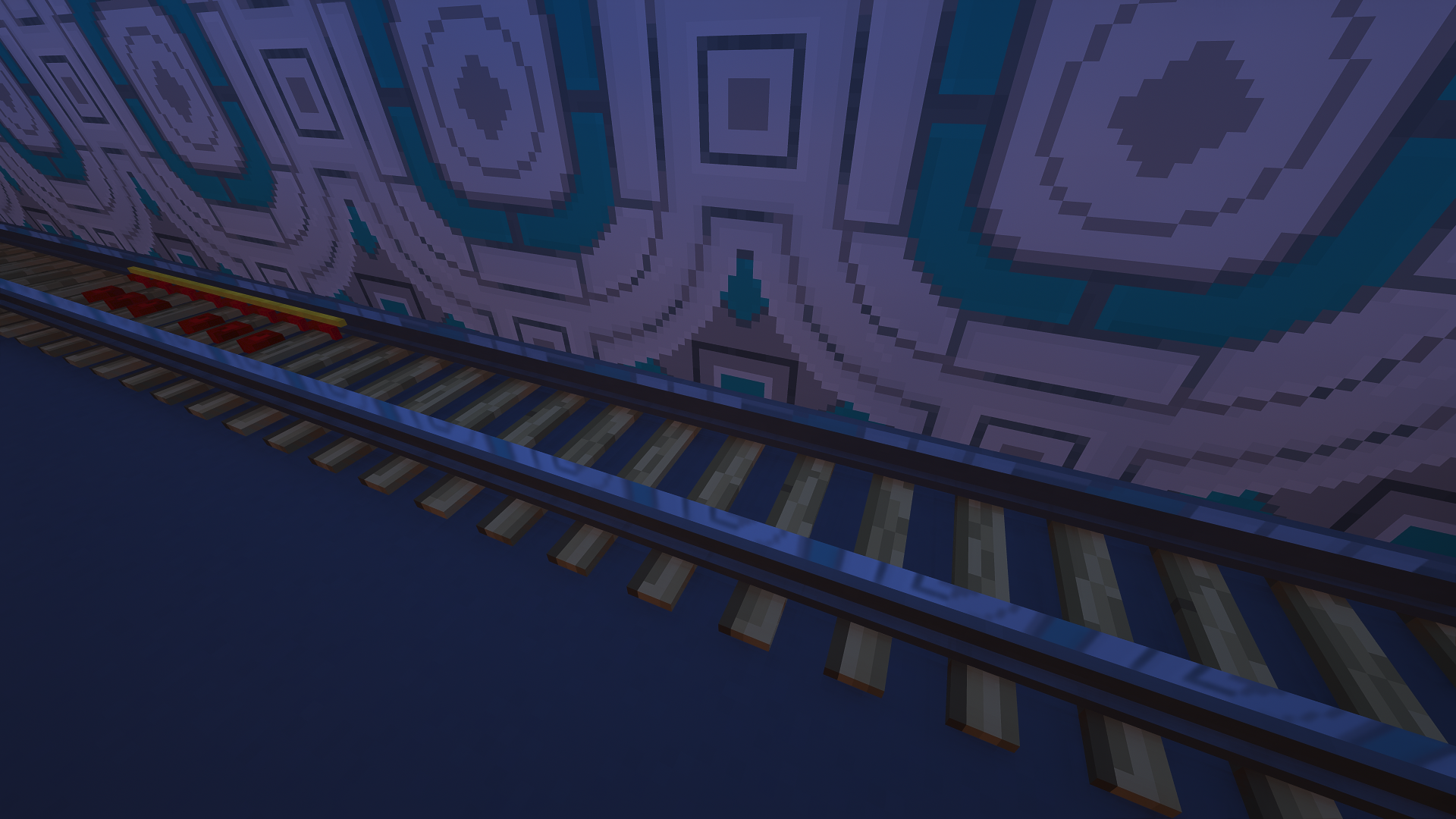
Now with PBR support! (Tested with SEUS PTGI E9)


Based on Faithful.


License

Allowed — This resource pack is free to use for non-commercial purposes. In other words, you can only use it for personal purposes. If you would like to make a video showcasing it, you’re free to do that as long as you give me credit and provide a link to this page.

Prohibited — You cannot use this resource pack to make money out of it or claiming it as your own. You have no permission to upload this resource pack to any website under any circumstances, and you’re not allowed to use any assets from it and put them in your own resource pack without proper permission.

Better Rails 1.16.4-1.2.2.zip
MC 1.16.3, 1.16.4, 1.16.2
Release 2020-11-05 Get
Better Rails 1.15-1.2.2.zip
MC 1.16.1, 1.15, 1.16, 1.15.2, 1.15.1
Release 2019-12-10 Get
Better Rails 1.14.4-1.2.2.zip
MC 1.14.4, 1.14.1, 1.14.3, 1.14, 1.14.2
Release 2019-09-11 Get
Better Rails 1.14.4-1.2.0.zip
MC 1.14.4, 1.14.1, 1.14.3, 1.14, 1.14.2
Release 2019-09-08 Get
Better Rails 1.14.4-1.2.1.zip
MC 1.14.4, 1.14.1, 1.14.3, 1.14, 1.14.2
Release 2019-09-08 Get
Better Rails 1.14.4-1.1.0.zip
MC 1.14.4, 1.14.1, 1.14.3, 1.14, 1.14.2
Release 2019-08-31 Get
Better Rails 1.0.3.zip
MC 1.14.4, 1.14.1, 1.14.3, 1.14, 1.14.2
Release 2019-08-27 Get
Better Rails 1.0.zip
MC 1.14.4, 1.14.1, 1.14.3, 1.14, 1.14.2
Release 2019-08-16 Get
Better Rails 1.0.1.zip
MC 1.14.4, 1.14.1, 1.14.3, 1.14, 1.14.2
Release 2019-08-16 Get
Better Rails 1.0.2.zip
MC 1.14.4, 1.14.1, 1.14.3, 1.14, 1.14.2
Release 2019-08-16 Get

Requirements & install

How to use this resource pack in Minecraft
Resolution
32x
Minecraft
1.15 – 1.16.4
Install folder
.minecraft/resourcepacks

How to install resource packs

  1. Download the resource pack .zip file (do not extract it).
  2. In Minecraft open Options → Resource Packs → Open Pack Folder.
  3. Drop the .zip into the resourcepacks folder (.minecraft/resourcepacks).
  4. Move the pack to the Selected column and click Done.
Browse more: 16x resource packs 32x resource packs 64x resource packs 128x resource packs 256x resource packs 512x+ resource packs Resource Packs for 1.16.4 All resource packs
Advertisement Remove ads with Premium →

You Might Also Like