I've been getting my feet wet with modded Minecraft, but seeing as I practically can't play the game without Jerm's Better Leaves anymore, custom trees added by mods look quite out of place among all the bushy shrubbery added by that resource pack.
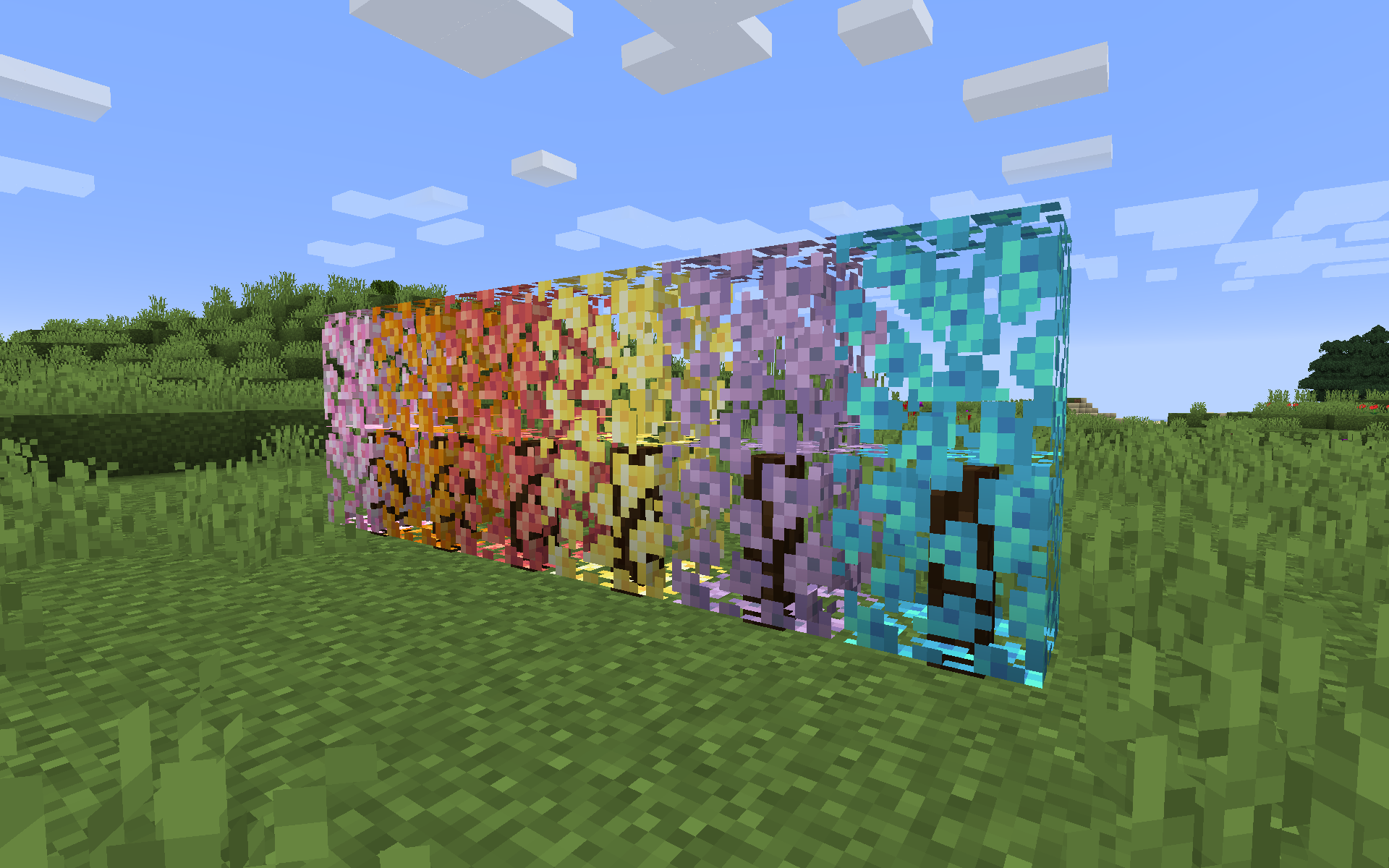
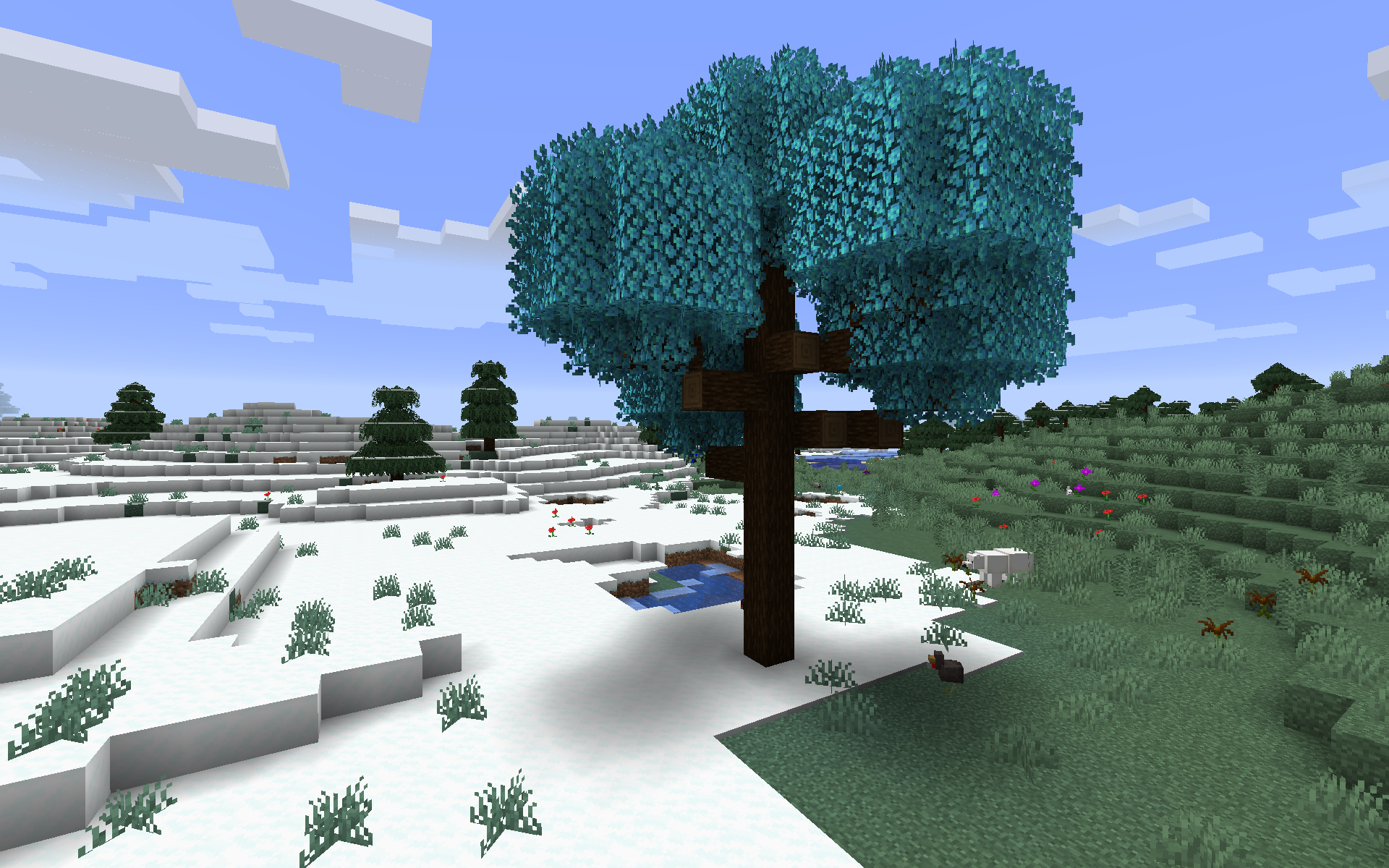
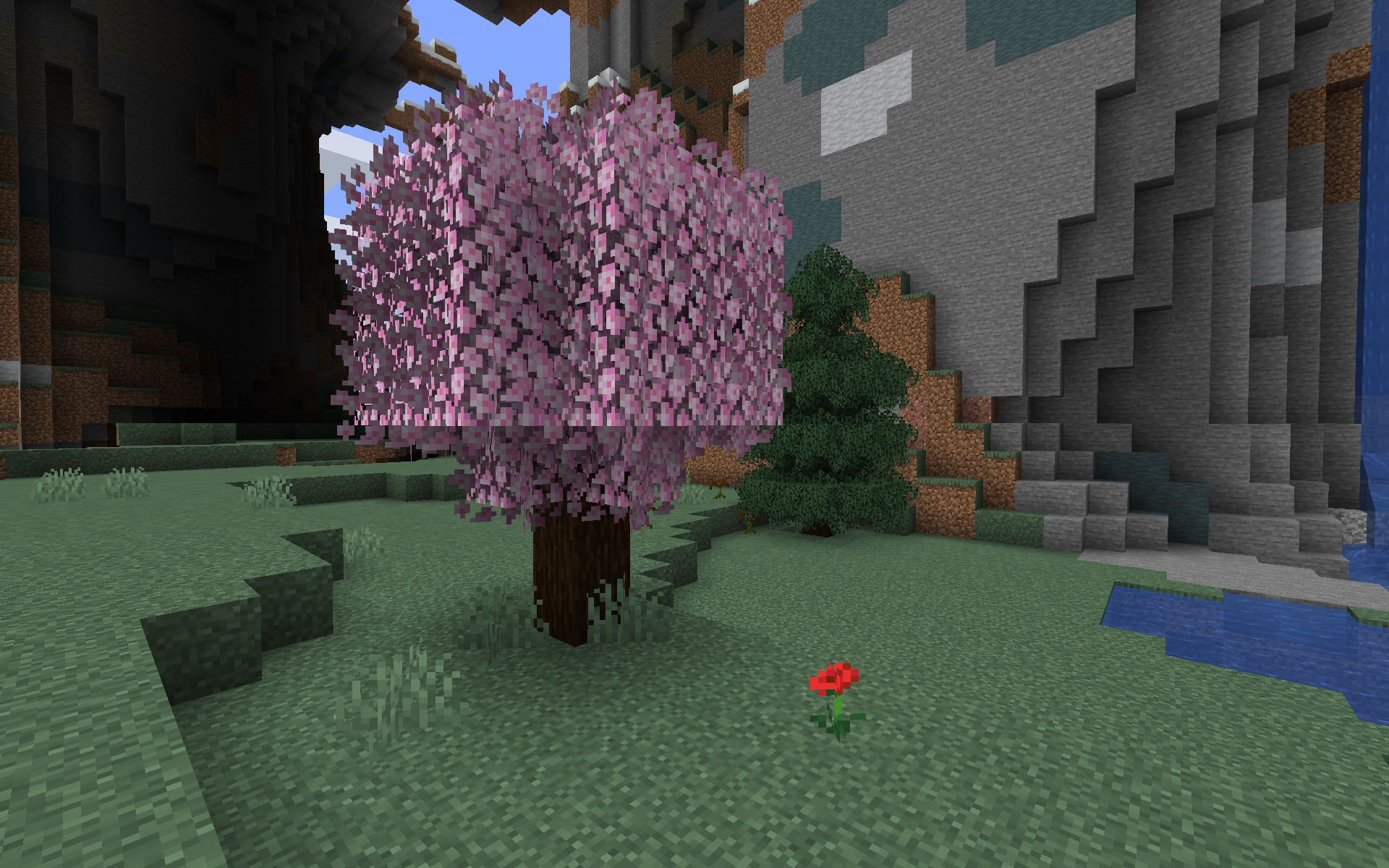
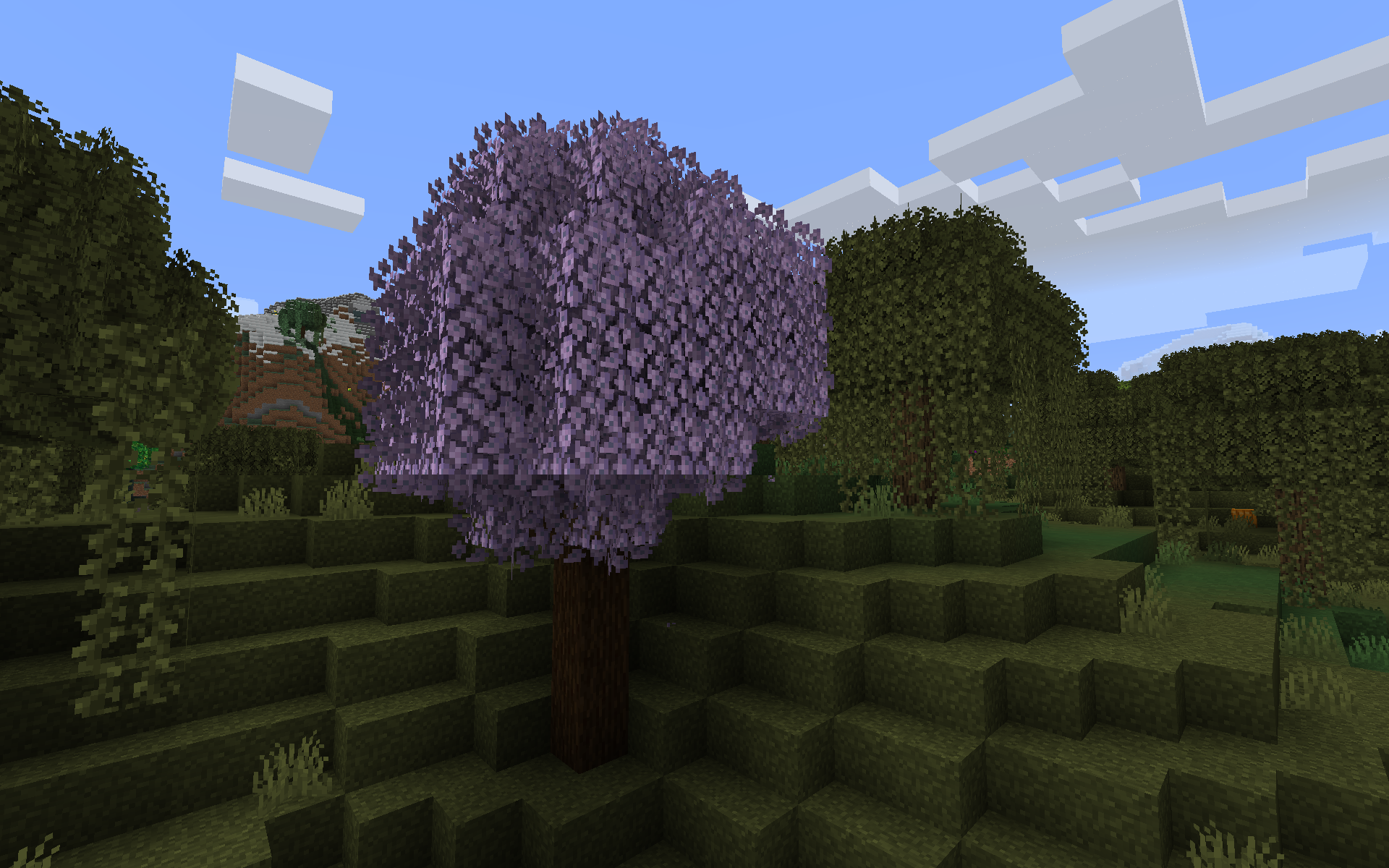
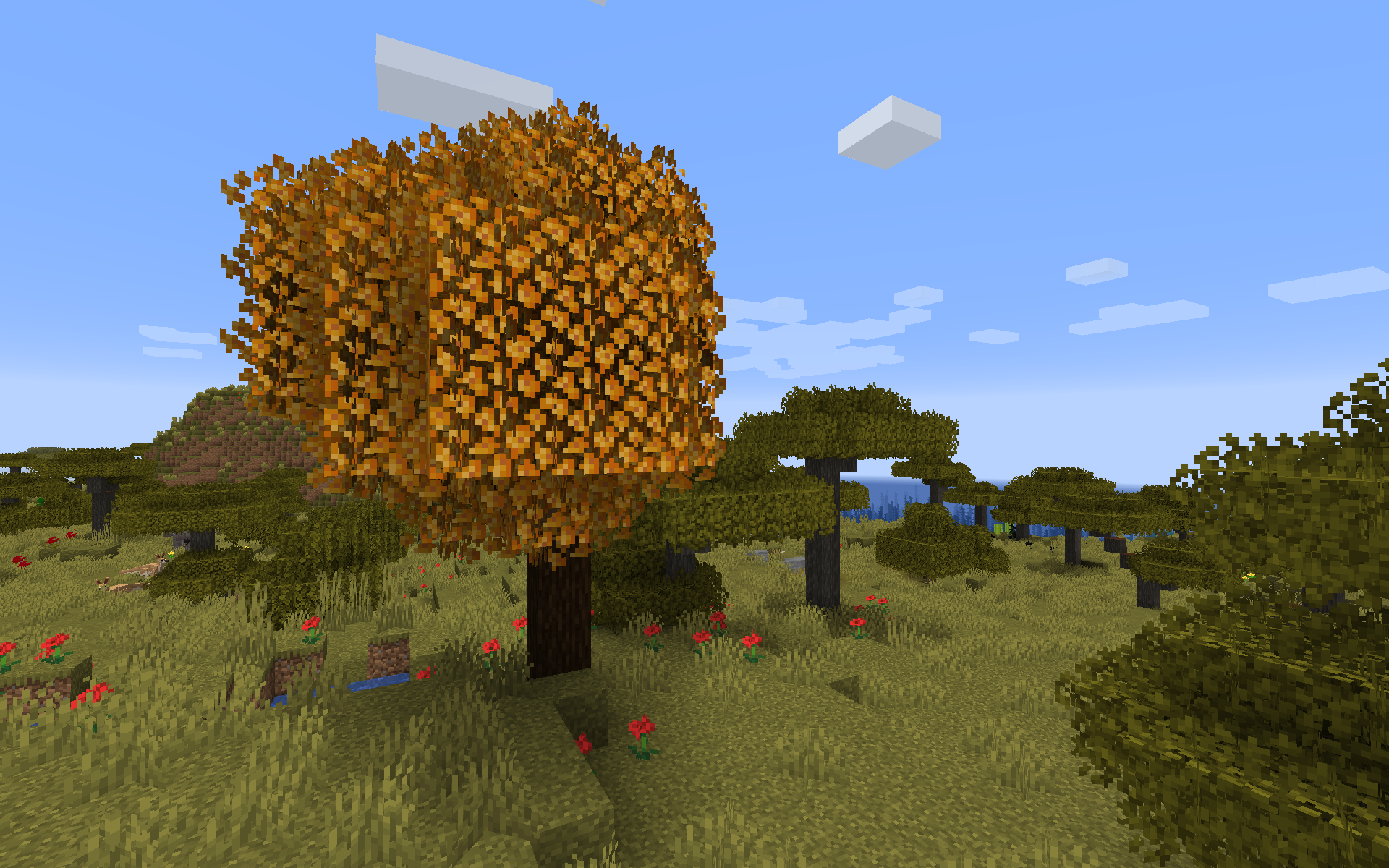
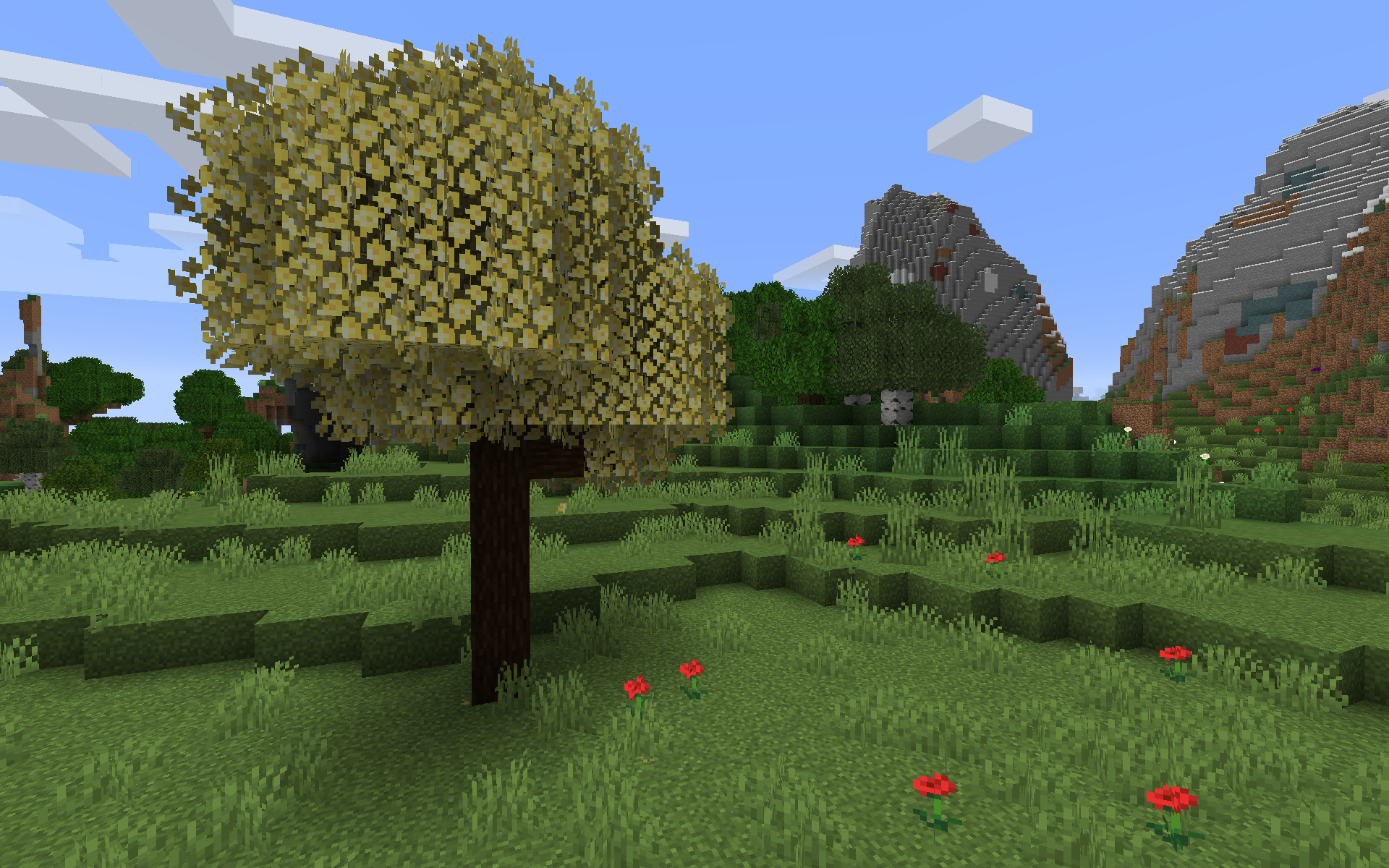
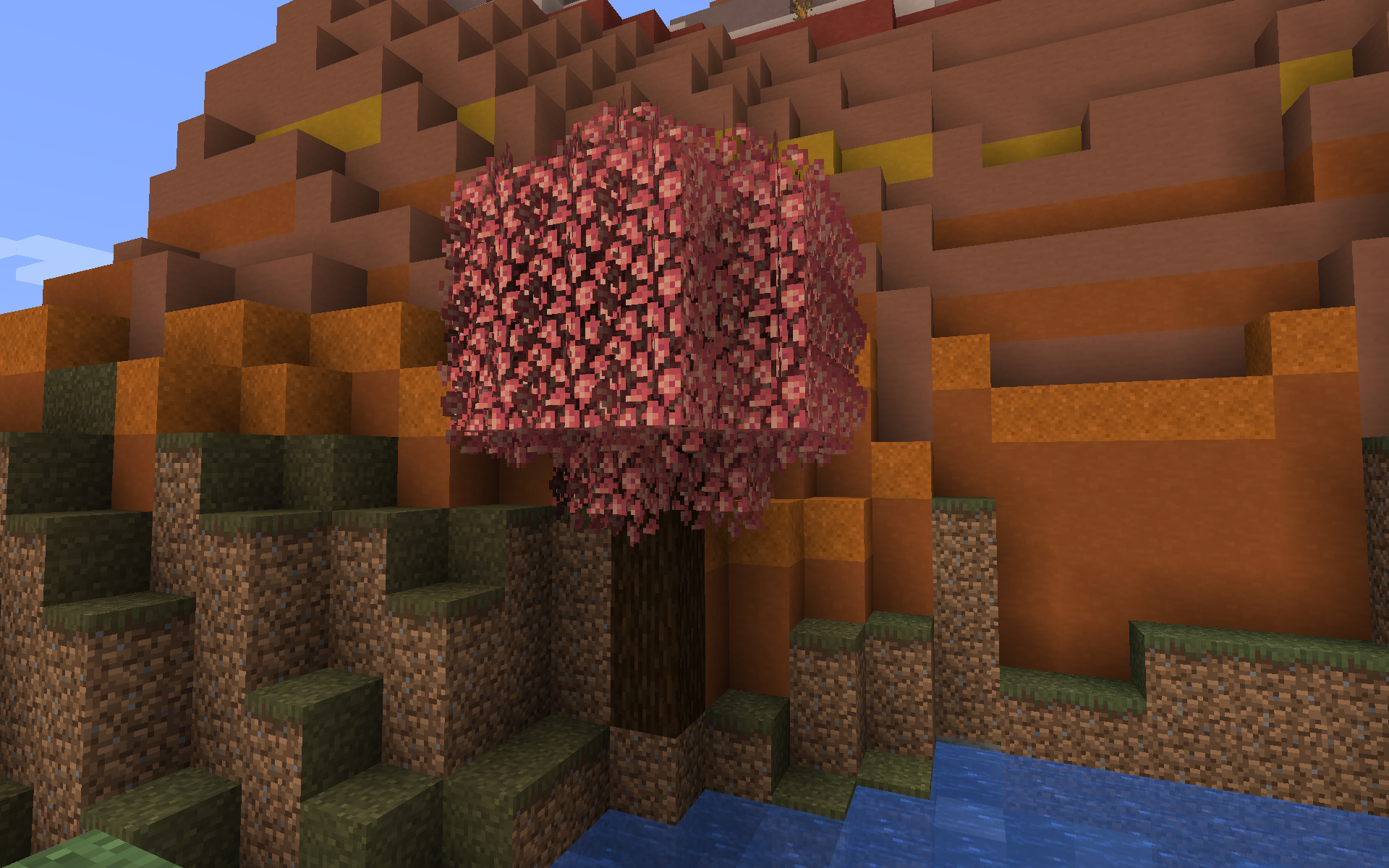
Quark's blossom trees have a lot of landscaping potential, so I decided to give them that nice bushy look. I've made a new leaf block model from scratch to closely match Jerm's, adapted the base textures for the bushy parts and this is the result. I did not retexture the base leaves, however, and in fact this resource pack inherits the original look from Quark itself.
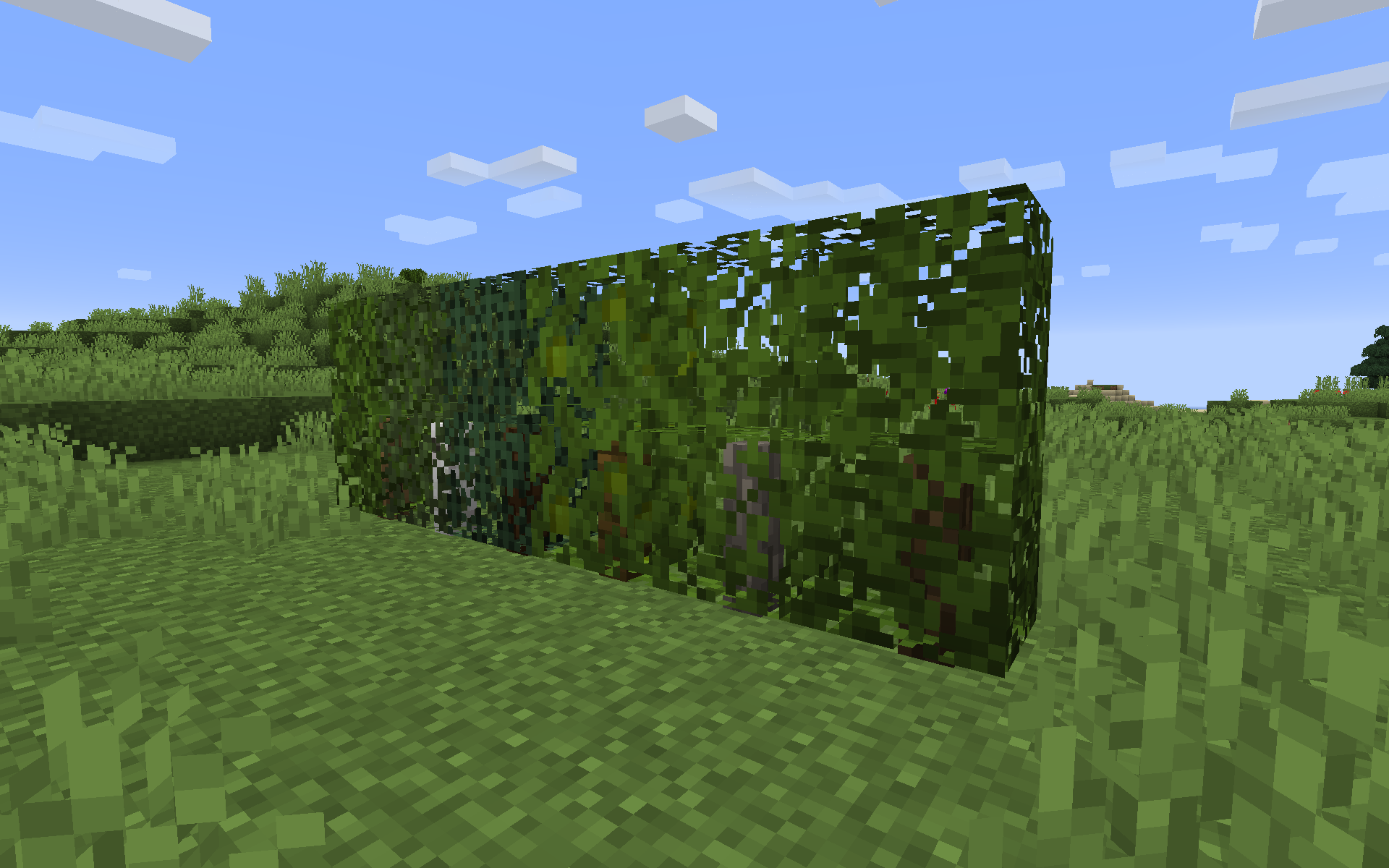
Since we're on the topic of "shrubbery", I also decided to slightly tweak Quark's hedges. The neat "trimmed" look does make sense on hedges, but they looked quite odd because Minecraft doesn't render the backface of quads, and hence the hedges don't seem to have depth if used on a single row. So I basically added "inverted" polygons to the models to emulate said backfaces, making them look much more natural.
To use this resource pack, you'll of course need to have Quark installed in your game.
In case that isn't clear, this resource pack doesn't touch the base game's trees. If you want that bushy look on them, you'll want to get another resource pack to modify them. I highly recoment Jerm's solution, but there are many others that should work just as well.
Feel free to use the model from this pack in your projects - I'm sure there are other modded trees out there begging to look bushy! Be sure to credit me if you do so, though.
(If you're looking for "bushy support" for other mods, make sure to check these resource packs I made for Ars Nouveau and The Undergarden.)