Mineuniverse
Resource Packs
Better PvP Visual

Better PvP Visual

RESOURCE PACK
BPV makes your Gameplay better, perfect for all types of PvP or Vanilla players, it reduces view wastes like totem pop and shield blocking
by AimLvca
Download Claim this project
1,186 downloads
0 likes
Updated Oct 14, 2026
0 hypes
32x Animated Miscellaneous Modern
Advertisement Remove ads with Premium →

What Better PvP Visual do:

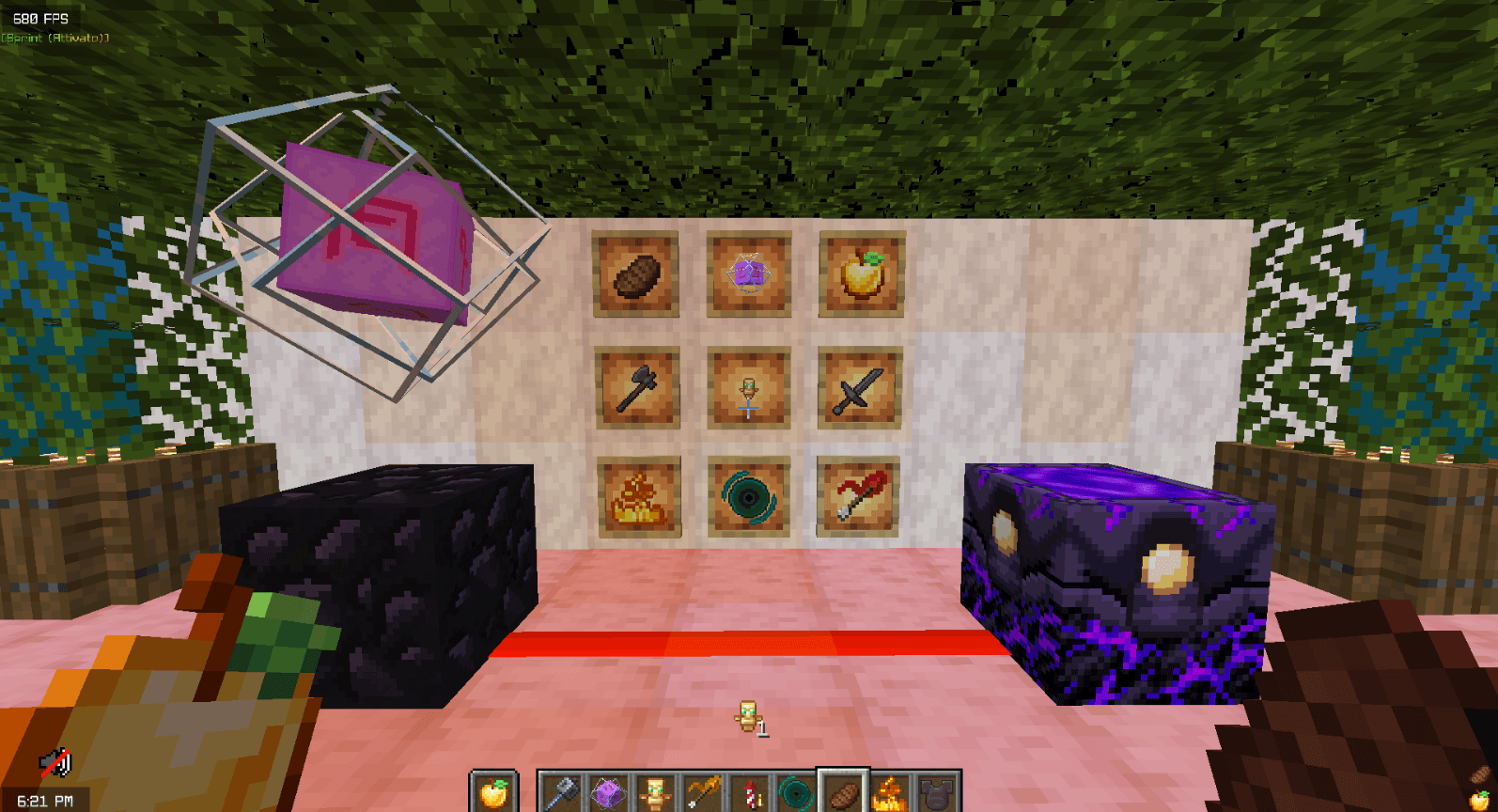
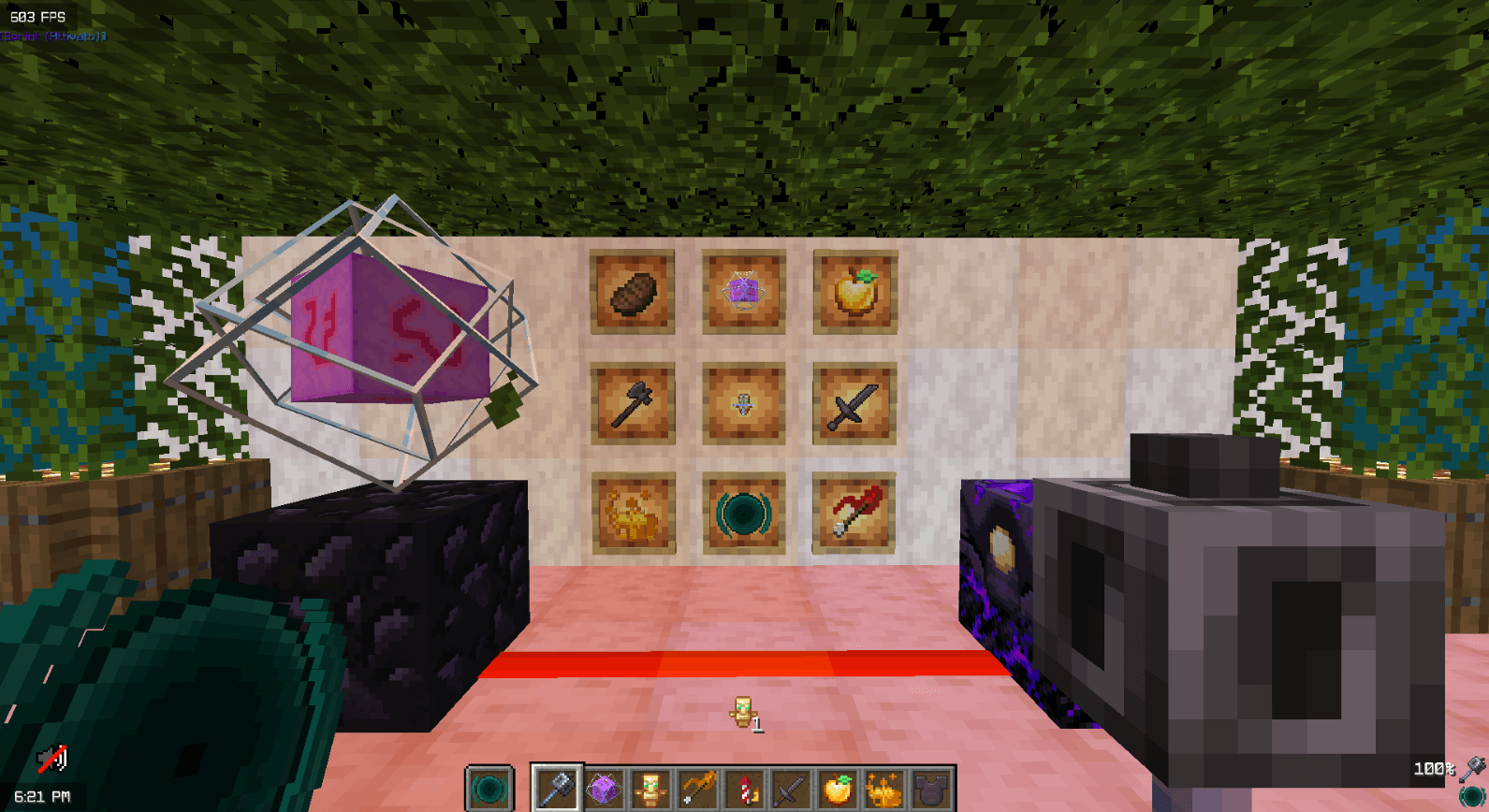
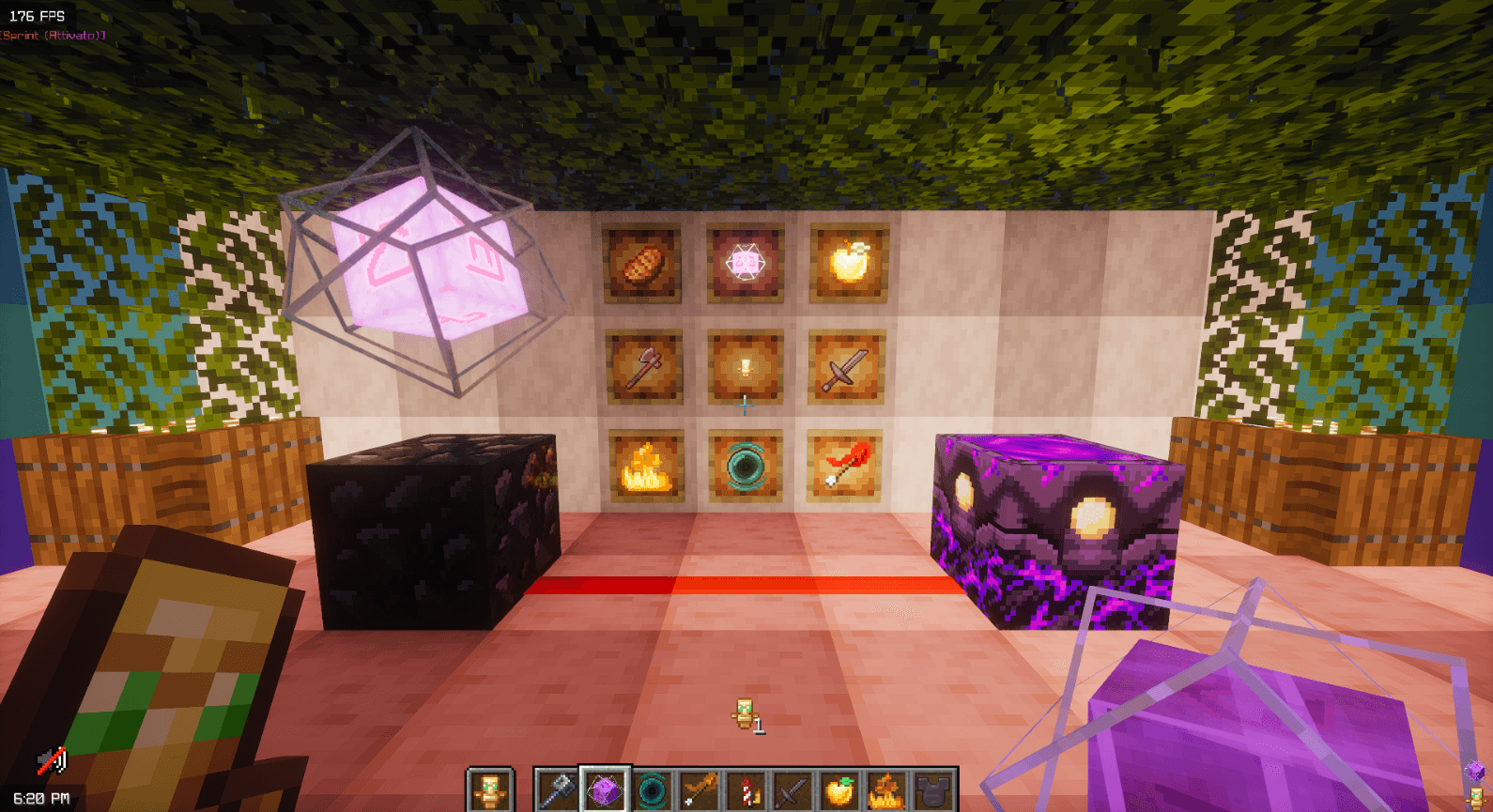
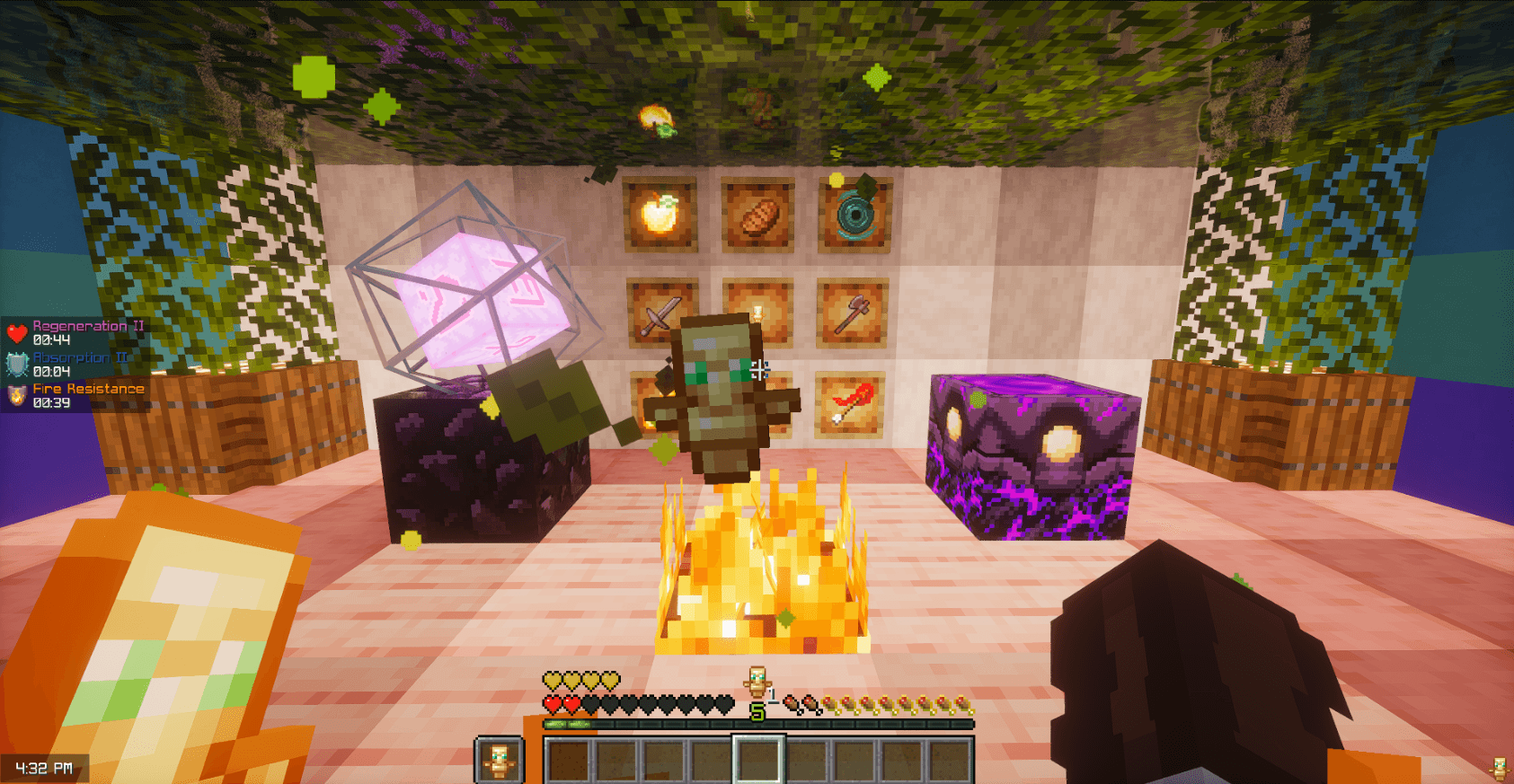
This Resource Pack makes your Gameplay better, perfect for all types of players (CPVP, Mace & Vanilla), it reduces view wastes like totem pops, shield and fire but it adds a lot of useful things to enhance your gameplay experience.

In short: it basically makes your game cleaner and reduces visual chaos. (Watch under)

Here is a summary of the features of this resource pack:


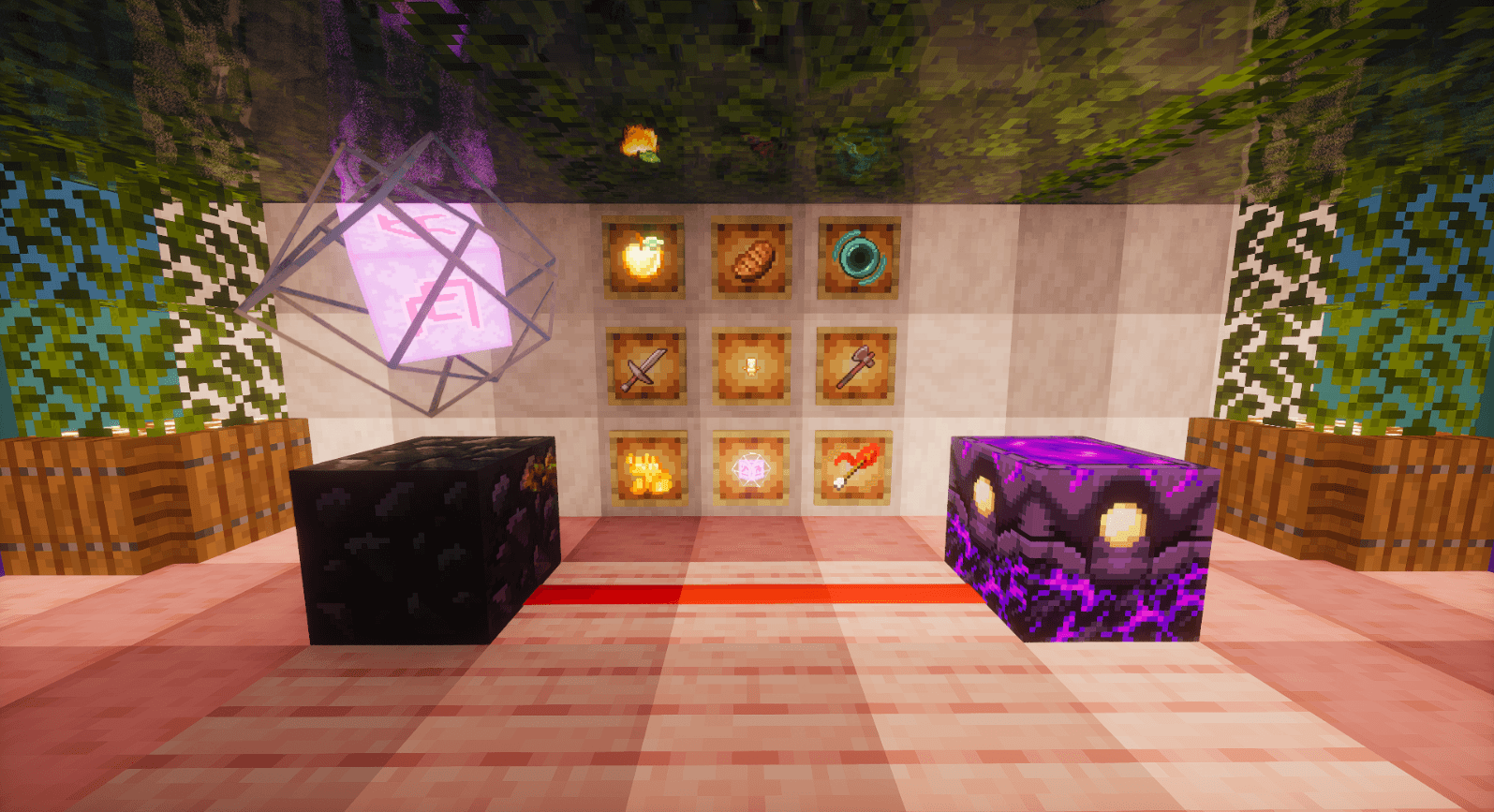
1. It reduces the size of a lot of items (Totem, Shield, Golden apple)

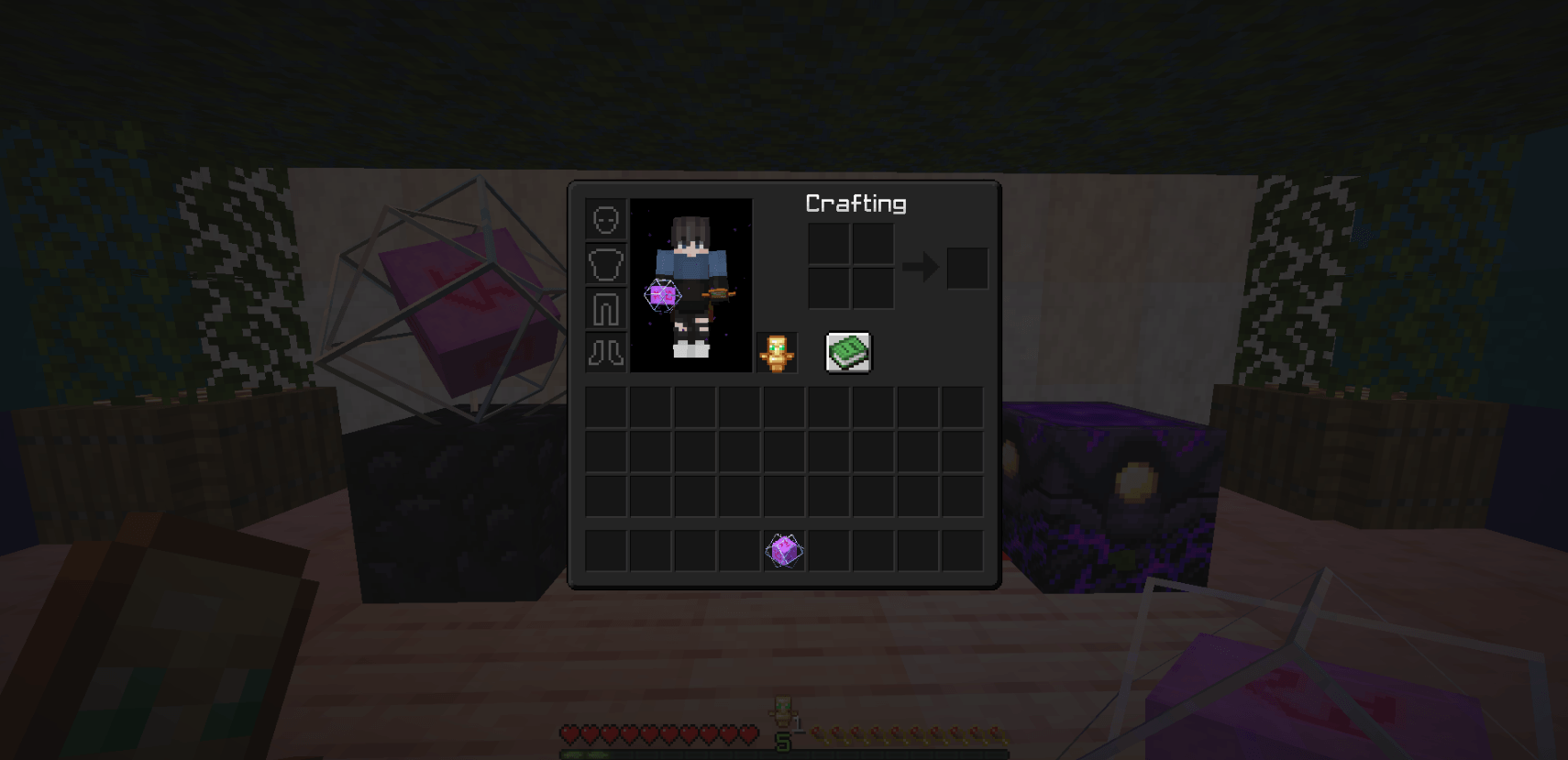
2. It makes game GUIs black (Like night settings)
 
3. It makes a lot of cool animations (Fire Rocket, Blaze Rod, Ender Pearls…)
 
4. It reduces the visual space waste (from: shield, totem size/pop/particles, pumpking blur)

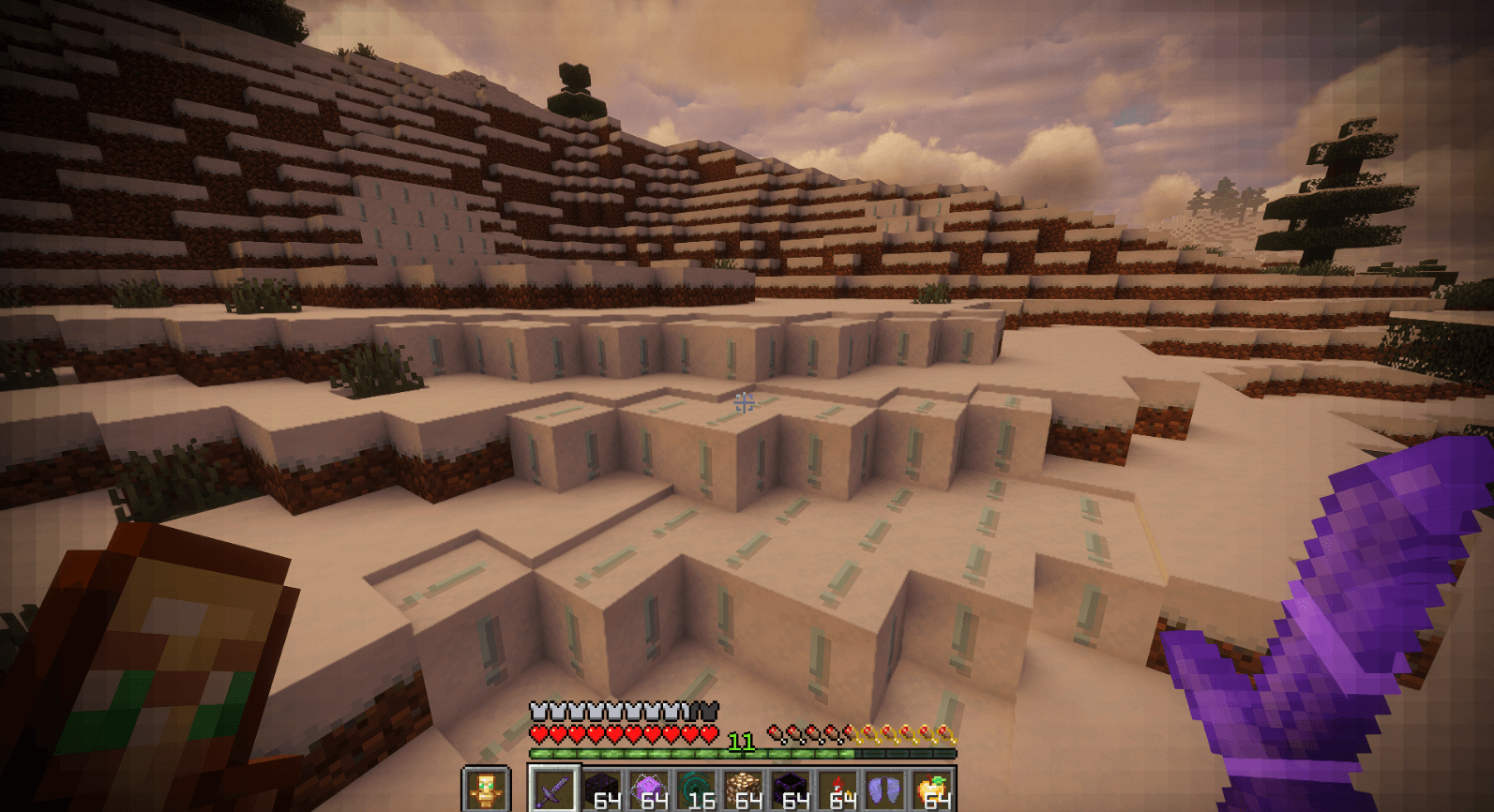
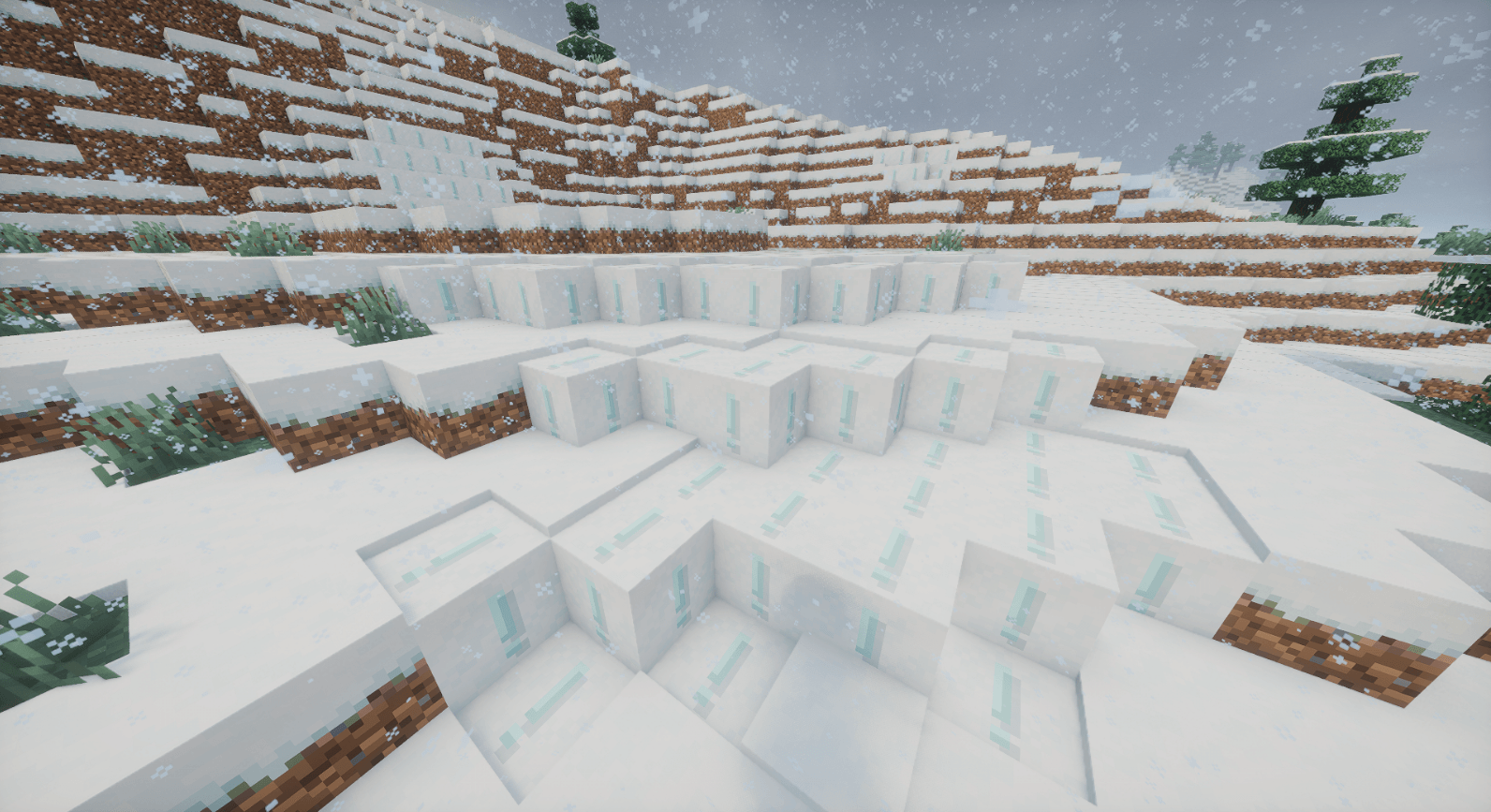
5. It adds an exlamation mark to the powder snow to allert you from fall into it.
 
6. It removes the crystal explosion smoke and also the campfire and fire smoke

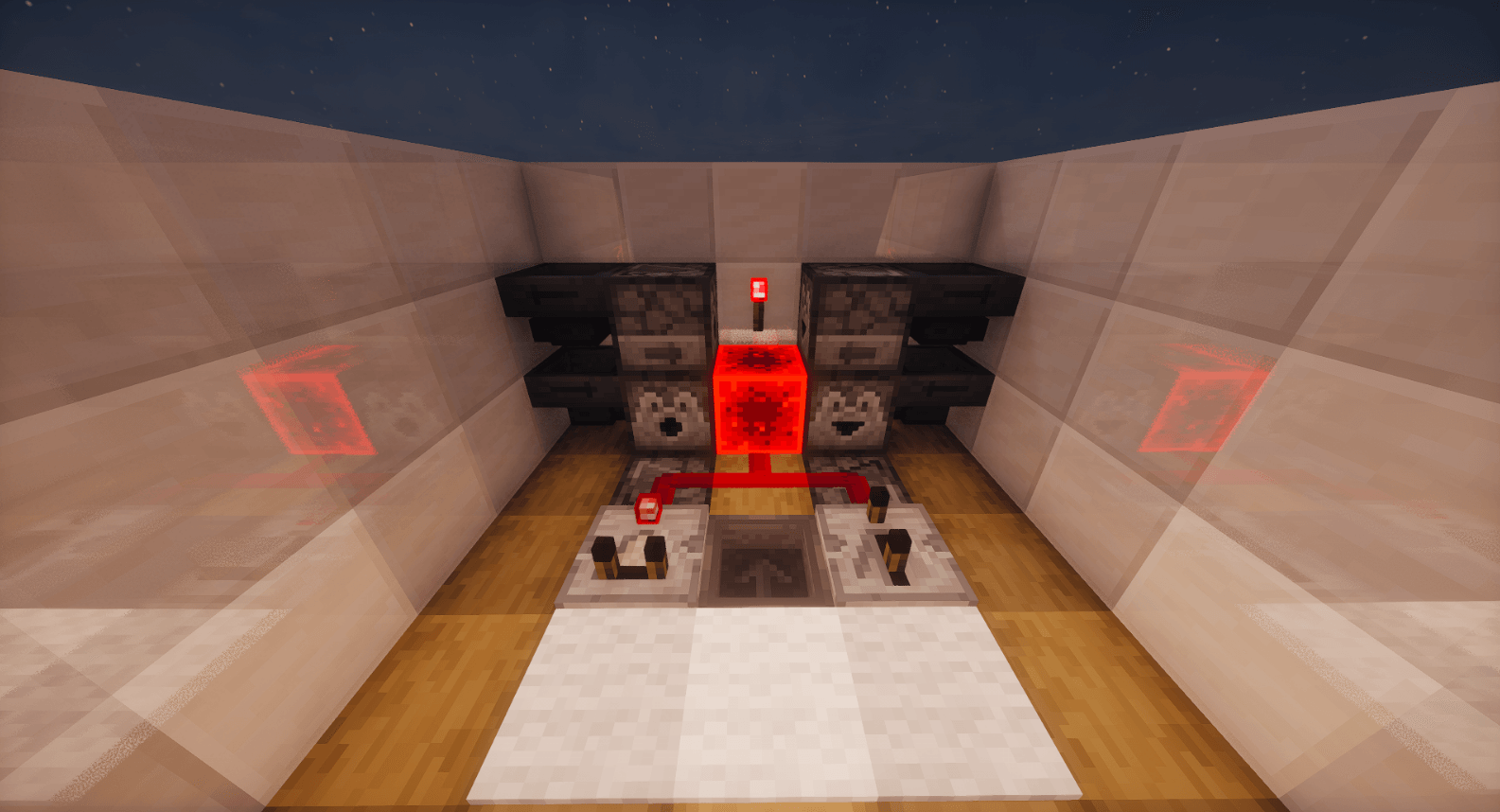
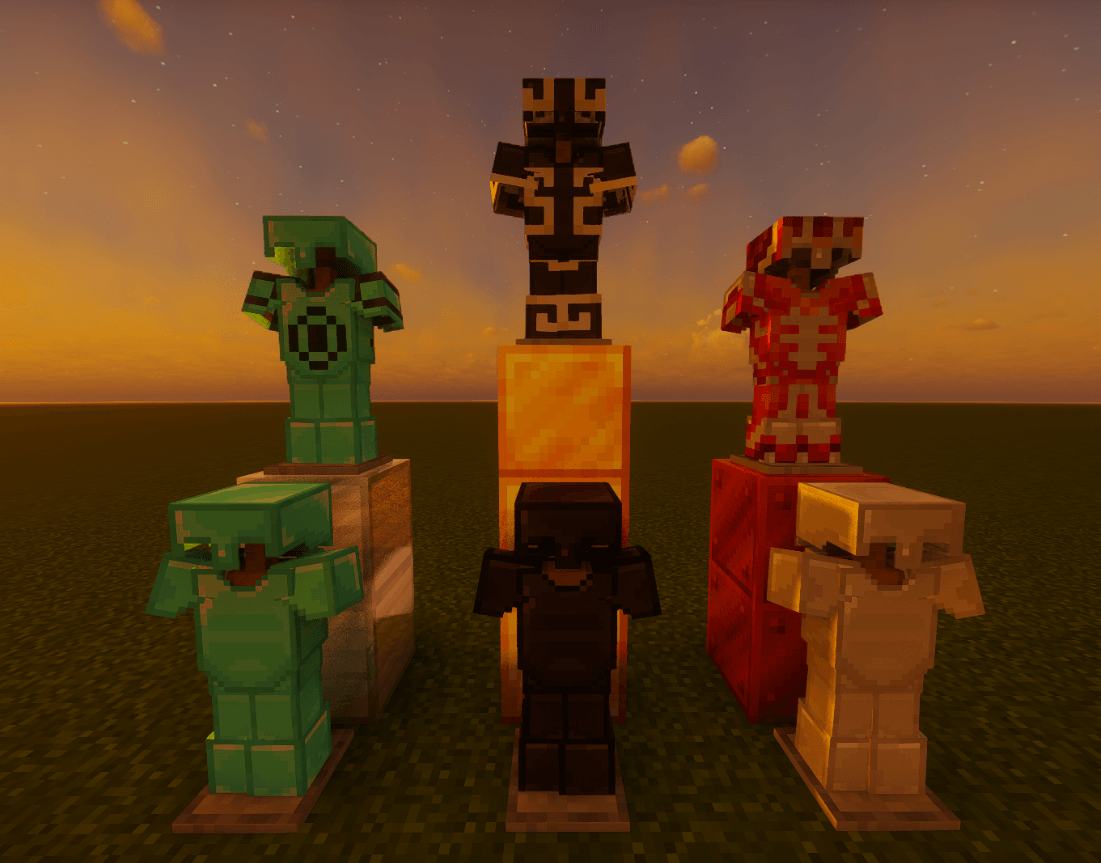
7. It changes the texture of crystals, redstone, tools and other things to save visual space
 
8. It changes the font of minecraft to make it simpler and cleaner
 
9. It adds some 3D models to Mace and also to the End Crystals

In short: it basically makes your game cleaner and reduces visual chaos


Credits, Info & Comments:
Credits: Vanilla Plus V2 (3D) | Totem Tweaks | Powder Snow Alerts | Mace but 3D | Vanilla-Plus
This pack isn't make by DS: @aimluca but he only take some features from other cool pack and he combined them in this pack |

If you want to download a version with the official UNSTABLE SMP death sound [CLICK ME]

If you have any problems, please feel free to contact me. [Discord link]

Better PvP Visual
MC 1.21.8, 1.21.5, 1.21.4, 1.21.6, 1.21.3, 1.21.7, 1.21.2, 1.21.9, 1.21.10, 1.21.11, 26.1, 26.1.1, 26.1.2, 26.2
Release 2026-06-30 Get

Requirements & install

How to use this resource pack in Minecraft
Resolution
32x
Minecraft
1.21.8 – 26.2
Install folder
.minecraft/resourcepacks

How to install resource packs

  1. Download the resource pack .zip file (do not extract it).
  2. In Minecraft open Options → Resource Packs → Open Pack Folder.
  3. Drop the .zip into the resourcepacks folder (.minecraft/resourcepacks).
  4. Move the pack to the Selected column and click Done.
Browse more: 16x resource packs 32x resource packs 64x resource packs 128x resource packs 256x resource packs 512x+ resource packs Resource Packs for 26.2 All resource packs
Advertisement Remove ads with Premium →

You Might Also Like