Badges update automatically and link to the resource pack page on MineUniverse.
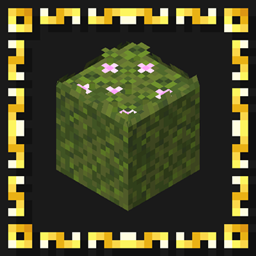
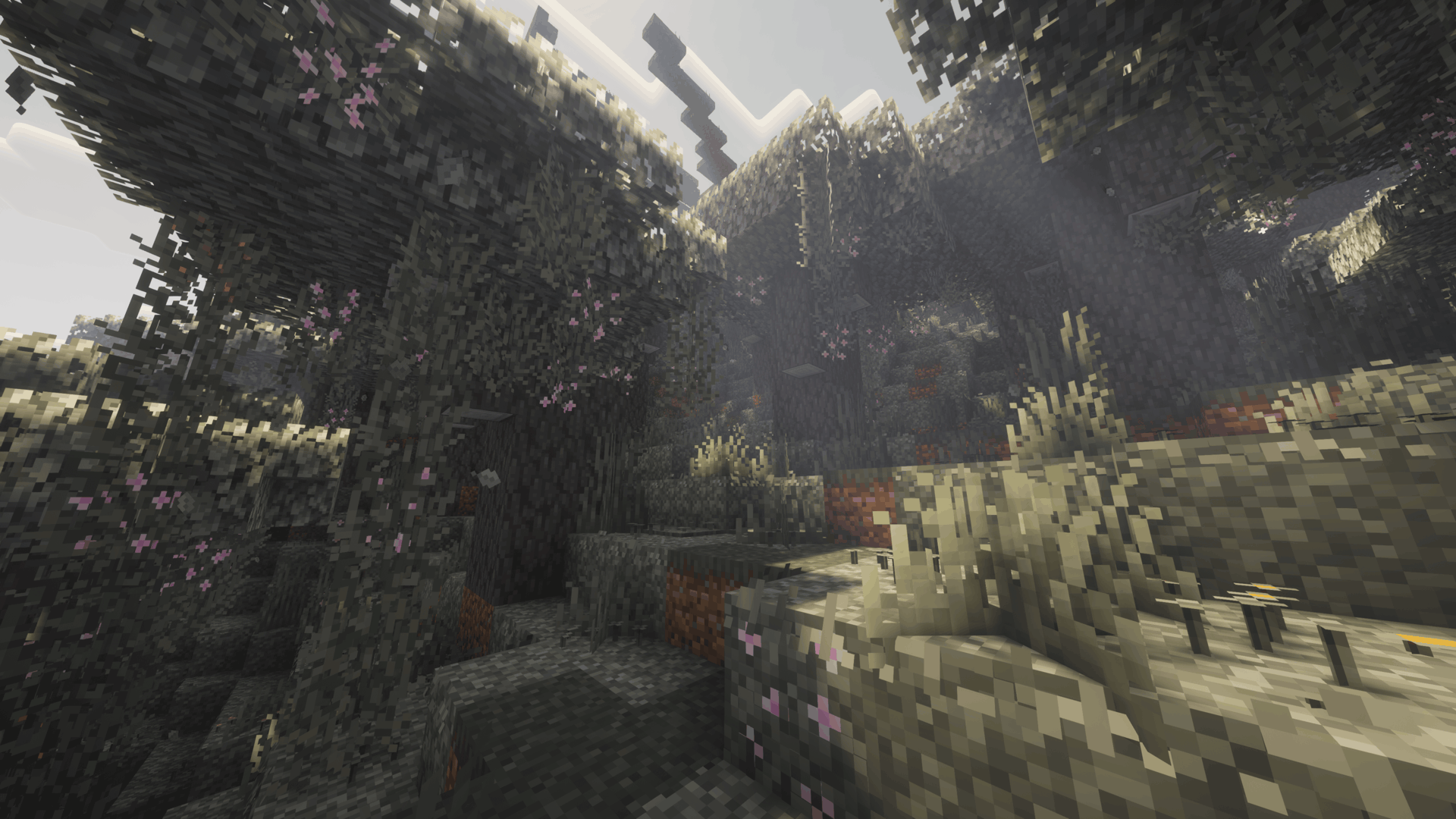
Enhances moss, mossy stone, azaleas and Pale Garden foliage with vanilla-style 3D overhangs, plants, flowers and other natural details.

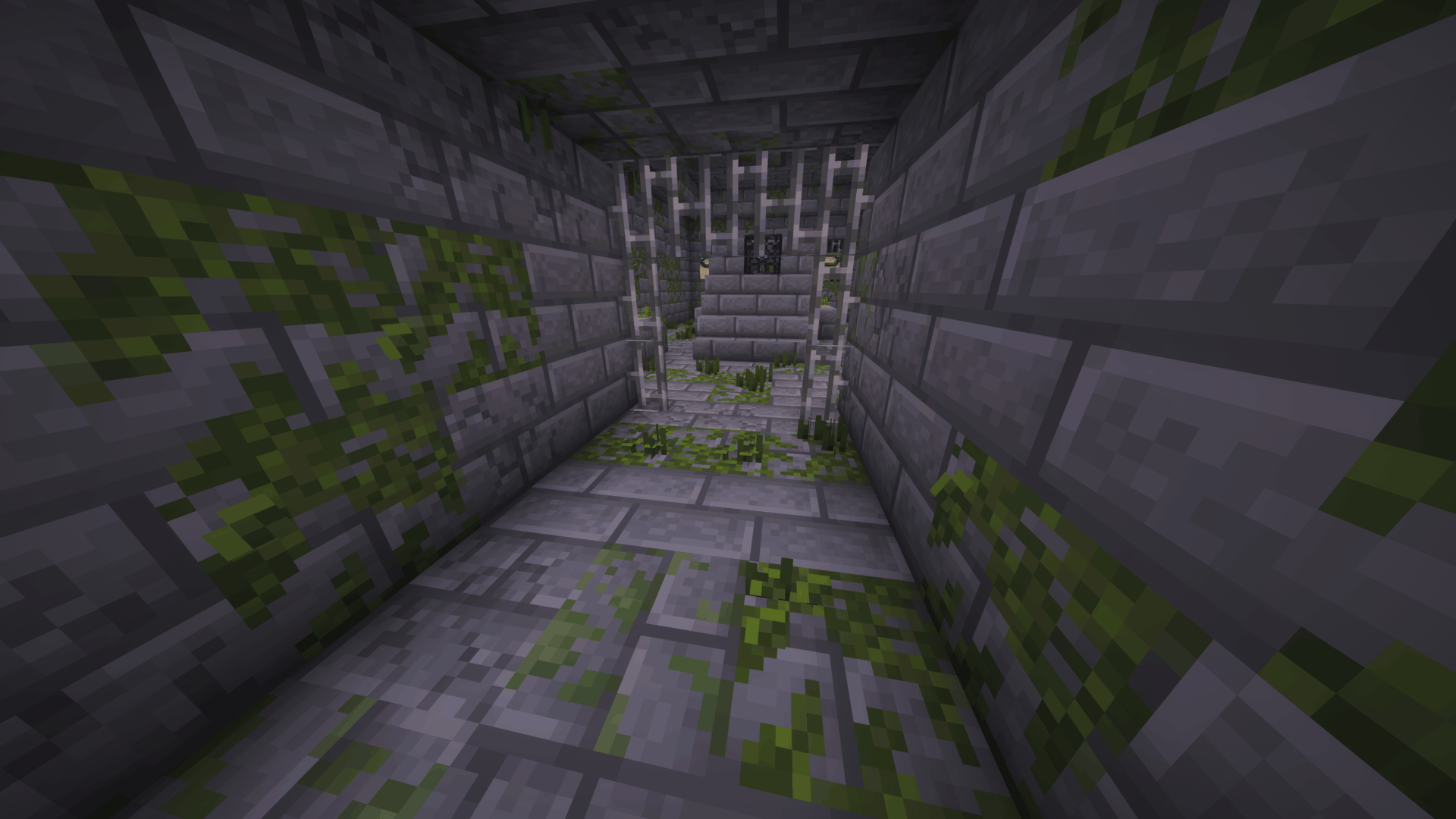
Better Moss adds depth and variety to Minecraft's moss-covered blocks while keeping their familiar textures and pixel style.
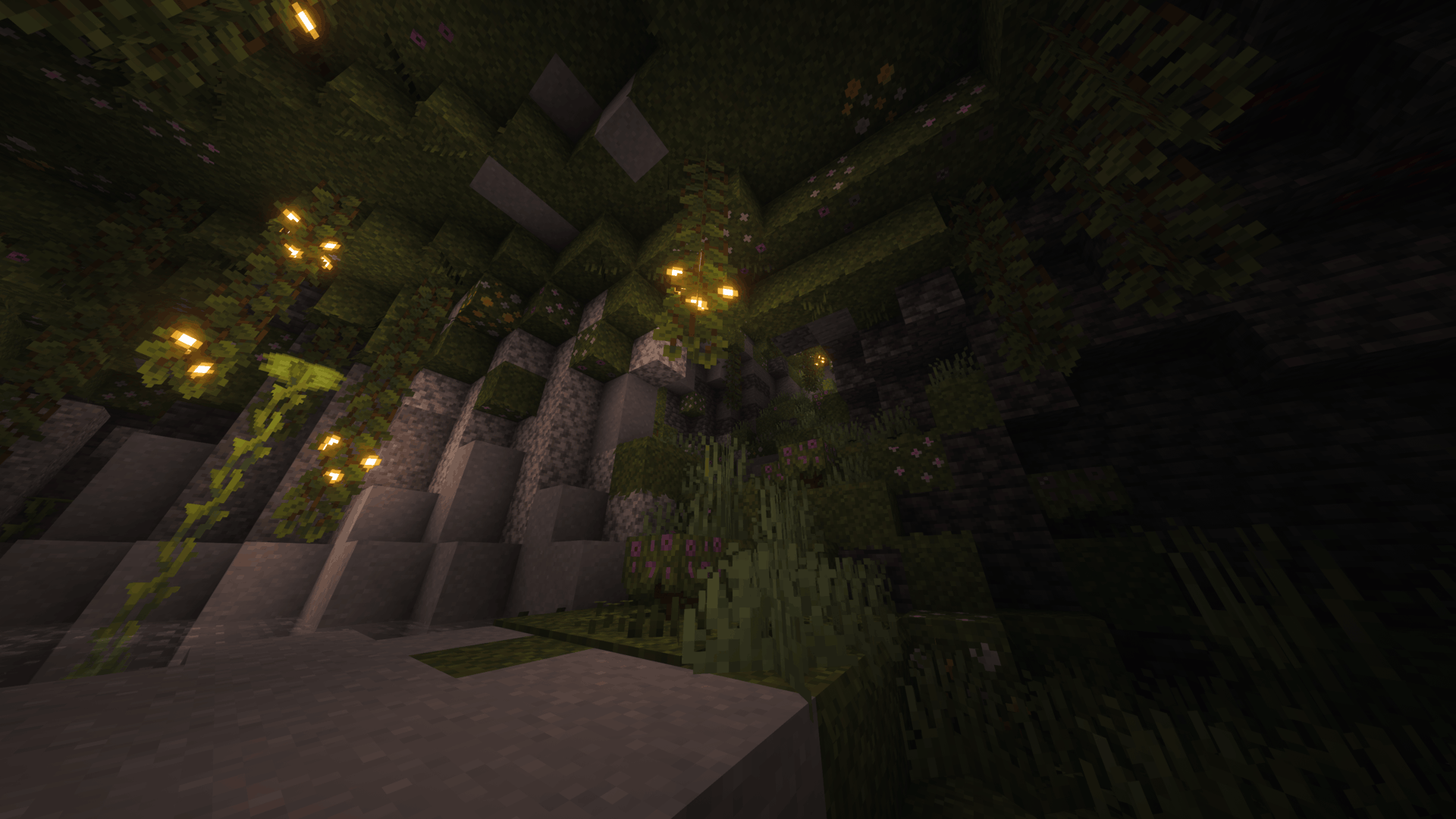
Small plants, uneven edges, hanging growth and other natural details make lush caves, gardens and overgrown builds feel more alive without moving away from Minecraft's vanilla appearance.
Different combinations and rotations give blocks a varied appearance, with clovers, sprouts, occasional flowers and rare mushrooms mixed throughout the foliage.
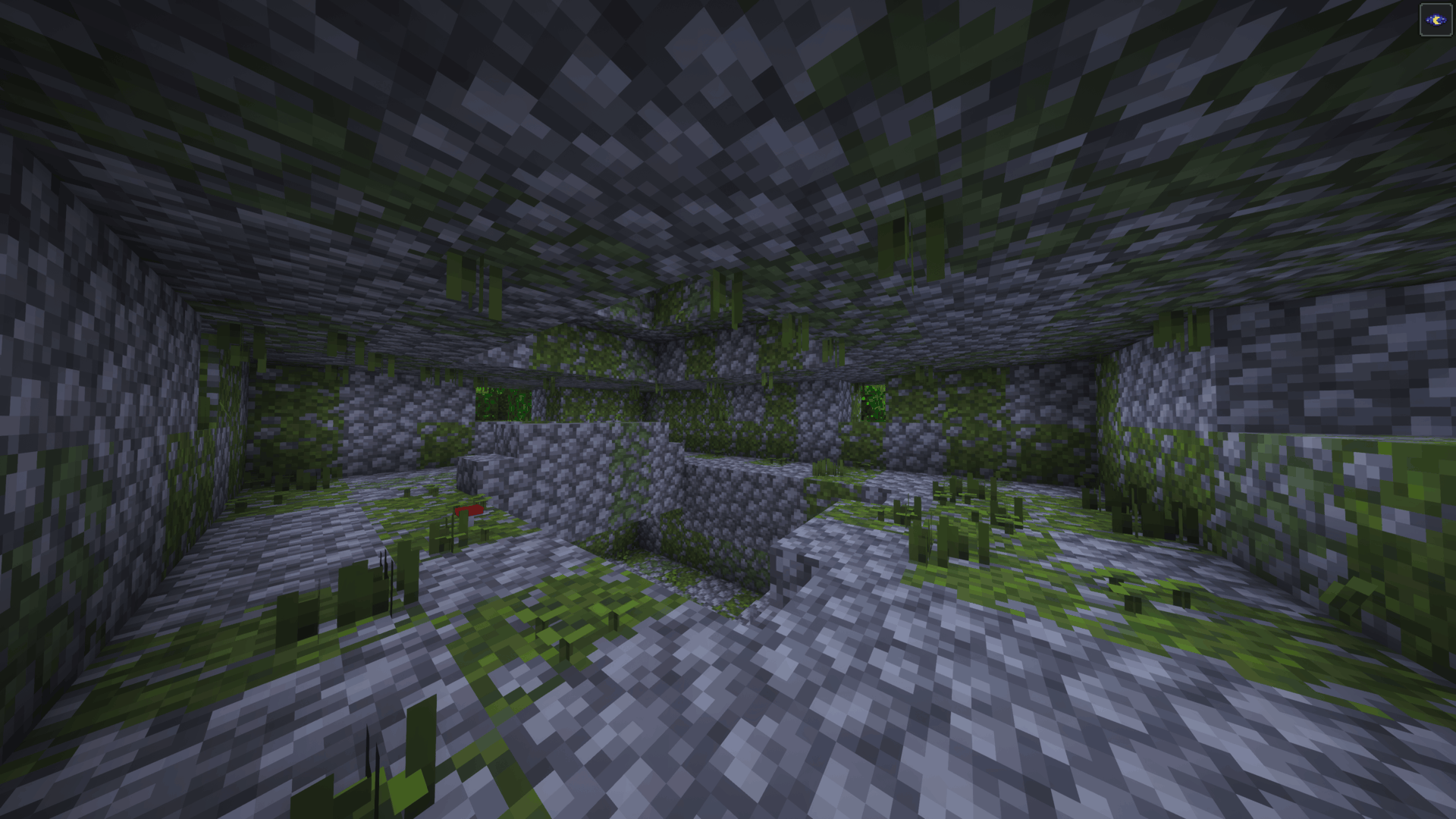
The pack also extends the same style to mossy stone, azaleas and the Pale Garden, creating a consistent look across Minecraft's different moss-covered environments.

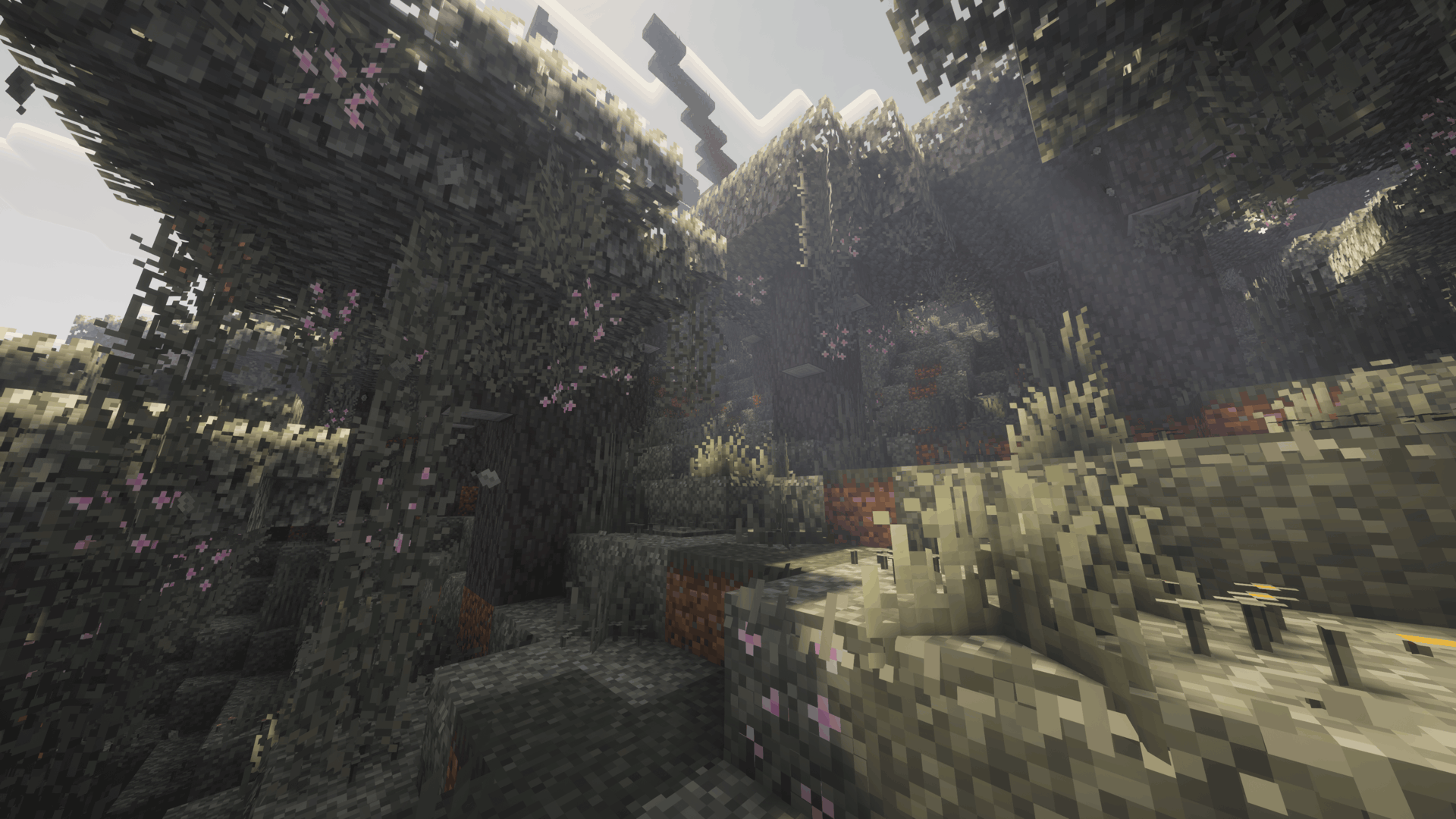
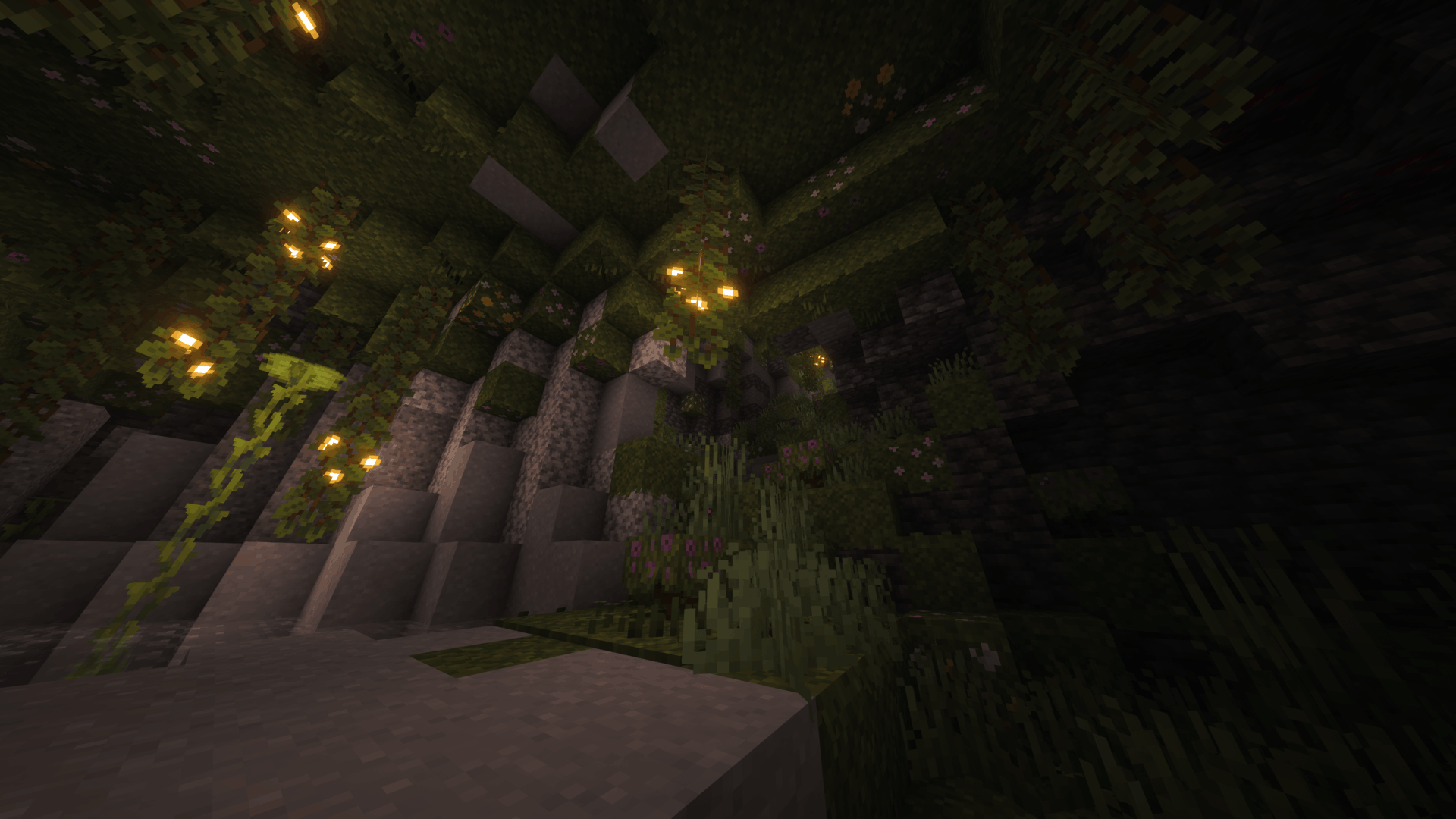
Click an image to view it in full size.

| 🌿 Moss & Moss Carpets | Adds uneven edges, 3D overhangs, clovers, sprouts, flowers and rare mushrooms. |
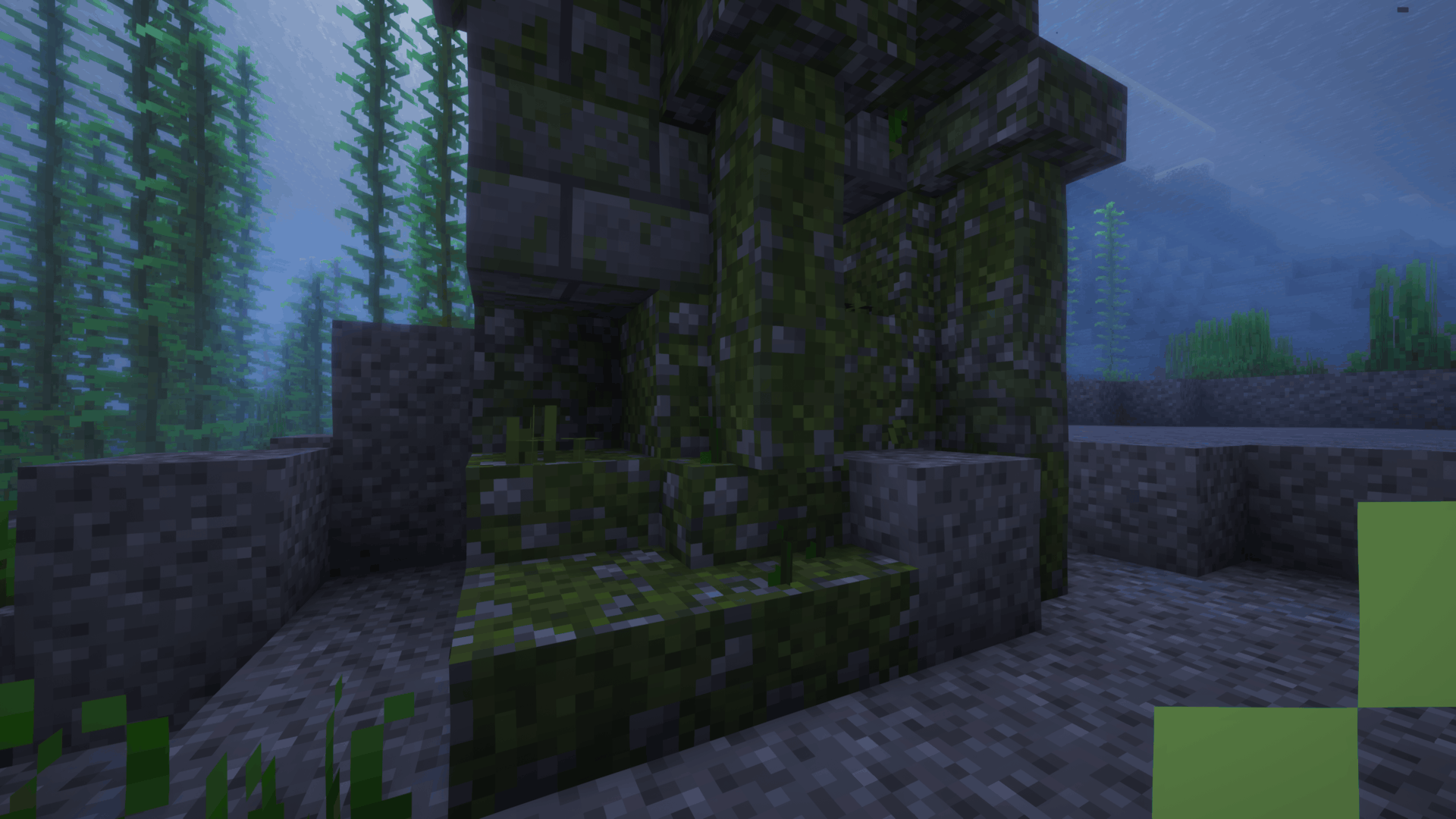
| 🪨 Mossy Stone | Adds extra moss and foliage to mossy cobblestone and stone bricks, including slabs, stairs and walls. |
| 🌊 Aquatic Details | Waterlogged variants replace much of the land foliage with details such as seagrass and kelp. |
| 🌱 Azaleas | Adds clovers, sprouts and varied details around regular, flowering and potted azaleas. |
| 🌫️ Pale Moss | Adds matching pale foliage, overhangs and varied growth to Pale Garden moss blocks and carpets. |
| 🪴 Hanging Moss | Adds additional hanging strands and occasional flowers to hanging moss. |
| ✨ Vanilla-Friendly | Keeps the original textures and pixel-art style while adding more depth and variation. |
Better Moss includes version-specific downloads covering Minecraft Java Edition 1.17 through 26.3.
The pack works with vanilla Minecraft and does not require OptiFine, shaders or any additional mods.
Pale Garden features are available from 1.21.4 onward. Earlier Minecraft versions use the pack's regular moss appearance where applicable.
Waterlogged decorations use still aquatic textures in versions 1.17 through 1.21.11 for vanilla rendering compatibility. Newer versions retain animated aquatic textures.
All changes are completely visual and do not affect gameplay.
Recommended — CurseForge
The easiest way to install Better Moss is directly through CurseForge.
If you use the CurseForge App, simply add Better Moss to your Minecraft profile and CurseForge will handle the installation for you.
When browsing on the CurseForge website, use the available install option to open the project directly in the CurseForge App.
This is the recommended installation method, as it makes selecting and managing the correct resource pack version much easier.
Manual Installation
1. Download the Better Moss file matching your Minecraft version.
2. Place the downloaded .zip file inside your Minecraft resourcepacks folder.
3. Open Options → Resource Packs in Minecraft.
4. Move Better Moss to the active resource packs.
5. Enjoy!
If another resource pack changes the same blocks, place Better Moss above it to prioritize Better Moss's models and textures.
Which blocks does Better Moss change?
Better Moss enhances moss blocks, moss carpets, hanging moss, mossy cobblestone, mossy stone bricks, azaleas, flowering azaleas and their related variants. Newer versions also include matching Pale Garden foliage.
Does Better Moss require any mods?
No. Better Moss works with vanilla Minecraft and does not require OptiFine, shaders or any additional mods.
Does Better Moss change the original moss textures?
The pack keeps Minecraft's familiar moss and mossy stone textures while adding custom model geometry, foliage and other details around them.
Why do waterlogged blocks look different?
Waterlogged mossy stone variants use aquatic decorations such as seagrass and kelp instead of much of the additional land foliage, allowing them to fit more naturally underwater.
Does Better Moss support the Pale Garden?
Yes. Minecraft versions with the Pale Garden include matching pale moss foliage, carpet overhangs, hanging moss details and other Pale Garden-specific additions.
Why do older versions have fewer features?
Some blocks and features, including the Pale Garden, did not exist in earlier Minecraft versions. Each download only includes features appropriate for that version of the game.
Can I use Better Moss together with other resource packs?
Yes. If another resource pack changes the same blocks or models, whichever pack has the higher priority will generally override the conflicting assets. Place Better Moss above the other pack if you want its models to take priority.
Can I use Better Moss in a modpack?
Yes. Better Moss may be included in public and private modpacks. Please link back to the original project rather than redistributing the pack as your own work.

Have feedback, found a problem, or want to follow future projects?
Join the Intelligence Modding community for project updates, previews, support, and general Minecraft modding discussion.




Better Moss is created by DoomedArtemis as part of Intelligence Modding.