Mineuniverse
Resource Packs
Better Mob Models

Better Mob Models

RESOURCE PACK
Visual overhauls of a few mobs that needed improvements!
by joosh_7889
Download Claim this project
896,863 downloads
0 likes
0 followers
Updated Oct 14, 2026
0 hypes
Follow0
16x Animated Traditional
Advertisement Remove ads with Premium →


This resource pack requires EMF and ETF.

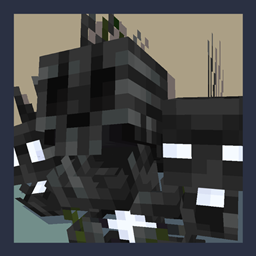
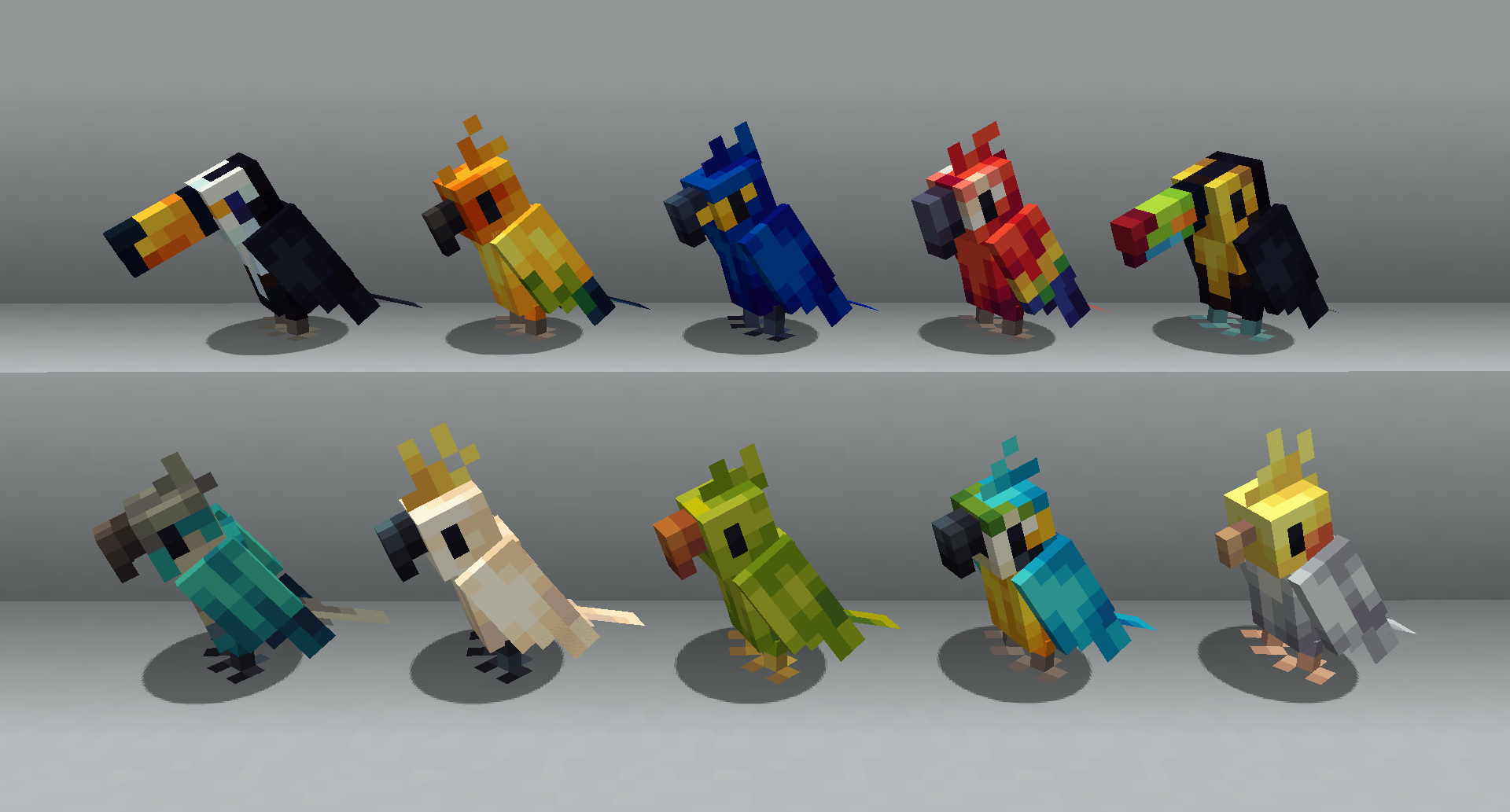
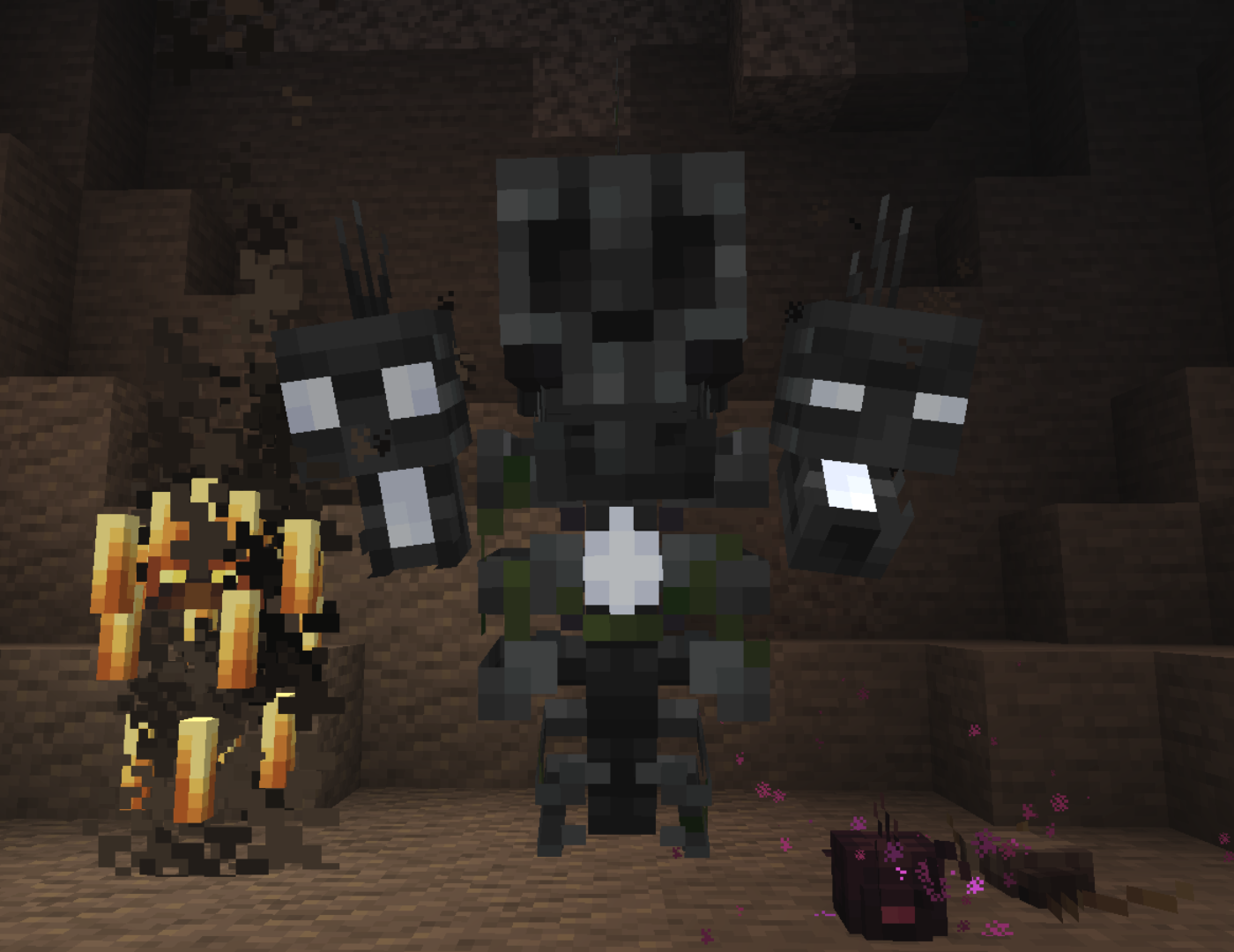
Better Mob Models will overhaul various Minecraft mobs with new art and animations to make your world more visually exciting :D
While the resource pack only changes 5 mobs at the moment, we plan on updating it in the future, so feel free to suggest mobs you'd like to see re designed!

Josh/Joosh - Art
GogoMines - Creating the resource pack

Creatures and Beasts - A mod that adds amazing creatures into Minecraft!
Critters and Companions - A mod that adds a variety of friendly animals!
Ghost - Adds two friendly ghost mobs to your world!
Night Lights - Adds a huge variety of different decorative light sources!
Lookin' Sharp - Adds 60 new melee weapons to the game!
Creeper Overhaul - A mod that overhauls the vanilla creepers! 
Enderman Overhaul - A mod that overhauls the vanilla endermen! 
Golem Overhaul - A mod that overhauls the vanilla creepers! 
Ribbits - Adds swamp villages full of tiny villagers called ribbits!


Better Mob Models 1.2 for 1.21.7/8
MC 1.21.8, 1.21.7
Release 2025-07-10 Get
Better Mob Models 1.2 for 1.21.6
MC 1.21.6
Release 2025-06-21 Get
Better Mob Models 1.2 for 1.21.5
MC 1.21.5
Release 2025-06-02 Get
Better Mob Models 1.2 for 1.20.1
MC 1.20.1
Release 2025-06-02 Get
Better Mob Models 1.2 for 1.19.2
MC 1.19.2
Release 2025-06-02 Get
Better Mob Models 1.1
MC 1.19.3, 1.19.4-Snapshot, 1.19.4, 1.19-Snapshot, 1.19.2, 1.19.1, 1.19, 1.19.3-Snapshot
Release 2023-07-26 Get
Better Mob Models 1.0
MC 1.19.2
Release 2022-09-22 Get

Requirements & install

How to use this resource pack in Minecraft
Resolution
16x
Minecraft
1.19.3 – 1.21.8
Install folder
.minecraft/resourcepacks

How to install resource packs

  1. Download the resource pack .zip file (do not extract it).
  2. In Minecraft open Options → Resource Packs → Open Pack Folder.
  3. Drop the .zip into the resourcepacks folder (.minecraft/resourcepacks).
  4. Move the pack to the Selected column and click Done.
Browse more: 16x resource packs 32x resource packs 64x resource packs 128x resource packs 256x resource packs 512x+ resource packs Resource Packs for 1.21.8 All resource packs

More from joosh_7889

Advertisement Remove ads with Premium →

You Might Also Like