Mineuniverse
Resource Packs
Better Lights

Better Lights

RESOURCE PACK
Lighting, Improved
by Tagm8
Download Claim this project
Add a badge to your pageLink to Better Lights from a README, website or forum post.
Preview: Badge

Badges update automatically and link to the resource pack page on MineUniverse.
16,567 downloads
0 likes
0 followers
Updated Oct 14, 2026
0 hypes
Follow0
16x Miscellaneous Traditional
Advertisement Remove ads with Premium →

Lighting, Improved

Demo

Ever used shaders and thought that lights looked bland or just completely yellow or just found the regular textures to be rather boring?

 Well if the answer is yes than this pack is for YOU!

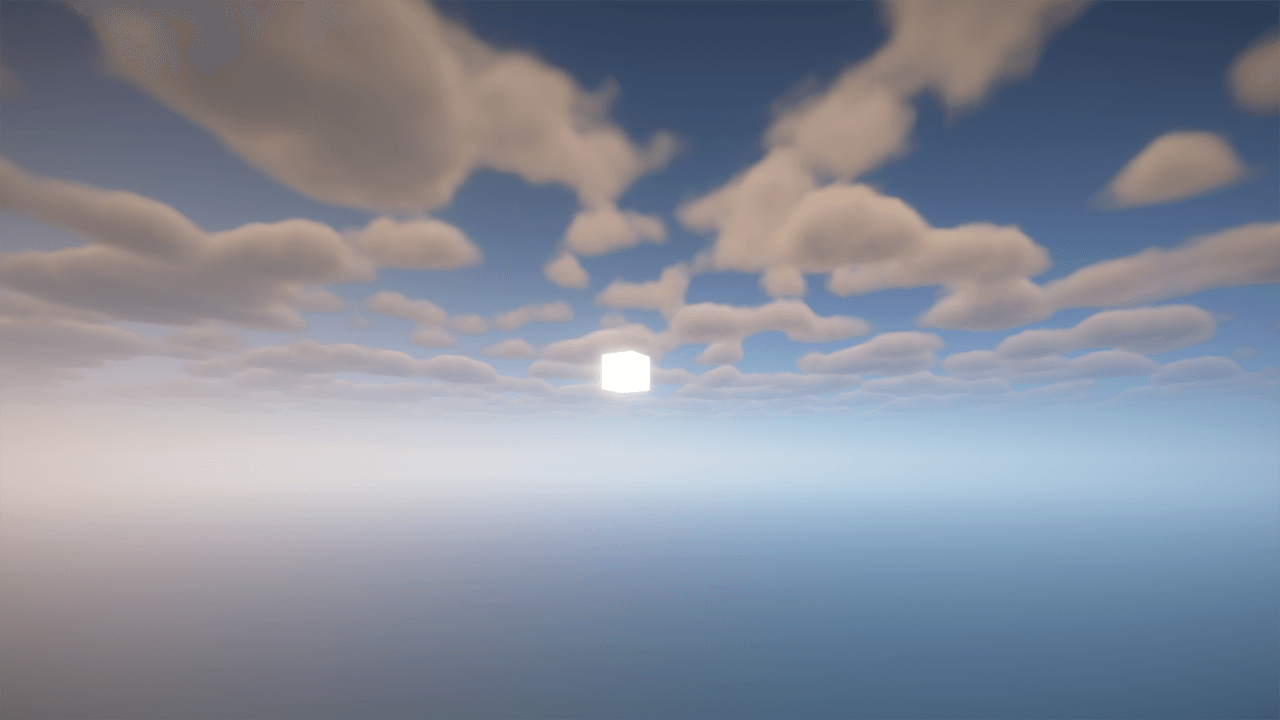
Better Lights well, improves lights, Removes Fog & Vigenette, Adds Fullbright & Unobrtrusive rain/particles, Endless End rods, the 1.21.5 redstone torch, and makes things look alot more like they do in real life, for example,

Sea lanterns, they're now LEDS, Torches are Beautifuly Animated and Everything looks alot cleaner.

So what are you waiting for, Download now!


Better Lights - 5.0
MC 1.21, 1.15, 1.16, 1.13, 1.21.8, 1.8.8, 1.9.4, 1.8.4, 1.17, 1.12, 1.21.5, 1.18, 1.21.4, 1.11, 1.20.1, 1.20, 1.10, 1.21.1, 1.21.6, 1.8, 1.21.3, 1.21.7, 1.14, 1.20.4, 1.8.9
Release 2026-03-19 Get
Better Lights 4.0
MC 1.21, 1.15, 1.16, 1.13, 1.17, 1.12, 1.21.5, 1.18, 1.21.4, 1.11, 1.20, 1.10, 1.21.1, 1.8, 1.21.3, 1.14, 1.19, 1.21.2, 1.9
Release 2025-04-06 Get
Better Lights 3.0
MC 1.21, 1.17, 1.16, 1.21.4, 1.20, 1.21.3, 1.21.1, 1.18, 1.19, 1.21.2
Release 2024-12-30 Get
Better Lights 2.0
MC 1.21, 1.17, 1.12, 1.15, 1.16, 1.13, 1.11, 1.14, 1.20, 1.10, 1.18, 1.9, 1.19
Release 2024-11-08 Get
Better Lights 1.0
MC 1.21, 1.17, 1.12, 1.15, 1.16, 1.13, 1.11, 1.14, 1.20, 1.10, 1.8, 1.18, 1.9, 1.19
Release 2024-11-03 Get

Requirements & install

How to use this resource pack in Minecraft
Resolution
16x
Minecraft
1.21.1 – 1.21.8
Install folder
.minecraft/resourcepacks

How to install resource packs

  1. Download the resource pack .zip file (do not extract it).
  2. In Minecraft open Options → Resource Packs → Open Pack Folder.
  3. Drop the .zip into the resourcepacks folder (.minecraft/resourcepacks).
  4. Move the pack to the Selected column and click Done.
Browse more: 16x resource packs 32x resource packs 64x resource packs 128x resource packs 256x resource packs 512x+ resource packs Resource Packs for 1.21.8 All resource packs

More from Tagm8

Advertisement Remove ads with Premium →

You Might Also Like