Mineuniverse
Resource Packs
Better High Contrast

Better High Contrast

RESOURCE PACK
I'm working on the High Contrast resource pack because Mojang won't
by RubricalChain25
Download Claim this project
2,162 downloads
0 likes
Updated Oct 14, 2026
0 hypes
16x Miscellaneous
Advertisement Remove ads with Premium →

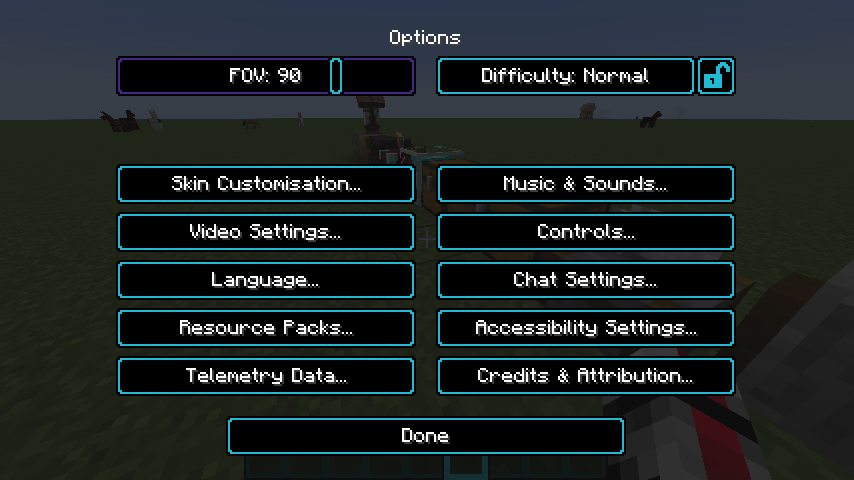
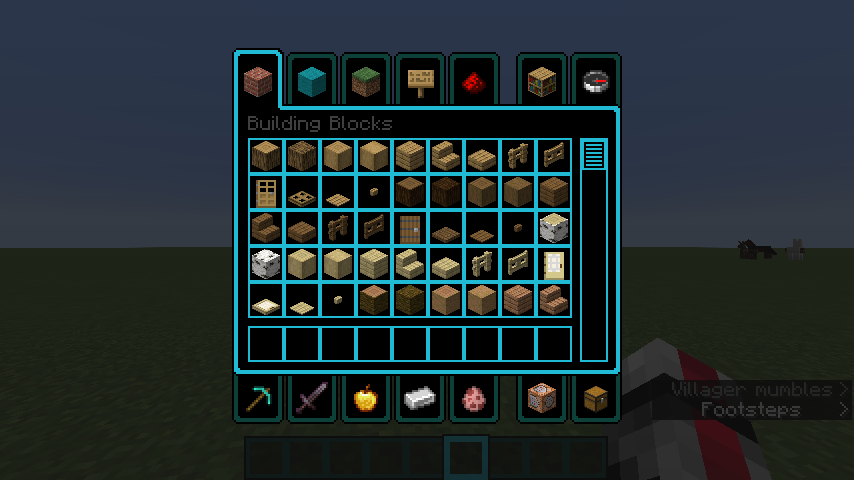
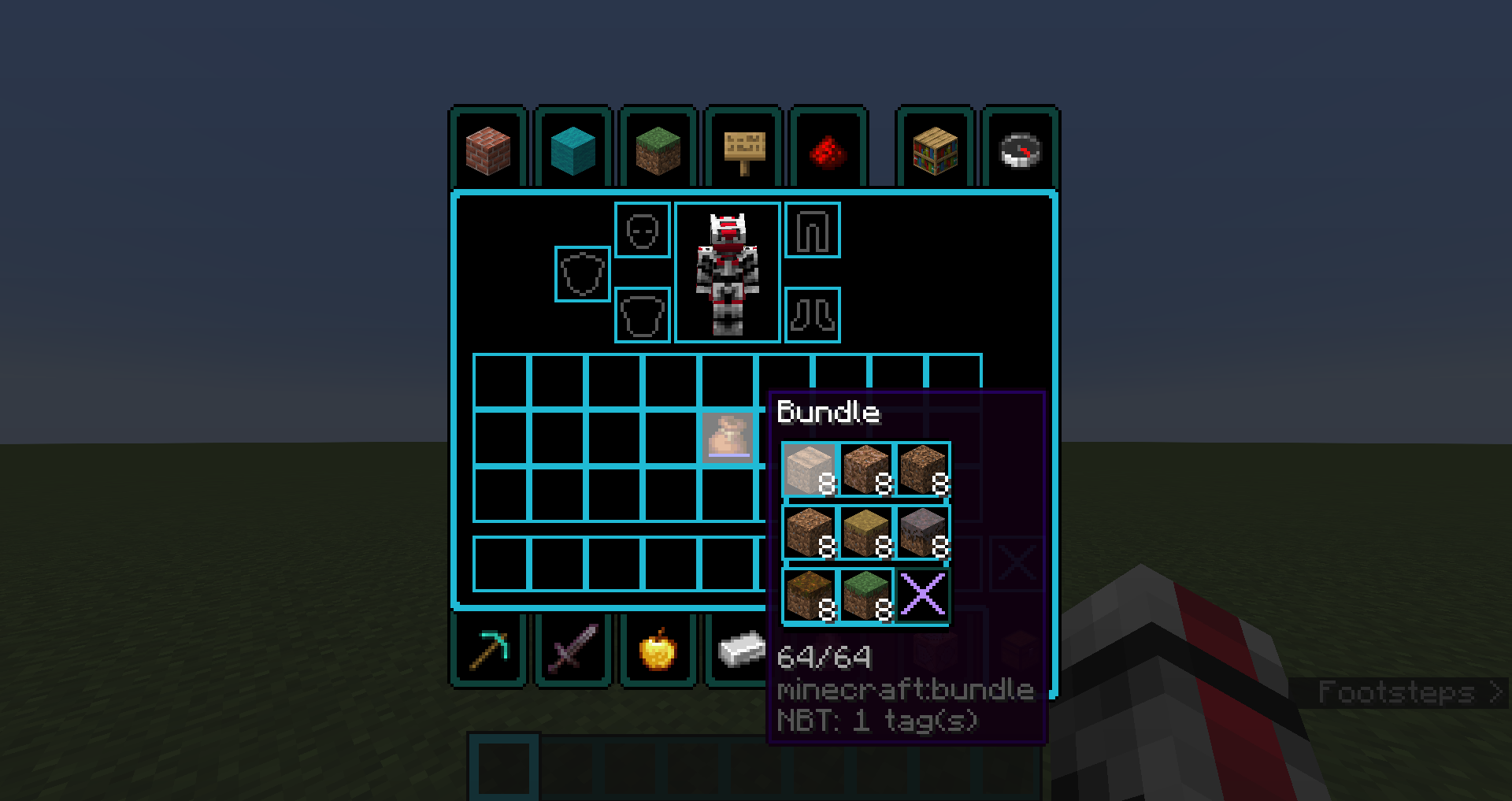
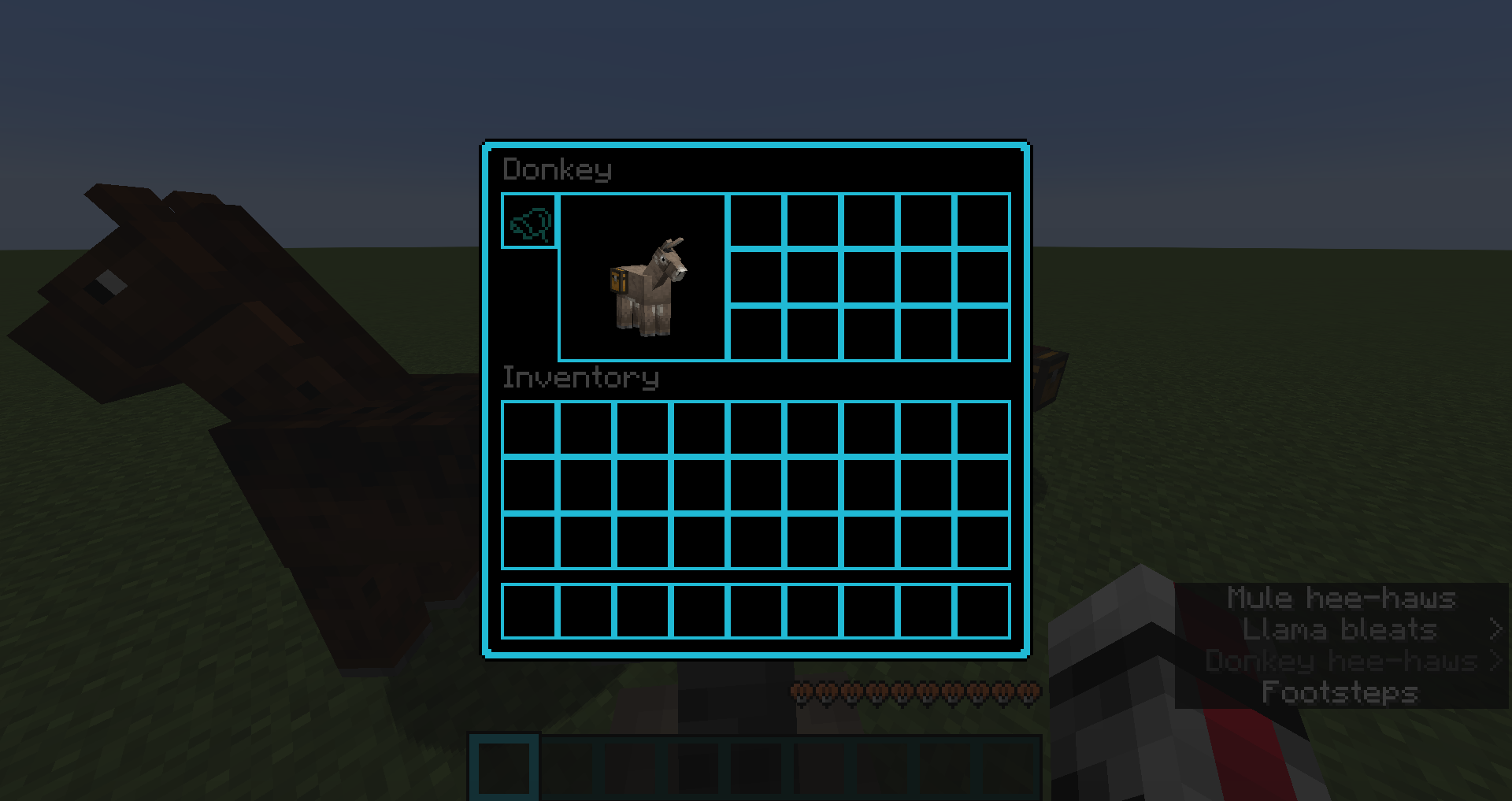
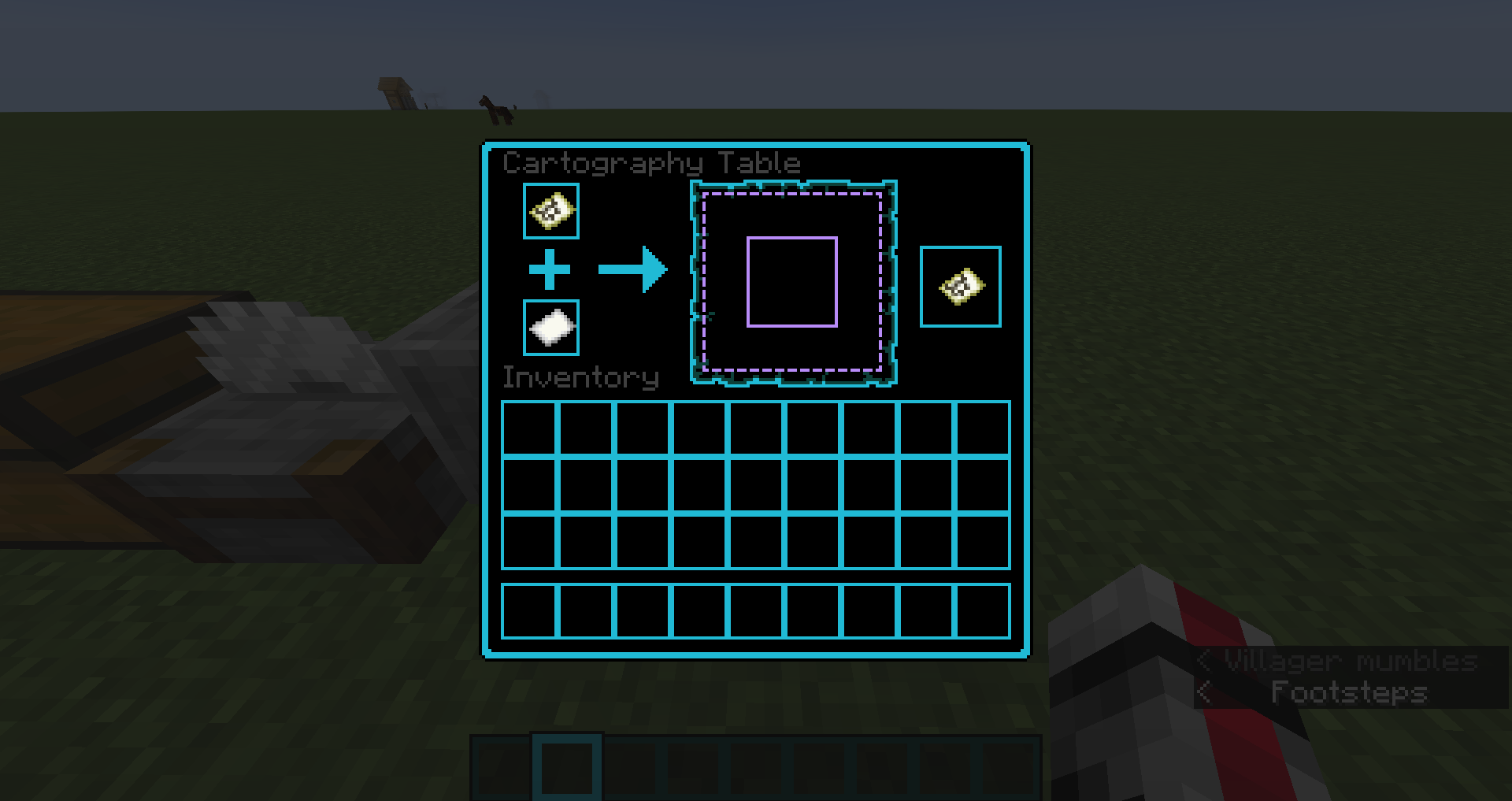
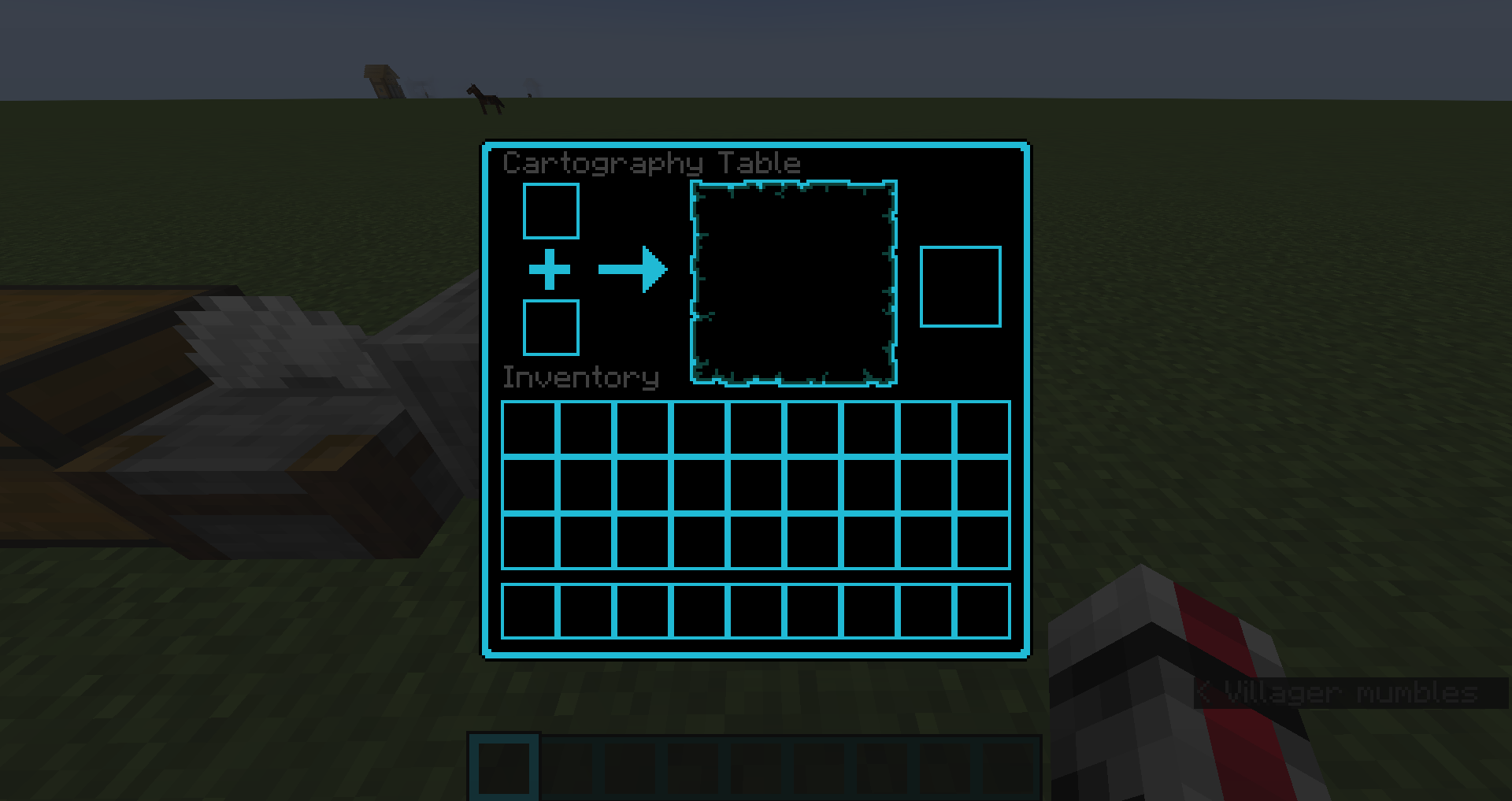
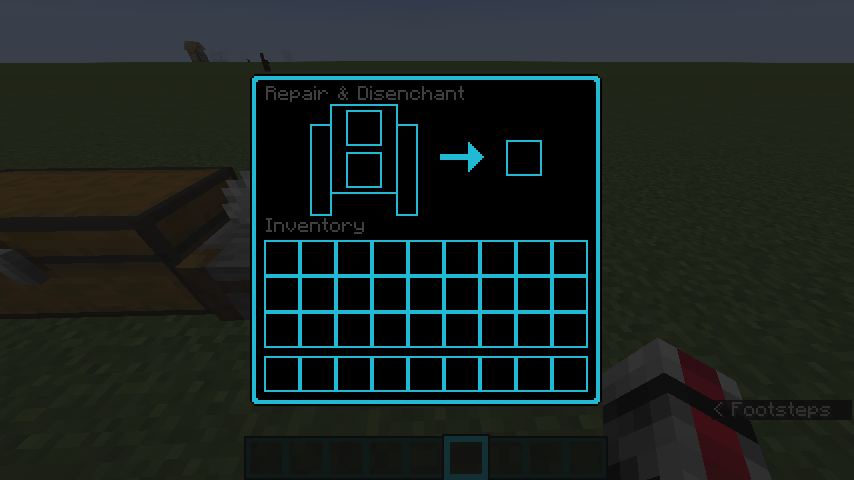
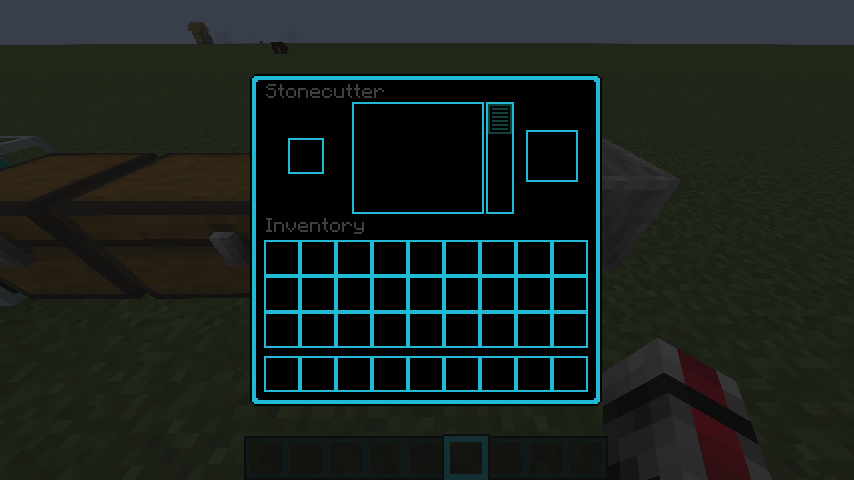
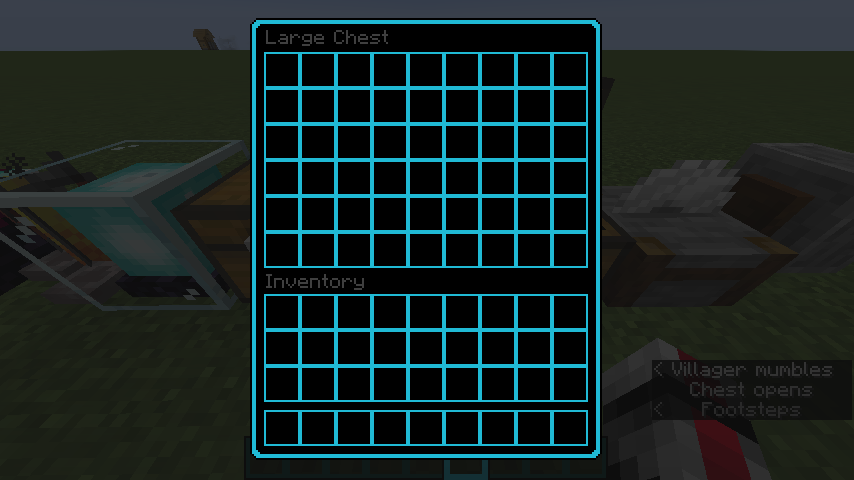
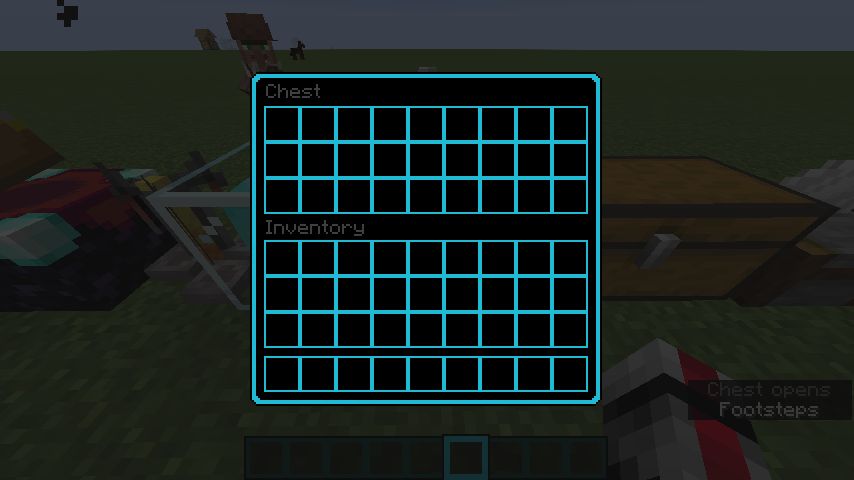
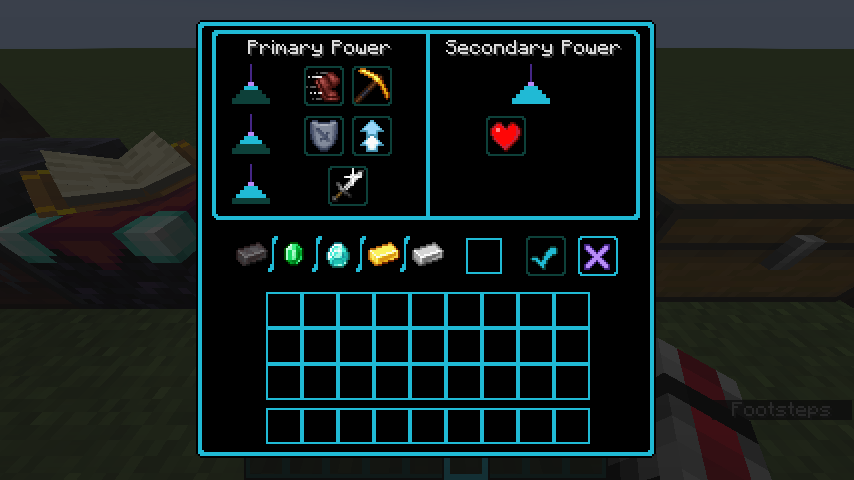
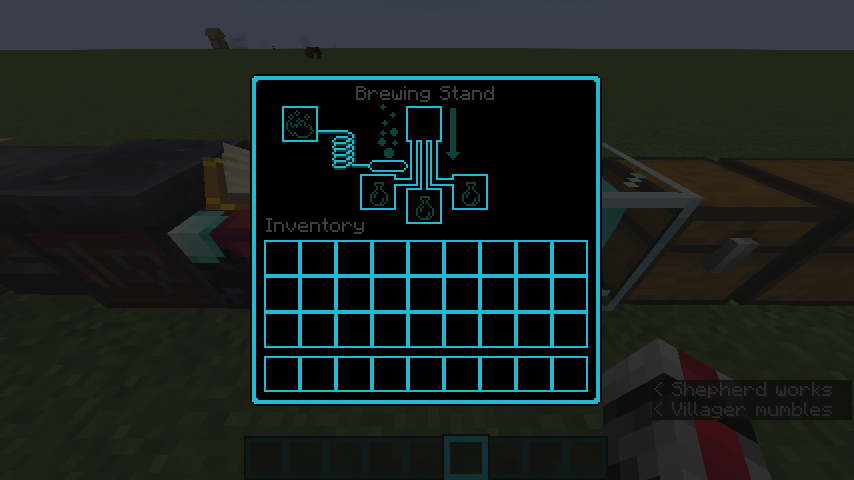
Minecraft BHC LogoEvery GUI and UI has been updates to either closely resemble the High Contrast resource Pack


Doesn't affect any blocks or items


Still a work in progress, do plan to make it available for earlier versions


Go into Minecraft, go to Options > Resource Packs > Open Pack Folder. Move the file into your "resourcepacks" file. Go back to Minecraft, find the resource pack labeled "Better High Contrast", and click the arrow to make it active. Click Done in Minecraft and enjoy!

NOTE: I am working on all versions for Minecraft, so I have archived all files, but they will be back soon and better than ever


BHC 1.6.1 - 1.8.9
MC 1.7.6, 1.8.7, 1.7.4, 1.7.7, 1.7.5, 1.6.1, 1.8.4, 1.7.9, 1.8.8, 1.7.3, 1.7.2, 1.8.3, 1.8.6, 1.7.8, 1.6.4, 1.7.10, 1.8, 1.8.2, 1.8.5, 1.8.9, 1.8.1, 1.6.2
Release 2023-11-12 Get

Requirements & install

How to use this resource pack in Minecraft
Resolution
16x
Minecraft
1.8.2 – 1.8.9
Install folder
.minecraft/resourcepacks

How to install resource packs

  1. Download the resource pack .zip file (do not extract it).
  2. In Minecraft open Options → Resource Packs → Open Pack Folder.
  3. Drop the .zip into the resourcepacks folder (.minecraft/resourcepacks).
  4. Move the pack to the Selected column and click Done.
Browse more: 16x resource packs 32x resource packs 64x resource packs 128x resource packs 256x resource packs 512x+ resource packs Resource Packs for 1.8.9 All resource packs
Advertisement Remove ads with Premium →

You Might Also Like