Mineuniverse
Resource Packs
Better Ghasts

Better Ghasts

RESOURCE PACK
Improves on vanilla Ghast textures.
by Shotshell156
Download Claim this project
8,257 downloads
0 likes
Updated Oct 14, 2026
0 hypes
16x Miscellaneous
Advertisement Remove ads with Premium →

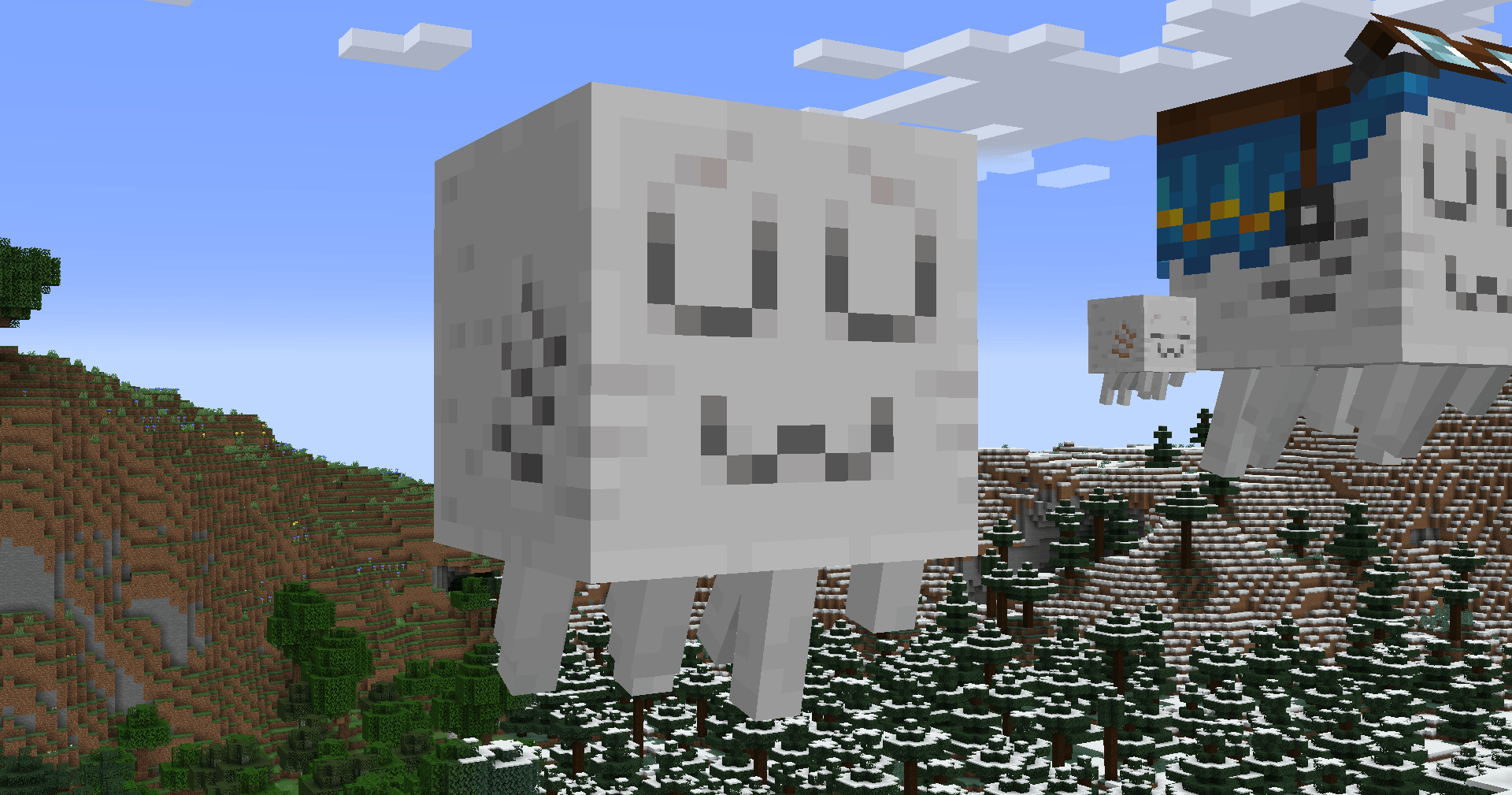
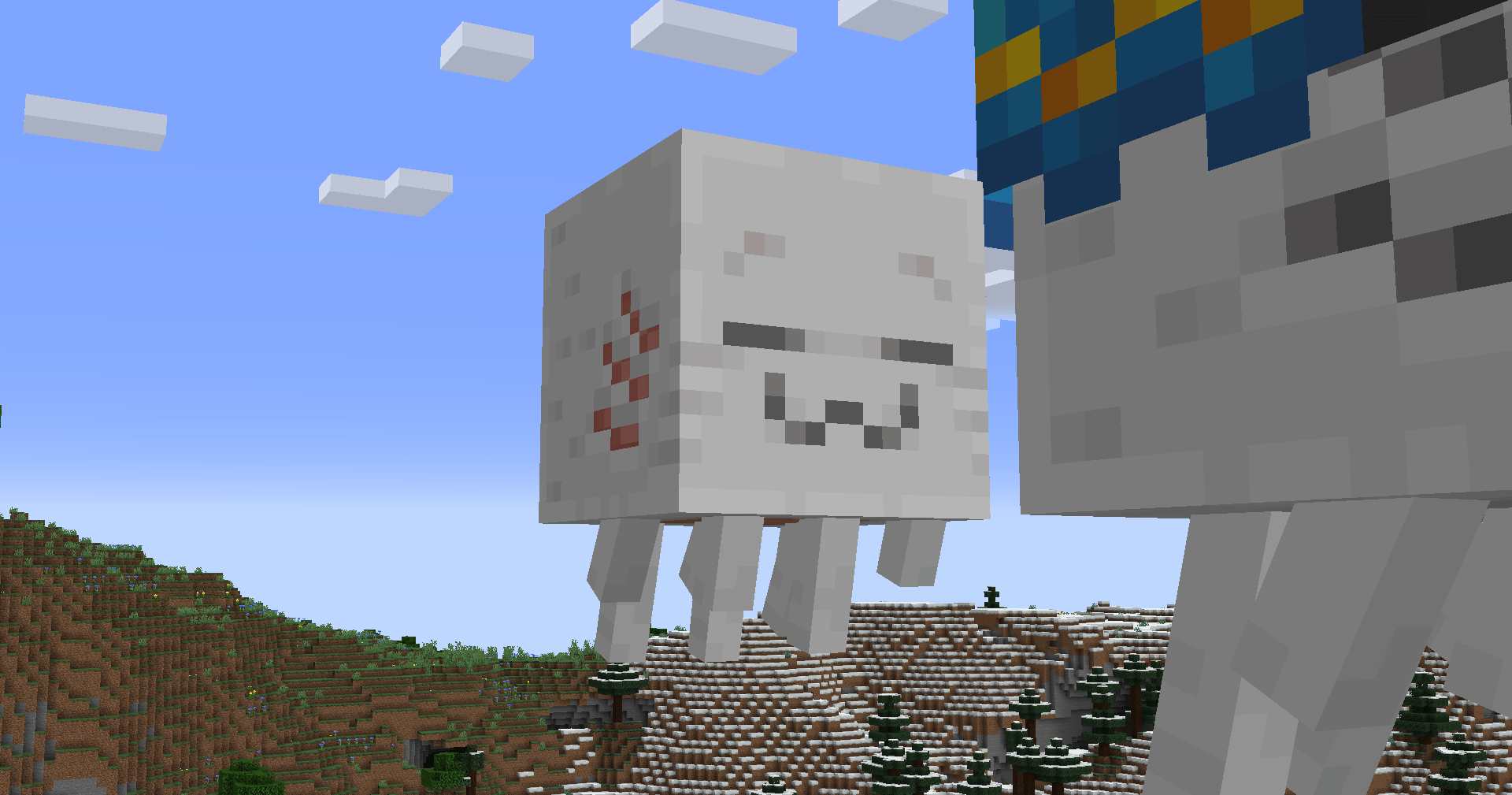
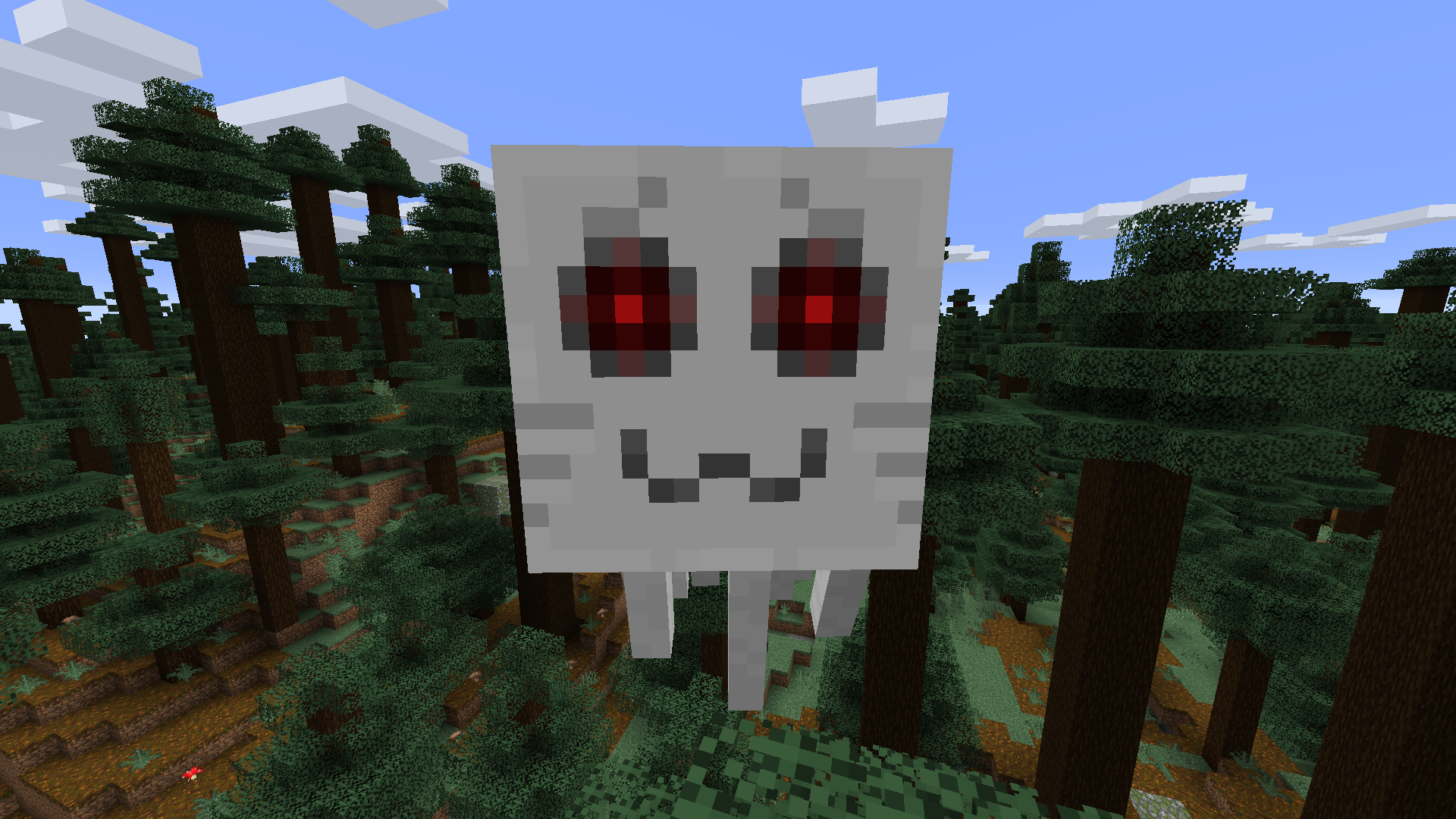
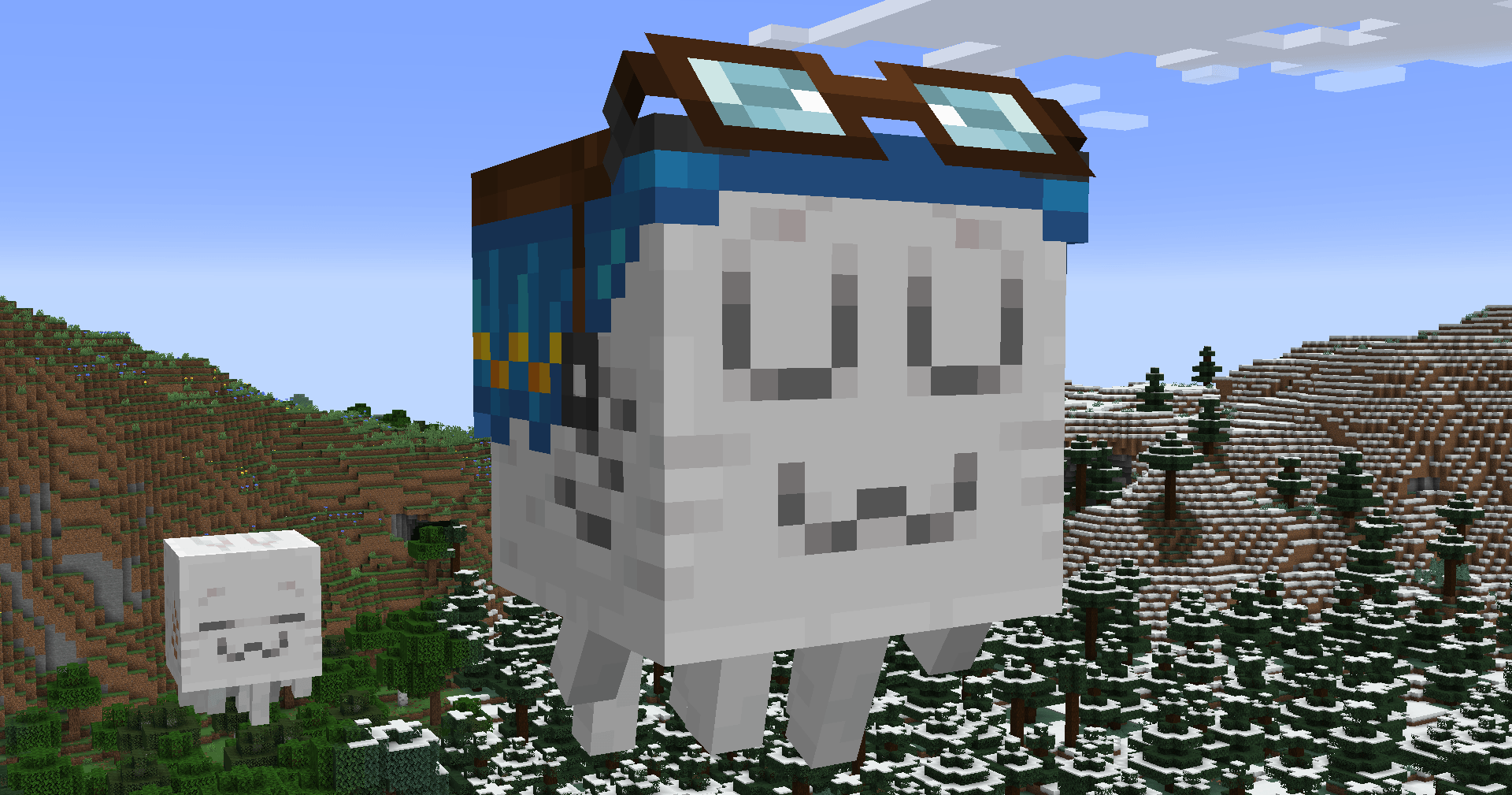
Do the vanilla Ghasts look boring to you? Do you long for a reason to lose faith in humanity? This is the pack for you!


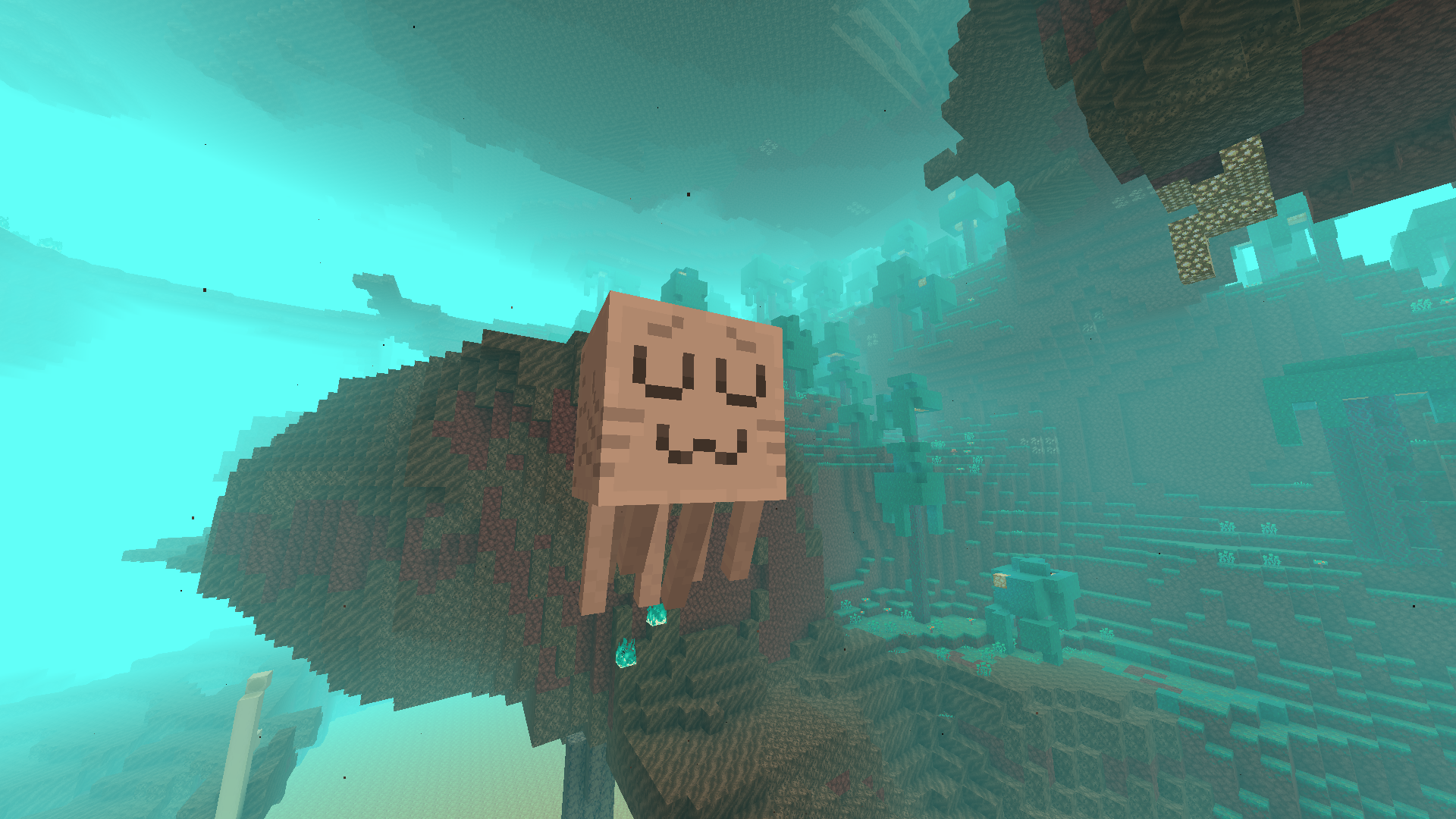
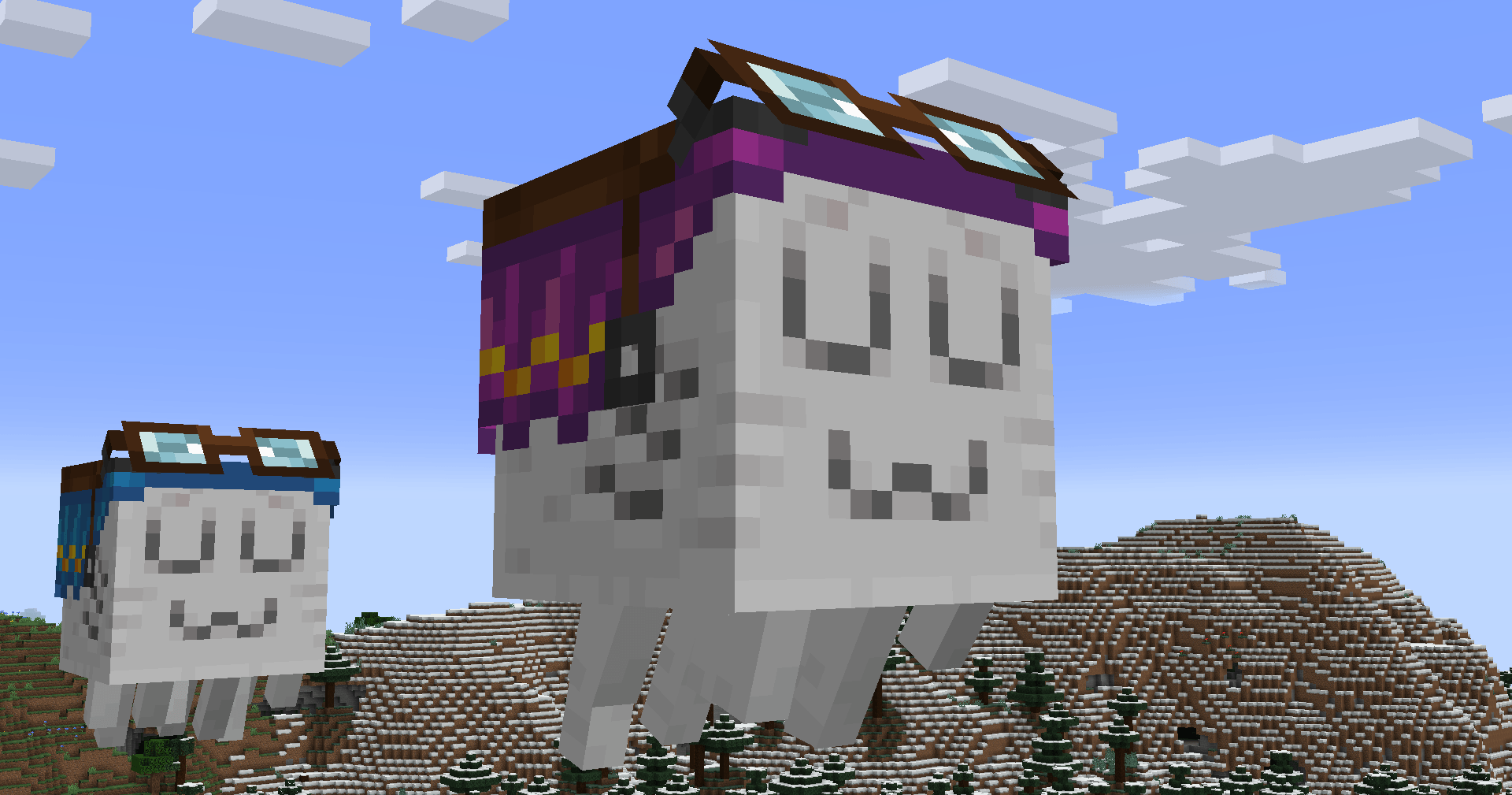
Simply improving on the vanilla aesthetic, these new Ghast textures make for much more intimidating engagements.

I'm so sorry.


Now new and improved for 1.21.6! (and it's snapshots!)

Features enhancements for all Ghast variants, as well as matching lower-resolution Happy Ghast saddles if you are playing on the new snapshots!

Also includes a separate version with no goggles on the saddle texture, for those who would prefer that.

NOTICE: If the new file says it was made for a newer version of MC, click apply anyways. The pack will still work as texture locations have not changed, it will just appear red in the list until 1.21.6 comes out proper. When loading the file in the 25w15a snapshot (newest at time of writing), it will display as the proper file version.

Better Ghasts 4
MC 1.21.6-snapshot, 1.21.5, 1.21.5-Snapshot
Release 2025-04-11 Get
Better Ghasts 4 - No Goggles
MC 1.21.6-snapshot, 1.21.5, 1.21.5-Snapshot
Release 2025-04-11 Get
Better Ghasts 3
MC 1.16-Snapshot, 1.17.1, 1.16.3, 1.16.1, 1.18.1, 1.16, 1.16.5, 1.18.2, 1.17-Snapshot, 1.18, 1.16.4, 1.18-Snapshot, 1.16.2
Release 2022-04-25 Get
Better Ghasts 2.zip
MC 1.16-Snapshot, 1.16.3, 1.16.1, 1.16, 1.16.5, 1.16.4, 1.16.2
Release 2021-01-27 Get
Better Ghasts.zip
MC 1.16-Snapshot, 1.16.3, 1.13.1, 1.15-Snapshot, 1.16.1, 1.10-Snapshot, 1.14.4, 1.14.1, 1.12.1, 1.12, 1.14.3, 1.15, 1.16, 1.13, 1.10.2, 1.11, 1.15.2, 1.14, 1.10, 1.10.1, 1.16.4
Release 2020-02-08 Get

Requirements & install

How to use this resource pack in Minecraft
Resolution
16x
Minecraft
1.17.1 – 1.21.6-snapshot
Install folder
.minecraft/resourcepacks

How to install resource packs

  1. Download the resource pack .zip file (do not extract it).
  2. In Minecraft open Options → Resource Packs → Open Pack Folder.
  3. Drop the .zip into the resourcepacks folder (.minecraft/resourcepacks).
  4. Move the pack to the Selected column and click Done.
Browse more: 16x resource packs 32x resource packs 64x resource packs 128x resource packs 256x resource packs 512x+ resource packs Resource Packs for 1.21.6-snapshot All resource packs

More from Shotshell156

Advertisement Remove ads with Premium →

You Might Also Like