Mineuniverse
Resource Packs
Better FramedBlocks

Better FramedBlocks

RESOURCE PACK
A better contrast texture pack for FramedBlocks mod
by dartsgameoff
Download Claim this project
1,374 downloads
0 likes
Updated Oct 14, 2026
0 hypes
16x Miscellaneous Mod Support Traditional
Advertisement Remove ads with Premium →

🇬🇧 Better FramedBlocks

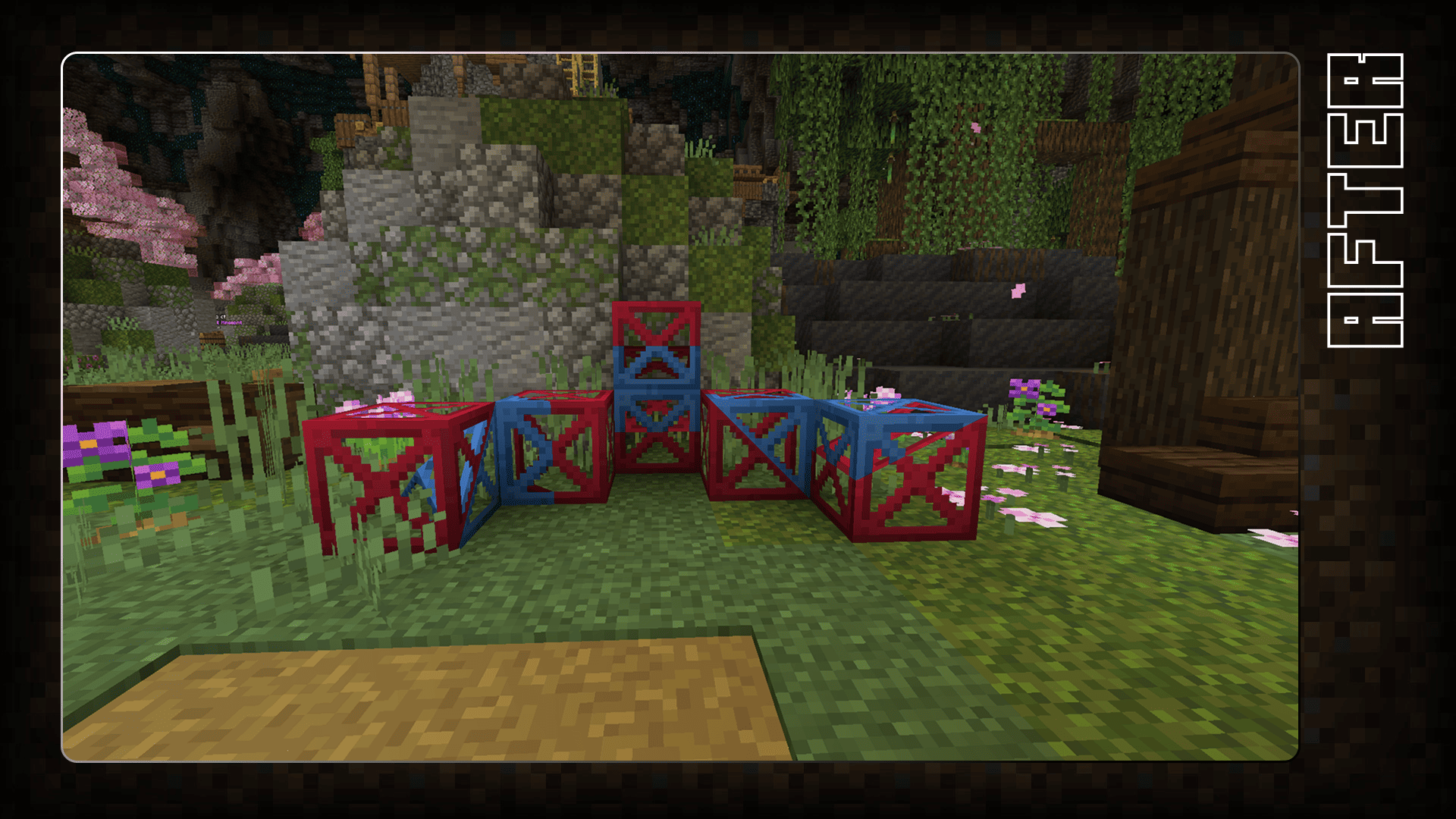
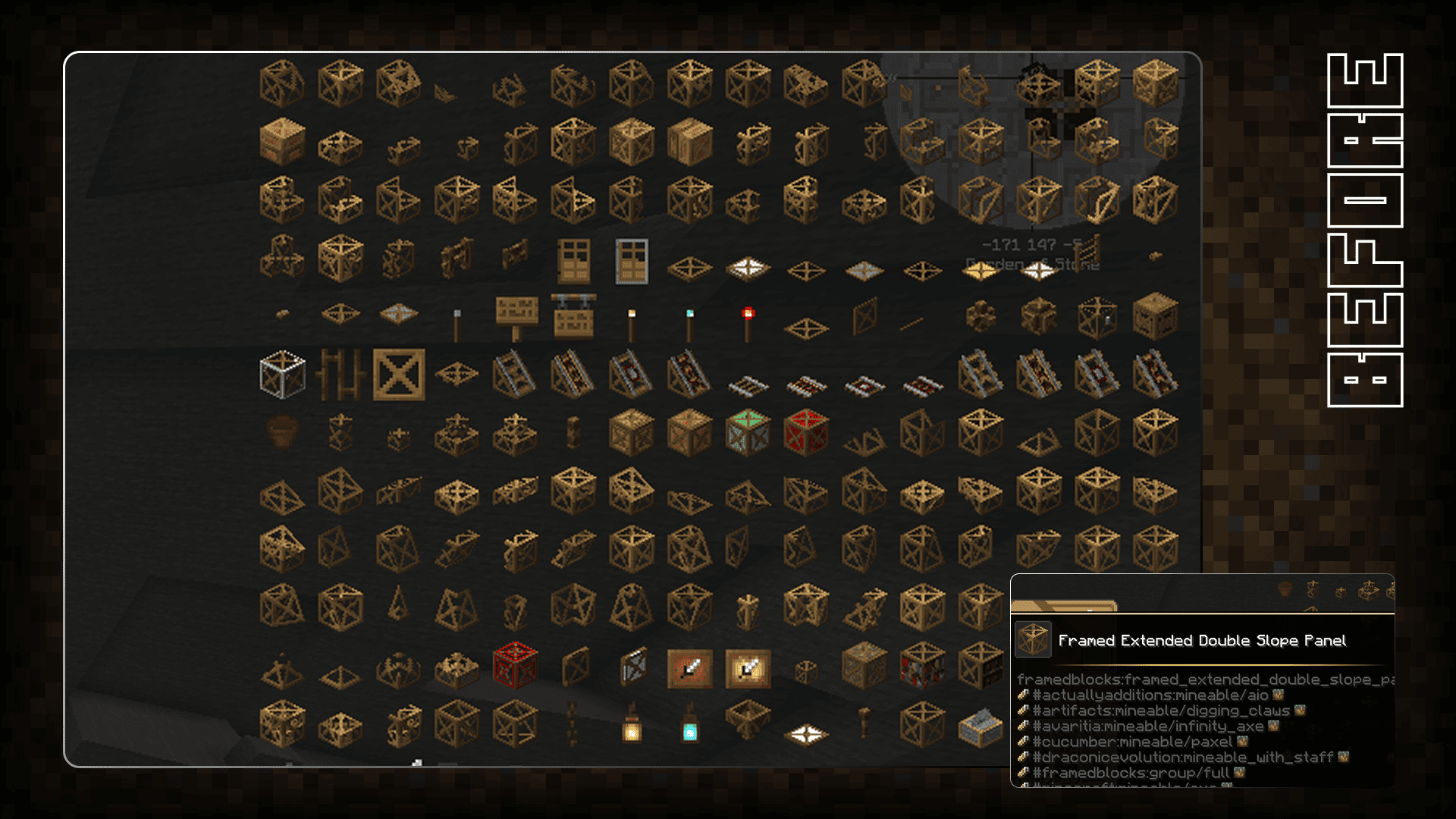
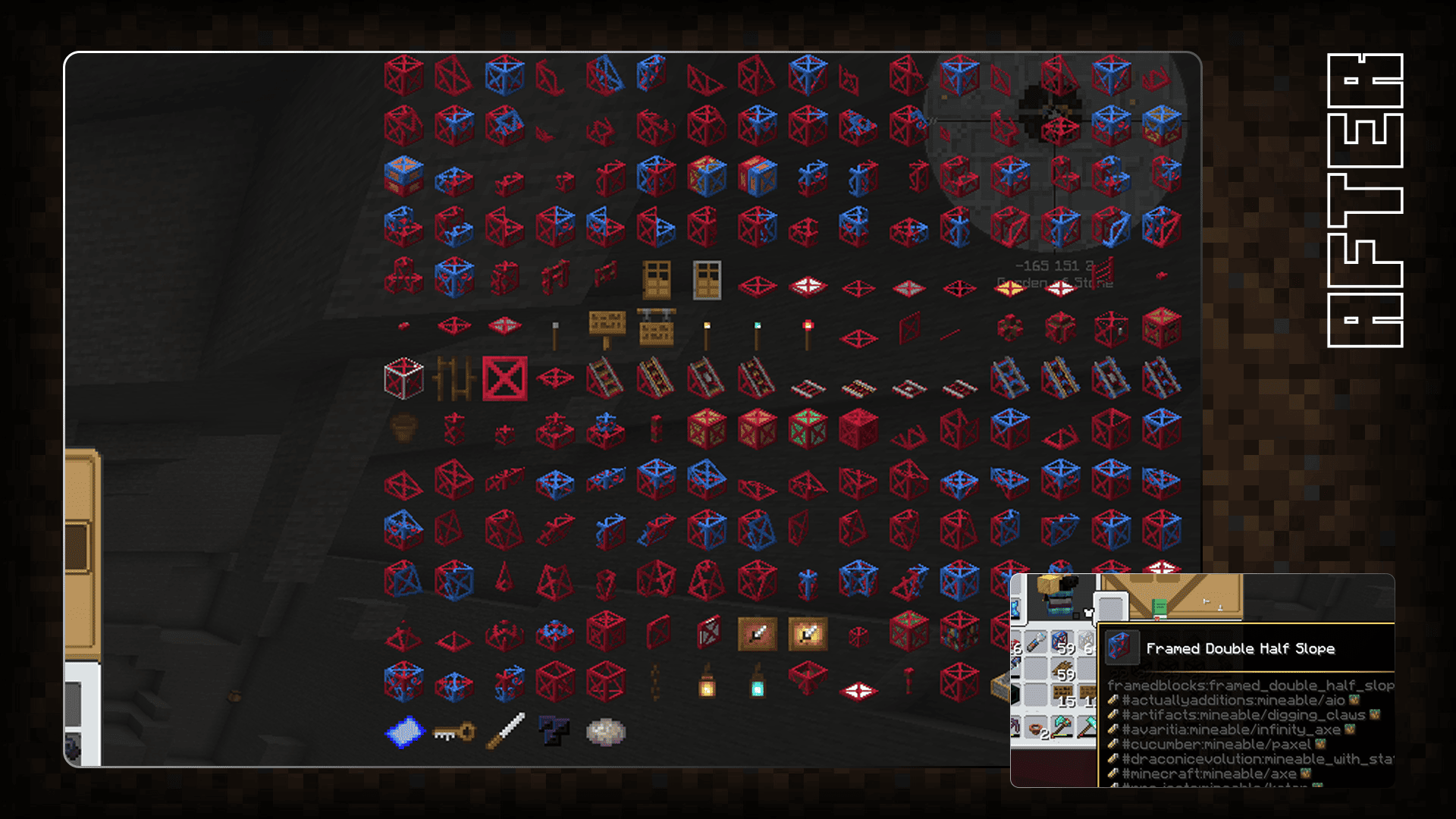
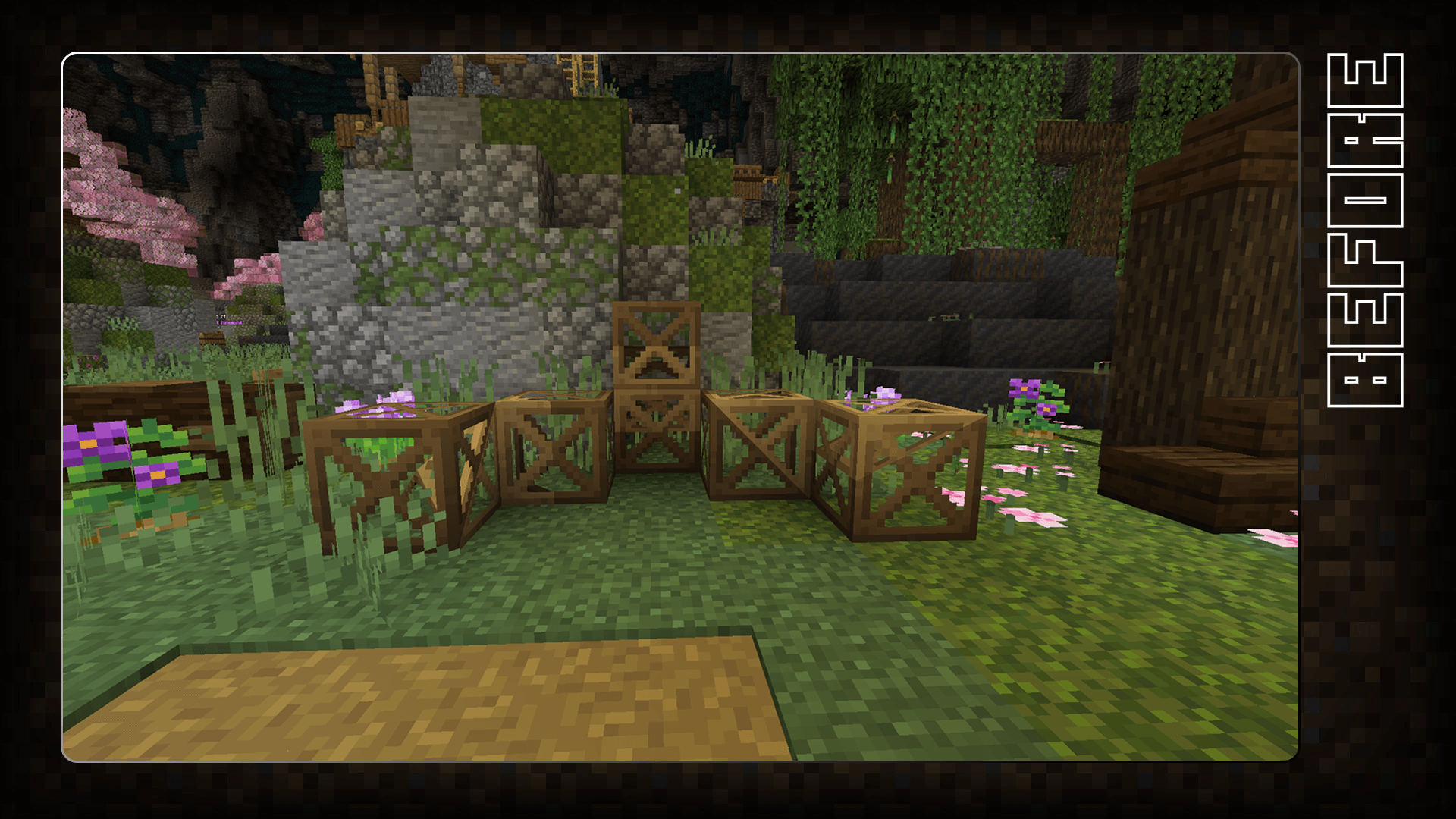
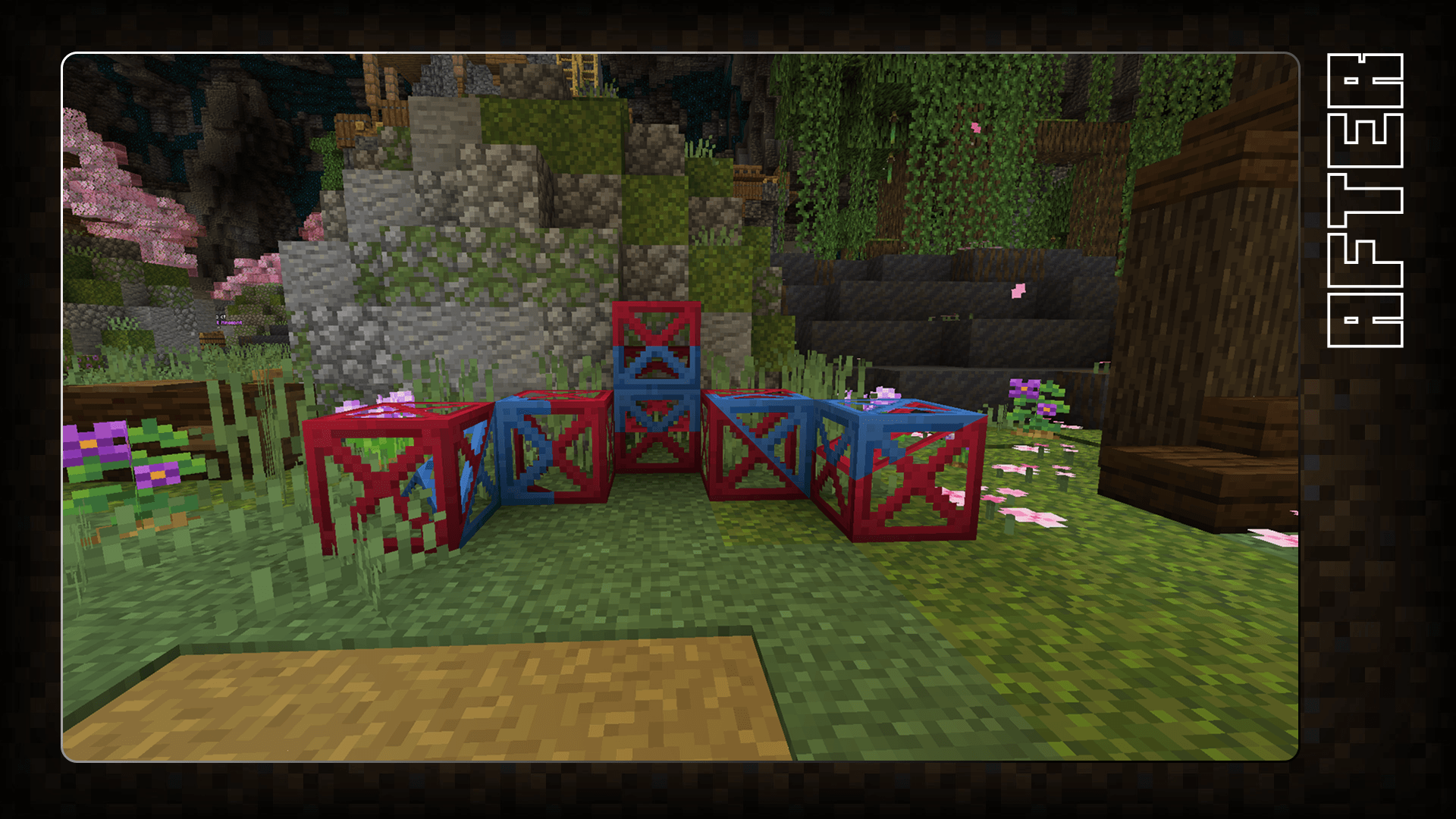
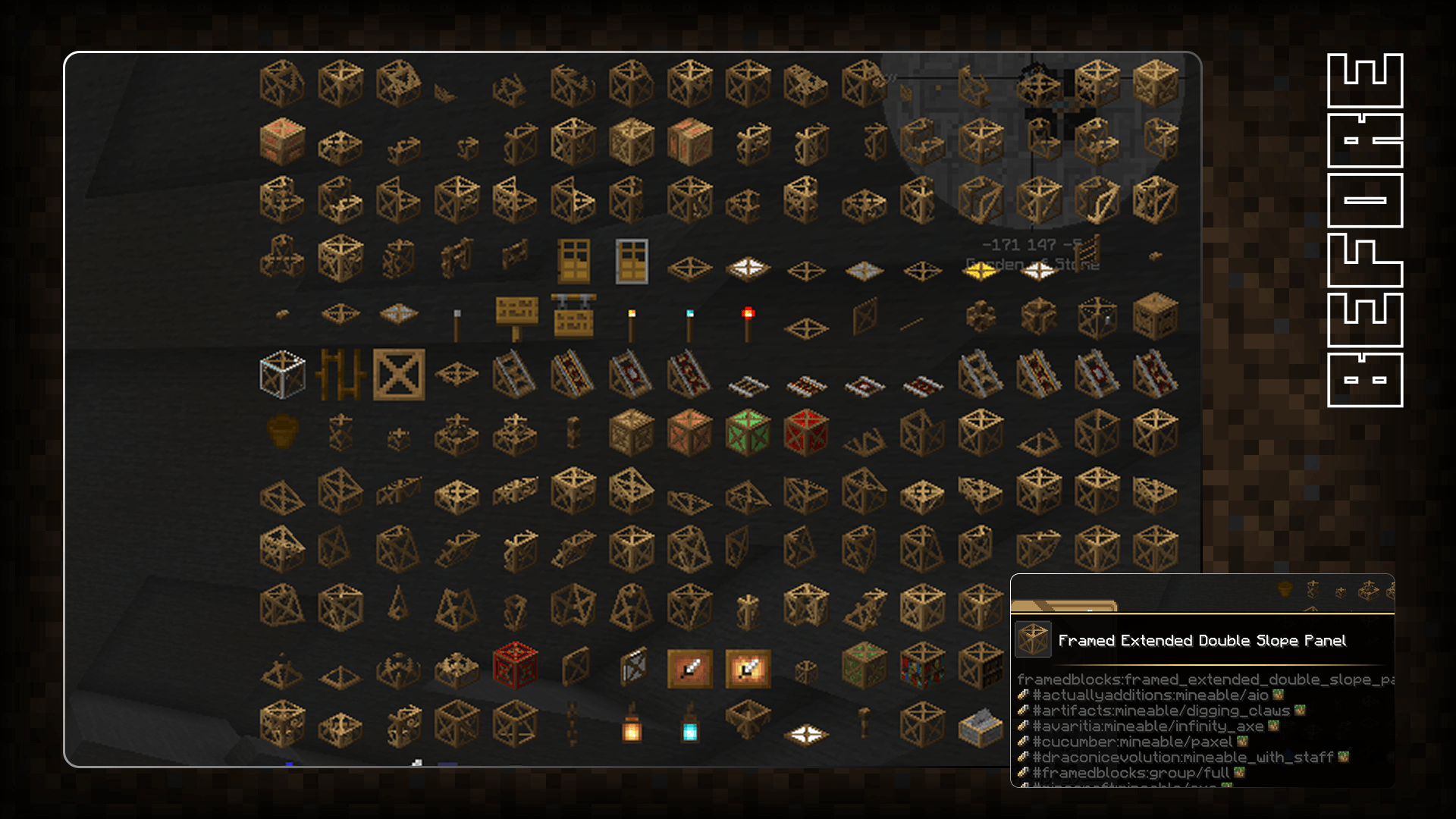
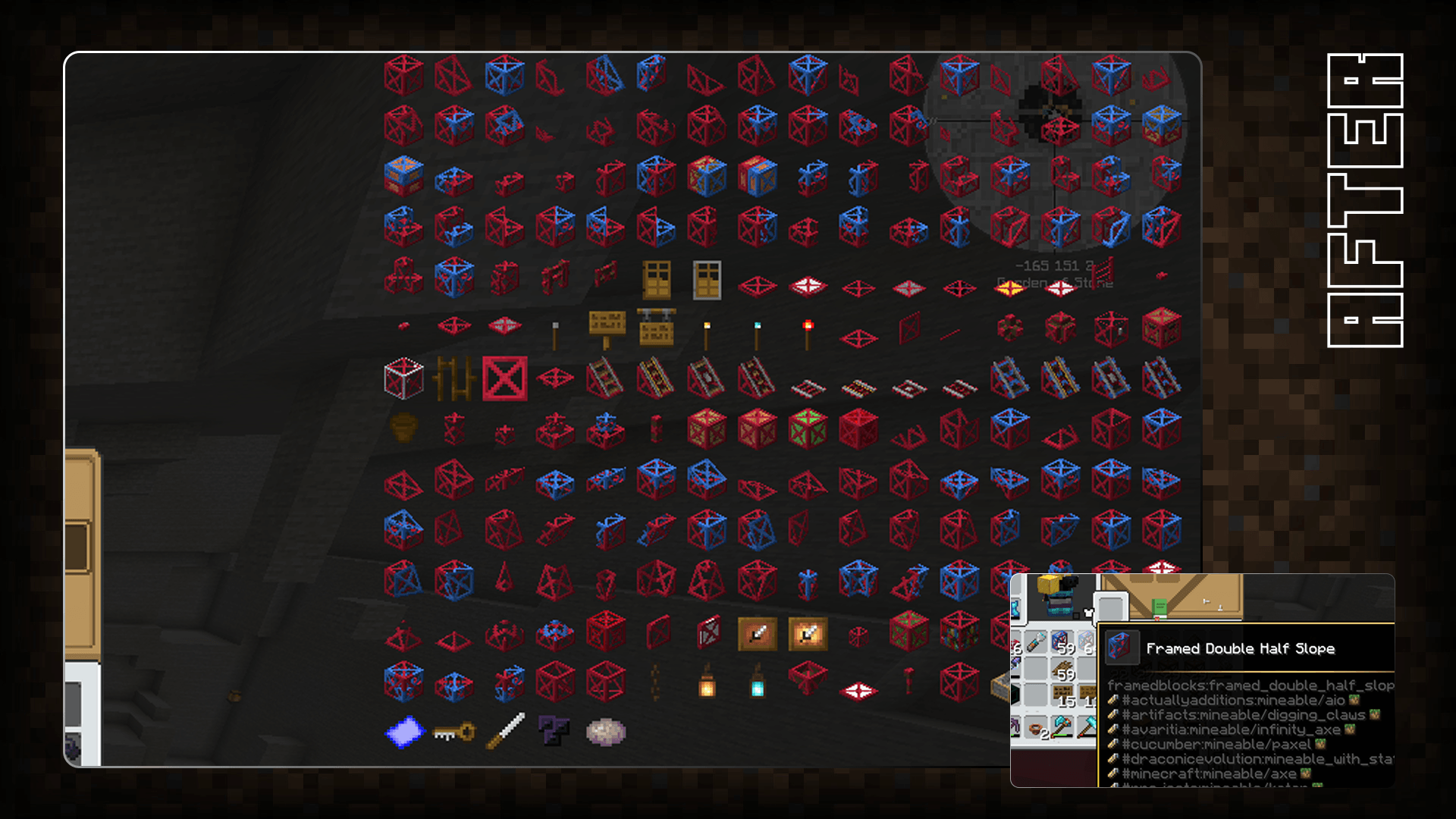
Here is Better FramedBlocks, the texture pack that finally makes your life easier. Who hasn’t struggled to see what FramedBlocks look like in the GUI? Everything blends together, brown on brown, hard to read and not very pretty.

But good news: here is the solution.

Better FramedBlocks brings real contrast between your A and B blocks. No more "I can't see anything!" or "Oops, wrong FramedBlock type." With this pack, your eyes will thank you.

And as a bonus, this texture pack might even give you ten extra years of life experience. Estimation non contractual, but we can dream. Before After
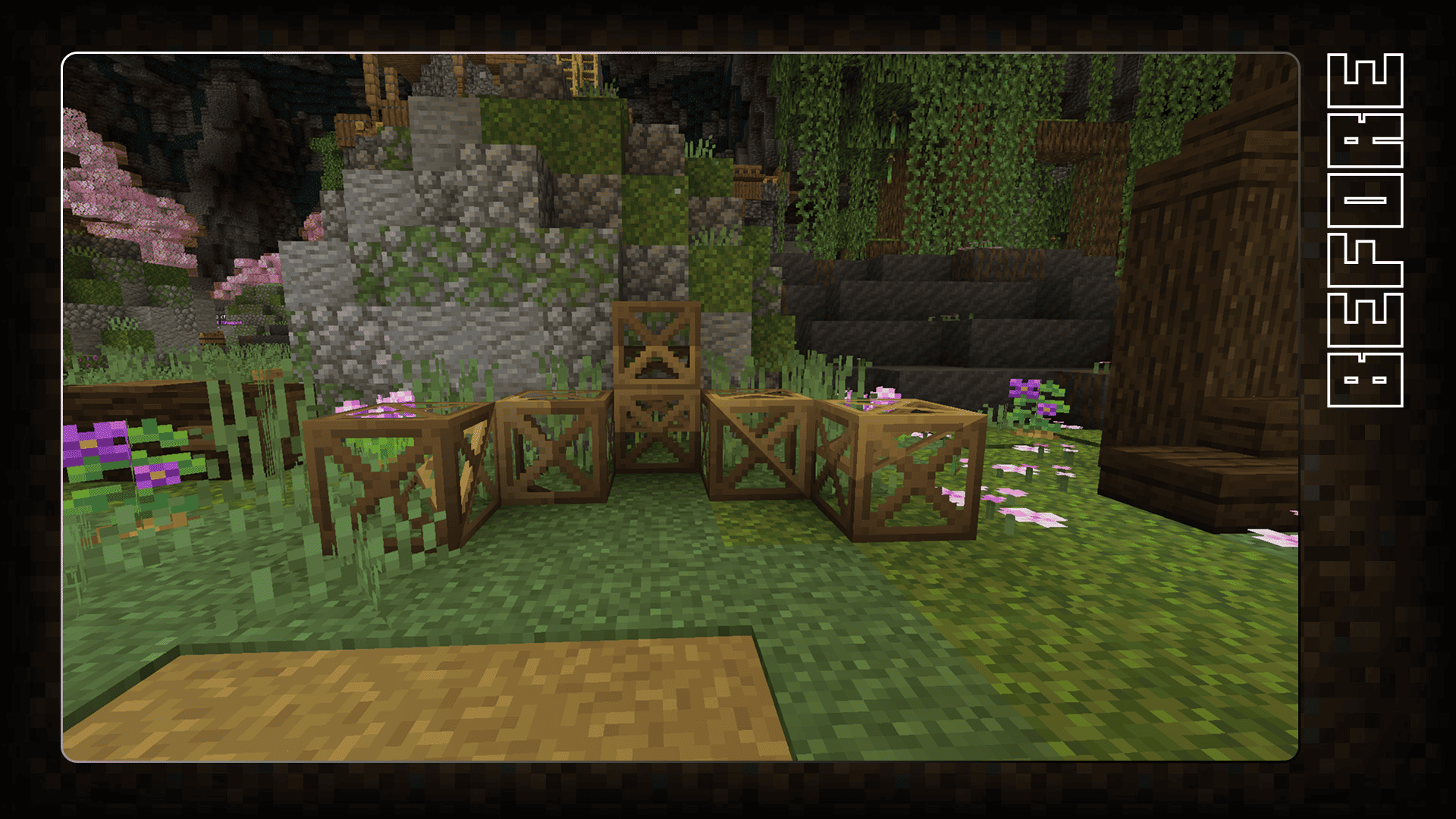
BeforeAfter

🇫🇷 Better FramedBlocks

Voici Better FramedBlocks, le texture pack qui va enfin vous simplifier la vie. Qui n’a jamais galéré à distinguer les FramedBlocks dans le GUI ? Tout se confond, du marron sur du marron, difficile à lire et pas très joli.

Mais bonne nouvelle : voici la solution.

Better FramedBlocks apporte un vrai contraste entre vos blocs A et B. Fini les "Je ne vois plus rien" ou "Oups, je me suis trompé de type de FramedBlock". Avec ce pack, vos yeux vous diront merci.

Et en bonus, ce texture pack pourrait même vous faire gagner dix ans d’expérience de vie. Estimation non contractuelle, mais on peut en rêver.

Better FramedBlock 1.21.1
MC 1.21.2-Snapshot, 1.21, 1.21.6-snapshot, 1.21.1-Snapshot, 1.21.8, 1.21.5, 1.21.4, 1.21.5-Snapshot, 1.21.1, 1.21.6, 1.21.3, 1.21.7, 1.21-Snapshot, 1.21.4-Snapshot, 1.21.2
Release 2025-11-14 Get

Requirements & install

How to use this resource pack in Minecraft
Resolution
16x
Minecraft
1.21.4-Snapshot – 1.21.8
Install folder
.minecraft/resourcepacks

How to install resource packs

  1. Download the resource pack .zip file (do not extract it).
  2. In Minecraft open Options → Resource Packs → Open Pack Folder.
  3. Drop the .zip into the resourcepacks folder (.minecraft/resourcepacks).
  4. Move the pack to the Selected column and click Done.
Browse more: 16x resource packs 32x resource packs 64x resource packs 128x resource packs 256x resource packs 512x+ resource packs Resource Packs for 1.21.8 All resource packs

More from dartsgameoff

Advertisement Remove ads with Premium →

You Might Also Like