Mineuniverse
Resource Packs
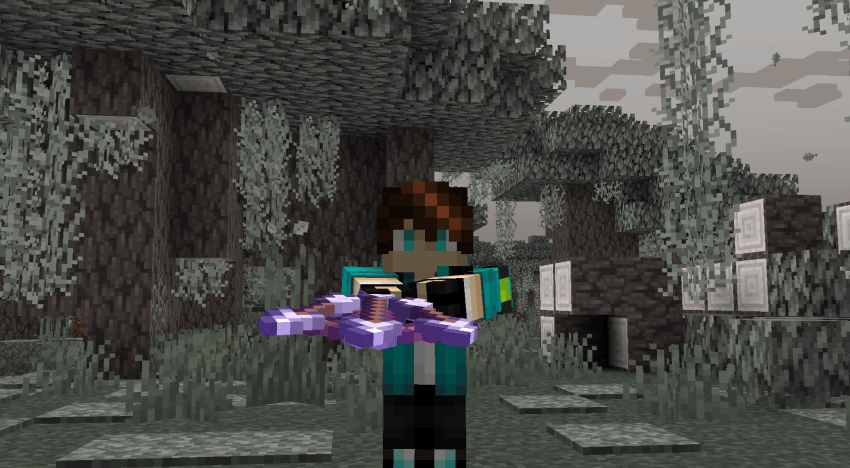
Better Crossbow Pack (CIT)

Better Crossbow Pack (CIT)

RESOURCE PACK
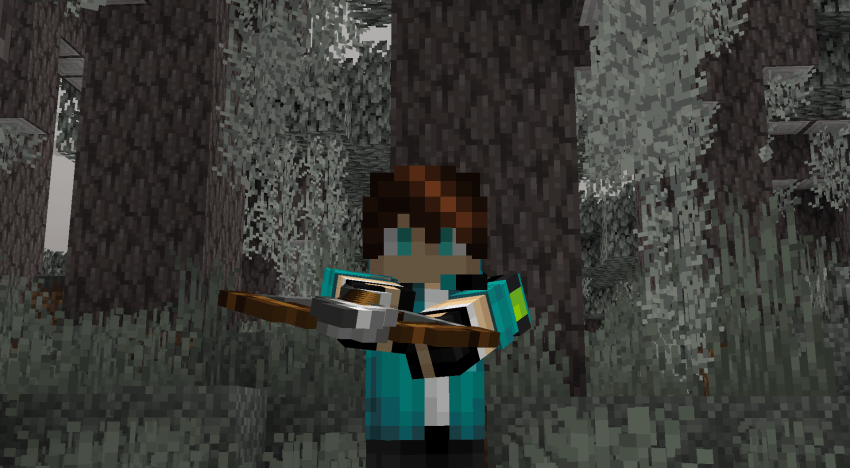
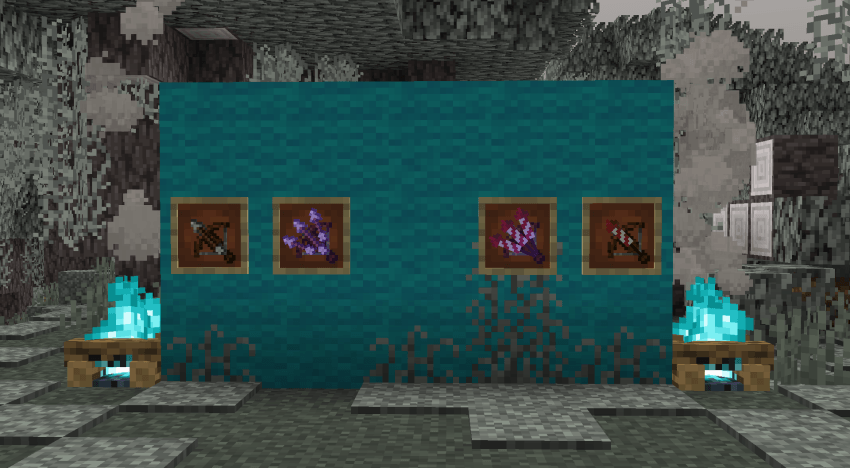
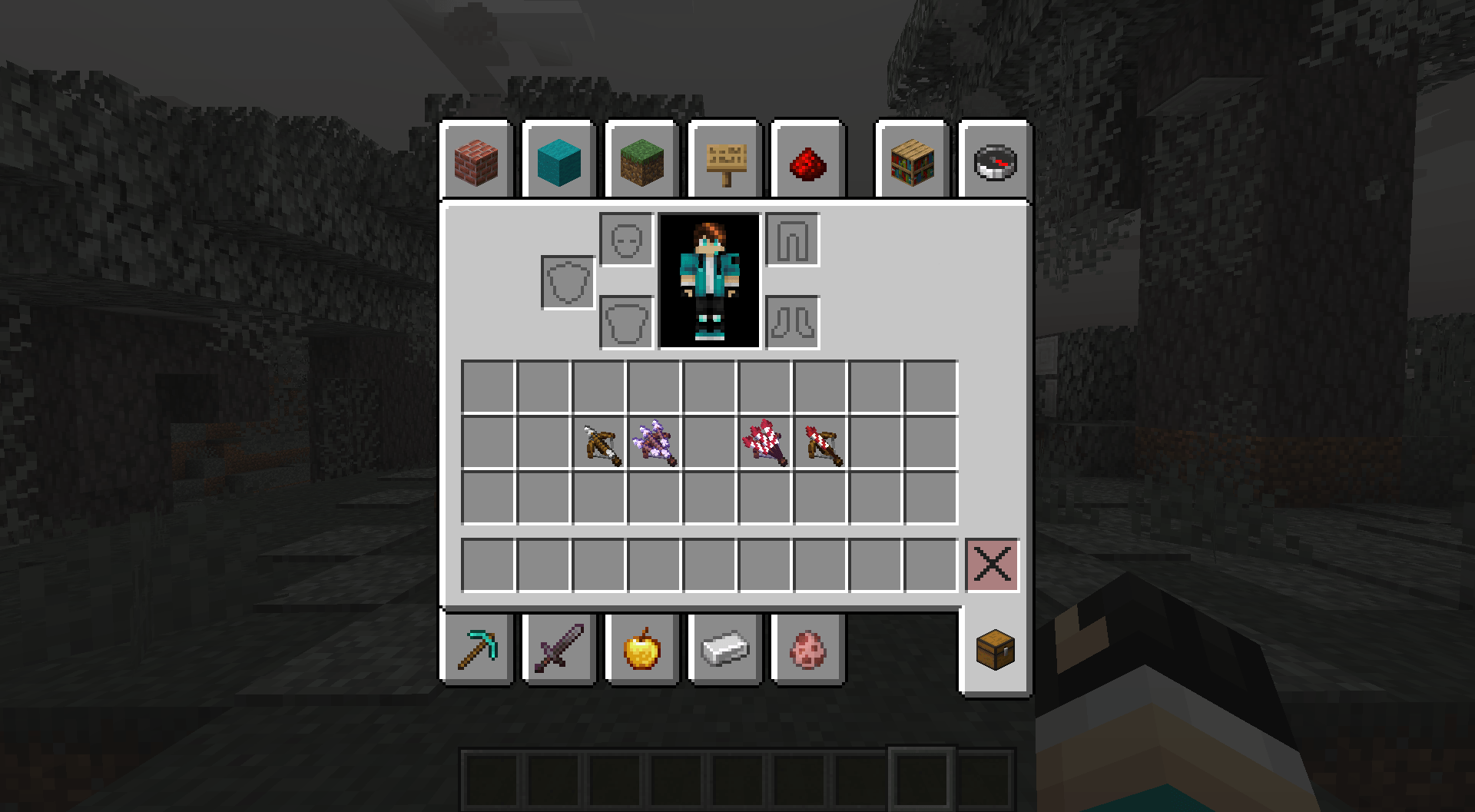
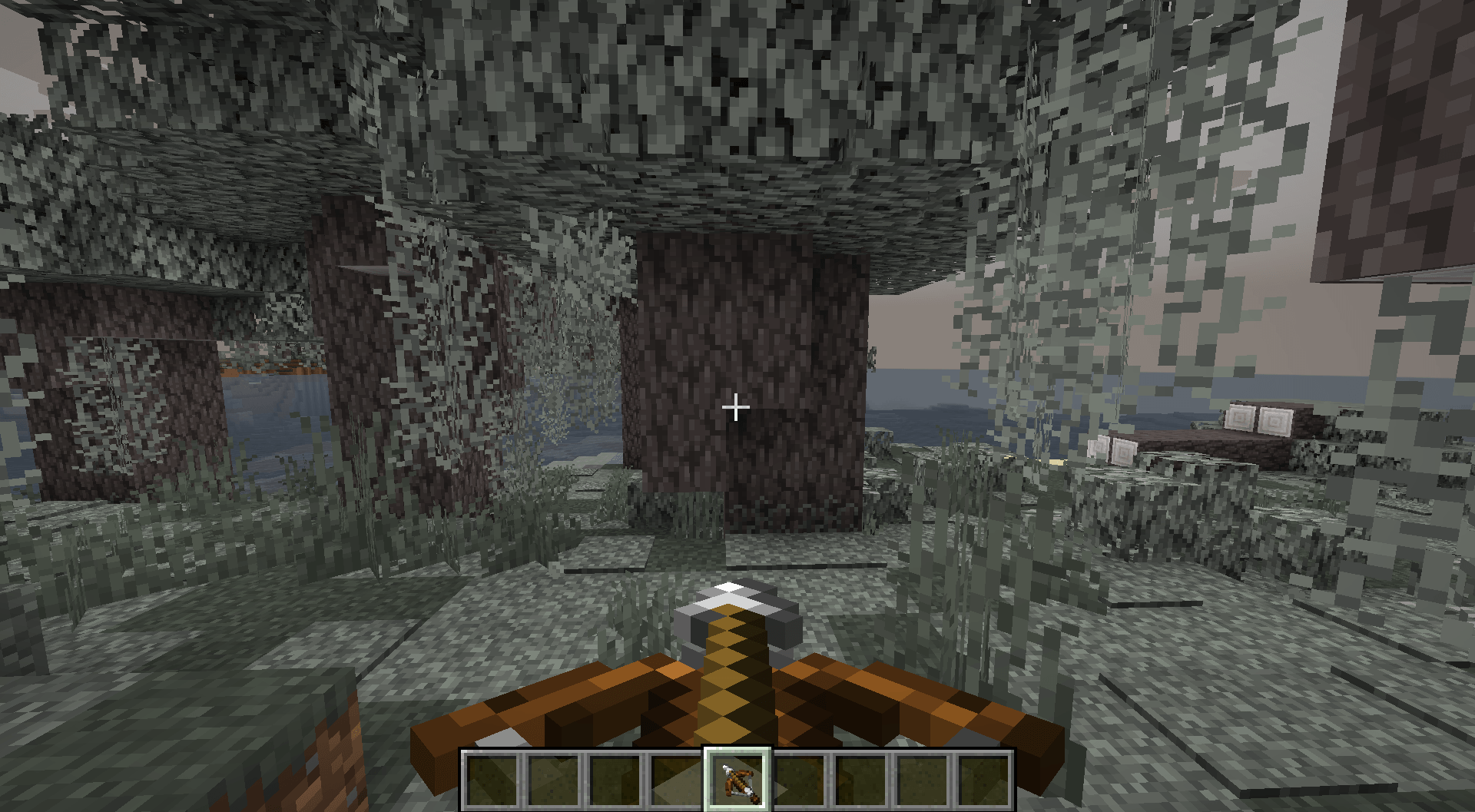
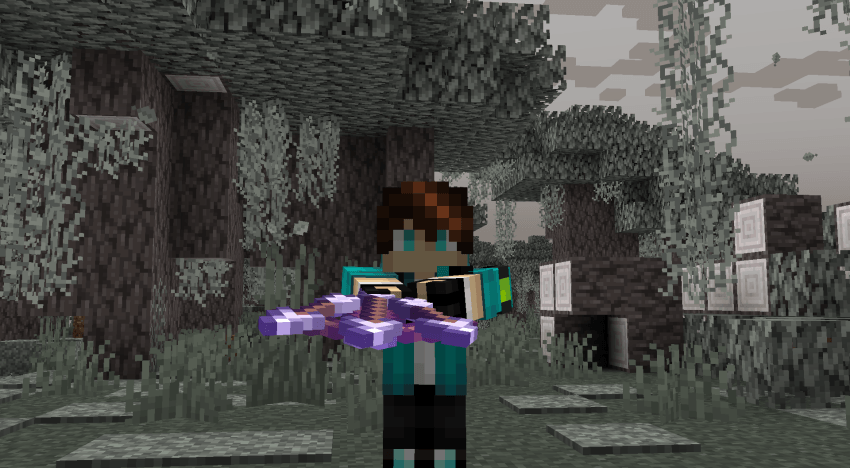
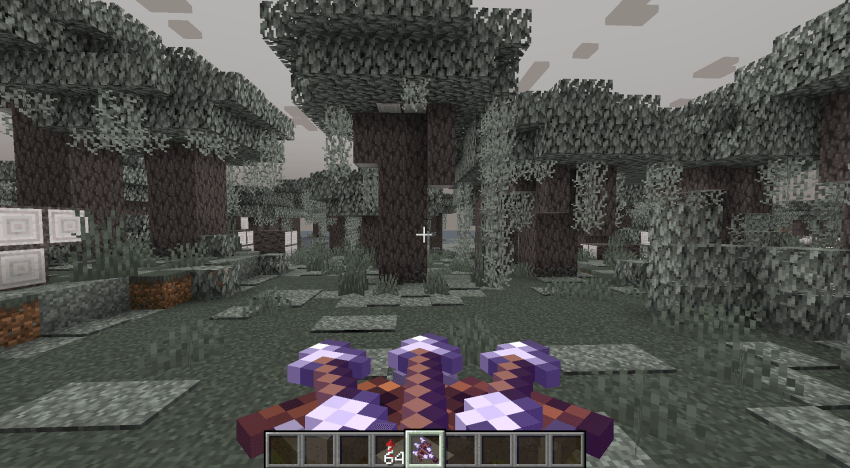
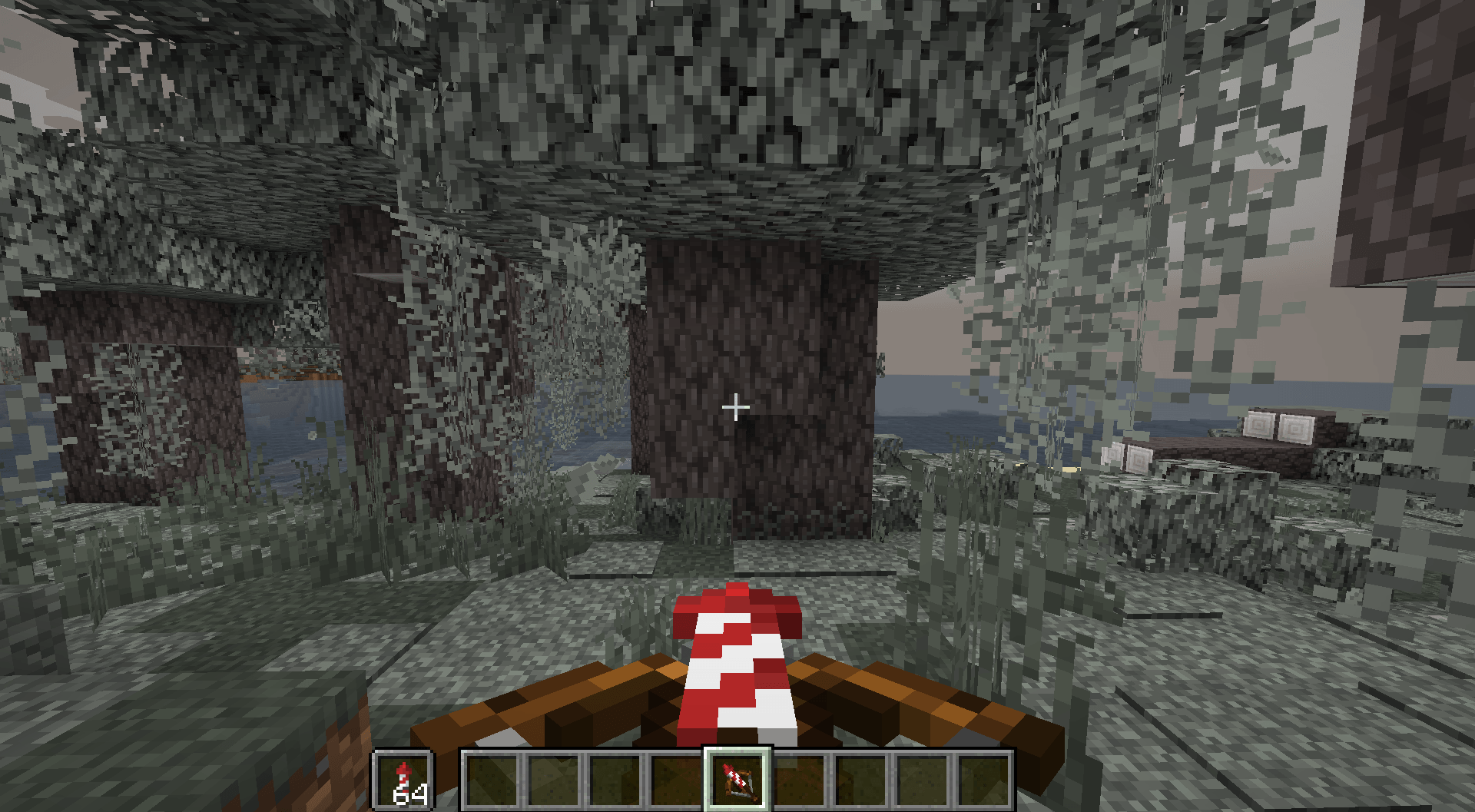
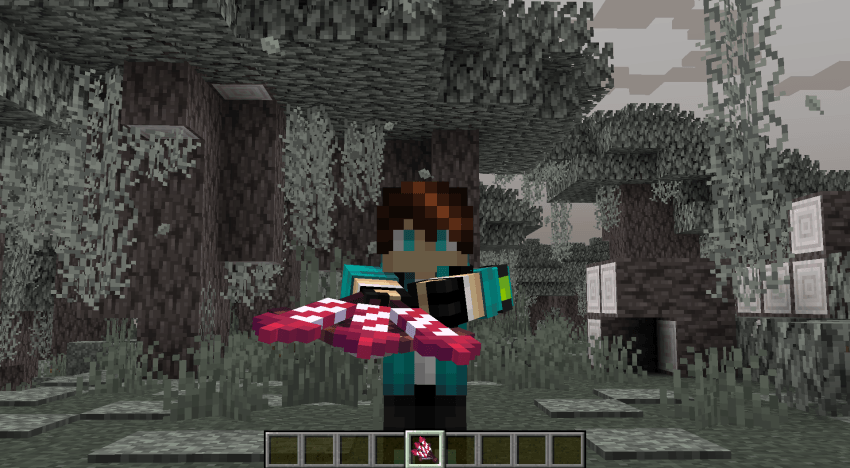
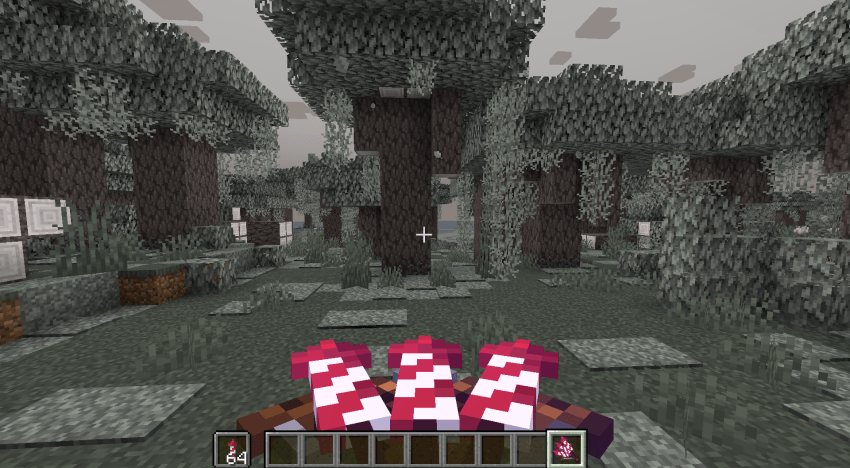
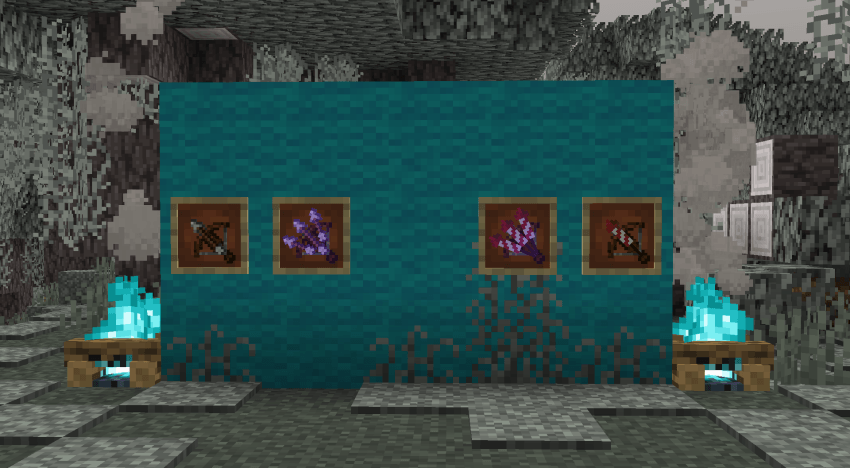
This pack changes the Crossbow based on Type of Projectile
by DGA
Download Claim this project
747 downloads
0 likes
Updated Oct 14, 2026
0 hypes
16x Miscellaneous Modern Photo Realistic
Advertisement Remove ads with Premium →

This pack changes the texture of the Crossbow According to the Type of Projectile & also Works with Enchantments

NO OPTIFINE REQUIRED!

Just Vanilla 1.21.5


Note: This pack is not fully completed planing to add all arrows to display & maybe add other enchantments too!!


How to install:

  • Go to the escape menu and press "Options"
  • Then press "Resource Packs"
  • In here, press "Open Pack Folder" This should open a folder.
  • Drag and drop the resource pack in that folder
  • The resource pack should now be available in the menu

Crossbow CIT.zip
MC 1.21.5
Release 2025-03-26 Get
Crossbow CIT.zip
MC 1.21.5-Snapshot
Release 2025-02-01 Get

Requirements & install

How to use this resource pack in Minecraft
Resolution
16x
Minecraft
1.21.5-Snapshot – 1.21.5
Install folder
.minecraft/resourcepacks

How to install resource packs

  1. Download the resource pack .zip file (do not extract it).
  2. In Minecraft open Options → Resource Packs → Open Pack Folder.
  3. Drop the .zip into the resourcepacks folder (.minecraft/resourcepacks).
  4. Move the pack to the Selected column and click Done.
Browse more: 16x resource packs 32x resource packs 64x resource packs 128x resource packs 256x resource packs 512x+ resource packs Resource Packs for 1.21.5 All resource packs

More from DGA

Advertisement Remove ads with Premium →

You Might Also Like