Mineuniverse
Resource Packs
Better Bows

Better Bows

RESOURCE PACK
The bow improvement resource pack!
by ewanhowell5195
Download Claim this project
260,395 downloads
0 likes
Updated Oct 14, 2026
0 hypes
16x Miscellaneous
Advertisement Remove ads with Premium →
Better Bows Logo

The bow improvement resource pack!

View the pack on my website!

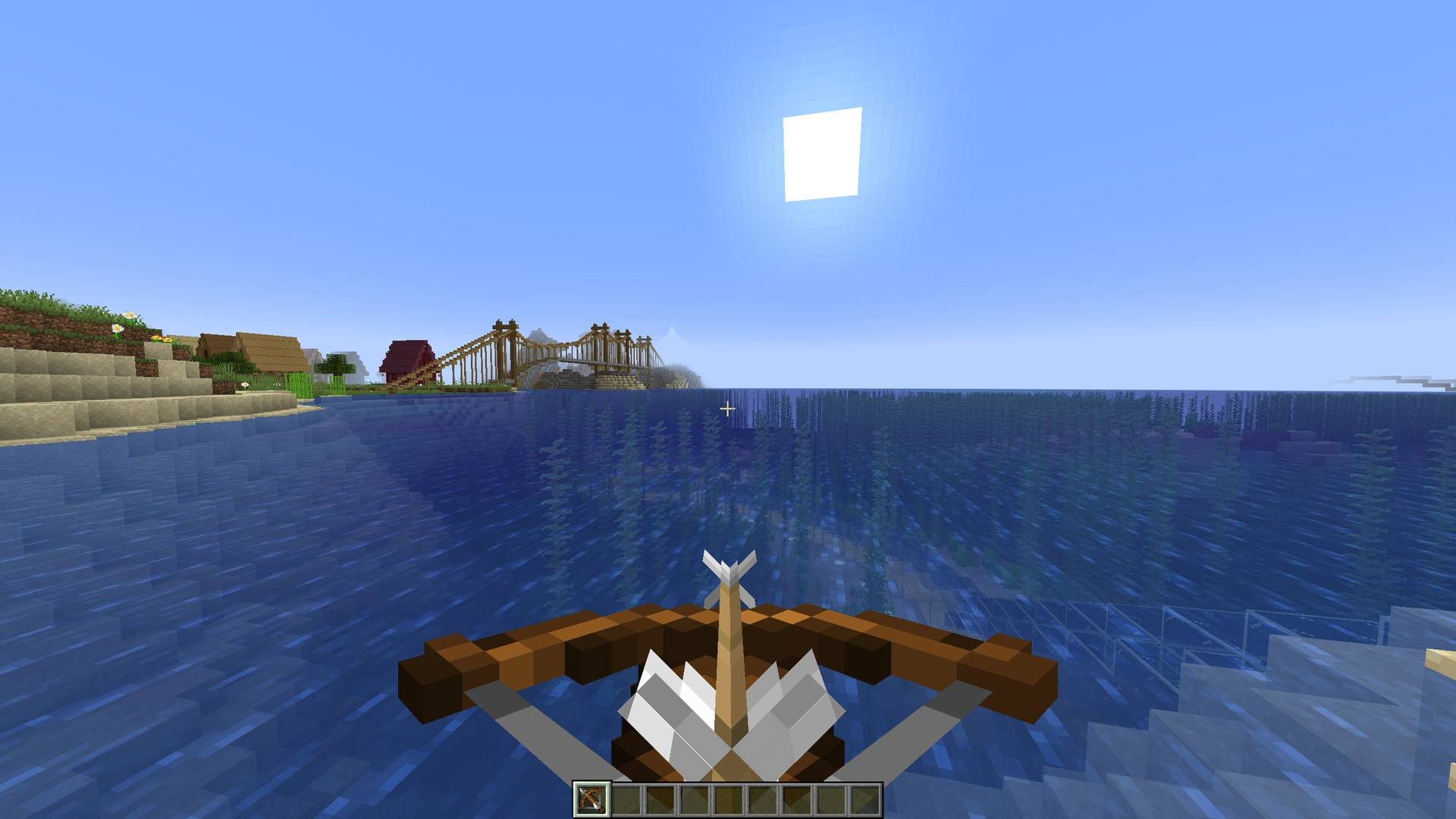
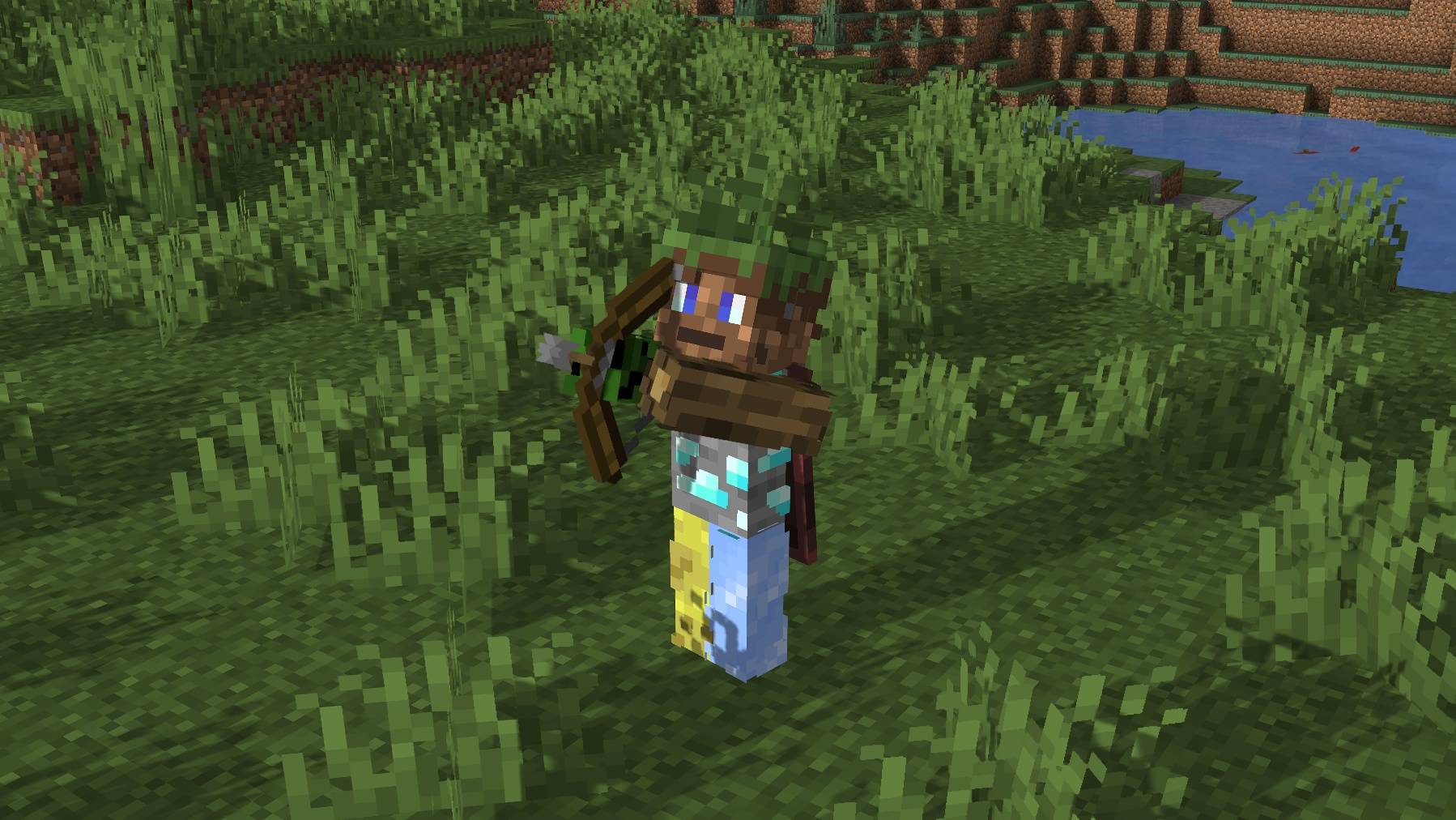
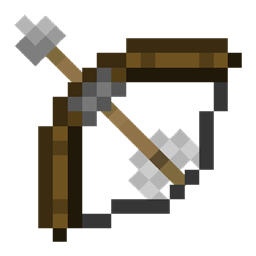
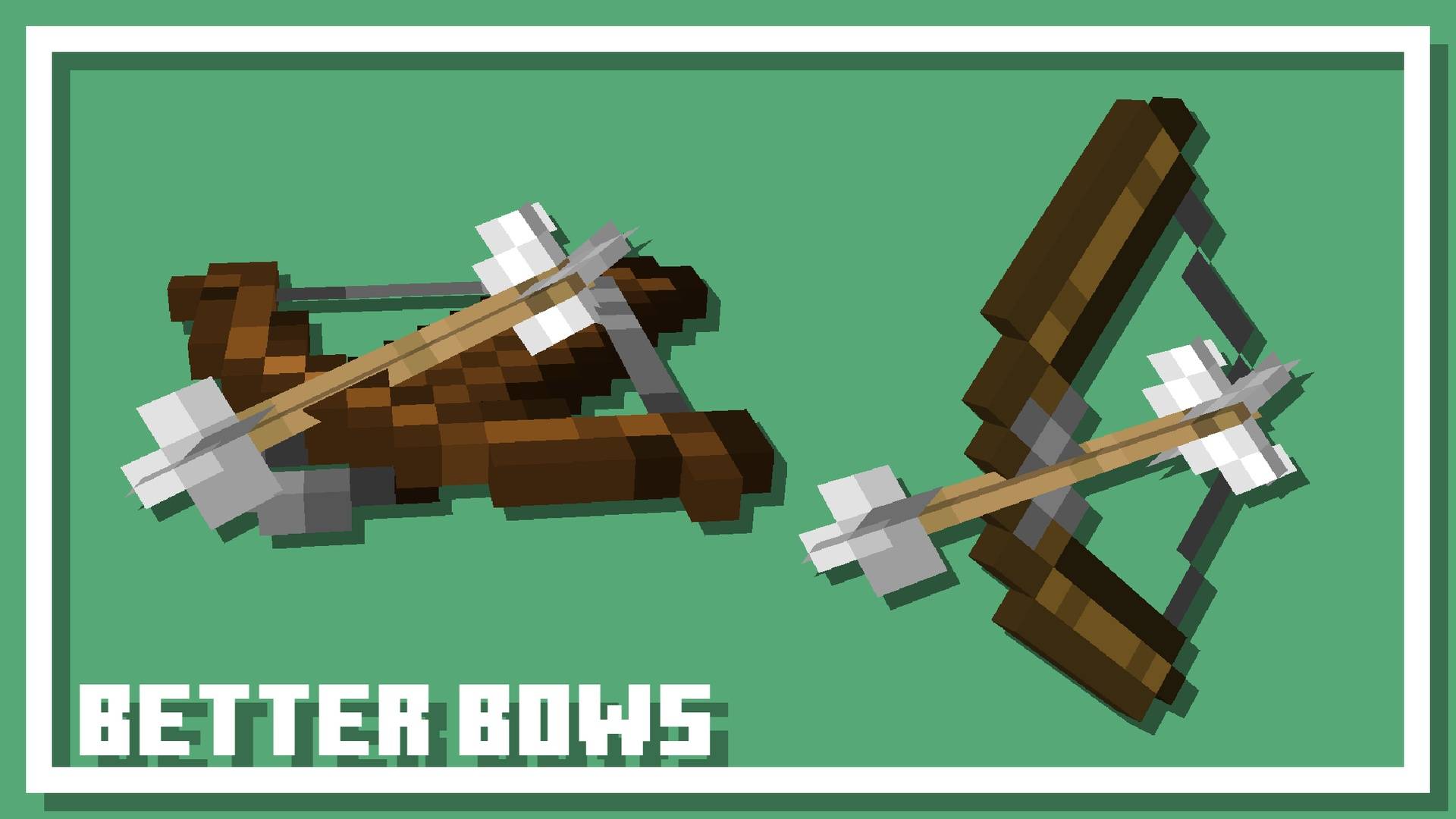
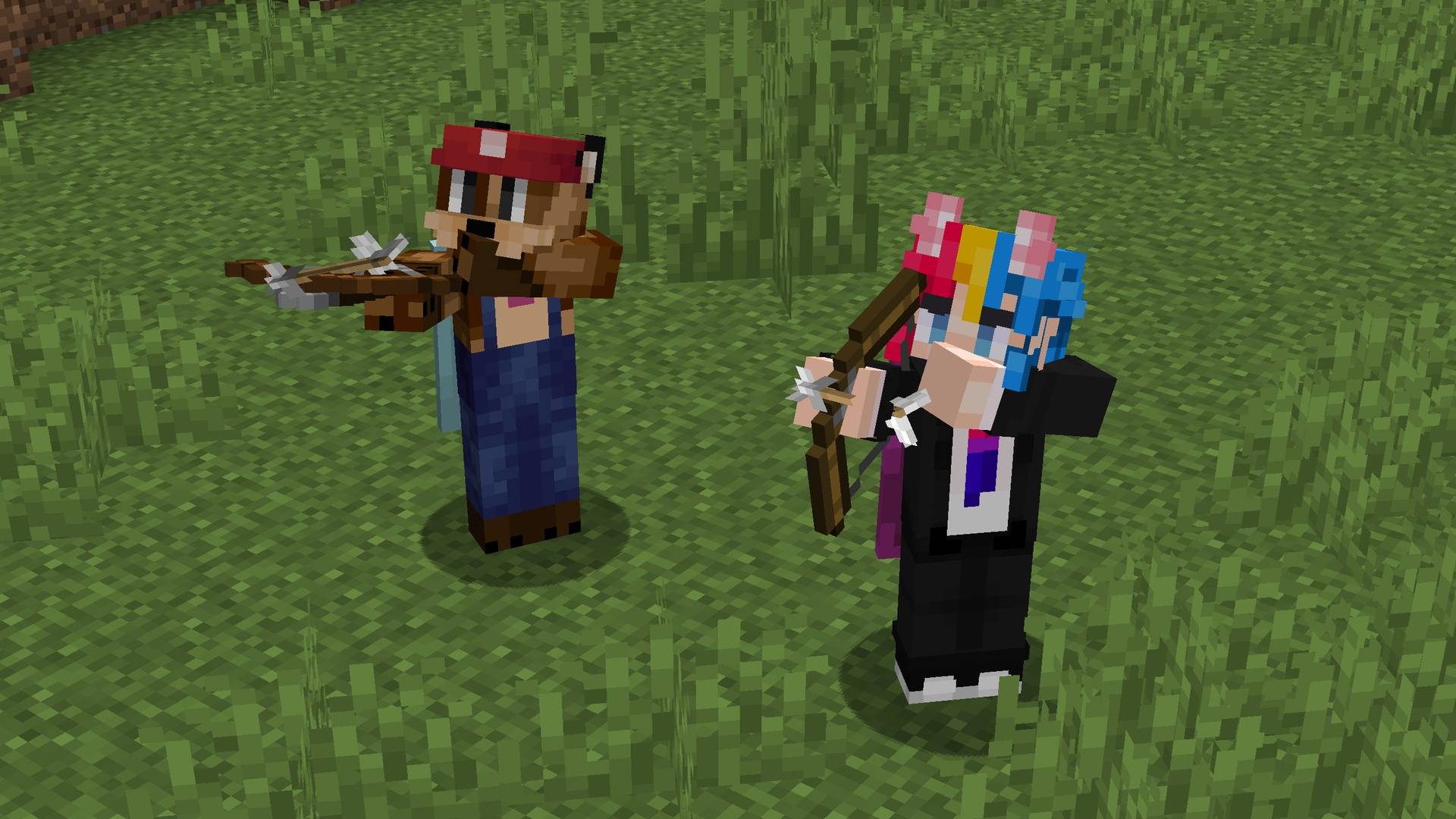
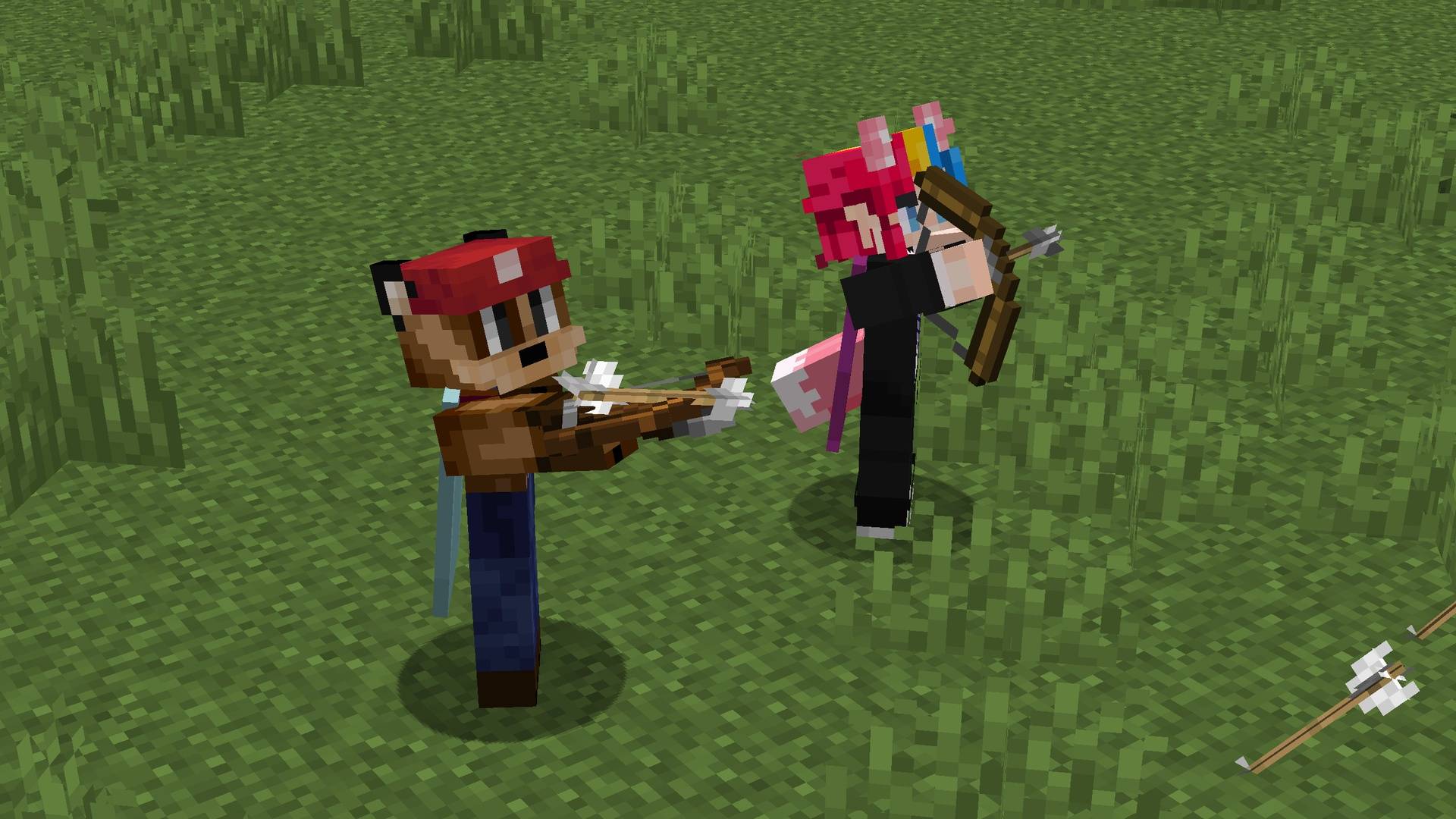
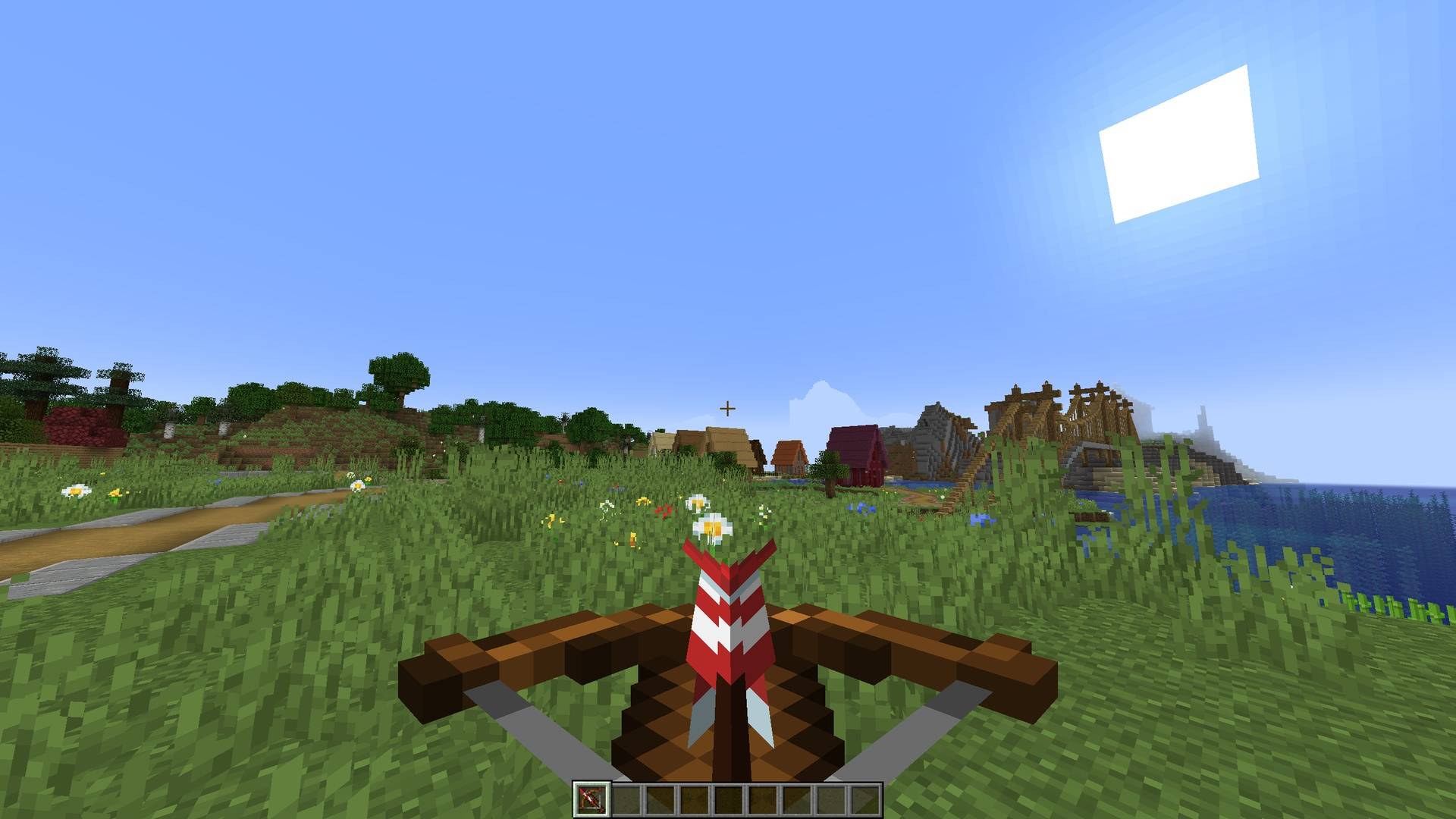
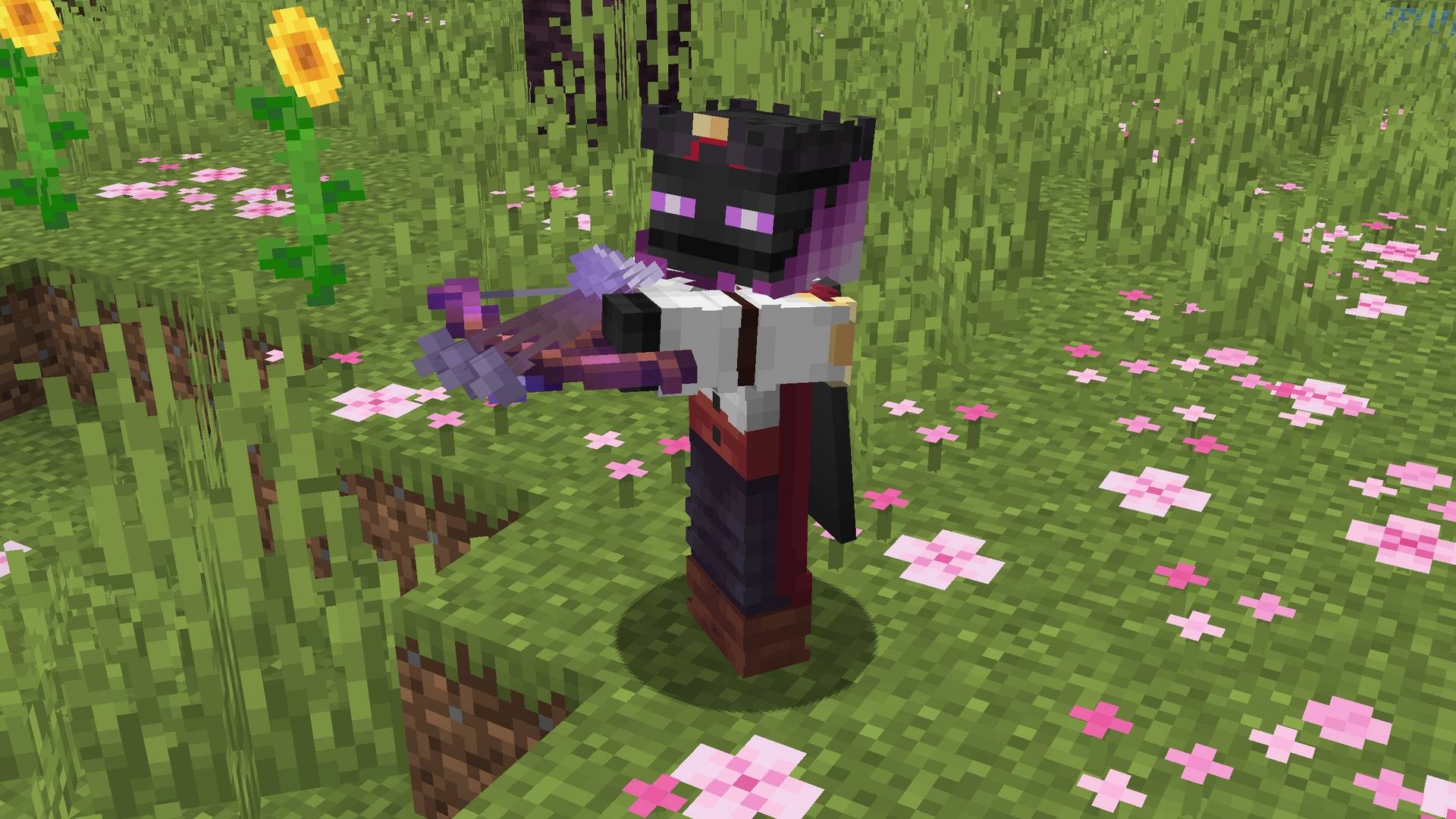
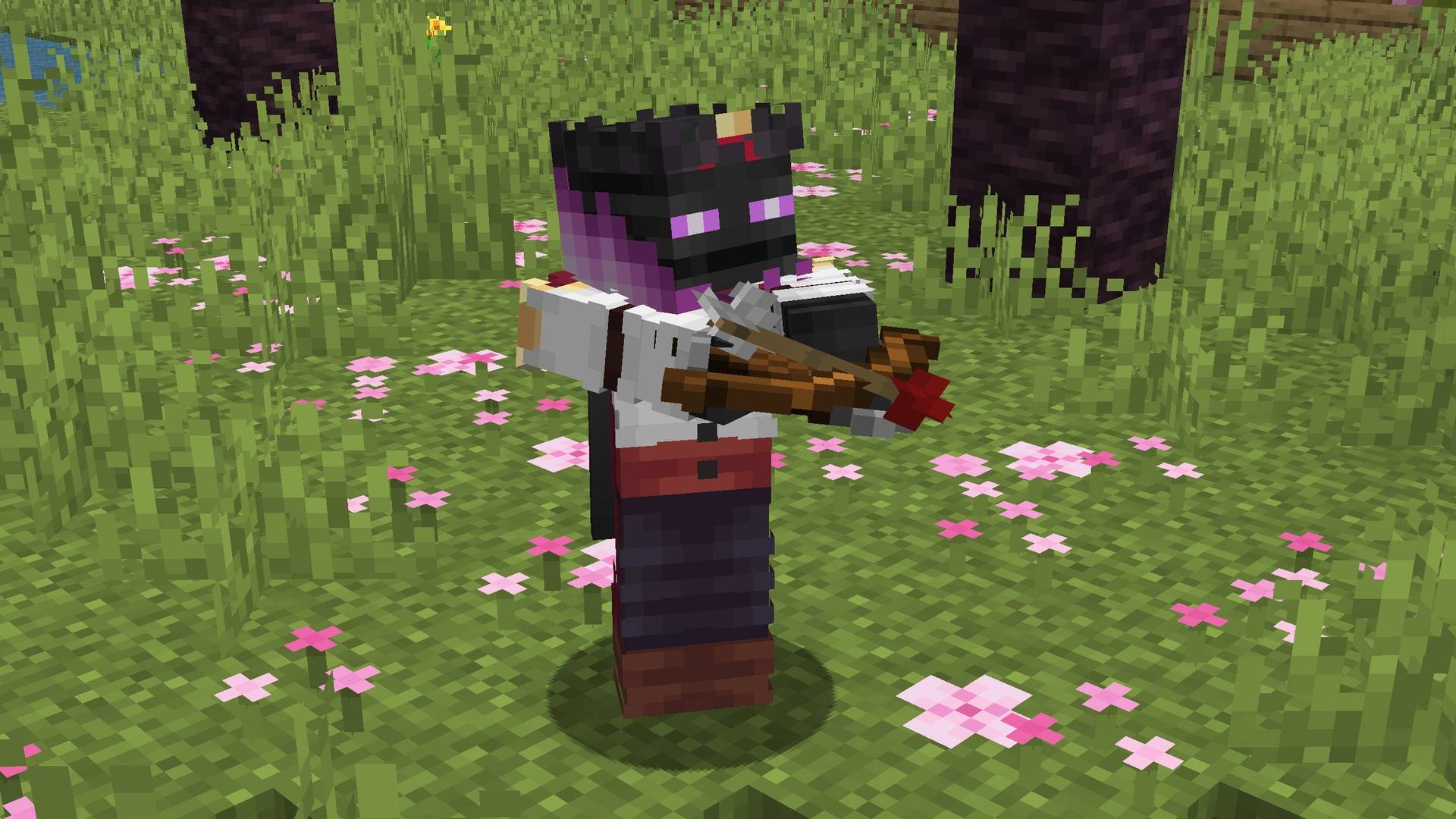
This pack remodels both the bow and crossbow to have the arrow 3D, like how it is in the world after you fire it!

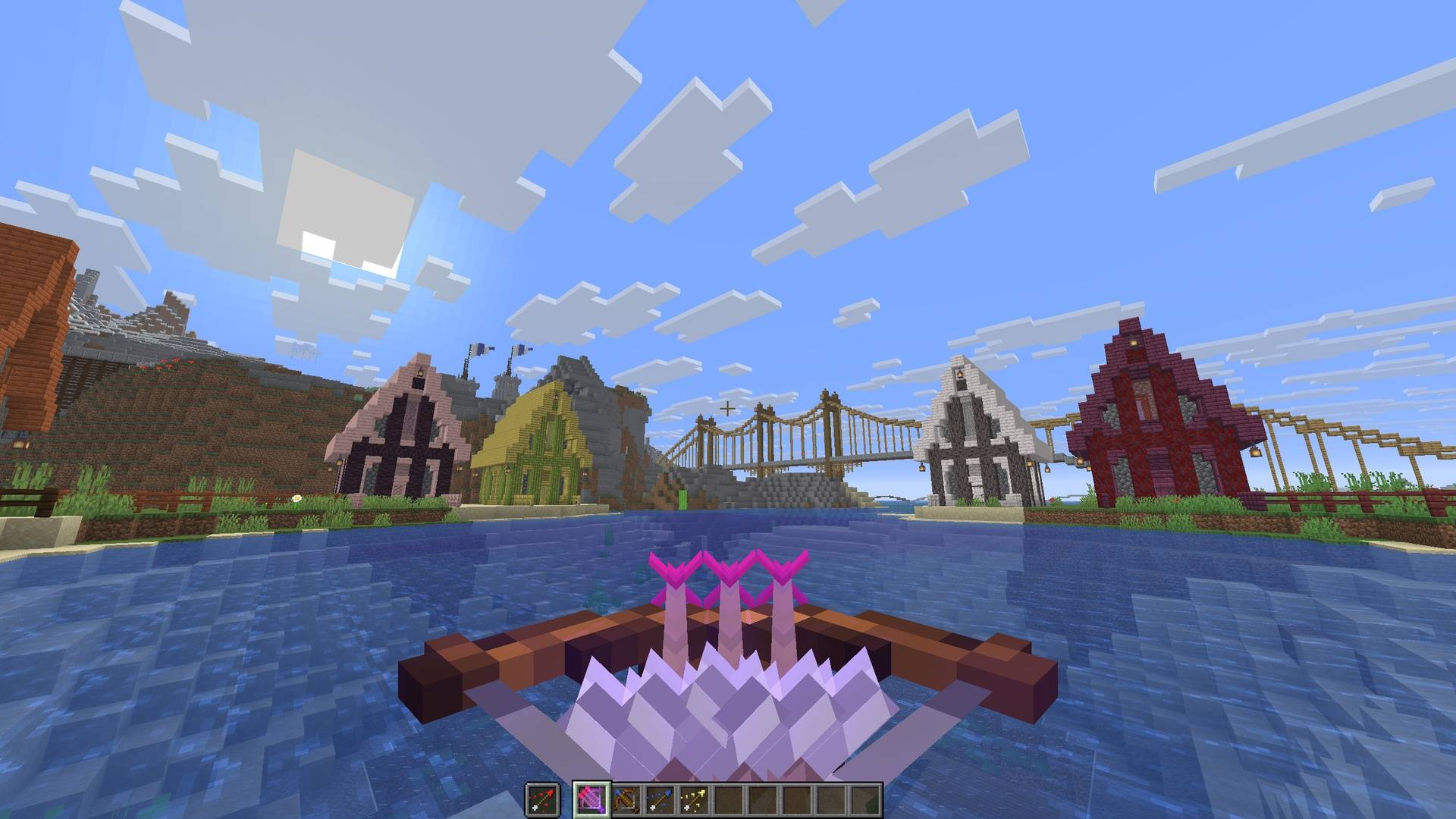
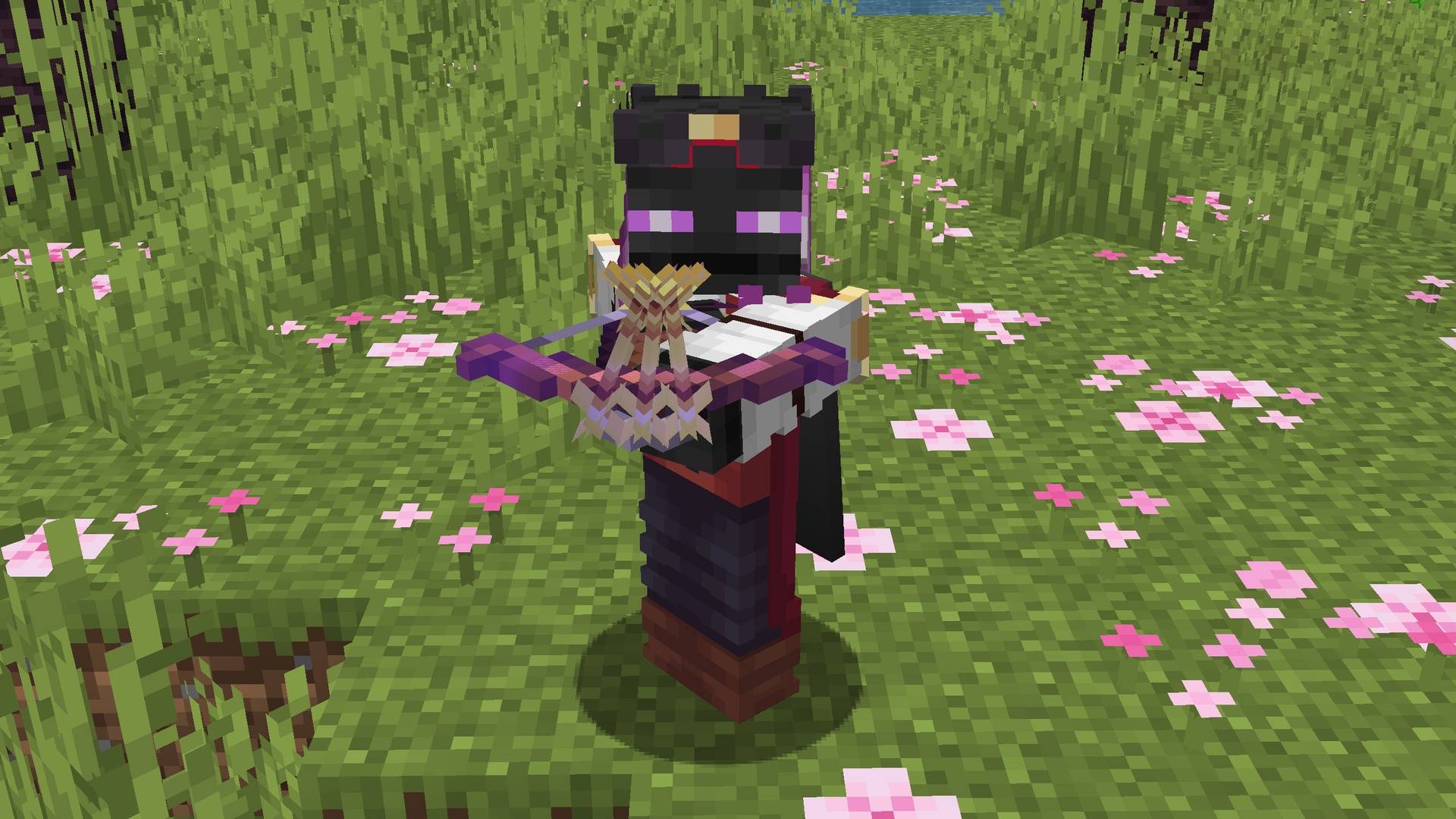
The crossbow also supports showing 3D firewords, spectral arrows, and tipped arrows!

When you have multishot, you will see three arrows at once in the crossbow!
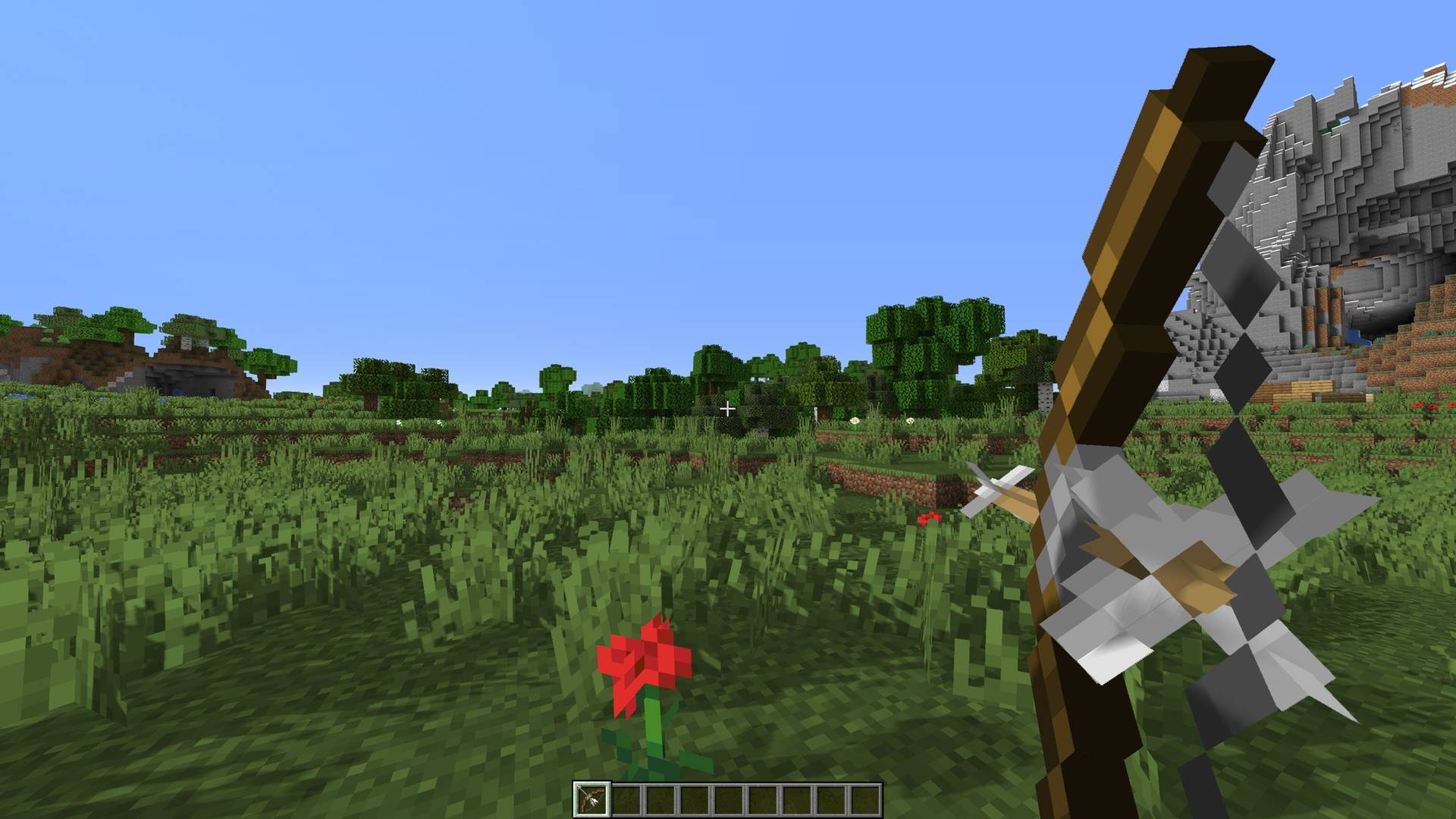

Bow

Crossbow

Aiming Bow

⎯⎯⎯⎯⎯⎯⎯⎯⎯⎯⎯⎯⎯⎯⎯⎯⎯⎯⎯⎯⎯⎯⎯⎯⎯⎯⎯⎯⎯⎯⎯⎯⎯⎯⎯⎯⎯⎯⎯⎯⎯⎯⎯⎯⎯⎯⎯⎯⎯⎯

Discord

Join my Discord Server!

Discord

Join the Resource Pack Development Discord Server!

YouTube

Subscribe on YouTube!

Twitter

Follow me on Twitter!

Ko-fi

Support me on Ko-fi!

Better Bows - v1.11.0
MC 1.21.9, 1.21.10, 1.21.11, 26.1, 26.1.1, 26.1.2, 26.2, 26.3
Release 2026-09-17 Get
Better Bows - v1.10.0
MC 1.21.9, 1.21.10, 1.21.11, 26.1, 26.1.1
Release 2026-03-29 Get
Better Bows - v1.9.0
MC 1.21.9, 1.21.10, 1.21.11
Release 2026-01-19 Get
Better Bows - v1.8.0
MC 1.21.9, 1.21.10
Release 2025-10-19 Get
Better Bows - v1.7.0
MC 1.21, 1.20.2, 1.21.8, 1.20.5, 1.21.5, 1.21.4, 1.20.6, 1.21.1, 1.21.6, 1.21.3, 1.21.7, 1.20.4, 1.20.3, 1.21.2
Release 2025-08-19 Get
Better Bows - v1.6.0
MC 1.21, 1.20.2, 1.20.5, 1.20.6, 1.20.4, 1.20.3
Release 2024-07-15 Get
Better Bows - v1.5.0
MC 1.20.2
Release 2023-09-25 Get
Better Bows - v1.4.0
MC 1.20.1, 1.20
Release 2023-09-11 Get
Better Bows - v1.3.0
MC 1.19.4
Release 2023-03-29 Get
Better Bows - v1.1.0
MC 1.18.1, 1.18, 1.18.2
Release 2022-09-12 Get
Better Bows - v1.2.0
MC 1.19.1, 1.19.2, 1.19
Release 2022-09-12 Get
Better Bows - v1.0.0
MC 1.17.1, 1.17
Release 2021-06-07 Get

Requirements & install

How to use this resource pack in Minecraft
Resolution
16x
Minecraft
1.21.9 – 26.3
Install folder
.minecraft/resourcepacks

How to install resource packs

  1. Download the resource pack .zip file (do not extract it).
  2. In Minecraft open Options → Resource Packs → Open Pack Folder.
  3. Drop the .zip into the resourcepacks folder (.minecraft/resourcepacks).
  4. Move the pack to the Selected column and click Done.
Browse more: 16x resource packs 32x resource packs 64x resource packs 128x resource packs 256x resource packs 512x+ resource packs Resource Packs for 26.3 All resource packs

More from ewanhowell5195

Advertisement Remove ads with Premium →

You Might Also Like