Mineuniverse
Resource Packs
Better Blue Ancient Debris [16x16]

Better Blue Ancient Debris [16x16]

RESOURCE PACK
A texture pack that makes Ancient Debris blue so you can see it better
by Fennerik
Download Claim this project
Add a badge to your pageLink to Better Blue Ancient Debris [16x16] from a README, website or forum post.
Preview: Badge

Badges update automatically and link to the resource pack page on MineUniverse.

19,290 downloads
0 likes
0 followers
Updated Oct 14, 2026
0 hypes
Follow0
16x
Advertisement Remove ads with Premium →

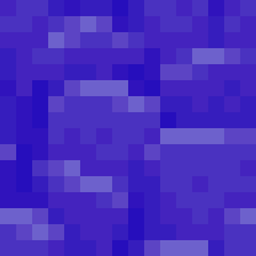
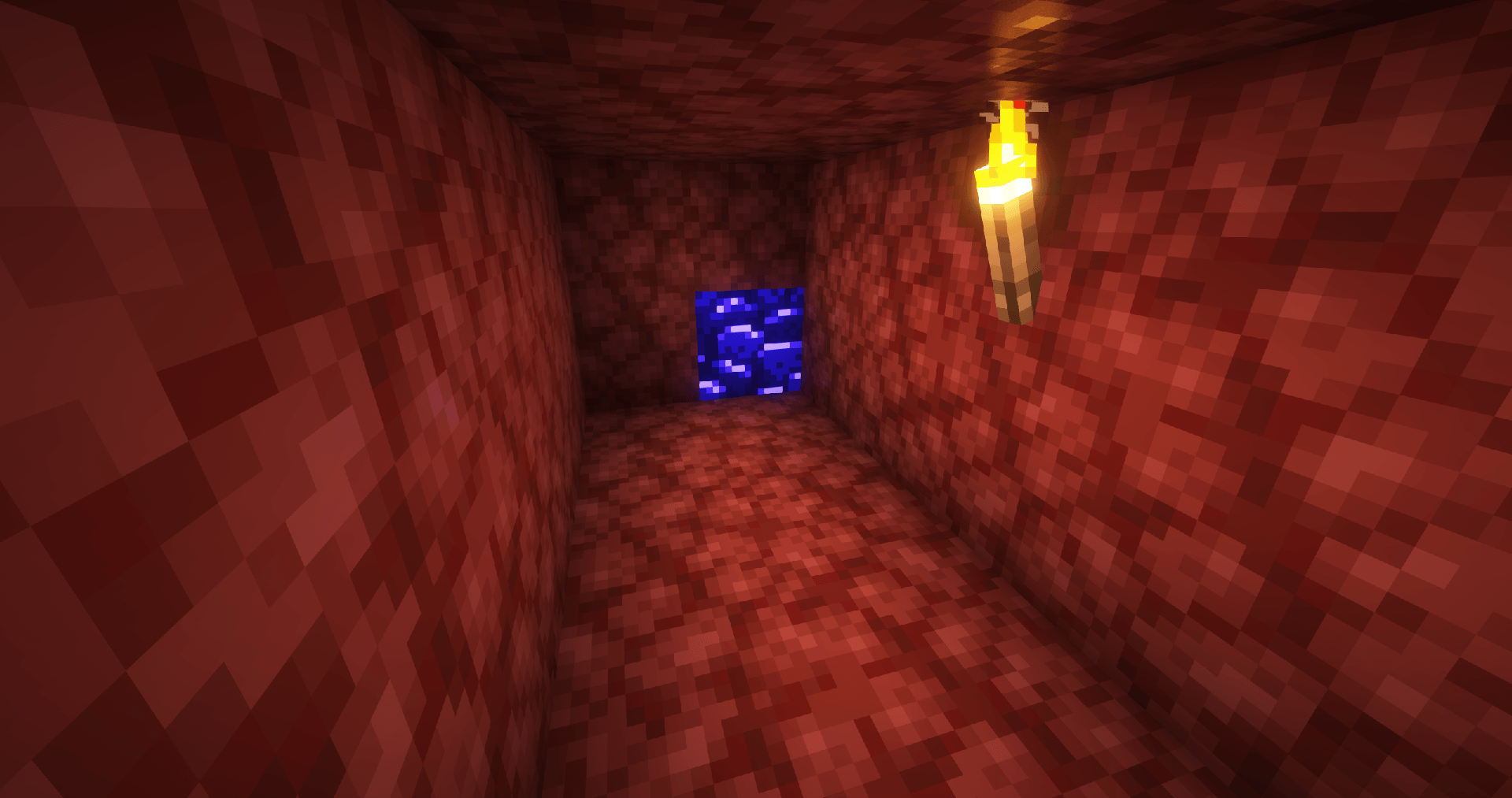
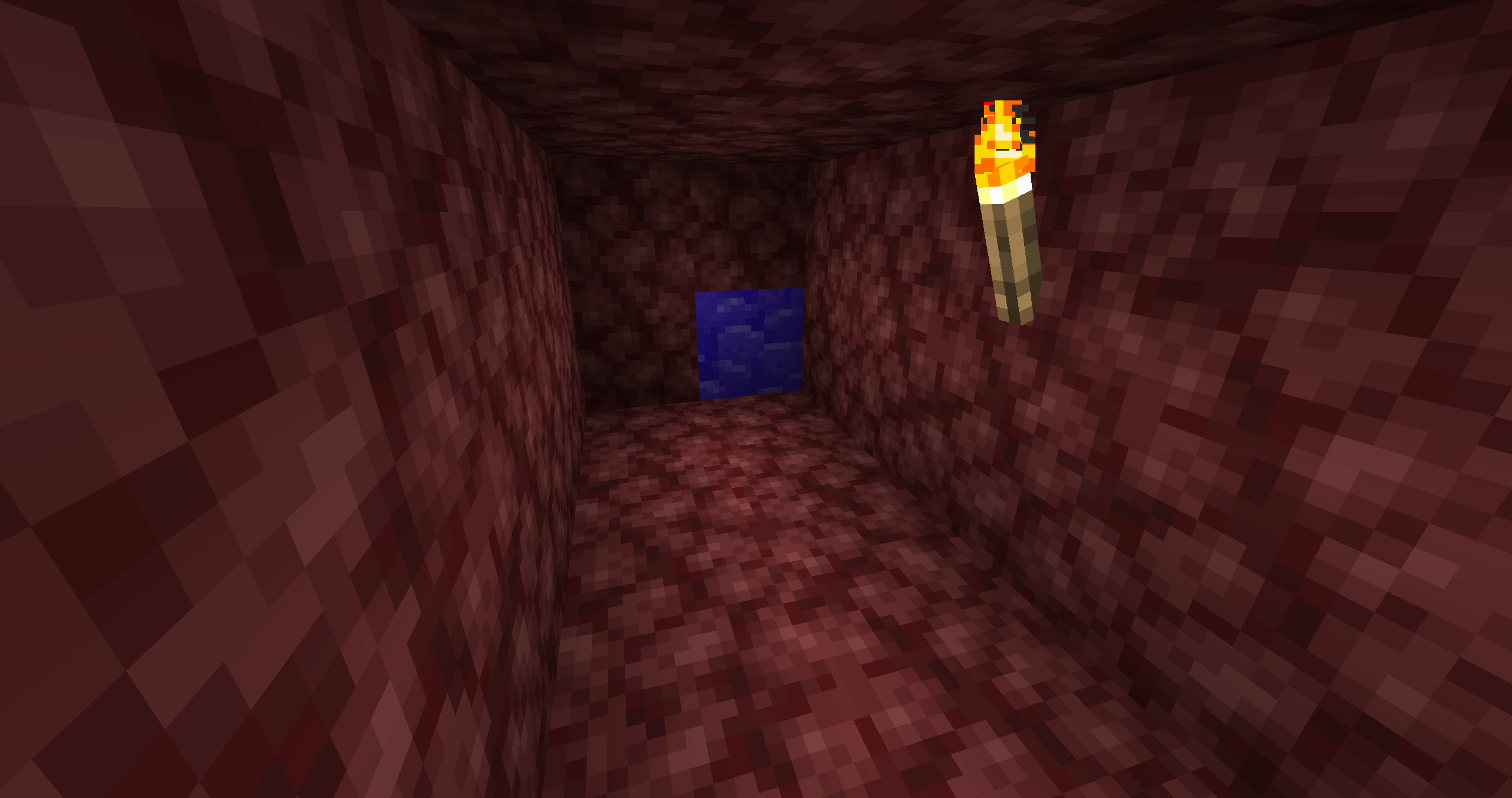
This texture Pack (or Ressource pack) helps you to find Ancient Debris in your Minecraft world or server. It changes the color from the Ancient Debris from the bad red to a nice-looking and good visible blue, so you will never miss an Ancient Debris you mined.


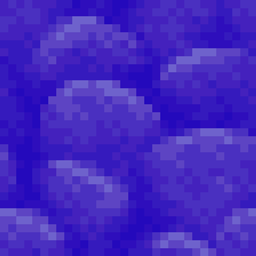
This ist the 16x316 Edition of the texture pack. The original, non-colored textures are the vanilla textures. There is also a 32x32 and a 64x64  Version of the texture pack.


To Install the Pack, go in your Minecraft settings to a menu called "Ressource Packs". Put it by Drag-and-Drop intro your Minecraft window. It will appear in the left side of the window. Do a double-click on it or click the triangle, when you hover over the pack's name. Once it is on the right side, make sure it is the first pack in the list. Otherwise it's possible that the pack doesn't work. To bring it to the top, simply click the triangle faced to the top when you hover over it, until it is the first pack.


Have fun with it!

BetterBlueAncientDebris_1.20.3-26.2_16x16.zip
MC 1.21, 1.21.8, 1.20.5, 1.21.5, 1.21.4, 1.20.6, 1.21.1, 1.21.6, 1.21.3, 1.21.7, 1.20.4, 1.20.3, 1.21.2, 1.21.9, 1.21.10, 1.21.11, 26.1, 26.1.1, 26.1.2, 26.2
Release 2026-08-16 Get
BetterBlueAncientDebris_1.20.3-1.21.10_16x16.zip
MC 1.21, 1.21.8, 1.20.5, 1.21.5, 1.21.4, 1.20.6, 1.21.1, 1.21.6, 1.21.3, 1.21.7, 1.20.4, 1.20.3, 1.21.2, 1.21.9, 1.21.10
Release 2025-10-10 Get

Requirements & install

How to use this resource pack in Minecraft
Resolution
16x
Minecraft
1.21.8 – 26.2
Install folder
.minecraft/resourcepacks

How to install resource packs

  1. Download the resource pack .zip file (do not extract it).
  2. In Minecraft open Options → Resource Packs → Open Pack Folder.
  3. Drop the .zip into the resourcepacks folder (.minecraft/resourcepacks).
  4. Move the pack to the Selected column and click Done.
Browse more: 16x resource packs 32x resource packs 64x resource packs 128x resource packs 256x resource packs 512x+ resource packs Resource Packs for 26.2 All resource packs

More from Fennerik

Advertisement Remove ads with Premium →

You Might Also Like