Mineuniverse
Resource Packs
Better Block Breaking

Better Block Breaking

RESOURCE PACK
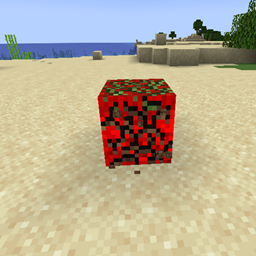
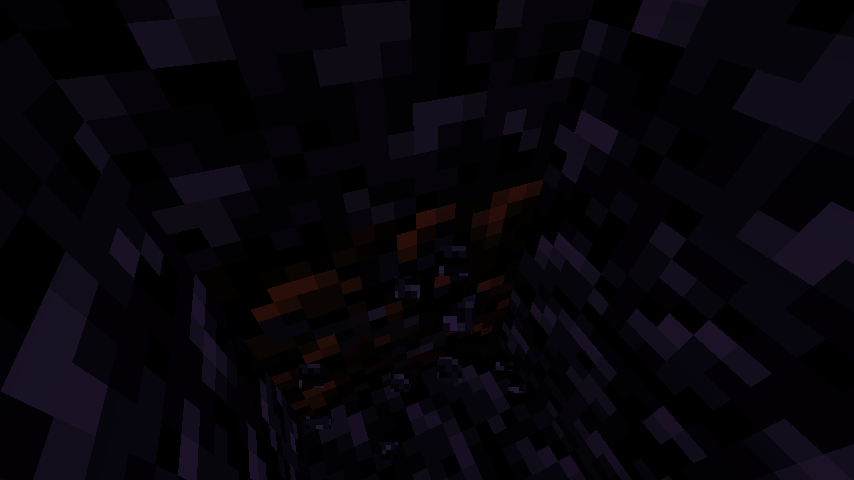
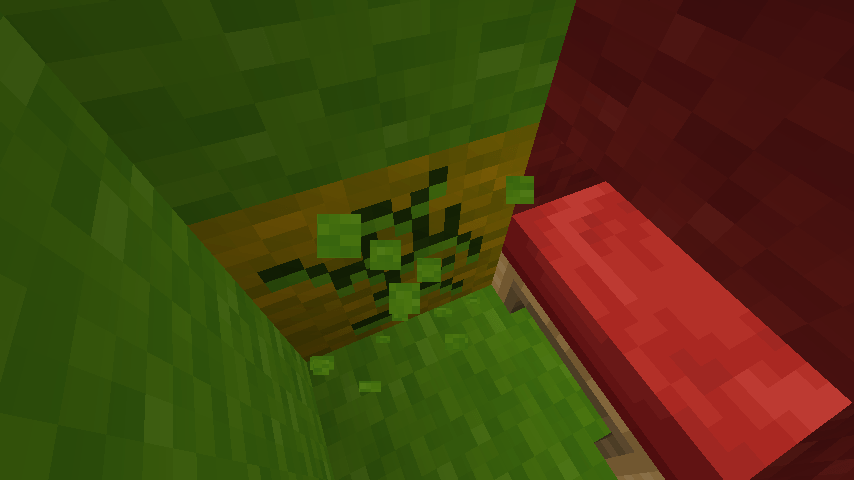
This resource pack makes it clearer when and how a block is being broken
by DragonstormStudios
Download Claim this project
659 downloads
0 likes
Updated Oct 14, 2026
0 hypes
16x Miscellaneous
Advertisement Remove ads with Premium →

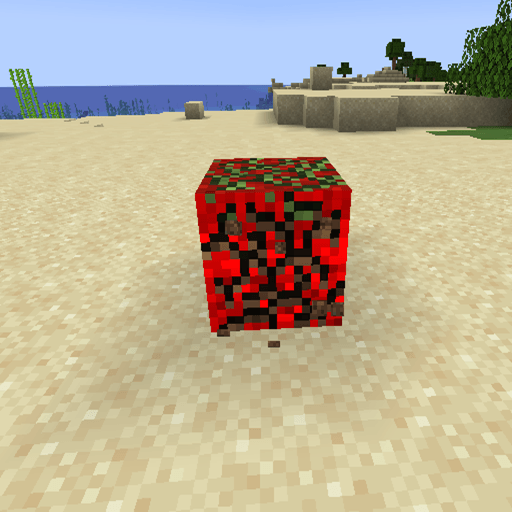
This resource pack was mainly created for PvP purposes, but it also includes a bunch of extra features. For example, when you break a block quickly, you get a cool animation. It also generally helps you see and break blocks more easily


Features:

Great for PvP 

Great for boxing in, It helps you see exactly where your opponent is trying to dig in, making it easier to defend yourself.

Also perfect for Bedwars.

Even in a simple singleplayer world, it’s super useful.

Includes a cool rainbow animation.”


Comments:

-You can use this modpack in your videos under the condition that you link the modpack and and send me a Link  of the Video, Thank you

-Please report bugs

-Before commenting, please play first, then report bugs or share ideas

-please do not report bugs of late versions.

-please Tell me your experiences with this Modpack, i Like Feedback!

-please no hate in the comments

 

better_block_breaking-1.1.0-resourcepack-1.21.8.zip
MC 1.16.3, 1.13.1, 1.16-Snapshot, 1.17.1, 1.21.2-Snapshot, 1.21, 1.21.6-snapshot, 1.15-Snapshot, 1.16.1, 1.18.1, 1.20.2-Snapshot, 1.20.5-Snapshot, 1.14.3, 1.15, 1.16, 1.13
Release 2026-02-16 Get
better_block_breaking-1.0.0-resourcepack
MC 1.16.3, 1.13.1, 1.9.3, 1.8.7, 1.16-Snapshot, 1.17.1, 1.9.1, 1.21.2-Snapshot, 1.21, 1.21.6-snapshot, 1.15-Snapshot, 1.16.1, 1.18.1, 1.20.2-Snapshot, 1.20.5-Snapshot, 1.14.3, 1.15
Release 2026-01-15 Get

Requirements & install

How to use this resource pack in Minecraft
Resolution
16x
Minecraft
1.16.3 – 1.21.6-snapshot
Install folder
.minecraft/resourcepacks

How to install resource packs

  1. Download the resource pack .zip file (do not extract it).
  2. In Minecraft open Options → Resource Packs → Open Pack Folder.
  3. Drop the .zip into the resourcepacks folder (.minecraft/resourcepacks).
  4. Move the pack to the Selected column and click Done.
Browse more: 16x resource packs 32x resource packs 64x resource packs 128x resource packs 256x resource packs 512x+ resource packs Resource Packs for 1.21.6-snapshot All resource packs

More from DragonstormStudios

Advertisement Remove ads with Premium →

You Might Also Like