Mineuniverse
Resource Packs
Better 3D Saplings

Better 3D Saplings

RESOURCE PACK
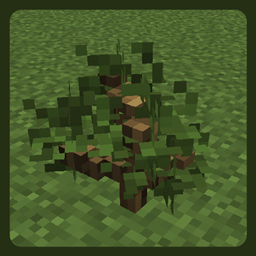
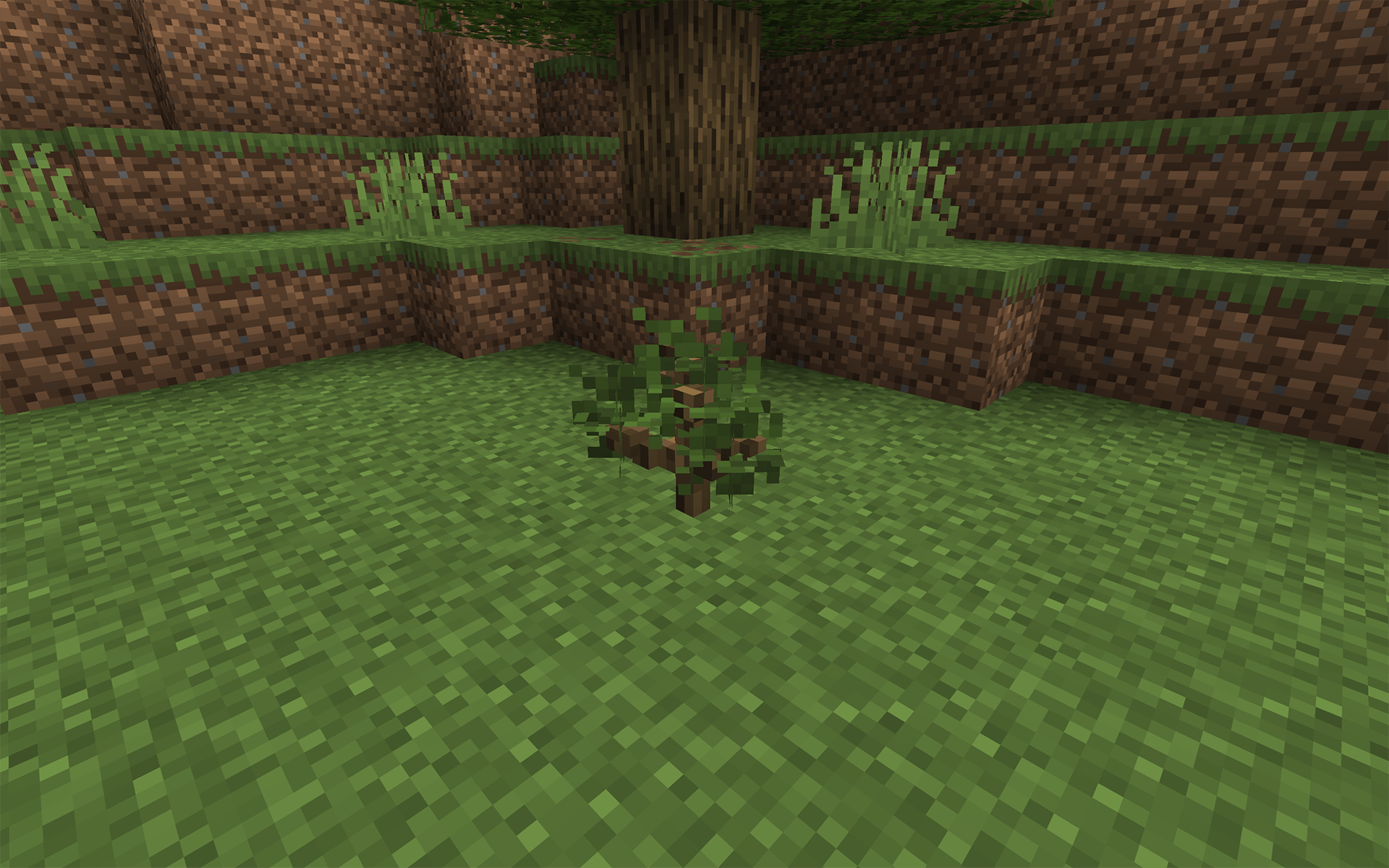
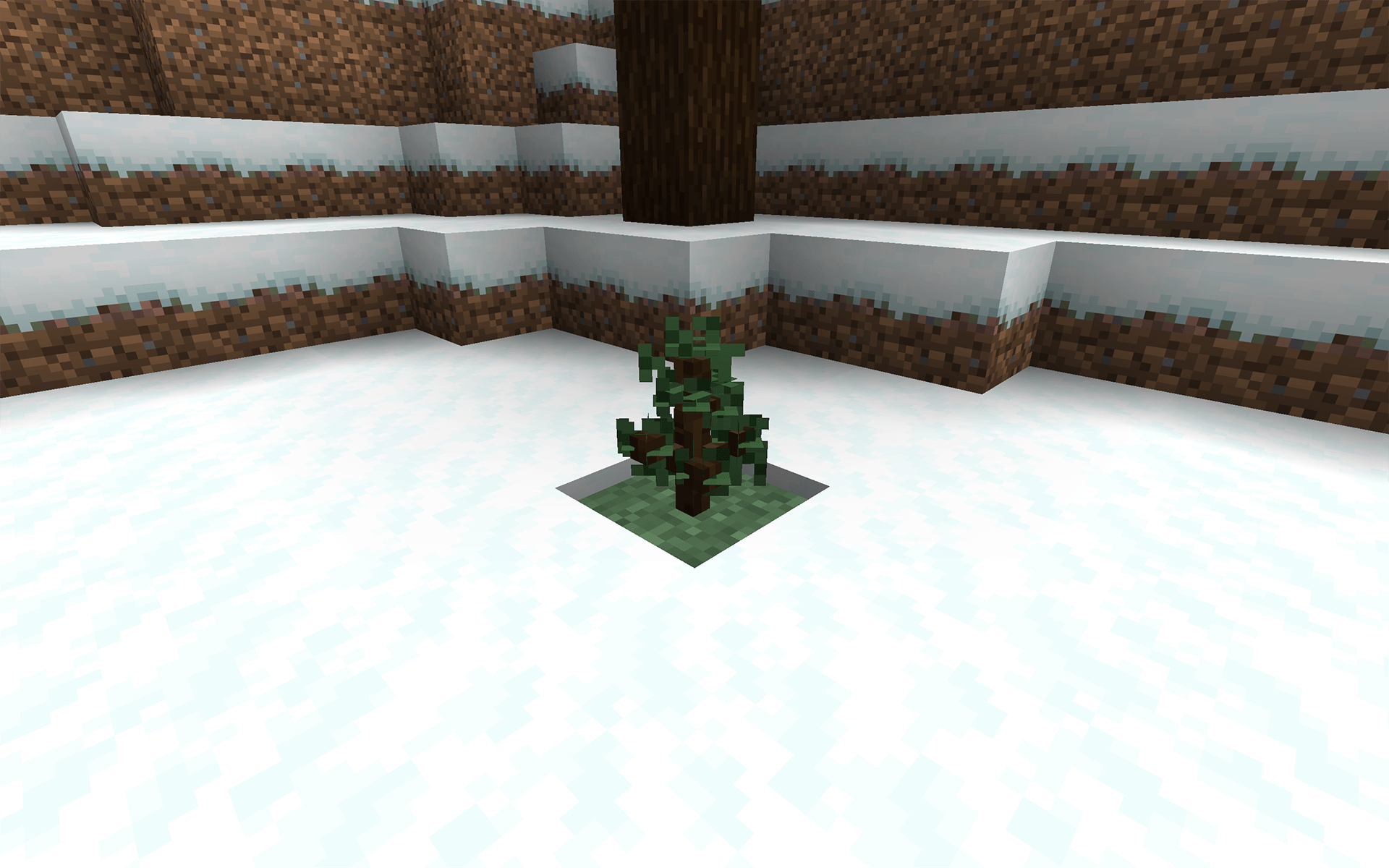
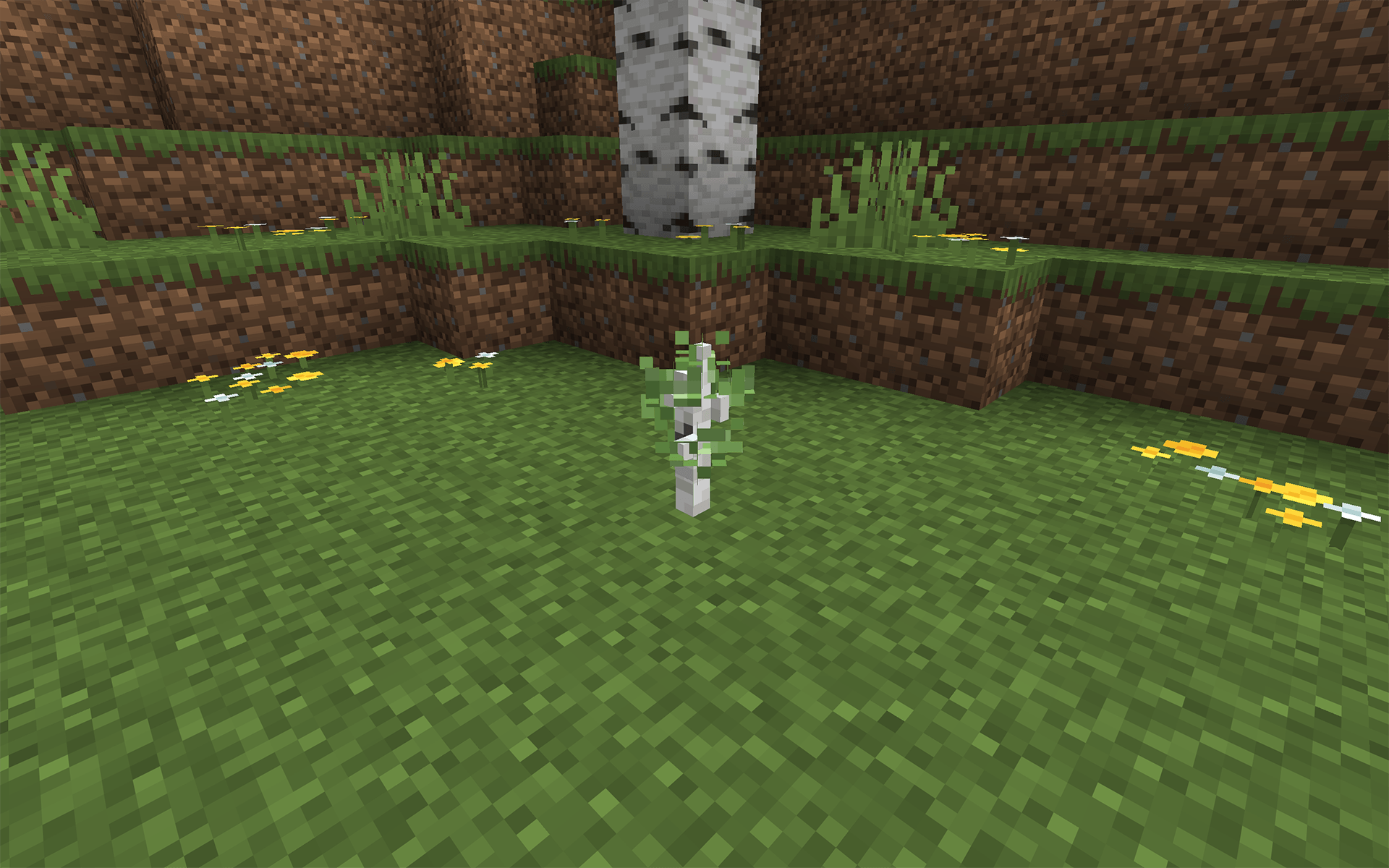
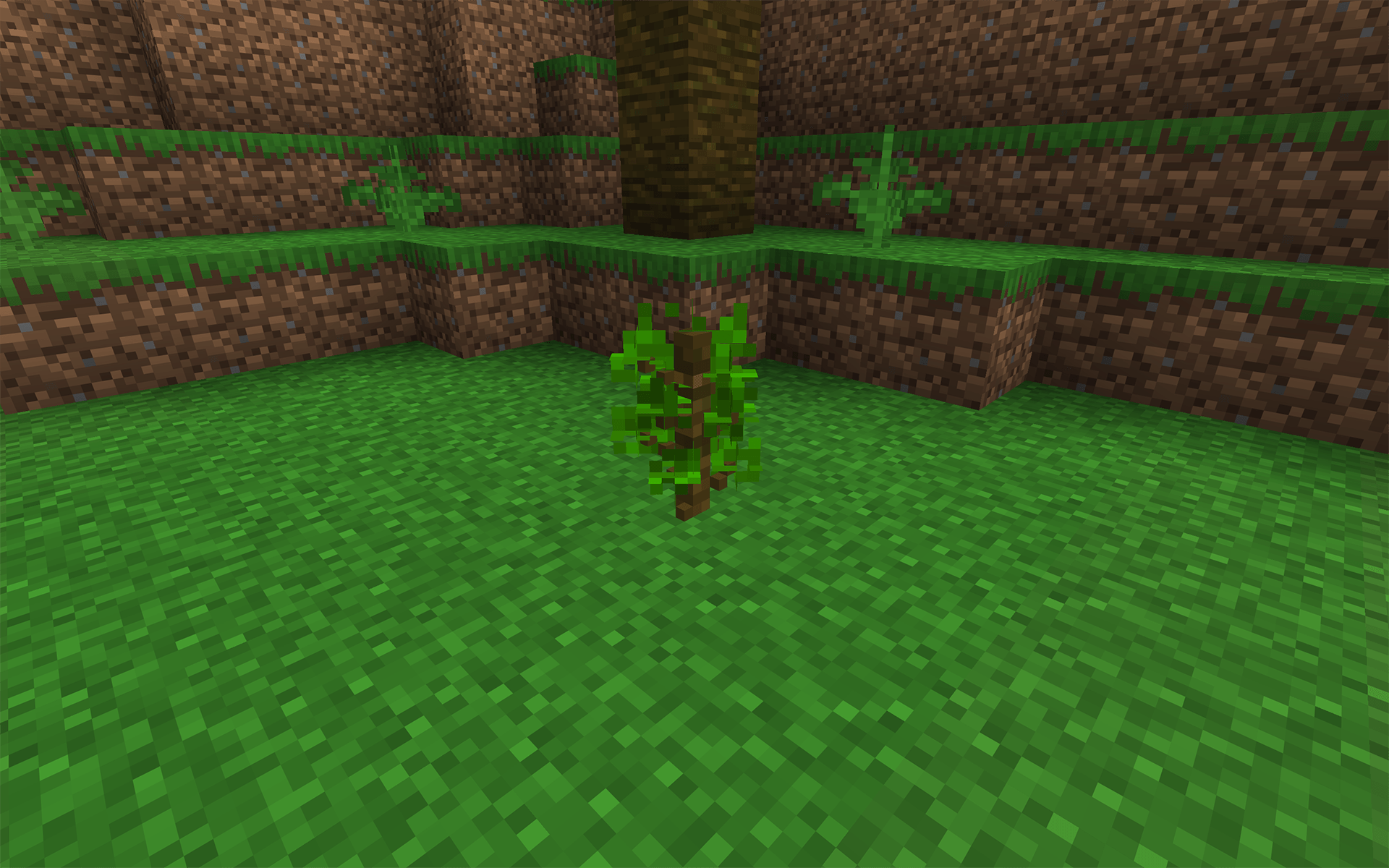
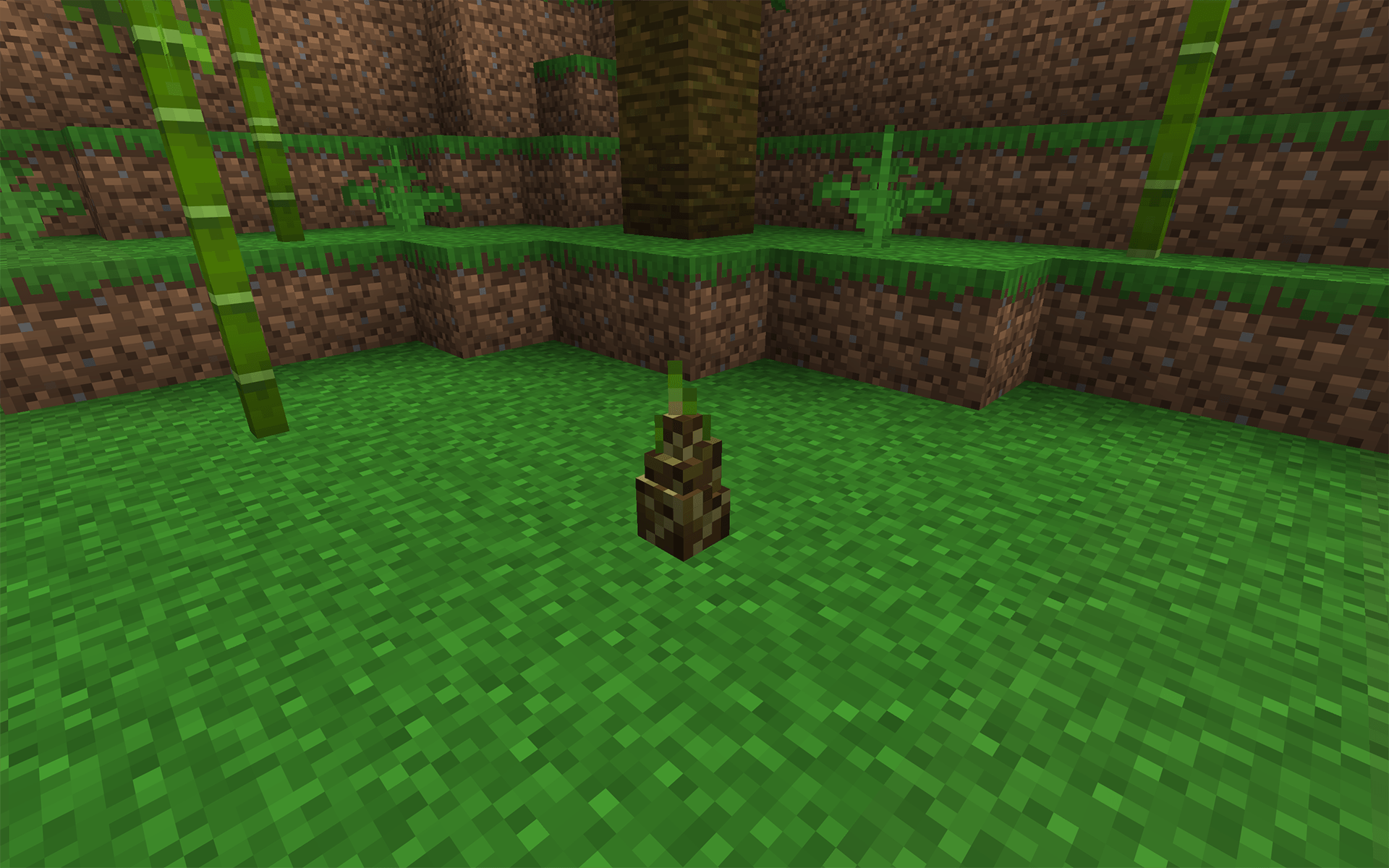
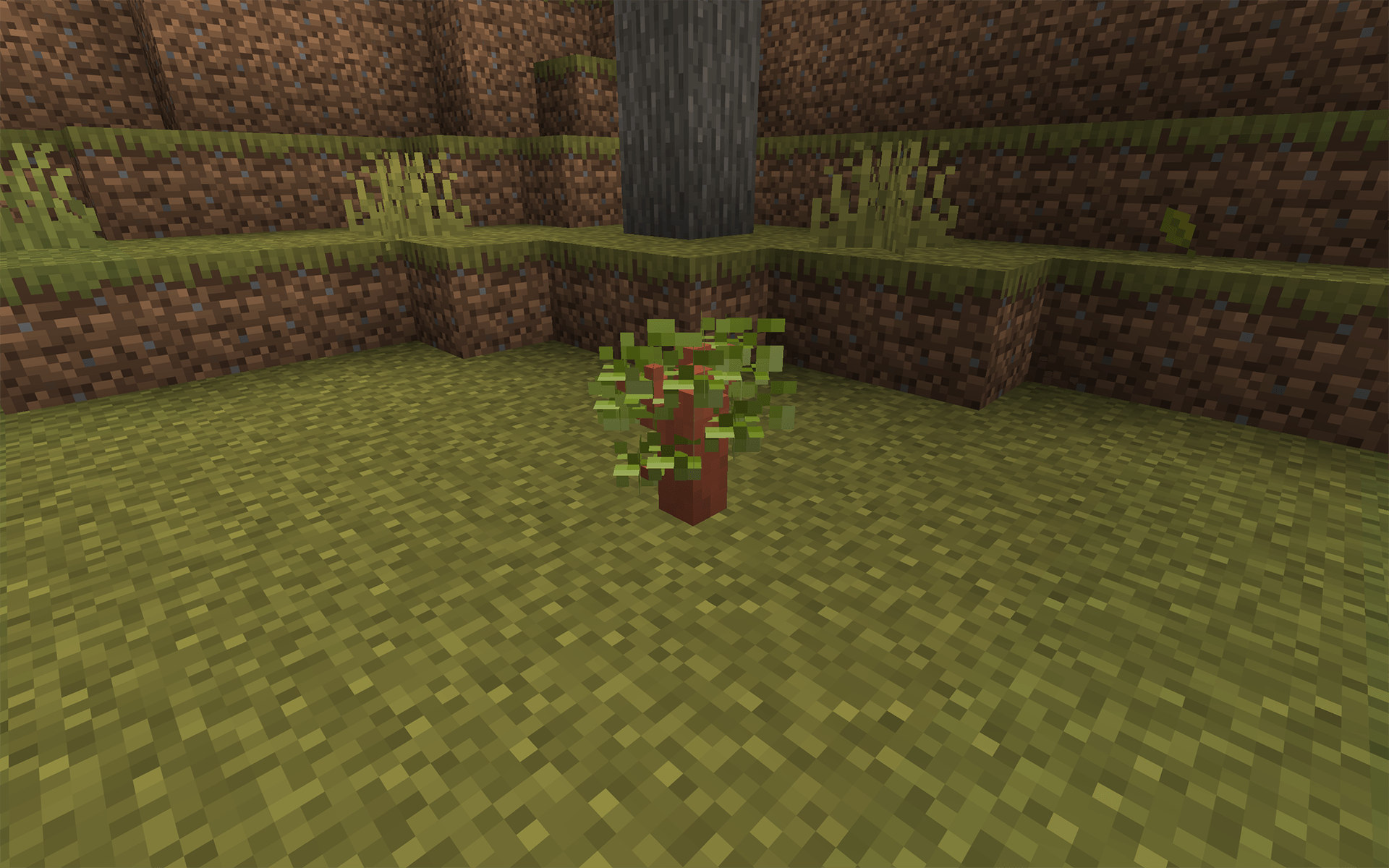
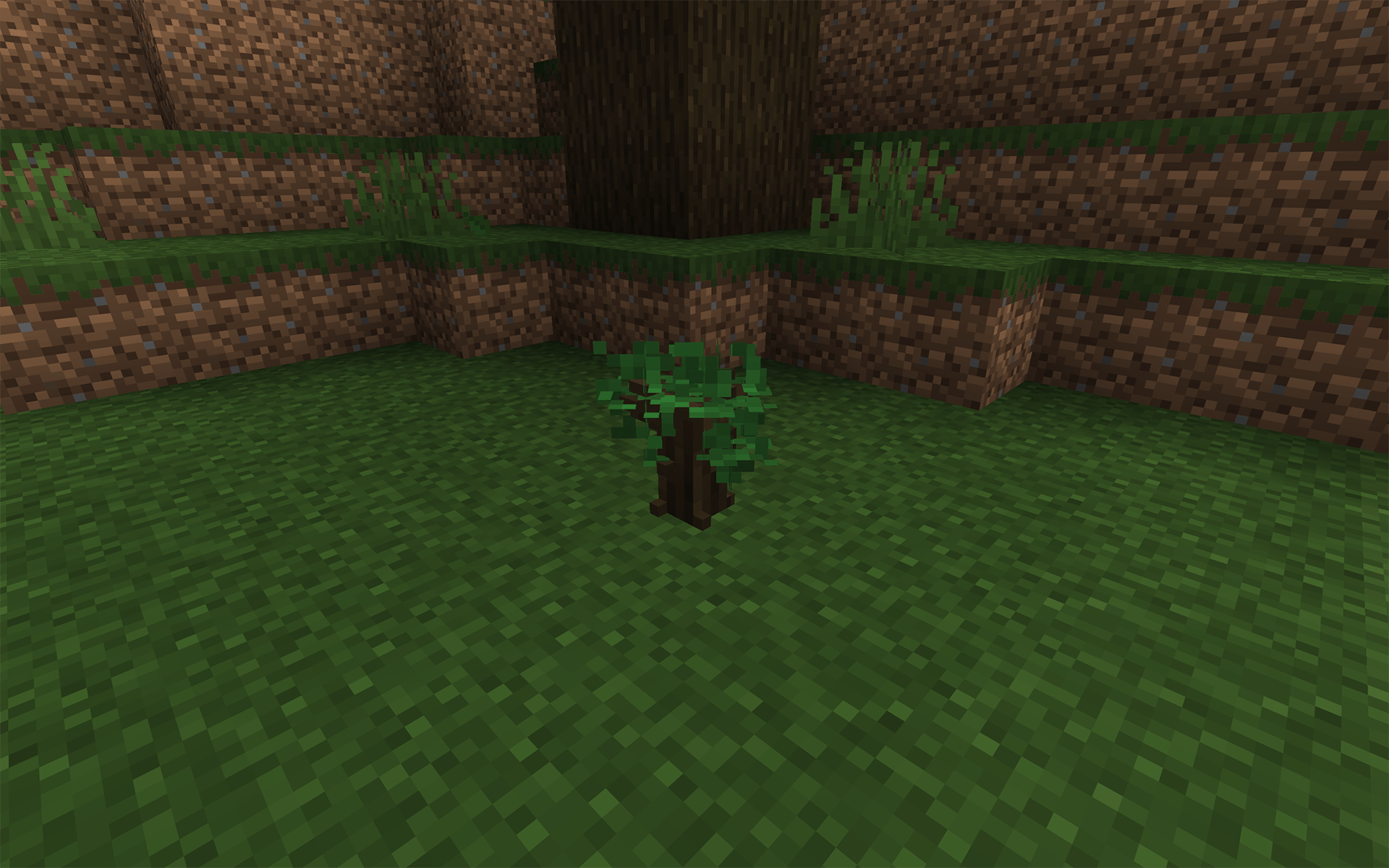
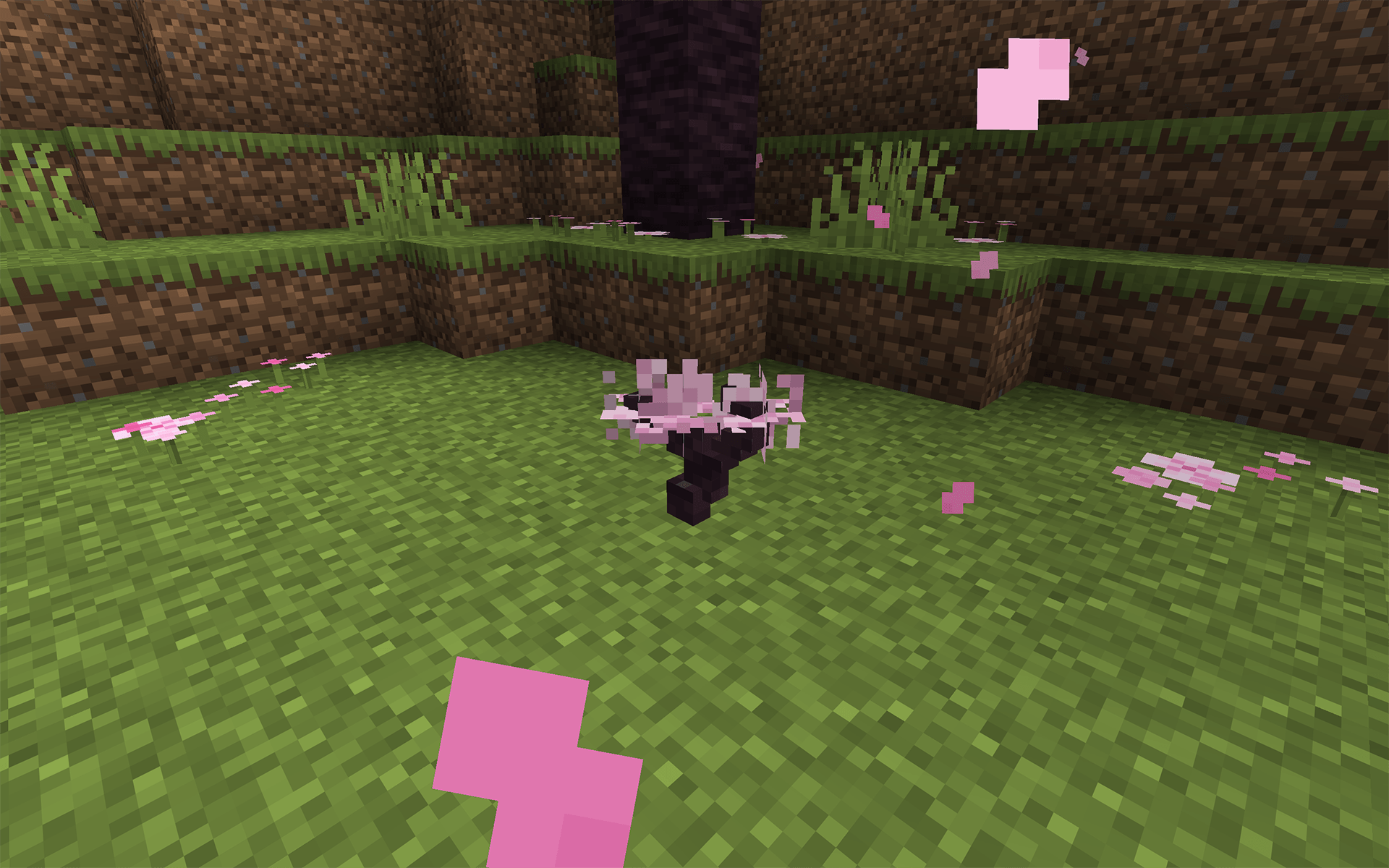
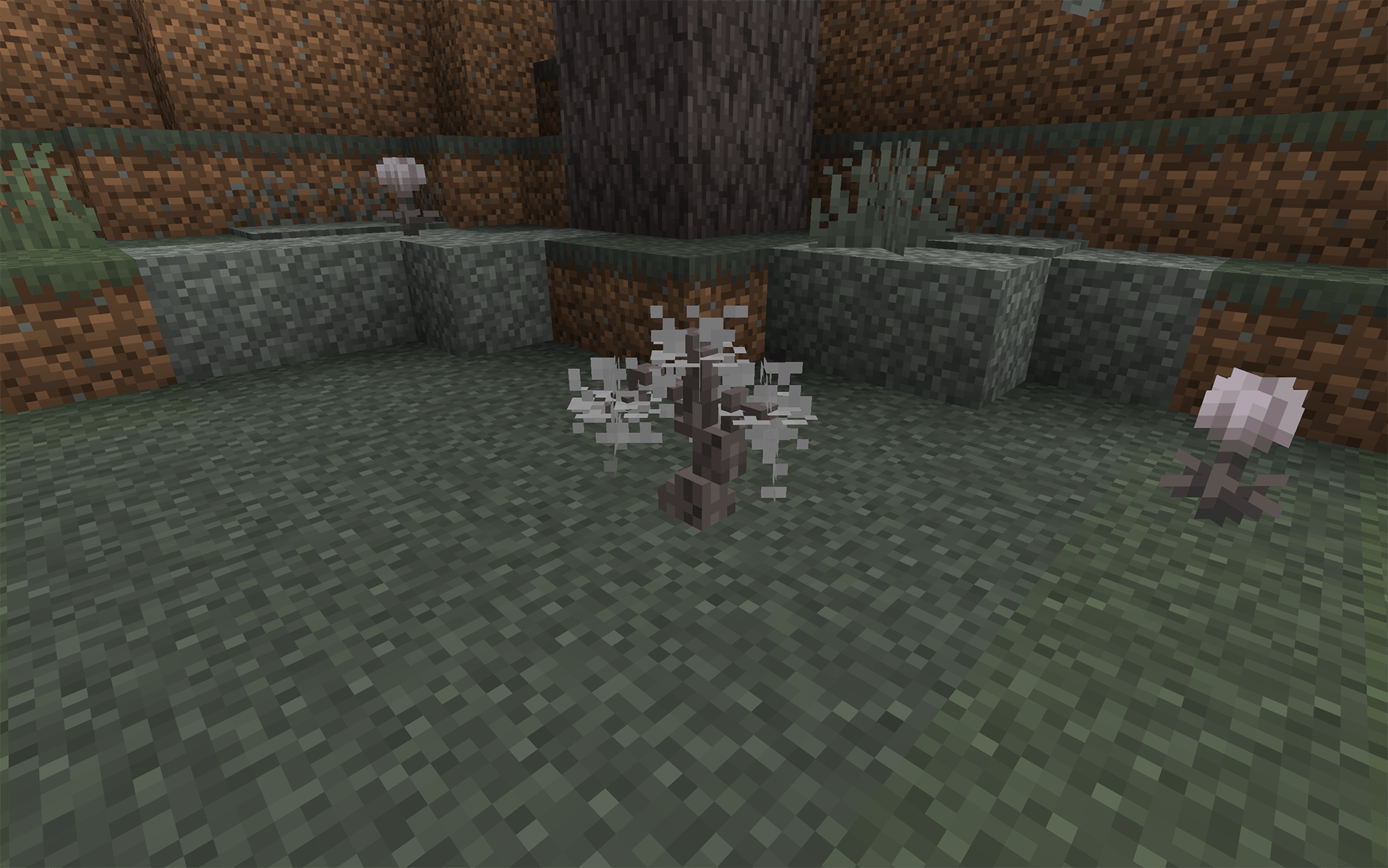
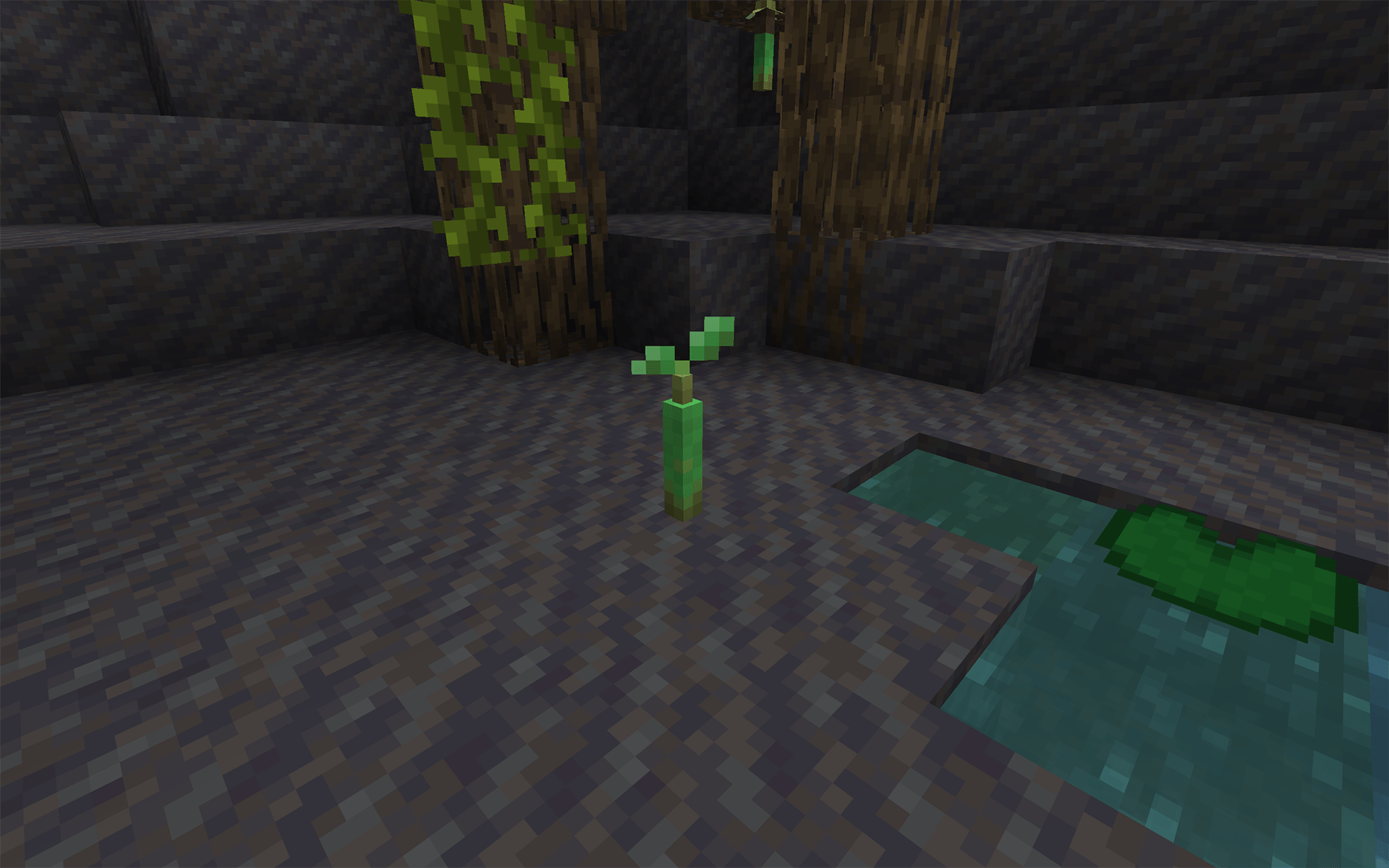
3D Models of Minecraft's saplings in a vanilla friendly style!
by Water_puddle
Download Claim this project
37,688 downloads
0 likes
0 followers
Updated Oct 14, 2026
0 hypes
Follow0
16x Miscellaneous
Advertisement Remove ads with Premium →

Description:

Better 3D Saplings is a resource pack that focuses on improving the look and feel of saplings with improved 3D models for all normal saplings in the game. The goal of this pack was make the models more detailed, while still achieving a more default vanilla look. They use default vanilla textures, with the exception of the leaves, which use a modified version of the original in-game texture.


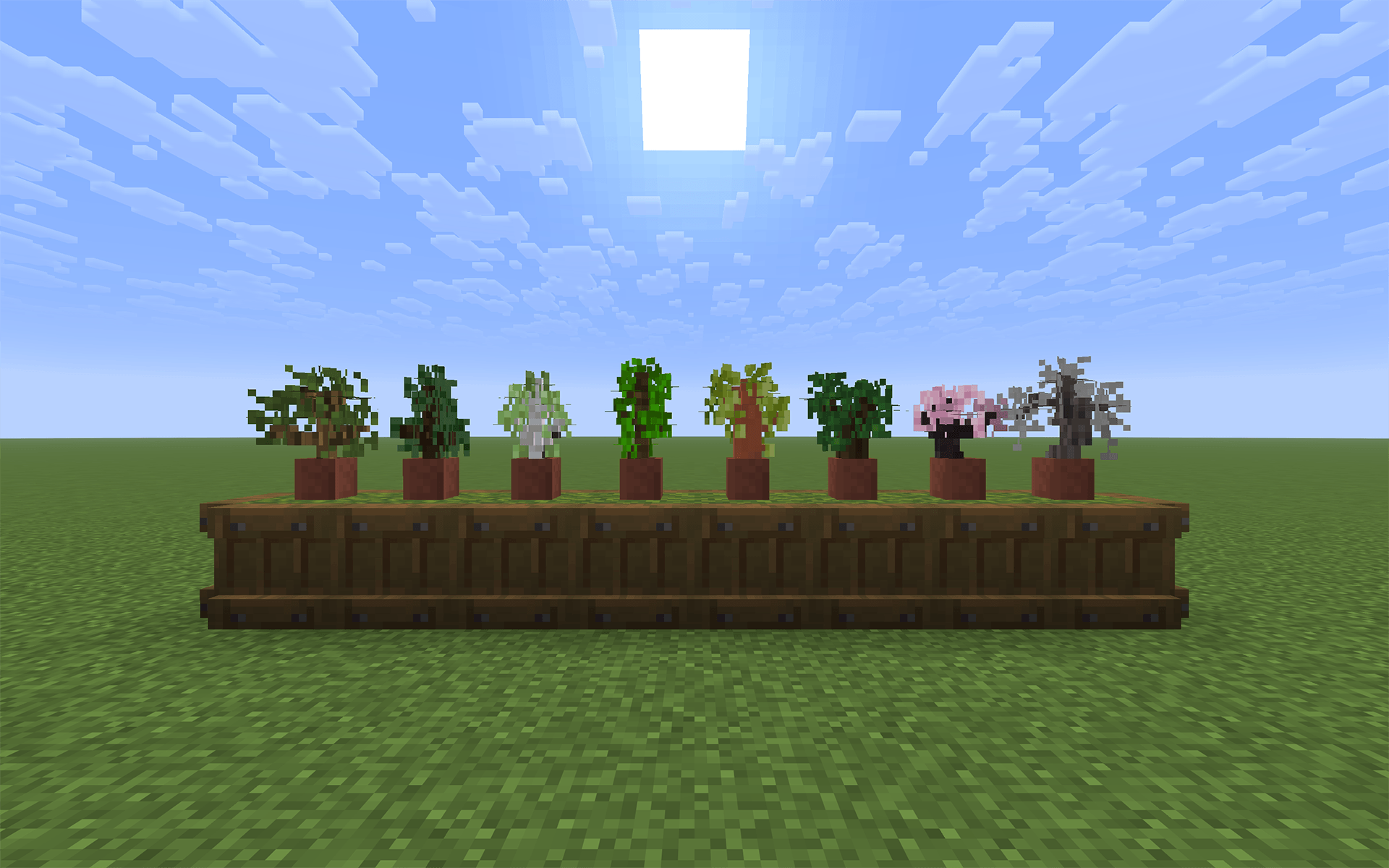
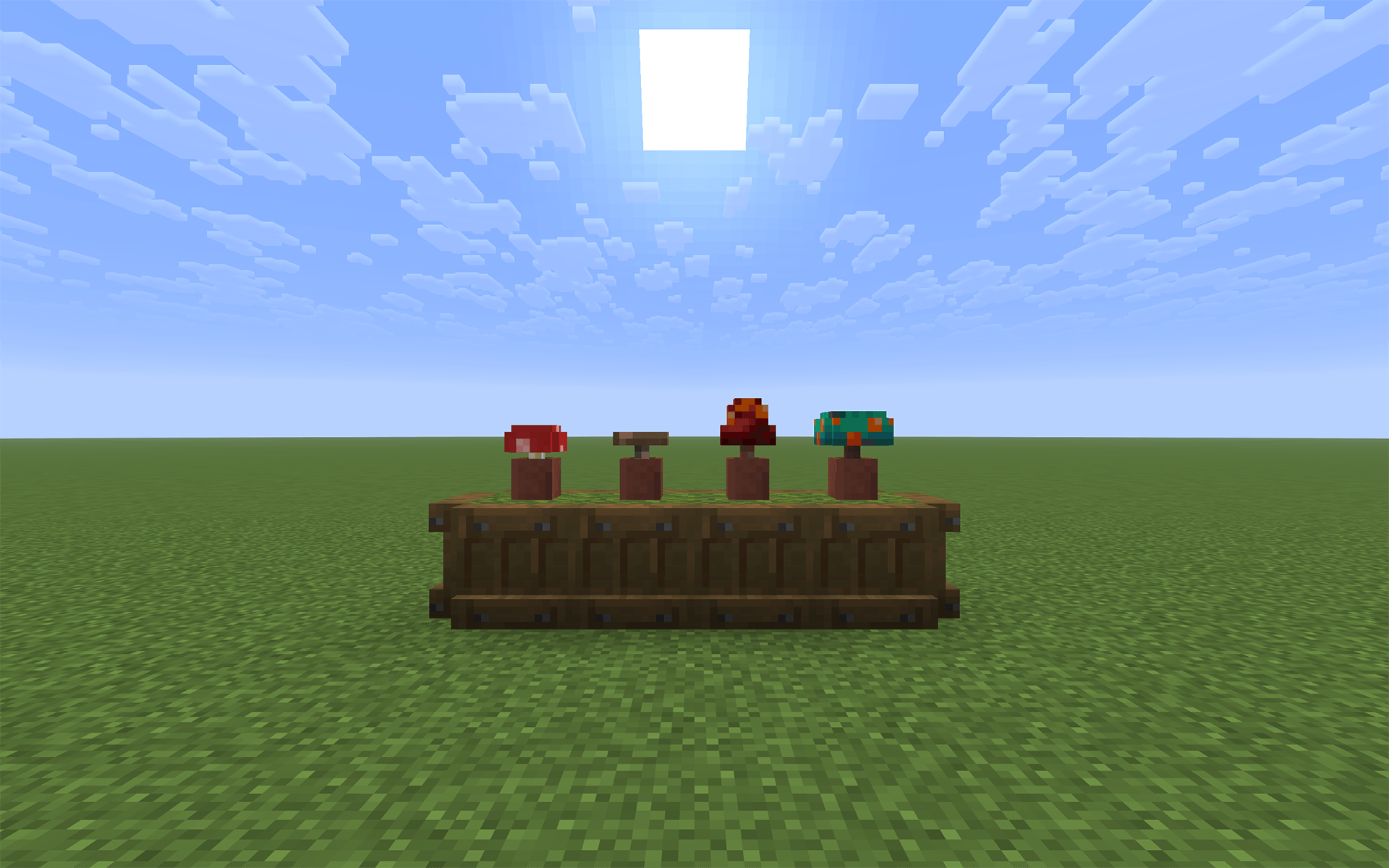
The pack currently includes models for the following items:

  • Oak Saplings
  • Spruce Saplings
  • Birch Saplings
  • Jungle Saplings
  • Dark Oak Saplings
  • Acacia Saplings
  • Mangrove Propagules
  • Cherry Saplings
  • Pale Oak Saplings
  • Bamboo Stage 0
  • Red Mushrooms
  • Brown Mushrooms
  • Crimson Fungi
  • Warped Fungi


Credits:

Better 3D Saplings | v2.0.0
MC 1.21, 1.20.2, 1.21.8, 1.20.5, 1.21.5, 1.21.4, 1.20.1, 1.20, 1.20.6, 1.21.1, 1.21.6, 1.21.3, 1.21.7, 1.20.4, 1.20.3, 1.21.2, 1.21.9, 1.21.10, 1.21.11, 26.1-snapshot
Release 2026-03-17 Get
BetterSaplings_v1.2.zip
MC 1.20.2, 1.20.2-Snapshot, 1.20.3-Snapshot, 1.20.1, 1.20, 1.20-Snapshot
Release 2023-11-28 Get
BetterSaplings_v1.2.1.zip
MC 1.20.2-Snapshot, 1.20.2, 1.20.1, 1.20, 1.20-Snapshot, 1.20.3-Snapshot
Release 2023-11-28 Get
BetterSaplings_v1.1.zip
MC 1.19.3, 1.19-Snapshot, 1.19.2, 1.19.1, 1.19
Release 2022-12-29 Get
BetterSaplings_v1.0.zip
MC 1.19.3, 1.19-Snapshot, 1.19.2, 1.19.1, 1.19
Release 2022-12-28 Get

Requirements & install

How to use this resource pack in Minecraft
Resolution
16x
Minecraft
1.21.5 – 26.1-snapshot
Install folder
.minecraft/resourcepacks

How to install resource packs

  1. Download the resource pack .zip file (do not extract it).
  2. In Minecraft open Options → Resource Packs → Open Pack Folder.
  3. Drop the .zip into the resourcepacks folder (.minecraft/resourcepacks).
  4. Move the pack to the Selected column and click Done.
Browse more: 16x resource packs 32x resource packs 64x resource packs 128x resource packs 256x resource packs 512x+ resource packs Resource Packs for 26.1-snapshot All resource packs

More from Water_puddle

Advertisement Remove ads with Premium →

You Might Also Like