Mineuniverse
Resource Packs
Best Jujutsu kaisen gui - ( Jujutsu Kaisen )

Best Jujutsu kaisen gui - ( Jujutsu Kaisen )

RESOURCE PACK
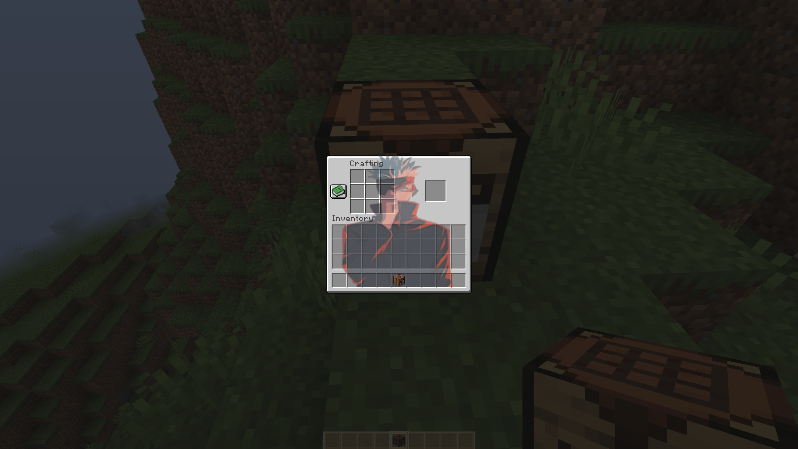
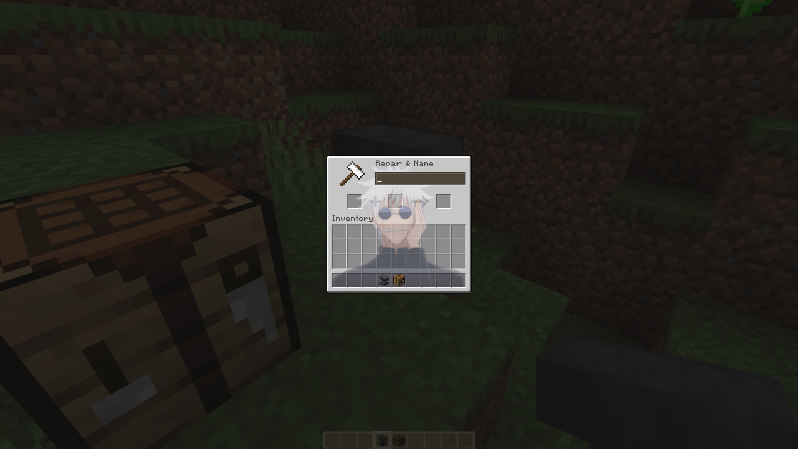
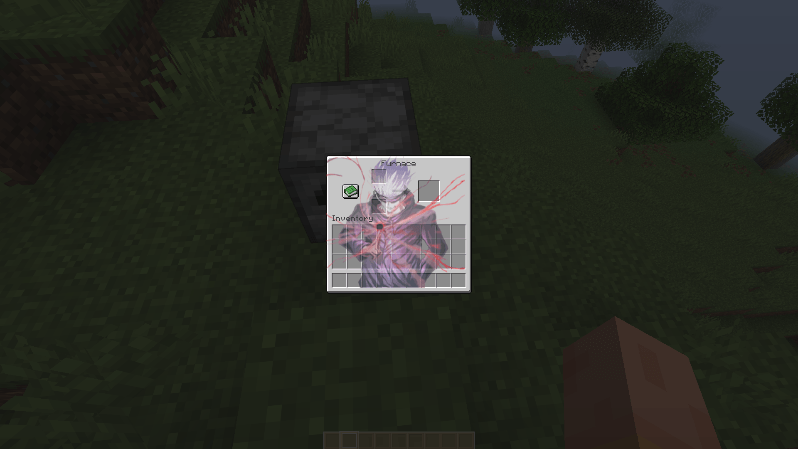
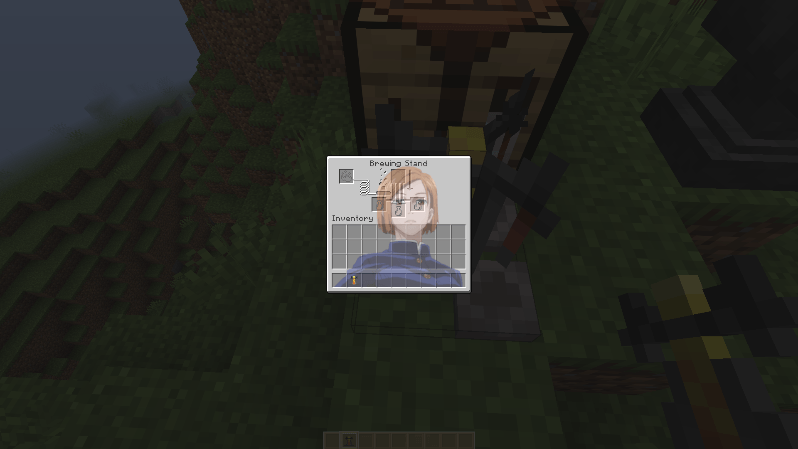
Transform your minecraft ui with Gojo, Yuji.... Best GUI (Jujutsu Kaisen) .Anime lovers Will Love It.
by NetherSpark_Studios
Download Claim this project
Add a badge to your pageLink to Best Jujutsu kaisen gui - ( Jujutsu Kaisen ) from a README, website or forum post.
Preview: Badge

Badges update automatically and link to the resource pack page on MineUniverse.

3,724 downloads
0 likes
0 followers
Updated Oct 14, 2026
0 hypes
Follow0
16x Miscellaneous
Advertisement Remove ads with Premium →

Transform your Minecraft UI with Mahiru’s cute and adorable GUI inspired by The Angel Next Door Spoils Me Rotten! ✨

Bring a soft, cozy anime aesthetic to your game with a UI themed around Mahiru’s gentle and charming style. From sweet pastel tones to clean, comforting visuals, every menu feels like it’s been blessed by the “Angel Next Door” herself.

Perfect for anime fans who want their Minecraft experience to feel warm, wholesome, and a little extra adorable. Once you try it, the default UI will feel way too plain.

If you love anime and cozy vibes, you’re going to love this! 💫
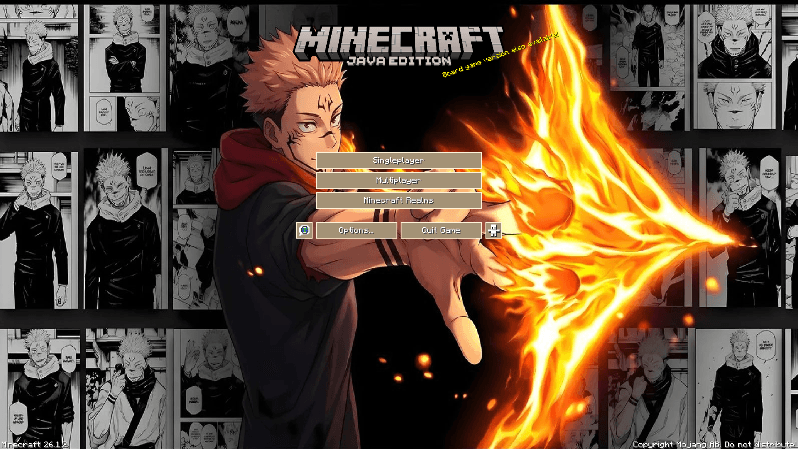
Showcase

Socials:

Join our discord 

✅ Allowed with My Projects

  • You can showcase my work in videos/streams if you give proper credit (e.g., link to the official download).
  • You can edit file for personal use only

❌ Not Allowed with My Projects

  • You cannot distribute through monetized links (AdFly, Linkvertise, etc.).
  • You cannot edit and re-share my projects .
Jujutsu Kaisen Gui v1.zip
MC 1.21.2-Snapshot, 1.21, 1.21.6-snapshot, 1.21.1-Snapshot, 1.21.8, 1.21.5, 1.21.4, 1.21.5-Snapshot, 1.21.1, 1.21.6, 1.21.3, 1.21.7, 1.21-Snapshot, 1.21.4-Snapshot, 1.21.2
Release 2026-06-11 Get

Requirements & install

How to use this resource pack in Minecraft
Resolution
16x
Minecraft
1.21.4-Snapshot – 1.21.8
Install folder
.minecraft/resourcepacks

How to install resource packs

  1. Download the resource pack .zip file (do not extract it).
  2. In Minecraft open Options → Resource Packs → Open Pack Folder.
  3. Drop the .zip into the resourcepacks folder (.minecraft/resourcepacks).
  4. Move the pack to the Selected column and click Done.
Browse more: 16x resource packs 32x resource packs 64x resource packs 128x resource packs 256x resource packs 512x+ resource packs Resource Packs for 1.21.8 All resource packs

More from NetherSpark_Studios

Advertisement Remove ads with Premium →

You Might Also Like