Badges update automatically and link to the resource pack page on MineUniverse.
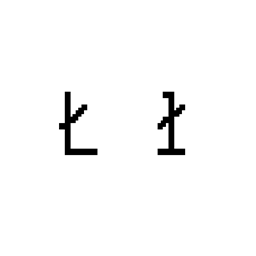
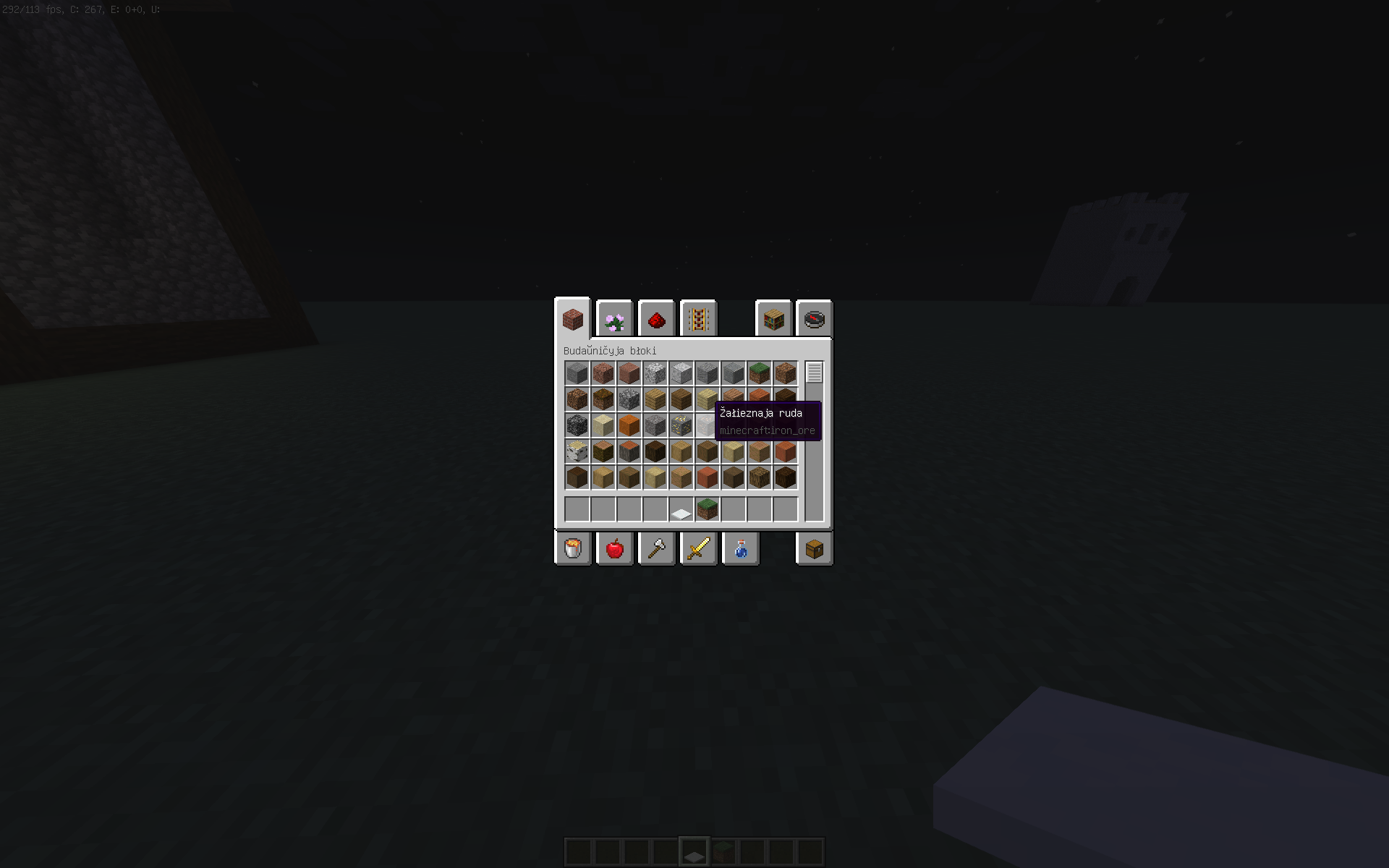
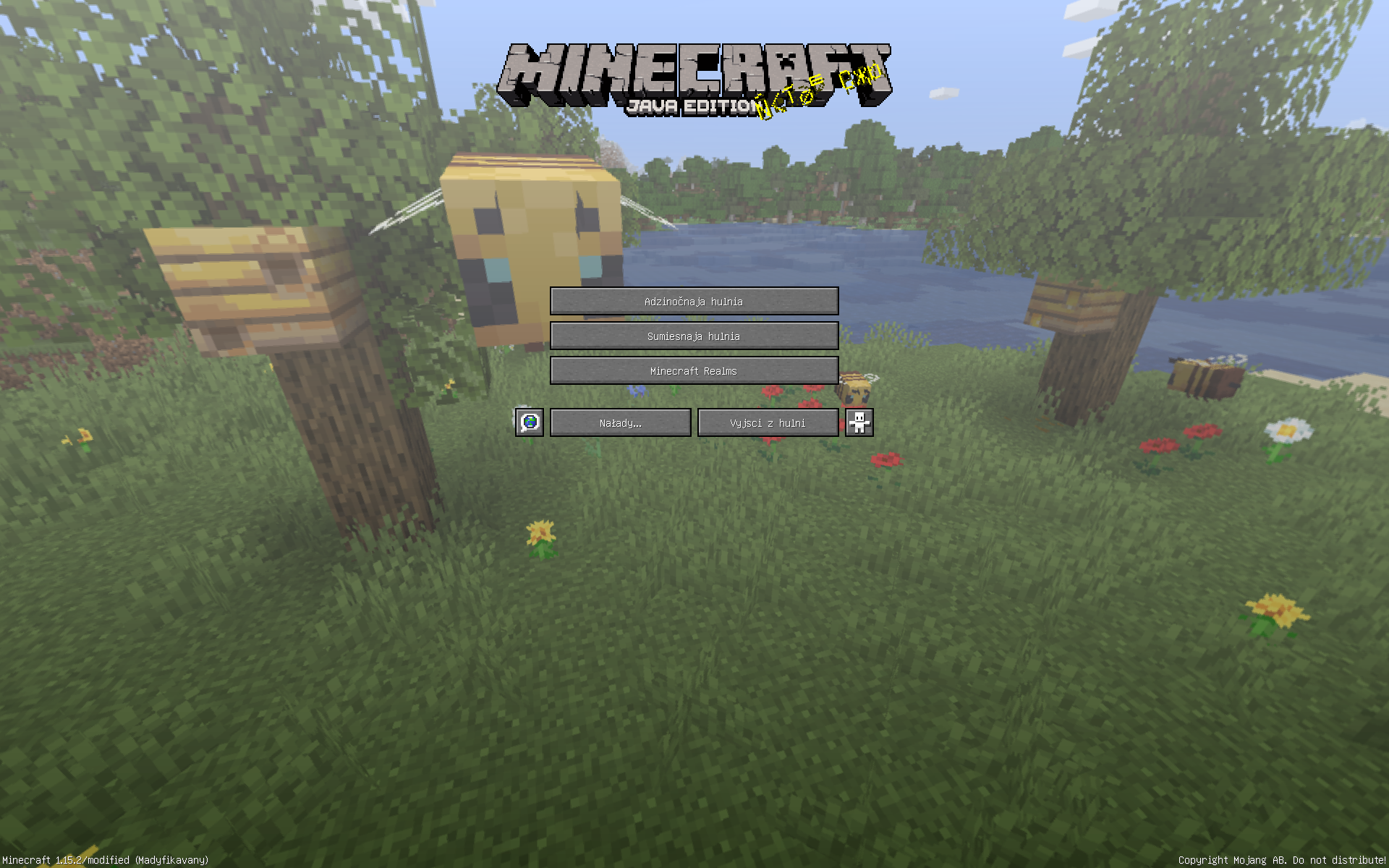
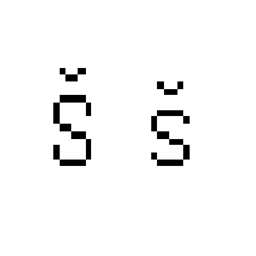
Українською: Цей ресурс пак замінює весь білоруський текст у грі на білоруську латинку. За основу я взяв не офіційний стандарт, а класичну білоруську латинку.
Для активації встановіть ресурс пак до папки "resourcepacks" у папці ".minecraft". У грі активуйте ресурс пак та обов'язково увімкніть білоруську мову в налаштуваннях гри.
Також зарані хотів би вибачитись за можливу велику кількість помилок, тому що я не є білорусом і не володію білоруською мовою. Тому був би вдячний за ваші поради та скарги у коментарях, для подальшого виправлення та оновлень, дякую.
--------------------------------------------------------------------------------------------------------------------------------------
In English: This resource replaces all Belarusian text in the game with Belarusian Latin script. I did not use the official standard as a basis, but the classic Belarusian Latin script.
To activate, install the resource pack to the "resourcepacks" folder in the ".minecraft" folder. In the game, activate the resource pack and be sure to enable the Belarusian language in the game settings.
I would also like to apologize in advance for the possible large number of mistakes, because I am not Belarusian and do not speak the Belarusian language. So would appreciate your suggestions and complaints in the comments, for further fixes and updates, thanks.