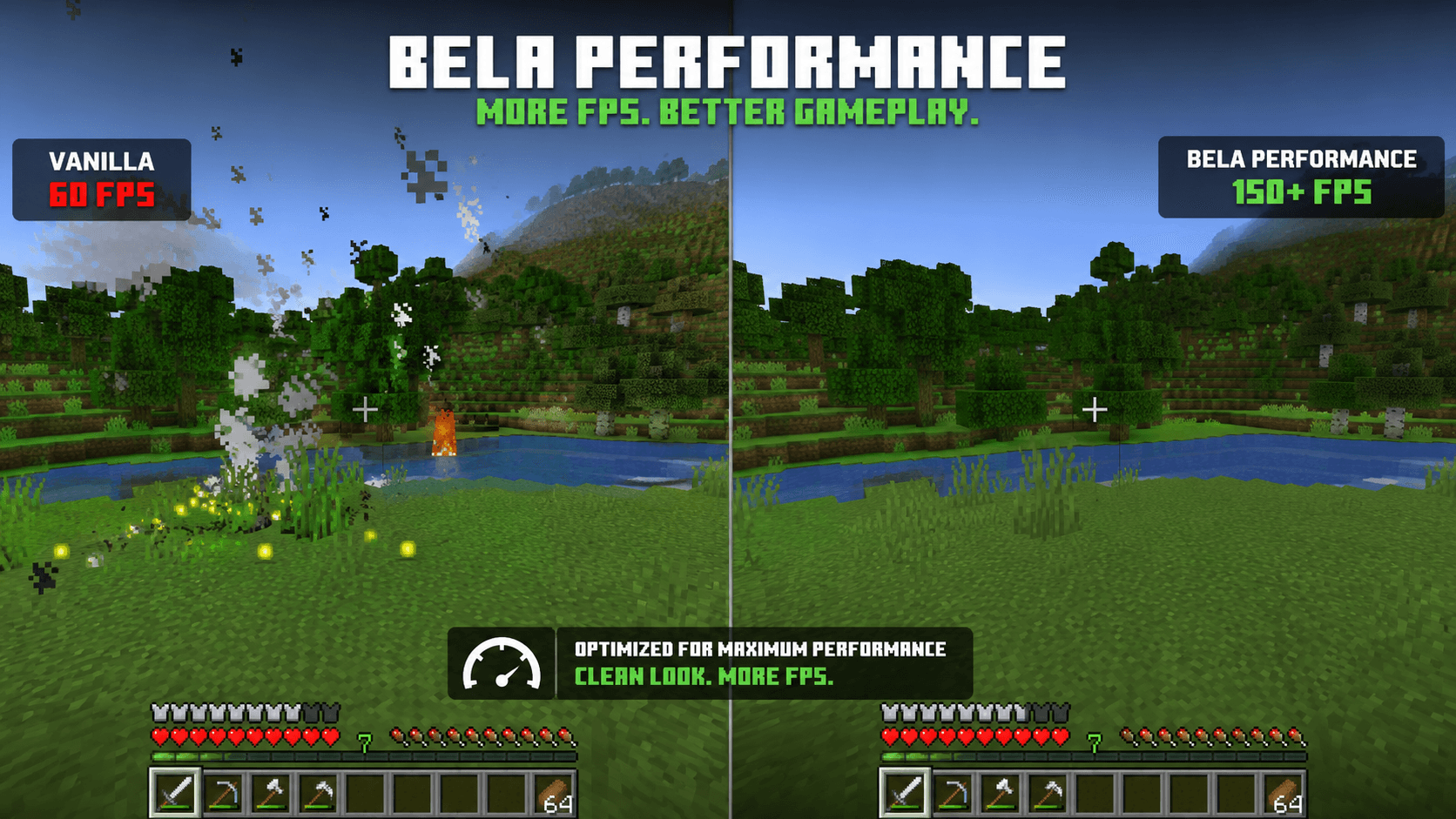
Bela Performance is a lightweight Minecraft performance resource pack designed to improve FPS and provide a smoother, cleaner gameplay experience. The pack focuses on reducing unnecessary visual effects while keeping Minecraft’s original style recognizable and enjoyable.
Bela Performance removes or simplifies performance-heavy visual elements such as particles, enchantment glint, and other unnecessary effects. By reducing these effects, the pack can help lower visual workload and improve FPS, especially on lower-end PCs or systems that struggle with Minecraft’s default visuals.
The pack is designed to be simple, clean, and performance-focused. It does not completely change the look of Minecraft or add unnecessary textures. Instead, it makes small visual adjustments that prioritize performance while keeping the game feeling like vanilla Minecraft.
Whether you are playing Survival, PvP, BedWars, SkyWars, or large multiplayer servers, Bela Performance is made to provide a smoother experience with fewer distractions and optimized visuals.
Features:
🚀 Reduced unnecessary visual effects
✨ Simplified or removed enchantment glint
💨 Reduced particles and visual clutter
🎮 Designed for smoother gameplay
⚡ Performance-focused textures
🖥️ Suitable for low-end and high-end PCs
🌿 Keeps the recognizable Minecraft visual style
🔧 Lightweight and easy to use
🧹 Cleaner and less distracting visuals
Bela Performance is perfect for players who want to maximize FPS without completely changing the Minecraft experience. Simply install the resource pack, enable it in your Resource Packs menu, and enjoy a cleaner and potentially smoother Minecraft experience.